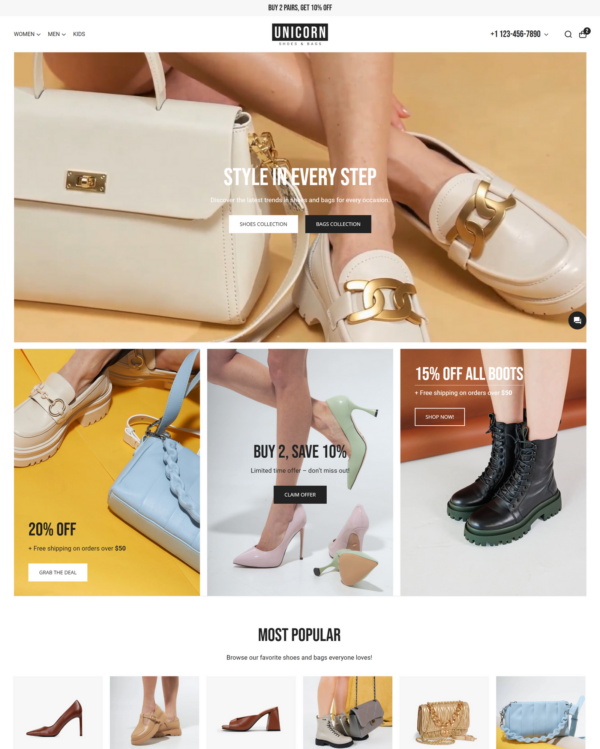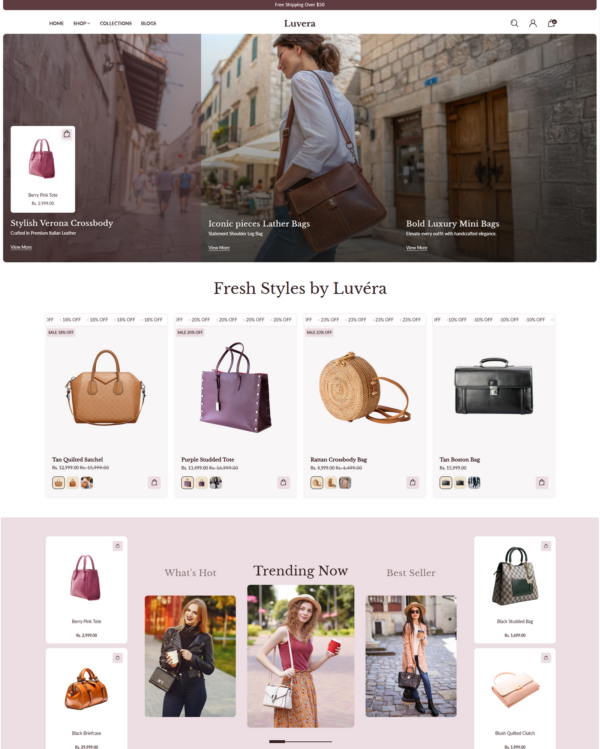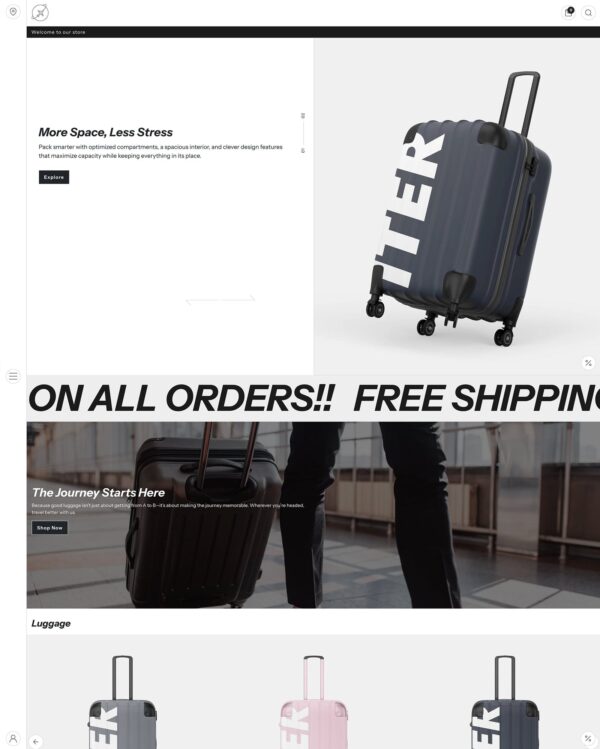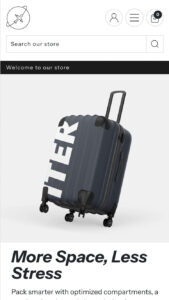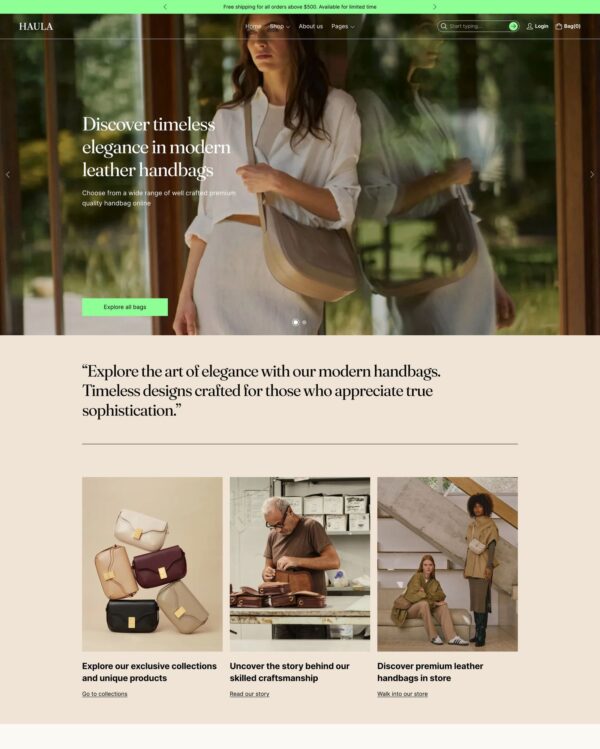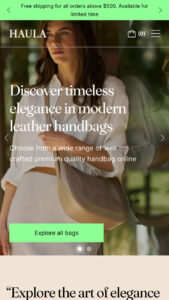




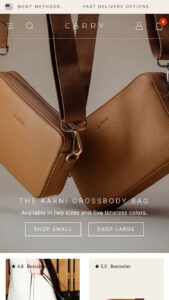
Carry
bags

Carry

Shopify theme by Woolman

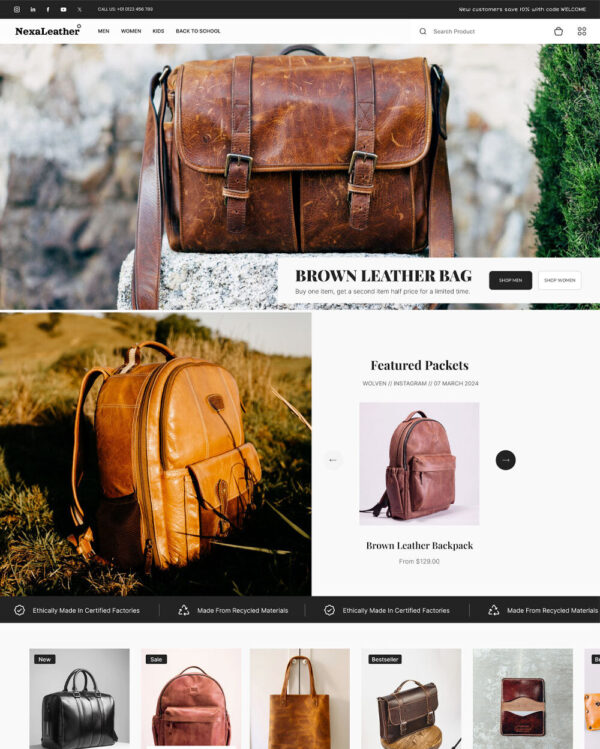
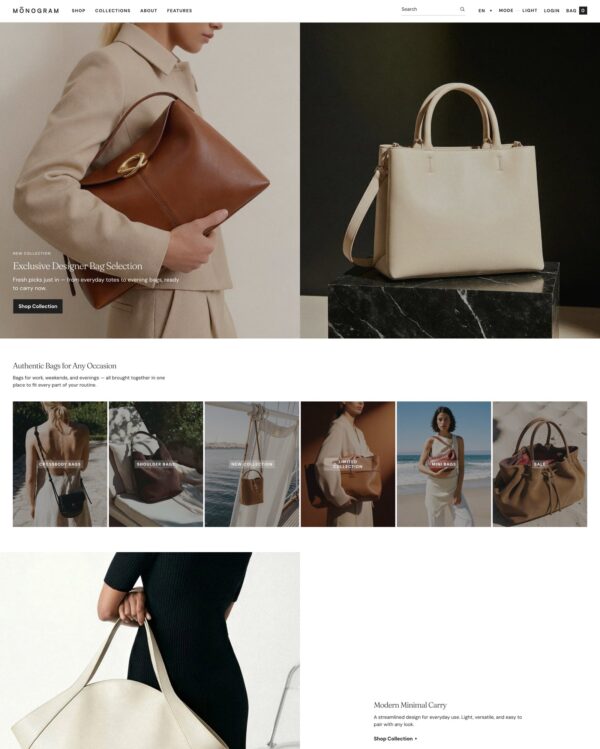
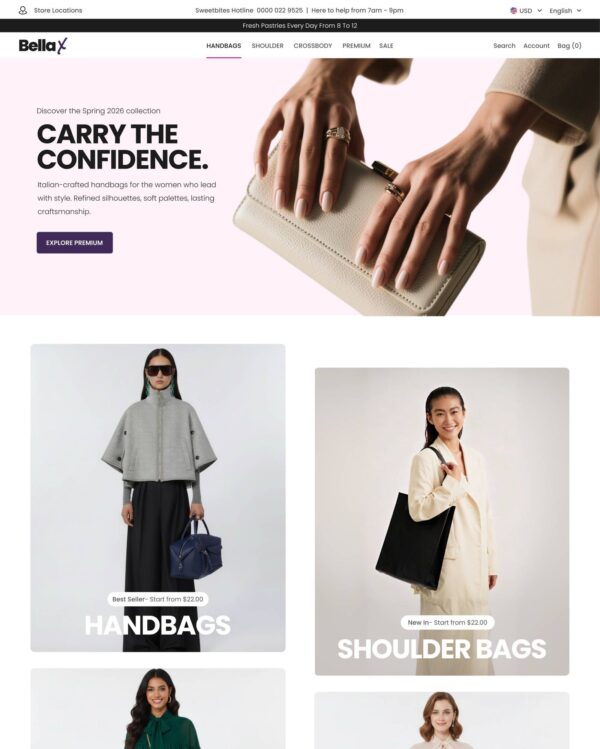
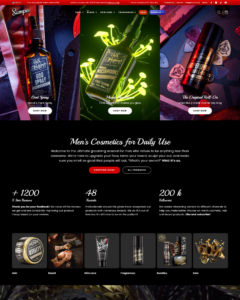
Sampo is built around clean, product-centric layouts for jewelry and accessories retailers, with additional support for food and drink stores. Its multi-level mega menus can carry images and promotions, and the theme adds image hotspots, size charts, and a sticky cart with quick buy available from any page.
Source Shopify Theme Store Official
★★★★★
★★★★★
5.0 · 3 reviews · 100% positive
PRICE
$ 390,00 USD
PRESETS
4 styles
PRESETS INCLUDED Total 4

Independently reviewed by the eDIY editorial team

How fast is Carry?

Google PageSpeed Insights scores for the home page, out of 100

The official Carry demo scored 89/100 on mobile and 98/100 on desktop in our October 2026 test. On mobile, LCP was 3.5s, CLS 0.00 and Total Blocking Time 0ms.

Theme demo store

Official Carry demo, home page
89 /100
Mobile
Needs improvement
98 /100
Desktop
Good

Tested Oct 2026 · Google PageSpeed Insights lab data

MetricMobileDesktop
Largest Contentful Paint 3.5s 761ms
Cumulative Layout Shift 0.00 0.00
Total Blocking Time 0ms 98ms
Speed Index 3.0s 1.3s

Carry ranking and satisfaction

Position among all Shopify themes
#1059 of 1302
Position among Shopify themes for "bags"
#44 of 59
Overall satisfaction based on all reviews
100% positive

Tracked over time

Shopify themes ranking

Position among all Shopify themes

#1059
60 positions
Sep 11 Sep 26 Sep 29 Oct 1 Oct 4 Oct 7
improved from #1119 to #1059 since Sep 11, 2026

Industry ranking

Position among Bags industry

#44
1 position
Sep 11 Sep 26 Sep 29 Oct 1 Oct 4 Oct 7
Dropped from #43 to #44 since Sep 11, 2026

Review growth

Cumulative merchant reviews

3
reviews
Sep 11 Sep 26 Sep 29 Oct 1 Oct 4 Oct 7
No new reviews since Sep 11, 2026

Price history

Theme Store list price, USD

$390
no price changes
Sep 11 Sep 26 Sep 29 Oct 1 Oct 4 Oct 7
No price changes since Sep 11, 2026

Release history

LATEST VERSION
v6.0.0
Released August 24, 2026
Releases in 12 mo 3
Total releases 8
First release May 12, 2025
v6.0.0 MAJOR

Sampo 6.0.0 introduces the following changes:

Removed

  • Important: Removed the Megamenu / Banner and Megamenu / Collection blocks from the header. These are replaced with the new Megamenu blocks, which hold all the content for one megamenu in a single block instead of one block per item. Rebuild your header content with the new Megamenu blocks if you previously used any of the removed blocks.
  • Important: Removed the "Columns in dropdowns" header setting. Column counts are now set per megamenu, or by adding ||| before a sub-menu link title to start a new column.

Added

  • Megamenu blocks: Added three megamenu block types to the header — Megamenu / Banners, Megamenu / Products and Megamenu / Columns. Each one holds a whole megamenu, with its own column count, content width, and menu/content order.
  • Megamenu layout: Added support for starting a new megamenu column manually by adding ||| before a sub-menu link title, which overrides the column count setting.
  • Megamenu banners: Each banner has its own optional heading and subheading, shown under the image with the subheading above the heading. Text alignment is shared by all banners in one megamenu, and the image aspect ratio is set separately for the dropdown and the drawer navigation. The banner heading picks up the same hover underline as the megamenu links.
  • Megamenu columns: Added a column image with optional heading, heading position and heading style, including button styles. The image aspect ratio is set separately for the dropdown and the drawer navigation.
  • Added a new Apps section, making it easier to place app blocks anywhere on your pages.
  • Added an option to disable structured data on product pages, for stores that manage this through a third-party app instead.
  • Added a setting to choose whether cart recommendations show related products, complementary products, or both, along with a setting to control how many recommendations are shown.
  • Slider dragging: Visitors using a mouse can now grab a slider and drag it sideways from anywhere inside it, including on top of product cards and their links and buttons. Clicking a card still works as normal, and touch devices keep swiping as before.
  • Slider progress bar: The progress bar below a slider can now be dragged to move through the items, on both computer and touch devices. Its grab area is taller than the bar appears, so it is easier to catch, and the bar itself looks exactly as it did.

Fixes and Improvements

  • Megamenu content in the drawer navigation always shows in a single column, so the column and content width settings apply to the dropdown navigation only. Those settings are named accordingly in the theme editor.
  • Fixed long dropdown menus running past the bottom of the screen; they now scroll inside the dropdown.
  • Fixed the Swedish theme editor translations failing to load due to a syntax error in the translation file.
  • Translations: Restored missing links to the theme documentation and to your Shopify settings throughout the translated theme editor texts, and corrected links that led to the wrong place. In Spanish and Italian the newsletter "customer list" link opened the documentation instead of your own customer list.
  • Translations: Improved Finnish and Swedish wording in the theme editor, including the terms used for the drawer navigation and the overlay header, and rewrote settings whose description did not match what the setting does. Unused translations were removed in every language.
  • Fixed a bug where paginated search results could reset or misbehave when navigating between pages.
  • Fixed banner card images in grid sections sometimes displaying at the wrong size.
  • Fixed duplicated text appearing in the country and language selector labels.
  • Fixed store logo images missing your store name as descriptive text, improving accessibility and SEO.
  • Fixed the "Most products", "Fewest products", and date sorting options in the Collections list section not sorting correctly.
  • Fixed some checkbox and list-style filters not appearing in the product filter sidebar.
  • Fixed the newsletter pop-up button translation.
  • Fixed overlay opacity settings not applying correctly in the Featured look and Image with hotspots sections.
  • Fixed upsell product card colors not following the selected color scheme.
  • Fixed dropdown borders showing in the header when the header border style was set to none.
  • Fixed alignment of links inside drawers.
  • Fixed the quick view slider not opening on the variant image the customer selected.
  • Fixed a cart error that occurred when a recommended or complementary product had no image, now showing a placeholder icon instead.
  • Fixed an error message appearing to customers when adding a product with no image to the cart while the cart notification pop-up was enabled.
  • Fixed YouTube videos failing to play in video sections due to an incorrect referrer policy.
  • Improved spacing in the Collection or products switcher section when using the grid layout, and aligned its "View all" link to the grid.
  • Fixed the country/language selector not applying the new market when a "country" parameter was already present in the page URL, such as after returning from the account pages.
  • Fixed the gallery zoom button appearing and opening the zoom view on a breakpoint (mobile or desktop) where zoom had been disabled for that breakpoint.
  • Fixed the global style reset unintentionally affecting Shopify's own agent, chat, audio and dialog elements.
  • Improved the theme editor UX.
  • Minor layout and code clean-up improvements.
v5.0.0 MAJOR

Sampo 5.0.0 introduces the following changes:

New Preset

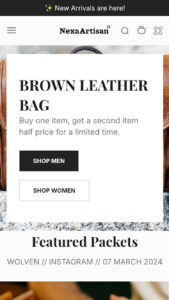
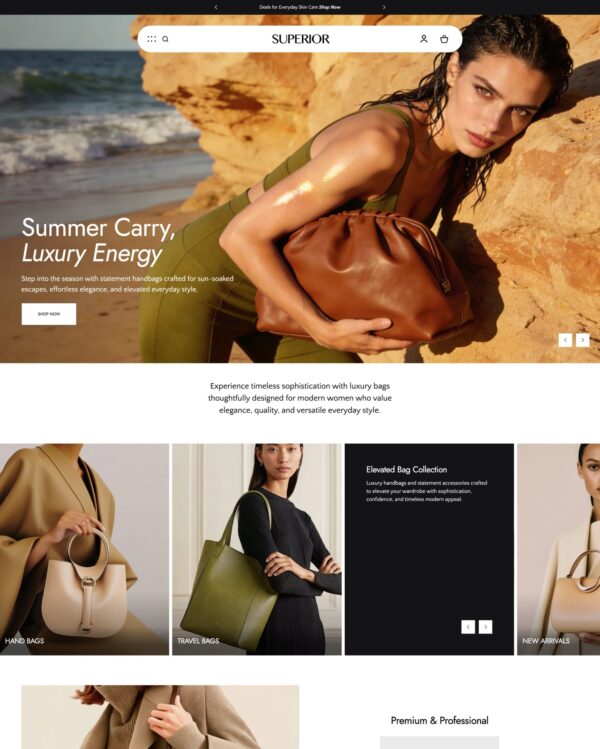
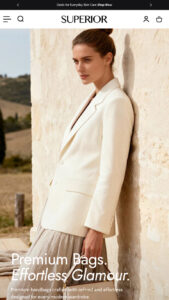
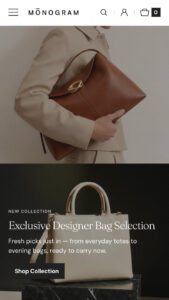
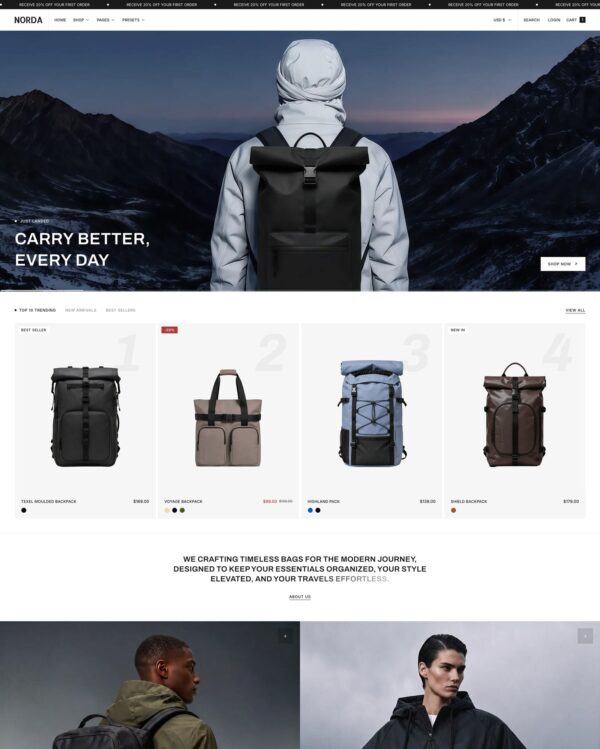
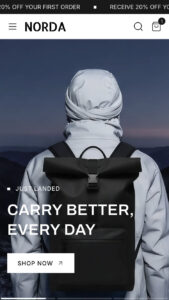
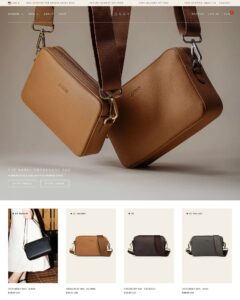
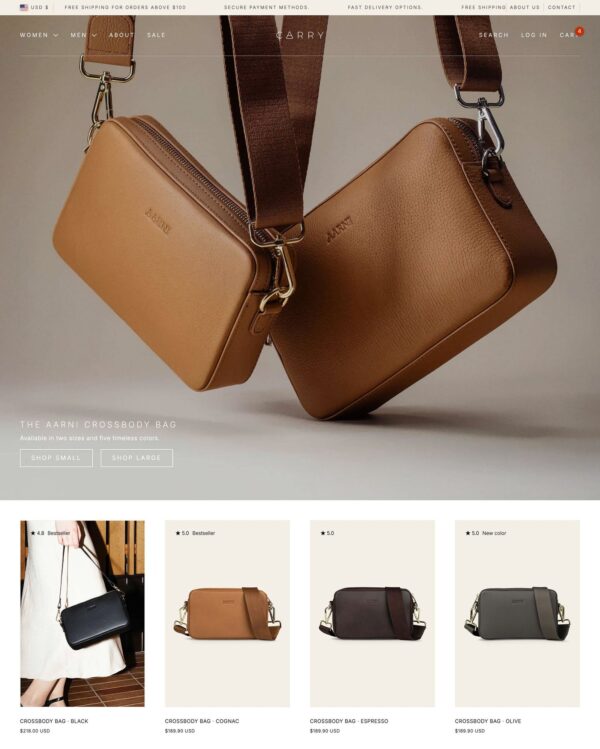
  • Added a new preset – Carry. The Sampo / Carry preset showcases the theme’s versatility in the bags category. It uses a super minimal style with small font sizes, large images, and sharp cards and buttons.

Added

  • Added “Image cycle” autoplay feature to the Featured collection section.
  • Added Quick view button positioning options: over the image or at the end of the product card.
  • Added Hotspot style controls in Theme settings.
  • Added size multiplier option for numbers in the Animated stats section.
  • Added sales price text color option to override the default text color.
  • Added parallax effect support to Hero promo and Collection header sections.
  • Added new desktop layout option – Justify – to the Newsletter section.
  • Added dedicated icons for sorting and filtering.
  • Added a new list style option for the product page’s upsell and complementary products blocks.
  • Added image support in the Testimonials section.
  • Added slide-in animation to the Product recommendations section for a smoother experience.
  • Added image aspect ratio support to the Multicolumn section.

Changed

  • Important: Changed product page hotspot positioning from vertical-first to horizontal-first. If you’ve used this feature, update your values to maintain hotspot positions.
  • Important: Changed text alignment and layout inputs for Image with hotspots section. Update all Image with hotspot sections by reinputting the alignment values.
  • Changed the section order for templates in the theme editor.
  • Changed Hotspot controls in related sections.
  • Changed Thumbnail layout setting in Featured collection to apply to both mobile and desktop.
  • Renamed Sliding text section to Sliding text and image to reflect image support.
  • Simplified product page structure and settings.
  • Updated layout-related options in the Collection header section.

Security

  • Fixed URL substring sanitazion and cross-site scripting vulnerabilities in the theme JavaScript.

Fixes and Improvements

  • Applied minor style fixes across general sections.
  • Fixed Quick view positioning and color style issues.
  • Fixed close button visibility in popup-style drawers.
  • Fixed CSS loading issues that could cause layout shifts on page load.
  • Fixed grid gap issues when different gaps were set for mobile and desktop in Layout settings.
  • Fixed price range filter visibility and reset logic when using default values.
  • Fixed unit price formatting to support all Shopify languages.
  • Fixed Cart notification display issues when using Quick add to cart.
  • Fixed layout and styling issues in the hotspots slider.
  • Fixed inconsistent styles in the Footer section.
  • Fixed Countdown section layout issues when using only the timer without headings.
  • Fixed the progress bar in Product recommendations sections.
  • Improved styling of the Siblings block on the product page.
  • Improved settings in the Sliding text and image section.
  • Improved drawer HTML consistency.
  • Improved hover styles for buttons and links throughout the theme.
  • Improved typography and banner controls in the megamenu.
  • Improved mobile visibility of the product page action buttons – Highlights and Gallery.
  • Improved margins in Rich text elements.
v4.1.0 FEATURE

Sampo 4.1.0 introduces the following changes:

Added

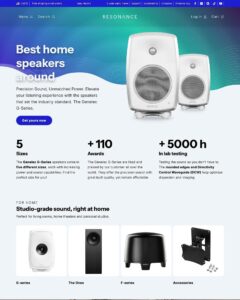
  • Added new preset Resonance, especially suited for stores in the electronics category. Optimized for audio and tech products, yet flexible enough for a wide range of modern stores.
v4.0.0 MAJOR

Sampo 4.0.0 introduces the following changes:

Added

  • Added support for high-variant products.
  • Added a new quick view modal button option to upsell and complementary products block. The quick view modal button is enforced for products with > 250 variants.

Changed

  • Important: In order to add support for high-variant products, some internal code changes have been done to the variant selector component and variant change behavior. If you are a developer or an agency working on customizations, please verify that your customizations work with the restructured code.

Fixes and improvements

  • Fixed Combined listings to work correctly when using the dropdown setting for the variant picker.
  • Fixed Combined listings to work correctly in quick view modal.
  • Fix price not updating on variant change in quick view modal.
  • Improve cart recommendations behavior -> recommendations are fetched based on the last product added.
v3.1.0 FEATURE

Sampo 3.1.0 introduces the following changes.

Added

  • Added theme editor translations for Swedish, Finnish, Italian, Spanish, French, and German.

Changed

  • Important: The product page settings have been reorganized for improved clarity. Updating to this version will reset the product page layout to its default, so review your product page layout after updating and adjust the settings if necessary.

Fixes and improvements

  • Fixed style issues with "Open as drawer" product template setting.

Full changelog

8 releases
Loading releases…

What merchants say about Carry Shopify theme

We know about 3 reviews

Website theme assessed as highly effective. Performance is stable and reliable under normal operating conditions. Configuration is sufficiently flexible to support all identified requirements. Technical support is responsive and professional.

V
Varusteleka
Dec 23, 2025

Very happy with this theme and the support we have received setting everything up. Impressed by the themes flexibility and all the extra design features you normally don’t see in a theme. Worth every penny!

L
Lisa Mohr
Oct 6, 2025

Sampo is a very versatile theme, that allows me to do nearly everything I need! If I do have any trouble, the development team is always there to help and quickly resolve any issues. Highly recommended!!
K
Kingsight Ventures
Jul 18, 2025

Alternatives to Carry for Bags industry