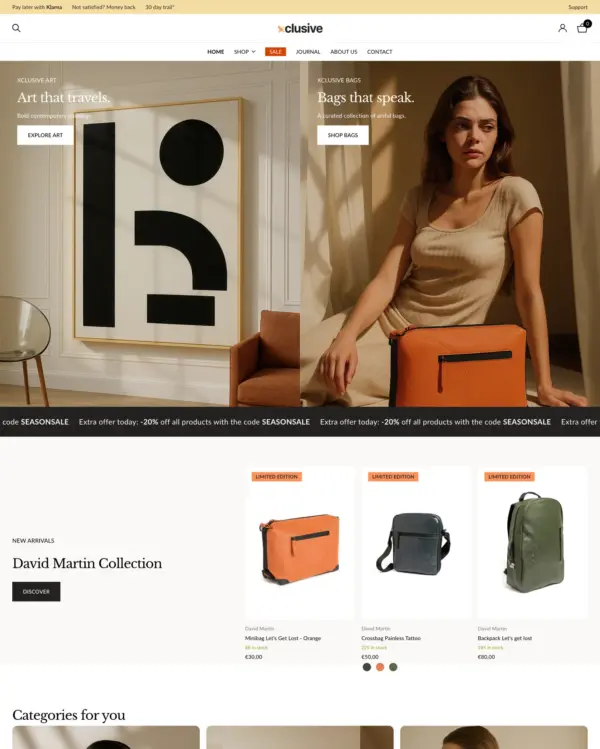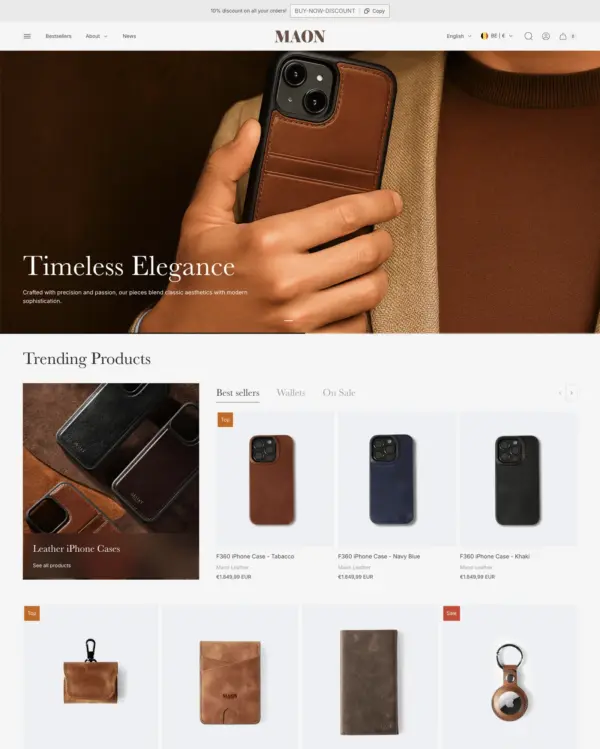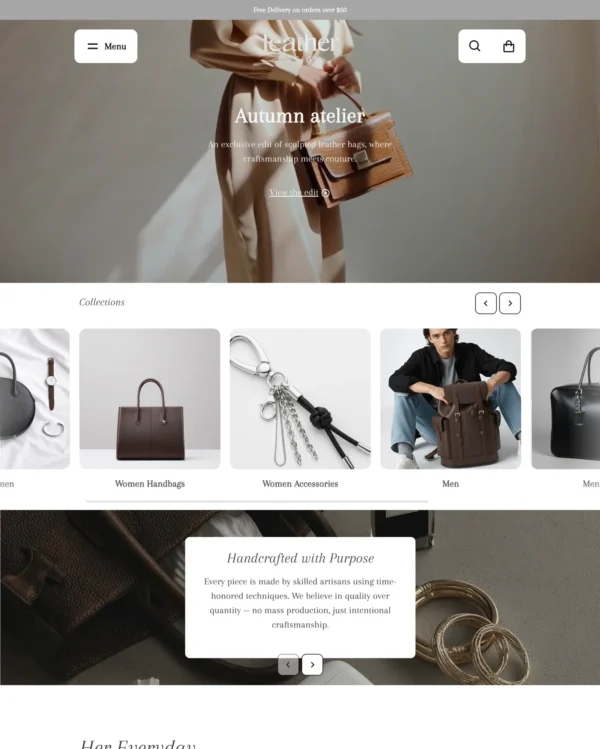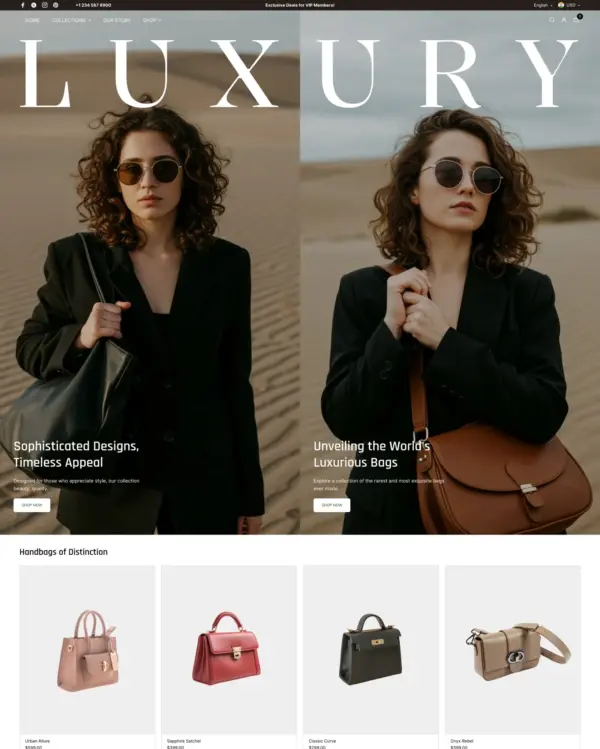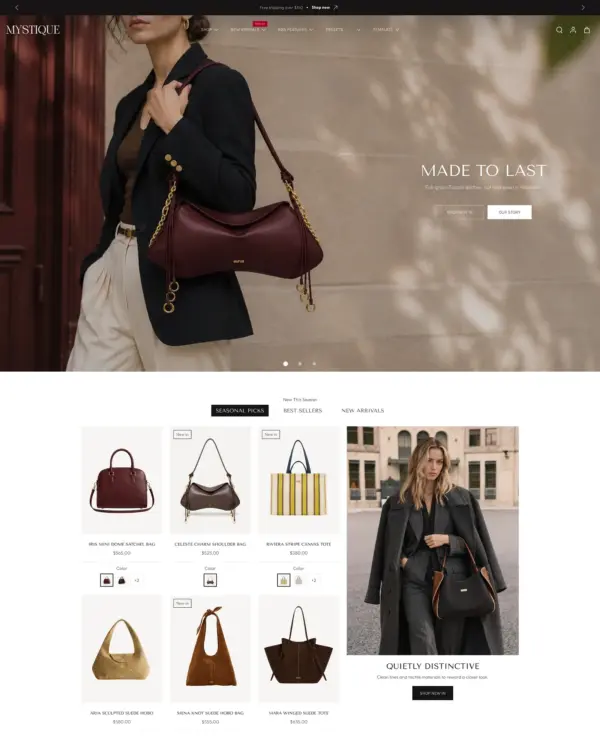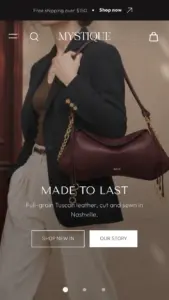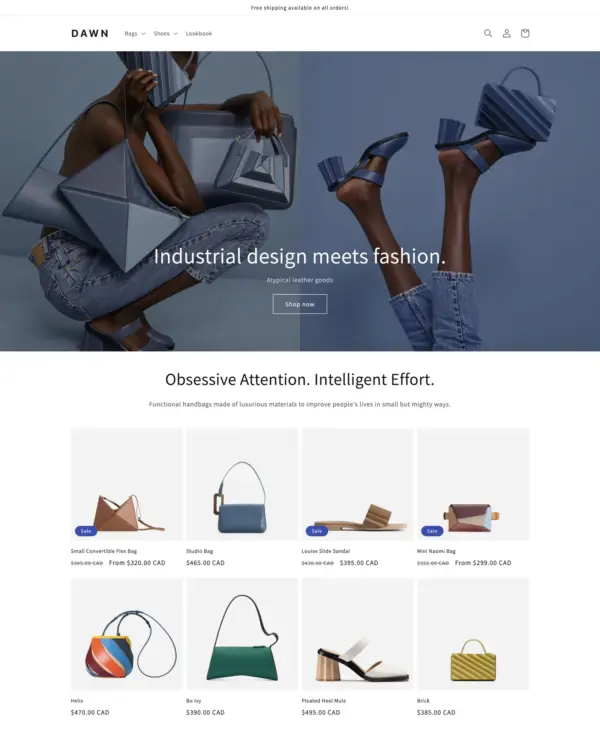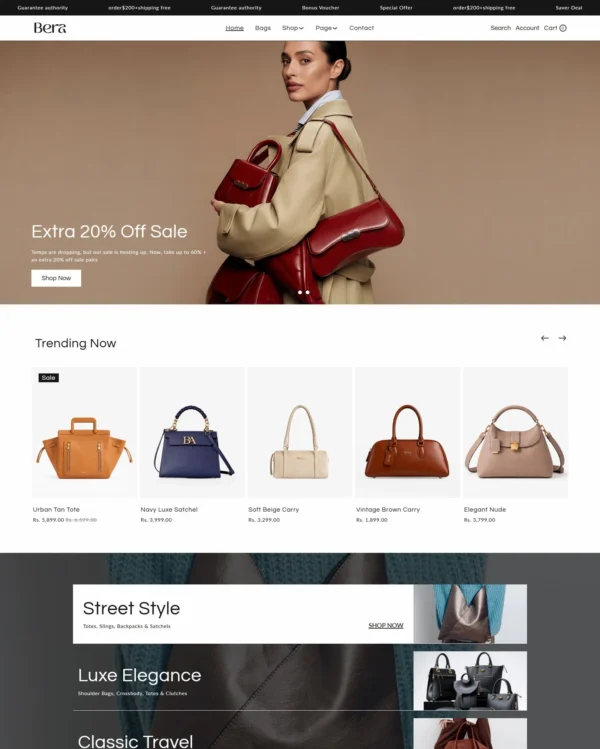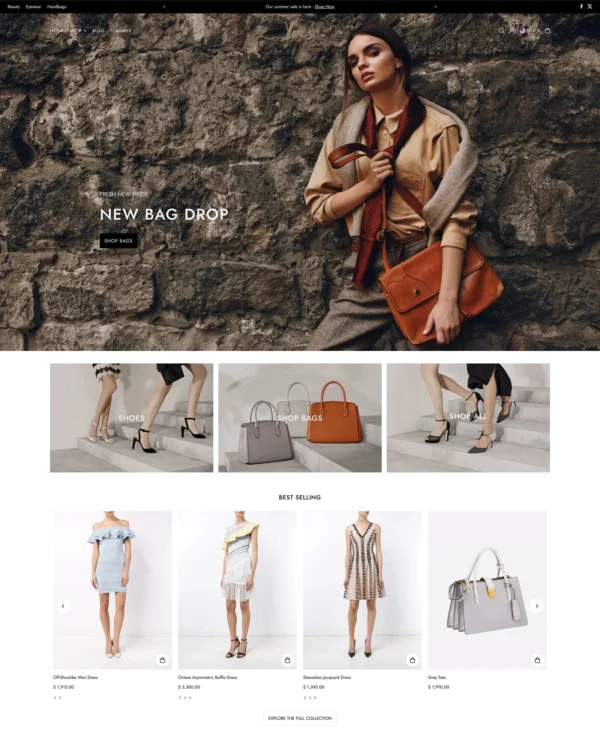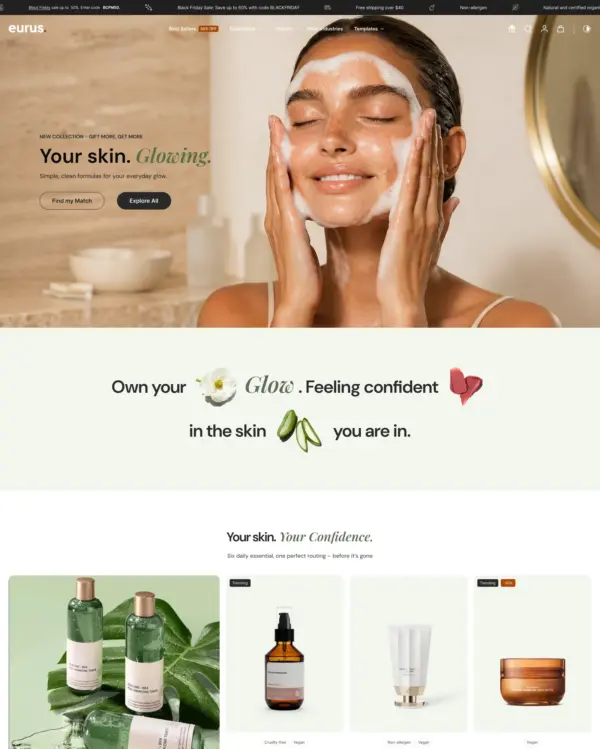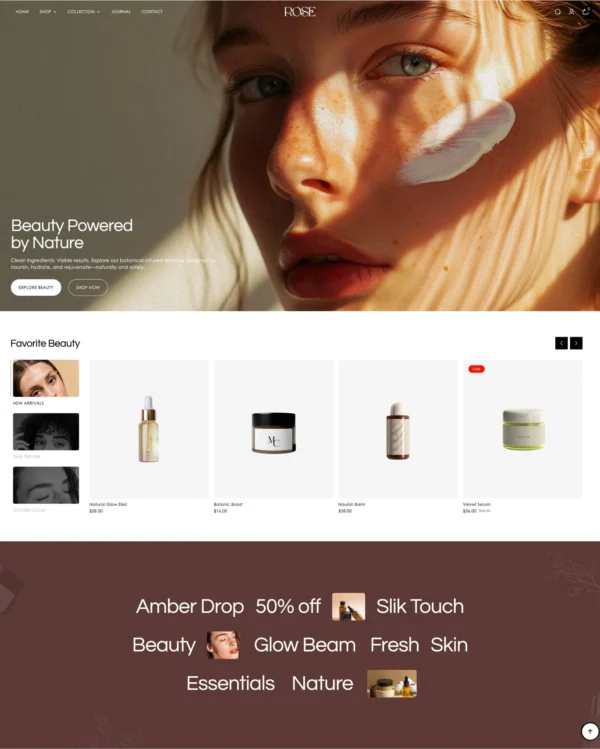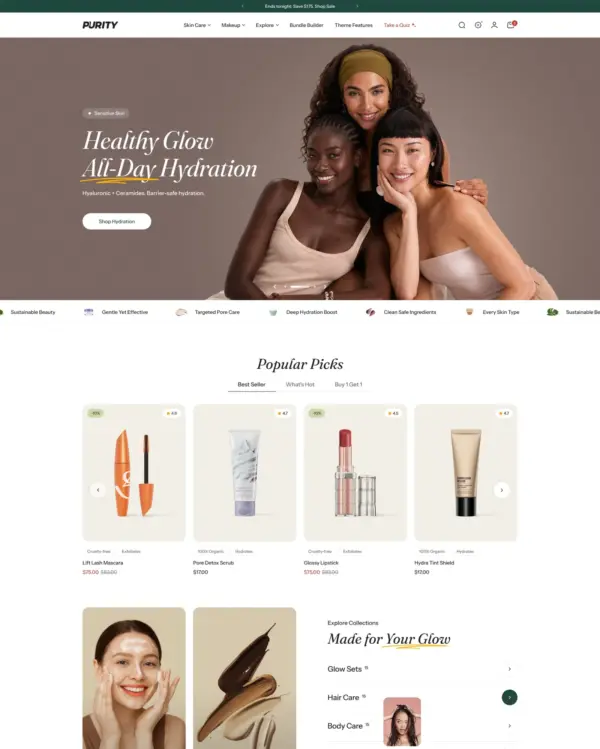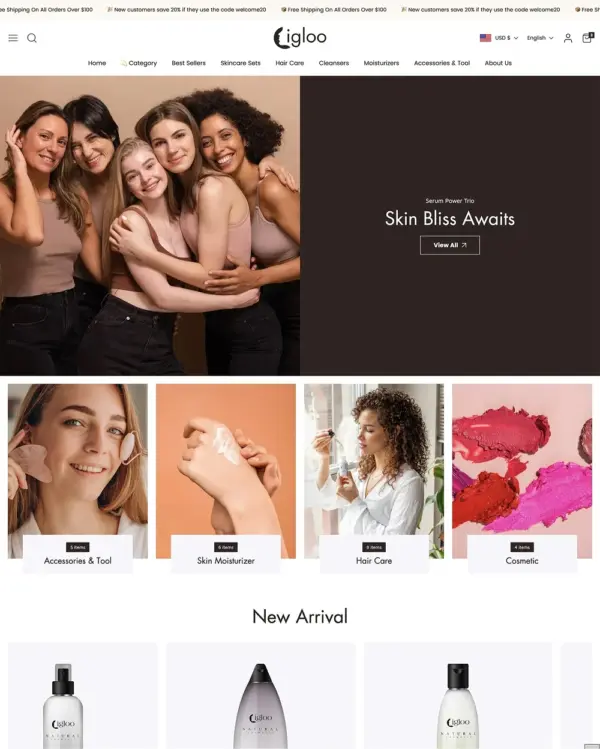
Swissuplabs 3 presets
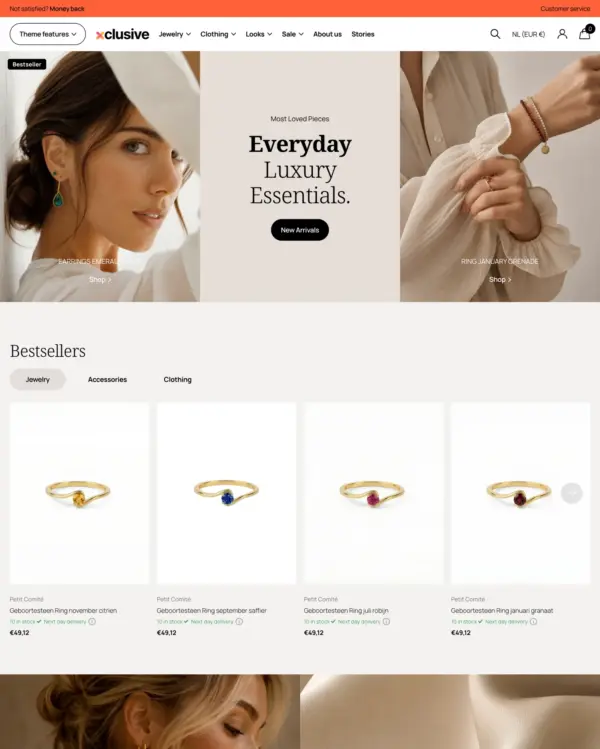
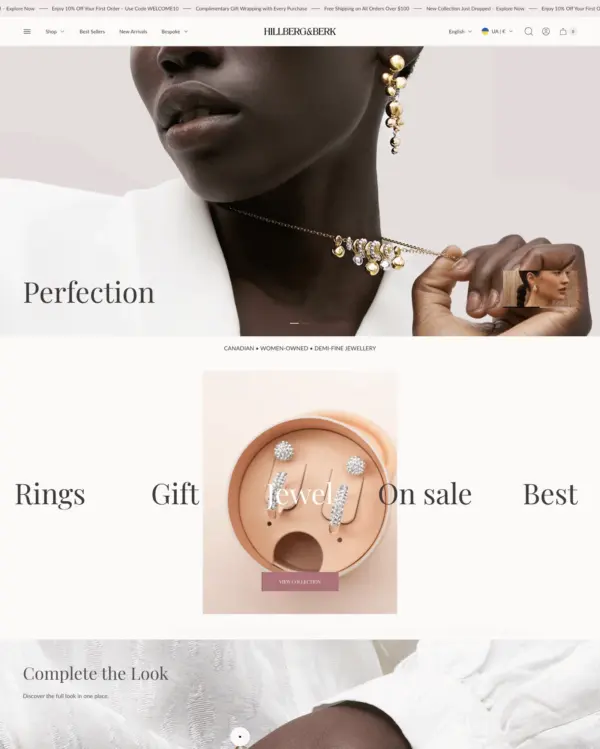
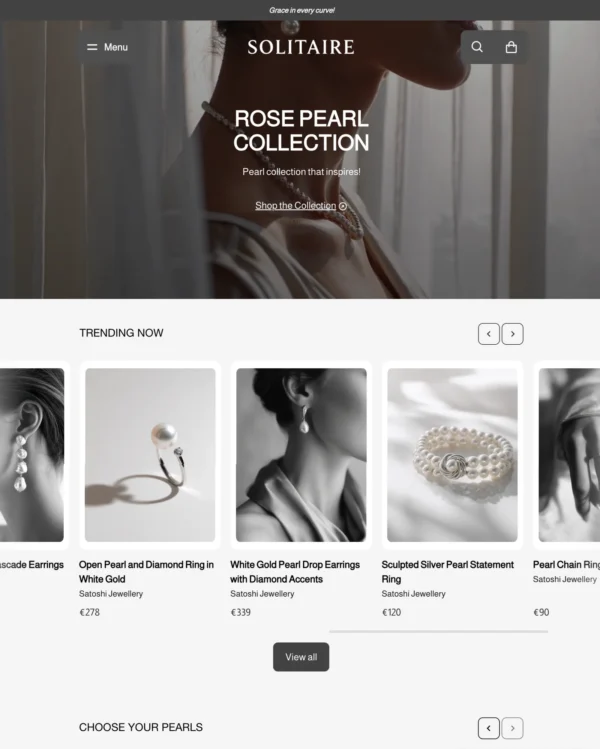
Clothing and lifestyle collections flow through lookbooks, product hotspots, and continuous scrolling.
Jewelry and accessories Clothing Sports
5.0 · 18 reviews $ 120

Created by Woolman
Independently reviewed by the eDIY editorial team
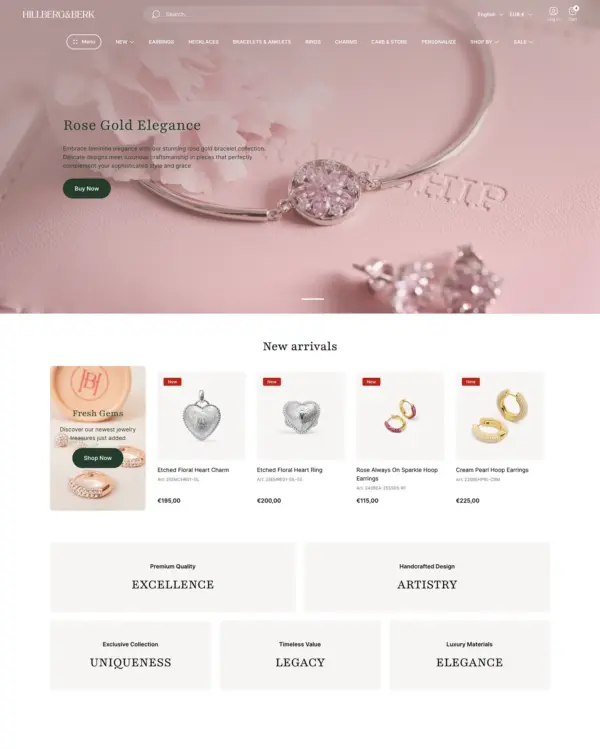
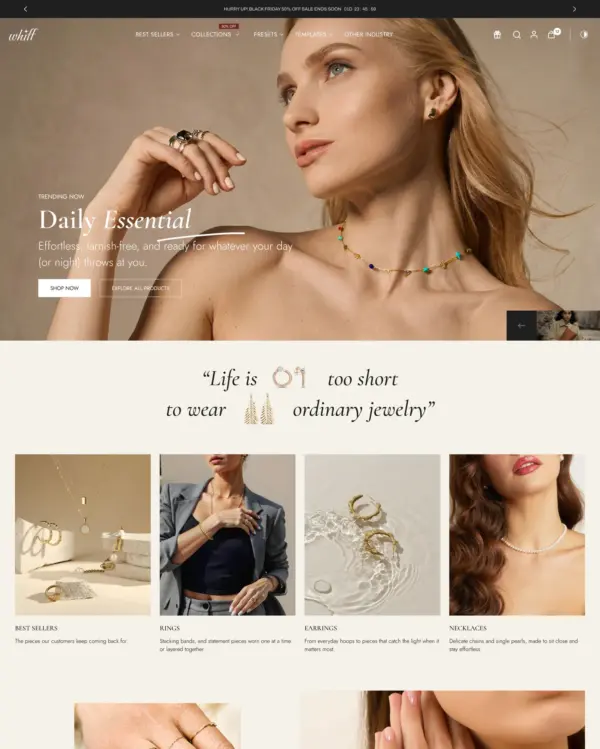
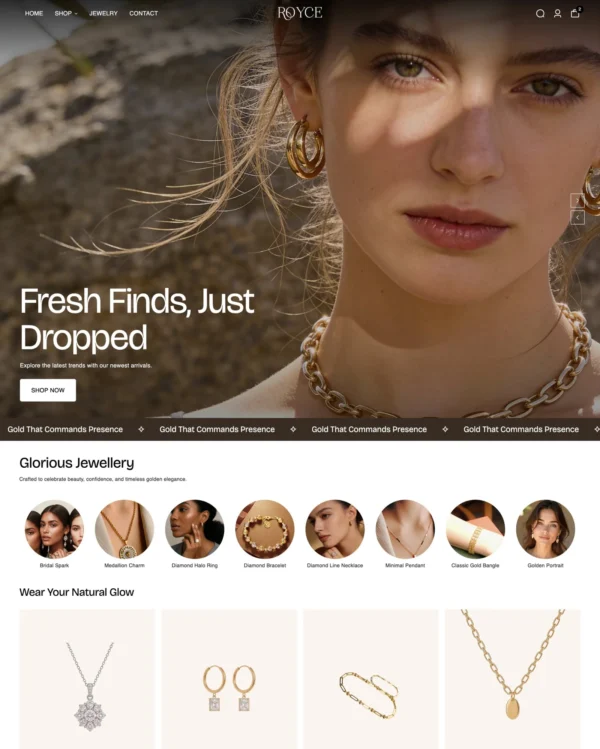
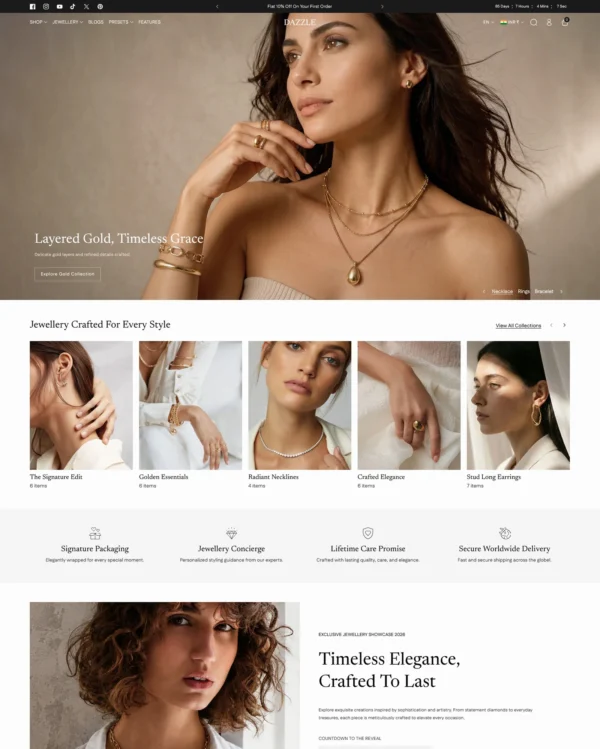
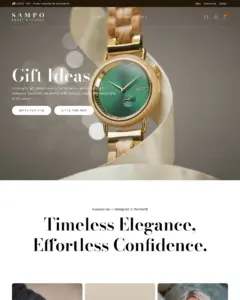
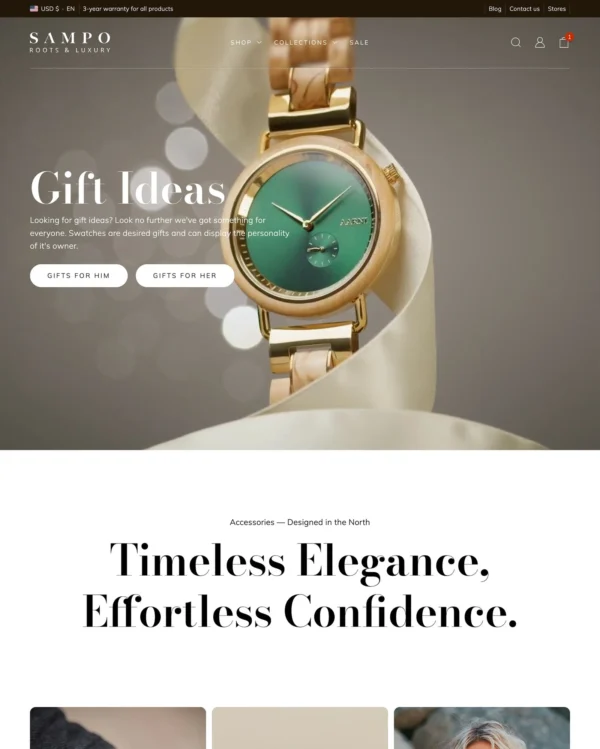
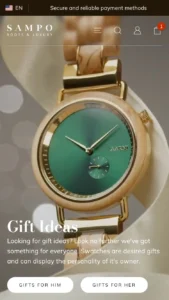
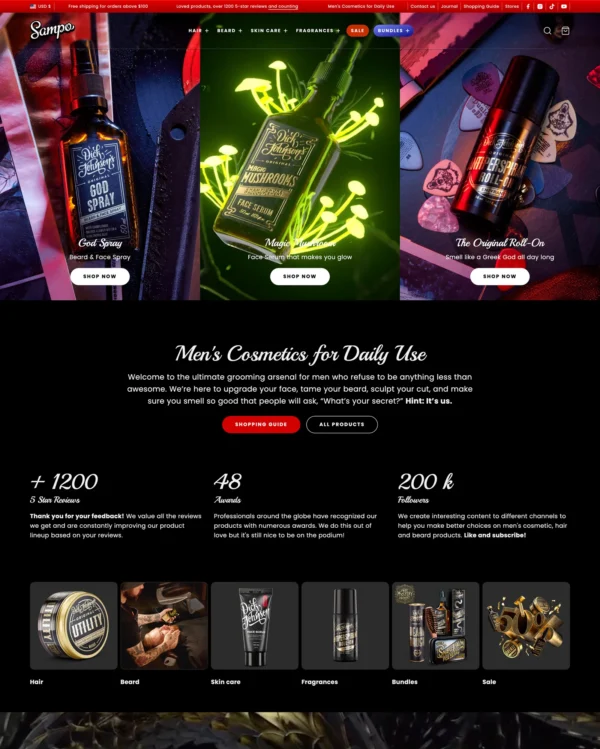
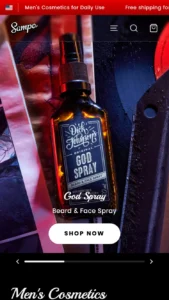
Sampo helps jewelry shoppers move from image-rich category menus to quick buying across the store. Sampo's shortened route from collection to cart is helpful for routine purchases, provided customers can still choose variants correctly. At $390, Sampo needs to replace real design work or noticeably improve shopping; attractive screenshots are not enough. With only 3 merchant reviews, Sampo still has a limited history to judge beyond its demo. I'd judge Sampo using a detail-heavy product page on a phone and actual store content, not only the official demo.

Google PageSpeed Insights scores out of 100. Demo results average the home, collection, and product pages.
In our November 2026 test, the official Sampo demo scored 81/100 on mobile and 99/100 on desktop. Mobile LCP was 5.7s, CLS was 0.06, and Total Blocking Time was 91ms.
| By page | Mobile | Desktop |
|---|---|---|
| Home page | 56 | 99 |
| Collection page | 94 | 100 |
| Product page | 94 | 100 |
| Metric | Mobile | Desktop |
|---|---|---|
| Largest Contentful Paint | 10.9s | 821ms |
| Cumulative Layout Shift | 0.19 | 0.00 |
| Total Blocking Time | 272ms | 5ms |
| Speed Index | 5.6s | 1.1s |
| Metric | Mobile | Desktop |
|---|---|---|
| Largest Contentful Paint | 3.1s | 721ms |
| Cumulative Layout Shift | 0.00 | 0.00 |
| Total Blocking Time | 0ms | 17ms |
| Speed Index | 1.7s | 534ms |
| Metric | Mobile | Desktop |
|---|---|---|
| Largest Contentful Paint | 3.0s | 681ms |
| Cumulative Layout Shift | 0.00 | 0.00 |
| Total Blocking Time | 0ms | 10ms |
| Speed Index | 2.5s | 605ms |
Lab data from PageSpeed Insights, Nov 2026
Across 8 live stores we tested, the average PageSpeed score was 63/100 on mobile and 88/100 on desktop. Average mobile LCP was 8.1s and CLS was 0.07. These are complete production stores, so the numbers cover more than the theme itself.
| Metric | Mobile | Desktop |
|---|---|---|
| Largest Contentful Paint | 8.1s | 1.0s |
| Cumulative Layout Shift | 0.07 | 0.03 |
| Total Blocking Time | 332ms | 314ms |
| Speed Index | 5.6s | 1.3s |
Real stores carry their own apps, images and traffic
Google PageSpeed Insights scores out of 100. Demo results average the home, collection, and product pages.
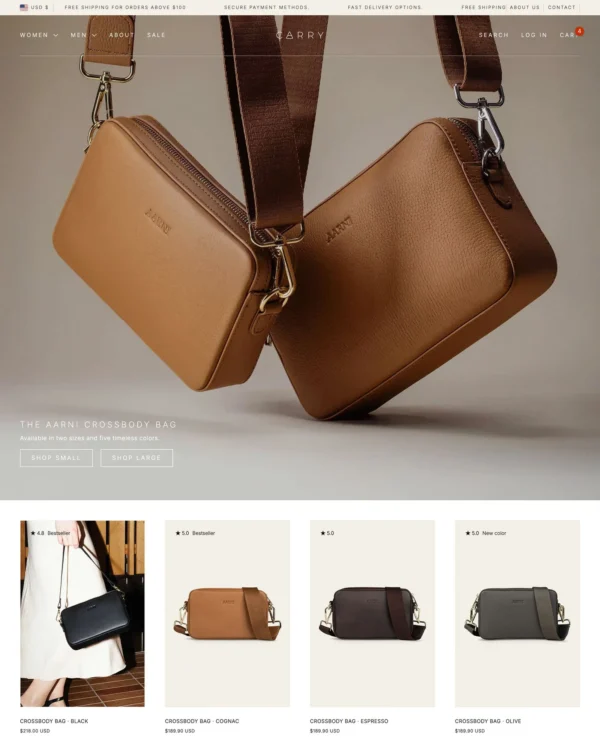
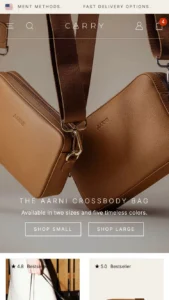
The official Carry demo scored 89/100 on mobile and 99/100 on desktop in our November 2026 test. On mobile, LCP was 3.6s, CLS 0.01 and Total Blocking Time 51ms.
| By page | Mobile | Desktop |
|---|---|---|
| Home page | 89 | 100 |
| Collection page | 93 | 99 |
| Product page | 86 | 100 |
| Metric | Mobile | Desktop |
|---|---|---|
| Largest Contentful Paint | 3.5s | 309ms |
| Cumulative Layout Shift | 0.03 | 0.00 |
| Total Blocking Time | 103ms | 4ms |
| Speed Index | 3.4s | 860ms |
| Metric | Mobile | Desktop |
|---|---|---|
| Largest Contentful Paint | 3.2s | 741ms |
| Cumulative Layout Shift | 0.00 | 0.00 |
| Total Blocking Time | 36ms | 0ms |
| Speed Index | 1.3s | 961ms |
| Metric | Mobile | Desktop |
|---|---|---|
| Largest Contentful Paint | 4.2s | 681ms |
| Cumulative Layout Shift | 0.00 | 0.02 |
| Total Blocking Time | 15ms | 35ms |
| Speed Index | 2.0s | 656ms |
Lab data from PageSpeed Insights, Nov 2026
The 8 live stores we tested averaged 63/100 on mobile and 88/100 on desktop. Average mobile LCP was 8.1s and CLS was 0.07. These are complete production stores, so the numbers cover more than the theme itself.
| Metric | Mobile | Desktop |
|---|---|---|
| Largest Contentful Paint | 8.1s | 1.0s |
| Cumulative Layout Shift | 0.07 | 0.03 |
| Total Blocking Time | 332ms | 314ms |
| Speed Index | 5.6s | 1.3s |
Real stores carry their own apps, images and traffic
Google PageSpeed Insights scores out of 100. Demo results average the home, collection, and product pages.
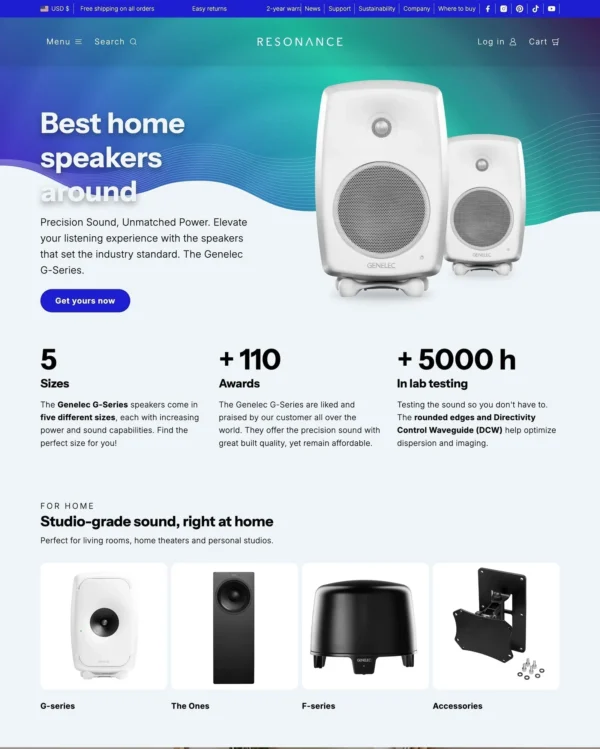
Tested in November 2026, the official Resonance demo scored 89/100 on mobile and 100/100 on desktop. On mobile, LCP was 3.9s, CLS 0.00 and Total Blocking Time 20ms.
| By page | Mobile | Desktop |
|---|---|---|
| Home page | 94 | 100 |
| Collection page | 80 | 100 |
| Product page | 93 | 100 |
| Metric | Mobile | Desktop |
|---|---|---|
| Largest Contentful Paint | 3.2s | 821ms |
| Cumulative Layout Shift | 0.00 | 0.00 |
| Total Blocking Time | 11ms | 51ms |
| Speed Index | 1.2s | 622ms |
| Metric | Mobile | Desktop |
|---|---|---|
| Largest Contentful Paint | 5.4s | 821ms |
| Cumulative Layout Shift | 0.00 | 0.00 |
| Total Blocking Time | 9ms | 10ms |
| Speed Index | 1.7s | 676ms |
| Metric | Mobile | Desktop |
|---|---|---|
| Largest Contentful Paint | 3.2s | 754ms |
| Cumulative Layout Shift | 0.00 | 0.00 |
| Total Blocking Time | 41ms | 14ms |
| Speed Index | 1.3s | 714ms |
Lab data from PageSpeed Insights, Nov 2026
The 8 live stores we tested averaged 63/100 on mobile and 88/100 on desktop. Average mobile LCP was 8.1s and CLS was 0.07. These results reflect complete production stores, not the theme alone.
| Metric | Mobile | Desktop |
|---|---|---|
| Largest Contentful Paint | 8.1s | 1.0s |
| Cumulative Layout Shift | 0.07 | 0.03 |
| Total Blocking Time | 332ms | 314ms |
| Speed Index | 5.6s | 1.3s |
Real stores carry their own apps, images and traffic
Google PageSpeed Insights scores out of 100. Demo results average the home, collection, and product pages.
In our November 2026 test, the official Mighty demo scored 85/100 on mobile and 100/100 on desktop. On mobile, LCP was 4.2s, CLS 0.00 and Total Blocking Time 41ms.
| By page | Mobile | Desktop |
|---|---|---|
| Home page | 87 | 100 |
| Collection page | 74 | 100 |
| Product page | 95 | 100 |
| Metric | Mobile | Desktop |
|---|---|---|
| Largest Contentful Paint | 4.1s | 761ms |
| Cumulative Layout Shift | 0.00 | 0.00 |
| Total Blocking Time | 50ms | 2ms |
| Speed Index | 2.5s | 535ms |
| Metric | Mobile | Desktop |
|---|---|---|
| Largest Contentful Paint | 5.6s | 821ms |
| Cumulative Layout Shift | 0.00 | 0.00 |
| Total Blocking Time | 74ms | 42ms |
| Speed Index | 5.1s | 568ms |
| Metric | Mobile | Desktop |
|---|---|---|
| Largest Contentful Paint | 2.9s | 739ms |
| Cumulative Layout Shift | 0.00 | 0.00 |
| Total Blocking Time | 0ms | 2ms |
| Speed Index | 2.4s | 708ms |
Lab data from PageSpeed Insights, Nov 2026
The 8 live stores we tested averaged 63/100 on mobile and 88/100 on desktop. Average mobile LCP was 8.1s and CLS was 0.07. These are complete production stores, so the numbers cover more than the theme itself.
| Metric | Mobile | Desktop |
|---|---|---|
| Largest Contentful Paint | 8.1s | 1.0s |
| Cumulative Layout Shift | 0.07 | 0.03 |
| Total Blocking Time | 332ms | 314ms |
| Speed Index | 5.6s | 1.3s |
Real stores carry their own apps, images and traffic
No features match your search.
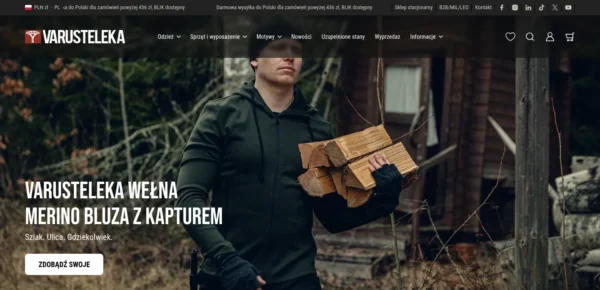

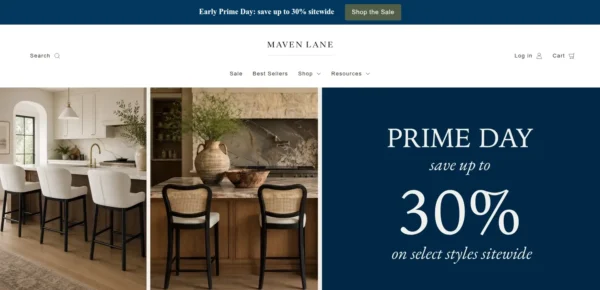
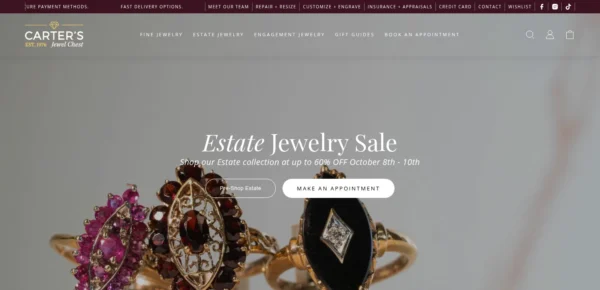

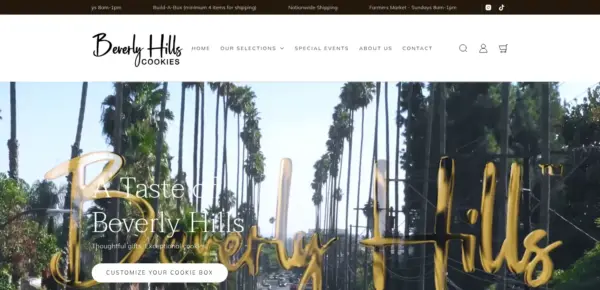


Sampo has received 2 updates in the last 12 months.
Sampo 6.0.0 introduces the following changes:
Sampo 5.0.0 introduces the following changes:
Sampo 4.1.0 introduces the following changes:
Sampo 4.0.0 introduces the following changes:
Sampo 3.1.0 introduces the following changes.
3 of 3 reviews rate Sampo positively.
Based on all 3 Theme Store reviews
Sampo has received 1 review in the last 12 months.
Clothing and lifestyle collections flow through lookbooks, product hotspots, and continuous scrolling.
Turns editorial fashion and jewelry images into shoppable displays, with continuous product browsing.
Puts fashion photography first, letting customers explore outfits through lookbooks and shoppable images.
Puts detailed apparel and accessory photography first, with precise layouts and interactive lookbooks.
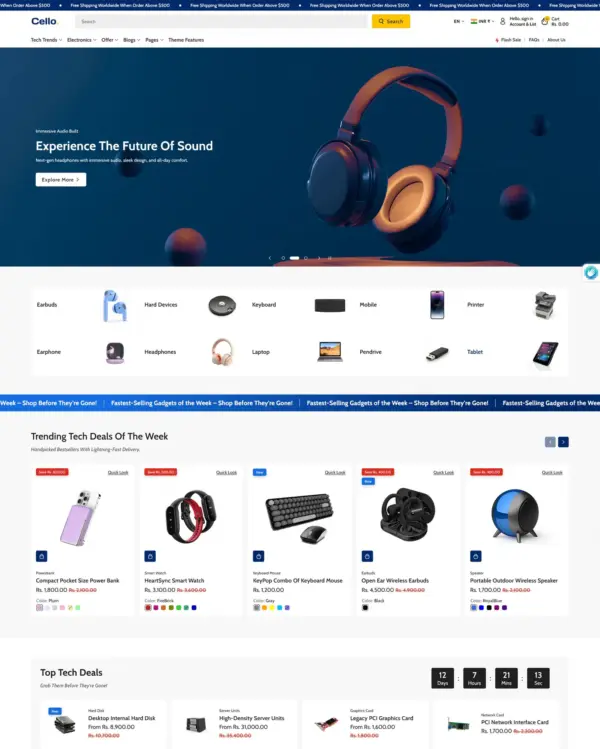
Combines electronics merchandising with AI-assisted setup, stock counters, and restock notifications.
Handles both retail and wholesale beauty orders, including hidden guest prices, quick orders, and RTL layouts.
Keeps clothing and lifestyle catalogs flexible, with lookbooks and quantity-based pricing.
Helps customers explore electronics ranges through detailed search, product filters, and quick previews.
Turns editorial fashion and jewelry images into shoppable displays, with continuous product browsing.
Puts fashion photography first, letting customers explore outfits through lookbooks and shoppable images.
Puts detailed apparel and accessory photography first, with precise layouts and interactive lookbooks.
Creates a luxury-inspired setting for fashion and jewelry, with gift wrapping and preorder options.
Handles both retail and wholesale beauty orders, including hidden guest prices, quick orders, and RTL layouts.
Keeps the focus on bag and accessory photography with clean layouts, image zoom, and product video.
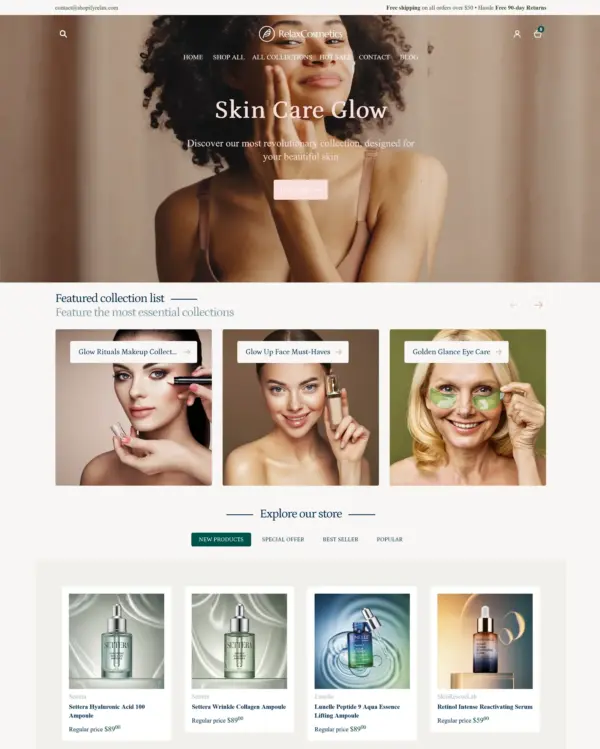
Presents skincare with a softer touch, using ingredient details, comparison images, and gift wrapping.
Presents trend-led fashion through video and lookbooks, with alerts when popular items return to stock.
Focuses on electronics and wholesale shopping, with quick buying and dedicated tools for B2B orders.
Helps electronics shoppers check specifications quickly, with product previews and bulk upsell tools.
Designed for wholesale shopping, with bulk order lists and pricing tools for business customers.
Combines electronics merchandising with AI-assisted setup, stock counters, and restock notifications.
Swipeable carousels and popups make electronics browsing feel more like using a mobile app.
Keeps clothing and lifestyle catalogs flexible, with lookbooks and quantity-based pricing.
Lets home and lifestyle stores build image-and-video sections, with continuous scrolling between products.
Helps customers explore electronics ranges through detailed search, product filters, and quick previews.
Takes a lightweight approach to home shopping, with built-in suggestions for related products.
Puts fashion photography first, letting customers explore outfits through lookbooks and shoppable images.
Blends words, images, and video in beauty pages, with an interactive drawer for searching products.
Designed for wholesale shopping, with bulk order lists and pricing tools for business customers.
Handles both retail and wholesale beauty orders, including hidden guest prices, quick orders, and RTL layouts.
Keeps clothing and lifestyle catalogs flexible, with lookbooks and quantity-based pricing.
Guides skincare shoppers toward products with a built-in quiz, product finder, and visual lookbooks.
Brings outdoor gear to life with animated imagery, product comparisons, and filters for larger catalogs.