
Fastest Shopify Themes in 2026
Our top fast Shopify theme picks
Three interesting options from our performance tests, each suited to different types of stores.
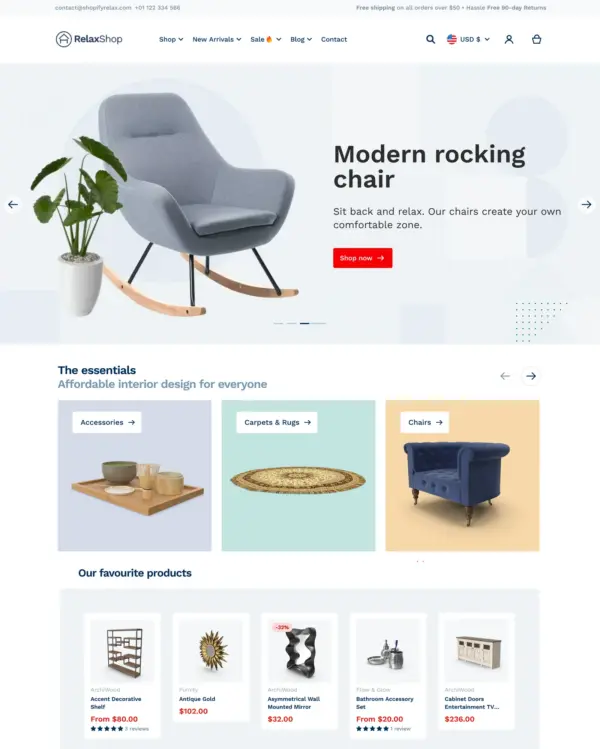

Relax
Strong demo performanceWith a mobile PageSpeed score of 97 in our November test, Relax makes a promising starting point for mobile-focused stores. Its real-store results show why speed should still be checked after customization.
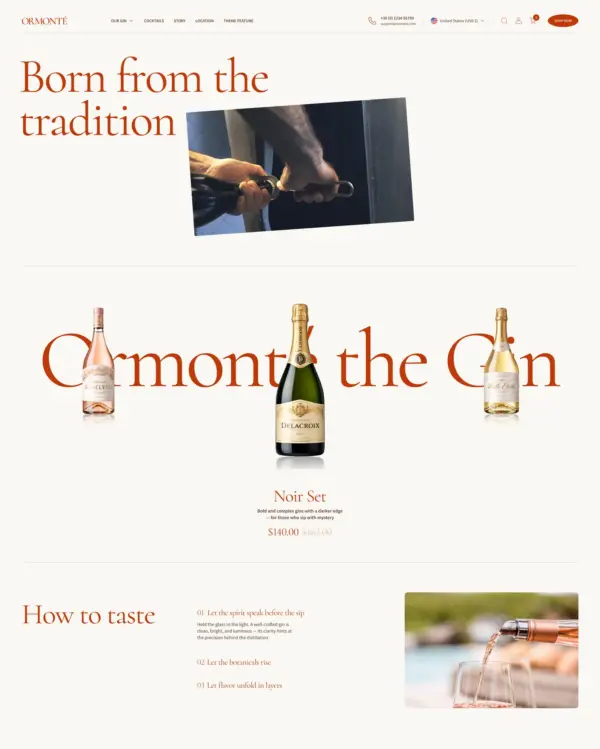

Ormonte
Strong real-store performanceOrmonte keeps an average mobile score of 95 across the 6 live stores we tested, a sign it holds up once real content, apps and tracking are added.
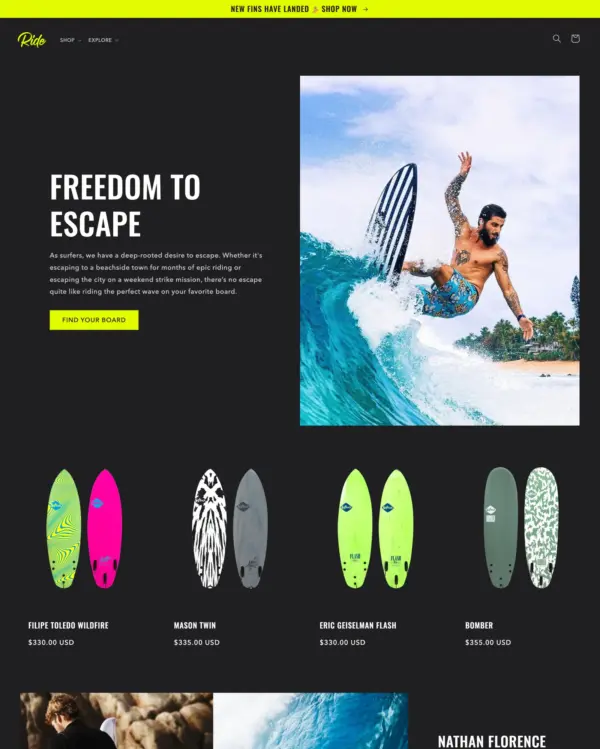

Ride
Fastest free optionRide is the fastest free theme in our tests, scoring 91 on mobile in its official demo. A practical choice if you want speed without buying a theme.
What makes a Shopify theme fast?
A fast Shopify theme helps pages load quickly, keeps navigation responsive, and avoids unnecessary delays as customers browse products and move toward checkout.
Much of this comes down to how the theme is built. Efficient code, optimized images, sensible JavaScript usage, and well-designed layouts all contribute to performance. But a lightweight theme is only the starting point.
The apps you install, images you upload, and customizations you make can have just as much influence on your store's speed. A theme that scores exceptionally well in a demo may perform very differently once it's running a busy online store.
That's why we look at more than official demos. At eDIY, we also test real Shopify stores to help you understand how themes perform outside their carefully prepared showcase environments.
Fastest Shopify themes ranked by PageSpeed
13 Shopify themes score 90 or higher on both mobile and desktop in our latest demo tests. The list updates as themes are retested.
Explore Shopify themes sorted by their measured performance. Compare mobile PageSpeed scores, check desktop results, and narrow your choices by price or industry.
A high score is a useful starting point, but don't forget to consider the features and design your store actually needs.
Relax
$ 100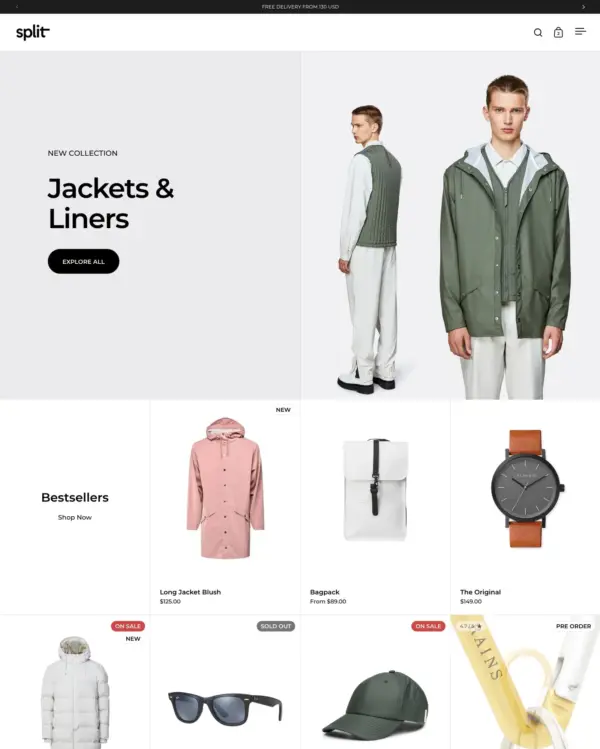

Split
$ 280Ormonte
$ 180

Milano
$ 300

Adam
$ 290Ride
Free

Borders
$ 380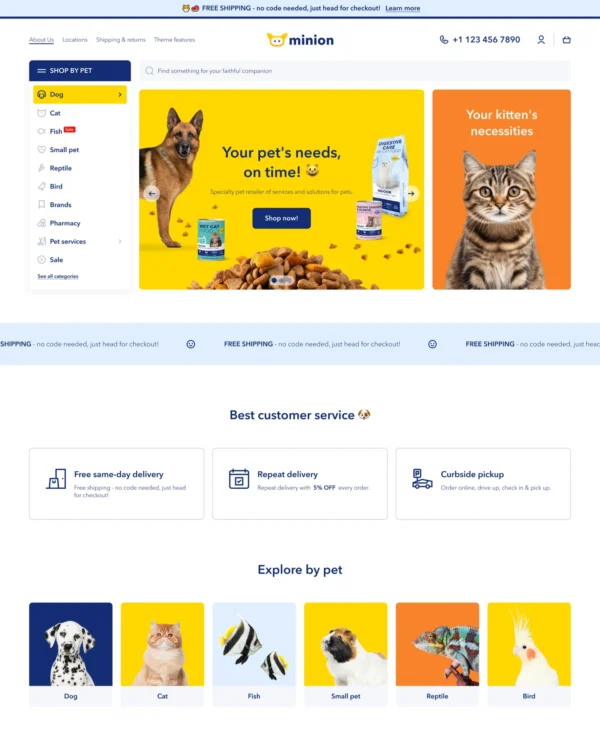

Minion
$ 100

Shapes
$ 420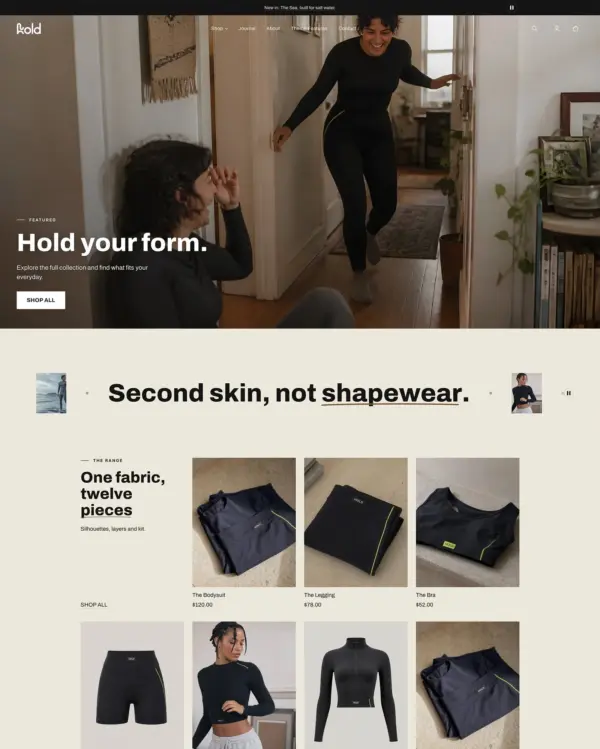

Capital
$ 320

Olympus
$ 190

Divine
$ 120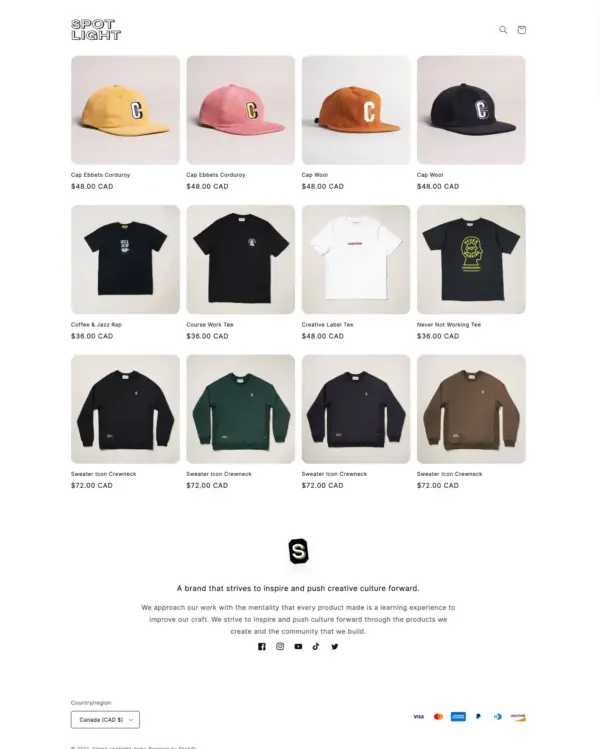

Spotlight
FreeShopify theme speed comparison
How much difference is there between the fastest Shopify themes?
Our comparison brings together PageSpeed scores from official theme demos and average results from live stores using those themes.
Mobile performance deserves particular attention, but it's worth checking the underlying metrics too. Two themes with similar PageSpeed scores may have noticeably different loading times or visual stability.
Use the table to compare the numbers, then visit individual theme reviews for more detailed results.
| Theme | Price | Demo mobile | Demo desktop | Real-store mobile avg | Mobile LCP |
|---|---|---|---|---|---|
| Relax | $ 100 | 97 | 98 | 70 | 2.6 s |
| Split | $ 280 | 94 | 98 | 69 | 2.9 s |
| Ormonte | $ 180 | 93 | 97 | 95 | 2.1 s |
| Milano | $ 300 | 92 | 97 | 95 | 2.2 s |
| Adam | $ 290 | 91 | 100 | — | 2.1 s |
| Ride | Free | 91 | 99 | 59 | 3.5 s |
| Borders | $ 380 | 91 | 98 | 66 | 2.9 s |
| Minion | $ 100 | 91 | 91 | 58 | 2.2 s |
Lab results from Google PageSpeed Insights, November 2026. Real-store averages are based on up to eight live stores per theme.
Demo speed vs. real-store speed
A Shopify theme can look incredibly fast in its official demo. But will it stay that way when you start using it?
Not necessarily.
Official demos are usually carefully prepared, with optimized images, controlled content, and relatively few third-party integrations. Real stores have more complicated requirements: marketing scripts, customer reviews, product recommendations, tracking tools, and apps that all add work for the browser.
These results don't mean that one theme is automatically faster than another. They show the performance of different, fully configured stores, not just the theme code.
Our testing shows how large that difference can be. Shapes scored 90 on mobile in its official demo, while 8 live stores using the theme averaged 52. Milano scored 92 in its demo, compared with an average of 95 across 8 tested stores.
A fast theme gives you a good starting point. Keeping your store fast depends on what you build on top of it.
Real stores using fast Shopify themes
Want to see how these themes perform beyond their official demos?
Explore real Shopify stores running the themes in our directory. Each example includes a mobile PageSpeed result, so you can compare performance across different stores and see what merchants have built with these designs.
 Relax
 Split
 Ormonte
Remember that every store has its own content, apps, and customizations. The results reflect the complete storefront, not just the underlying theme.
How to make your Shopify store faster
Choosing a fast theme is a good first step, but you don't need to change themes to improve your store's performance.
Start with your images
Large homepage banners, oversized product photos, and unnecessary video backgrounds can slow down loading, especially on mobile connections.
Review apps and scripts
Review your installed apps and third-party scripts. Some add considerable JavaScript to every page, even when their functionality is only needed in specific places.
Keep pages focused
Keep your homepage focused, avoid unnecessary animations, and regularly test your most important pages. Product and collection pages deserve just as much attention as the homepage.
Balance speed and features
Don't chase a perfect PageSpeed score at the expense of useful shopping features. A slightly slower store with better navigation and a smoother checkout may serve your customers better than a minimal storefront missing essential functionality.
How eDIY tests Shopify theme speed
We use Google PageSpeed Insights to measure the performance of official Shopify theme demos on mobile and desktop.
Our comparisons include performance scores and technical metrics such as Largest Contentful Paint (LCP), Cumulative Layout Shift (CLS), and Total Blocking Time (TBT).
We also test live stores using these themes. This gives us another perspective on performance, including the effects of apps, imagery, scripts, and custom development.
PageSpeed results can change between tests, so we include testing dates where available. We recommend using these results as a guide rather than treating a single score as a permanent rating of a theme's speed.
Our published results are laboratory tests, including tests performed on production stores. They should not be confused with real-user Core Web Vitals measurements.
Frequently asked questions
What is the fastest Shopify theme?
There isn't one theme that will be fastest for every store. Performance depends on the theme's design, the pages being tested, installed apps, and the content you add. Our ranking helps you find themes with strong measured performance and compare their results before making a decision.
Are free Shopify themes faster than paid themes?
Not necessarily. Shopify's free themes are well optimized and several rank near the top of our tests, but some paid themes score just as well. Compare the measured results of the themes you are considering rather than judging by price.
What is a good Shopify PageSpeed score?
Google rates 90 to 100 as good, 50 to 89 as needing improvement and below 50 as poor. Live stores usually score lower than theme demos on mobile, so a mobile score in the 70s or higher is a solid result for a fully featured store.
Does a fast Shopify theme improve SEO?
Page experience, including loading speed, is one of many signals Google considers, but content, site structure and relevance matter more. A fast store also keeps more shoppers browsing and buying, which is reason enough to care about speed.
Why is my Shopify store slower than the theme demo?
Demos run with optimized images, limited content and few apps. Your store adds its own images, apps, tracking scripts and customizations, and each of them adds work for the browser.
Can Shopify apps slow down my store?
Yes. Many apps load their own JavaScript and styles on every page, even where they are not used. Review your installed apps regularly and remove the ones you no longer need.
Is a high PageSpeed score enough to choose a Shopify theme?
No. Treat speed as one criterion alongside design, features, support and merchant reviews. A slightly slower theme that fits your catalog and checkout needs may serve your customers better.
Explore more Shopify themes
Speed is only one part of choosing the right storefront design. Explore our other collections to find Shopify themes that match your budget, products, and business needs.