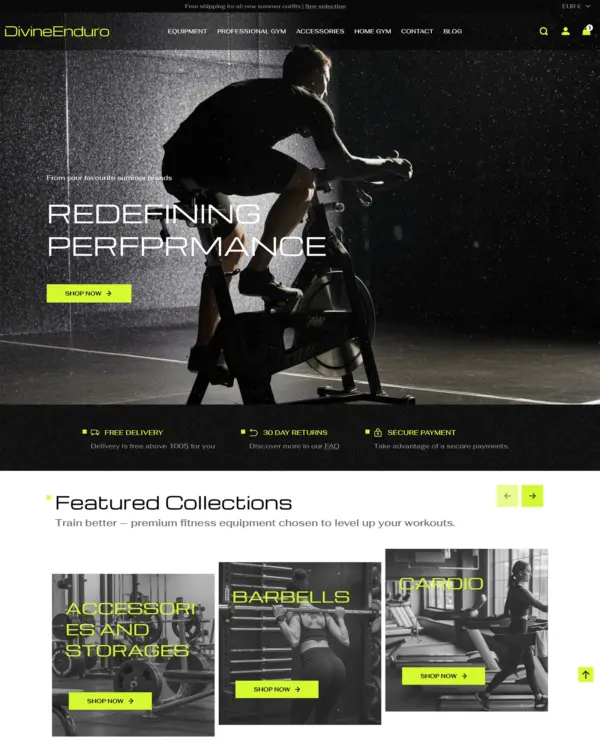
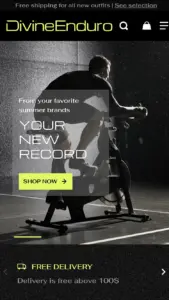
Divine · Enduro preset
Clothing and lifestyle collections flow through lookbooks, product hotspots, and continuous scrolling.
3 presets Sports Clothing Jewelry and accessories
★ 100% · 18 reviews
$ 120,00




Created by Eight Themes
Independently reviewed by the eDIY editorial team
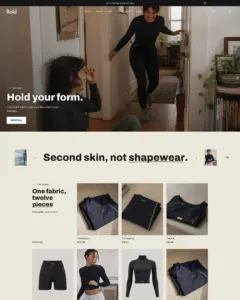
Google PageSpeed Insights scores for the home page, out of 100
Tested in October 2026, the official Capital demo scored 82/100 on mobile and 98/100 on desktop. Mobile LCP was 4.3s, CLS was 0.06, and Total Blocking Time was 35ms.
Tested Oct 2026 · Google PageSpeed Insights lab data
| Metric | Mobile | Desktop |
|---|---|---|
| Largest Contentful Paint | 4.3s | 801ms |
| Cumulative Layout Shift | 0.06 | 0.03 |
| Total Blocking Time | 35ms | 108ms |
| Speed Index | 3.3s | 977ms |
Across 8 live stores we tested, the average PageSpeed score was 50/100 on mobile and 63/100 on desktop. Average mobile LCP was 14.6s and CLS was 0.05. These are complete production stores, so the numbers cover more than the theme itself.
Tested Oct 2026 · Results include each store's apps, images, tracking scripts and customizations
| Metric | Mobile | Desktop |
|---|---|---|
| Largest Contentful Paint | 14.6s | 2.9s |
| Cumulative Layout Shift | 0.05 | 0.02 |
| Total Blocking Time | 633ms | 479ms |
| Speed Index | 8.1s | 3.1s |
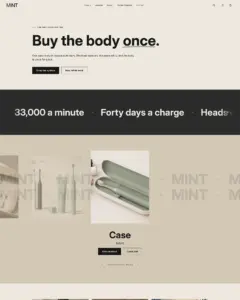
Google PageSpeed Insights scores for the home page, out of 100
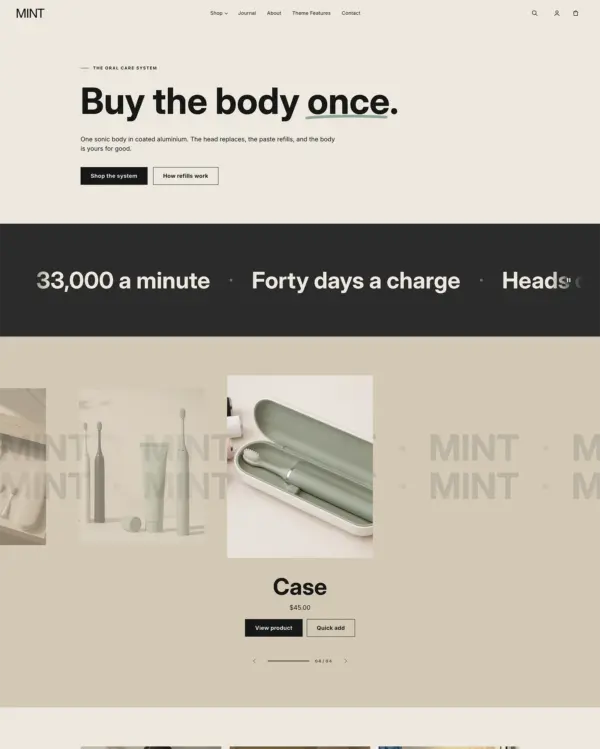
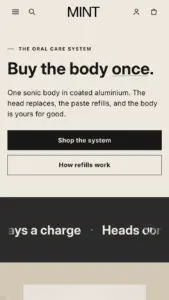
In our October 2026 test, the official Mint demo scored 75/100 on mobile and 87/100 on desktop. On mobile, LCP was 5.1s, CLS 0.00 and Total Blocking Time 24ms.
Tested Oct 2026 · Google PageSpeed Insights lab data
| Metric | Mobile | Desktop |
|---|---|---|
| Largest Contentful Paint | 5.1s | 641ms |
| Cumulative Layout Shift | 0.00 | 0.06 |
| Total Blocking Time | 24ms | 303ms |
| Speed Index | 5.3s | 852ms |
The 8 live stores we tested averaged 50/100 on mobile and 63/100 on desktop. Average mobile LCP was 14.6s and CLS was 0.05. These are complete production stores, so the numbers cover more than the theme itself.
Tested Oct 2026 · Results include each store's apps, images, tracking scripts and customizations
| Metric | Mobile | Desktop |
|---|---|---|
| Largest Contentful Paint | 14.6s | 2.9s |
| Cumulative Layout Shift | 0.05 | 0.02 |
| Total Blocking Time | 633ms | 479ms |
| Speed Index | 8.1s | 3.1s |
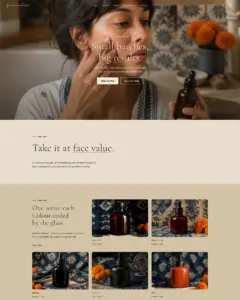
Google PageSpeed Insights scores for the home page, out of 100
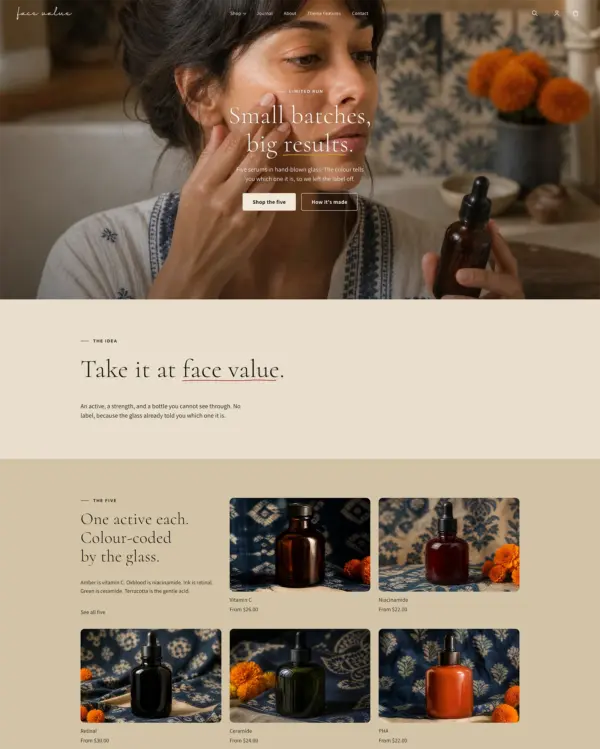
The official Face Value demo scored 71/100 on mobile and 99/100 on desktop in our October 2026 test. On mobile, LCP was 6.0s, CLS 0.00 and Total Blocking Time 17ms.
Tested Oct 2026 · Google PageSpeed Insights lab data
| Metric | Mobile | Desktop |
|---|---|---|
| Largest Contentful Paint | 6.0s | 761ms |
| Cumulative Layout Shift | 0.00 | 0.00 |
| Total Blocking Time | 17ms | 0ms |
| Speed Index | 5.4s | 889ms |
The 8 live stores we tested averaged 50/100 on mobile and 63/100 on desktop. Average mobile LCP was 14.6s and CLS was 0.05. These are complete production stores, so the numbers cover more than the theme itself.
Tested Oct 2026 · Results include each store's apps, images, tracking scripts and customizations
| Metric | Mobile | Desktop |
|---|---|---|
| Largest Contentful Paint | 14.6s | 2.9s |
| Cumulative Layout Shift | 0.05 | 0.02 |
| Total Blocking Time | 633ms | 479ms |
| Speed Index | 8.1s | 3.1s |
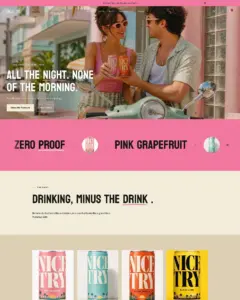
Google PageSpeed Insights scores for the home page, out of 100
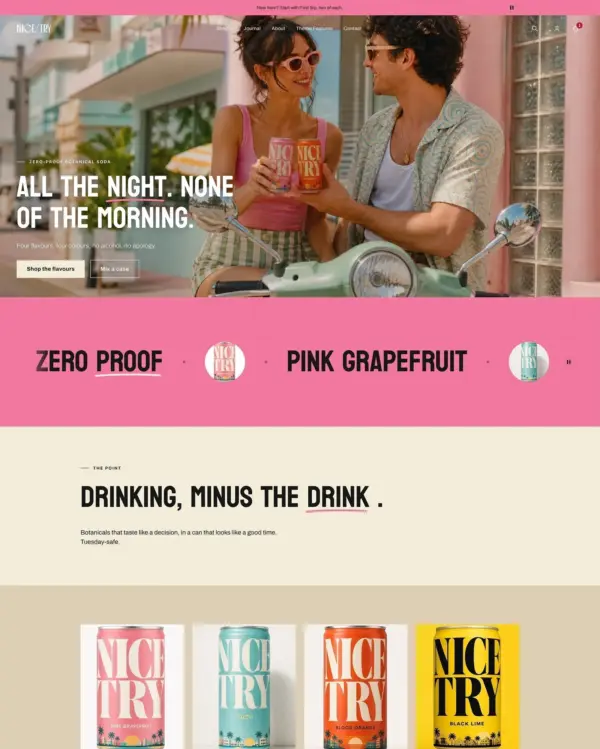
The official Nice Try demo scored 89/100 on mobile and 99/100 on desktop in our October 2026 test. On mobile, LCP was 3.4s, CLS 0.05 and Total Blocking Time 14ms.
Tested Oct 2026 · Google PageSpeed Insights lab data
| Metric | Mobile | Desktop |
|---|---|---|
| Largest Contentful Paint | 3.4s | 941ms |
| Cumulative Layout Shift | 0.05 | 0.03 |
| Total Blocking Time | 14ms | 30ms |
| Speed Index | 2.5s | 1.0s |
The 8 live stores we tested averaged 50/100 on mobile and 63/100 on desktop. Average mobile LCP was 14.6s and CLS was 0.05. These are complete production stores, so the numbers cover more than the theme itself.
Tested Oct 2026 · Results include each store's apps, images, tracking scripts and customizations
| Metric | Mobile | Desktop |
|---|---|---|
| Largest Contentful Paint | 14.6s | 2.9s |
| Cumulative Layout Shift | 0.05 | 0.02 |
| Total Blocking Time | 633ms | 479ms |
| Speed Index | 8.1s | 3.1s |
Google PageSpeed Insights scores for the home page, out of 100
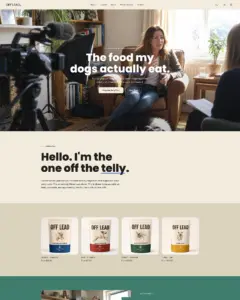
Tested in October 2026, the official Off Lead demo scored 93/100 on mobile and 99/100 on desktop. On mobile, LCP was 3.0s, CLS 0.00 and Total Blocking Time 19ms.
Tested Oct 2026 · Google PageSpeed Insights lab data
| Metric | Mobile | Desktop |
|---|---|---|
| Largest Contentful Paint | 3.0s | 801ms |
| Cumulative Layout Shift | 0.00 | 0.00 |
| Total Blocking Time | 19ms | 61ms |
| Speed Index | 1.9s | 940ms |
The 8 live stores we tested averaged 50/100 on mobile and 63/100 on desktop. Average mobile LCP was 14.6s and CLS was 0.05. These are complete production stores, so the numbers cover more than the theme itself.
Tested Oct 2026 · Results include each store's apps, images, tracking scripts and customizations
| Metric | Mobile | Desktop |
|---|---|---|
| Largest Contentful Paint | 14.6s | 2.9s |
| Cumulative Layout Shift | 0.05 | 0.02 |
| Total Blocking Time | 633ms | 479ms |
| Speed Index | 8.1s | 3.1s |
No features match your search.
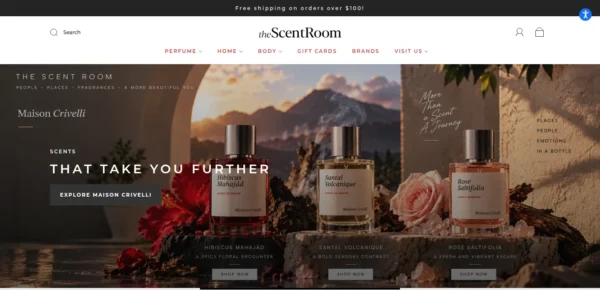
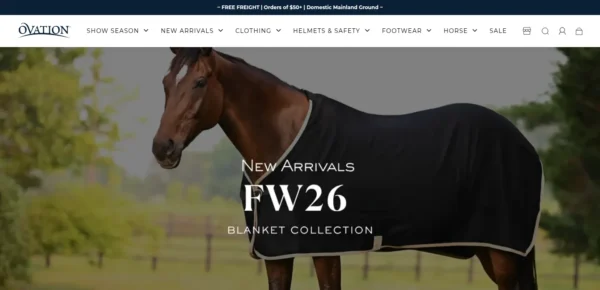
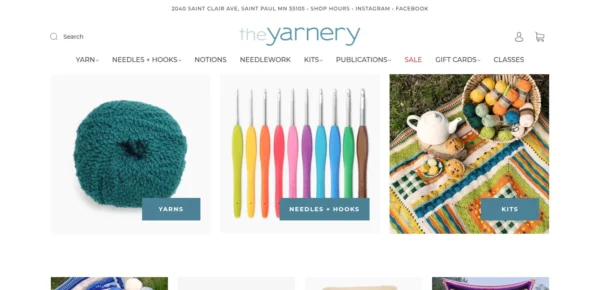
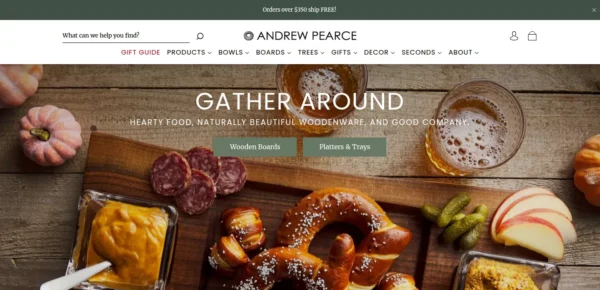
Capital is actively maintained, with 11 releases in the last 12 months.
Capital 37.2.0 brings Capital back to your language, puts back the selling tools stores rely on, and fixes the rough edges merchants met in the theme editor. Everything new is off or empty until you turn it on, so apart from the hero change under Sections, your store looks the same after updating until you choose otherwise.
reviews.rating and reviews.rating_count metafields.37 is a rebuild, not an update to 36. Settings, templates and section content do not carry over.
Do not use the Update button in your admin. It installs a copy with your settings only partly applied, and the result will not match your current store.
Install 37 fresh from the Theme Store instead, alongside your current theme. Set it up from a preset, then publish it when you are ready. Your current theme is not modified and stays published until you switch.
Already on a 37.0.x release, or installing Capital for the first time? None of the above applies.
Capital 37.0.3 is a fix release. Presets, settings, sections and templates are unchanged from 37.0.2.
37 is a rebuild, not an update to 36. Settings, templates and section content do not carry over.
Do not use the Update button in your admin. It installs a copy with your settings only partly applied, and the result will not match your current store.
Install 37 fresh from the Theme Store instead, alongside your current theme. Set it up from a preset, then publish it when you are ready. Your current theme is not modified and stays published until you switch.
Already on a 37.0.x release, or installing Capital for the first time? None of the above applies.
Capital 37.0.2 completes the 37 rebuild's preset roster. Nothing else changes: settings, sections and templates are exactly as they were in 37.0.0.
37 is a rebuild, not an update to 36. Settings, templates and section content do not carry over.
Do not use the Update button in your admin. It installs a copy with your settings only partly applied, and the result will not match your current store.
Install 37 fresh from the Theme Store instead, alongside your current theme. Set it up from a preset, then publish it when you are ready. Your current theme is not modified and stays published until you switch.
Already on a 37.0.x release, or installing Capital for the first time? None of the above applies.
Capital 37.0.1 adds two presets to the 37 rebuild. Nothing else changes: settings, sections and templates are exactly as they were in 37.0.0.
37 is a rebuild, not an update to 36. Settings, templates and section content do not carry over.
Do not use the Update button in your admin. It installs a copy with your settings only partly applied, and the result will not match your current store.
Install 37 fresh from the Theme Store instead, alongside your current theme. Set it up from a preset, then publish it when you are ready. Your current theme is not modified and stays published until you switch.
Already on 37.0.0, or installing Capital for the first time? None of the above applies.
Capital 37.0.0 is a ground-up rebuild of the theme: a new design system, a smaller and more deliberate settings surface, and presets that each arrive with their own demo store.
37.0.0 is a rebuild, not an update to 36. Settings, templates and section content do not carry over.
Do not use the Update button in your admin. It installs a copy with your settings only partly applied, and the result will not match your current store.
Install 37.0.0 fresh from the Theme Store instead, alongside your current theme. Set it up from a preset, then publish it when you are ready. Your current theme is not modified and stays published until you switch.
Installing Capital for the first time? None of the above applies.
118 of 134 reviews are positive, 2 neutral and 14 negative. Merchants most often praise Capital's clean design, its navigation and organisation features for large catalogues, and the fast, helpful support from the Eight team. The most common criticisms are slow or unresolved support on some updates and changes that broke existing functionality, with several reviewers saying problems were fixed.
Generated from all 134 Theme Store reviews ·
Capital has received 9 reviews in the last 12 months.
Clothing and lifestyle collections flow through lookbooks, product hotspots, and continuous scrolling.
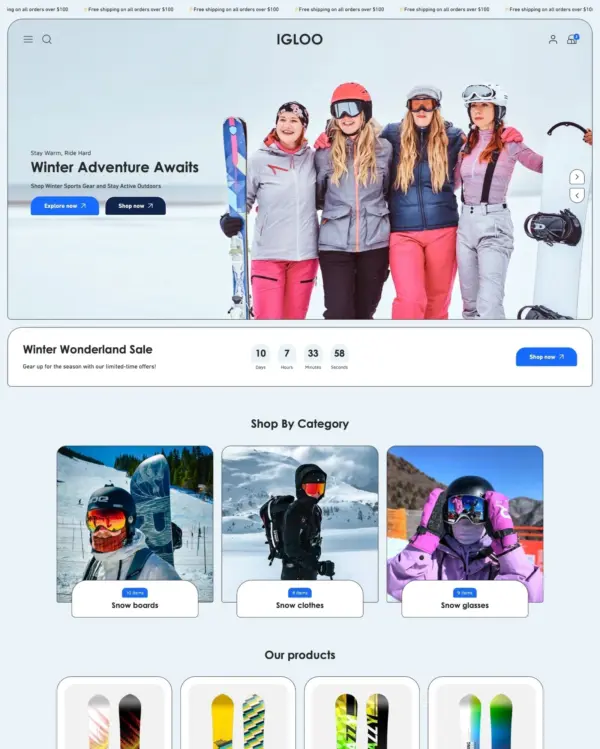

Brings outdoor gear to life with animated imagery, product comparisons, and filters for larger catalogs.
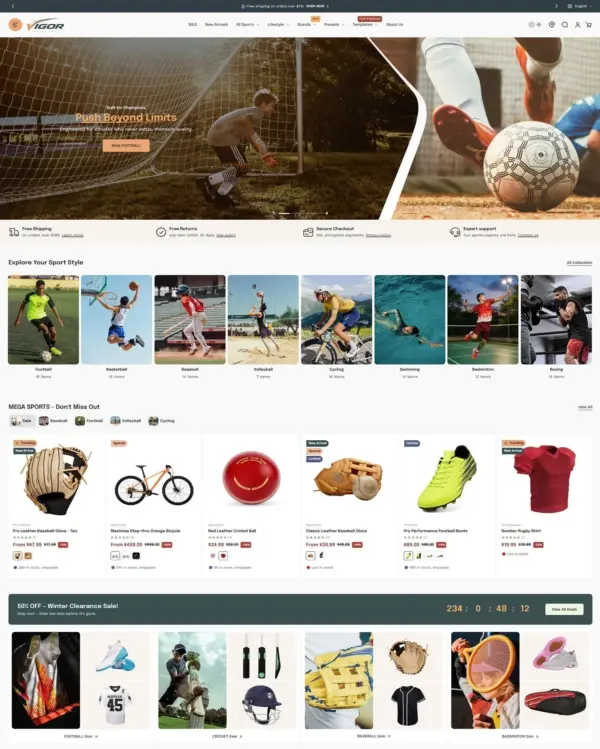
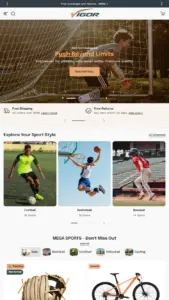
Helps shoppers search large electronics catalogs while giving wholesalers login pricing and bulk orders.
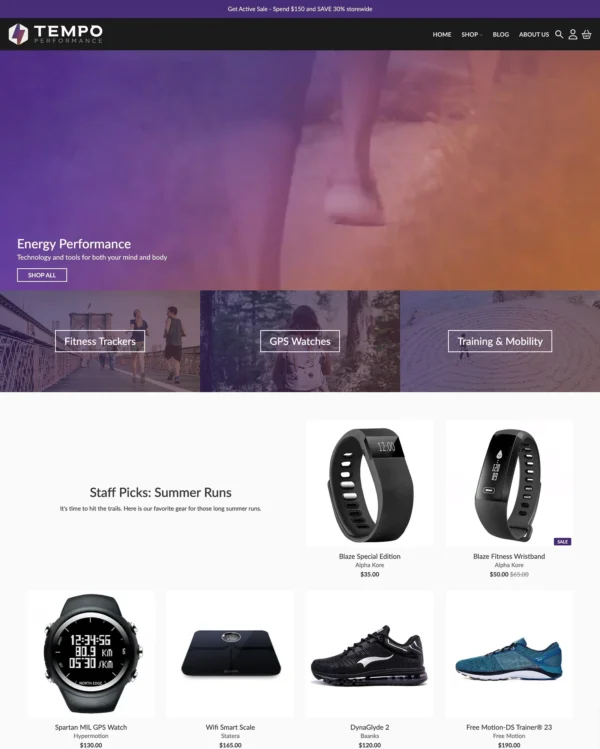
Keeps clothing and lifestyle shopping uncomplicated with simple layouts, lookbooks, and quick buy.
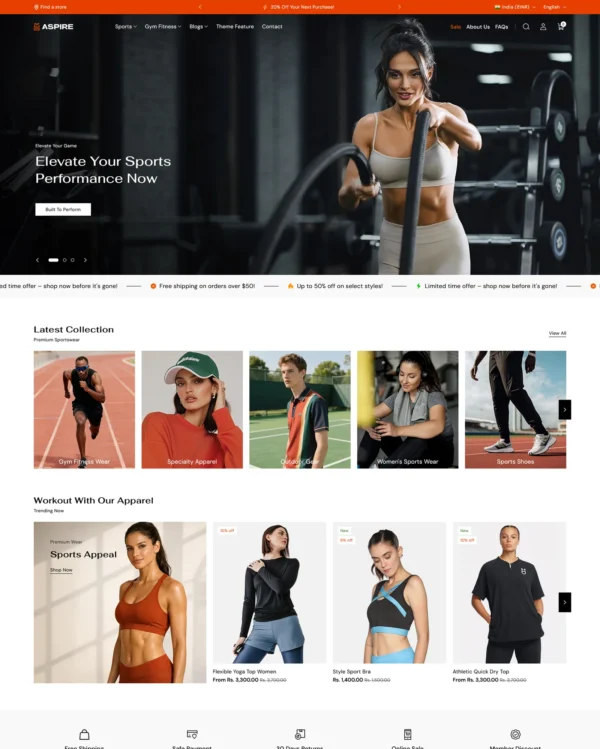
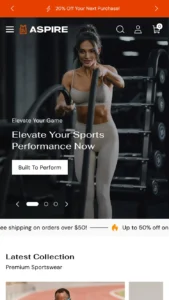
Clickable photos and quick previews make polished home and lifestyle galleries easier to explore.
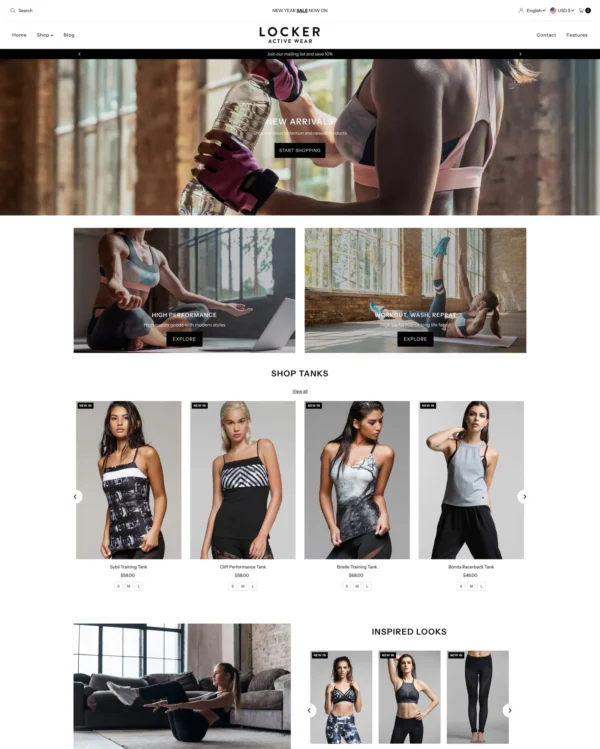
Helps fashion and beauty customers narrow down products through clear categories and detailed filters.
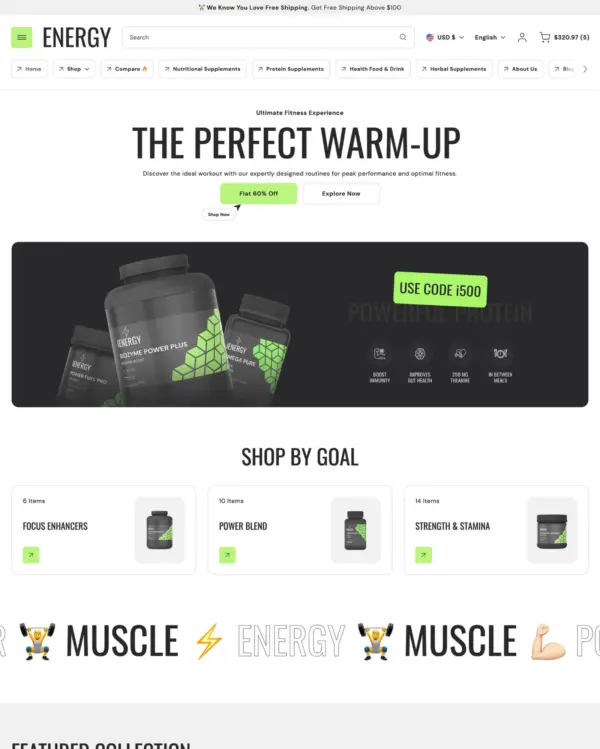
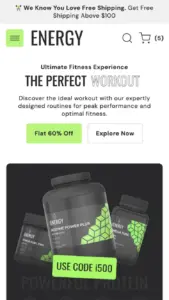
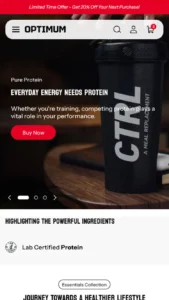
Keeps sports and nutrition products easy to browse while leaving room for image-led product stories.
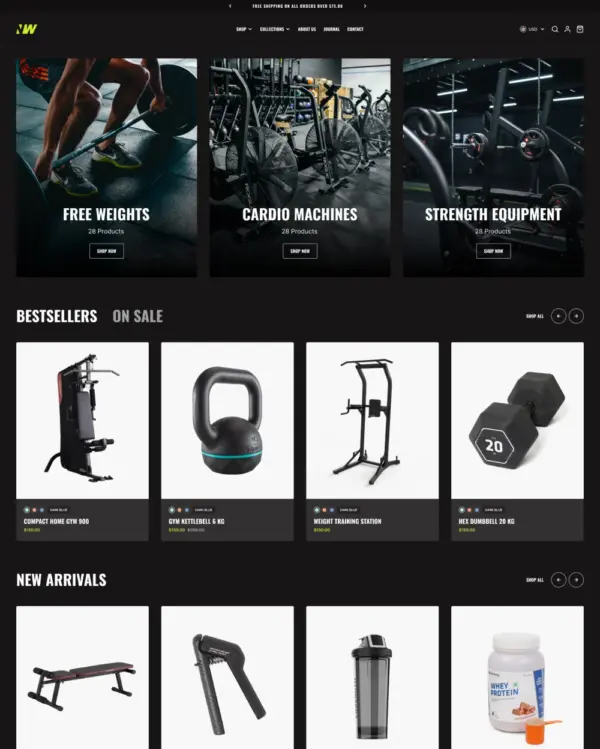
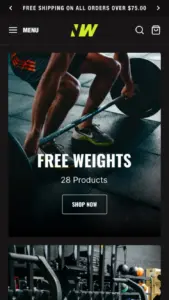
Offers fashion and jewelry several ways to show products, from stacked photos to videos and carousels.
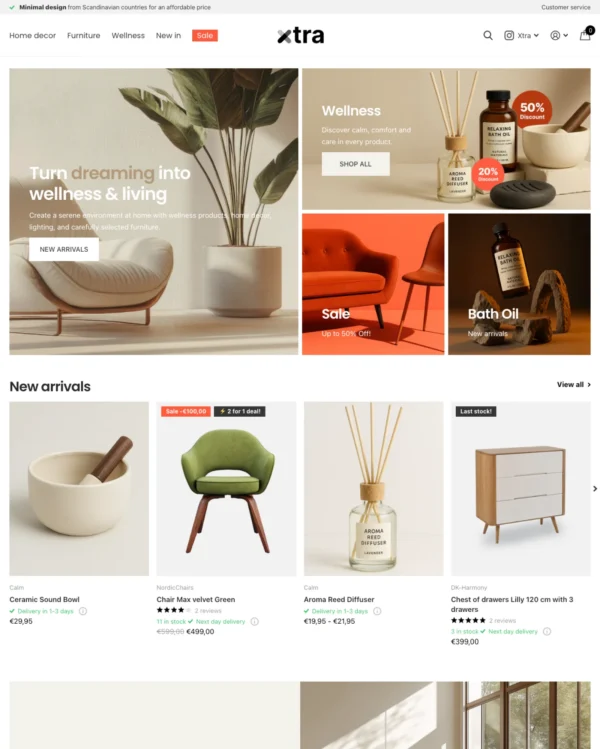
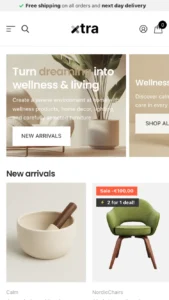
Helps electronics shoppers check specifications quickly, with product previews and bulk upsell tools.
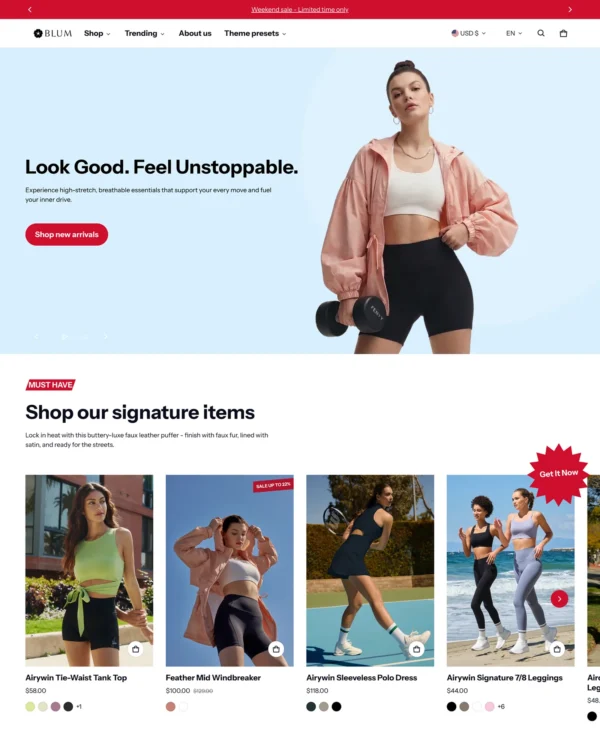

Makes it easy to show complete outfits and related pieces alongside the main fashion collection.
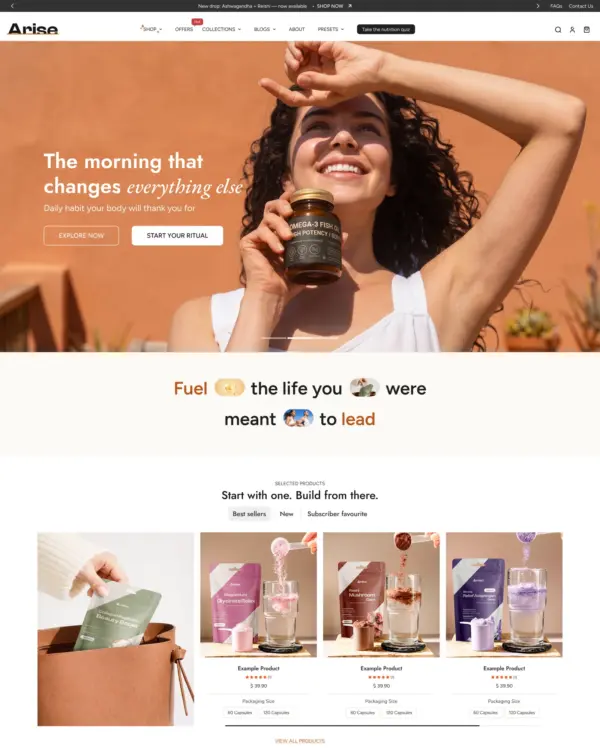

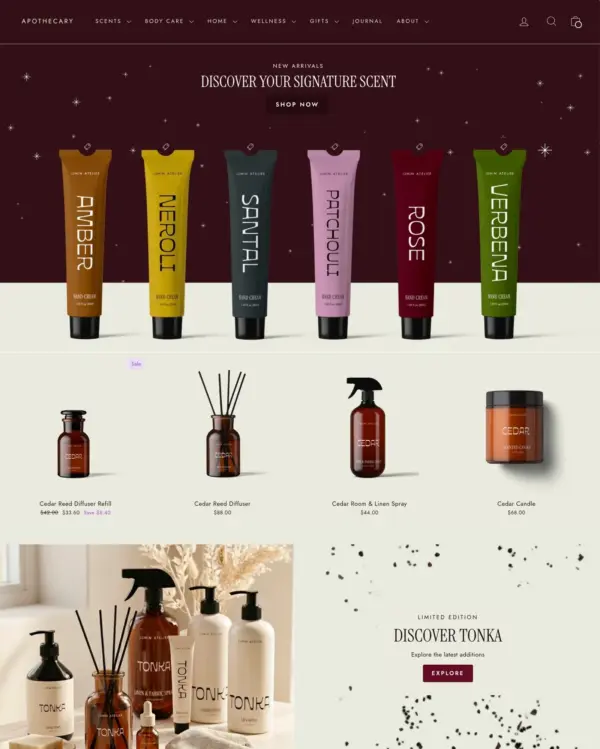
Handles both retail and wholesale beauty orders, including hidden guest prices, quick orders, and RTL layouts.
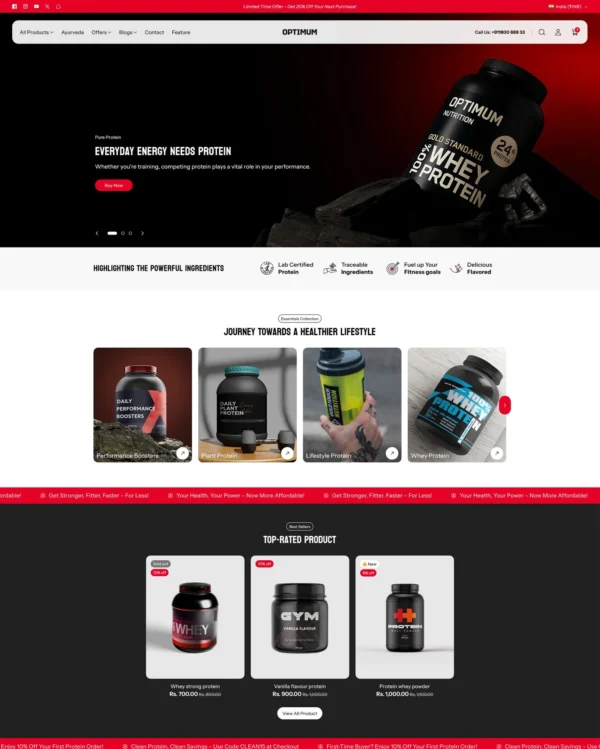
Clickable photos and quick previews make polished home and lifestyle galleries easier to explore.

Lets fashion brands turn campaign imagery into shopping opportunities with hotspots and lookbooks.
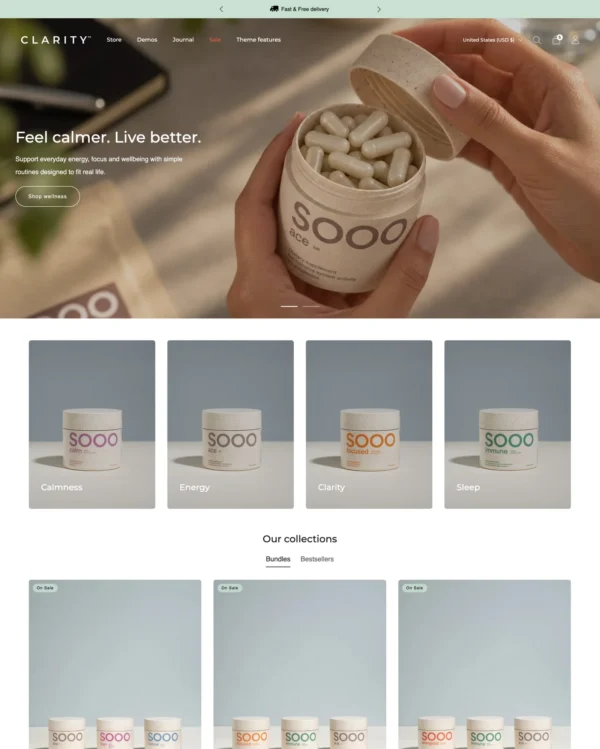
Lets fashion, beauty, and jewelry stores mix product imagery with comparisons and promotional popups.
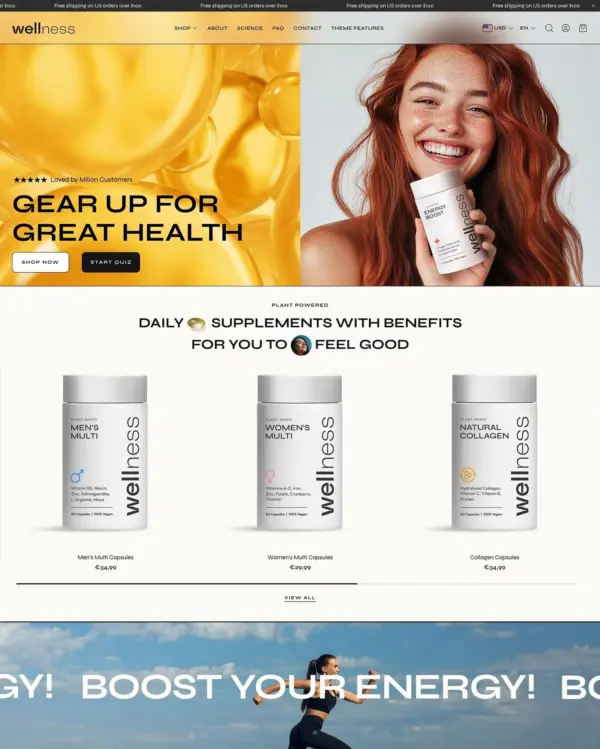

Combines lifestyle lookbooks with product bundles, quizzes, and subscription shopping options.
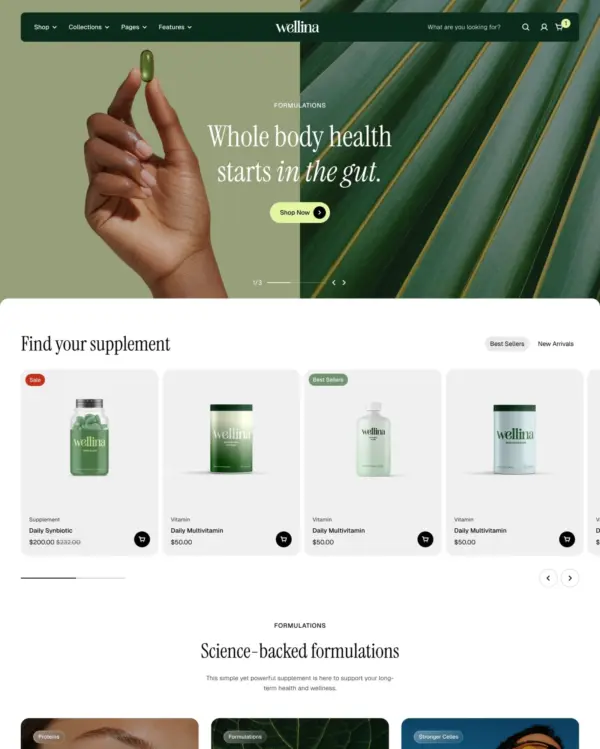

Brings a fluid, animated look to children's fashion, with nested layouts, lookbooks, and video.
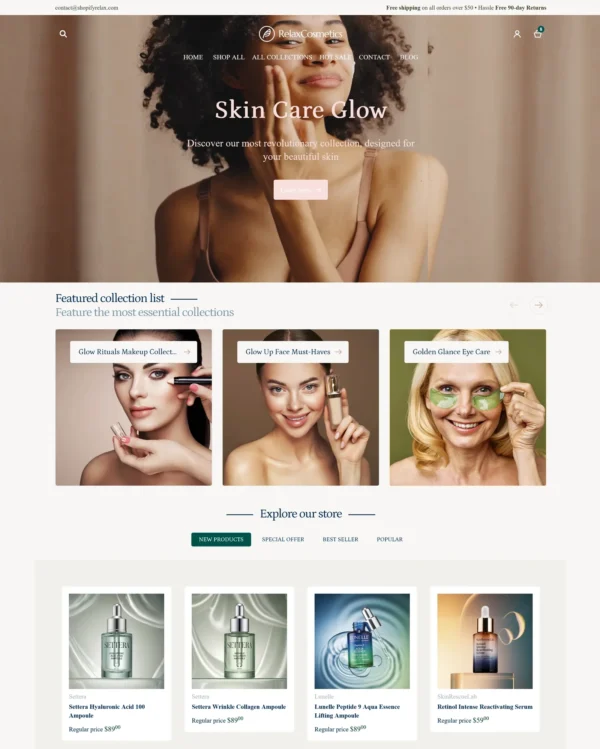
Takes a lightweight approach to home shopping, with built-in suggestions for related products.
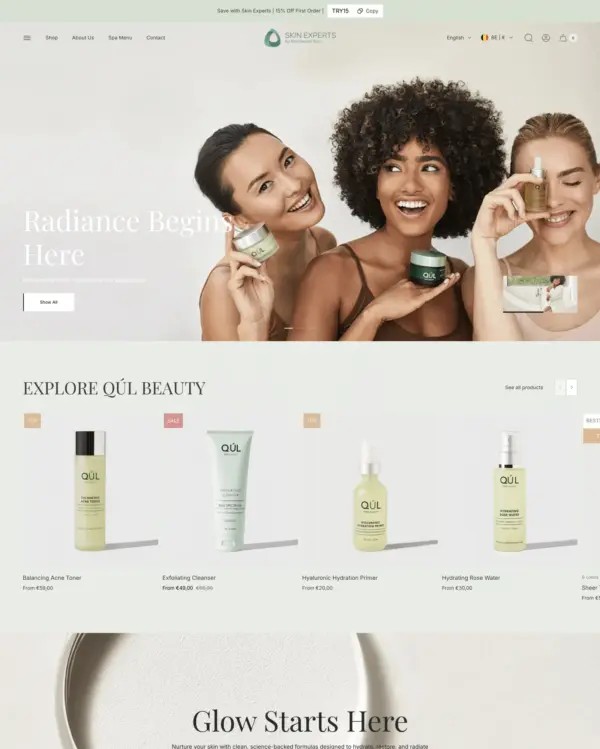

Puts fashion photography first, letting customers explore outfits through lookbooks and shoppable images.
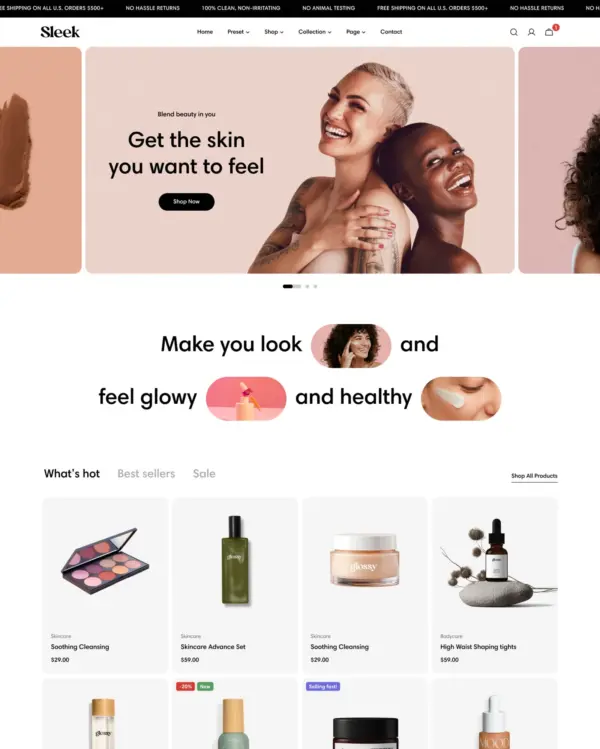

Blends words, images, and video in beauty pages, with an interactive drawer for searching products.
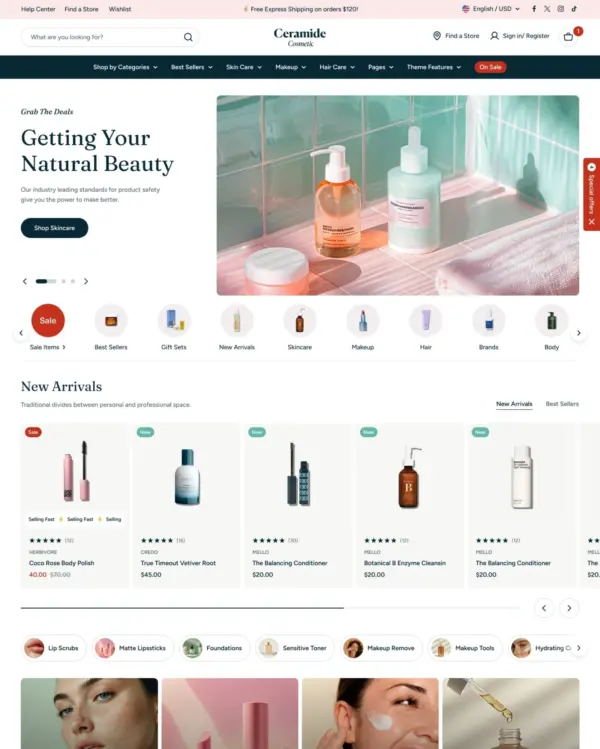

Designed for wholesale shopping, with bulk order lists and pricing tools for business customers.
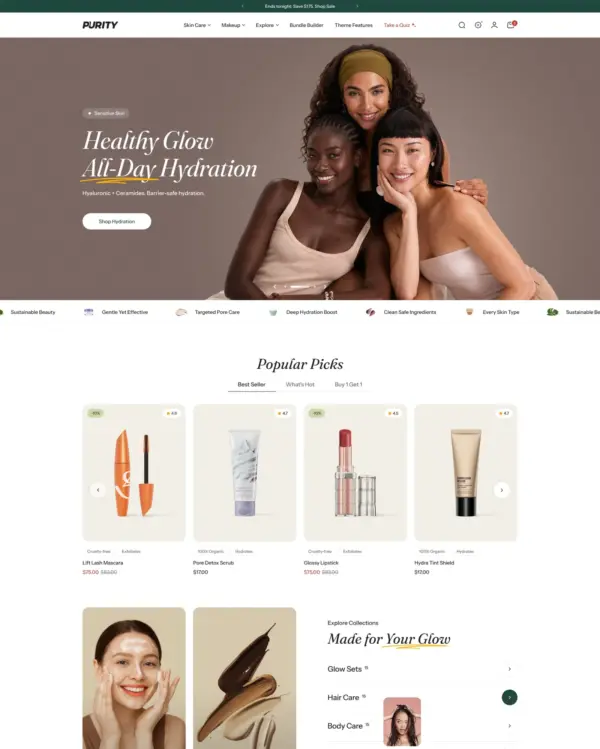

Guides skincare shoppers toward products with a built-in quiz, product finder, and visual lookbooks.
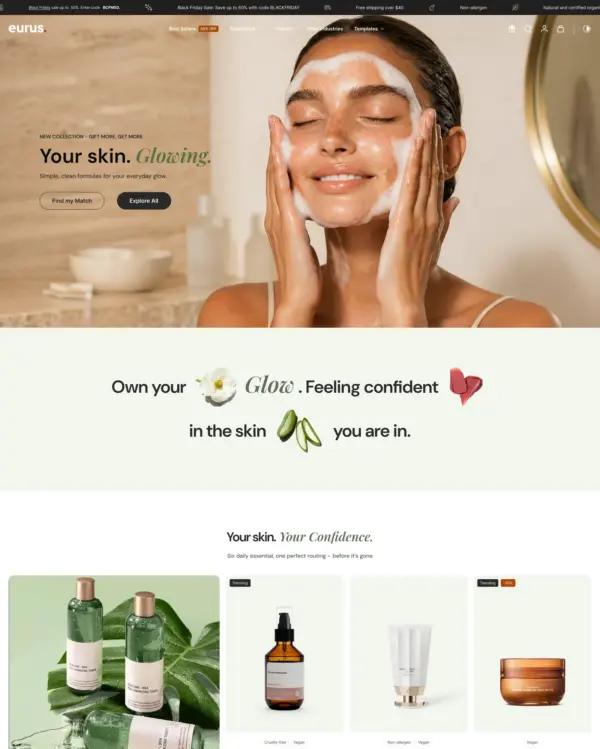

Handles both retail and wholesale beauty orders, including hidden guest prices, quick orders, and RTL layouts.
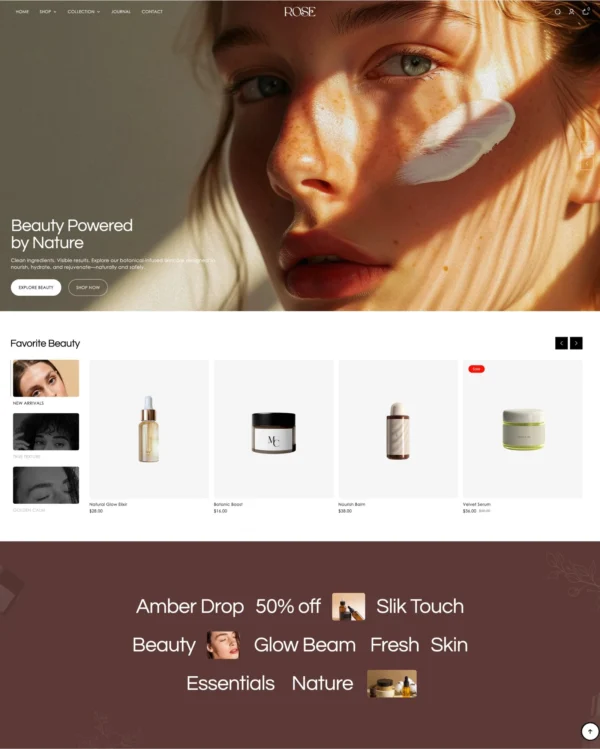

Keeps clothing and lifestyle catalogs flexible, with lookbooks and quantity-based pricing.
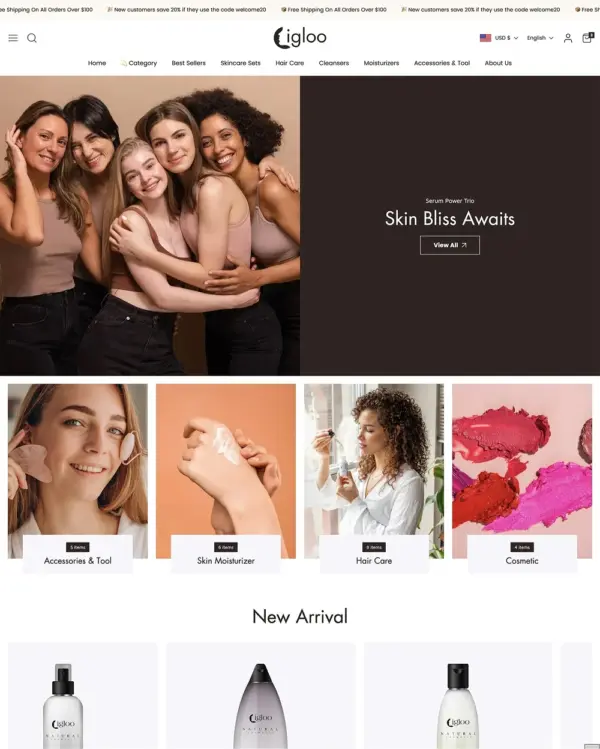

Brings outdoor gear to life with animated imagery, product comparisons, and filters for larger catalogs.
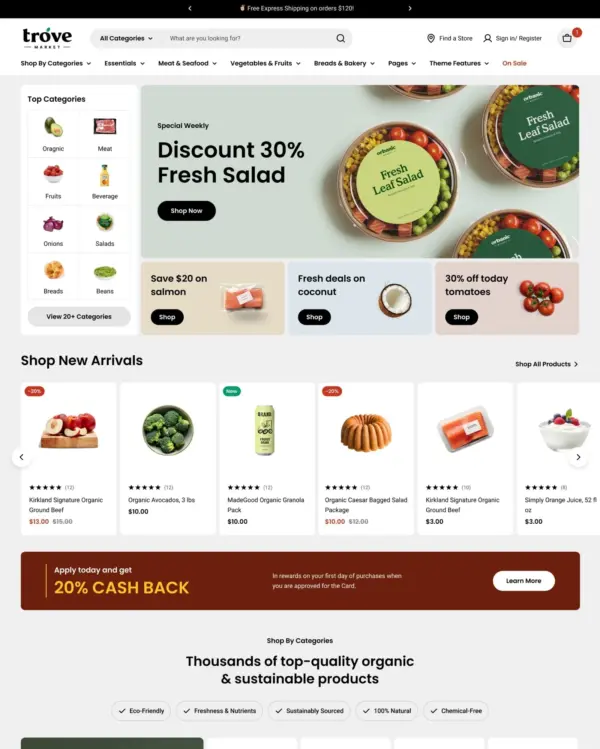
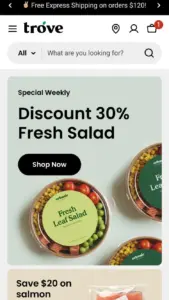
Designed for wholesale shopping, with bulk order lists and pricing tools for business customers.
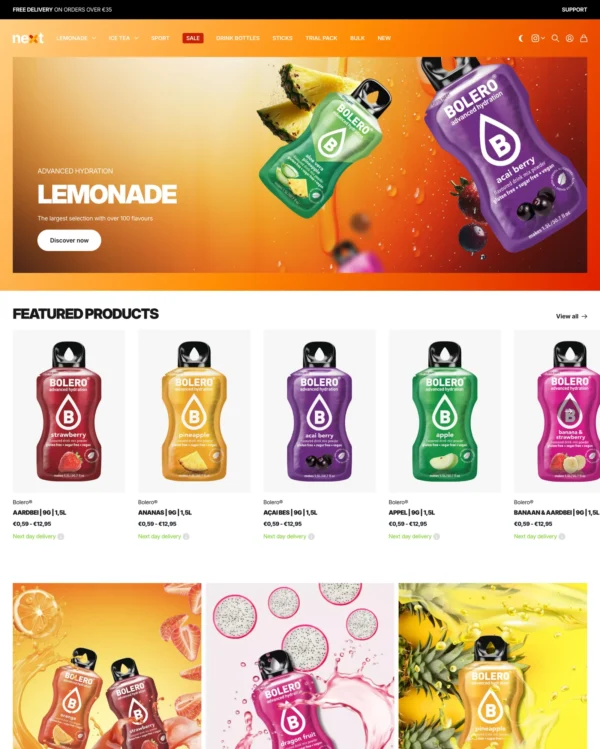
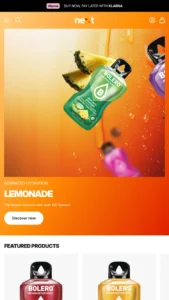
Lets home and lifestyle stores build image-and-video sections, with continuous scrolling between products.
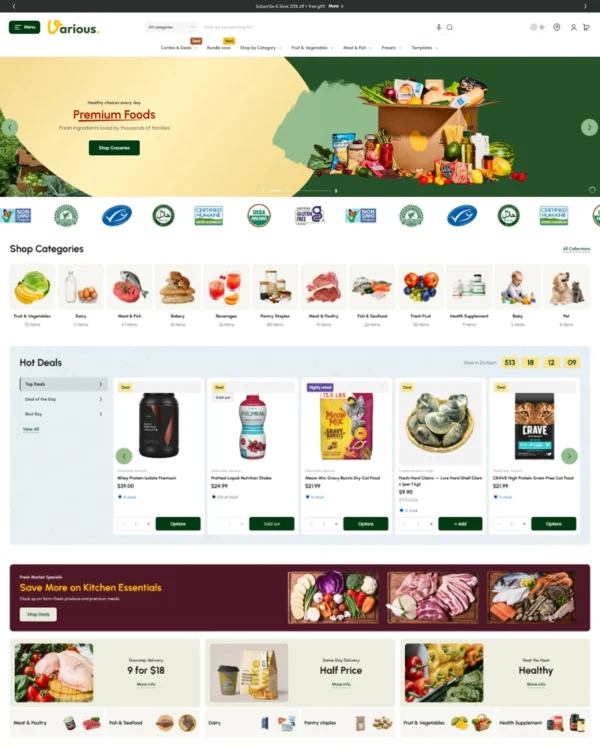

Helps shoppers search large electronics catalogs while giving wholesalers login pricing and bulk orders.
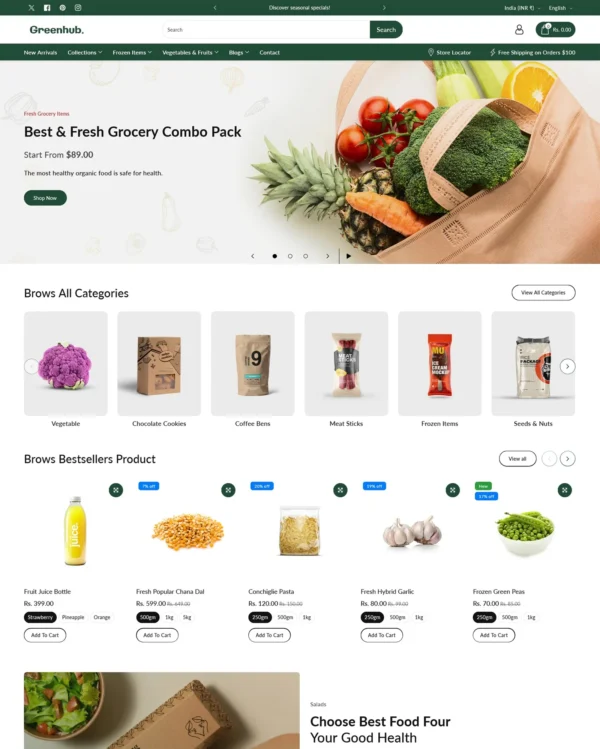
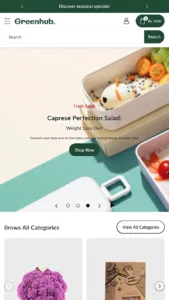
Rollover lookbooks put fashion and jewelry in focus, while detailed filters help narrow the choices.
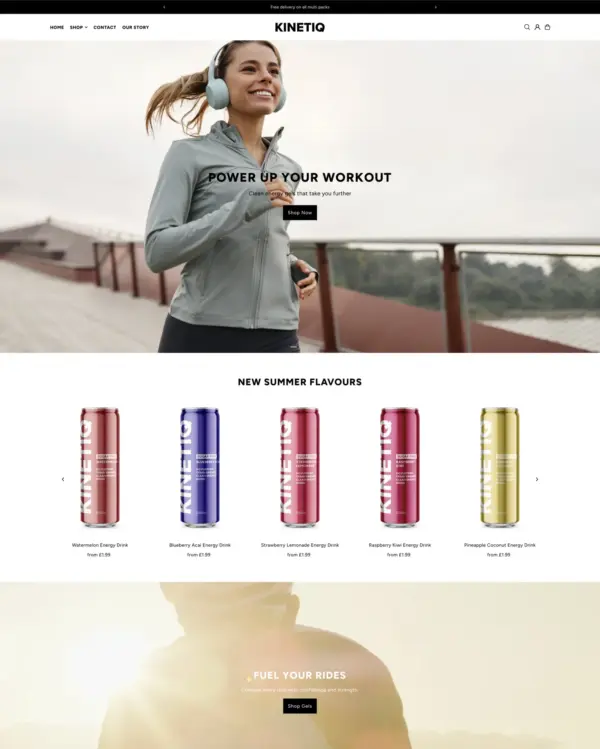
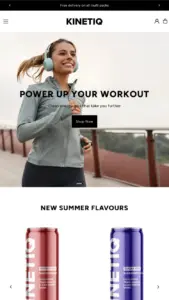
Presents trend-led fashion through video and lookbooks, with alerts when popular items return to stock.
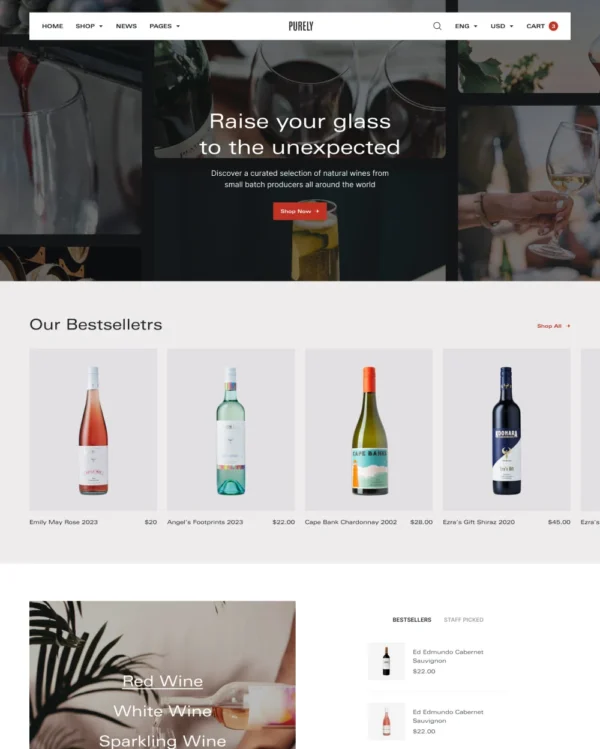
Keeps wine, coffee, and gourmet food shopping minimal on mobile, with age checks where needed.
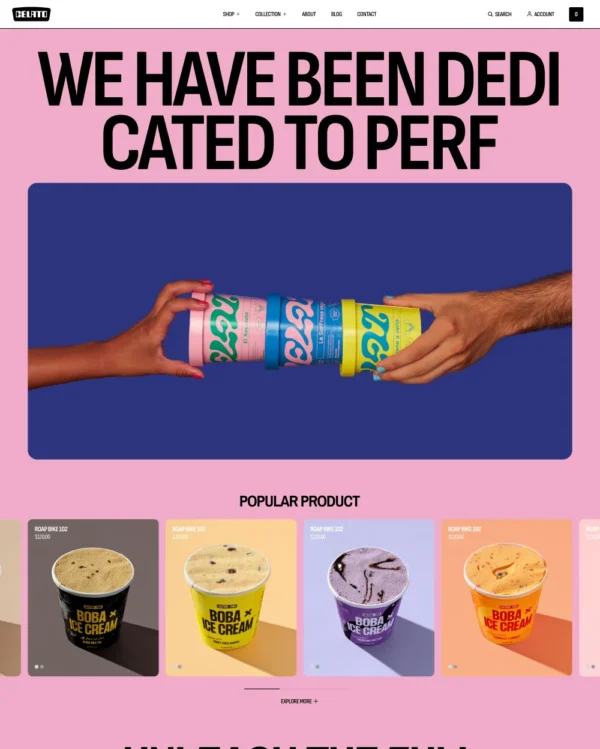
Flexible landing sections and quick product previews support a bold, mobile-first footwear store.
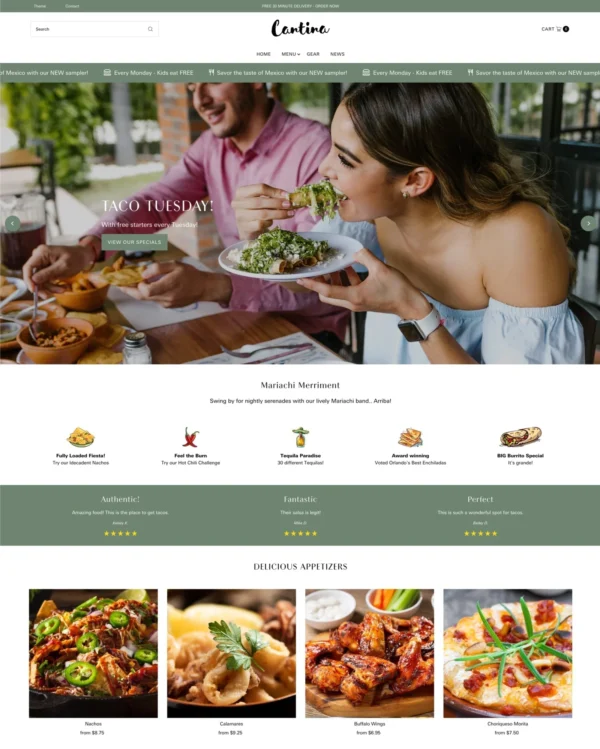

Keeps beauty and lifestyle collections tidy, with simple navigation and image comparisons.
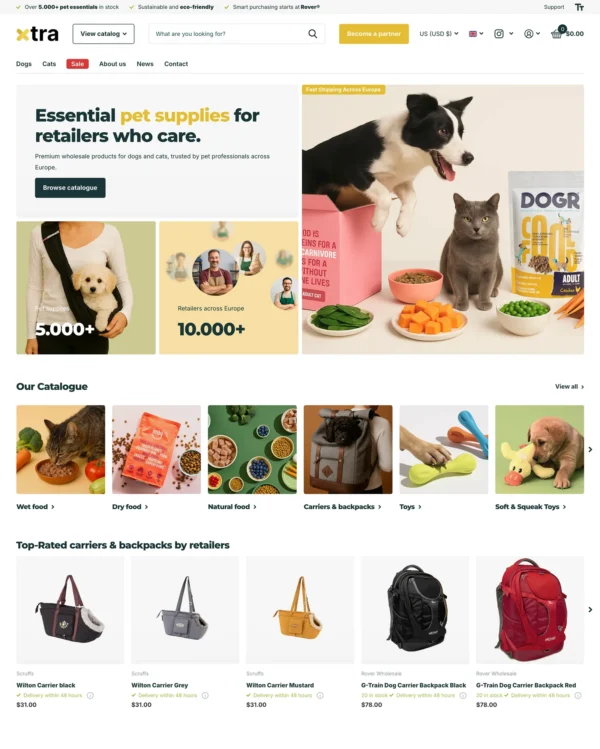

Helps electronics shoppers check specifications quickly, with product previews and bulk upsell tools.
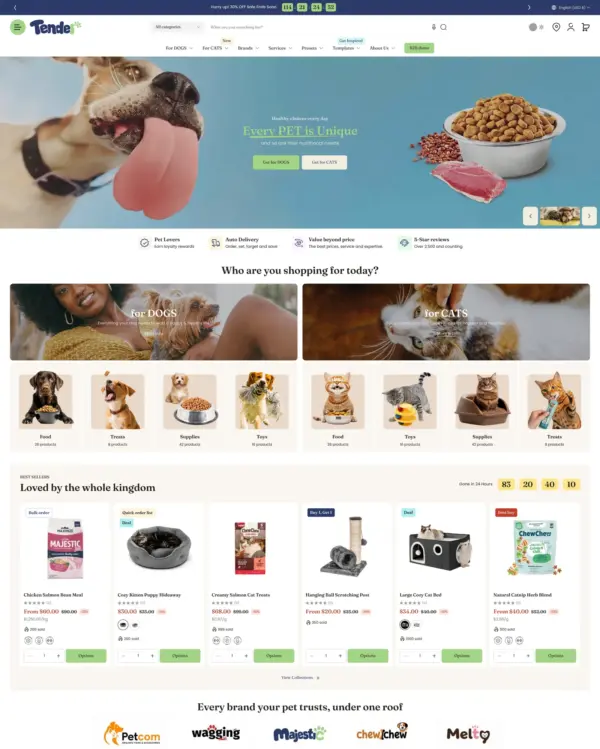

Helps shoppers search large electronics catalogs while giving wholesalers login pricing and bulk orders.
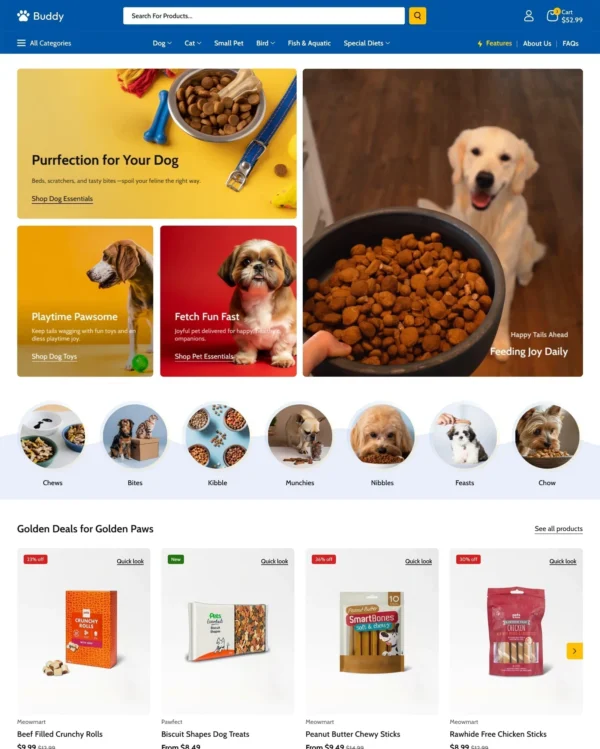

Helps shoppers explore electronics and general retail catalogs through menus and quick product previews.
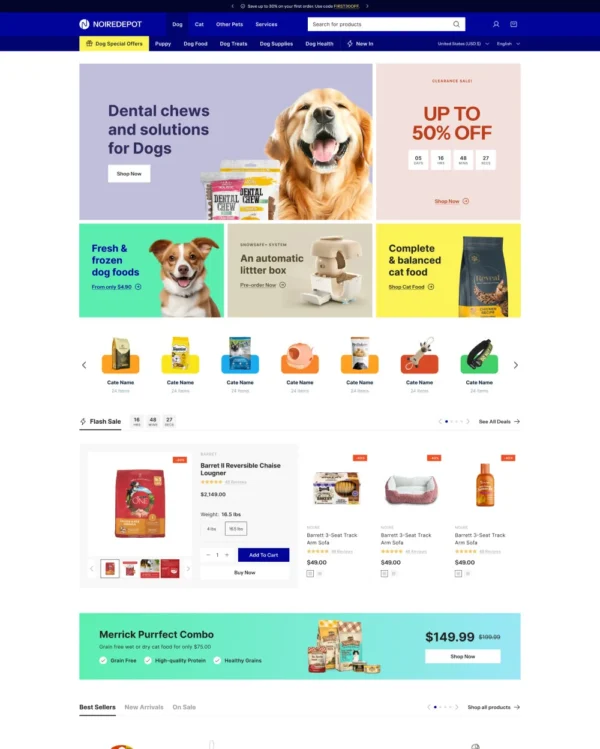

Brings an elegant look to larger pet and lifestyle catalogs, with lookbooks and continuous scrolling.
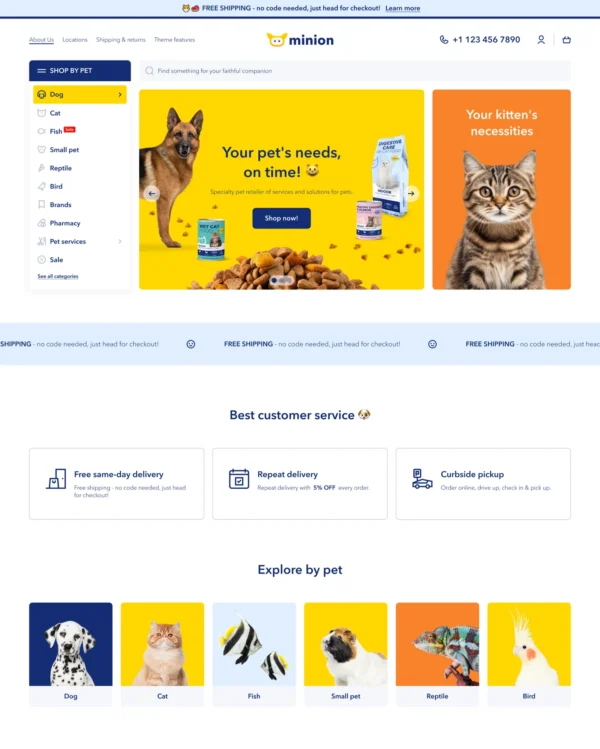

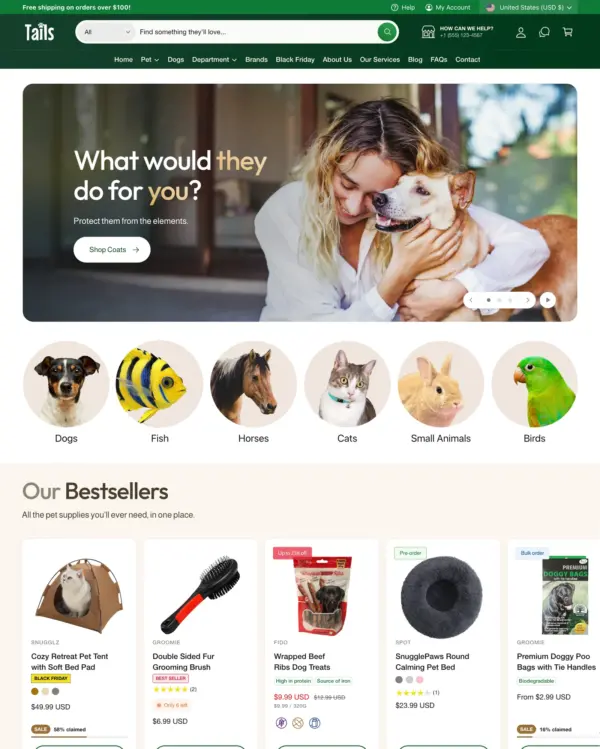
Helps pet owners browse by animal, brand, or product type through clear filters and vertical navigation.
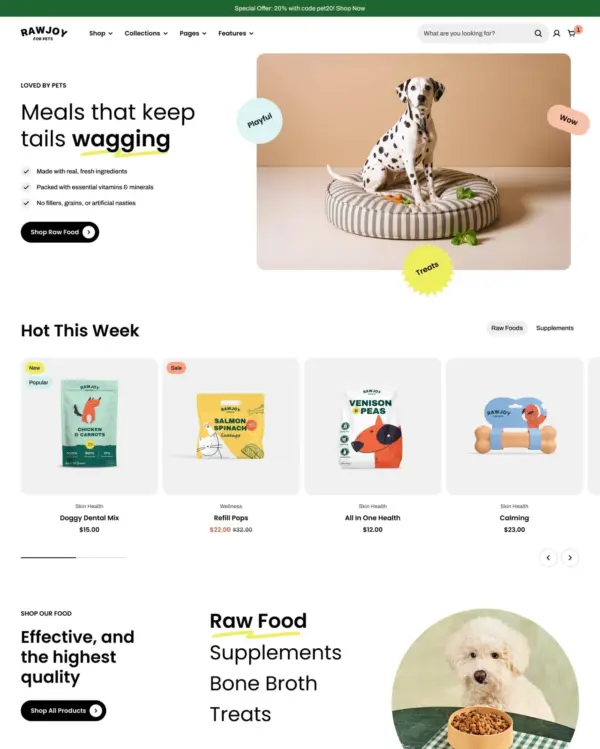
Brings a fluid, animated look to children's fashion, with nested layouts, lookbooks, and video.
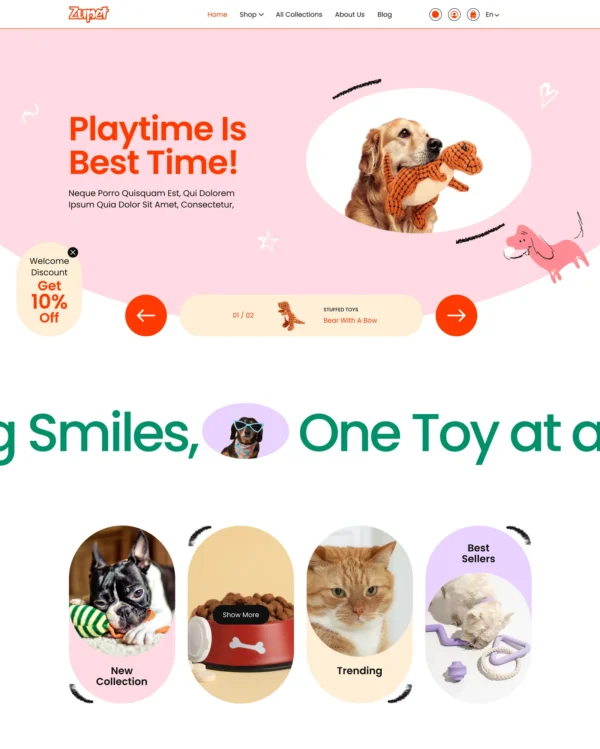
Cheerful colors and interactive lookbooks give toy and baby shops a friendly feel, with trust badges.

Keeps electronics specifications clear while supporting bulk purchases and quantity-based B2B pricing.