
Fastest
Swissuplabs 3 presets
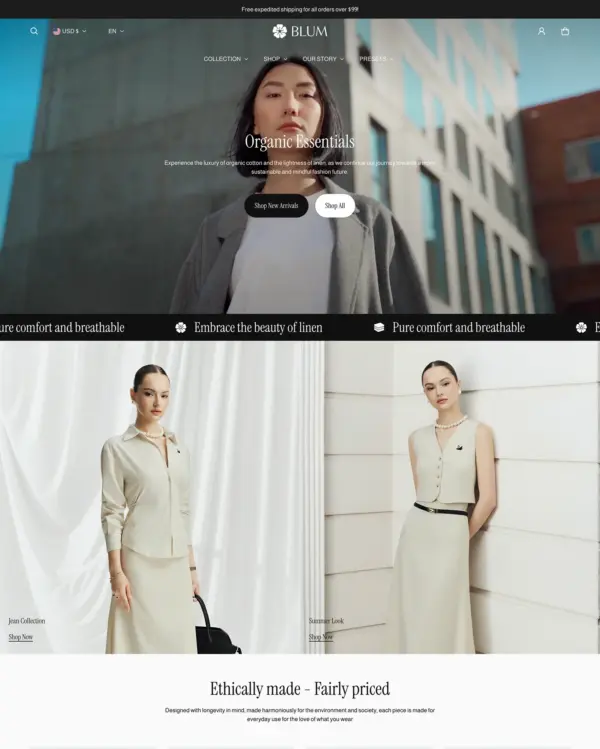
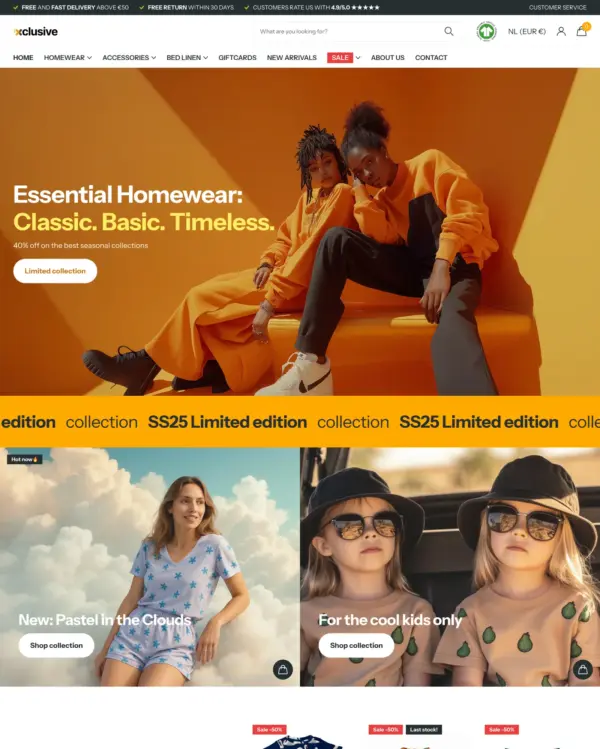
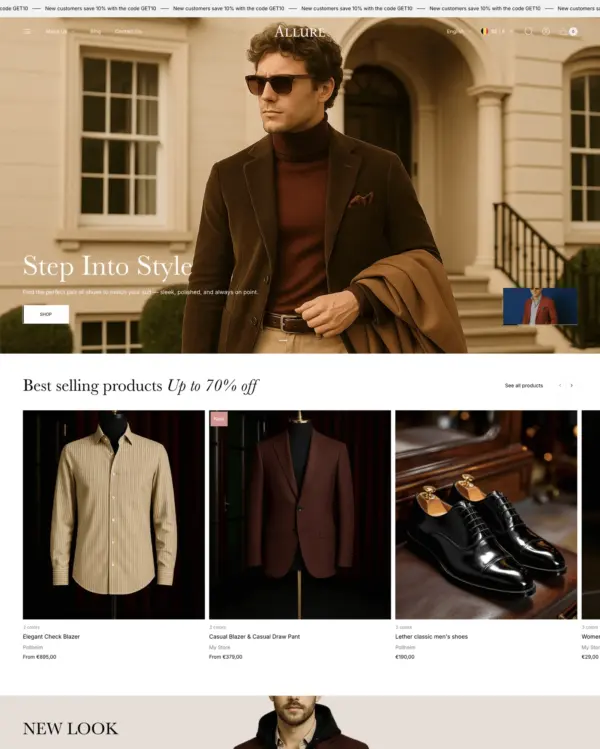
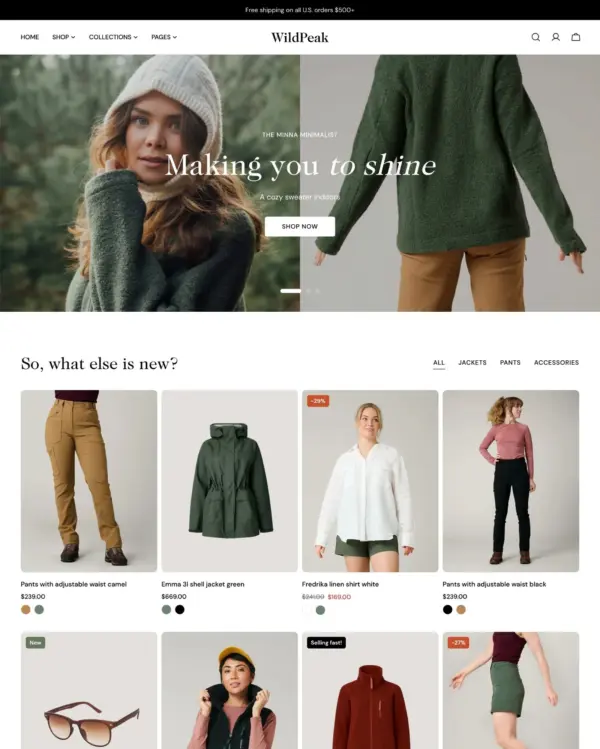
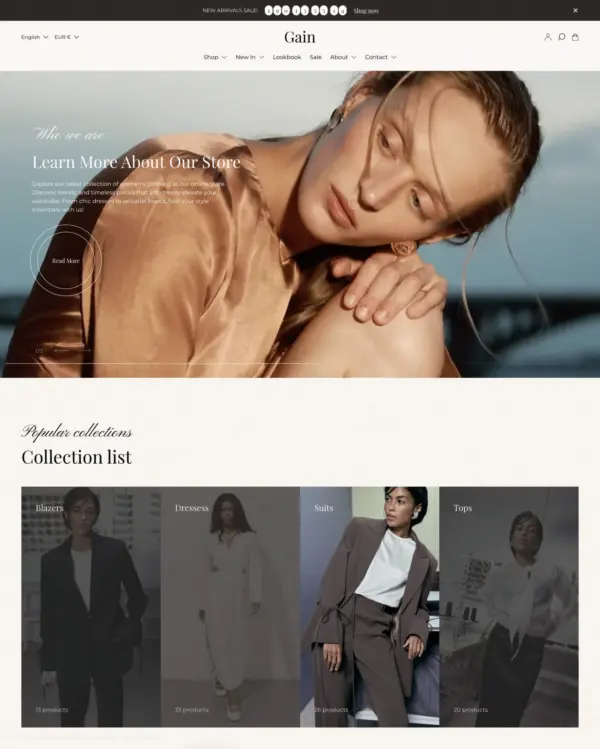
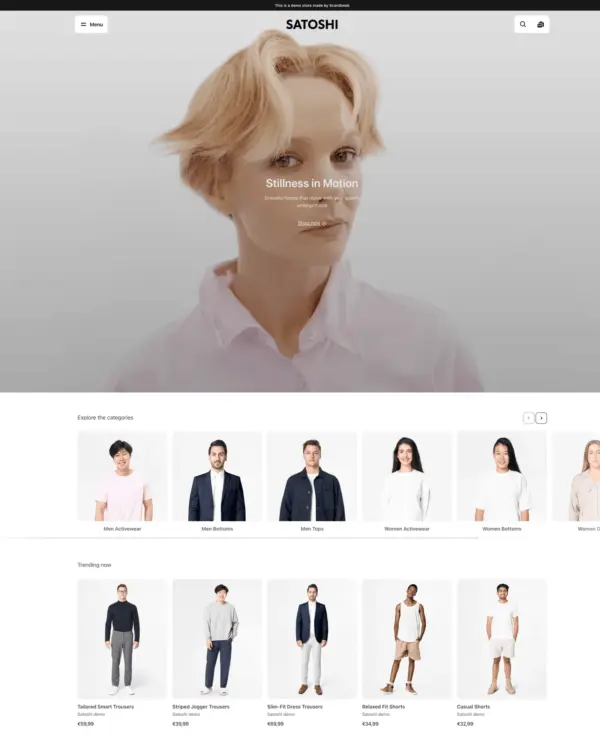
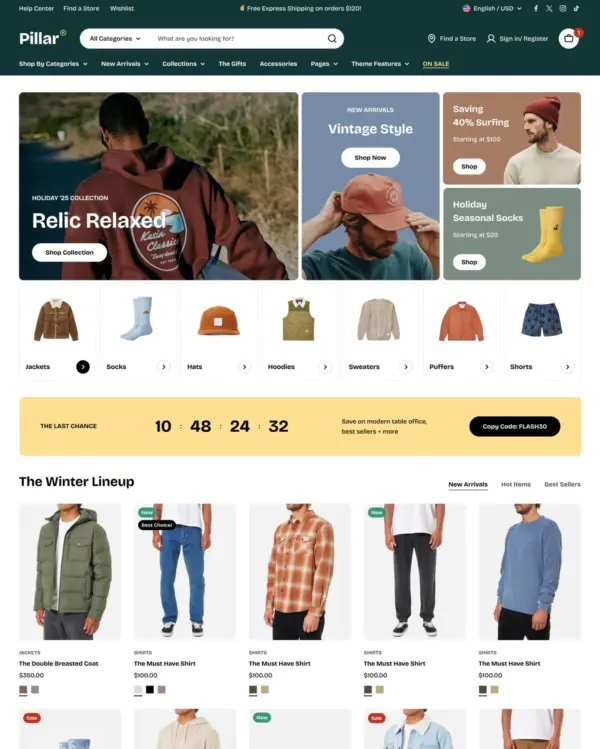
Clothing and lifestyle collections flow through lookbooks, product hotspots, and continuous scrolling.
Clothing Sports Jewelry and accessories
5.0 · 18 reviews $ 120




Created by Webibazaar Templates
Independently reviewed by the eDIY editorial team
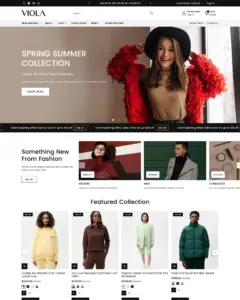
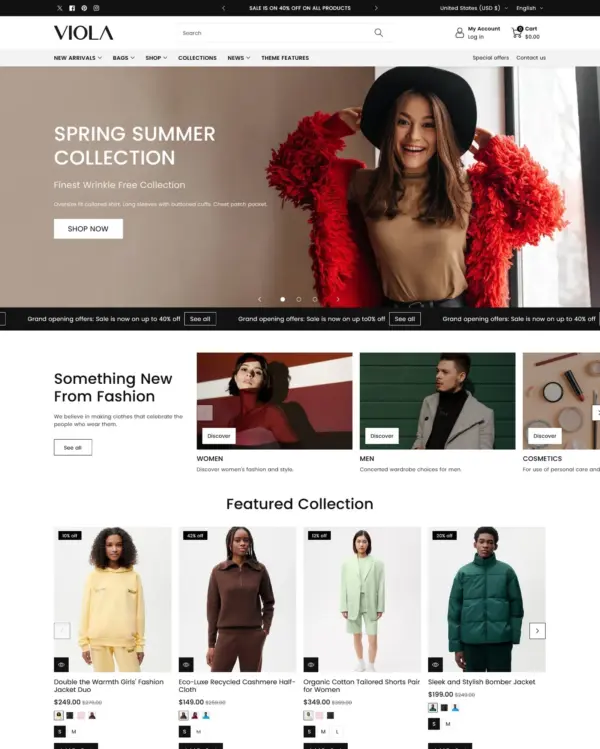
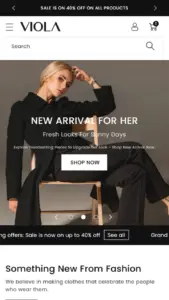
Viola has a distinct visual approach: rollover lookbooks put fashion and jewelry in focus, while detailed filters help narrow the choices. Viola's lookbooks become genuinely useful when they show products together and lead shoppers back to the individual items. At $210, Viola's everyday product and collection pages deserve as much attention as the more polished demo sections. The 95 merchant reviews give buyers more real-world feedback to check, particularly around updates. I'd judge Viola using an apparel product with all sizes and colors and actual store content, not only the official demo.

Google PageSpeed Insights scores out of 100. Demo results average the home, collection, and product pages.
Tested in November 2026, the official Viola demo scored 91/100 on mobile and 99/100 on desktop. On mobile, LCP was 3.1s, CLS 0.00 and Total Blocking Time 53ms.
| By page | Mobile | Desktop |
|---|---|---|
| Home page | 89 | 99 |
| Collection page | 100 | 99 |
| Product page | 84 | 99 |
| Metric | Mobile | Desktop |
|---|---|---|
| Largest Contentful Paint | 3.5s | 781ms |
| Cumulative Layout Shift | 0.00 | 0.00 |
| Total Blocking Time | 102ms | 53ms |
| Speed Index | 3.1s | 1.1s |
| Metric | Mobile | Desktop |
|---|---|---|
| Largest Contentful Paint | 1.2s | 901ms |
| Cumulative Layout Shift | 0.00 | 0.00 |
| Total Blocking Time | 56ms | 0ms |
| Speed Index | 2.7s | 603ms |
| Metric | Mobile | Desktop |
|---|---|---|
| Largest Contentful Paint | 4.5s | 761ms |
| Cumulative Layout Shift | 0.00 | 0.02 |
| Total Blocking Time | 0ms | 53ms |
| Speed Index | 2.5s | 887ms |
Lab data from PageSpeed Insights, Nov 2026
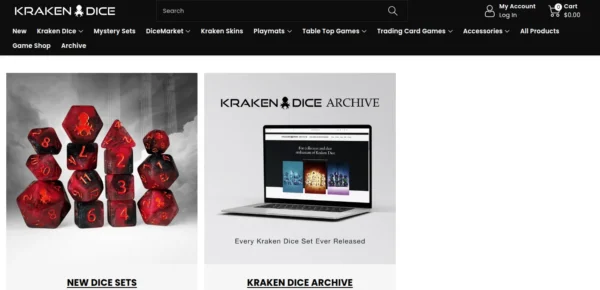
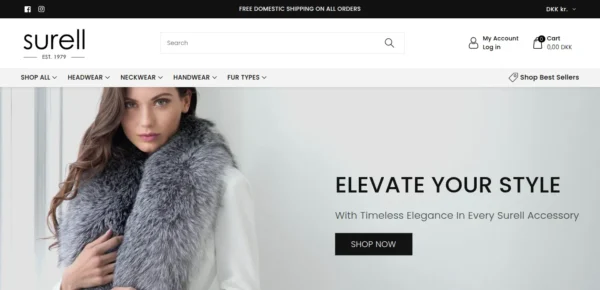
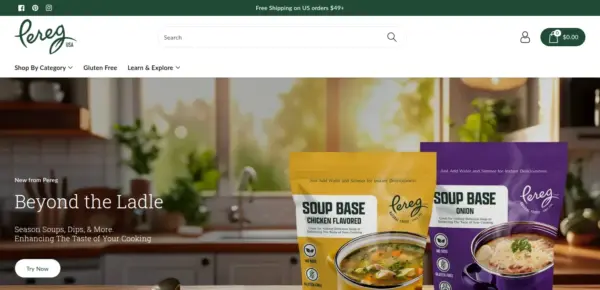
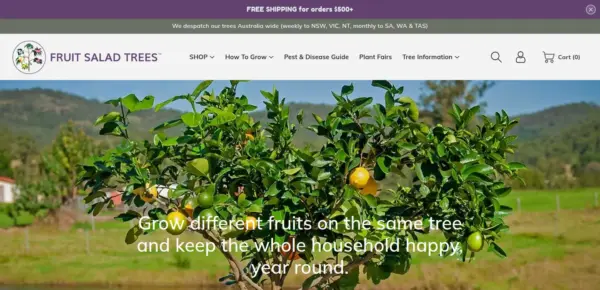
The 8 live stores we tested averaged 61/100 on mobile and 84/100 on desktop. Average mobile LCP was 10.0s and CLS was 0.05. These are complete production stores, so the numbers cover more than the theme itself.
| Metric | Mobile | Desktop |
|---|---|---|
| Largest Contentful Paint | 10.0s | 1.4s |
| Cumulative Layout Shift | 0.05 | 0.06 |
| Total Blocking Time | 461ms | 151ms |
| Speed Index | 7.2s | 2.7s |
Real stores carry their own apps, images and traffic
Google PageSpeed Insights scores out of 100. Demo results average the home, collection, and product pages.
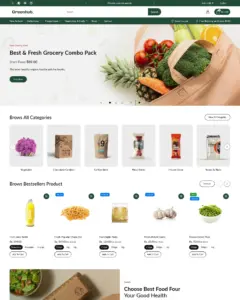
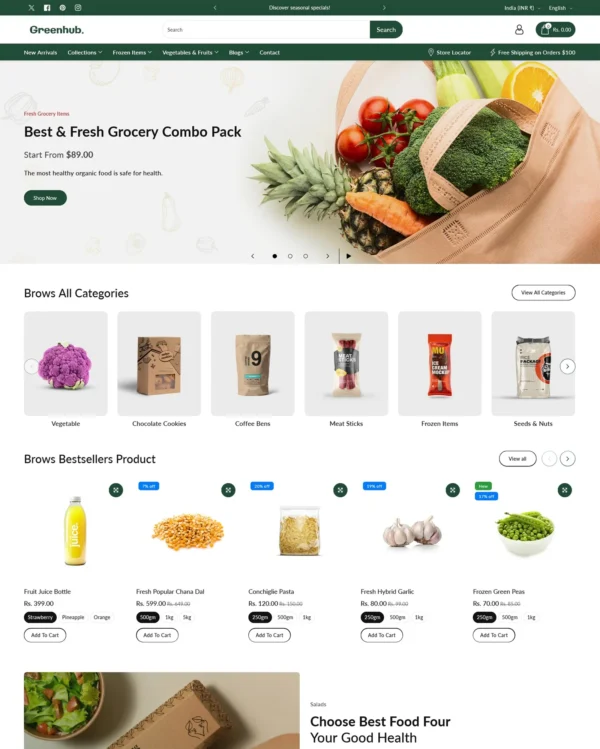
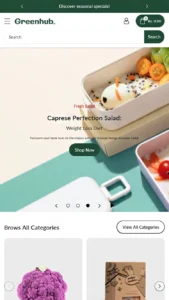
Tested in November 2026, the official Greenhub demo scored 82/100 on mobile and 95/100 on desktop. On mobile, LCP was 3.0s, CLS 0.03 and Total Blocking Time 287ms.
| By page | Mobile | Desktop |
|---|---|---|
| Home page | 60 | 88 |
| Collection page | 100 | 100 |
| Product page | 87 | 98 |
| Metric | Mobile | Desktop |
|---|---|---|
| Largest Contentful Paint | 4.3s | 1.0s |
| Cumulative Layout Shift | 0.00 | 0.00 |
| Total Blocking Time | 847ms | 202ms |
| Speed Index | 6.3s | 2.2s |
| Metric | Mobile | Desktop |
|---|---|---|
| Largest Contentful Paint | 1.1s | 297ms |
| Cumulative Layout Shift | 0.00 | 0.00 |
| Total Blocking Time | 3ms | 0ms |
| Speed Index | 2.3s | 966ms |
| Metric | Mobile | Desktop |
|---|---|---|
| Largest Contentful Paint | 3.7s | 1.1s |
| Cumulative Layout Shift | 0.09 | 0.00 |
| Total Blocking Time | 12ms | 28ms |
| Speed Index | 2.5s | 883ms |
Lab data from PageSpeed Insights, Nov 2026
The 8 live stores we tested averaged 61/100 on mobile and 84/100 on desktop. Average mobile LCP was 10.0s and CLS was 0.05. These results reflect complete production stores, not the theme alone.
| Metric | Mobile | Desktop |
|---|---|---|
| Largest Contentful Paint | 10.0s | 1.4s |
| Cumulative Layout Shift | 0.05 | 0.06 |
| Total Blocking Time | 461ms | 151ms |
| Speed Index | 7.2s | 2.7s |
Real stores carry their own apps, images and traffic
Google PageSpeed Insights scores out of 100. Demo results average the home, collection, and product pages.
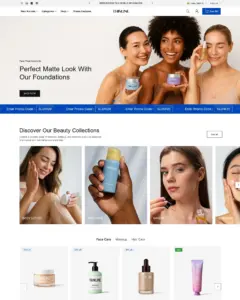
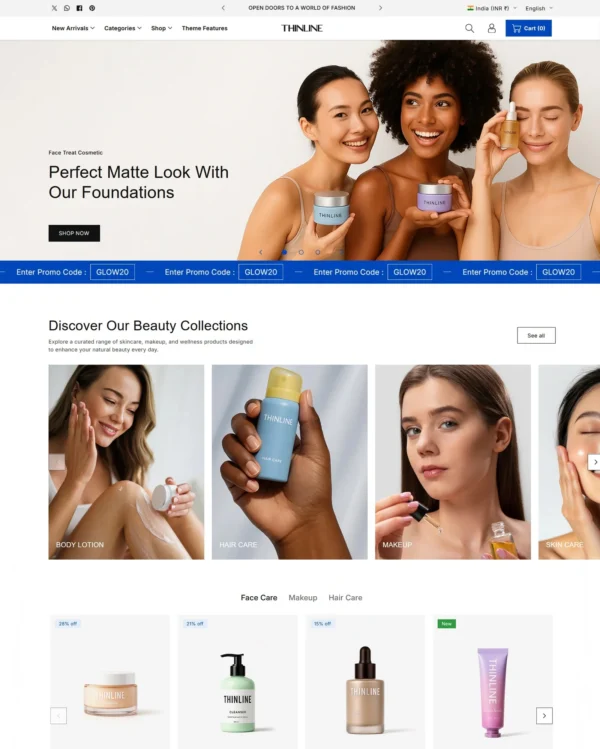
Tested in November 2026, the official Thinline demo scored 93/100 on mobile and 99/100 on desktop. On mobile, LCP was 3.1s, CLS 0.00 and Total Blocking Time 1ms.
| By page | Mobile | Desktop |
|---|---|---|
| Home page | 94 | 99 |
| Collection page | 95 | 100 |
| Product page | 90 | 100 |
| Metric | Mobile | Desktop |
|---|---|---|
| Largest Contentful Paint | 2.9s | 801ms |
| Cumulative Layout Shift | 0.00 | 0.00 |
| Total Blocking Time | 0ms | 43ms |
| Speed Index | 3.9s | 1.1s |
| Metric | Mobile | Desktop |
|---|---|---|
| Largest Contentful Paint | 2.9s | 681ms |
| Cumulative Layout Shift | 0.00 | 0.00 |
| Total Blocking Time | 0ms | 6ms |
| Speed Index | 1.5s | 548ms |
| Metric | Mobile | Desktop |
|---|---|---|
| Largest Contentful Paint | 3.6s | 721ms |
| Cumulative Layout Shift | 0.00 | 0.00 |
| Total Blocking Time | 2ms | 0ms |
| Speed Index | 2.3s | 912ms |
Lab data from PageSpeed Insights, Nov 2026
The 8 live stores we tested averaged 61/100 on mobile and 84/100 on desktop. Average mobile LCP was 10.0s and CLS was 0.05. These results reflect complete production stores, not the theme alone.
| Metric | Mobile | Desktop |
|---|---|---|
| Largest Contentful Paint | 10.0s | 1.4s |
| Cumulative Layout Shift | 0.05 | 0.06 |
| Total Blocking Time | 461ms | 151ms |
| Speed Index | 7.2s | 2.7s |
Real stores carry their own apps, images and traffic
Google PageSpeed Insights scores out of 100. Demo results average the home, collection, and product pages.
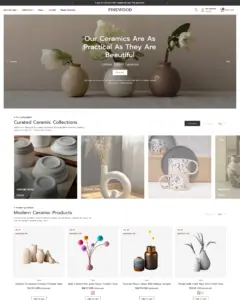
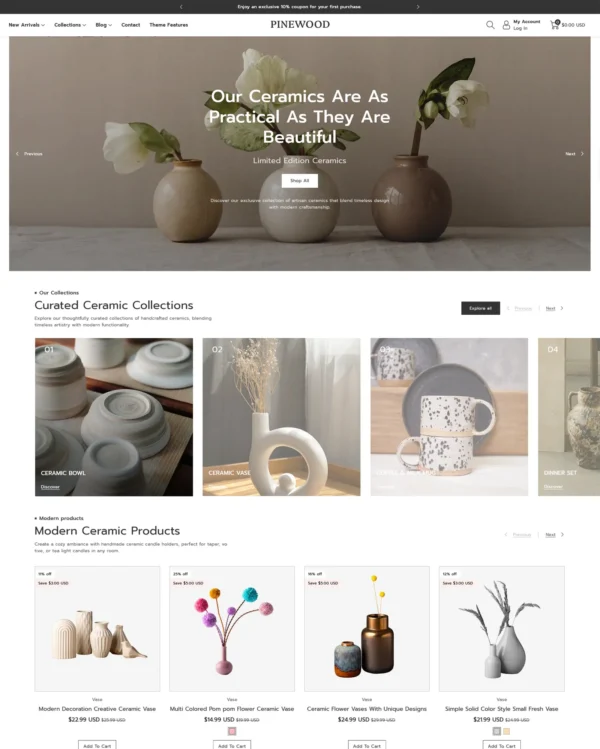
Tested in November 2026, the official Pinewood demo scored 89/100 on mobile and 99/100 on desktop. Mobile LCP was 3.7s, CLS was 0.00, and Total Blocking Time was 35ms.
| By page | Mobile | Desktop |
|---|---|---|
| Home page | 94 | 99 |
| Collection page | 84 | 99 |
| Product page | 90 | 99 |
| Metric | Mobile | Desktop |
|---|---|---|
| Largest Contentful Paint | 2.9s | 788ms |
| Cumulative Layout Shift | 0.00 | 0.02 |
| Total Blocking Time | 95ms | 0ms |
| Speed Index | 3.0s | 1.3s |
| Metric | Mobile | Desktop |
|---|---|---|
| Largest Contentful Paint | 4.4s | 841ms |
| Cumulative Layout Shift | 0.00 | 0.01 |
| Total Blocking Time | 0ms | 1ms |
| Speed Index | 1.9s | 869ms |
| Metric | Mobile | Desktop |
|---|---|---|
| Largest Contentful Paint | 3.7s | 841ms |
| Cumulative Layout Shift | 0.00 | 0.03 |
| Total Blocking Time | 9ms | 4ms |
| Speed Index | 1.8s | 1.0s |
Lab data from PageSpeed Insights, Nov 2026
Across 8 live stores we tested, the average PageSpeed score was 61/100 on mobile and 84/100 on desktop. Average mobile LCP was 10.0s and CLS was 0.05. These results reflect complete production stores, not the theme alone.
| Metric | Mobile | Desktop |
|---|---|---|
| Largest Contentful Paint | 10.0s | 1.4s |
| Cumulative Layout Shift | 0.05 | 0.06 |
| Total Blocking Time | 461ms | 151ms |
| Speed Index | 7.2s | 2.7s |
Real stores carry their own apps, images and traffic
Google PageSpeed Insights scores out of 100. Demo results average the home, collection, and product pages.
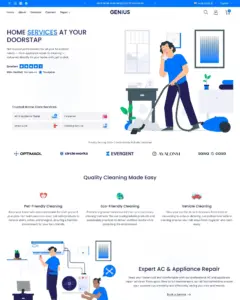
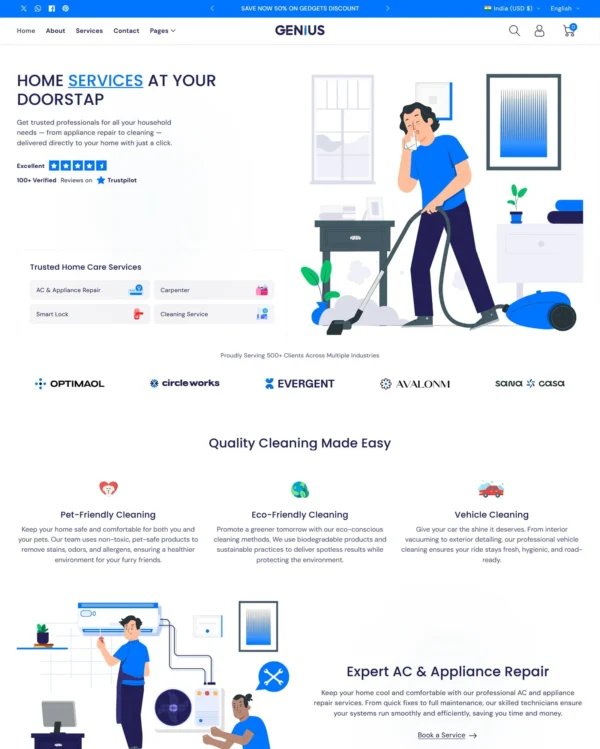
Tested in November 2026, the official Genius demo scored 89/100 on mobile and 99/100 on desktop. Mobile LCP was 3.6s, CLS was 0.00, and Total Blocking Time was 17ms.
| By page | Mobile | Desktop |
|---|---|---|
| Home page | 96 | 98 |
| Collection page | 81 | 99 |
| Product page | 90 | 100 |
| Metric | Mobile | Desktop |
|---|---|---|
| Largest Contentful Paint | 2.0s | 921ms |
| Cumulative Layout Shift | 0.00 | 0.05 |
| Total Blocking Time | 9ms | 0ms |
| Speed Index | 3.8s | 1.1s |
| Metric | Mobile | Desktop |
|---|---|---|
| Largest Contentful Paint | 5.0s | 961ms |
| Cumulative Layout Shift | 0.00 | 0.00 |
| Total Blocking Time | 0ms | 0ms |
| Speed Index | 2.6s | 701ms |
| Metric | Mobile | Desktop |
|---|---|---|
| Largest Contentful Paint | 3.7s | 761ms |
| Cumulative Layout Shift | 0.00 | 0.00 |
| Total Blocking Time | 43ms | 2ms |
| Speed Index | 2.3s | 640ms |
Lab data from PageSpeed Insights, Nov 2026
Across 8 live stores we tested, the average PageSpeed score was 61/100 on mobile and 84/100 on desktop. Average mobile LCP was 10.0s and CLS was 0.05. These are complete production stores, so the numbers cover more than the theme itself.
| Metric | Mobile | Desktop |
|---|---|---|
| Largest Contentful Paint | 10.0s | 1.4s |
| Cumulative Layout Shift | 0.05 | 0.06 |
| Total Blocking Time | 461ms | 151ms |
| Speed Index | 7.2s | 2.7s |
Real stores carry their own apps, images and traffic
No features match your search.





Viola has received 7 updates in the last 12 months.
All 94 reviews of Viola are positive. Merchants most often praise the responsive, knowledgeable support team, including quick fixes and help with custom code, along with the theme's clean design, ease of customisation and mobile performance. Reviewers report no meaningful recurring criticism.
Generated from all 94 Theme Store reviews ·
Viola has received 18 reviews in the last 12 months.
Clothing and lifestyle collections flow through lookbooks, product hotspots, and continuous scrolling.
Makes it easy to show complete outfits and related pieces alongside the main fashion collection.
Turns editorial fashion and jewelry images into shoppable displays, with continuous product browsing.
Puts fashion photography first, letting customers explore outfits through lookbooks and shoppable images.
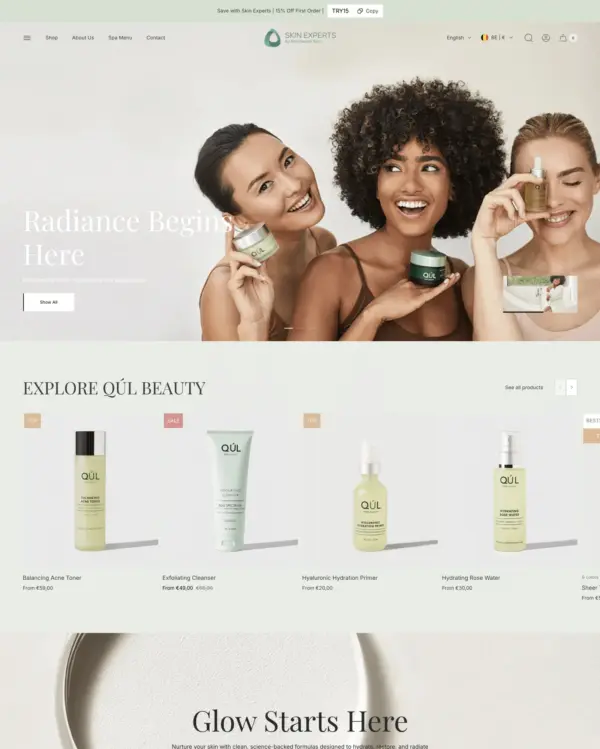
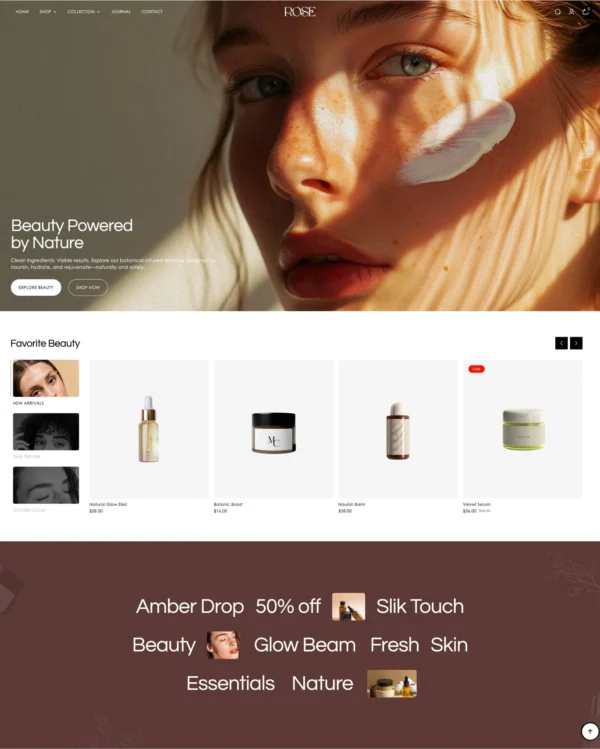
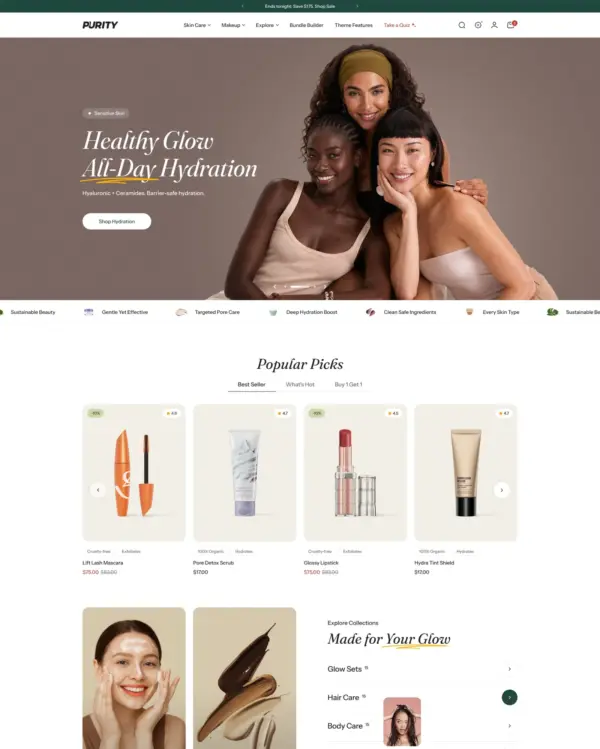
Blends words, images, and video in beauty pages, with an interactive drawer for searching products.
Combines apparel lookbooks and size charts with AI-assisted page setup and a sticky shopping cart.
Puts detailed apparel and accessory photography first, with precise layouts and interactive lookbooks.
Designed for wholesale shopping, with bulk order lists and pricing tools for business customers.
Designed for wholesale shopping, with bulk order lists and pricing tools for business customers.
Lets home and lifestyle stores build image-and-video sections, with continuous scrolling between products.
Helps shoppers search large electronics catalogs while giving wholesalers login pricing and bulk orders.
Presents trend-led fashion through video and lookbooks, with alerts when popular items return to stock.
Keeps wine, coffee, and gourmet food shopping minimal on mobile, with age checks where needed.
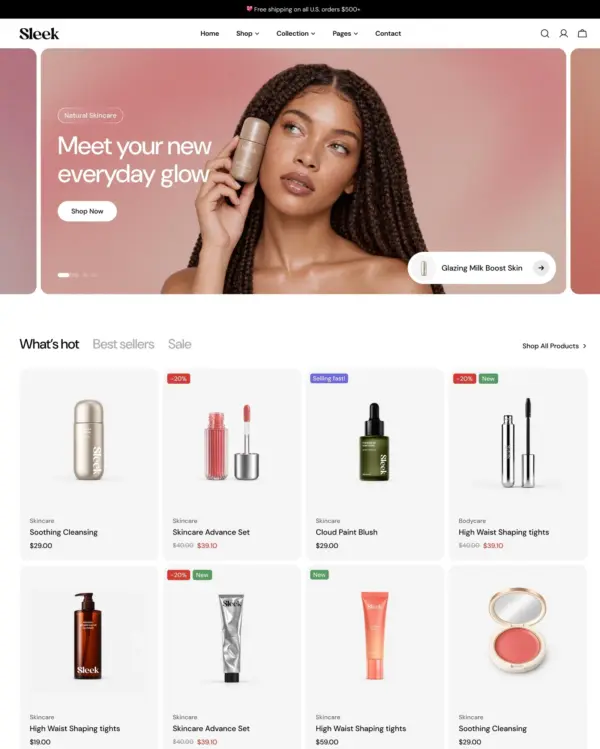
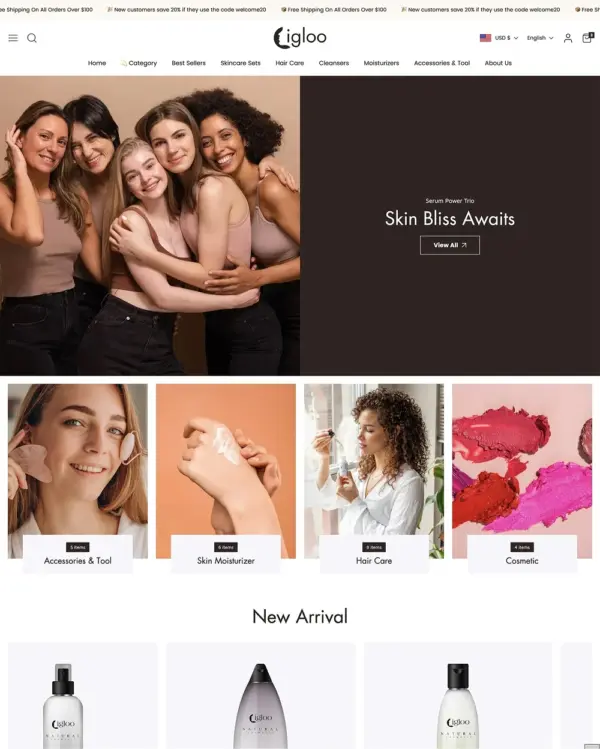
Keeps beauty and lifestyle collections tidy, with simple navigation and image comparisons.
Flexible landing sections and quick product previews support a bold, mobile-first footwear store.
Outfit imagery gets plenty of room, while restock alerts help apparel shoppers follow favorite pieces.
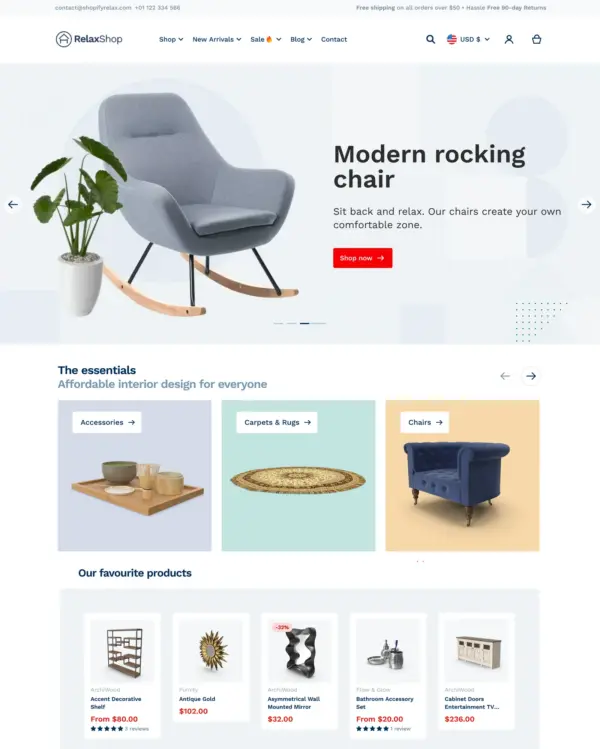
Takes a lightweight approach to home shopping, with built-in suggestions for related products.
Puts fashion photography first, letting customers explore outfits through lookbooks and shoppable images.
Blends words, images, and video in beauty pages, with an interactive drawer for searching products.
Designed for wholesale shopping, with bulk order lists and pricing tools for business customers.
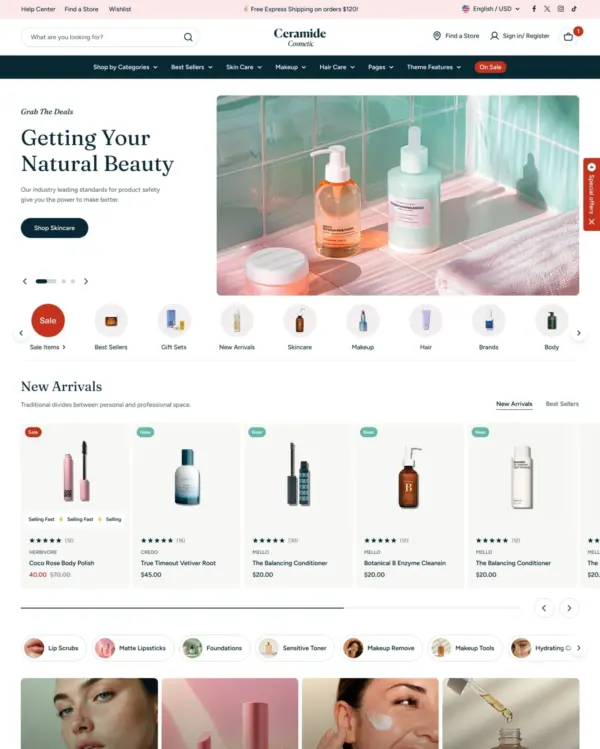
Handles both retail and wholesale beauty orders, including hidden guest prices, quick orders, and RTL layouts.
Keeps clothing and lifestyle catalogs flexible, with lookbooks and quantity-based pricing.
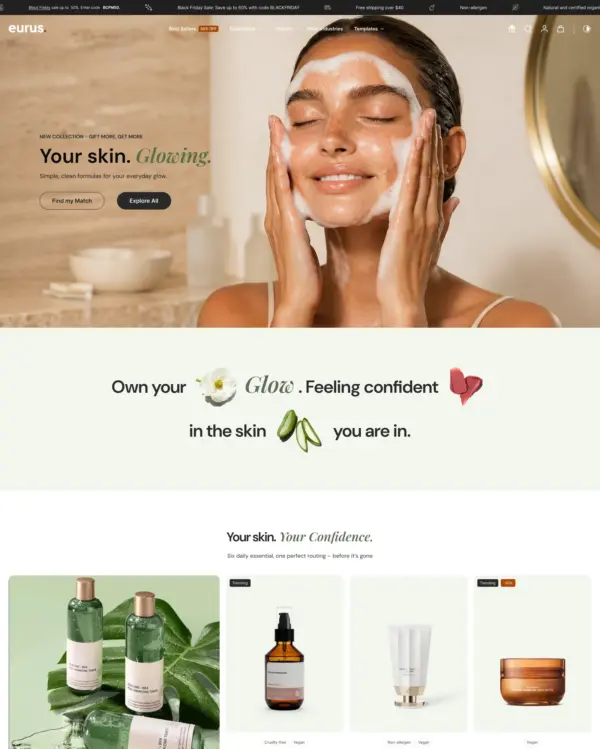
Guides skincare shoppers toward products with a built-in quiz, product finder, and visual lookbooks.
Brings outdoor gear to life with animated imagery, product comparisons, and filters for larger catalogs.
Takes a lightweight approach to home shopping, with built-in suggestions for related products.
Turns editorial fashion and jewelry images into shoppable displays, with continuous product browsing.
Puts fashion photography first, letting customers explore outfits through lookbooks and shoppable images.
Blends words, images, and video in beauty pages, with an interactive drawer for searching products.
Combines apparel lookbooks and size charts with AI-assisted page setup and a sticky shopping cart.
Puts detailed apparel and accessory photography first, with precise layouts and interactive lookbooks.
Designed for wholesale shopping, with bulk order lists and pricing tools for business customers.
Creates a luxury-inspired setting for fashion and jewelry, with gift wrapping and preorder options.
Grocery and specialty food collections look curated, with space for nutrition details and age checks.
Helps food and wellness shoppers find products quickly and read useful nutrition or product details.
Helps customers find matching auto parts with tabbed filters, product videos, and extra technical details.
Hero banners, sliders, and product hotspots offer electronics stores several ways to showcase products.
Subtle animation and image hotspots add useful details to an elegant bag and accessory layout.
Makes pet products easy to discover through lifestyle photos, bundles, and personalized options.
Wave, spike, and block-shaped section dividers add playful personality to toy-store pages.
Brings music and merchandise together in one store, complete with audio playback, video, and tour dates.