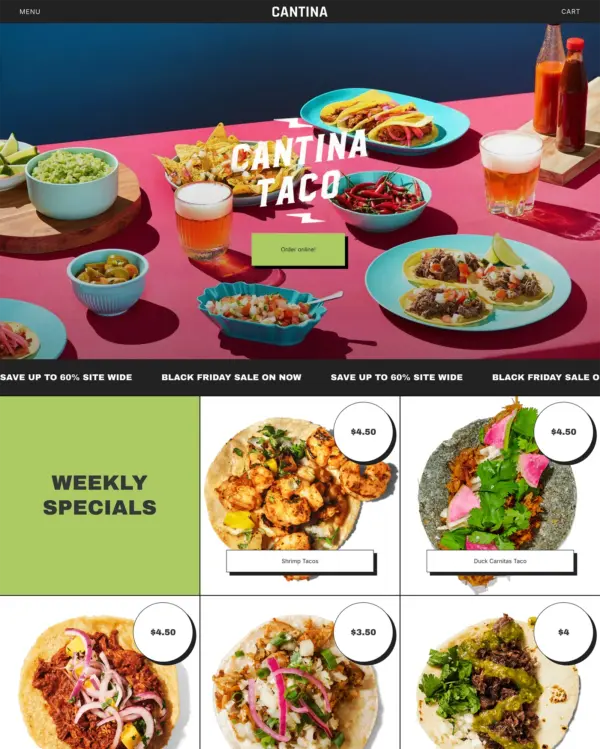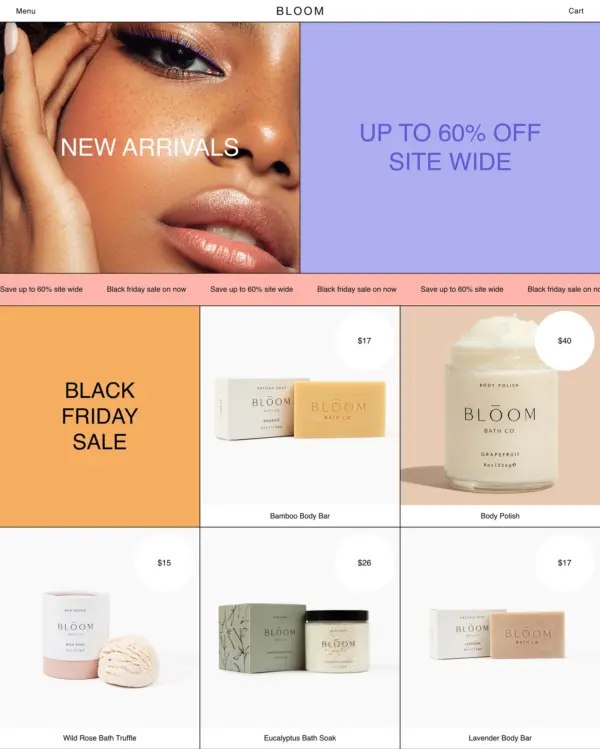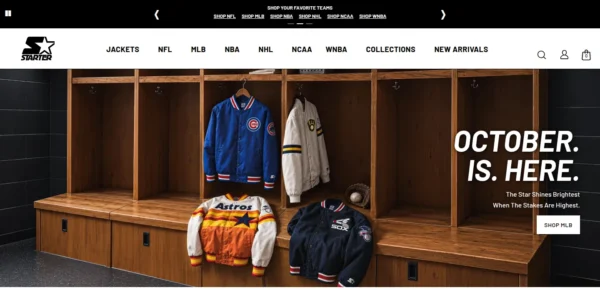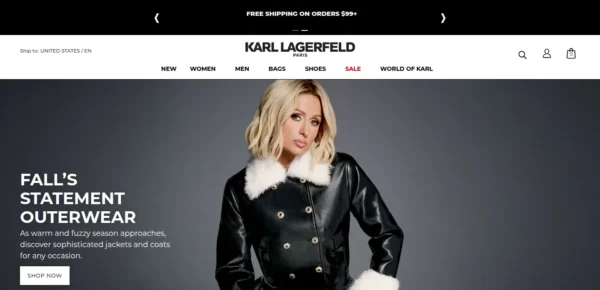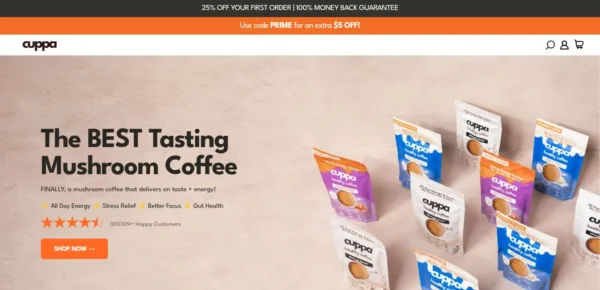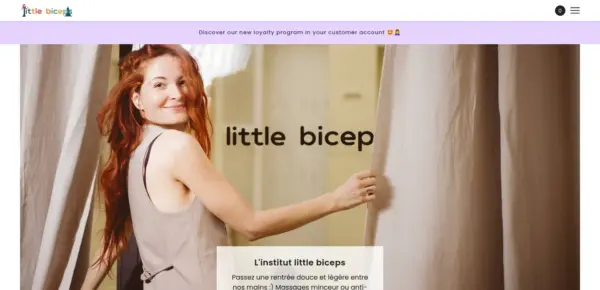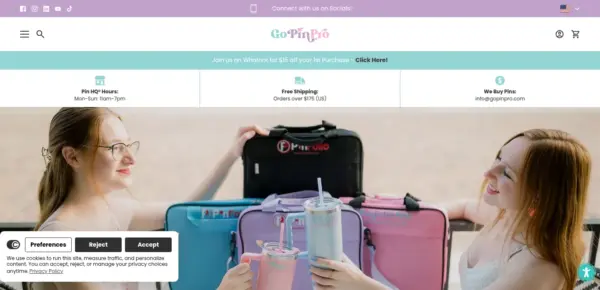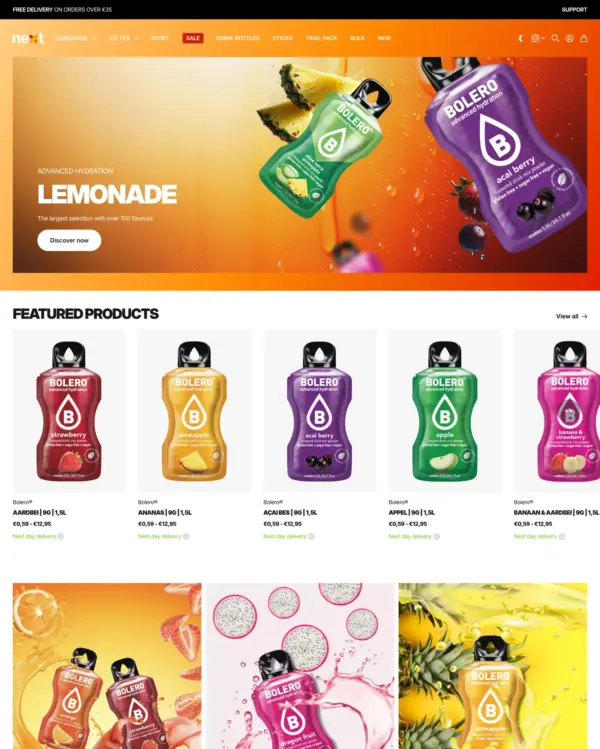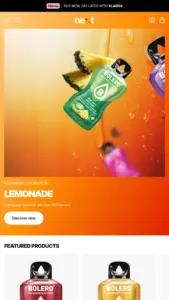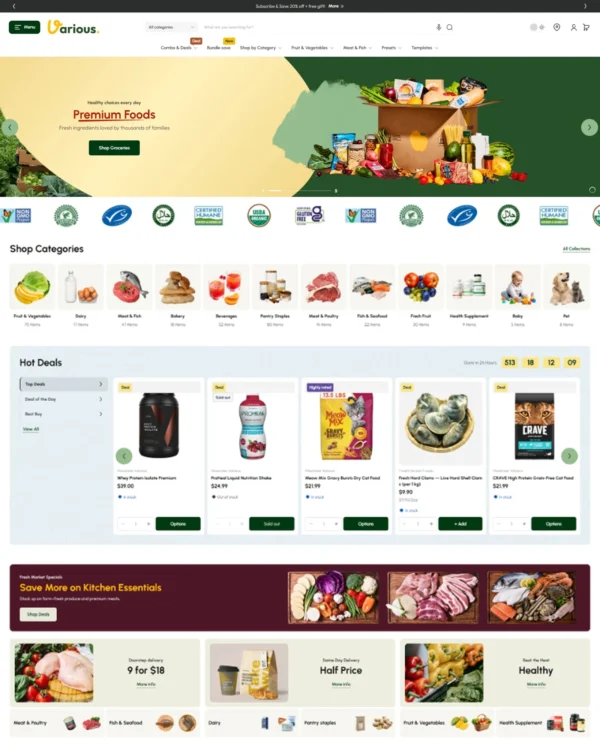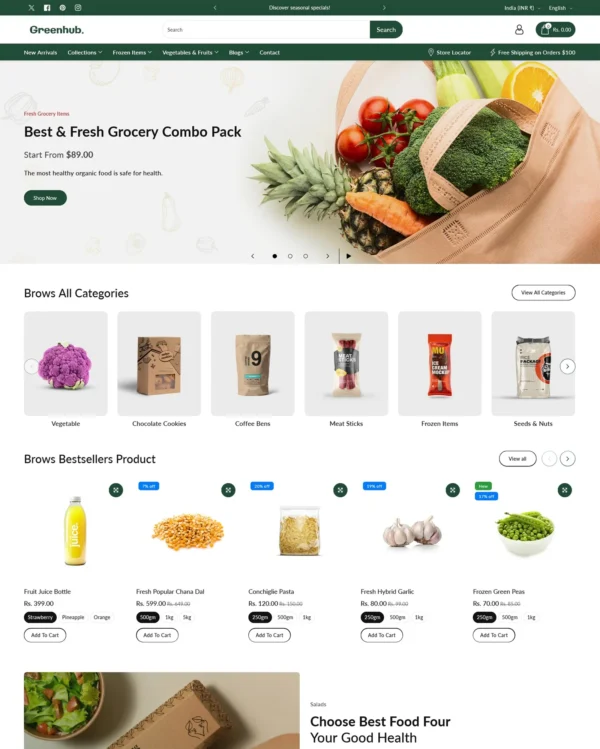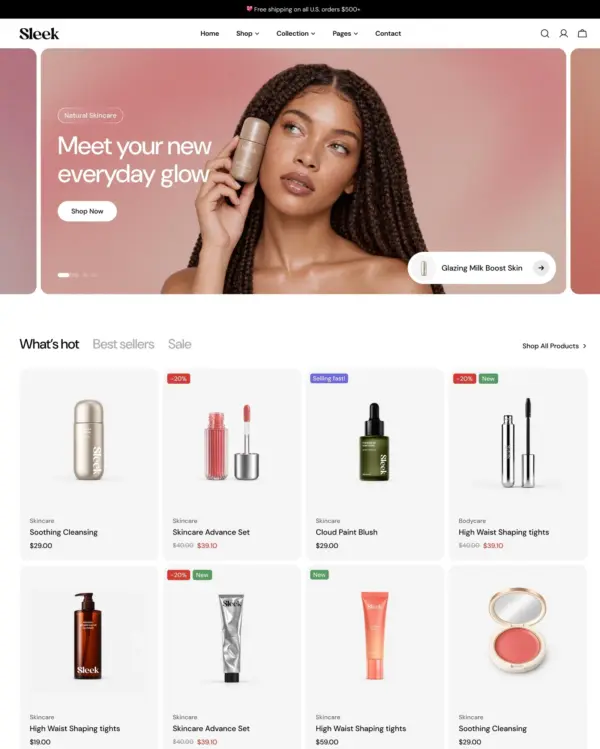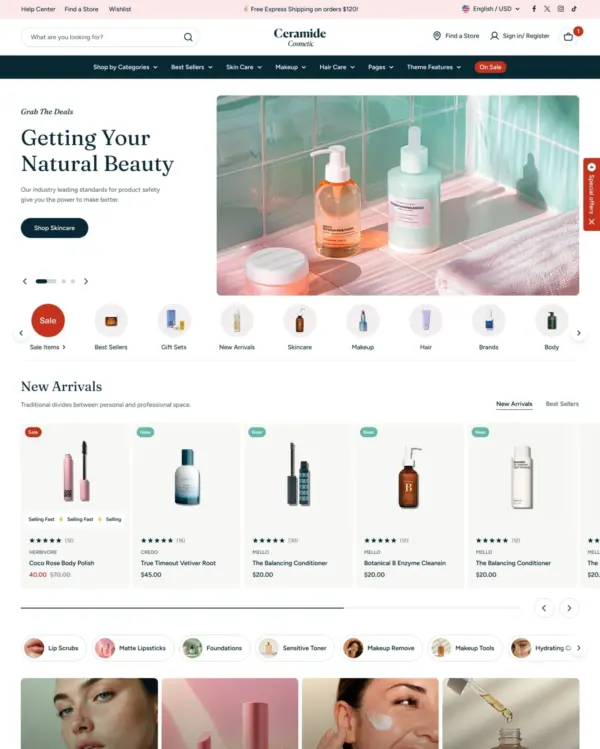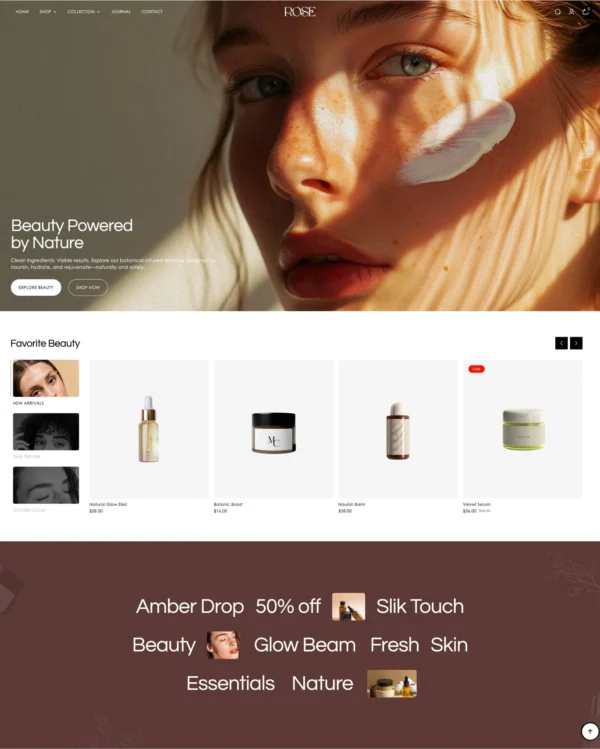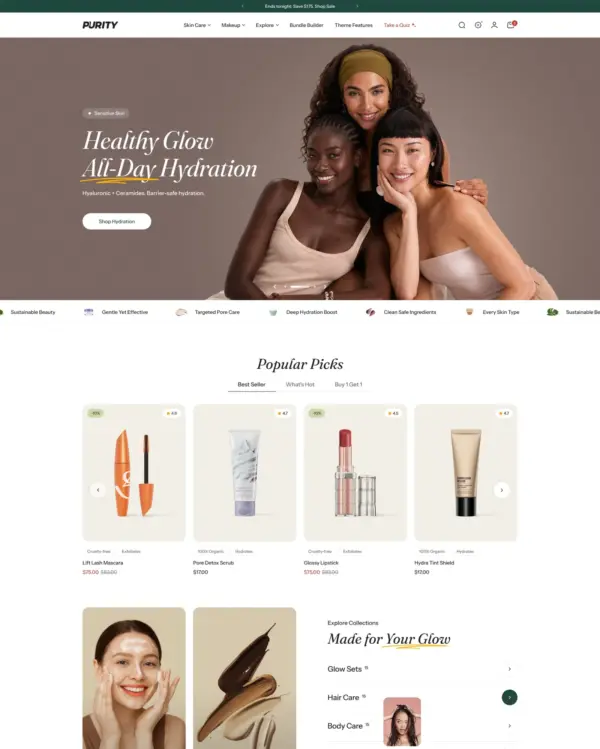
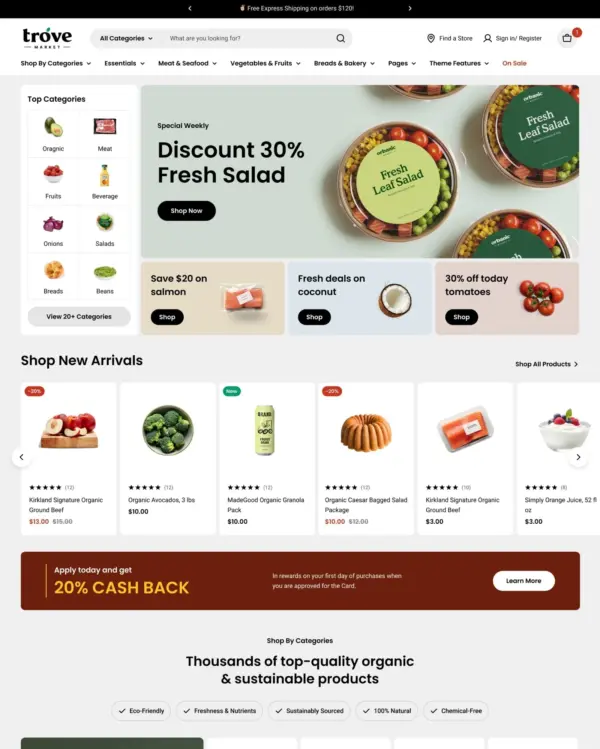
Designed for wholesale shopping, with bulk order lists and pricing tools for business customers.
Our verdict on Maker
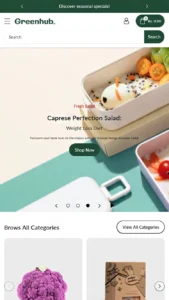
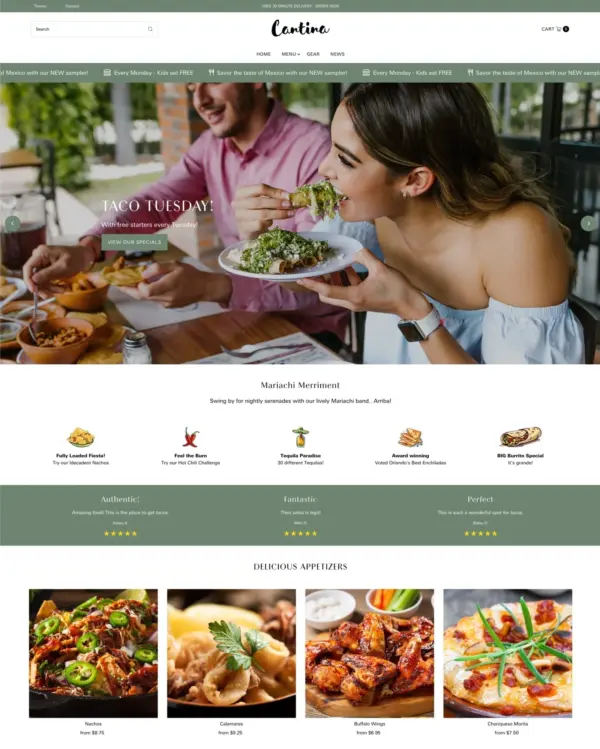
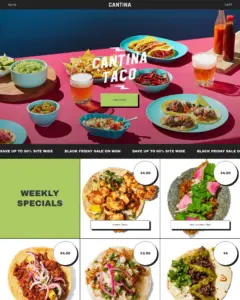
Maker brings food and lifestyle products together through shoppable galleries and seasonal menu displays. For Maker, there is room to tell a fuller brand story, assuming the merchant has meaningful editorial material to publish. At $400, Maker needs an editor and real-store experience that justify the premium. The 96 merchant reviews give buyers more real-world feedback to check, particularly around updates. The deciding test for Maker is clear ingredients, pickup choices and quick mobile ordering, with the merchant's own content.

What we liked
- Maker's editorial areas make most sense when a retailer has genuine stories or published coverage to share alongside its catalog.
- For Maker, a lookbook suits this food and drink direction because shoppers can see how different products work together before opening individual pages.
- Merchant reviews repeatedly praise Maker's clean, customisable design and the fast, helpful support from Troop; that is useful experience-based evidence beyond the official demonstration.
Worth knowing
- For $400, Maker should save meaningful design or merchandising work. Test a complete food order on a phone rather than relying on homepage styling.
- Merchant comments mention lack of responsiveness from support in a few cases and recent version changes that removed features; check the related reviews before committing to this theme.
How fast is Maker?
Google PageSpeed Insights scores out of 100. Demo results average the home, collection, and product pages.
The official Maker demo scored 90/100 on mobile and 99/100 on desktop in our November 2026 test. Mobile LCP was 3.6s, CLS was 0.00, and Total Blocking Time was 10ms.
Theme demo store
Official Maker demo, average of 3 pages| By page | Mobile | Desktop |
|---|---|---|
| Home page | 87 | 99 |
| Collection page | 92 | 100 |
| Product page | 91 | 100 |
| Metric | Mobile | Desktop |
|---|---|---|
| Largest Contentful Paint | 4.0s | 863ms |
| Cumulative Layout Shift | 0.00 | 0.00 |
| Total Blocking Time | 0ms | 0ms |
| Speed Index | 2.2s | 442ms |
| Metric | Mobile | Desktop |
|---|---|---|
| Largest Contentful Paint | 3.4s | 742ms |
| Cumulative Layout Shift | 0.00 | 0.00 |
| Total Blocking Time | 11ms | 6ms |
| Speed Index | 1.3s | 643ms |
| Metric | Mobile | Desktop |
|---|---|---|
| Largest Contentful Paint | 3.5s | 754ms |
| Cumulative Layout Shift | 0.00 | 0.04 |
| Total Blocking Time | 18ms | 0ms |
| Speed Index | 1.5s | 652ms |
Lab data from PageSpeed Insights, Nov 2026
Across 8 live stores we tested, the average PageSpeed score was 56/100 on mobile and 83/100 on desktop. Average mobile LCP was 12.1s and CLS was 0.07. These results reflect complete production stores, not the theme alone.
Live stores average
Mean across 8 stores running Maker| Metric | Mobile | Desktop |
|---|---|---|
| Largest Contentful Paint | 12.1s | 1.9s |
| Cumulative Layout Shift | 0.07 | 0.03 |
| Total Blocking Time | 431ms | 157ms |
| Speed Index | 7.5s | 1.6s |
Real stores carry their own apps, images and traffic
Per-store results
8 live stores · tested Nov 2026How fast is Bloom?
Google PageSpeed Insights scores out of 100. Demo results average the home, collection, and product pages.
Tested in November 2026, the official Bloom demo scored 85/100 on mobile and 99/100 on desktop. On mobile, LCP was 4.4s, CLS 0.00 and Total Blocking Time 7ms.
Theme demo store
Official Bloom demo, average of 3 pages| By page | Mobile | Desktop |
|---|---|---|
| Home page | 90 | 100 |
| Collection page | 81 | 98 |
| Product page | 84 | 99 |
| Metric | Mobile | Desktop |
|---|---|---|
| Largest Contentful Paint | 3.5s | 738ms |
| Cumulative Layout Shift | 0.00 | 0.00 |
| Total Blocking Time | 0ms | 0ms |
| Speed Index | 2.1s | 438ms |
| Metric | Mobile | Desktop |
|---|---|---|
| Largest Contentful Paint | 5.2s | 968ms |
| Cumulative Layout Shift | 0.00 | 0.00 |
| Total Blocking Time | 22ms | 0ms |
| Speed Index | 2.2s | 986ms |
| Metric | Mobile | Desktop |
|---|---|---|
| Largest Contentful Paint | 4.5s | 909ms |
| Cumulative Layout Shift | 0.00 | 0.00 |
| Total Blocking Time | 0ms | 0ms |
| Speed Index | 2.0s | 884ms |
Lab data from PageSpeed Insights, Nov 2026
The 8 live stores we tested averaged 56/100 on mobile and 83/100 on desktop. Average mobile LCP was 12.1s and CLS was 0.07. These results reflect complete production stores, not the theme alone.
Live stores average
Mean across 8 stores running Bloom| Metric | Mobile | Desktop |
|---|---|---|
| Largest Contentful Paint | 12.1s | 1.9s |
| Cumulative Layout Shift | 0.07 | 0.03 |
| Total Blocking Time | 431ms | 157ms |
| Speed Index | 7.5s | 1.6s |
Real stores carry their own apps, images and traffic
Per-store results
8 live stores · tested Nov 2026Tracked over time
Tracked over time
Features
Cart and checkout
- Cart notes
- In-store pickups
- Quick buy
- Slide-out cart
- Sticky cart
Marketing and conversion
- Age verifier
- Back-in-stock alert
- Blogs
- Countdown timer
- Cross-selling
- Customizable contact form
- EU translations (EN, FR, IT, DE, ES)
- FAQ page
- In-menu promos
- Press coverage
- Product badges
- Promo banners
- Promo popups
- Promo tiles
- Quick view
- Recently viewed
- Recommended products
- Stock counter
- Trust badges
Merchandising
- Usage information
- Slideshow
- Size chart
- Shipping/delivery information
- Product videos
- Product tabs
- Product options
- Lookbooks
- Ingredients or nutritional information
- Image zoom
- Image rollover
- Image hotspot
- Image galleries
- High-resolution images
- Color swatches
- Before/after image slider
- Animation
- Combined listing (Shopify Plus)
Product discovery
- Breadcrumbs
- Collection page navigation
- Enhanced search
- Mega menu
- Product filtering and sorting
- Recently viewed
- Recommended products
- Sticky header
- Swatch filters
No features match your search.
Maker ranking and satisfaction
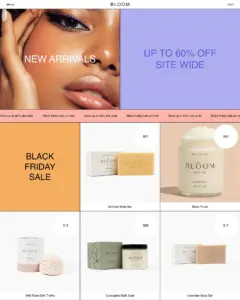
Maker Bloom preset ranking and satisfaction
Examples of Shopify stores using the Maker theme
Release history
Maker has received 7 updates in the last 12 months.
Summary
Your storefront now reports Shopify's standard events, so the apps and analytics you already use can follow product views, variant choices, collection browsing, search, and cart activity, including quick add, without custom tracking code. Apps that change the cart refresh it in place and can open the cart drawer or cart page. Custom code that opens the cart with theme:cart:open or refreshes it with theme:cart:refresh keeps working in this version. Use Shopify.actions.openCart() to show the cart and Shopify.actions.updateCart() to change it. A later update will remove theme:cart:open and theme:cart:refresh.
Pages also load lighter. Critical assets start earlier, and drawers, menus, and section scripts wait until they are needed. Fallback fonts and prioritized images reduce layout shift. After updating, set Show images on Text columns with images if columns previously hid their images.
Sidekick in the theme editor can now follow this theme's design and the Maker support guides. Shoppers never see that guidance.
Added
- Important: Sidekick, and other coding agents you connect to the theme, now read how Maker is built and the design of each preset (Maker and Bloom). Before changing a setting, they are sent to the matching page on support.troopthemes.com, including the Markdown copy of each guide. Every settings guide there also has an Ask Sidekick prompt for that page. See What is Sidekick and how can I use it?
Changed
- Card carousels on mobile are now always full width so slides use the full screen edge to edge, for example on the Product page, in Featured collection, and in the Quick add drawer
- In Text columns with images, Show images is now a section setting instead of a per-column setting. If you had turned off images on your columns, turn off Show images in the section settings after updating
- Improved storefront loading speed by loading critical CSS, the theme script, and the heading font earlier in the page head, to take advantage of Shopify's faster Liquid streaming
- Improved storefront loading speed by deferring cart drawer, search drawer, filter drawer, and mobile menu content until they are needed (on hover on desktop, or when opened on mobile)
- Improved storefront loading speed by doing the repeated Liquid work for product cards, menus, and other blocks in one pass instead of nested passes. This helps collection grids and other pages that render the same blocks many times
- Reduced layout shift when custom fonts load by matching the width and line spacing of the fallback font to the selected typefaces
- Images in the first sections of a page, including the first product in a collection, now load immediately, and the largest one is prioritized so it can paint sooner
- Scripts for product cards, filters, video, carousels, and other sections now load only when that section is on the page. The header, menu, cart, and slideshow still load with the page
- Improved collection and search page rendering by skipping review metafield work on product cards that have no ratings
- Smoother drawer, menu, and pop-up animations on mobile, and page animations now use less memory so scrolling stays smooth on lower-end phones
- Added support for Shopify's standard events and actions. Apps and analytics can now track page views, product views, variant selections, collection views, collection filtering and sorting, search, and cart activity without theme-specific code. Product views cover the product page, featured products, product cards as they scroll into view, and quick add. Search covers predictive search and filtering or sorting search results. Cart activity covers opening the cart, adding, updating, or removing items, saving an order note, and a failed cart request
- Apps that add to or update the cart now refresh the theme's cart without reloading the page, and can open the theme's cart drawer or cart page
Fixes
- Fixed a layout issue on mobile when the product page carousel had only one image
- Fixed an issue where uploaded autoplay videos would download as soon as the page loaded, even far down the page. They now start loading shortly before they scroll into view and no longer load the video player library they did not need
- Fixed an issue where a product's price could be hidden in carousels when a long product title wrapped onto a second line
Added
- Brand new Media row section for displaying up to three images or videos in a row, with aspect-ratio height options and optional overlay text
- Added a Fit scale block to the Product page and Featured product section. Position the indicator per product using a
custom.fit_scaleinteger metafield (0–10), with customizable Runs small, True to size, and Runs large labels. Products without a metafield use a configurable default position. - Added desktop and mobile section spacing settings in Theme settings > Layout to customize the small, medium, and large spacing values used throughout the theme
- Added a Match link size to block heading setting in Theme settings > Typography
- Added full width, mobile full width, and Show article heading settings to the Blog page, making it easier to build more editorial-style layouts
- Added video support to the Popups section Newsletter (small) and Newsletter (large) blocks. Choose image or video media, with Shopify video upload or YouTube/Vimeo link options
- Added Shopify's new customer accounts to the header (desktop and mobile), replacing the legacy customer account experience. Legacy account templates and sections have been removed — stores still on legacy accounts that upgrade will be automatically moved to the latest customer accounts. Includes a Customer account menu setting for the account sheet links
Changed
- Updated the Size guide to open in the right drawer instead of a modal
- Updated the Related products section to hide when one or fewer products are recommended, and to avoid awkward grid gaps when four or five products are returned while still showing two, three, or six products in full
- Improved page load performance related to quick add buttons on product cards
- Improved storefront loading speed by limiting high-priority images and prefetching pages on link hover
Fixes
- Fixed an issue where product card hover styles could incorrectly activate in iOS in-app browsers
- Fixed empty grid gaps in the Recent products section when heading alignment is left or right
- Fixed an issue where Announcement bar blocks would become transparent when selected in the theme editor
- Fixed an issue where the Slideshow auto-rotate progress animation on pagination dots would not play
Added
- Reworked the Popups section: Newsletter (small) and Newsletter (large) replace the previous Newsletter and Large promotion blocks, and Promotion bar replaces Small promotion. Newsletter (large) supports a centered modal layout, customizable width, and left or right image placement. Newsletter (small) supports top or left image placement, image size options, and a compact bottom-corner layout.
- Added a Cart label setting in Theme settings > Cart to choose between Cart and Bag terminology across the header, add to cart button, cart drawer, and related messages
- Added a text size setting to the Price block on the Product page and Featured product section
Fixes and other improvements
- In the Text columns with images and Icons row sections, block titles and media now link when a block button link is set
- Fixed an issue where popup blocks would not always open when changing block selections in the theme editor
- Fixed an issue where section text colour was not applied to carousel navigation, product form collapsible rows, or complementary products
- Fixed an issue where video media with no aspect ratio would render as a blank tile in the product gallery
- Fixed an issue where the heading in the Related products section would display the default text instead of the configured value from the theme editor
Fixes
- patched a problem where some blocks in the Media with highlight and Collection with highlight sections wouldn't redirect
Added
- Added a second portrait aspect ratio (2:3) for image sizes
- Added global swatch settings
- Added text alignment settings to the Description block on the Product page and Featured product section
- Added custom HTML/Liquid code setting for the
<head>tag in Theme settings > Advanced - Added submenu support to the menu
- Added section link setting to the Image with text overlay section
- Brand new Media overlay columns section
Changed
- Renamed the Collapsible rows section to FAQ
- Refreshed collection filter: improved animations, quicker loading times, and new options for tag colors
Fixes
- Improved price bubble and title sizes on product cards
What merchants say about Maker Shopify theme
Merchant sentiment summary
AI89 of 96 reviews are positive, with 4 neutral and 3 negative. Merchants most often praise Maker's clean, customisable design and the fast, helpful support from Troop, with several noting quick fixes to code and layout issues. The most common criticism is the lack of responsiveness from support in a few cases and recent version changes that removed features, with a few reviewers reporting UX bugs.
Generated from all 96 Theme Store reviews ·
Maker has received 5 reviews in the last 12 months.