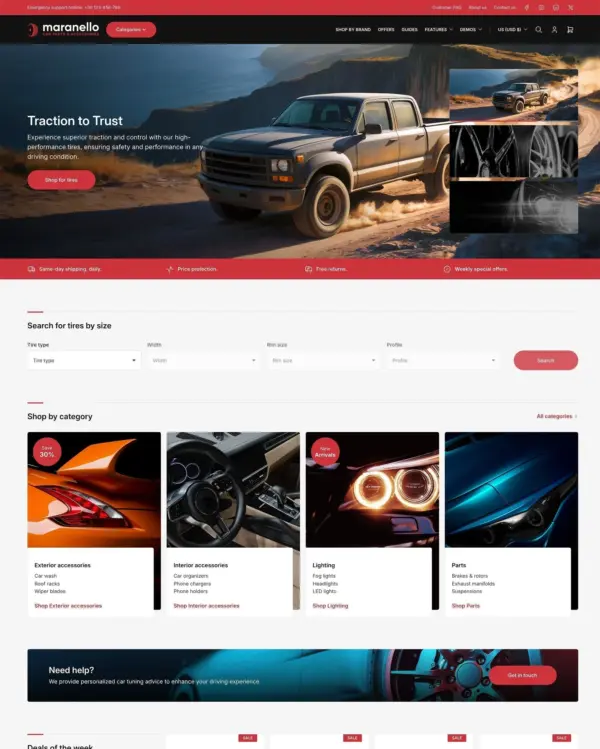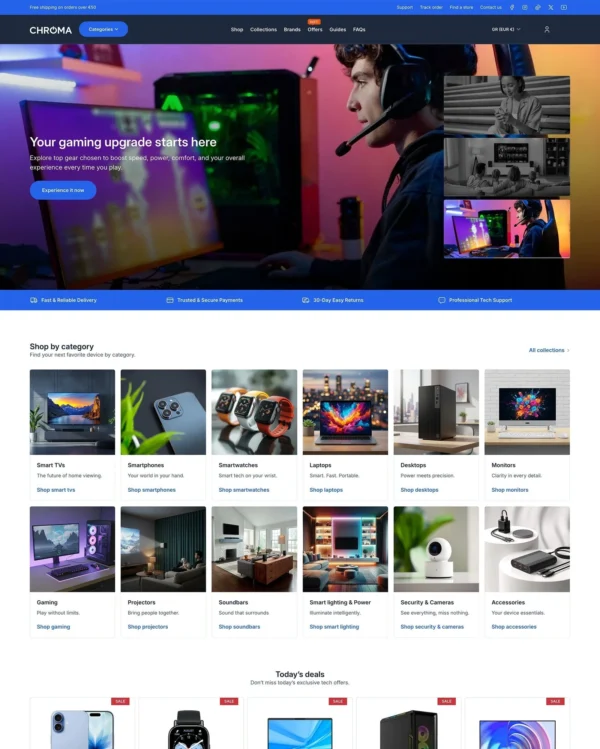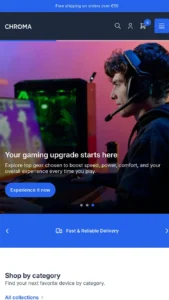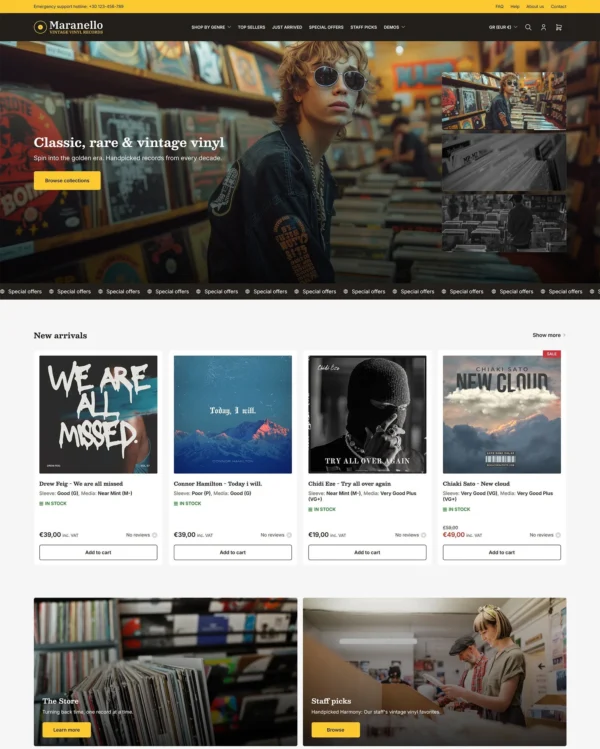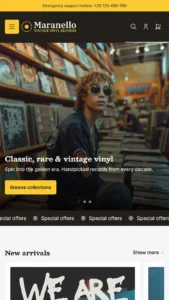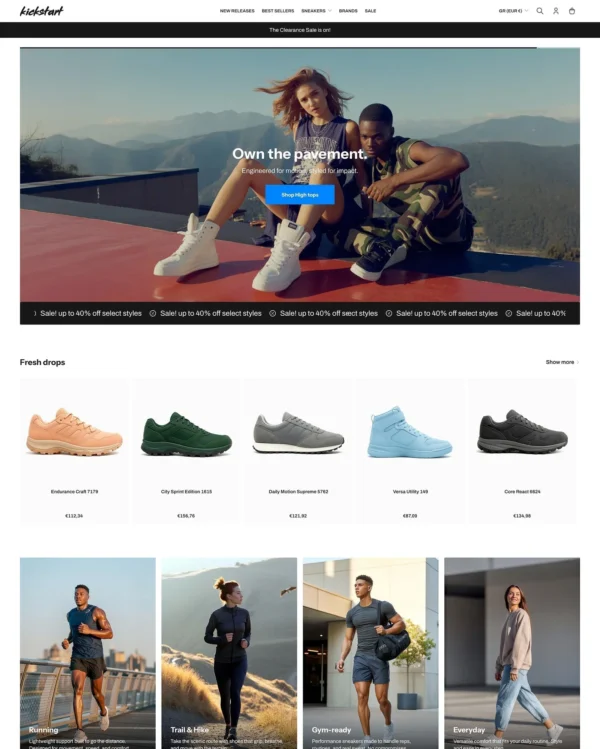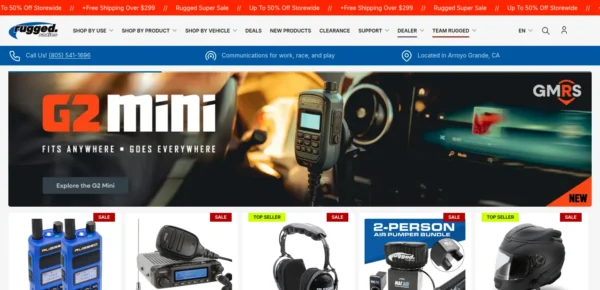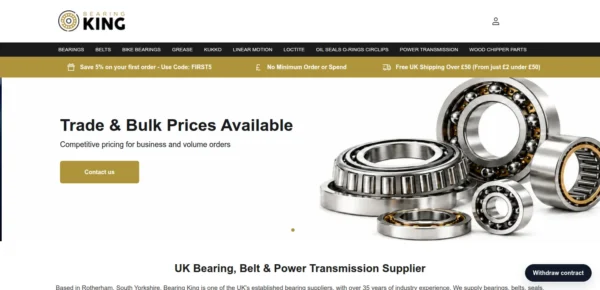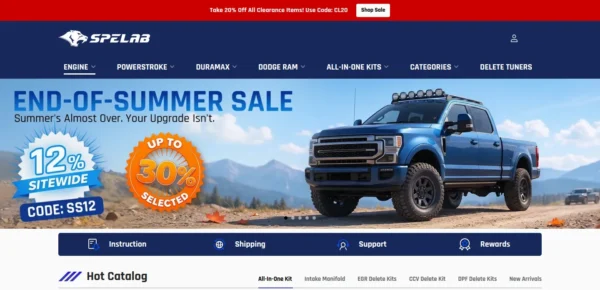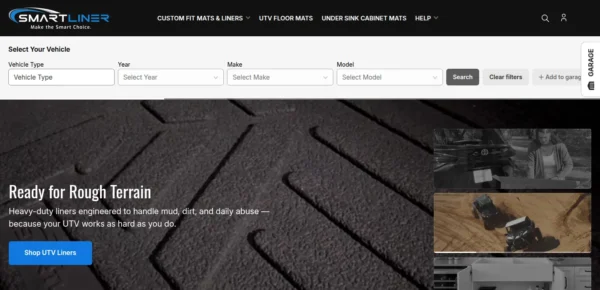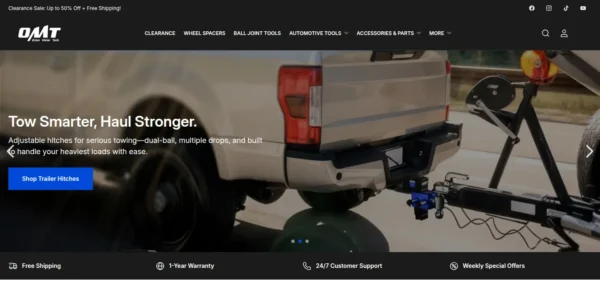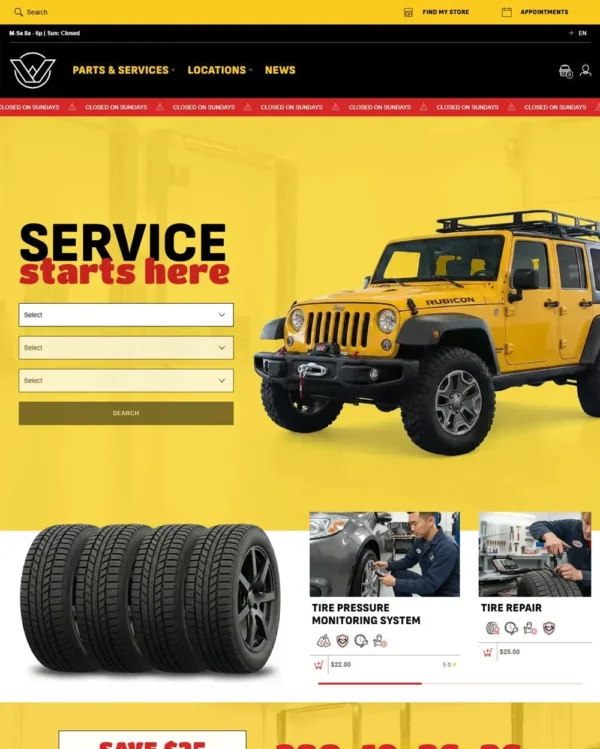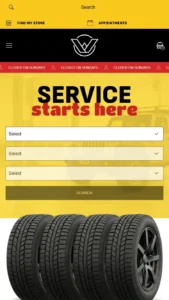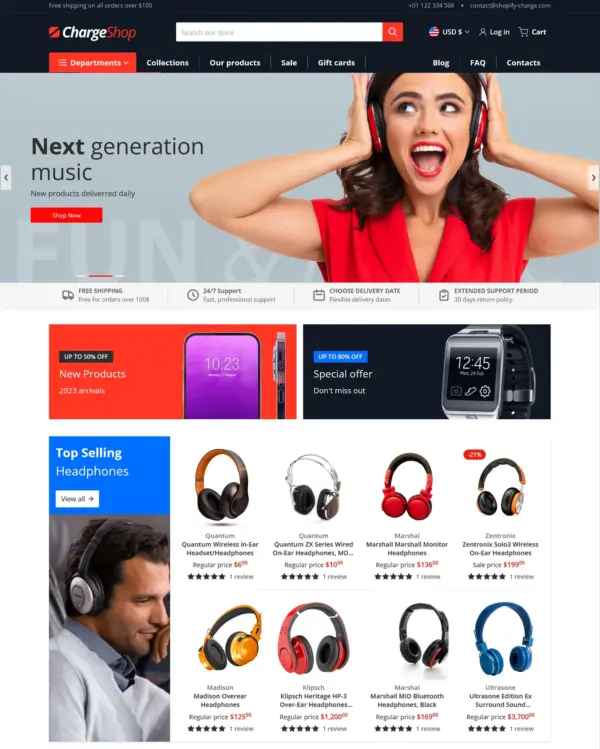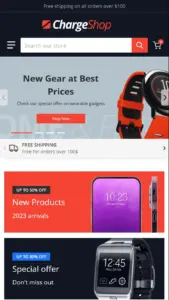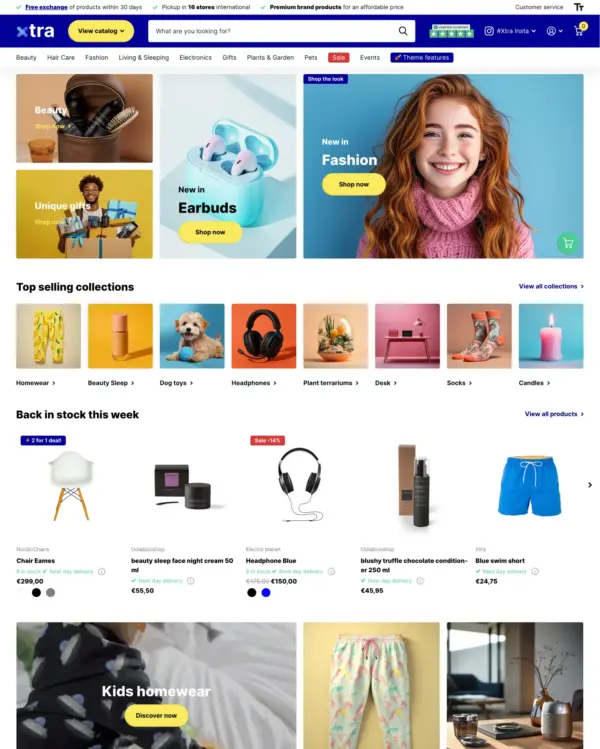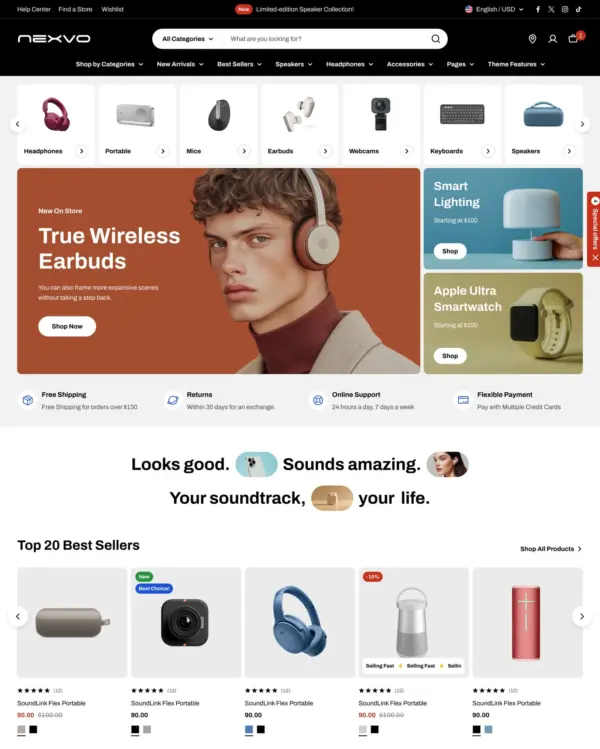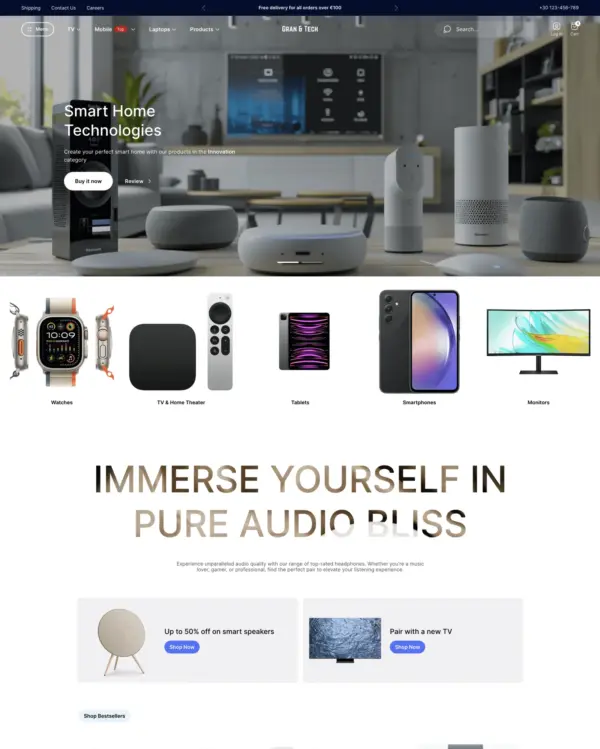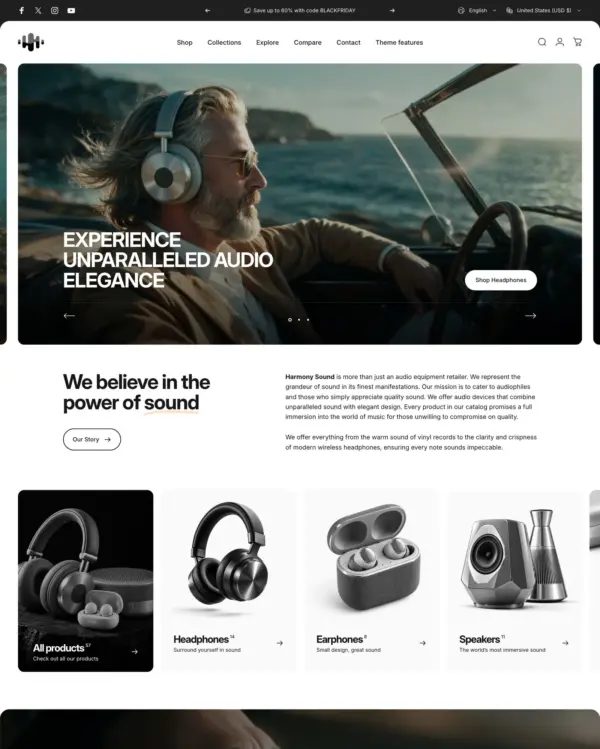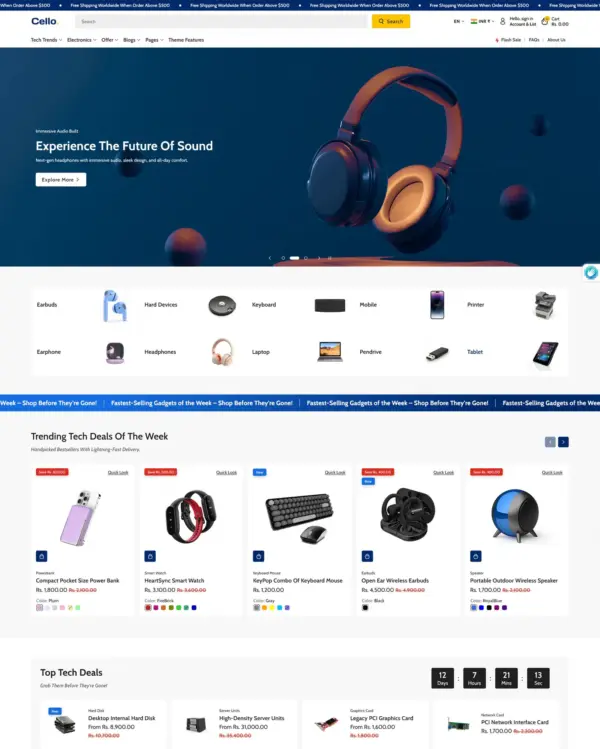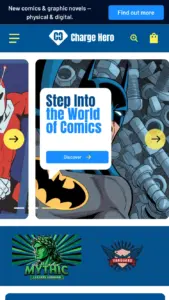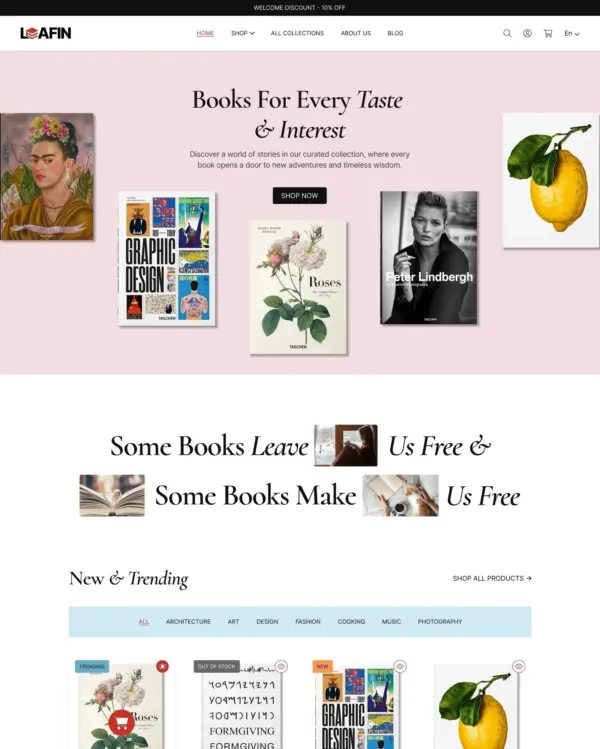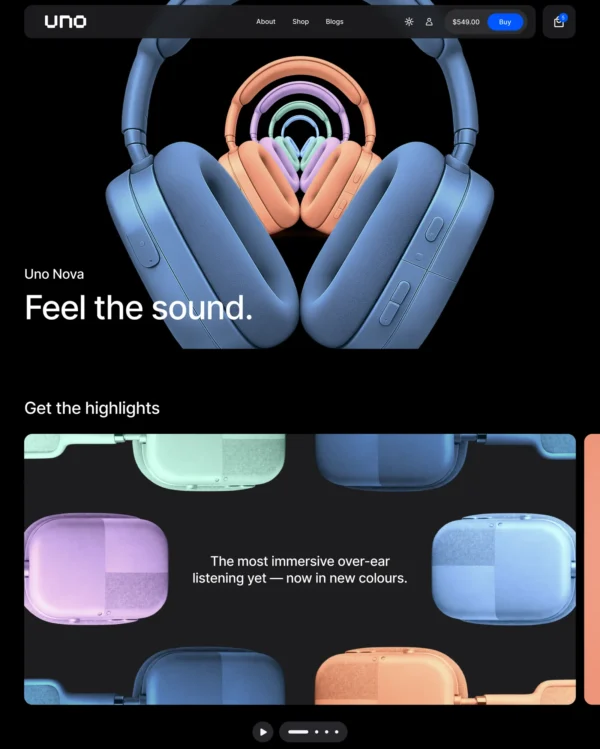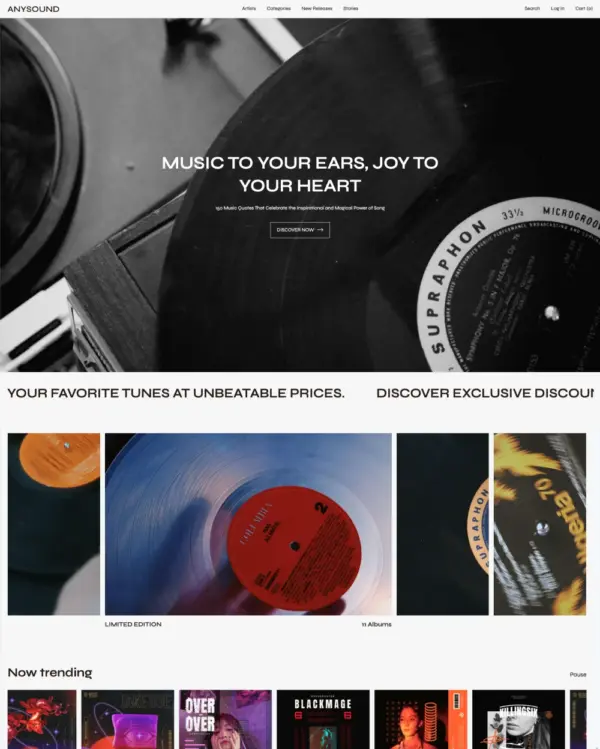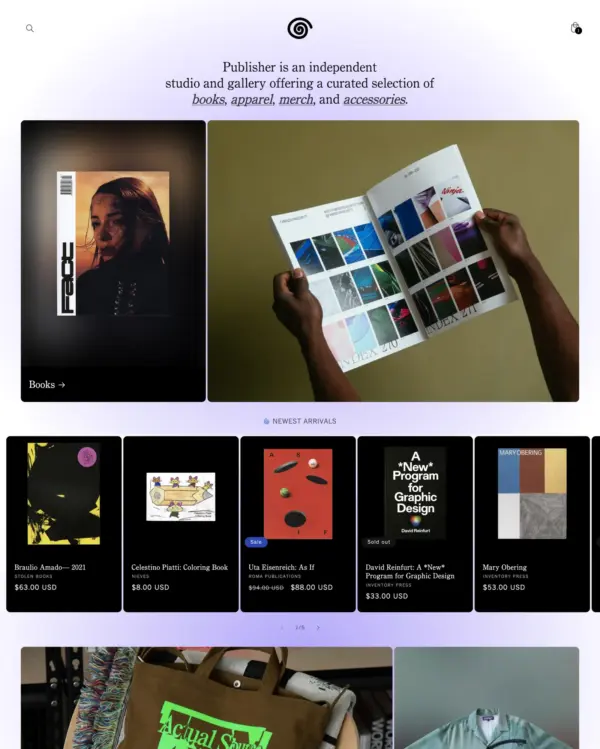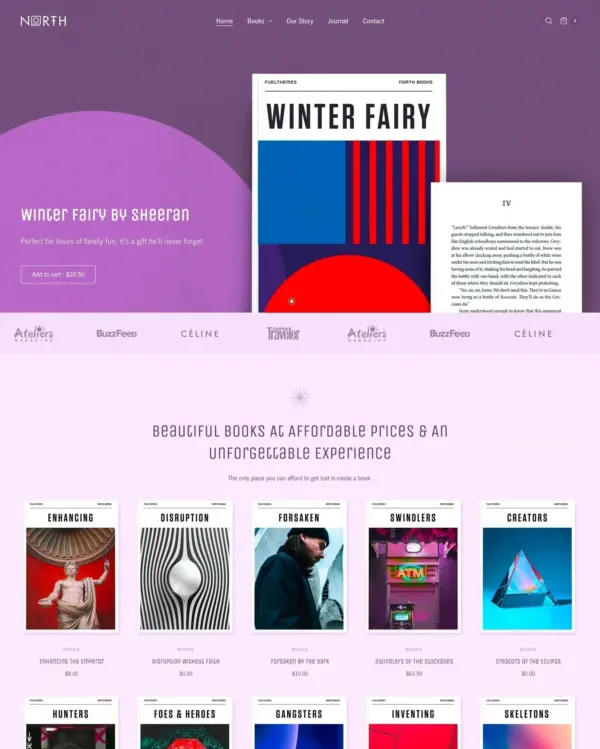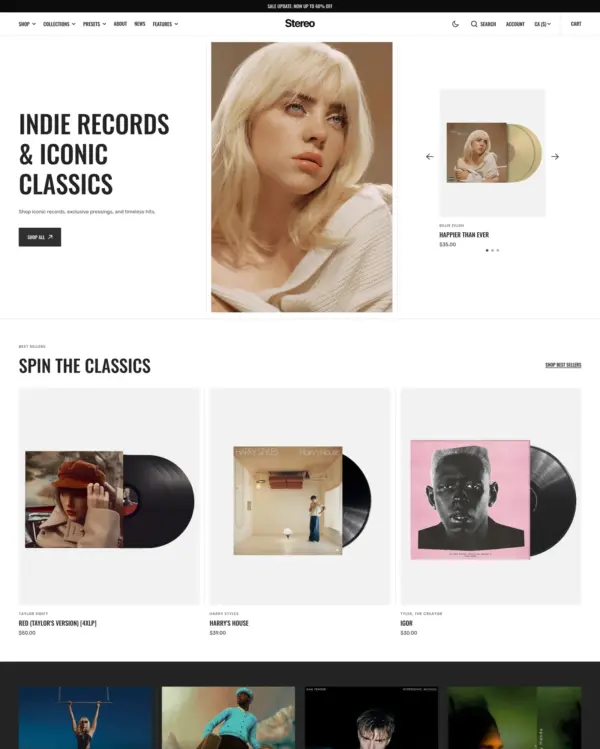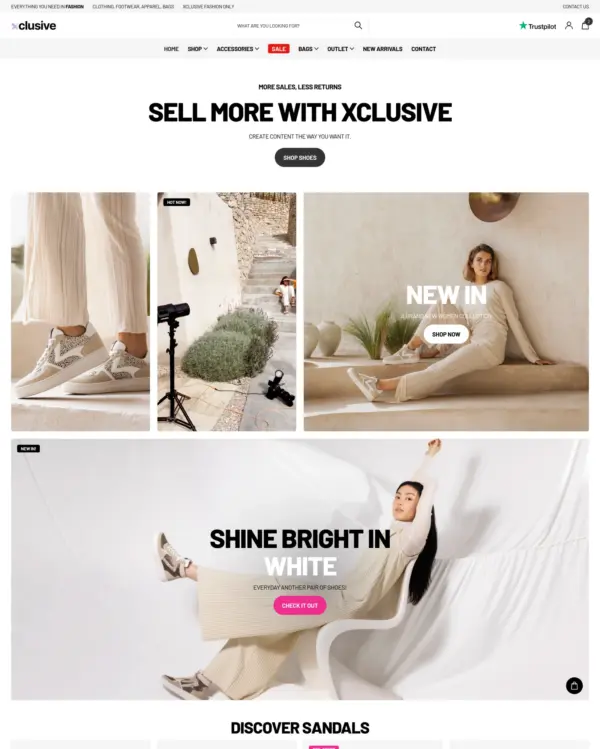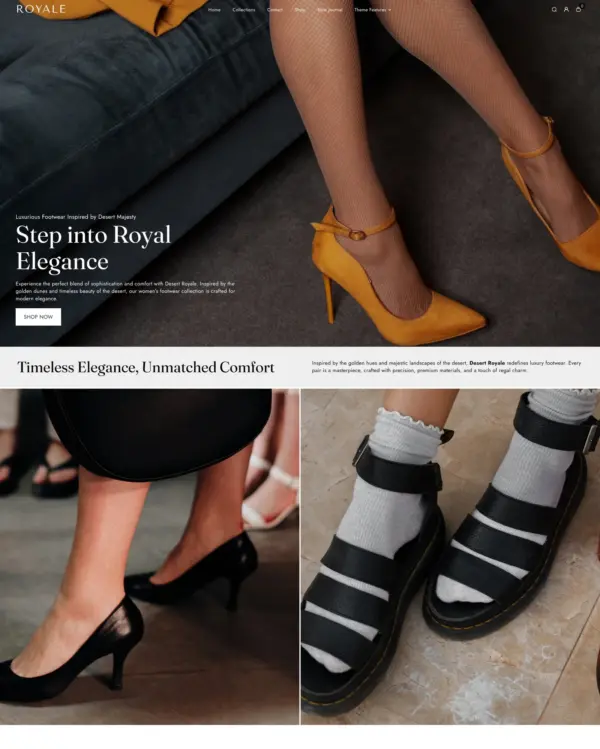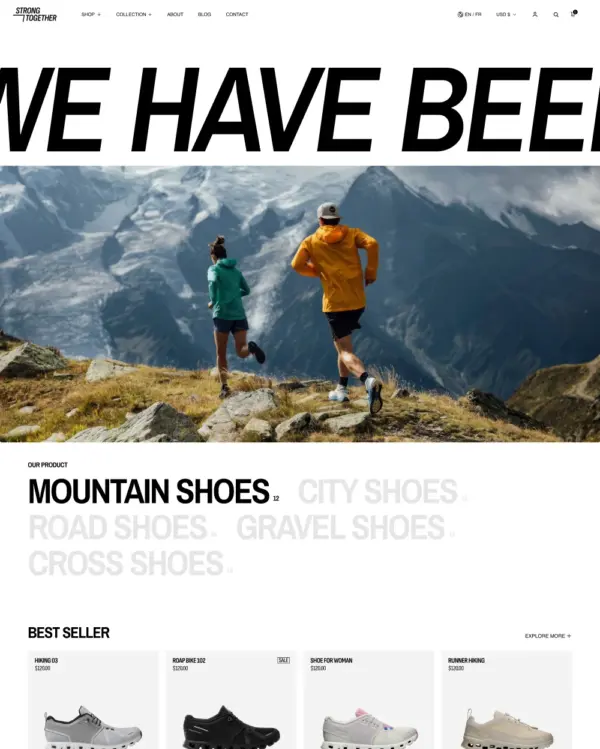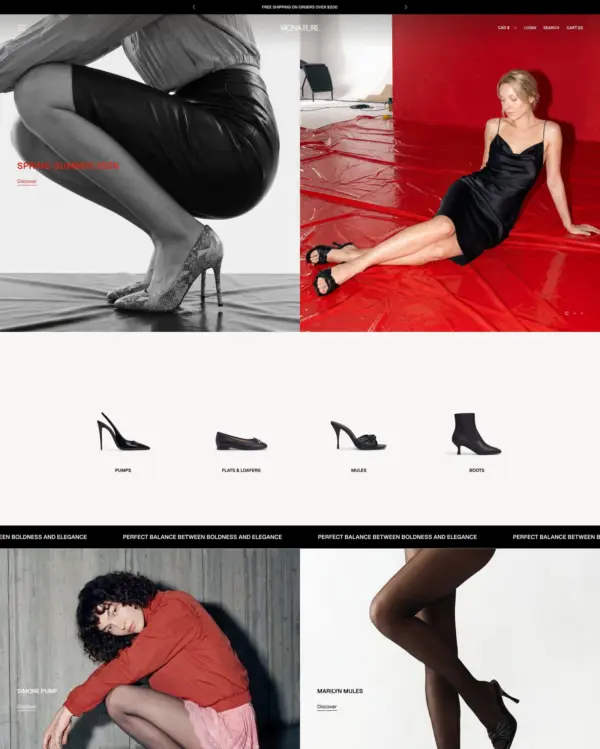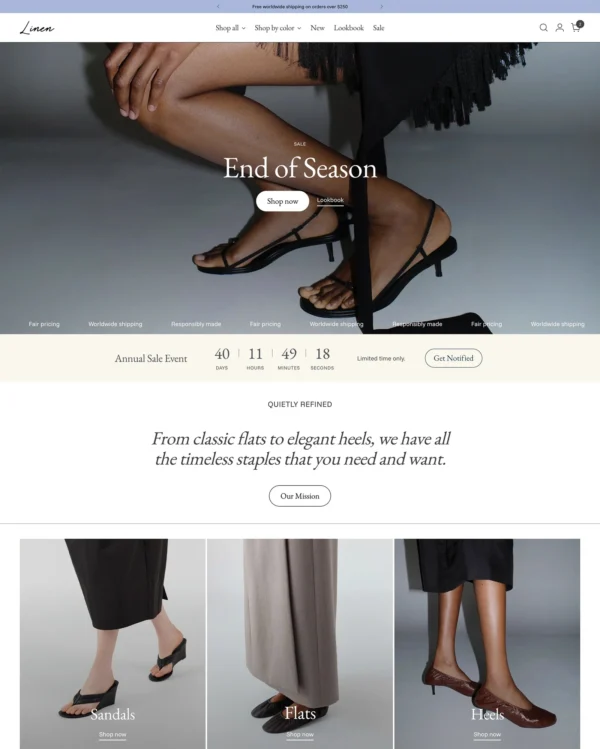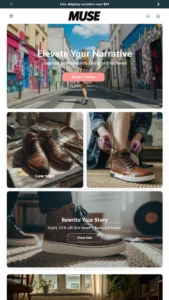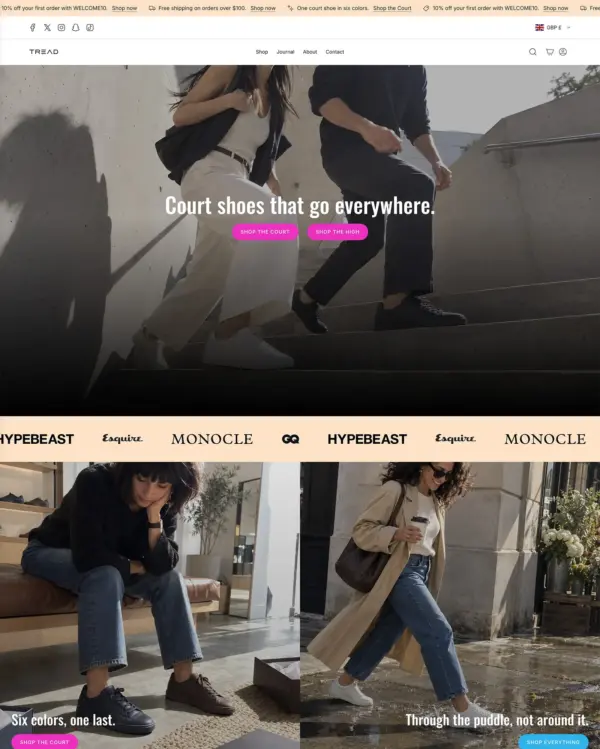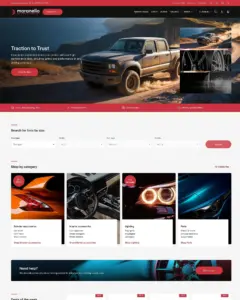
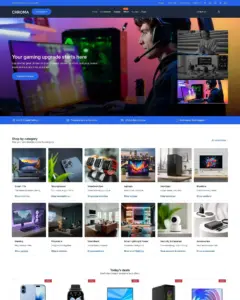

Focuses on electronics and wholesale shopping, with quick buying and dedicated tools for B2B orders.
Our verdict on Maranello
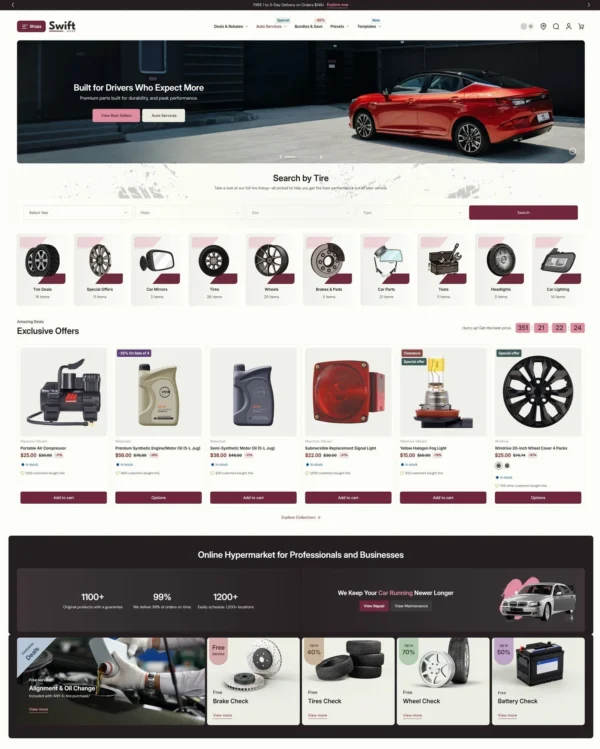
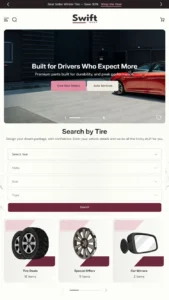
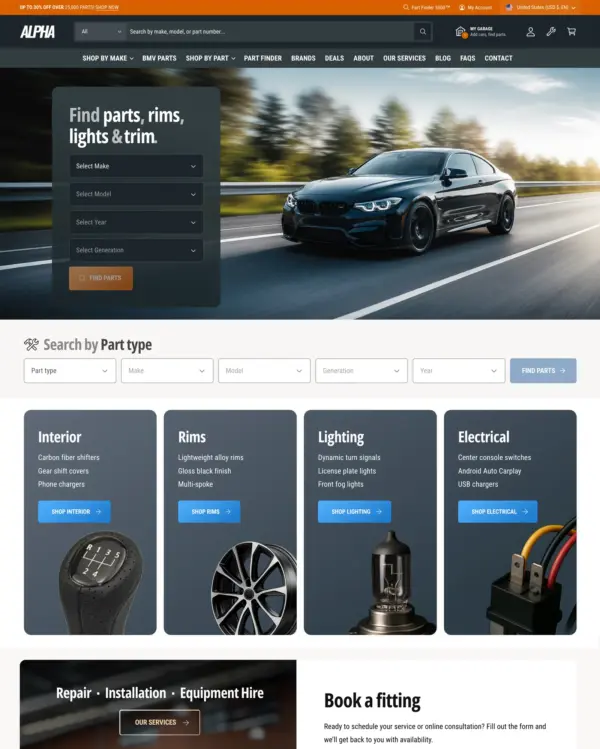
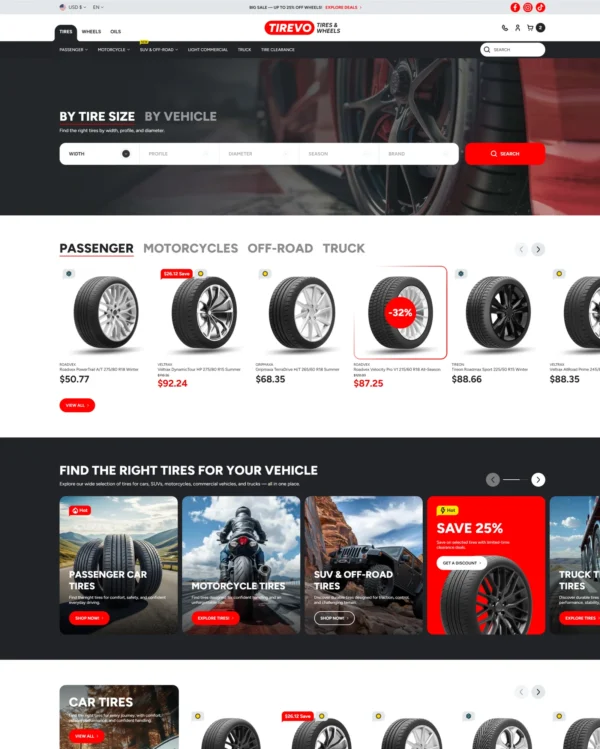
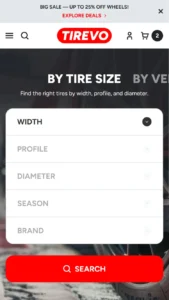
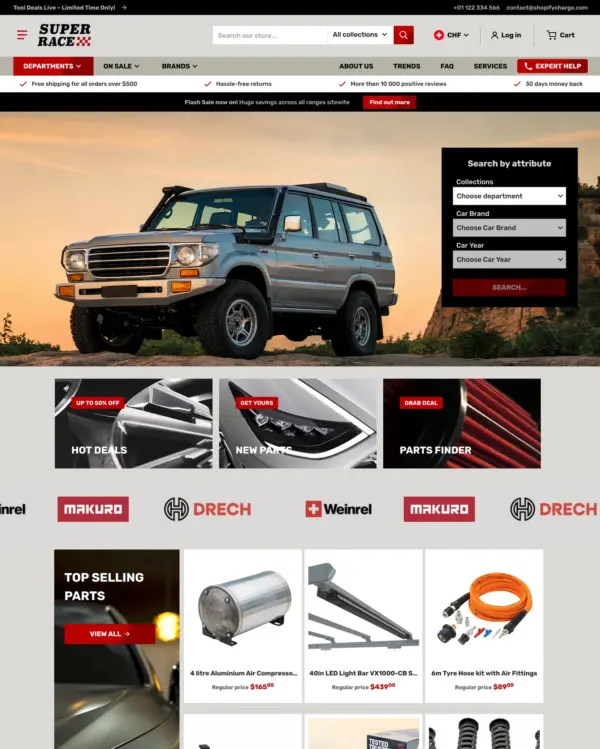
Maranello helps drivers find the right tires and parts through vehicle filters, fitment details, and technical tabs. Maranello's browsing tools are most convincing with real catalog attributes and enough products to make narrowing the choice worthwhile. At $320, Maranello needs an editor and real-store experience that justify the premium. Maranello's 31 merchant reviews offer context, though recent support experiences deserve a closer look. The deciding test for Maranello is accurate filters, compatibility information and spec tables, with the merchant's own content.

What we liked
- Maranello gives shoppers a way to narrow a electronics assortment before reading individual product pages, provided the attributes are maintained.
- Vehicle-based filtering helps parts buyers avoid ordering components that do not fit their car or model.
- Fitment information tackles the biggest risk in auto-parts shopping: receiving something that does not fit the vehicle.
Worth knowing
- Maranello costs $320. Compare its filtering tools with a simpler theme before paying for elements your electronics customers may never use.
- The 31-review record is thin for Maranello. Give more weight to the editor, release history and your results with filtering a real specifications-heavy collection.
How fast is Maranello?
Google PageSpeed Insights scores out of 100. Demo results average the home, collection, and product pages.
The official Maranello demo scored 85/100 on mobile and 98/100 on desktop in our November 2026 test. On mobile, LCP was 3.9s, CLS 0.00 and Total Blocking Time 8ms.
Theme demo store
Official Maranello demo, average of 3 pages| By page | Mobile | Desktop |
|---|---|---|
| Home page | 86 | 98 |
| Collection page | 85 | 99 |
| Product page | 86 | 99 |
| Metric | Mobile | Desktop |
|---|---|---|
| Largest Contentful Paint | 3.8s | 1.0s |
| Cumulative Layout Shift | 0.00 | 0.00 |
| Total Blocking Time | 10ms | 2ms |
| Speed Index | 4.7s | 806ms |
| Metric | Mobile | Desktop |
|---|---|---|
| Largest Contentful Paint | 3.9s | 843ms |
| Cumulative Layout Shift | 0.00 | 0.03 |
| Total Blocking Time | 14ms | 11ms |
| Speed Index | 3.4s | 798ms |
| Metric | Mobile | Desktop |
|---|---|---|
| Largest Contentful Paint | 4.1s | 1.0s |
| Cumulative Layout Shift | 0.00 | 0.00 |
| Total Blocking Time | 0ms | 0ms |
| Speed Index | 2.5s | 684ms |
Lab data from PageSpeed Insights, Nov 2026
The 8 live stores we tested averaged 47/100 on mobile and 69/100 on desktop. Average mobile LCP was 12.8s and CLS was 0.02. These results reflect complete production stores, not the theme alone.
Live stores average
Mean across 8 stores running Maranello| Metric | Mobile | Desktop |
|---|---|---|
| Largest Contentful Paint | 12.8s | 1.6s |
| Cumulative Layout Shift | 0.02 | 0.03 |
| Total Blocking Time | 920ms | 918ms |
| Speed Index | 10.8s | 3.1s |
Real stores carry their own apps, images and traffic
Per-store results
8 live stores · tested Nov 2026How fast is Chroma?
Google PageSpeed Insights scores out of 100. Demo results average the home, collection, and product pages.
The official Chroma demo scored 89/100 on mobile and 94/100 on desktop in our November 2026 test. Mobile LCP was 3.5s, CLS was 0.00, and Total Blocking Time was 9ms.
Theme demo store
Official Chroma demo, average of 3 pages| By page | Mobile | Desktop |
|---|---|---|
| Home page | 84 | 85 |
| Collection page | 95 | 99 |
| Product page | 88 | 100 |
| Metric | Mobile | Desktop |
|---|---|---|
| Largest Contentful Paint | 3.6s | 841ms |
| Cumulative Layout Shift | 0.00 | 0.00 |
| Total Blocking Time | 12ms | 318ms |
| Speed Index | 6.5s | 1.4s |
| Metric | Mobile | Desktop |
|---|---|---|
| Largest Contentful Paint | 2.9s | 626ms |
| Cumulative Layout Shift | 0.00 | 0.00 |
| Total Blocking Time | 16ms | 0ms |
| Speed Index | 2.2s | 1.0s |
| Metric | Mobile | Desktop |
|---|---|---|
| Largest Contentful Paint | 4.0s | 701ms |
| Cumulative Layout Shift | 0.00 | 0.03 |
| Total Blocking Time | 0ms | 7ms |
| Speed Index | 2.5s | 628ms |
Lab data from PageSpeed Insights, Nov 2026
Across 8 live stores we tested, the average PageSpeed score was 47/100 on mobile and 69/100 on desktop. Average mobile LCP was 12.8s and CLS was 0.02. These results reflect complete production stores, not the theme alone.
Live stores average
Mean across 8 stores running Chroma| Metric | Mobile | Desktop |
|---|---|---|
| Largest Contentful Paint | 12.8s | 1.6s |
| Cumulative Layout Shift | 0.02 | 0.03 |
| Total Blocking Time | 920ms | 918ms |
| Speed Index | 10.8s | 3.1s |
Real stores carry their own apps, images and traffic
Per-store results
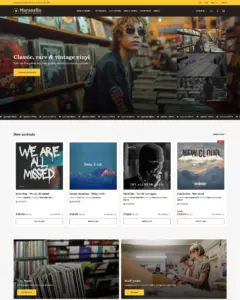
8 live stores · tested Nov 2026How fast is Records?
Google PageSpeed Insights scores out of 100. Demo results average the home, collection, and product pages.
The official Records demo scored 77/100 on mobile and 98/100 on desktop in our November 2026 test. Mobile LCP was 5.8s, CLS was 0.00, and Total Blocking Time was 19ms.
Theme demo store
Official Records demo, average of 3 pages| By page | Mobile | Desktop |
|---|---|---|
| Home page | 77 | 96 |
| Collection page | 84 | 99 |
| Product page | 71 | 99 |
| Metric | Mobile | Desktop |
|---|---|---|
| Largest Contentful Paint | 6.5s | 1.4s |
| Cumulative Layout Shift | 0.00 | 0.00 |
| Total Blocking Time | 0ms | 6ms |
| Speed Index | 2.9s | 808ms |
| Metric | Mobile | Desktop |
|---|---|---|
| Largest Contentful Paint | 4.5s | 960ms |
| Cumulative Layout Shift | 0.00 | 0.00 |
| Total Blocking Time | 0ms | 9ms |
| Speed Index | 2.0s | 634ms |
| Metric | Mobile | Desktop |
|---|---|---|
| Largest Contentful Paint | 6.3s | 863ms |
| Cumulative Layout Shift | 0.00 | 0.00 |
| Total Blocking Time | 56ms | 49ms |
| Speed Index | 5.4s | 623ms |
Lab data from PageSpeed Insights, Nov 2026
Across 8 live stores we tested, the average PageSpeed score was 47/100 on mobile and 69/100 on desktop. Average mobile LCP was 12.8s and CLS was 0.02. These results reflect complete production stores, not the theme alone.
Live stores average
Mean across 8 stores running Records| Metric | Mobile | Desktop |
|---|---|---|
| Largest Contentful Paint | 12.8s | 1.6s |
| Cumulative Layout Shift | 0.02 | 0.03 |
| Total Blocking Time | 920ms | 918ms |
| Speed Index | 10.8s | 3.1s |
Real stores carry their own apps, images and traffic
Per-store results
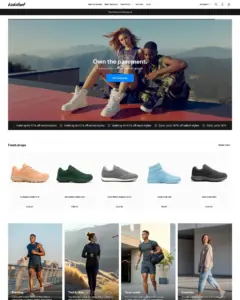
8 live stores · tested Nov 2026How fast is Sneakers?
Google PageSpeed Insights scores out of 100. Demo results average the home, collection, and product pages.
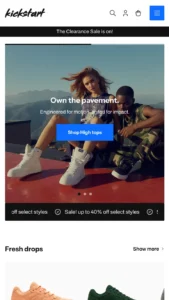
In our November 2026 test, the official Sneakers demo scored 84/100 on mobile and 98/100 on desktop. On mobile, LCP was 4.6s, CLS 0.00 and Total Blocking Time 2ms.
Theme demo store
Official Sneakers demo, average of 3 pages| By page | Mobile | Desktop |
|---|---|---|
| Home page | 93 | 99 |
| Collection page | 79 | 98 |
| Product page | 81 | 99 |
| Metric | Mobile | Desktop |
|---|---|---|
| Largest Contentful Paint | 3.2s | 761ms |
| Cumulative Layout Shift | 0.00 | 0.00 |
| Total Blocking Time | 7ms | 3ms |
| Speed Index | 2.3s | 881ms |
| Metric | Mobile | Desktop |
|---|---|---|
| Largest Contentful Paint | 5.5s | 1.1s |
| Cumulative Layout Shift | 0.00 | 0.00 |
| Total Blocking Time | 0ms | 39ms |
| Speed Index | 2.7s | 798ms |
| Metric | Mobile | Desktop |
|---|---|---|
| Largest Contentful Paint | 5.1s | 1.0s |
| Cumulative Layout Shift | 0.00 | 0.01 |
| Total Blocking Time | 0ms | 4ms |
| Speed Index | 2.5s | 674ms |
Lab data from PageSpeed Insights, Nov 2026
The 8 live stores we tested averaged 47/100 on mobile and 69/100 on desktop. Average mobile LCP was 12.8s and CLS was 0.02. These are complete production stores, so the numbers cover more than the theme itself.
Live stores average
Mean across 8 stores running Sneakers| Metric | Mobile | Desktop |
|---|---|---|
| Largest Contentful Paint | 12.8s | 1.6s |
| Cumulative Layout Shift | 0.02 | 0.03 |
| Total Blocking Time | 920ms | 918ms |
| Speed Index | 10.8s | 3.1s |
Real stores carry their own apps, images and traffic
Per-store results
8 live stores · tested Nov 2026Tracked over time
Tracked over time
Tracked over time
Tracked over time
Features
Cart and checkout
- Cart notes
- Gift wrapping
- In-store pickups
- Pre-order
- Quick buy
- Sign in with Shop
- Slide-out cart
- Sticky cart
Customer accounts and sign-in
- Account menu
Marketing and conversion
- Trust badges
- Stock counter
- Right-to-left
- Recommended products
- Recently viewed
- Quick view
- Quick order list
- Promo tiles
- Promo popups
- Promo banners
- Product badges
- Press coverage
- In-menu promos
- FAQ page
- EU translations (EN, FR, IT, DE, ES)
- Customizable contact form
- Cross-selling
- Countdown timer
- Blogs
- Back-in-stock alert
- Age verifier
- Quantity pricing (Shopify Plus)
Merchandising
- Before/after image slider
- Color swatches
- High-resolution images
- Image galleries
- Image hotspot
- Image rollover
- Image zoom
- Product options
- Product tabs
- Product videos
- Shipping/delivery information
- Slideshow
- Usage information
- Combined listing (Shopify Plus)
Product discovery
- Back-to-top button
- Breadcrumbs
- Collection page navigation
- Enhanced search
- Mega menu
- Product filtering and sorting
- Recently viewed
- Recommended products
- Sticky header
- Swatch filters
No features match your search.
Maranello ranking and satisfaction
Maranello Chroma preset ranking and satisfaction
Maranello Records preset ranking and satisfaction
Maranello Sneakers preset ranking and satisfaction
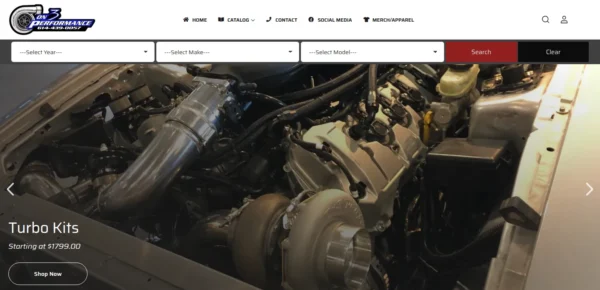
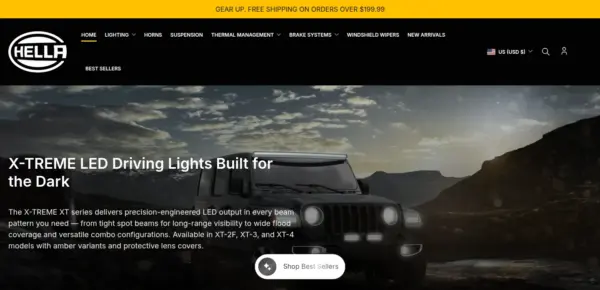
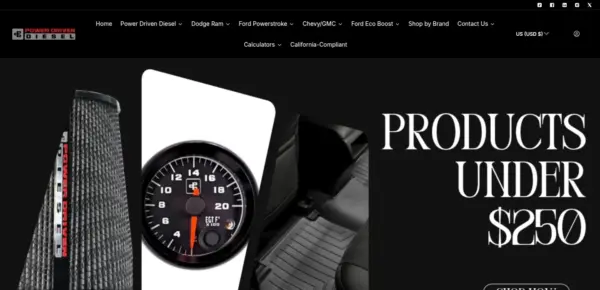
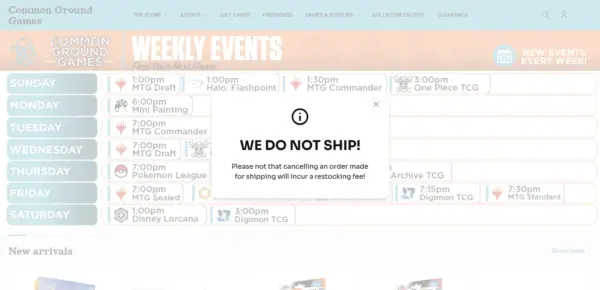
Examples of Shopify stores using the Maranello theme
Release history
Maranello has received 3 updates in the last 12 months.

Reach more customers with 9 new languages; Yes, Maranello is now available in 20 languages in total! In this version you'll also find two new sections, new blocks, a more powerful minicart, and many improvements across the board.
Added
- New “Flexi - Expandables” section (with images and page content).
- New “Custom bundles” section.
- Main and Featured product sections: New “Score” block.
- Main and Featured product sectiond: New “Quantity & pricing” block for B2B.
- Main and Featured product sections: Signup block: Include currently selected variant's information in the email.
- Header section: New mega menu type: Mega menu - Featured.
- Header section: Typewriter effect in search (alternative layout only).
- Header section: Custom action icon.
- Scrolling elements section: Add scrolling direction setting.
- Featured product section: Range Indicator block: Position setting.
- Blog sections: Add "Show excerpt" setting.
- Collection & Search: Setting to change how many filters are expanded by default (0 (all collapsed) to 25 (all expanded)).
- Main collection product grid section: Shopper-facing layout switcher.
- Theme settings: Open social media links in a new window.
- Theme settings: Zero-priced products handling: "Call for pricing" and "Free" modes.
- Mini cart: Cross-sells.
- Mini cart: Order notes.
- Mini cart: Empty cart collections recommendations.
- Various sections and blocks: 3XL and 4XL heading sizes.
- More languages: Czech (cs), Greek (el), Finnish (fi), Norwegian (nb), European Portugese (pt-PT), Turkish (tr), Japanese, Korean (ko), Simplified (zh-CN) & Traditional (zh-TW) Chinese
Changed
- Renamed "Flexi"-prefixed sections to "Flexible", as per Shopify's naming requirements.
Fixes and other improvements
- Tabbed sections: Switching tabs wouldn't work inside the editor, after changing any section/block settings (re-render).
- Image banners and Banner list sections: Images were requested 2-5x larger than displayed in multi-column layouts.
- Banner list section: Badges were too big on smaller cards, and 4 columns were too narrow on small desktops.
- Header section: Alternative layout: Search results dropdown was transparent with dark color schemes. It now matches the default layout's search results.
- Bulk order section: The "Call for pricing" button stretched to full width.
- Custom bundles section: Products with no variants would display "Default title" in the bundle staging area.
- Main collection product grid section: The user-visible layout switcher would reset after a filter was selected.
- Main and Featured product sections: The Content Drawer block would output the drawer's markup even when there was no clickable link/button.
- Main and Featured product sections: The Content Drawer block now shows placeholder content in the editor when fields are empty.
- Featured product section: The Content Drawer would not get displayed when the section's layout was set to two columns.
- Main product section: When the Table block was set to appear in a tab, and the product layout was set to two columns, the table would wrongly appear duplicate in the Product Info area, breaking the tab.
- Main product section: Tab blocks with an assigned page would get hidden if their Text field was empty.
- Main and Featured product sections: Coupon code block: Hide block when coupon code is empty.
- Main and Featured product sections: Content drawer block: Add extra button style, fullwidth.
- Key figure section: Odometer effect.
- Scrolling rows section: Move "Heading tag" under "SEO" heading like all sections.
- Animation would not work if Scrolling Rows section appeared before Scrolling Elements section.
- Video gallery: YouTube video shouldn't need a custom cover image.
- Banner list: Fullwidth setting was hidden in row layouts.
- Main collection grid section: Selected products for comparison were unchecked when user-selected layout changed.
- Main product section blocks: All blocks now have placeholder content.
- Suppress abort error from console, when quickly clicking on variants.
- Product comparison sections: Barcode block undefined strings.
- Cart/minicart: cart-live-region-text doesn't get updated
- Event "collection:product-filters" wrongly fires for any "page" substring, instead of the "page" pagination parameter
- Cart/Minicart: Remove item from cart event carries wrong variantId
- Bulk order section: Fixed crash when "Remove all" was clicked.
- Guard against missing minicart.
- Allow metafields without titles on product cards.
This update adds seven (!) brand new sections, refreshes the header/account experience, and brings a batch of fixes and performance improvements across products, cart, maps, and media layouts.
Added
- New “Scrolling rows” section.
- New “Video Gallery” section.
- New “Color swatches” section.
- New “Offers” section.
- New “Key figures” section.
- New “Browse by type” flexi section.
- New “Flexi - Features” section.
- Header section: Add “inline submenu expansion” setting.
- Header and Mobile dock sections: Add account component.
- Main and Featured product sections: Add setting to disable preselection of variant/options.
- Main and featured product sections: Variant picker block: Add separate setting for invalid variants (product options combinations) visibility.
- Main and Featured product sections: Add coupon code block.
- Map section: Optionally add locations via Latitude and Longitude to cut down geolocation requests and improve performance.
- Filters section: Allow the section to be added in the Header group.
- Featured Collections: Add 5 and 6 column layouts on desktop.
- Banner list section: Add "Full width" setting.
- Banner list section: Add "Banner list: Full width slider" preset.
- Various sections: Sections with "overlay" settings now allow either a gradient or a solid color.
- Introduce text for customizable sale percentage text (via Translate & Adapt).
Changed
- Header and Mobile dock sections: Replaced login/account icons with Shopify's new account component.
- Features section: Replace "Image" setting with "Custom icon", visible when "Custom" is selected in the list of icons.
Removed
- Header and Mobile dock sections: Removed login/account icons and related icon text settings.
Fixes and other improvements
- Product card title font setting (and font weight) wouldn't work since v5.3.
- Updated Judge.me reviews widget code.
- Main password section: When logo is svg, custom width is ignored and the logo is always full width.
- Cart and Minicart: An error would be thrown when the coupon code was enabled on the cart but not on minicart.
- Typo in breakpoints (1119 should be 1199).
- Improved CSS Nesting.
- Map section: Fixed undefined index issues when geolocation would fail.
- Cart template: Shipping calculator: Make sure only "---" is disabled instead of the first choice.
- Increase resolution of custom icons so they're not blurry.
- Fixed critical translation issues.
- Custom liquid section: Fix "Full width" layout.
- Video section: Fix "Full width" layout.
- Tabbed media with text section: Tabs with long titles should overflow their containers on mobile.
This not-so-minor release brings an exciting new preset to kickstart your online presence. Four brand-new sections, new blocks for your product pages, and a multitude of other additions and improvements over and under the hood.
Added
- New preset “Chroma”.
- New “Contact form” flexi section.
- New “Breadcrumbs” section.
- New “Simple collection list” section.
- New “Sticky Cart” section for product templates.
- Main and Featured product sections: New “Table” block.
- Main and Featured product sections: New “Rich text” block.
- Main and Featured product sections: Personalization text block: Added new field types:, date, text area, dropdown list, and checkbox.
- Main and Featured product sections: Details block: Support more metafield types, as well as list types.
- Main and Featured product sections: Expandable block: Page content setting.
- Main and Featured product sections: Position setting for more blocks.
- Main product section: New “Sibling products” block.
- Slideshow section: Self-hosted videos on slide blocks.
- Featured collection section: Add “Collection card position” setting.
- Featured collection section: Add “Show button as link” setting.
- Footer section: Footer links setting (horizontal menu for privacy, ToS, etc).
- Brands section: Section-level link setting (for “All brands”-type links).
- All sections/blocks with "icon" setting: Add "custom icon" setting.
- Filters and Vertical Filters sections: Add additional collections setting to allow for up to 100 values.
- Header section: Mobile and Textual (Text & Slogan) Logo.
- Footer section: Add “Show social icons” and “Show colored social icons” settings.
- Cart and minicart: Show product price discount.
- Theme settings: Add collection-product URLs support.
- Theme settings: Badges: Added Shape setting: Rounded, Square, Pill.
- Theme settings: Product cards: Content alignment setting.
- Main template sections: Add Top/Bottom spacing settings.
- Sections with expandables: Add “Page content” setting as an alternative content source for expandable sections.
- All sections with section heading settings: Header alignment left/center setting.
- All sections with spacing settings: Add Mobile Top/Bottom spacing settings.
- Various sections: Add “Show SKU” setting in all product cards.
- Various sections: “Enable image border and padding” in sections that display collection cards.
- Various sections: Add “Open links in a new window” setting where is meaningful.
Changed
- Renamed 'Auxiliary announcement bar' to 'Auxiliary announcement'.
Removed
- Removed preset “Skins”.
Fixes and other improvements
- Accessibility improvements.
- Performance improvements per Lighthouse suggestions.
- Improved “Shopify Subscriptions” app styles.
- The wrong variant image size could sometimes get loaded on product cards, when clicking on a product's color swatch.
- CSS nesting improvements.
- Fixed case/when syntax error according to the upcoming rigid Liquid parser.
- Fixed some non-closed elements.
- Fixed edge case where the main product variant picker would not work properly when selecting a unavailable variant, and there was no Buy Buttons block present.
- A JS TypeError would be thrown on the Customize page, when adding new sections.
- Layout files improvements (theme.liquid, password.liquid, gift_card.liquid).
- Refactored section headings.
- Modernize loading of Google maps (fix deprecation warning).
- Improve Lazy loading and Fetch priorities.
- Cart section: Shipping calculator fields and button couldn't be translated.
- Collection and Search templates: Fixed AJAX pagination error.
- Collection and Search templates: Keep filters in the same state (expanded/collapses) to avoid layout shifts.
- Main Collection section: Sidebar menu: Text overflow.
- Product comparison section: Streamlined typography.
- Mobile dock section: Fix issue where the mobile dock would partially hide the footer.
- Flexi contact form section: Media block now displays a video cover image.
- Footer text widget: Increase image max width.
- Slideshow section: Self hosted video wouldn't play if there was only one slide.
- Cart template: A JS error would get thrown when both the card and the mini cart were displaying the coupon code field.
With a new section, two new blocks, and countless refinements, Maranello is a joy to use.
Changed
- Multicolumn section: The section's button now appears as a link on the section's header when the section's header is aligned on the left, and as button on the bottom of the section when the header is aligned on the center.
Added
- New flexi section "Link Index".
- Main and Featured product sections: Add new Content Drawer block.
- Main and Featured product sections: Add new Payment icons block.
- Main and Featured product sections: Add button size and shape settings for variant swatches.
- Brands section: Add setting "Move multiple slides at once".
- Brands section: New image ratio "Contain" option to better work with uneven-sized images.
Fixes and other improvements
- Judge.me product review widget.
- Multicolumn section: Add headings alignment (Left, Center).
- Avoid unnecessary class additions when sticky header is disabled.
- Product compare section: View product button text alignment issues.
- Slideshow section: Add badge settings.
- Minicart: Add options to disable the checkout/cart buttons #39.
- Minicart: Coupon margin/padding.
- All tabbed sections: Hide tab if there's only one.
- Coupon code input width/position on cart template (max-width).
- Featured product section: Spacing (top/bottom) settings don't work.
- Quick view drawer wouldn't open if the product's main section had an id of 'main-product' instead of 'main' (presets).
- Quick view drawer wouldn't open if product template was missing the "variants" or "add to cart buttons" blocks.
- Hide facet options with visually hidden elements.
- Main collection product grid section: Add headers to better divide settings.
Ready to sell more? Use the all-new Sneakers preset as your base to raise eyebrows and sales. As always, you will find new features and improvements that make Maranello even better.
Added
- New preset “Sneakers”.
- Coupon code support in cart page and minicart.
- _blocks.liquid to support AI-generated blocks via Sidekick.
- Theme setting: Final discounted price color.
- Theme setting: Override “Quick View” button texts.
- Theme setting: Show/hide vendor on minicart.
- Global event listeners for mini cart control.
- Main and Featured product sections: Add "Show bottom border" setting on all blocks for flexible spacing.
- Main and Featured product sections: Countdown timer block: Add option to only display the countdown on variants that are on sale.
- Bulk order section: Add setting to hide the variants' images.
- Banner list section: New "Banner list: Columns" preset.
- Product comparison feature: New “Metafield” block for single metafields.
- Filters section: Add custom height and background settings.
- Comparison section: New “Metafield” block for single metafields.
- Comparison section: Add “Show current product first” option.
- Cart footer section: Button block: Add option to hide dynamic checkout buttons.
Fixes and other improvements
- Comparison sections: Hidden lines take up space.
- Product comparison section: Section wouldn't limit number of products when they came from a metafield.
- Product comparison section: Block/row title shouldn't affect whether a row is considered empty.
- Product comparison section: Increase max column width.
- PDP/Featured: Text block: Remove padding when Color scheme 1.
- Make the consent checkbox in popup forms clickable.
- Newsletter form checkboxes would not work on iOS.
- Space variant buttons evenly should not be applied when color swatches are enabled.
- All product sections: Range indicator block wouldn't get hidden when value was empty.
- Main and Featured product sections: Improved customize preview of blocks.
- Collection and Search templates: Fix compare toggle positioning when sorting is disabled.
- Make "square" border style perfectly square.
- Slideshow section: Sometimes a slide would be skipped, when auto-rotate was enabled.
- Bulk order section: Style section when Login for price is enabled.
- Bulk order section: Hide the section when catalog mode is enabled.
- Bulk order section: Hide price and other elements when "Login for price" is enabled.
- Twitter/X meta tags wouldn't get output.
- Main collection product grid section: Add "Hide if..." settings to the inline banner blocks.
What merchants say about Maranello Shopify theme
Merchant sentiment summary
AI31 of 31 reviews are positive, with no neutral or negative ones. Merchants most often praise the customer support, which they describe as fast, patient and helpful, along with the theme's filtering options, customisation, and suitability for large catalogues. Criticism is minimal, with no recurring complaints in the reviews.
Generated from all 31 Theme Store reviews ·
Maranello has received 6 reviews in the last 12 months.