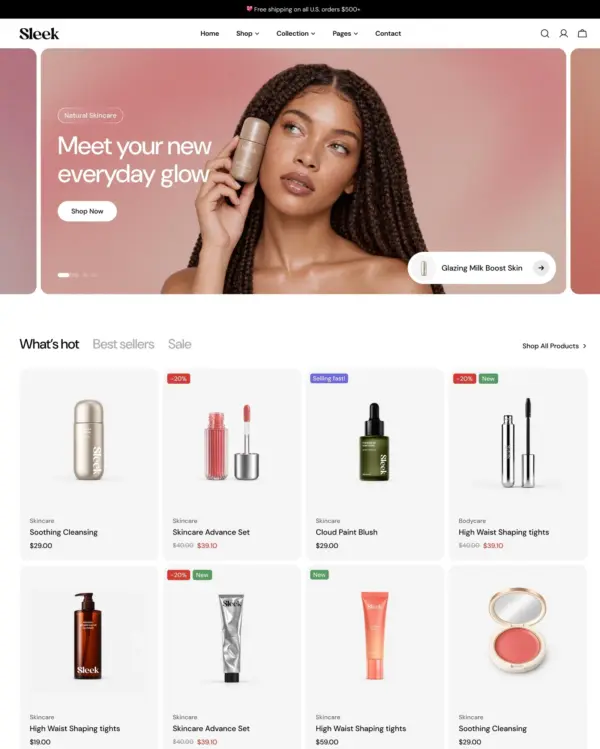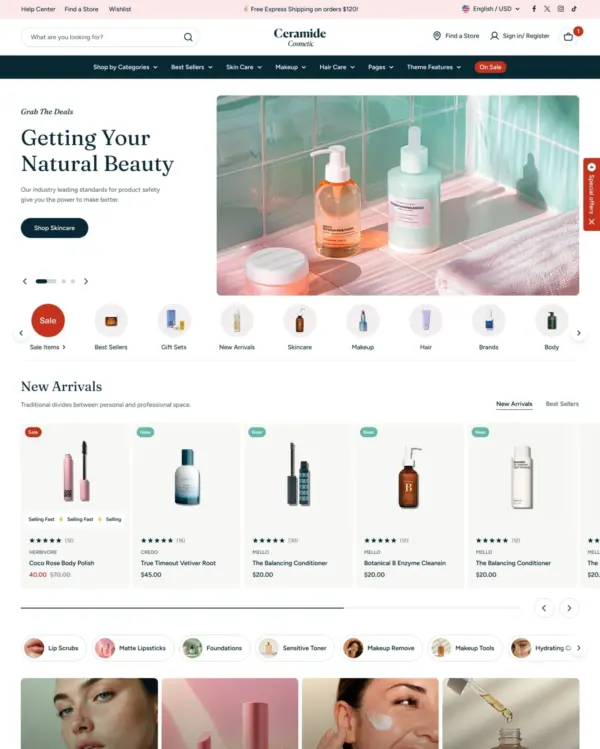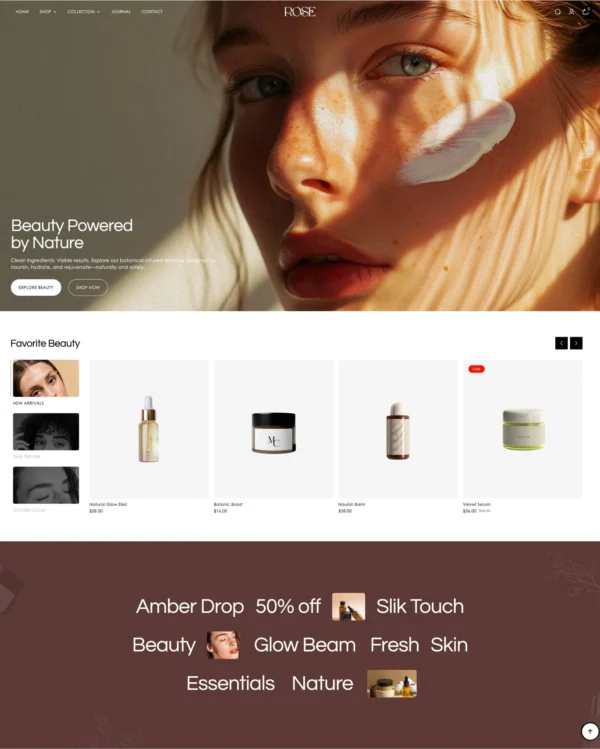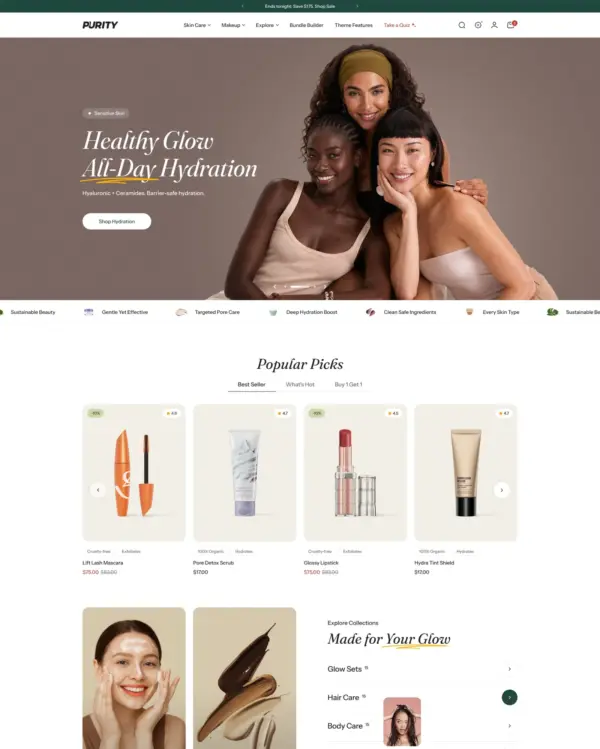


Fastest
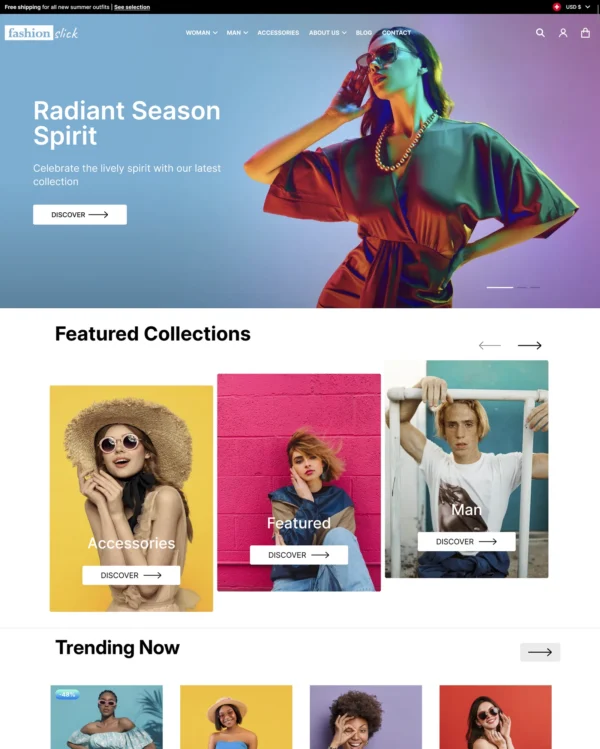
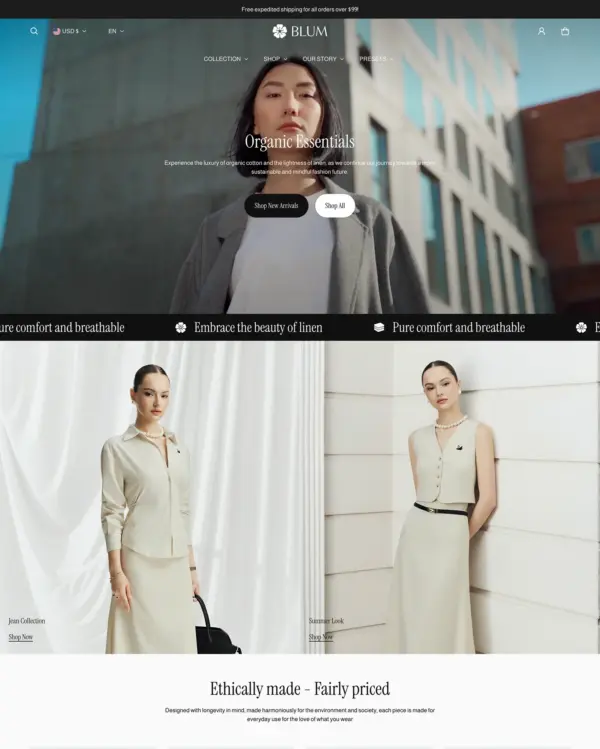
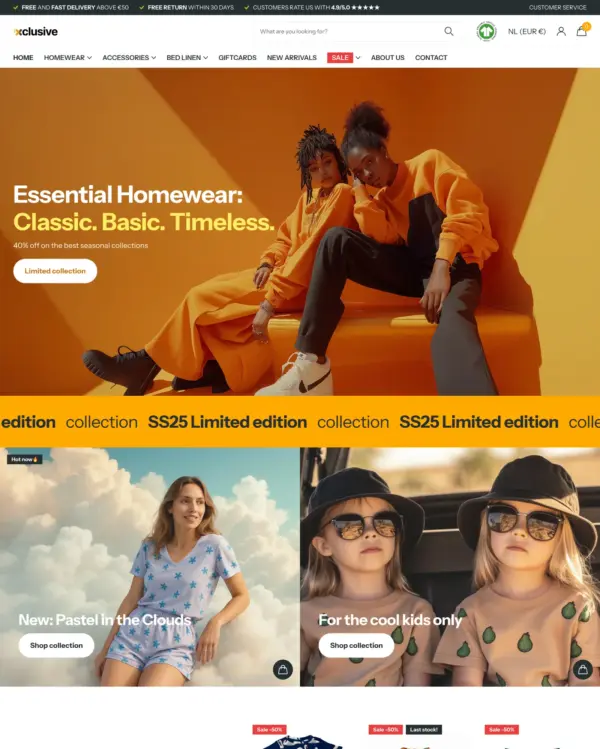
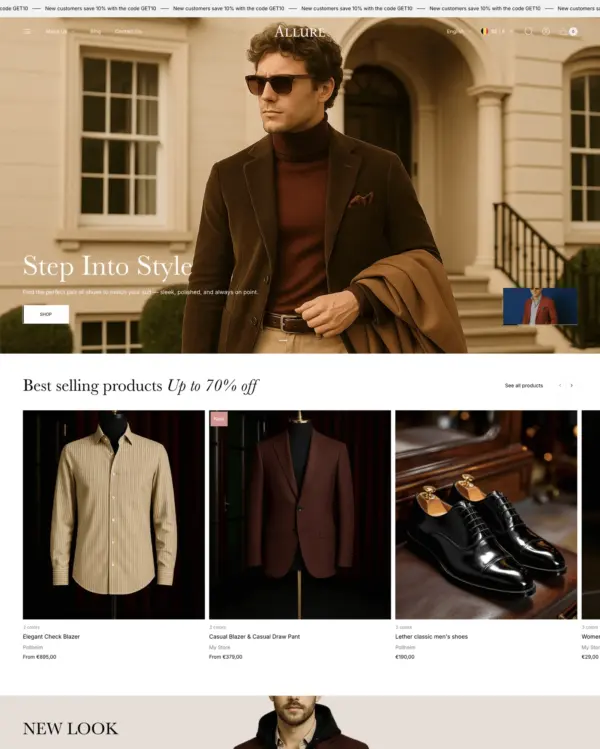
Swissuplabs 3 presets
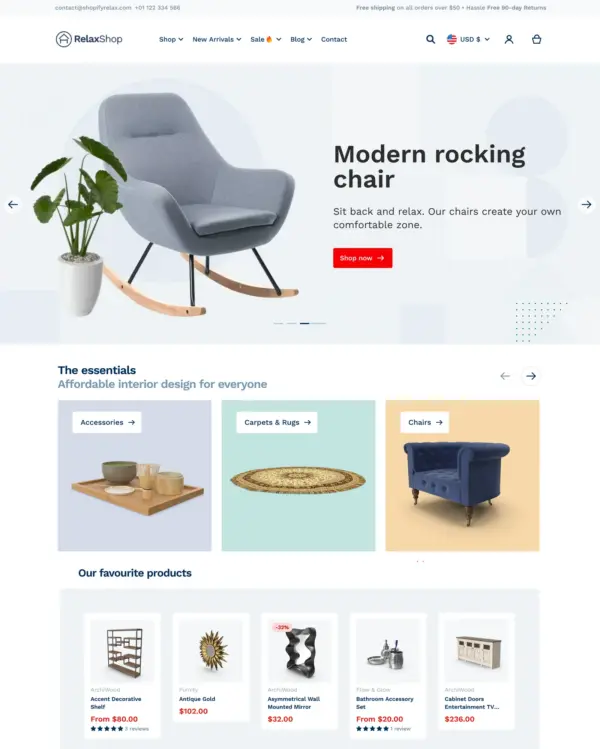
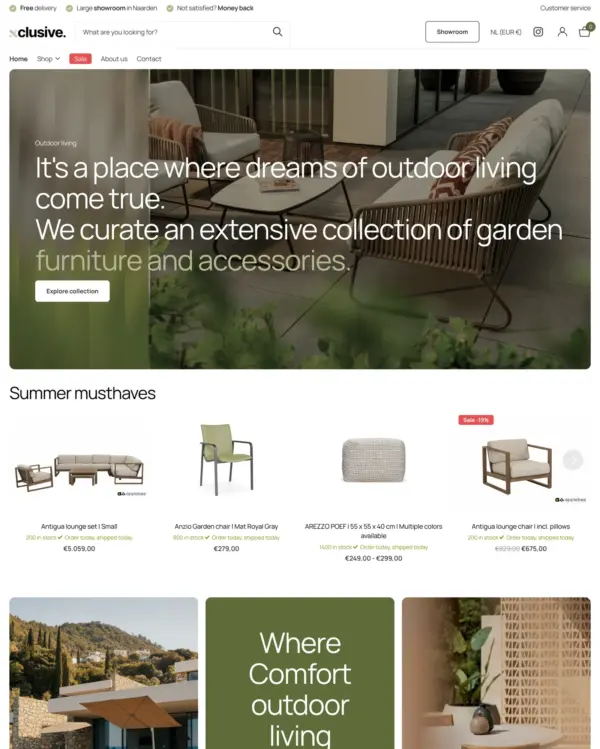
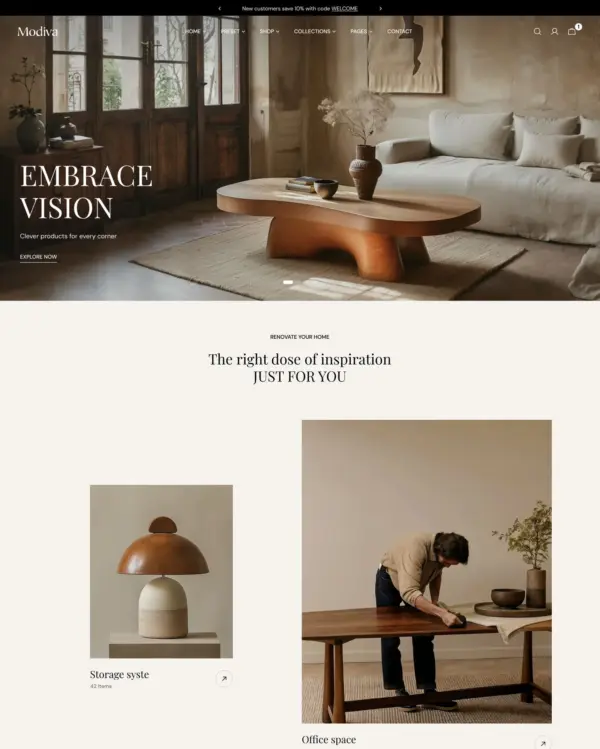
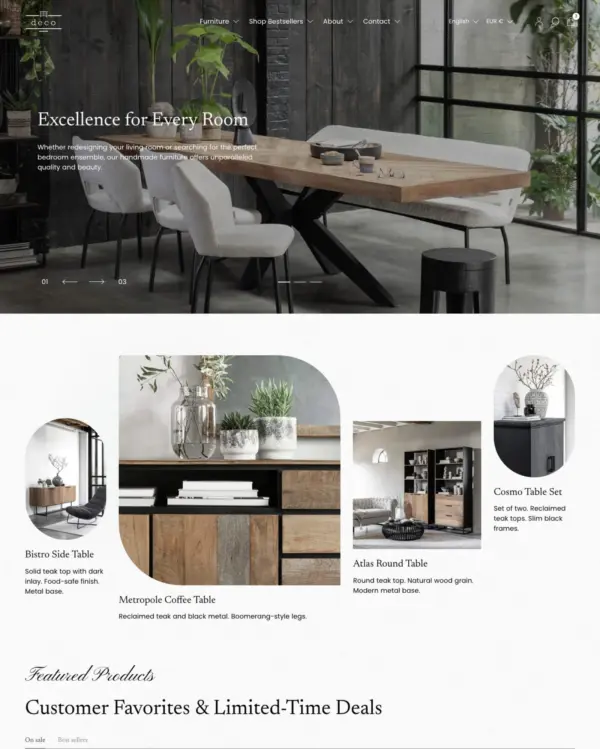
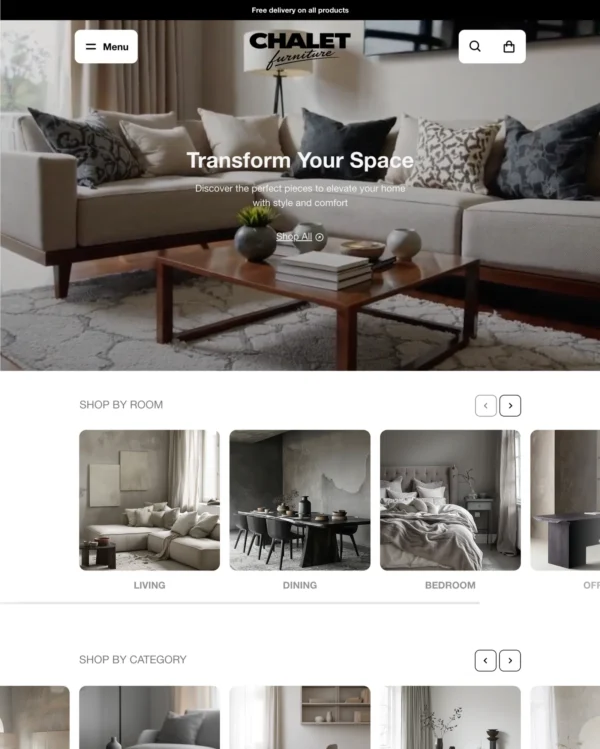
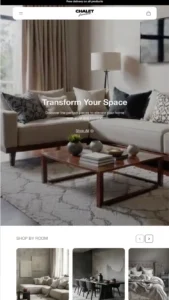
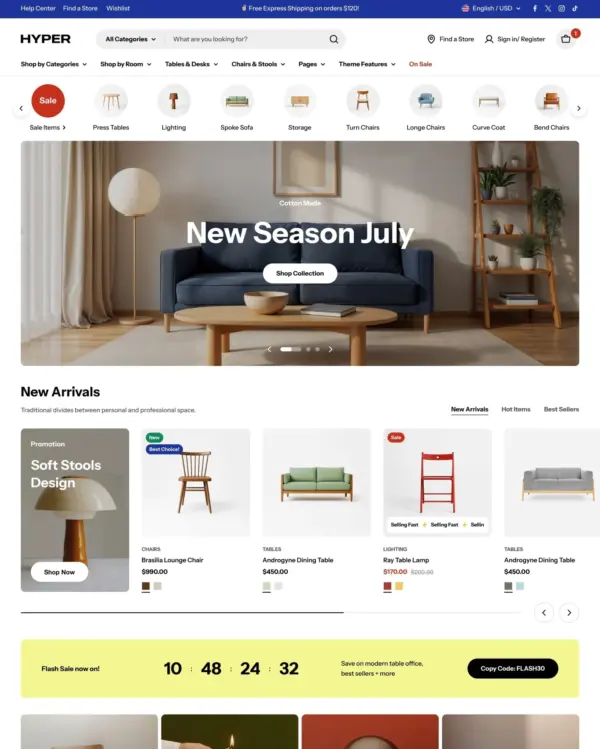
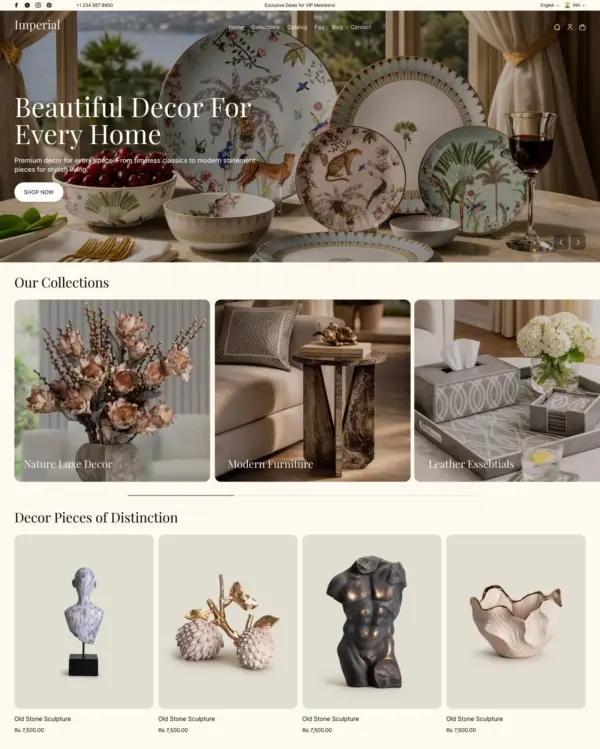
Takes a lightweight approach to home shopping, with built-in suggestions for related products.
Beauty Home Art
5.0 · 28 reviews $ 100





Created by Troop Themes
Independently reviewed by the eDIY editorial team
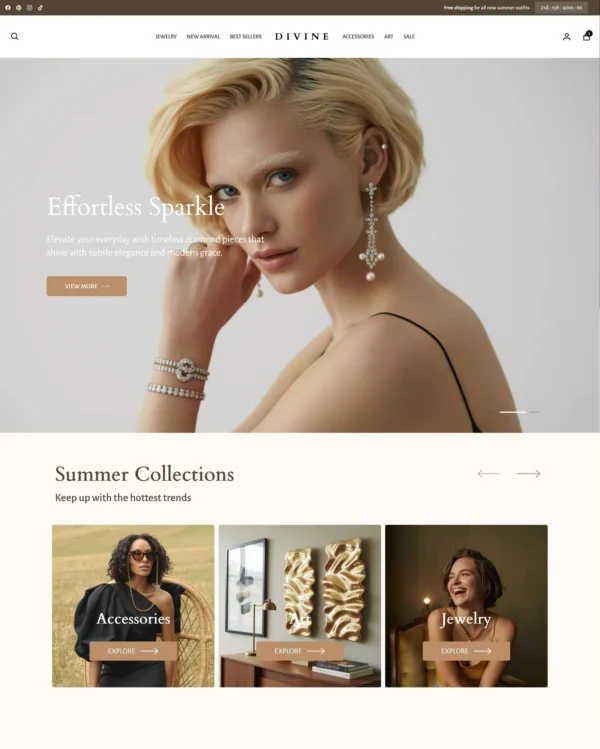
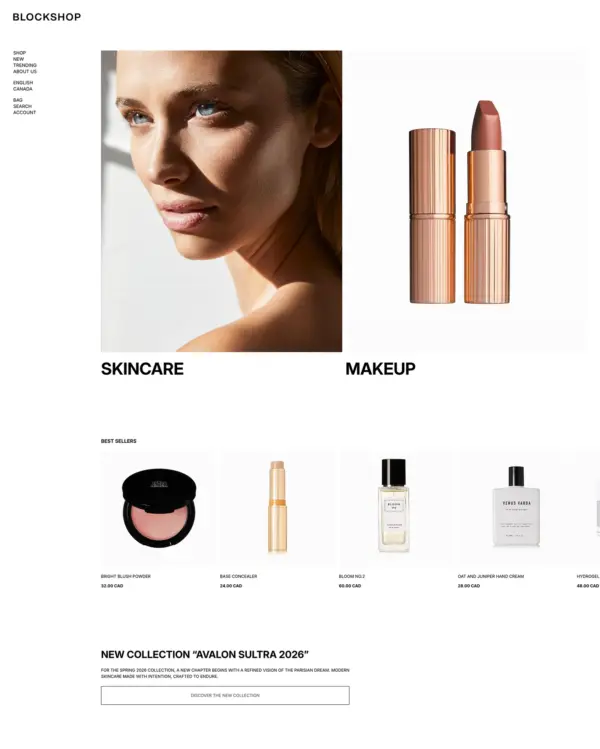
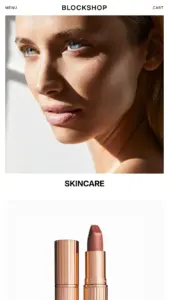
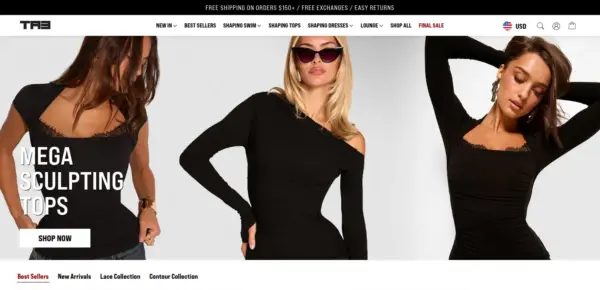
Blockshop is appealing for brands that would rather let photography and spacing communicate quality than fill every page with badges and promotions. Its relaxed aesthetic suits beauty, fashion, and premium home products, while visual shopping tools keep the design commercially useful. With 421 reviews and 96% positive sentiment, there is a reassuring body of merchant experience. The $420 price is less attractive for a small store that only needs a straightforward grid. More importantly, the eight tested live stores averaged 46 on mobile. We'd shortlist it for brand-led retail, then verify both speed and customization needs.

Google PageSpeed Insights scores out of 100. Demo results average the home, collection, and product pages.
Tested in November 2026, the official Blockshop demo scored 83/100 on mobile and 98/100 on desktop. On mobile, LCP was 4.8s, CLS 0.00 and Total Blocking Time 47ms.
| By page | Mobile | Desktop |
|---|---|---|
| Home page | 79 | 98 |
| Collection page | 74 | 96 |
| Product page | 97 | 100 |
| Metric | Mobile | Desktop |
|---|---|---|
| Largest Contentful Paint | 5.7s | 1.1s |
| Cumulative Layout Shift | 0.00 | 0.00 |
| Total Blocking Time | 52ms | 1ms |
| Speed Index | 2.8s | 1.0s |
| Metric | Mobile | Desktop |
|---|---|---|
| Largest Contentful Paint | 6.3s | 995ms |
| Cumulative Layout Shift | 0.00 | 0.00 |
| Total Blocking Time | 64ms | 7ms |
| Speed Index | 4.4s | 1.8s |
| Metric | Mobile | Desktop |
|---|---|---|
| Largest Contentful Paint | 2.5s | 653ms |
| Cumulative Layout Shift | 0.01 | 0.01 |
| Total Blocking Time | 25ms | 0ms |
| Speed Index | 1.5s | 713ms |
Lab data from PageSpeed Insights, Nov 2026
The 8 live stores we tested averaged 46/100 on mobile and 64/100 on desktop. Average mobile LCP was 14.5s and CLS was 0.04. These are complete production stores, so the numbers cover more than the theme itself.
| Metric | Mobile | Desktop |
|---|---|---|
| Largest Contentful Paint | 14.5s | 2.4s |
| Cumulative Layout Shift | 0.04 | 0.07 |
| Total Blocking Time | 864ms | 1.0s |
| Speed Index | 10.2s | 3.0s |
Real stores carry their own apps, images and traffic
Google PageSpeed Insights scores out of 100. Demo results average the home, collection, and product pages.
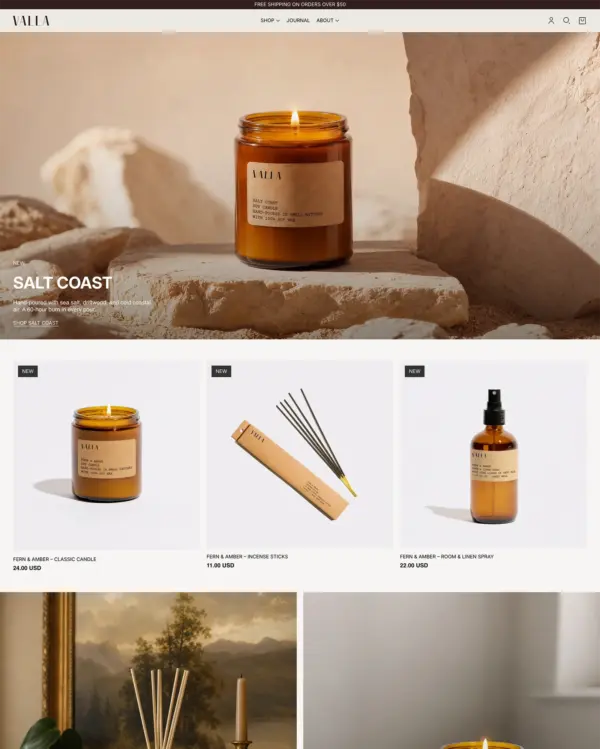
The official Valla demo scored 90/100 on mobile and 99/100 on desktop in our November 2026 test. On mobile, LCP was 3.5s, CLS 0.02 and Total Blocking Time 14ms.
| By page | Mobile | Desktop |
|---|---|---|
| Home page | 91 | 100 |
| Collection page | 84 | 99 |
| Product page | 96 | 100 |
| Metric | Mobile | Desktop |
|---|---|---|
| Largest Contentful Paint | 3.5s | 752ms |
| Cumulative Layout Shift | 0.00 | 0.00 |
| Total Blocking Time | 0ms | 0ms |
| Speed Index | 1.8s | 538ms |
| Metric | Mobile | Desktop |
|---|---|---|
| Largest Contentful Paint | 4.4s | 931ms |
| Cumulative Layout Shift | 0.00 | 0.00 |
| Total Blocking Time | 3ms | 8ms |
| Speed Index | 3.1s | 878ms |
| Metric | Mobile | Desktop |
|---|---|---|
| Largest Contentful Paint | 2.6s | 584ms |
| Cumulative Layout Shift | 0.05 | 0.00 |
| Total Blocking Time | 40ms | 0ms |
| Speed Index | 2.1s | 549ms |
Lab data from PageSpeed Insights, Nov 2026
The 8 live stores we tested averaged 46/100 on mobile and 64/100 on desktop. Average mobile LCP was 14.5s and CLS was 0.04. These are complete production stores, so the numbers cover more than the theme itself.
| Metric | Mobile | Desktop |
|---|---|---|
| Largest Contentful Paint | 14.5s | 2.4s |
| Cumulative Layout Shift | 0.04 | 0.07 |
| Total Blocking Time | 864ms | 1.0s |
| Speed Index | 10.2s | 3.0s |
Real stores carry their own apps, images and traffic
Google PageSpeed Insights scores out of 100. Demo results average the home, collection, and product pages.
Tested in November 2026, the official Stone demo scored 93/100 on mobile and 100/100 on desktop. On mobile, LCP was 3.1s, CLS 0.00 and Total Blocking Time 7ms.
| By page | Mobile | Desktop |
|---|---|---|
| Home page | 89 | 100 |
| Collection page | 94 | 100 |
| Product page | 97 | 100 |
| Metric | Mobile | Desktop |
|---|---|---|
| Largest Contentful Paint | 3.8s | 821ms |
| Cumulative Layout Shift | 0.00 | 0.00 |
| Total Blocking Time | 0ms | 0ms |
| Speed Index | 2.3s | 702ms |
| Metric | Mobile | Desktop |
|---|---|---|
| Largest Contentful Paint | 3.0s | 671ms |
| Cumulative Layout Shift | 0.00 | 0.00 |
| Total Blocking Time | 20ms | 12ms |
| Speed Index | 2.1s | 825ms |
| Metric | Mobile | Desktop |
|---|---|---|
| Largest Contentful Paint | 2.6s | 557ms |
| Cumulative Layout Shift | 0.00 | 0.00 |
| Total Blocking Time | 0ms | 0ms |
| Speed Index | 1.6s | 536ms |
Lab data from PageSpeed Insights, Nov 2026
The 8 live stores we tested averaged 46/100 on mobile and 64/100 on desktop. Average mobile LCP was 14.5s and CLS was 0.04. These results reflect complete production stores, not the theme alone.
| Metric | Mobile | Desktop |
|---|---|---|
| Largest Contentful Paint | 14.5s | 2.4s |
| Cumulative Layout Shift | 0.04 | 0.07 |
| Total Blocking Time | 864ms | 1.0s |
| Speed Index | 10.2s | 3.0s |
Real stores carry their own apps, images and traffic
Google PageSpeed Insights scores out of 100. Demo results average the home, collection, and product pages.
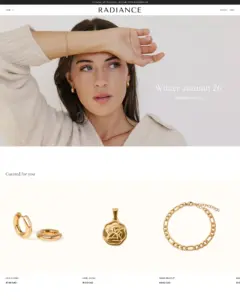
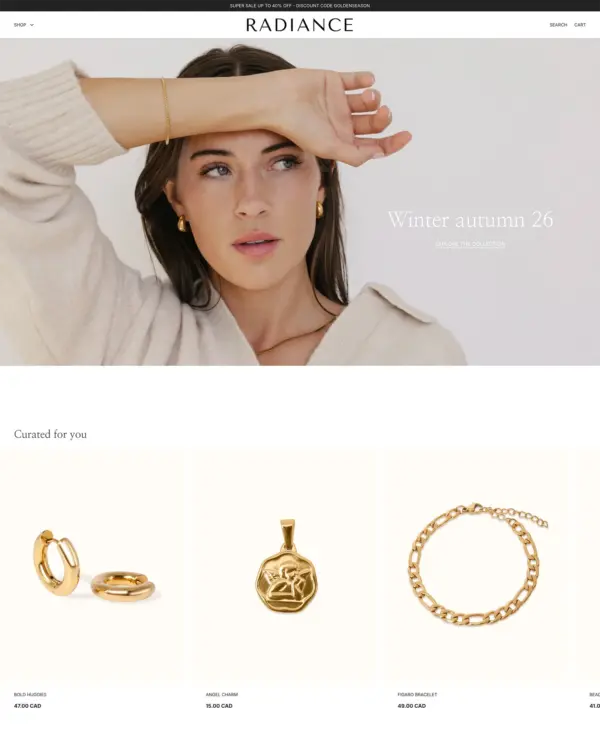
The official Radiance demo scored 94/100 on mobile and 99/100 on desktop in our November 2026 test. On mobile, LCP was 2.9s, CLS 0.00 and Total Blocking Time 15ms.
| By page | Mobile | Desktop |
|---|---|---|
| Home page | 96 | 100 |
| Collection page | 92 | 99 |
| Product page | 96 | 100 |
| Metric | Mobile | Desktop |
|---|---|---|
| Largest Contentful Paint | 2.8s | 601ms |
| Cumulative Layout Shift | 0.00 | 0.00 |
| Total Blocking Time | 0ms | 23ms |
| Speed Index | 1.4s | 454ms |
| Metric | Mobile | Desktop |
|---|---|---|
| Largest Contentful Paint | 3.3s | 841ms |
| Cumulative Layout Shift | 0.00 | 0.00 |
| Total Blocking Time | 44ms | 4ms |
| Speed Index | 1.9s | 954ms |
| Metric | Mobile | Desktop |
|---|---|---|
| Largest Contentful Paint | 2.7s | 684ms |
| Cumulative Layout Shift | 0.00 | 0.00 |
| Total Blocking Time | 2ms | 0ms |
| Speed Index | 1.3s | 502ms |
Lab data from PageSpeed Insights, Nov 2026
The 8 live stores we tested averaged 46/100 on mobile and 64/100 on desktop. Average mobile LCP was 14.5s and CLS was 0.04. These are complete production stores, so the numbers cover more than the theme itself.
| Metric | Mobile | Desktop |
|---|---|---|
| Largest Contentful Paint | 14.5s | 2.4s |
| Cumulative Layout Shift | 0.04 | 0.07 |
| Total Blocking Time | 864ms | 1.0s |
| Speed Index | 10.2s | 3.0s |
Real stores carry their own apps, images and traffic
No features match your search.
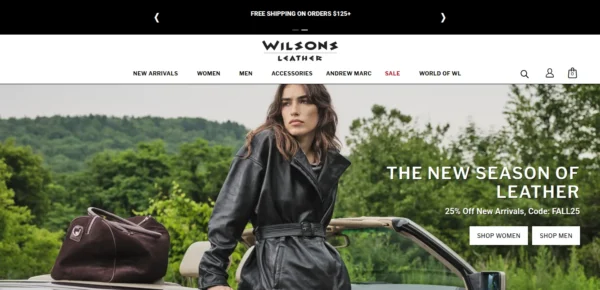
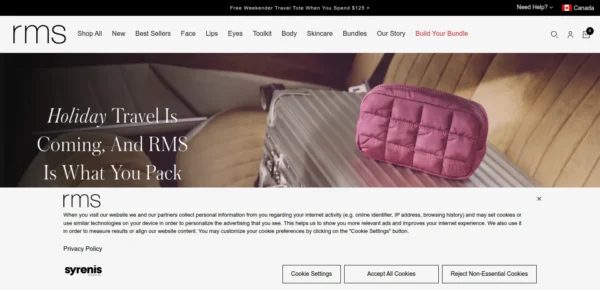
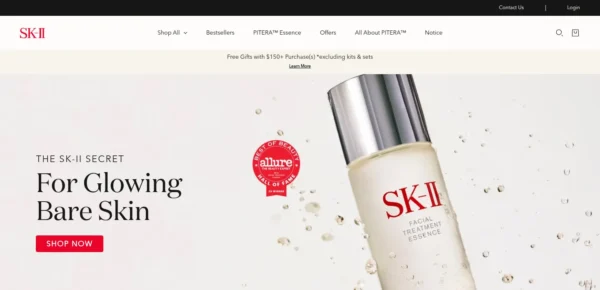
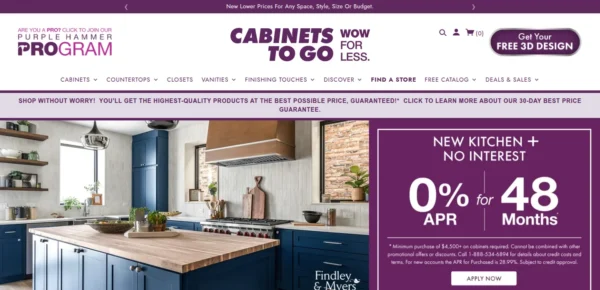
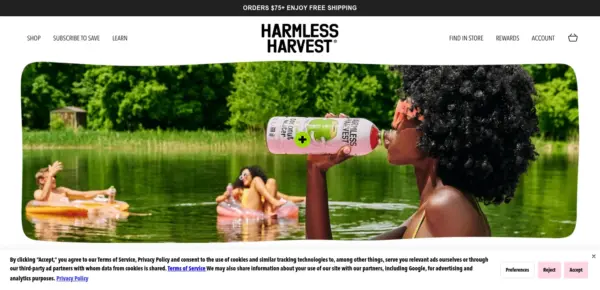

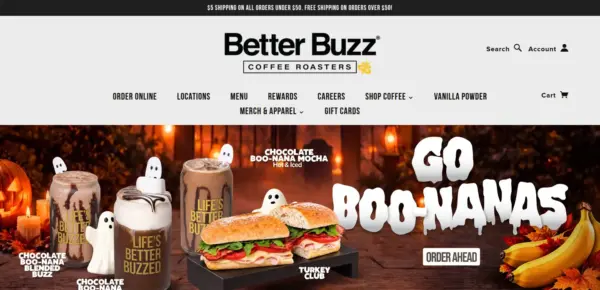
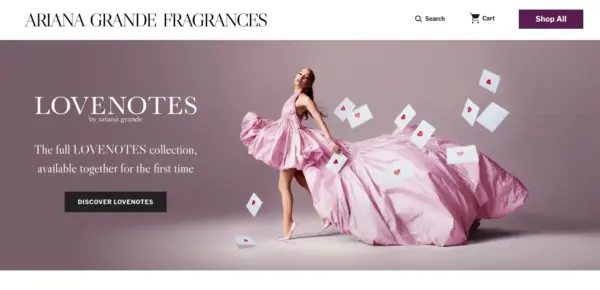
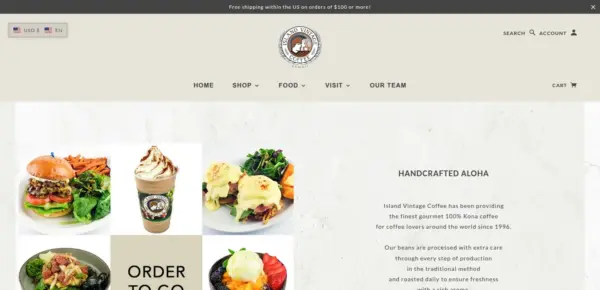
Blockshop has received 7 updates in the last 12 months.
Your storefront now reports Shopify's standard events, so the apps and analytics you already use can follow product views, variant choices, collection browsing, search, and cart activity, including quick add, without custom tracking code. Apps that change the cart refresh it in place and can open the cart drawer or cart page. Custom code that opens the cart with theme:cart:open or refreshes it with theme:cart:refresh keeps working in this version. Use Shopify.actions.openCart() to show the cart and Shopify.actions.updateCart() to change it. A later update will remove theme:cart:open and theme:cart:refresh.
Pages also load lighter. Critical assets start earlier, and drawers, menus, and section scripts wait until they are needed. Fallback fonts and prioritized images reduce layout shift. After updating, set Show images on Text columns with images if columns previously hid their images.
Sidekick in the theme editor can now follow this theme's design and the Blockshop support guides. Shoppers never see that guidance.
custom.fit_scale integer metafield (0–10), with customizable Runs small, True to size, and Runs large labels. Products without a metafield use a configurable default position.19.99 USD) to the shop money format when changing variants<head> tag in Theme settings > Advanced404 of 421 reviews are positive, 7 neutral and 10 negative. Merchants most often praise the clean, modern design, its flexibility and customisation, and the quick, helpful Troop Themes support. The most common criticism is slow support replies and apps that do not integrate well with the theme, with a few reviewers reporting that issues were resolved.
Generated from all 421 Theme Store reviews ·
Blockshop has received 16 reviews in the last 12 months.
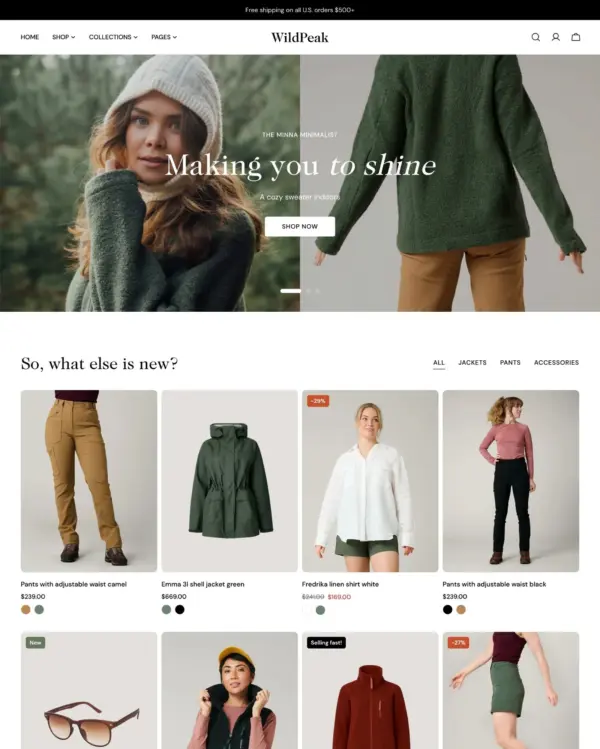
Takes a lightweight approach to home shopping, with built-in suggestions for related products.
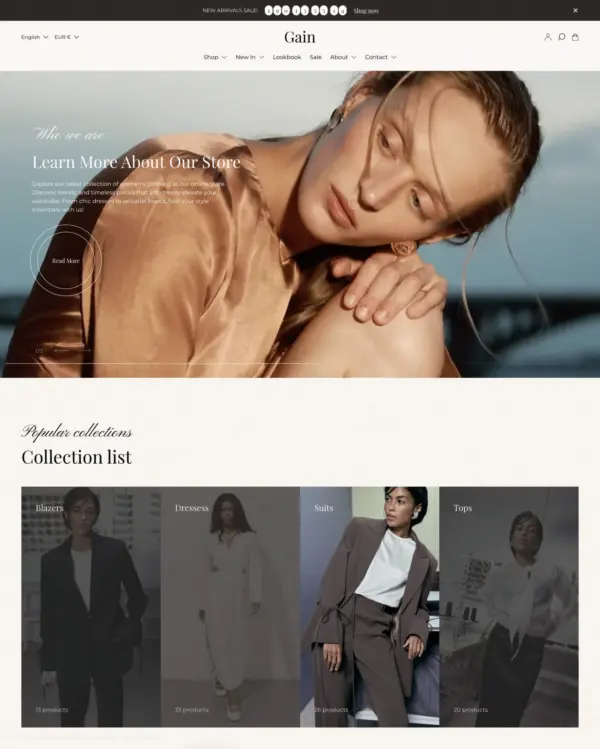
Puts fashion photography first, letting customers explore outfits through lookbooks and shoppable images.
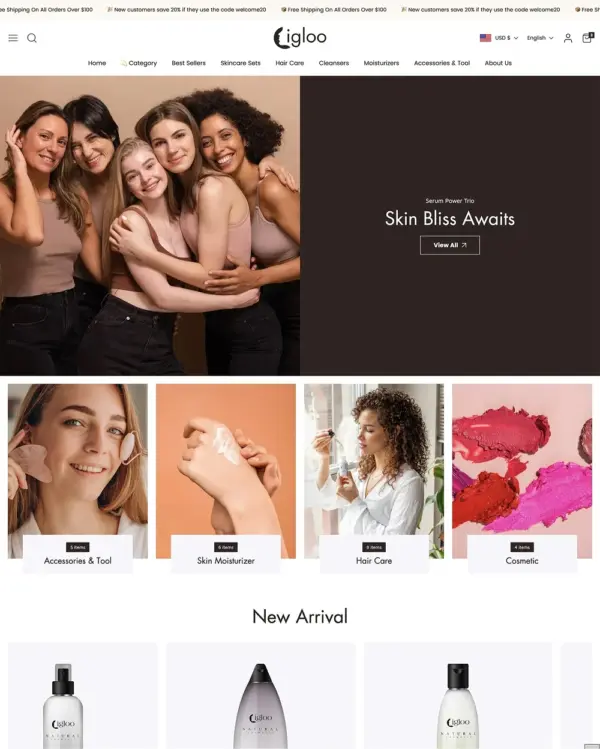
Blends words, images, and video in beauty pages, with an interactive drawer for searching products.
Designed for wholesale shopping, with bulk order lists and pricing tools for business customers.
Handles both retail and wholesale beauty orders, including hidden guest prices, quick orders, and RTL layouts.
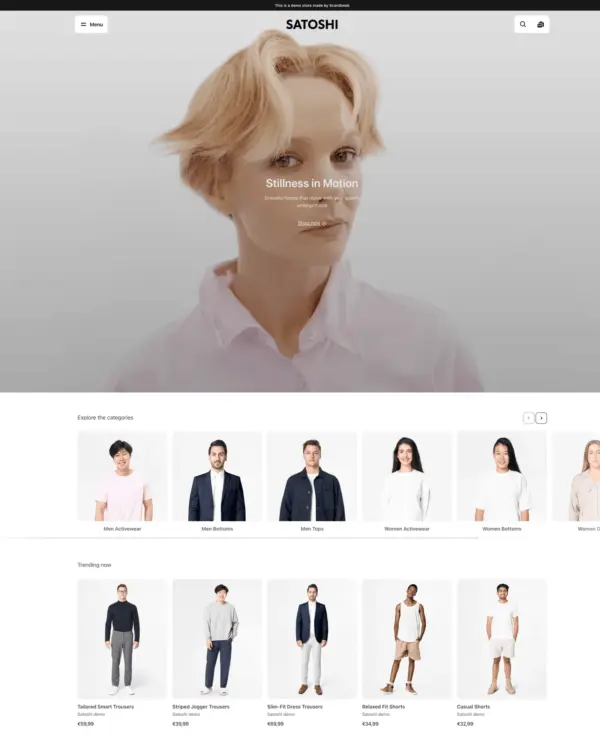
Keeps clothing and lifestyle catalogs flexible, with lookbooks and quantity-based pricing.
Guides skincare shoppers toward products with a built-in quiz, product finder, and visual lookbooks.
Brings outdoor gear to life with animated imagery, product comparisons, and filters for larger catalogs.
Takes a lightweight approach to home shopping, with built-in suggestions for related products.
Turns editorial fashion and jewelry images into shoppable displays, with continuous product browsing.
Puts fashion photography first, letting customers explore outfits through lookbooks and shoppable images.
Blends words, images, and video in beauty pages, with an interactive drawer for searching products.
Combines apparel lookbooks and size charts with AI-assisted page setup and a sticky shopping cart.
Puts detailed apparel and accessory photography first, with precise layouts and interactive lookbooks.
Designed for wholesale shopping, with bulk order lists and pricing tools for business customers.
Creates a luxury-inspired setting for fashion and jewelry, with gift wrapping and preorder options.
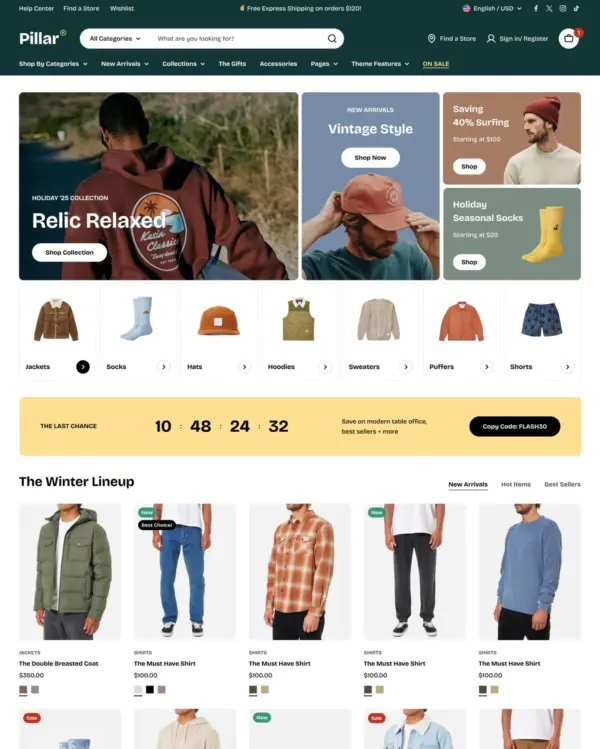
Clothing and lifestyle collections flow through lookbooks, product hotspots, and continuous scrolling.
Makes it easy to show complete outfits and related pieces alongside the main fashion collection.
Turns editorial fashion and jewelry images into shoppable displays, with continuous product browsing.
Puts fashion photography first, letting customers explore outfits through lookbooks and shoppable images.
Blends words, images, and video in beauty pages, with an interactive drawer for searching products.
Combines apparel lookbooks and size charts with AI-assisted page setup and a sticky shopping cart.
Puts detailed apparel and accessory photography first, with precise layouts and interactive lookbooks.
Designed for wholesale shopping, with bulk order lists and pricing tools for business customers.
Clothing and lifestyle collections flow through lookbooks, product hotspots, and continuous scrolling.
Turns editorial fashion and jewelry images into shoppable displays, with continuous product browsing.
Puts fashion photography first, letting customers explore outfits through lookbooks and shoppable images.
Puts detailed apparel and accessory photography first, with precise layouts and interactive lookbooks.
Combines electronics merchandising with AI-assisted setup, stock counters, and restock notifications.
Handles both retail and wholesale beauty orders, including hidden guest prices, quick orders, and RTL layouts.
Keeps clothing and lifestyle catalogs flexible, with lookbooks and quantity-based pricing.
Helps customers explore electronics ranges through detailed search, product filters, and quick previews.