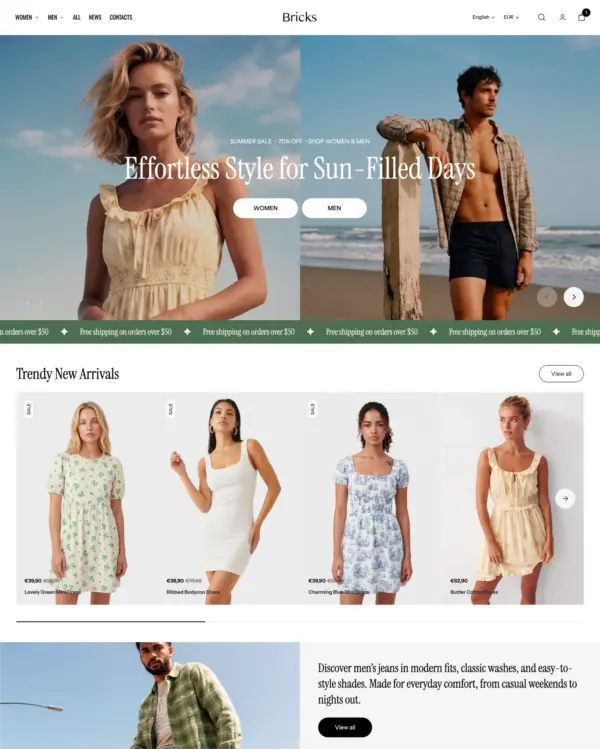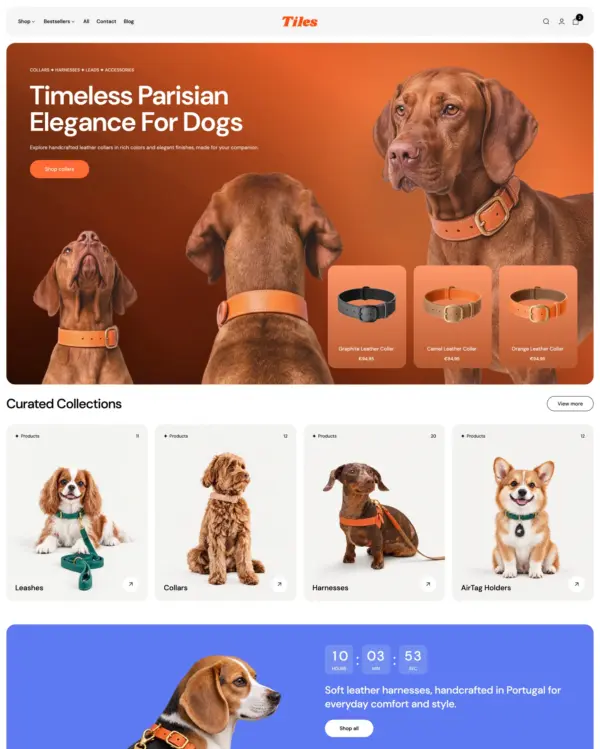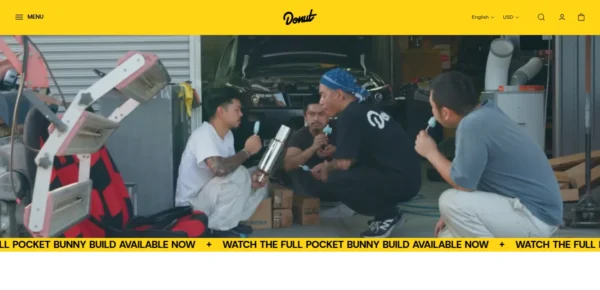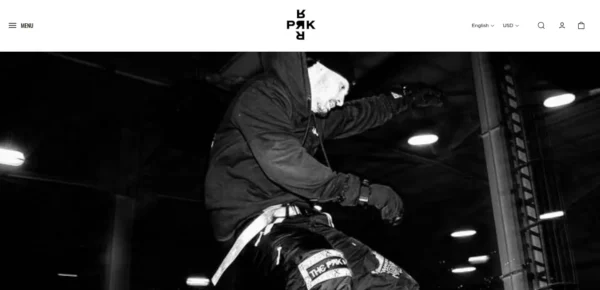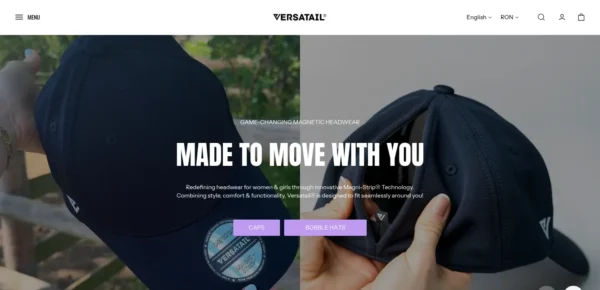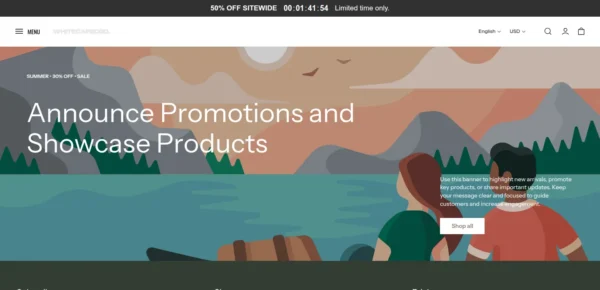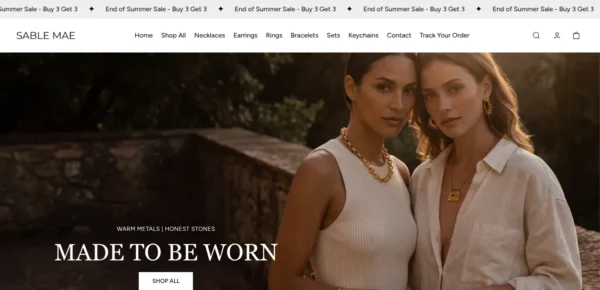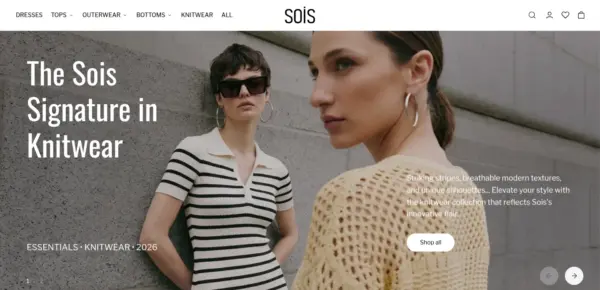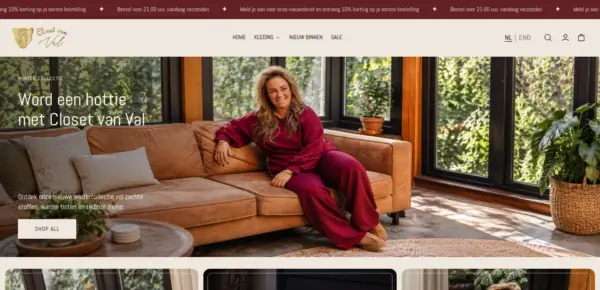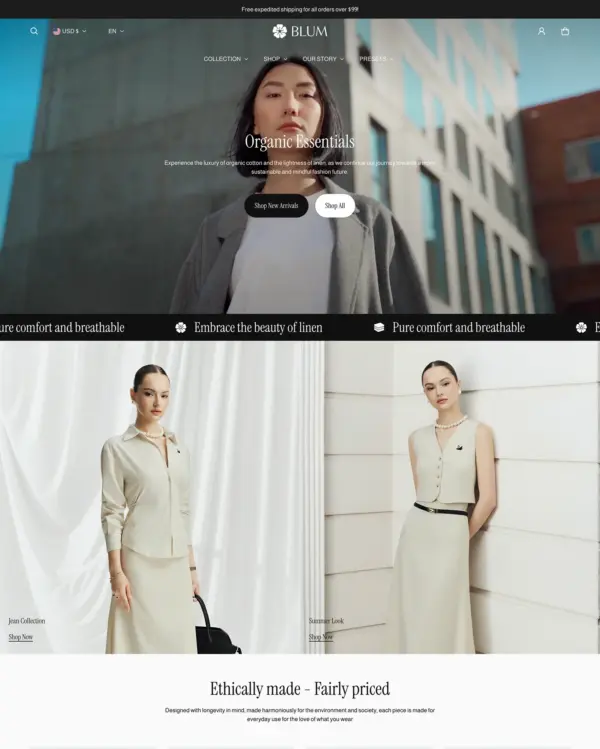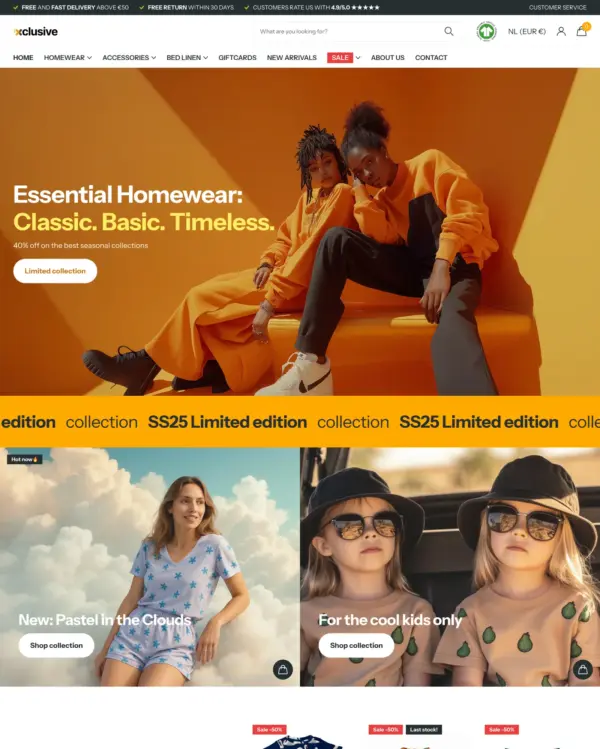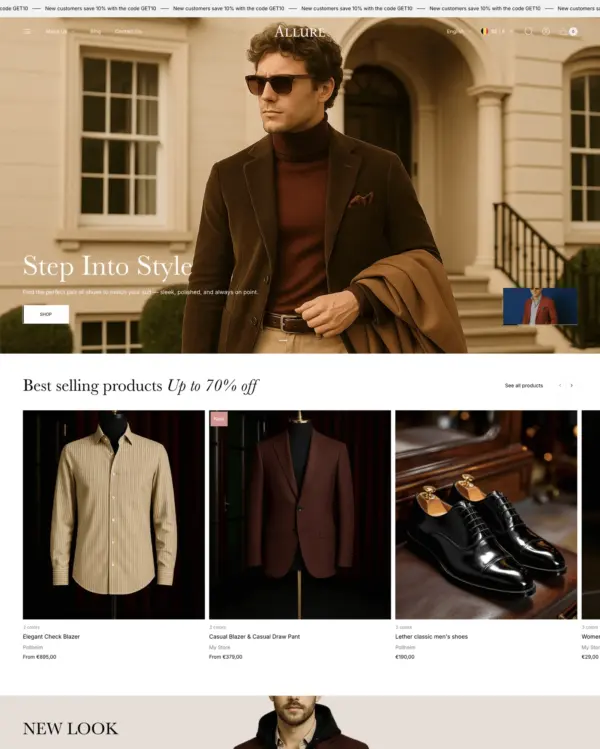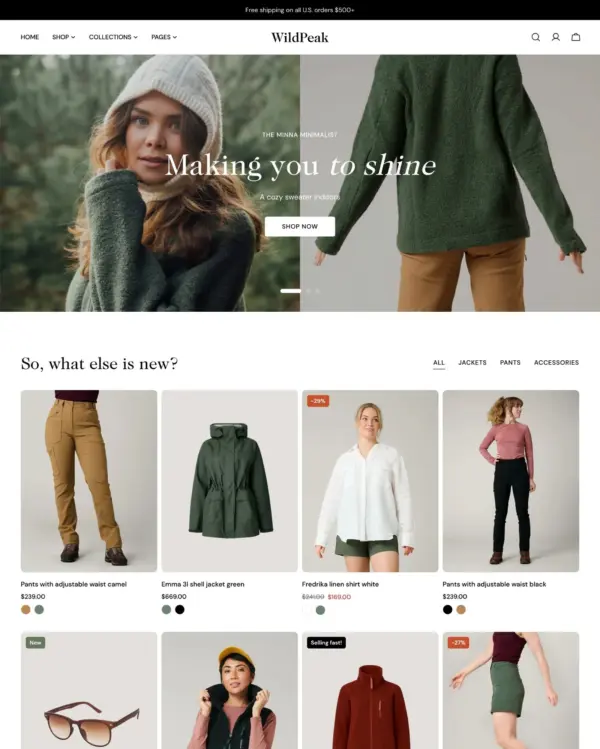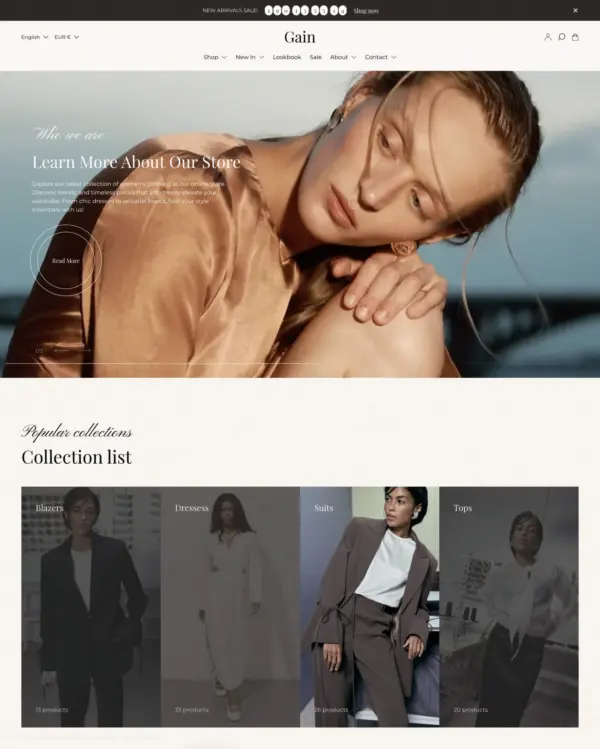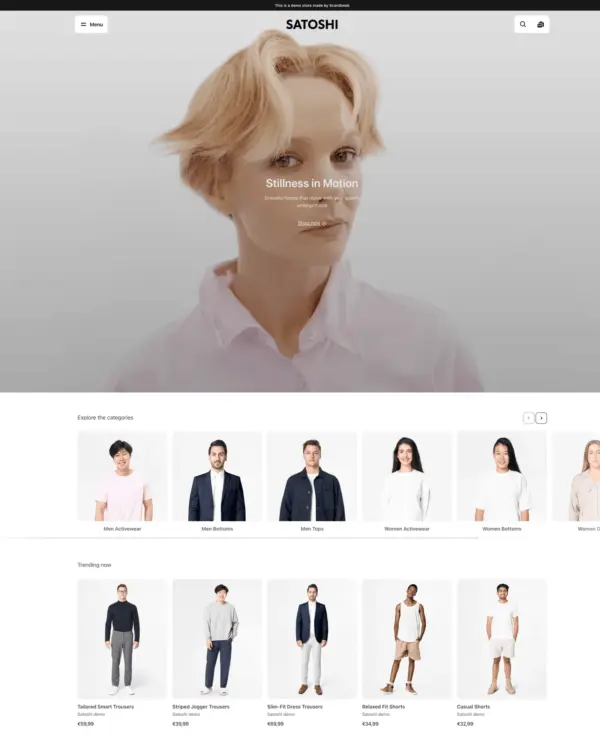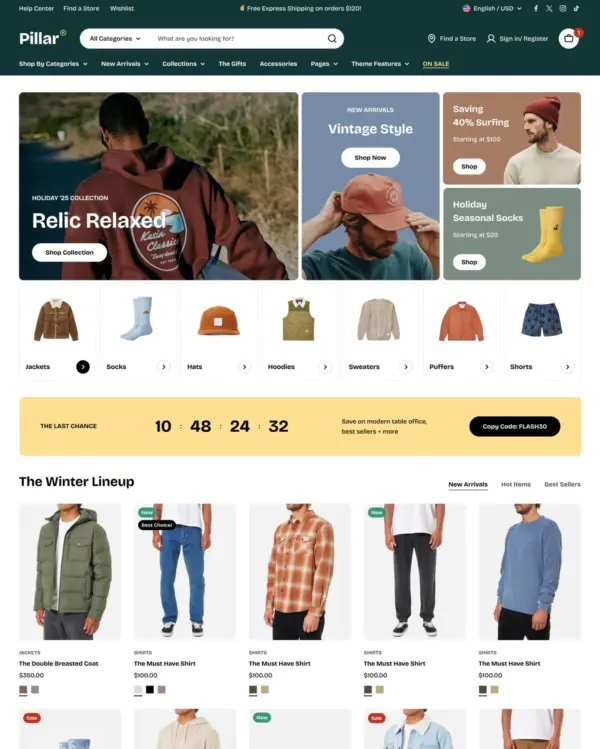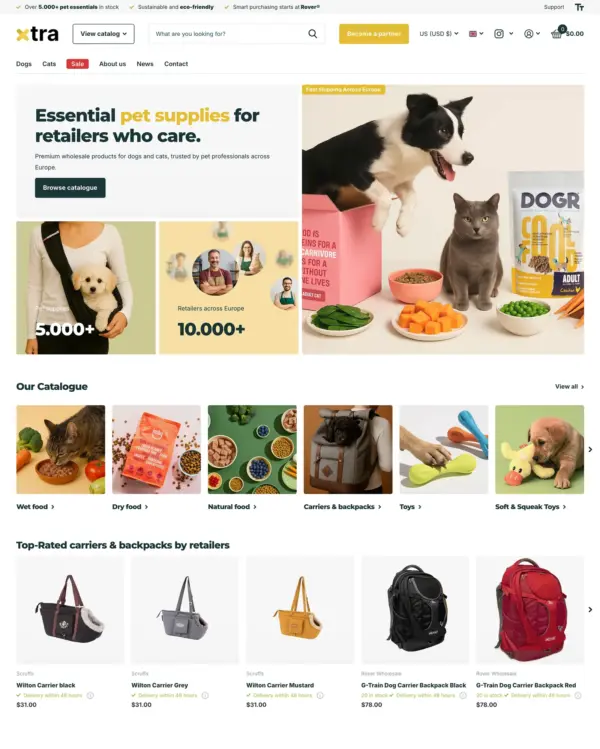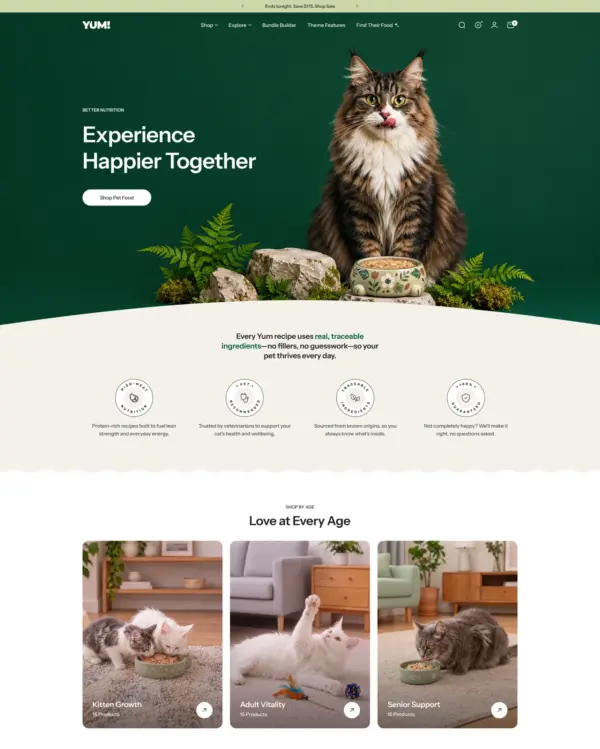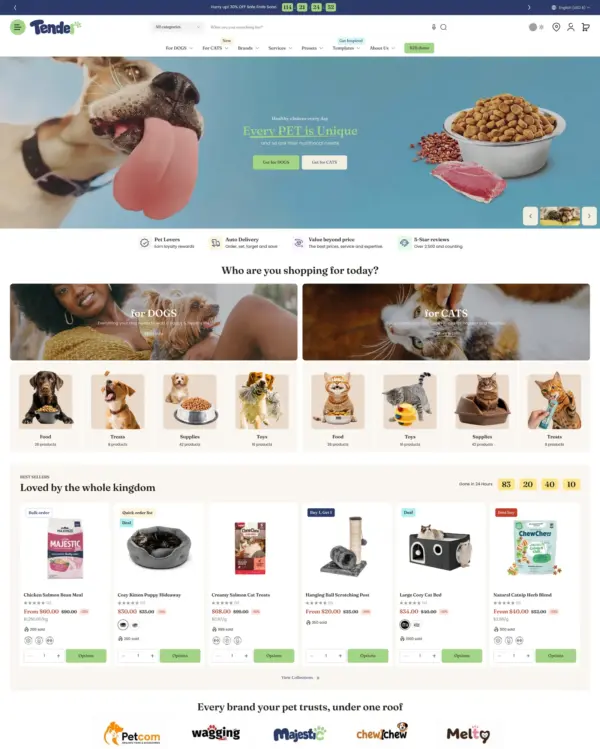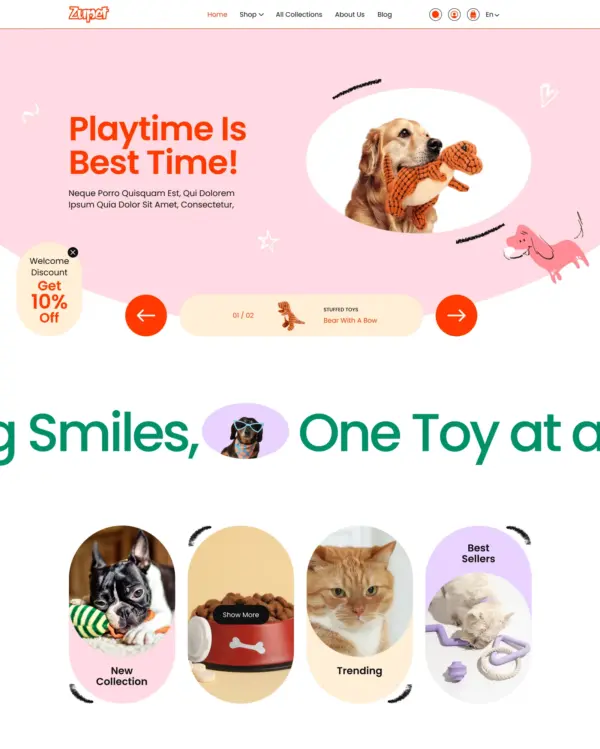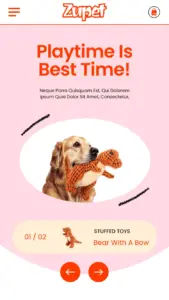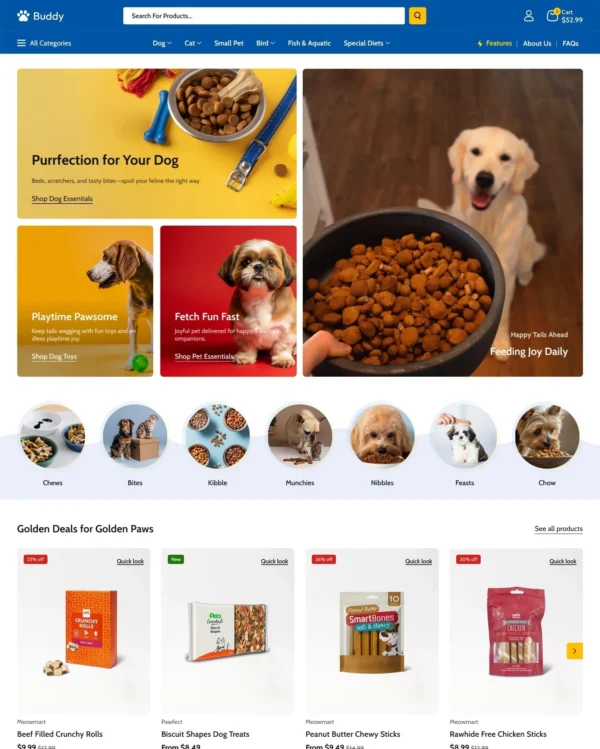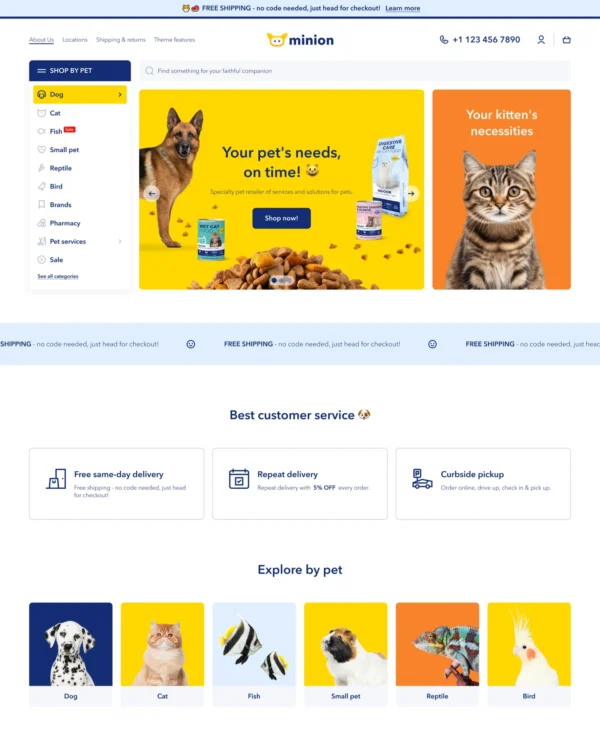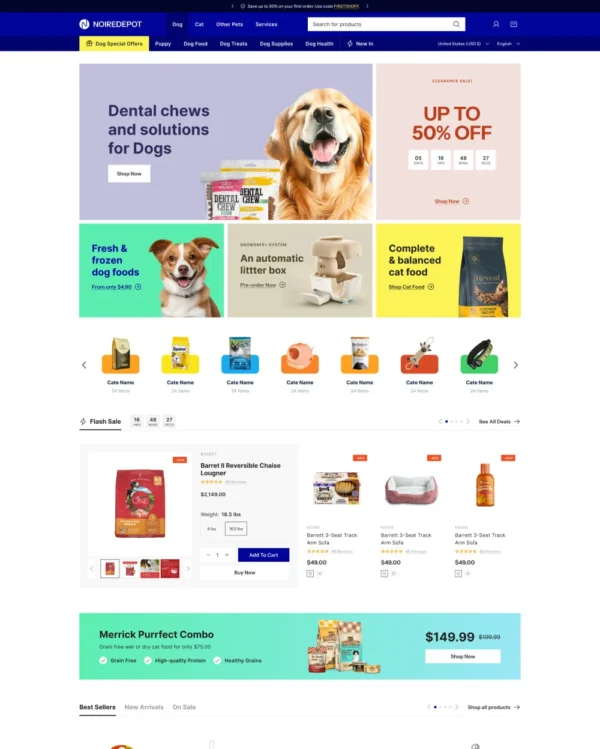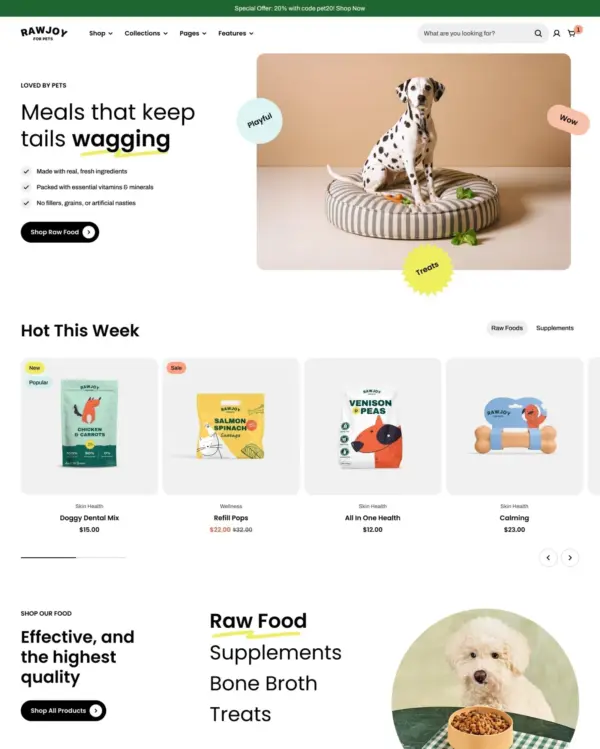
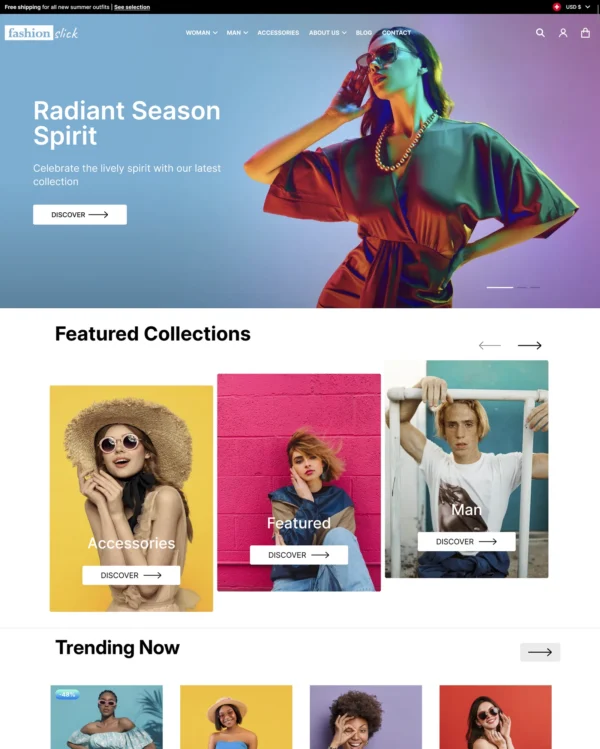

Clothing and lifestyle collections flow through lookbooks, product hotspots, and continuous scrolling.
Our verdict on Bricks
Bricks uses flexible blocks to build fashion stories, with visual product sections and Sidekick-assisted editing. Bricks’ lookbooks become genuinely useful when they show products together and lead shoppers back to the individual items. Bricks’ $150 license is relatively approachable, leaving more budget for content and product-page refinement. Bricks has no published merchant reviews yet, leaving support and editing reliability largely untested. The deciding test for Bricks is accurate sizes, variant selection and smooth mobile browsing, with the merchant's own content.

What we liked
- The visual storytelling has a shopping purpose: Bricks's lookbooks help turn coordinated imagery into discoverable products, not just decoration.
- Bricks's hotspots give shoppers working out sizing, color and fit a route from an inspiring photograph to the actual item, provided the featured products are easy to recognize.
- Bricks's before-and-after presentation can make a visible change easier to assess, as long as both images represent a fair comparison.
Worth knowing
- The $150 price is easiest to defend when editorial lookbooks are central to the store, not optional effects left unused.
- No merchant reviews are published for Bricks yet; put extra weight on the support policy and a hands-on test of an apparel product with all sizes and colors.
How fast is Bricks?
Google PageSpeed Insights scores out of 100. Demo results average the home, collection, and product pages.
In our November 2026 test, the official Bricks demo scored 61/100 on mobile and 80/100 on desktop. On mobile, LCP was 6.6s, CLS 0.00 and Total Blocking Time 420ms.
Theme demo store
Official Bricks demo, average of 3 pages| By page | Mobile | Desktop |
|---|---|---|
| Home page | 56 | 74 |
| Collection page | 74 | 77 |
| Product page | 53 | 89 |
| Metric | Mobile | Desktop |
|---|---|---|
| Largest Contentful Paint | 7.7s | 1.9s |
| Cumulative Layout Shift | 0.00 | 0.00 |
| Total Blocking Time | 457ms | 303ms |
| Speed Index | 7.5s | 2.1s |
| Metric | Mobile | Desktop |
|---|---|---|
| Largest Contentful Paint | 4.5s | 525ms |
| Cumulative Layout Shift | 0.00 | 0.22 |
| Total Blocking Time | 206ms | 198ms |
| Speed Index | 6.3s | 2.7s |
| Metric | Mobile | Desktop |
|---|---|---|
| Largest Contentful Paint | 7.7s | 1.8s |
| Cumulative Layout Shift | 0.00 | 0.00 |
| Total Blocking Time | 597ms | 128ms |
| Speed Index | 7.6s | 1.5s |
Lab data from PageSpeed Insights, Nov 2026
The 8 live stores we tested averaged 68/100 on mobile and 83/100 on desktop. Average mobile LCP was 7.7s and CLS was 0.01. These are complete production stores, so the numbers cover more than the theme itself.
Live stores average
Mean across 8 stores running Bricks| Metric | Mobile | Desktop |
|---|---|---|
| Largest Contentful Paint | 7.7s | 1.5s |
| Cumulative Layout Shift | 0.01 | 0.01 |
| Total Blocking Time | 231ms | 212ms |
| Speed Index | 5.7s | 2.2s |
Real stores carry their own apps, images and traffic
Per-store results
8 live stores · tested Nov 2026How fast is Tiles?
Google PageSpeed Insights scores out of 100. Demo results average the home, collection, and product pages.
In our November 2026 test, the official Tiles demo scored 60/100 on mobile and 74/100 on desktop. Mobile LCP was 6.5s, CLS was 0.00, and Total Blocking Time was 603ms.
Theme demo store
Official Tiles demo, average of 3 pages| By page | Mobile | Desktop |
|---|---|---|
| Home page | 45 | 66 |
| Collection page | — | 66 |
| Product page | 75 | 92 |
| Metric | Mobile | Desktop |
|---|---|---|
| Largest Contentful Paint | 8.2s | 1.8s |
| Cumulative Layout Shift | 0.00 | 0.00 |
| Total Blocking Time | 989ms | 449ms |
| Speed Index | 9.0s | 2.8s |
| Metric | Mobile | Desktop |
|---|---|---|
| Largest Contentful Paint | — | 1.8s |
| Cumulative Layout Shift | — | 0.00 |
| Total Blocking Time | — | 508ms |
| Speed Index | — | 2.2s |
| Metric | Mobile | Desktop |
|---|---|---|
| Largest Contentful Paint | 4.9s | 1.7s |
| Cumulative Layout Shift | 0.00 | 0.00 |
| Total Blocking Time | 217ms | 62ms |
| Speed Index | 5.2s | 1.4s |
Lab data from PageSpeed Insights, Nov 2026
Across 8 live stores we tested, the average PageSpeed score was 68/100 on mobile and 83/100 on desktop. Average mobile LCP was 7.7s and CLS was 0.01. These results reflect complete production stores, not the theme alone.
Live stores average
Mean across 8 stores running Tiles| Metric | Mobile | Desktop |
|---|---|---|
| Largest Contentful Paint | 7.7s | 1.5s |
| Cumulative Layout Shift | 0.01 | 0.01 |
| Total Blocking Time | 231ms | 212ms |
| Speed Index | 5.7s | 2.2s |
Real stores carry their own apps, images and traffic
Per-store results
8 live stores · tested Nov 2026Tracked over time
Tracked over time
Features
Cart and checkout
- Cart notes
- In-store pickups
- Quick buy
- Sign in with Shop
- Slide-out cart
- Sticky cart
Customer accounts and sign-in
- Account menu
Marketing and conversion
- Age verifier
- Blogs
- Countdown timer
- Cross-selling
- Customizable contact form
- EU translations (EN, FR, IT, DE, ES)
- FAQ page
- In-menu promos
- Press coverage
- Product badges
- Promo banners
- Promo popups
- Promo tiles
- Quick view
- Recently viewed
- Recommended products
- Stock counter
- Trust badges
Merchandising
- Usage information
- Slideshow
- Size chart
- Shipping/delivery information
- Product videos
- Product tabs
- Product options
- Lookbooks
- Image zoom
- Image rollover
- Image hotspot
- Image galleries
- High-resolution images
- Color swatches
- Before/after image slider
- Animation
- Combined listing (Shopify Plus)
Product discovery
- Back-to-top button
- Breadcrumbs
- Collection page navigation
- Enhanced search
- Infinite scroll
- Mega menu
- Product filtering and sorting
- Recently viewed
- Recommended products
- Sticky header
- Swatch filters
No features match your search.
Bricks ranking and satisfaction
Bricks Tiles preset ranking and satisfaction
Examples of Shopify stores using the Bricks theme
Release history
Bricks has received 4 updates in the last 12 months.
The new Bricks version introduces multiple new blocks and presets, custom badges, and combined listings.
Added
- Important: Added a new theme preset, “Tiles,” designed for premium pet stores with vibrant aesthetics
- Added “Collections in motion” section to showcase featured collections through interactive transitions
- Added “Hotspots: Split” section that features an image with the hotspots linked to the products in the carousel to the side
- Added “Lookbook” section with a featured image and a configurable product list
- Added “Popups” to the Overlay group with multiple popup presets for every purpose: email signup, age verification, promotion, countdown, and flyout presets
- Added “Product bundle” section with an optional hotspot banner, variant selection, configurable product cards and layouts
- Added “Product highlight” section with a slideshow of product cards with featured images to the side
- Added “Press coverage” section to display quotes from press in a carousel
- Added a new “Scrolling media” editorial section with moving cards in various interactive layouts
- Added a new “Scrolling shoppable cards” editorial section with moving cards in various interactive layouts
- Added a new “Scrolling products” editorial section with moving cards in various interactive layouts
- Added a new “Scrolling collections” editorial section with moving cards in various interactive layouts
- Added “Shoppable videos” section with featured images and videos linked to compact shoppable product cards
- Added built-in "Combined listings" block on the product page to link child products on one unified product listing
- Added compatibility with Shopify’s native Combined Listings app for stores on the Shopify Plus plan
- Added 3 custom product badges in Theme settings > Badges, that are linked to product metafields, with separate appearance settings for each badge
- Added more "Sale" badge formats to show the discount as a saved percentage or amount
- Added product media background color settings for the product gallery in Theme settings > General
- Added icon background shapes to make trust badges more prominent
- Added font weight settings to presets in Theme settings > Typography and in individual blocks
- Added “Apply outside container” setting in blocks to apply section appearance across the full section
- Added separate desktop and mobile margins to the collection, filter bars, footer, and utilities
- Added more settings for checkout and empty-cart buttons, including separate empty-cart links for the cart page and cart drawer
Removed
- Removed the “Utility” font preset in Theme settings > Typography in favor of “Body”
Fixes and other improvements
- Fixed megamenus closing when the cursor crosses the gap below the navigation links
- Fixed collection links in product breadcrumbs
- Fixed sale and sold-out badges not updating when the selected product variant changes
- Fixed fallback image aspect ratios
- Fixed text truncation for content from rich-text metafields
- Fixed accelerated checkout button sizing and line height
- Fixed standard button hover colors overriding animated button effects
The new Bricks version introduces new blocks, new presets, and fixes for bugs reported by merchants.
Added
- Added multiple "Trust badges" presets to the product page
- Added per-product cross-sell recommendations to the "Items" block on the cart page and in the cart drawer
- Added a floating "Mobile menu bar" to the Overlay group for app-like navigation experience
- Added a separate "Mobile sticky cart" block to the product page
- Added more pagination options for collection and search pages: "Infinite scroll", "Load more", and regular "Page links"
- Added the "Show featured media first" setting to the "Media" block on the product page that replaces the media of the first available variant with the first media in the product gallery
- Added the "Type" setting to the "Details" block on the product page that defines how the block behaves relative to the product gallery when scrolling
Changed
- Changed the setup of the "Multicolumn" section preset: it is now built on a different layout block, allowing columns to be displayed in both a carousel and a grid
Removed
- Removed mobile settings from the "Sticky cart: Bar" and "Sticky cart: Card" blocks on the product page in favor of a separate "Mobile sticky cart" block
Fixes and other improvements
- Fixed infinite scroll behavior on iPhones
- Fixed rich text truncation for dynamic text content
The new Bricks version introduces new blocks, section presets, structural changes, and fixes for bugs reported by merchants.
THIS VERSION INTRODUCES MULTIPLE POTENTIALLY BREAKING CHANGES, so be sure to back up your theme files before updating.
Added
- Added "Hotspot" block and its presets
- Added 2 new product card blocks with minimalist designs and presets featuring them
- Added "Back-to-top" block to the "Overlay group"
- Added "Sticky cart: Card" block nested under "Product information" for customizing a sticky ATC card
- Added "Sticky cart: Bar" block nested under "Product information" for customizing a sticky ATC bar
- Added "Recently viewed" block and its presets to the product page, cart page, and cart drawer
- Added "Recommendations" block and its presets to the product page, cart page, and cart drawer
- Added "Featured products" block and its presets to the product page, cart page, and cart drawer
- Added "Pickup availability" block nested under the "Buy buttons" block on the product page
- Added "Gift card form" block nested under the "Buy buttons" block on the product page
- Added support for App blocks in the "Buy buttons" block
- Added "Blog post list" block nested under the "In-menu promo" block in the header
- Added "Custom section" to the section picker in the "Header group"
- Added locales for the default theme content in DE, ES, FR, IT, NL, PL, PT, TR, and ZH
- Added "Group" block nested under the "Announcement bar"
- Added the "Page loader" setting in Theme settings > General, which displays a progress bar when customers click buttons and links and navigate between store pages
- Added multiple new section presets featuring new and existing blocks
Changed
- Changed theme file names throughout the theme to improve AI scanning
- Changed the position of the "Overlay group" by moving it under the main "Template" group for convenience
Removed
- Removed "Pickup availability" checkbox from the "Buy buttons" block in favor of a separate block for this feature
- Removed "Gift card form" checkbox from the "Buy buttons" block in favor of a separate block for this feature
- Removed "Payment icons" checkbox from the "Buy buttons" block because a separate block is already available for this feature
Fixes and other improvements
- Fixed the padding below the checkout button in the cart drawer
- Fixed the logo display in the header on mobile
- Fixed H1 tag issues on product, collection, blog, blog post, and other pages
- Fixed multiple minor design issues and made improvements throughout the theme