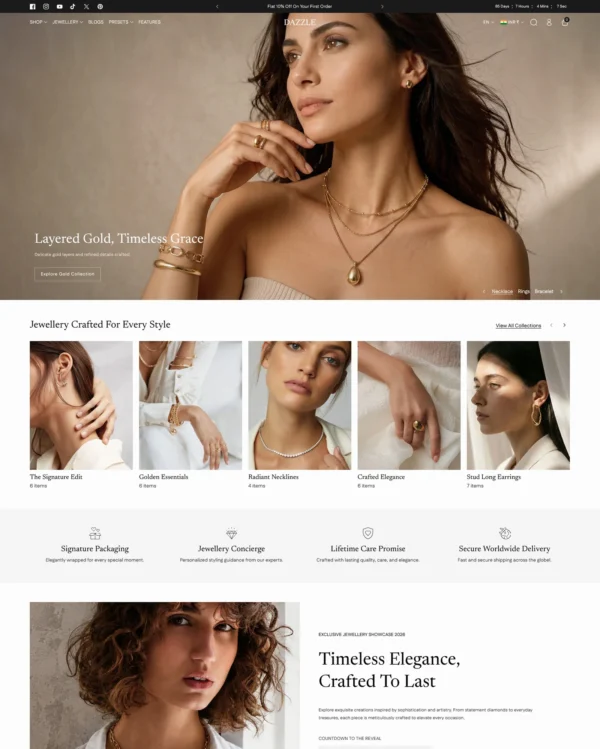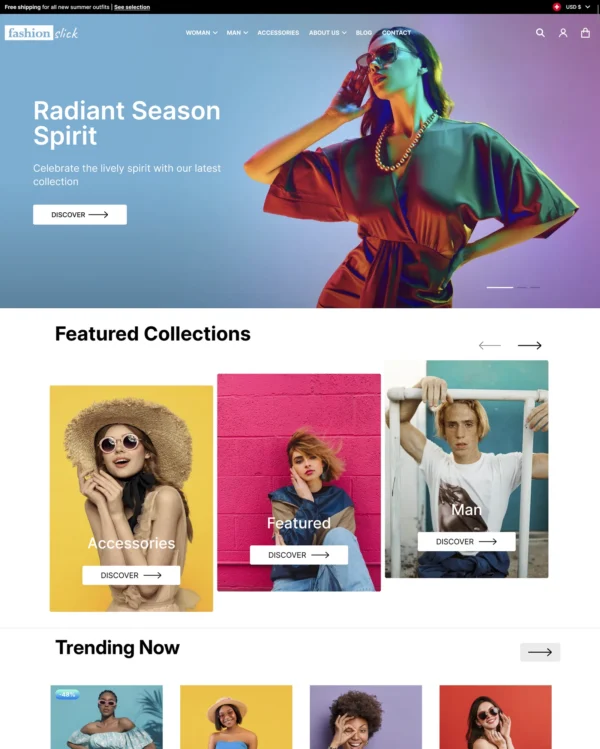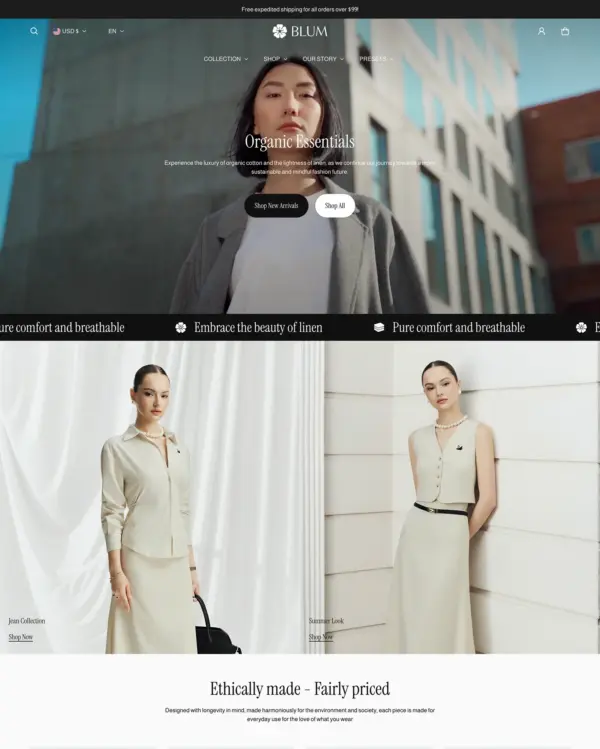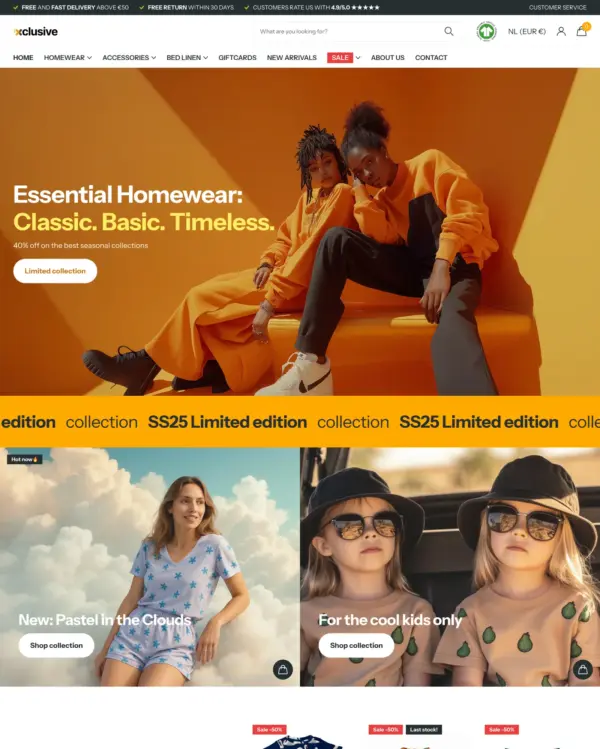
Fastest
Swissuplabs 3 presets
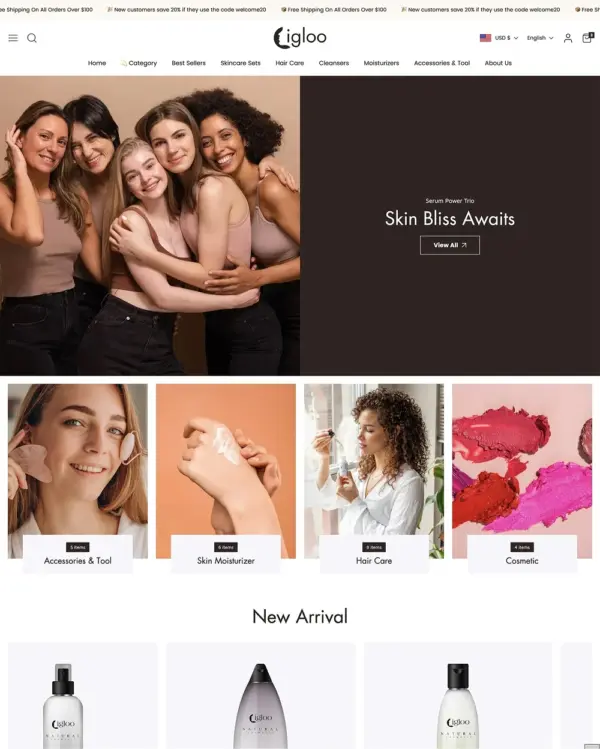
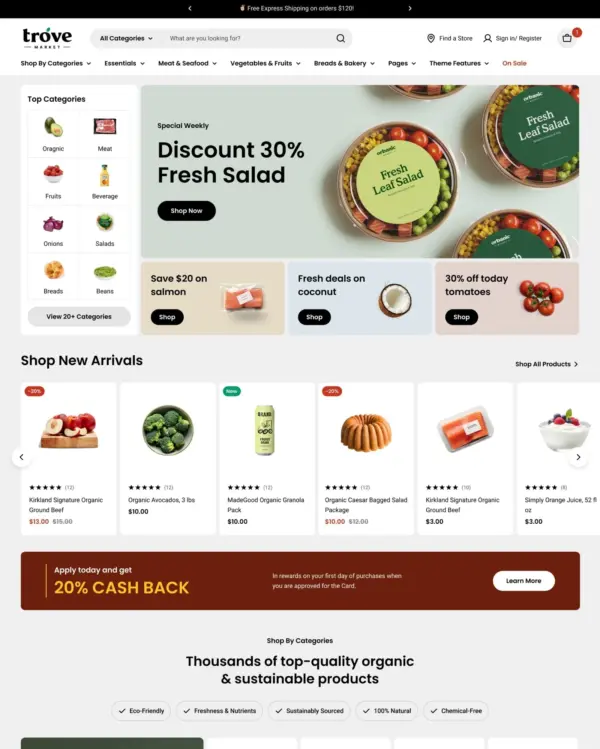
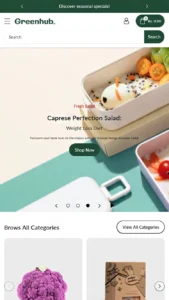
Takes a lightweight approach to home shopping, with built-in suggestions for related products.
Beauty Home Art
5.0 · 28 reviews $ 100



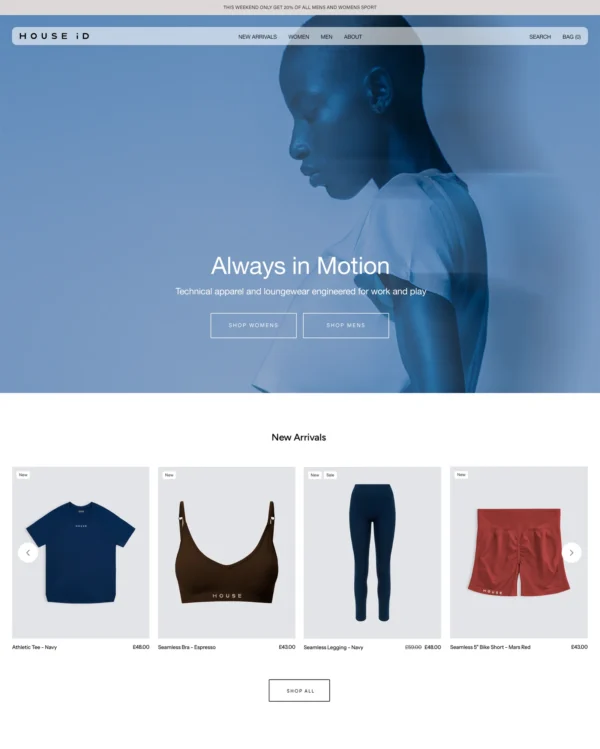

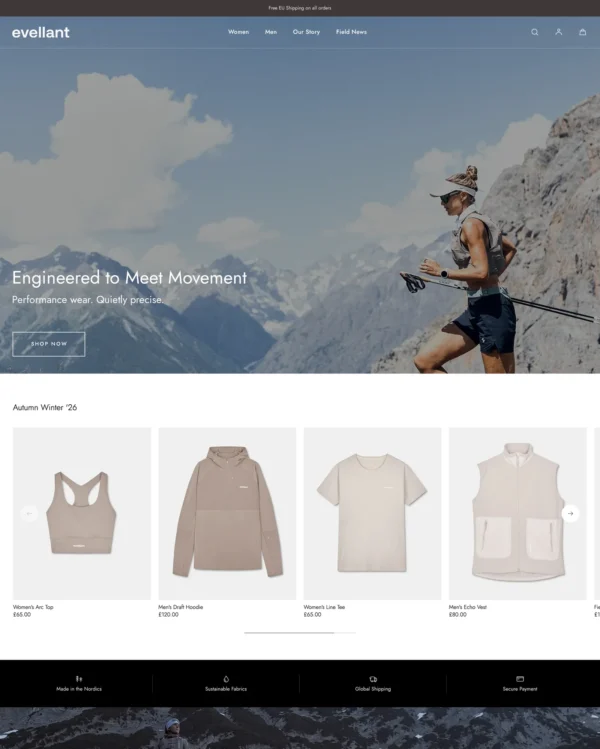

Created by Winter Studio
Independently reviewed by the eDIY editorial team
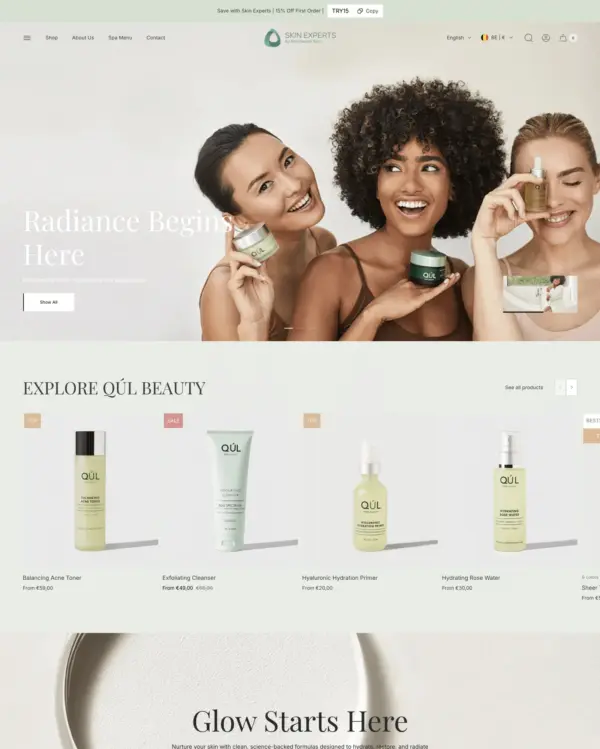
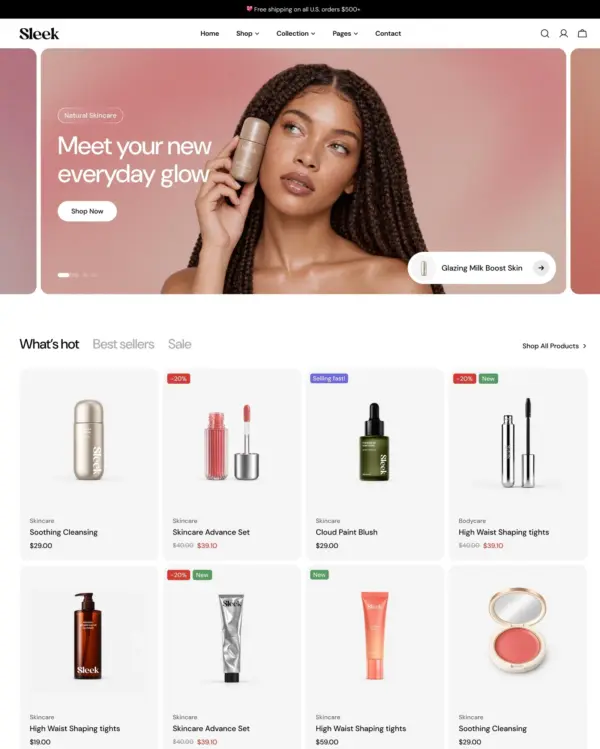
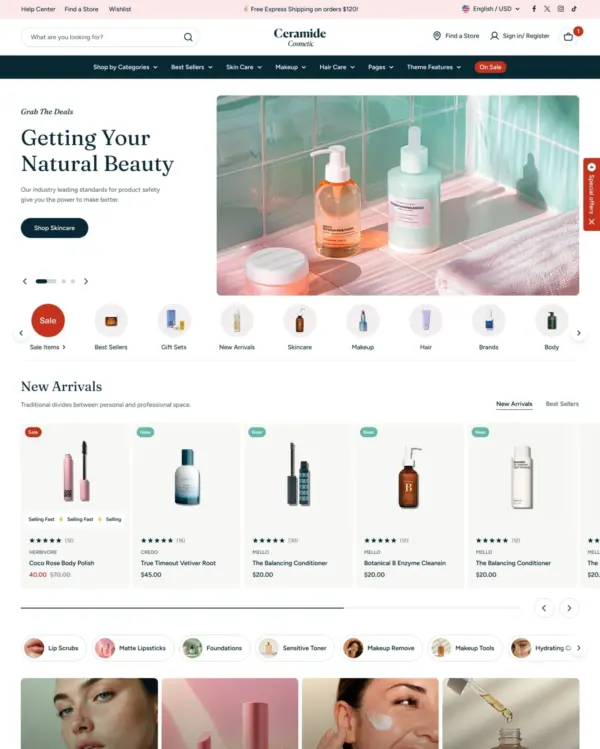
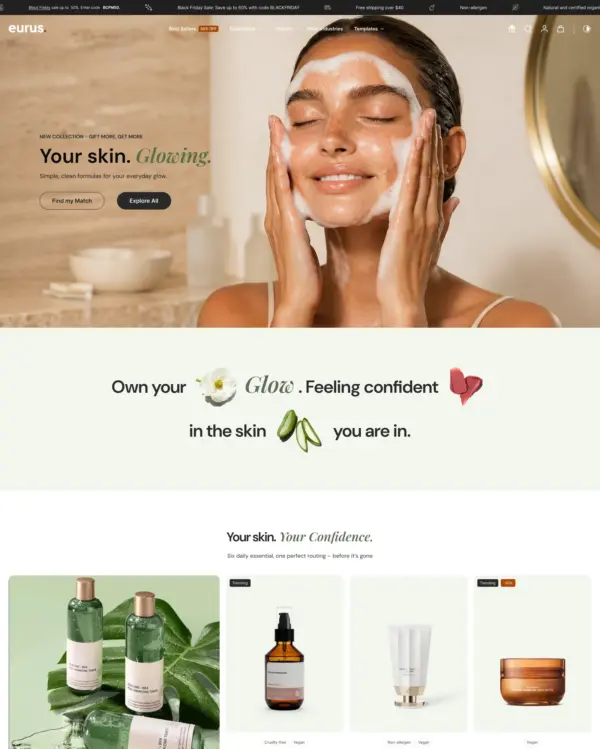
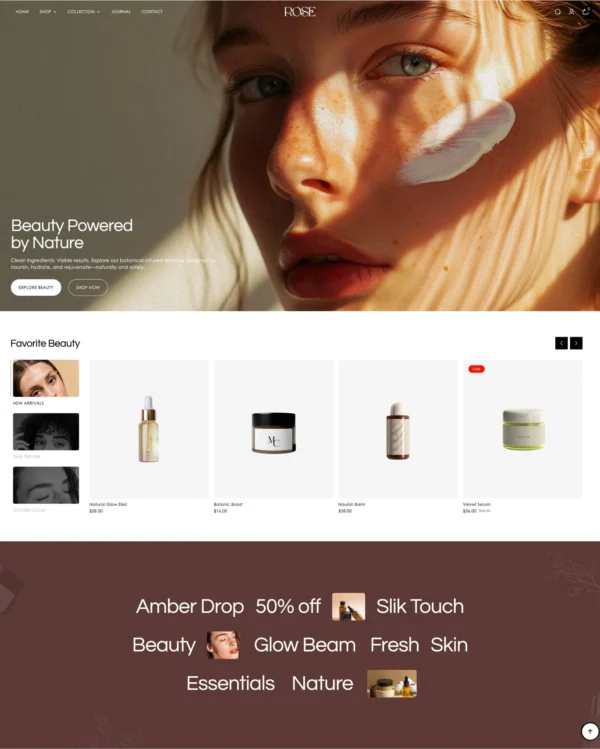
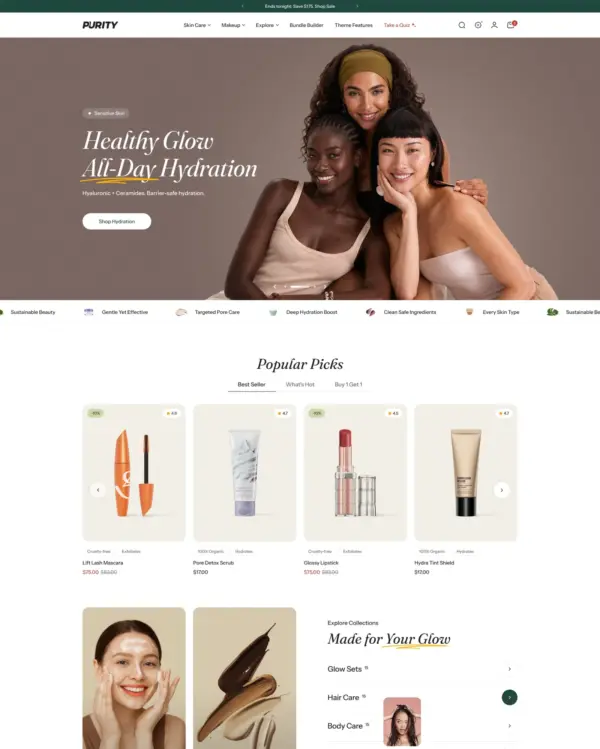
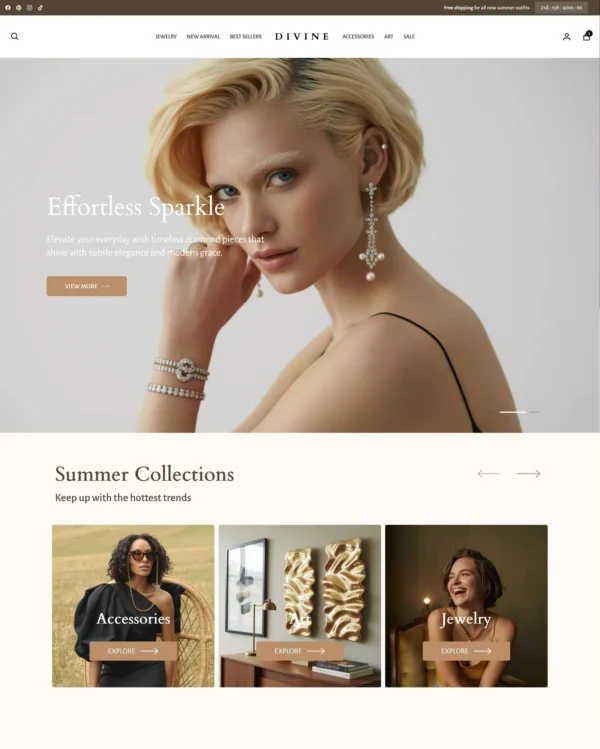
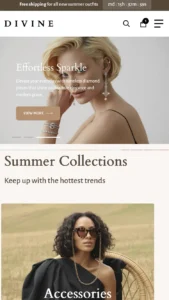
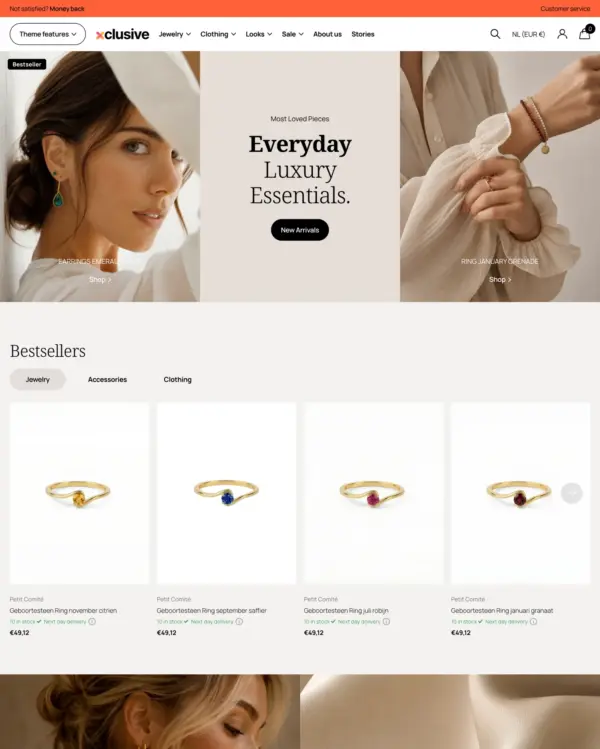
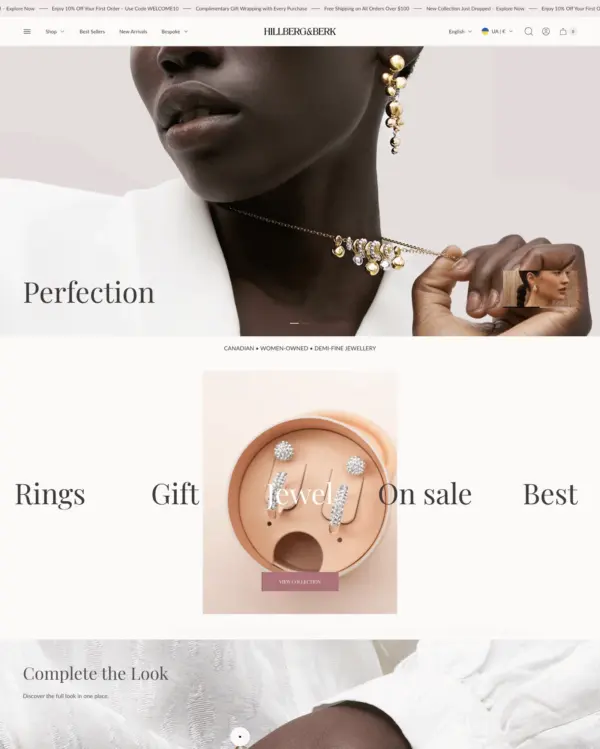
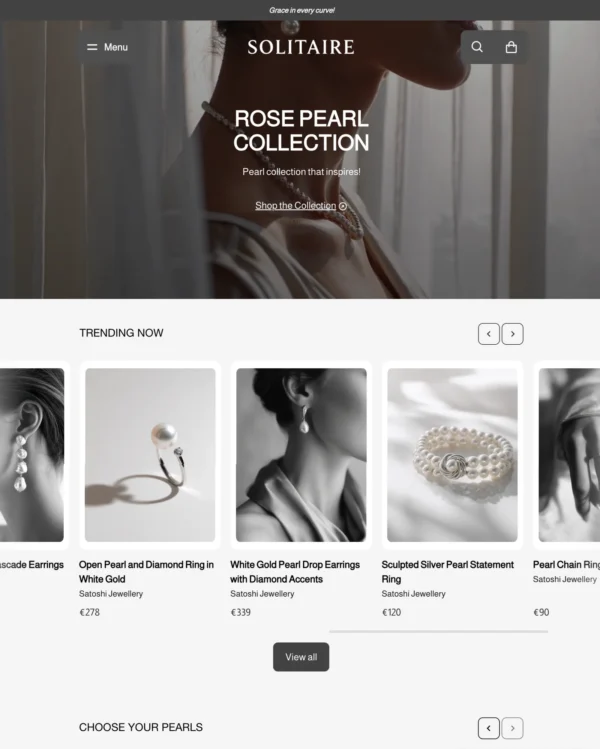
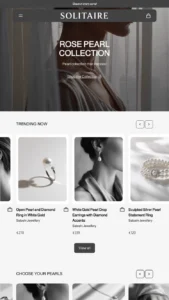
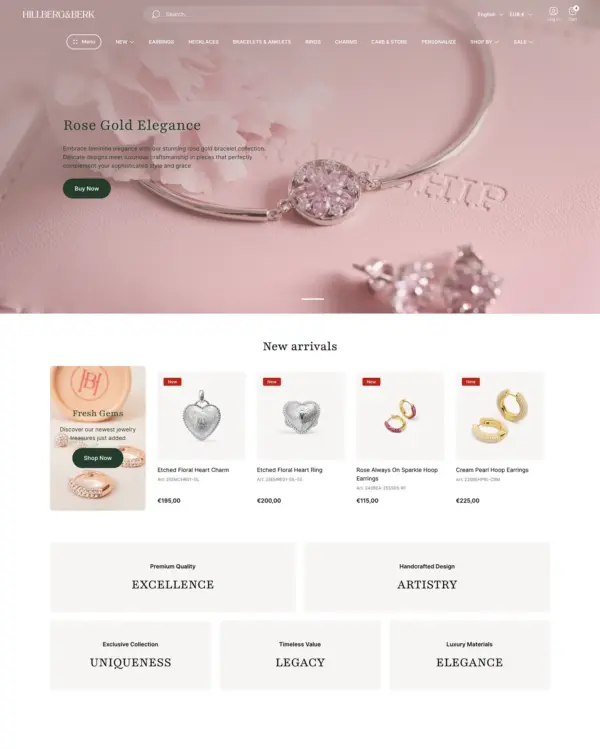
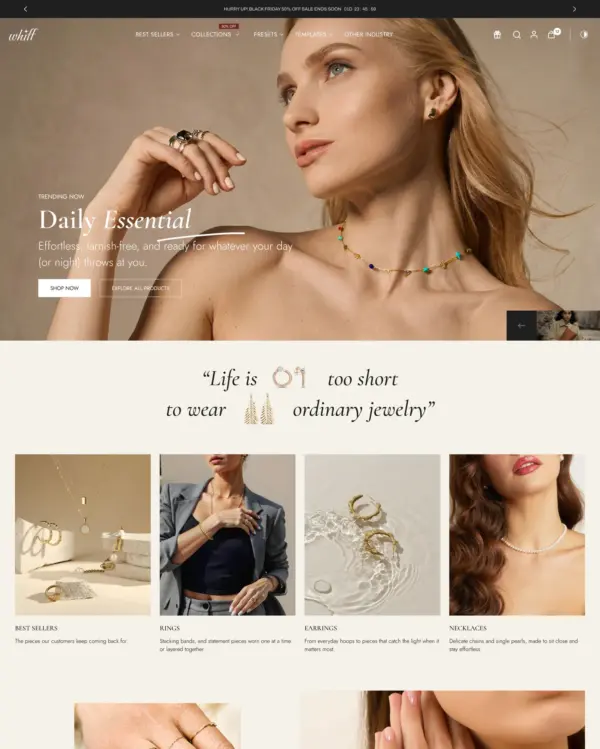
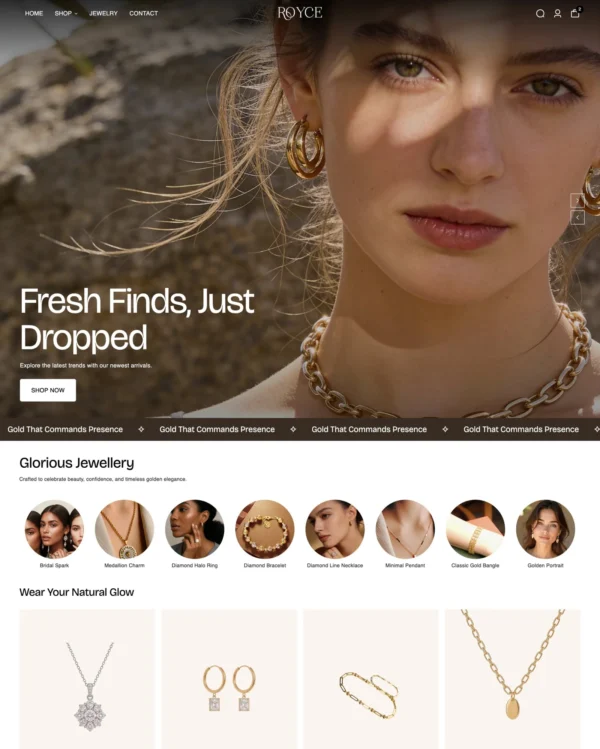
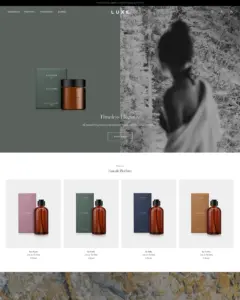
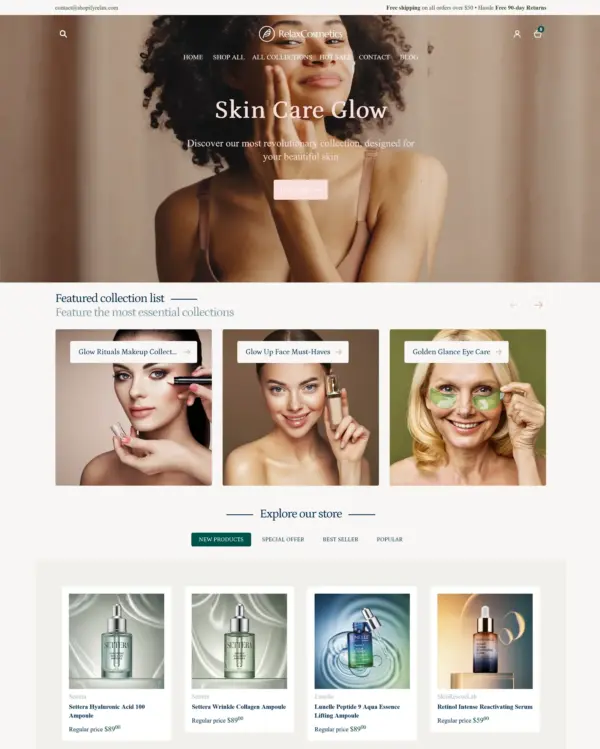
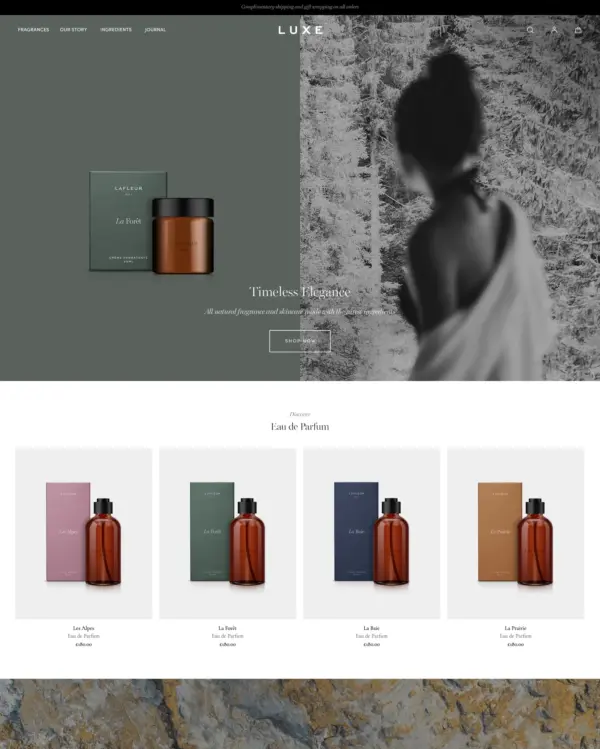
Luxe uses autoplay video to tell luxury beauty and jewelry stories, with options for quantity-based pricing. For Luxe, product footage is worth the extra effort when it answers a question that static photography cannot answer nearly as well. At $500, Luxe needs to replace real design work or noticeably improve shopping; attractive screenshots are not enough. The 69 merchant reviews give buyers more real-world feedback to check, particularly around updates. The deciding test for Luxe is readable ingredients, credible claims and mobile product details, with the merchant's own content.

Google PageSpeed Insights scores out of 100. Demo results average the home, collection, and product pages.
In our November 2026 test, the official Luxe demo scored 88/100 on mobile and 98/100 on desktop. On mobile, LCP was 3.8s, CLS 0.00 and Total Blocking Time 2ms.
| By page | Mobile | Desktop |
|---|---|---|
| Home page | 88 | 95 |
| Collection page | 91 | 100 |
| Product page | 87 | 99 |
| Metric | Mobile | Desktop |
|---|---|---|
| Largest Contentful Paint | 3.8s | 1.5s |
| Cumulative Layout Shift | 0.00 | 0.00 |
| Total Blocking Time | 0ms | 7ms |
| Speed Index | 1.5s | 642ms |
| Metric | Mobile | Desktop |
|---|---|---|
| Largest Contentful Paint | 3.5s | 721ms |
| Cumulative Layout Shift | 0.00 | 0.00 |
| Total Blocking Time | 0ms | 0ms |
| Speed Index | 2.1s | 412ms |
| Metric | Mobile | Desktop |
|---|---|---|
| Largest Contentful Paint | 4.0s | 881ms |
| Cumulative Layout Shift | 0.00 | 0.00 |
| Total Blocking Time | 5ms | 0ms |
| Speed Index | 1.3s | 451ms |
Lab data from PageSpeed Insights, Nov 2026
The 8 live stores we tested averaged 59/100 on mobile and 72/100 on desktop. Average mobile LCP was 10.0s and CLS was 0.00. These are complete production stores, so the numbers cover more than the theme itself.
| Metric | Mobile | Desktop |
|---|---|---|
| Largest Contentful Paint | 10.0s | 2.2s |
| Cumulative Layout Shift | 0.00 | 0.01 |
| Total Blocking Time | 741ms | 535ms |
| Speed Index | 5.9s | 2.0s |
Real stores carry their own apps, images and traffic
Google PageSpeed Insights scores out of 100. Demo results average the home, collection, and product pages.
The official Milton demo scored 93/100 on mobile and 100/100 on desktop in our November 2026 test. Mobile LCP was 3.2s, CLS was 0.02, and Total Blocking Time was 3ms.
| By page | Mobile | Desktop |
|---|---|---|
| Home page | 92 | 100 |
| Collection page | 95 | 100 |
| Product page | 93 | 100 |
| Metric | Mobile | Desktop |
|---|---|---|
| Largest Contentful Paint | 3.4s | 721ms |
| Cumulative Layout Shift | 0.00 | 0.00 |
| Total Blocking Time | 0ms | 0ms |
| Speed Index | 1.3s | 345ms |
| Metric | Mobile | Desktop |
|---|---|---|
| Largest Contentful Paint | 2.9s | 761ms |
| Cumulative Layout Shift | 0.00 | 0.00 |
| Total Blocking Time | 8ms | 15ms |
| Speed Index | 1.2s | 441ms |
| Metric | Mobile | Desktop |
|---|---|---|
| Largest Contentful Paint | 3.2s | 741ms |
| Cumulative Layout Shift | 0.05 | 0.00 |
| Total Blocking Time | 0ms | 0ms |
| Speed Index | 1.2s | 360ms |
Lab data from PageSpeed Insights, Nov 2026
Across 8 live stores we tested, the average PageSpeed score was 59/100 on mobile and 72/100 on desktop. Average mobile LCP was 10.0s and CLS was 0.00. These are complete production stores, so the numbers cover more than the theme itself.
| Metric | Mobile | Desktop |
|---|---|---|
| Largest Contentful Paint | 10.0s | 2.2s |
| Cumulative Layout Shift | 0.00 | 0.01 |
| Total Blocking Time | 741ms | 535ms |
| Speed Index | 5.9s | 2.0s |
Real stores carry their own apps, images and traffic
Google PageSpeed Insights scores out of 100. Demo results average the home, collection, and product pages.
The official Mayfair demo scored 84/100 on mobile and 98/100 on desktop in our November 2026 test. Mobile LCP was 4.4s, CLS was 0.03, and Total Blocking Time was 7ms.
| By page | Mobile | Desktop |
|---|---|---|
| Home page | 87 | 100 |
| Collection page | 80 | 98 |
| Product page | 87 | 97 |
| Metric | Mobile | Desktop |
|---|---|---|
| Largest Contentful Paint | 4.1s | 761ms |
| Cumulative Layout Shift | 0.00 | 0.00 |
| Total Blocking Time | 0ms | 18ms |
| Speed Index | 1.4s | 505ms |
| Metric | Mobile | Desktop |
|---|---|---|
| Largest Contentful Paint | 5.4s | 1.1s |
| Cumulative Layout Shift | 0.00 | 0.00 |
| Total Blocking Time | 10ms | 0ms |
| Speed Index | 1.3s | 449ms |
| Metric | Mobile | Desktop |
|---|---|---|
| Largest Contentful Paint | 3.8s | 1.2s |
| Cumulative Layout Shift | 0.08 | 0.05 |
| Total Blocking Time | 11ms | 10ms |
| Speed Index | 1.2s | 747ms |
Lab data from PageSpeed Insights, Nov 2026
Across 8 live stores we tested, the average PageSpeed score was 59/100 on mobile and 72/100 on desktop. Average mobile LCP was 10.0s and CLS was 0.00. These results reflect complete production stores, not the theme alone.
| Metric | Mobile | Desktop |
|---|---|---|
| Largest Contentful Paint | 10.0s | 2.2s |
| Cumulative Layout Shift | 0.00 | 0.01 |
| Total Blocking Time | 741ms | 535ms |
| Speed Index | 5.9s | 2.0s |
Real stores carry their own apps, images and traffic
Google PageSpeed Insights scores out of 100. Demo results average the home, collection, and product pages.
Tested in November 2026, the official Soho demo scored 83/100 on mobile and 94/100 on desktop. On mobile, LCP was 7.3s, CLS 0.00 and Total Blocking Time 12ms.
| By page | Mobile | Desktop |
|---|---|---|
| Home page | 75 | 89 |
| Collection page | 85 | 95 |
| Product page | 91 | 99 |
| Metric | Mobile | Desktop |
|---|---|---|
| Largest Contentful Paint | 14.0s | 2.2s |
| Cumulative Layout Shift | 0.00 | 0.00 |
| Total Blocking Time | 6ms | 2ms |
| Speed Index | 1.4s | 651ms |
| Metric | Mobile | Desktop |
|---|---|---|
| Largest Contentful Paint | 4.4s | 1.5s |
| Cumulative Layout Shift | 0.00 | 0.00 |
| Total Blocking Time | 29ms | 89ms |
| Speed Index | 1.5s | 888ms |
| Metric | Mobile | Desktop |
|---|---|---|
| Largest Contentful Paint | 3.5s | 961ms |
| Cumulative Layout Shift | 0.00 | 0.01 |
| Total Blocking Time | 0ms | 34ms |
| Speed Index | 1.3s | 848ms |
Lab data from PageSpeed Insights, Nov 2026
The 8 live stores we tested averaged 59/100 on mobile and 72/100 on desktop. Average mobile LCP was 10.0s and CLS was 0.00. These are complete production stores, so the numbers cover more than the theme itself.
| Metric | Mobile | Desktop |
|---|---|---|
| Largest Contentful Paint | 10.0s | 2.2s |
| Cumulative Layout Shift | 0.00 | 0.01 |
| Total Blocking Time | 741ms | 535ms |
| Speed Index | 5.9s | 2.0s |
Real stores carry their own apps, images and traffic
Google PageSpeed Insights scores out of 100. Demo results average the home, collection, and product pages.
The official Summit demo scored 86/100 on mobile and 98/100 on desktop in our November 2026 test. Mobile LCP was 4.3s, CLS was 0.02, and Total Blocking Time was 9ms.
| By page | Mobile | Desktop |
|---|---|---|
| Home page | 91 | 100 |
| Collection page | 79 | 97 |
| Product page | 88 | 98 |
| Metric | Mobile | Desktop |
|---|---|---|
| Largest Contentful Paint | 3.5s | 621ms |
| Cumulative Layout Shift | 0.00 | 0.04 |
| Total Blocking Time | 0ms | 7ms |
| Speed Index | 1.8s | 649ms |
| Metric | Mobile | Desktop |
|---|---|---|
| Largest Contentful Paint | 5.5s | 1.3s |
| Cumulative Layout Shift | 0.00 | 0.00 |
| Total Blocking Time | 28ms | 29ms |
| Speed Index | 2.5s | 721ms |
| Metric | Mobile | Desktop |
|---|---|---|
| Largest Contentful Paint | 3.8s | 1.2s |
| Cumulative Layout Shift | 0.05 | 0.00 |
| Total Blocking Time | 0ms | 0ms |
| Speed Index | 1.6s | 778ms |
Lab data from PageSpeed Insights, Nov 2026
Across 8 live stores we tested, the average PageSpeed score was 59/100 on mobile and 72/100 on desktop. Average mobile LCP was 10.0s and CLS was 0.00. These results reflect complete production stores, not the theme alone.
| Metric | Mobile | Desktop |
|---|---|---|
| Largest Contentful Paint | 10.0s | 2.2s |
| Cumulative Layout Shift | 0.00 | 0.01 |
| Total Blocking Time | 741ms | 535ms |
| Speed Index | 5.9s | 2.0s |
Real stores carry their own apps, images and traffic
No features match your search.
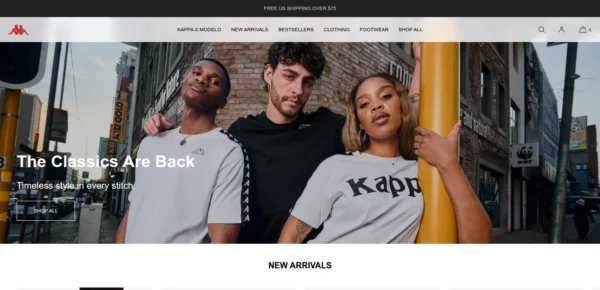
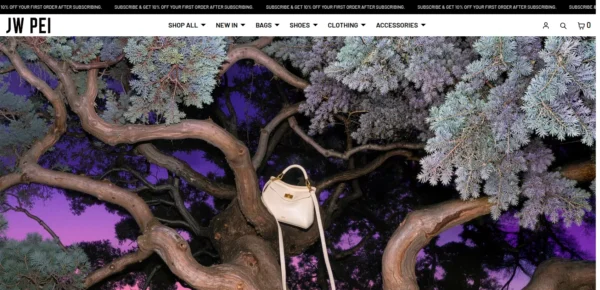
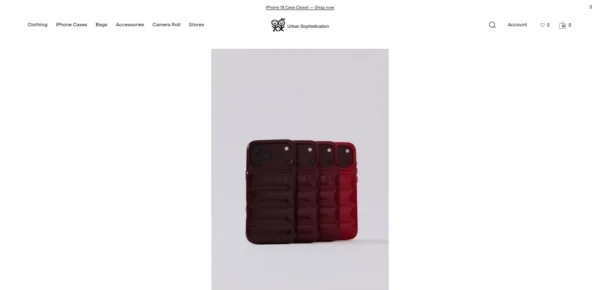
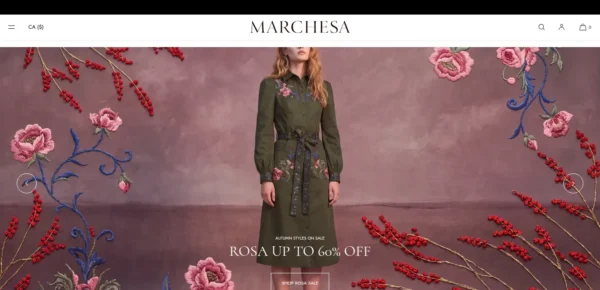
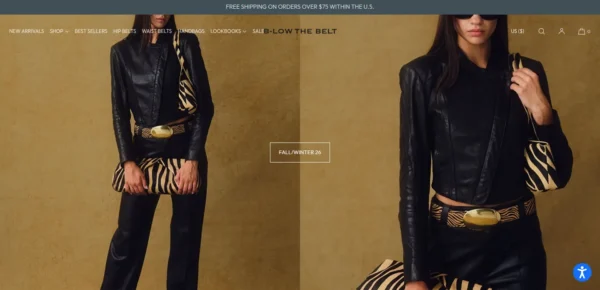
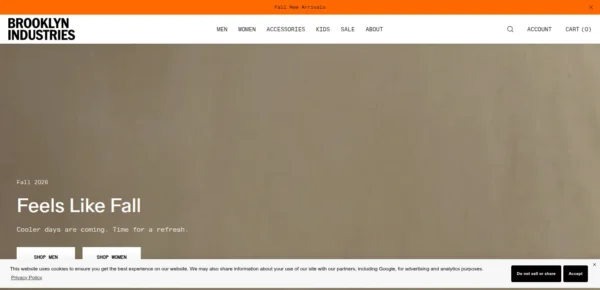
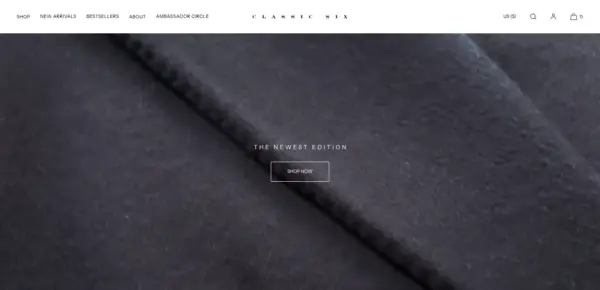
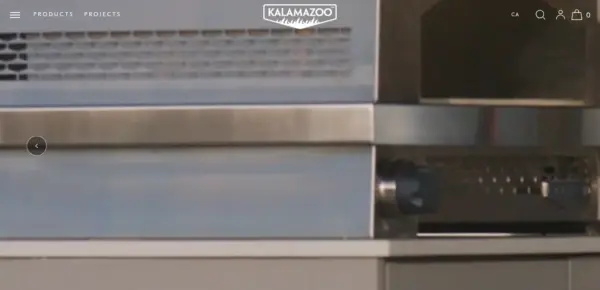
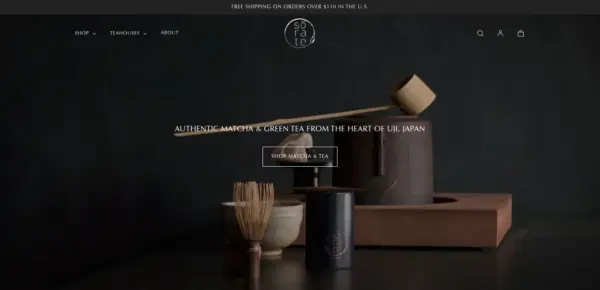
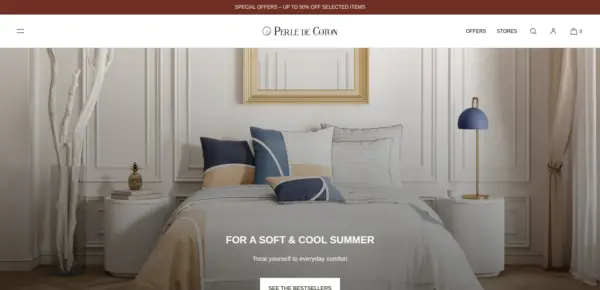
Luxe is actively maintained, with 16 releases in the last 12 months.
Luxe Version 16.3.0 provides several minor new features and performance improvements. We recommend that all Luxe stores keep up-to-date with the latest version to benefit from new features, especially for stores running on older pre 2026 versions (Version 12 or below). If you require any help or assistance updating, please contact us.
Luxe Version 16.2.0 provides several minor new features. We recommend that all Luxe stores keep up-to-date with the latest version to benefit from new features, especially for stores running on older pre 2026 versions (Version 12 or below). If you require any help or assistance updating, please contact us.
Luxe Version 16.1.0 provides several new features, minor refinements and fixes. We recommend that all Luxe stores keep up-to-date with the latest version to benefit from new features, especially for stores running on older pre 2026 versions (Version 12 or below). If you require any help or assistance updating, please contact us.
Luxe Version 16.0.0 provides a range of new features, refinements and improvements. It also includes an additional preset to choose from – Summit. We recommend that all Luxe stores update to the latest version to benefit from the latest features, especially for stores running on older pre 2026 versions (Version 12 or below). If you require any help or assistance updating, please contact us.
Luxe Version 15.1.0 provides a range of new features, refinements and improvements. We recommend that all Luxe stores update to the latest version to benefit from the latest features, especially for stores running on older pre 2026 versions (Version 12 or below). If you require any help or assistance updating, please contact our support team.
All 68 reviews of Luxe are positive, with none neutral or negative. Merchants most often praise the support team, with several naming Andrew, and the theme's flexible customisation, elegant design and built-in features that reduce the need for extra apps or code. No recurring criticism appears in the reviews.
Generated from all 68 Theme Store reviews ·
Luxe has received 21 reviews in the last 12 months.
Takes a lightweight approach to home shopping, with built-in suggestions for related products.
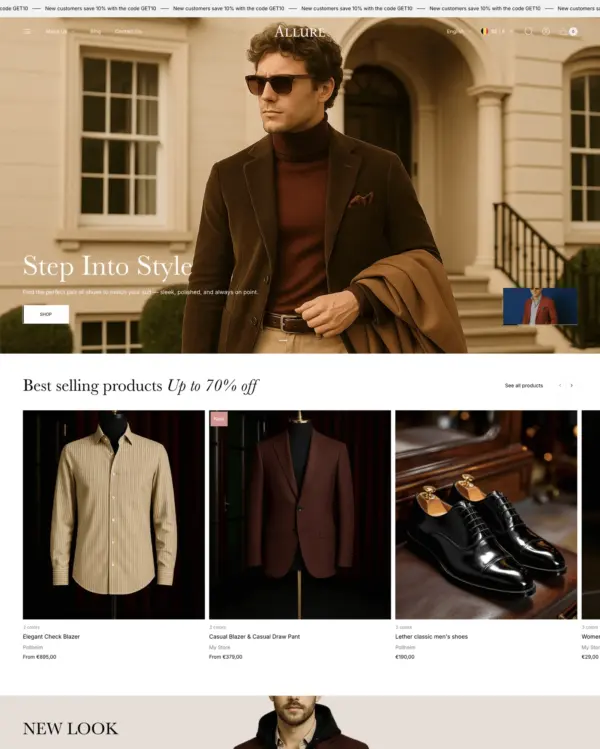
Puts fashion photography first, letting customers explore outfits through lookbooks and shoppable images.
Blends words, images, and video in beauty pages, with an interactive drawer for searching products.
Designed for wholesale shopping, with bulk order lists and pricing tools for business customers.
Handles both retail and wholesale beauty orders, including hidden guest prices, quick orders, and RTL layouts.
Keeps clothing and lifestyle catalogs flexible, with lookbooks and quantity-based pricing.
Guides skincare shoppers toward products with a built-in quiz, product finder, and visual lookbooks.
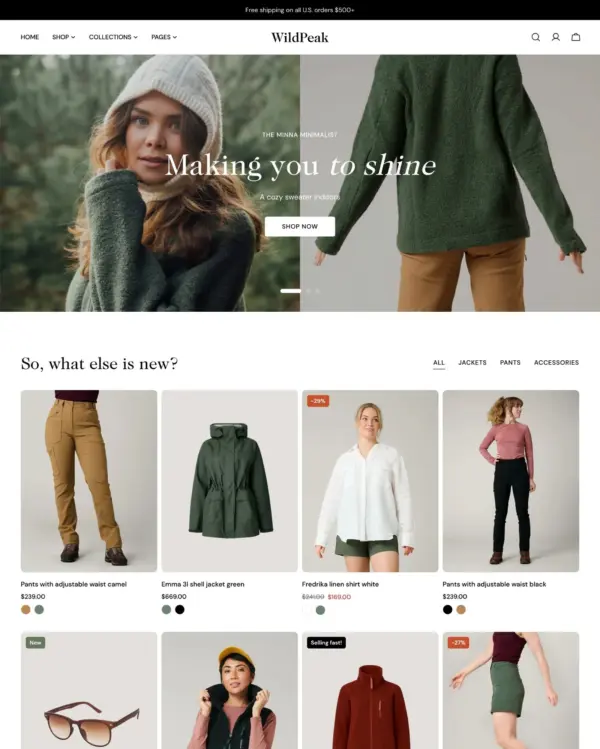
Brings outdoor gear to life with animated imagery, product comparisons, and filters for larger catalogs.
Designed for wholesale shopping, with bulk order lists and pricing tools for business customers.
Lets home and lifestyle stores build image-and-video sections, with continuous scrolling between products.
Helps shoppers search large electronics catalogs while giving wholesalers login pricing and bulk orders.
Rollover lookbooks put fashion and jewelry in focus, while detailed filters help narrow the choices.
Presents trend-led fashion through video and lookbooks, with alerts when popular items return to stock.
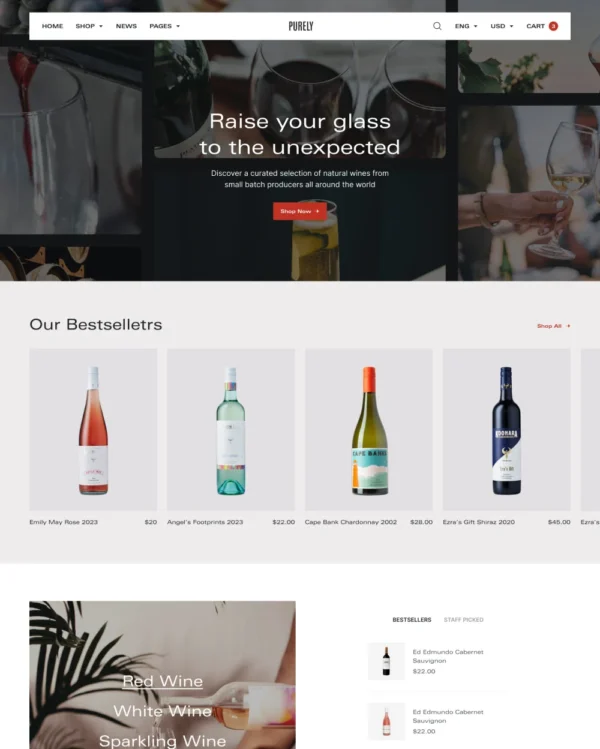
Keeps wine, coffee, and gourmet food shopping minimal on mobile, with age checks where needed.
Keeps beauty and lifestyle collections tidy, with simple navigation and image comparisons.
Flexible landing sections and quick product previews support a bold, mobile-first footwear store.
Clothing and lifestyle collections flow through lookbooks, product hotspots, and continuous scrolling.
Turns editorial fashion and jewelry images into shoppable displays, with continuous product browsing.
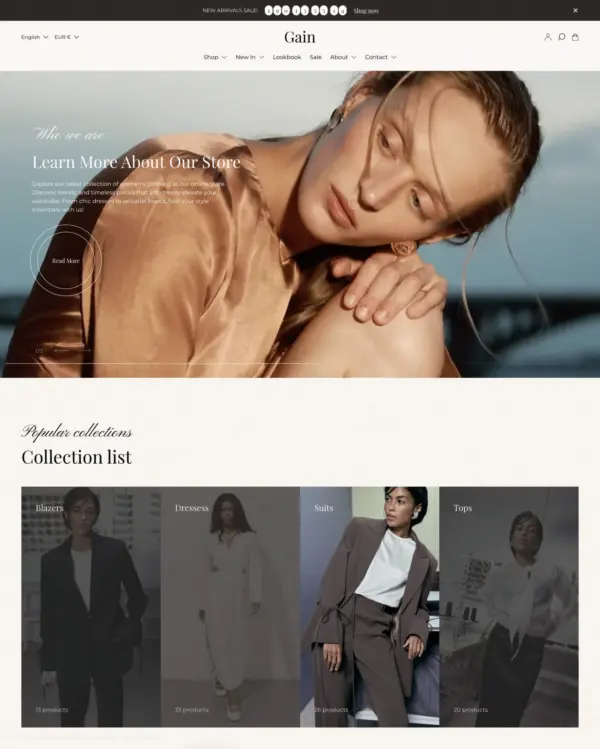
Puts fashion photography first, letting customers explore outfits through lookbooks and shoppable images.
Puts detailed apparel and accessory photography first, with precise layouts and interactive lookbooks.
Combines electronics merchandising with AI-assisted setup, stock counters, and restock notifications.
Handles both retail and wholesale beauty orders, including hidden guest prices, quick orders, and RTL layouts.
Keeps clothing and lifestyle catalogs flexible, with lookbooks and quantity-based pricing.
Helps customers explore electronics ranges through detailed search, product filters, and quick previews.
Clothing and lifestyle collections flow through lookbooks, product hotspots, and continuous scrolling.
Makes it easy to show complete outfits and related pieces alongside the main fashion collection.
Turns editorial fashion and jewelry images into shoppable displays, with continuous product browsing.
Puts fashion photography first, letting customers explore outfits through lookbooks and shoppable images.
Blends words, images, and video in beauty pages, with an interactive drawer for searching products.
Combines apparel lookbooks and size charts with AI-assisted page setup and a sticky shopping cart.
Puts detailed apparel and accessory photography first, with precise layouts and interactive lookbooks.
Designed for wholesale shopping, with bulk order lists and pricing tools for business customers.
Clothing and lifestyle collections flow through lookbooks, product hotspots, and continuous scrolling.
Brings outdoor gear to life with animated imagery, product comparisons, and filters for larger catalogs.
Helps shoppers search large electronics catalogs while giving wholesalers login pricing and bulk orders.
Keeps clothing and lifestyle shopping uncomplicated with simple layouts, lookbooks, and quick buy.
Clickable photos and quick previews make polished home and lifestyle galleries easier to explore.
Helps fashion and beauty customers narrow down products through clear categories and detailed filters.
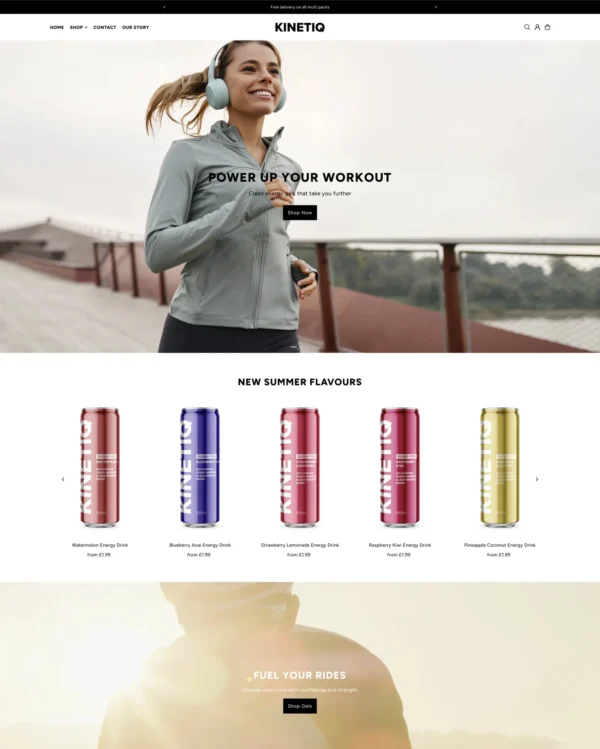
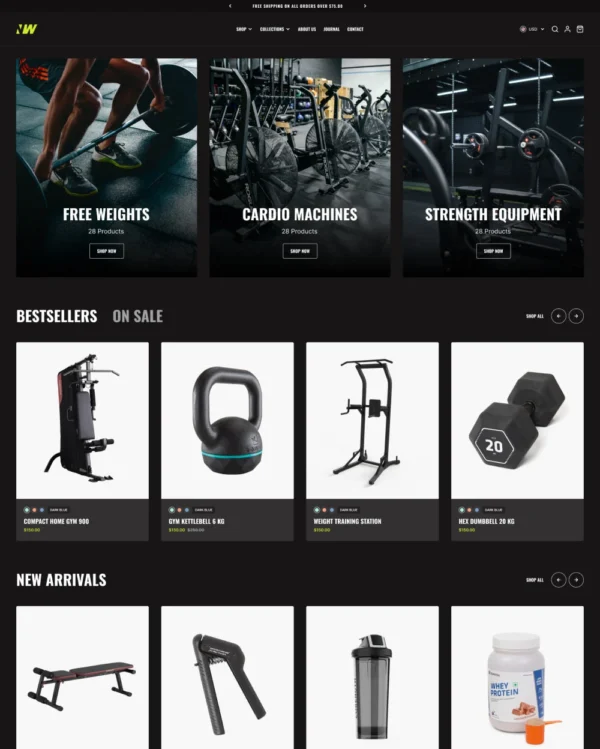
Keeps sports and nutrition products easy to browse while leaving room for image-led product stories.
Offers fashion and jewelry several ways to show products, from stacked photos to videos and carousels.