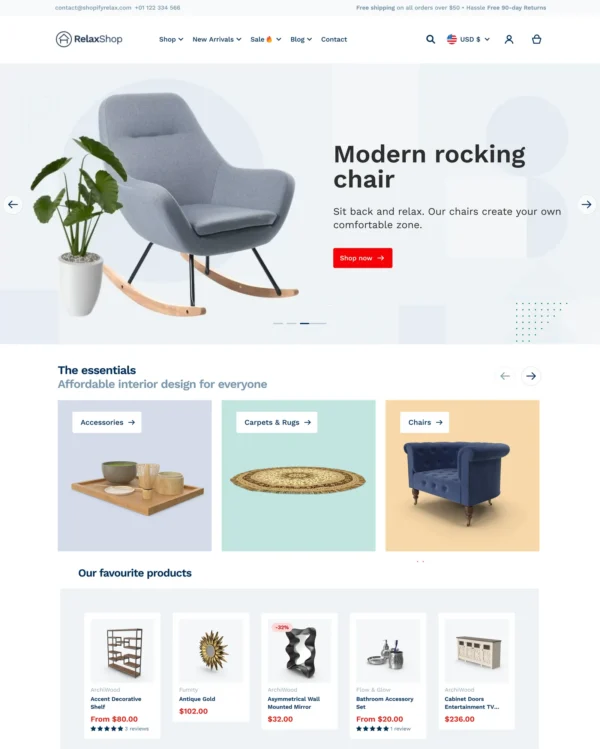

Relax
Takes a lightweight approach to home shopping, with built-in suggestions for related products.
3 presets Home Beauty Art
★ 100% · 28 reviews
$ 100,00






Created by Fuel Themes
Independently reviewed by the eDIY editorial team
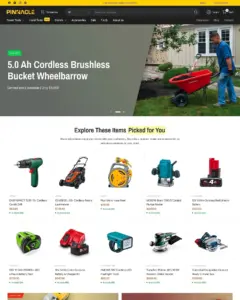
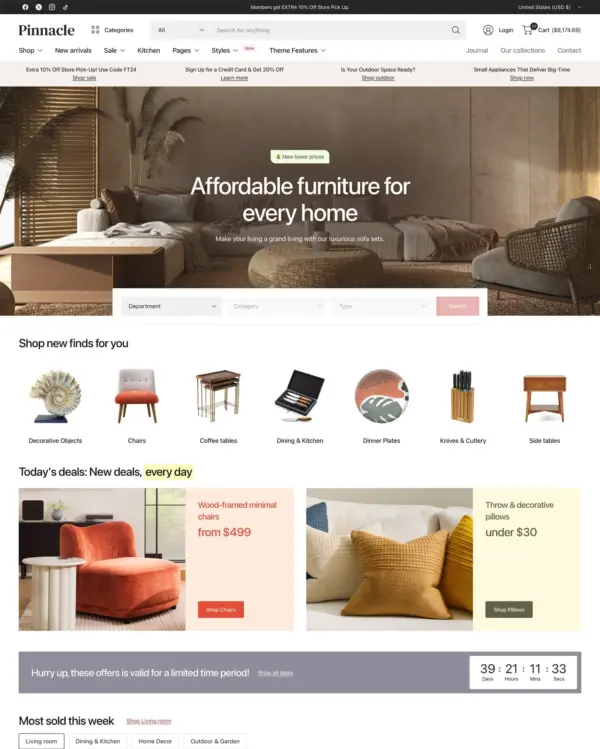
Google PageSpeed Insights scores for the home page, out of 100
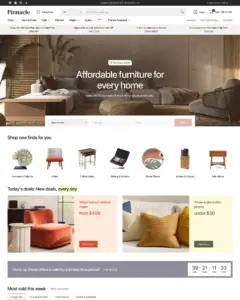
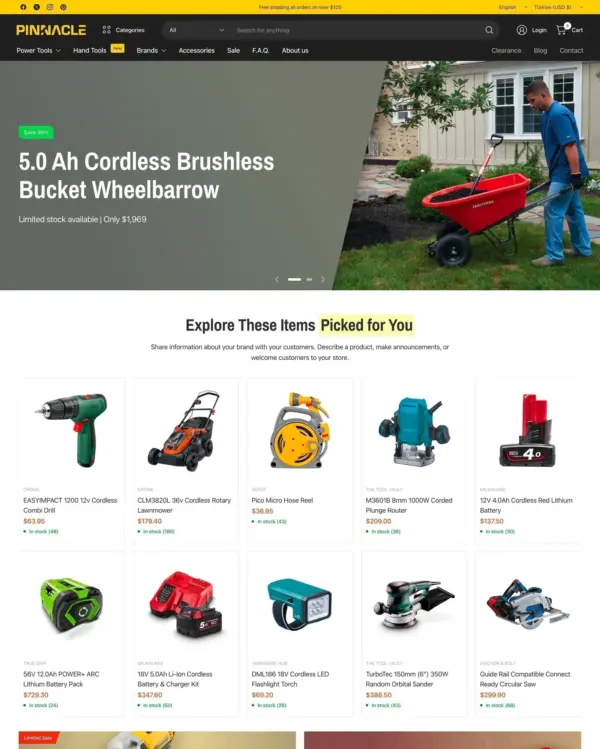
Tested in October 2026, the official Pinnacle demo scored 58/100 on mobile and 78/100 on desktop. Mobile LCP was 11.9s, CLS was 0.00, and Total Blocking Time was 373ms.
Tested Oct 2026 · Google PageSpeed Insights lab data
| Metric | Mobile | Desktop |
|---|---|---|
| Largest Contentful Paint | 11.9s | 2.3s |
| Cumulative Layout Shift | 0.00 | 0.01 |
| Total Blocking Time | 373ms | 147ms |
| Speed Index | 7.1s | 2.9s |
Across 8 live stores we tested, the average PageSpeed score was 54/100 on mobile and 65/100 on desktop. Average mobile LCP was 15.1s and CLS was 0.02. These results reflect complete production stores, not the theme alone.
Tested Oct 2026 · Results include each store's apps, images, tracking scripts and customizations
| Metric | Mobile | Desktop |
|---|---|---|
| Largest Contentful Paint | 15.1s | 2.7s |
| Cumulative Layout Shift | 0.02 | 0.22 |
| Total Blocking Time | 546ms | 489ms |
| Speed Index | 10.2s | 3.2s |
Google PageSpeed Insights scores for the home page, out of 100
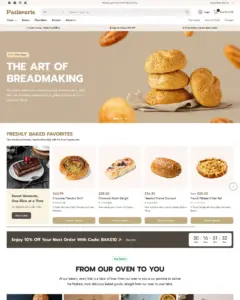
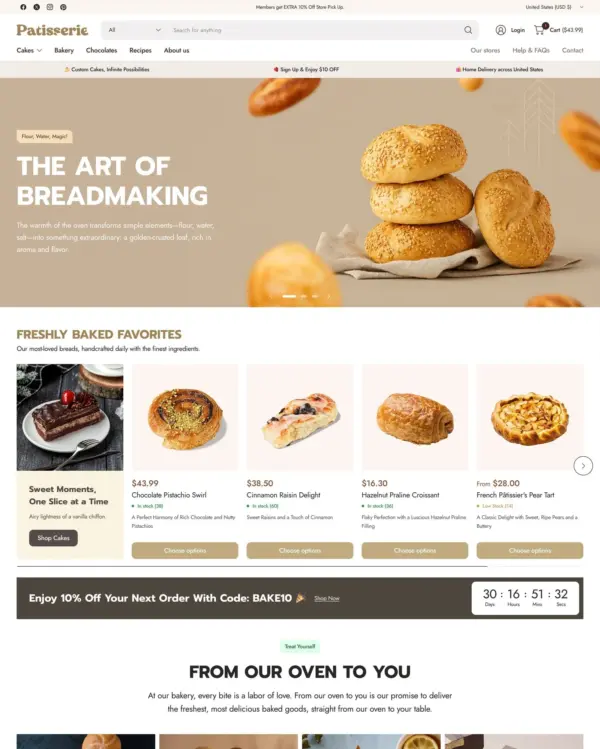
The official Patissiere demo scored 67/100 on mobile and 92/100 on desktop in our October 2026 test. Mobile LCP was 7.6s, CLS was 0.00, and Total Blocking Time was 14ms.
Tested Oct 2026 · Google PageSpeed Insights lab data
| Metric | Mobile | Desktop |
|---|---|---|
| Largest Contentful Paint | 7.6s | 1.6s |
| Cumulative Layout Shift | 0.00 | 0.06 |
| Total Blocking Time | 14ms | 29ms |
| Speed Index | 7.1s | 1.4s |
Across 8 live stores we tested, the average PageSpeed score was 54/100 on mobile and 65/100 on desktop. Average mobile LCP was 15.1s and CLS was 0.02. These are complete production stores, so the numbers cover more than the theme itself.
Tested Oct 2026 · Results include each store's apps, images, tracking scripts and customizations
| Metric | Mobile | Desktop |
|---|---|---|
| Largest Contentful Paint | 15.1s | 2.7s |
| Cumulative Layout Shift | 0.02 | 0.22 |
| Total Blocking Time | 546ms | 489ms |
| Speed Index | 10.2s | 3.2s |
Google PageSpeed Insights scores for the home page, out of 100
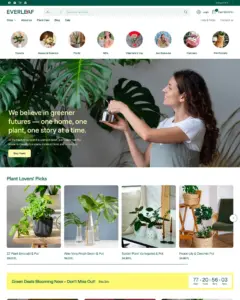
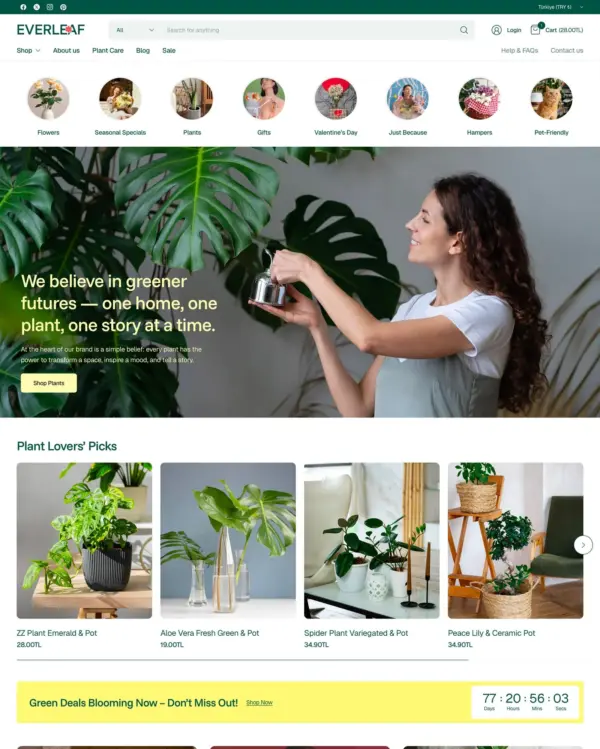
The official Everleaf demo scored 72/100 on mobile and 94/100 on desktop in our October 2026 test. Mobile LCP was 8.1s, CLS was 0.02, and Total Blocking Time was 7ms.
Tested Oct 2026 · Google PageSpeed Insights lab data
| Metric | Mobile | Desktop |
|---|---|---|
| Largest Contentful Paint | 8.1s | 1.5s |
| Cumulative Layout Shift | 0.02 | 0.06 |
| Total Blocking Time | 7ms | 2ms |
| Speed Index | 4.2s | 1.2s |
Across 8 live stores we tested, the average PageSpeed score was 54/100 on mobile and 65/100 on desktop. Average mobile LCP was 15.1s and CLS was 0.02. These are complete production stores, so the numbers cover more than the theme itself.
Tested Oct 2026 · Results include each store's apps, images, tracking scripts and customizations
| Metric | Mobile | Desktop |
|---|---|---|
| Largest Contentful Paint | 15.1s | 2.7s |
| Cumulative Layout Shift | 0.02 | 0.22 |
| Total Blocking Time | 546ms | 489ms |
| Speed Index | 10.2s | 3.2s |
Google PageSpeed Insights scores for the home page, out of 100
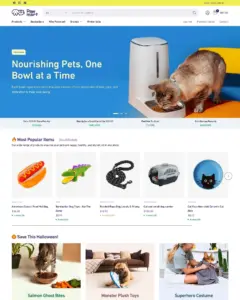
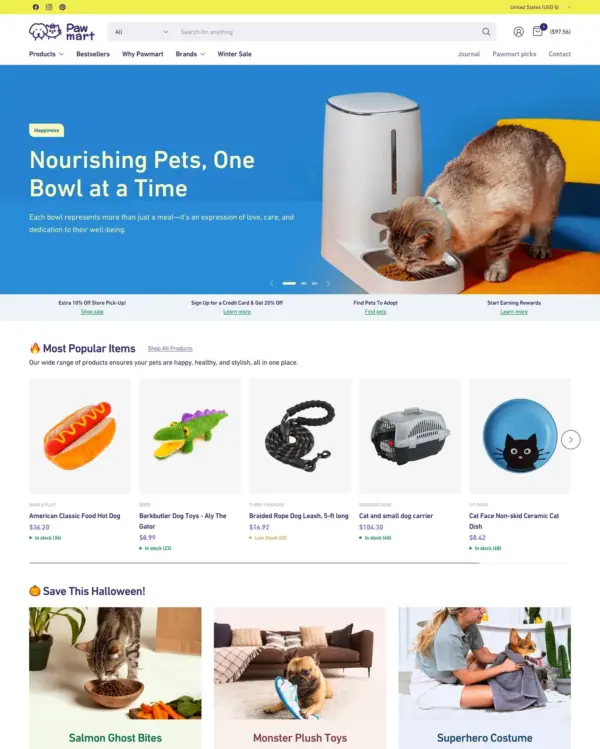
The official Pawmart demo scored 50/100 on mobile and 98/100 on desktop in our October 2026 test. Mobile LCP was 7.3s, CLS was 0.02, and Total Blocking Time was 906ms.
Tested Oct 2026 · Google PageSpeed Insights lab data
| Metric | Mobile | Desktop |
|---|---|---|
| Largest Contentful Paint | 7.3s | 601ms |
| Cumulative Layout Shift | 0.02 | 0.03 |
| Total Blocking Time | 906ms | 13ms |
| Speed Index | 5.5s | 1.4s |
Across 8 live stores we tested, the average PageSpeed score was 54/100 on mobile and 65/100 on desktop. Average mobile LCP was 15.1s and CLS was 0.02. These results reflect complete production stores, not the theme alone.
Tested Oct 2026 · Results include each store's apps, images, tracking scripts and customizations
| Metric | Mobile | Desktop |
|---|---|---|
| Largest Contentful Paint | 15.1s | 2.7s |
| Cumulative Layout Shift | 0.02 | 0.22 |
| Total Blocking Time | 546ms | 489ms |
| Speed Index | 10.2s | 3.2s |
Google PageSpeed Insights scores for the home page, out of 100
In our October 2026 test, the official Bastion demo scored 78/100 on mobile and 97/100 on desktop. Mobile LCP was 5.4s, CLS was 0.00, and Total Blocking Time was 71ms.
Tested Oct 2026 · Google PageSpeed Insights lab data
| Metric | Mobile | Desktop |
|---|---|---|
| Largest Contentful Paint | 5.4s | 1.1s |
| Cumulative Layout Shift | 0.00 | 0.06 |
| Total Blocking Time | 71ms | 9ms |
| Speed Index | 2.7s | 1.1s |
Across 8 live stores we tested, the average PageSpeed score was 54/100 on mobile and 65/100 on desktop. Average mobile LCP was 15.1s and CLS was 0.02. These results reflect complete production stores, not the theme alone.
Tested Oct 2026 · Results include each store's apps, images, tracking scripts and customizations
| Metric | Mobile | Desktop |
|---|---|---|
| Largest Contentful Paint | 15.1s | 2.7s |
| Cumulative Layout Shift | 0.02 | 0.22 |
| Total Blocking Time | 546ms | 489ms |
| Speed Index | 10.2s | 3.2s |
No features match your search.

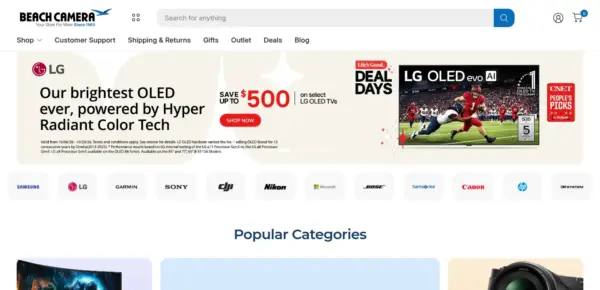

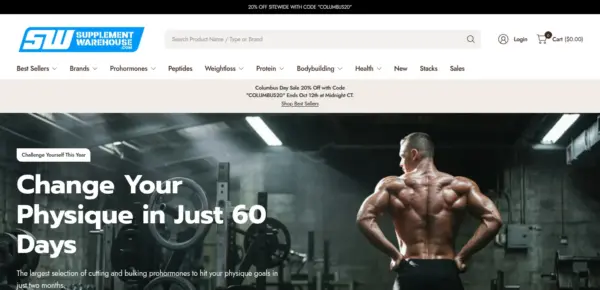
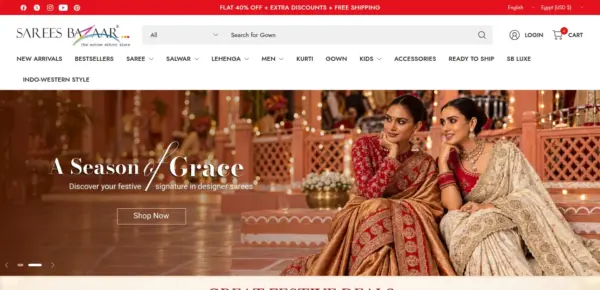
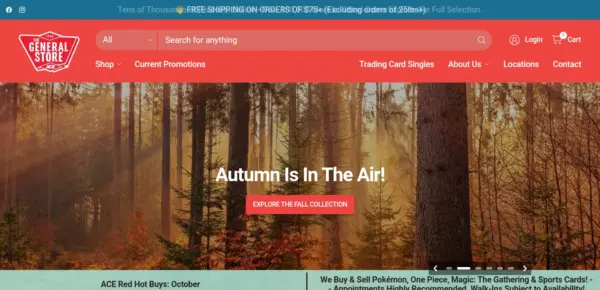
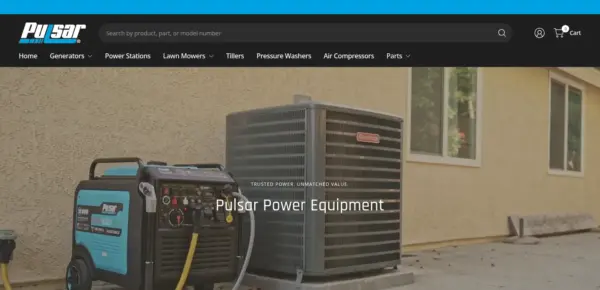
Pinnacle is actively maintained, with 8 releases in the last 12 months.
A mobile dock (a bar of shortcuts along the bottom of phone screens), a pop-up and an age verification gate, section categories in the theme editor's Add section menu, a cart line targeting fix, schema-correct Shopify standard event payloads, and a Countdown bar fix for three-digit day counts.
Shopify standard events support, per-area font choices, a blog feature pack, cleaner theme settings, and Collection tabs promotion fixes.
Shopify standard events support for analytics and pixel apps, plus Collection tabs promotion fixes.
Bug fix for pickup availability displaying incorrect location information when switching between product variants.
update() method on <pickup-availability>, replaced server-rendered Liquid pickup content with <template> fallback to prevent stale data flashLiquid error: invalid url input on collection thumbnails in predictive search and mega-menu collection promotions (desktop and mobile) — passing the featured_image Image object to responsive-image instead of a URL stringkubebspeckled instead of kubeb speckled — wrapped query.styled_text in a span so the inline-flex anchor preserves whitespace between the matched and unmatched partshref="". Affects both desktop and mobile mega menus.handleize filter on both ends of the comparison; JS now reads data-handle from the selected option/input rather than computing it<cart-remove> custom element for cart item removal, works in both cart drawer and main cart page<quick-navigation> custom element that closes on click outside and ESC key<template> elements, cloned into DOM on first interactiondisconnectedCallback on 7 custom elements for theme editor memory leak prevention<inventory-notice> custom element with animated inventory bar that transitions smoothly on variant change{% style %} blocks, remaining CSS loaded asyncfetchpriority="high" with eager loadingsection.index == 1 (~583 KiB savings)src, support defer parameterconnectedCallback, header height updates separated from content recalculations, listens to product:variant-change for content updates<template> element — iframes and Shopify-hosted videos are inert until IntersectionObserver stamps them into the DOM near the viewportno-js and no-js-hidden references from Liquid and SCSS (21 files)oldScrollPositon typo in sticky-scroller.jsstopPropagation to prevent click bubbling to parent links, clear controller after success, always remove loading class on abort32 of 37 reviews are positive, 2 are neutral and 3 are negative. Merchants most often praise the responsive, fast support team, the rich built-in feature set, and ease of customisation. The main criticisms are support quality in a few cases, drop-down menu responsiveness, and missing language support, with no clear pattern of resolution.
Generated from all 37 Theme Store reviews ·
Pinnacle has received 7 reviews in the last 12 months.
Takes a lightweight approach to home shopping, with built-in suggestions for related products.
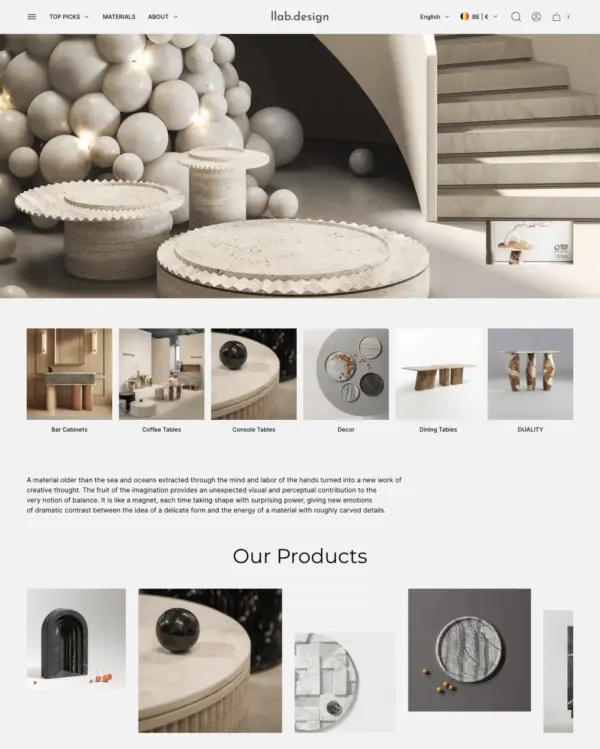

Puts fashion photography first, letting customers explore outfits through lookbooks and shoppable images.
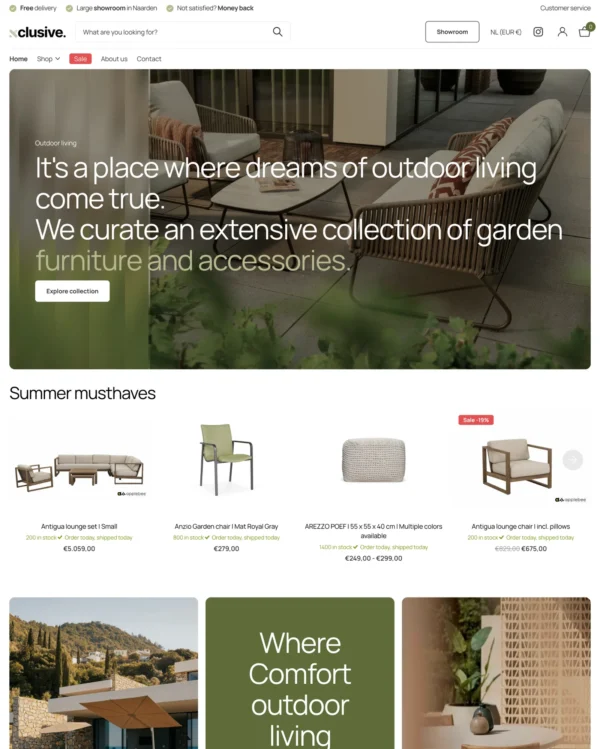
Turns editorial fashion and jewelry images into shoppable displays, with continuous product browsing.
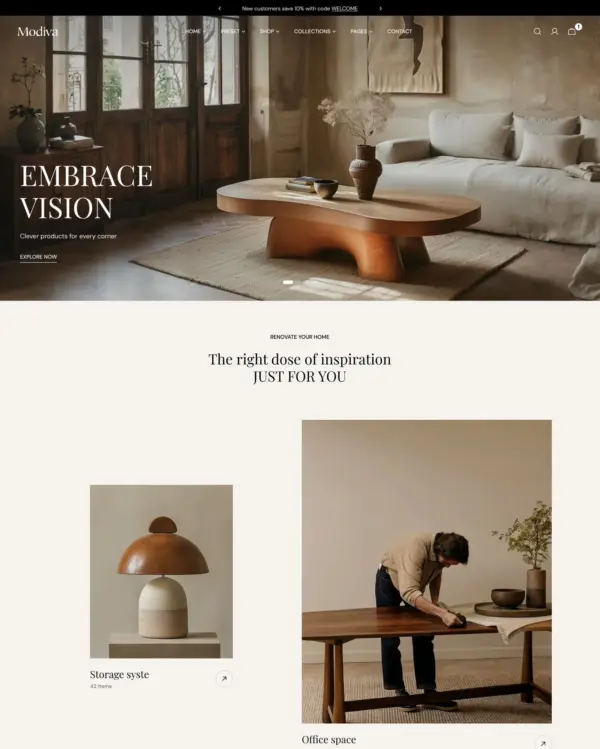

Blends words, images, and video in beauty pages, with an interactive drawer for searching products.
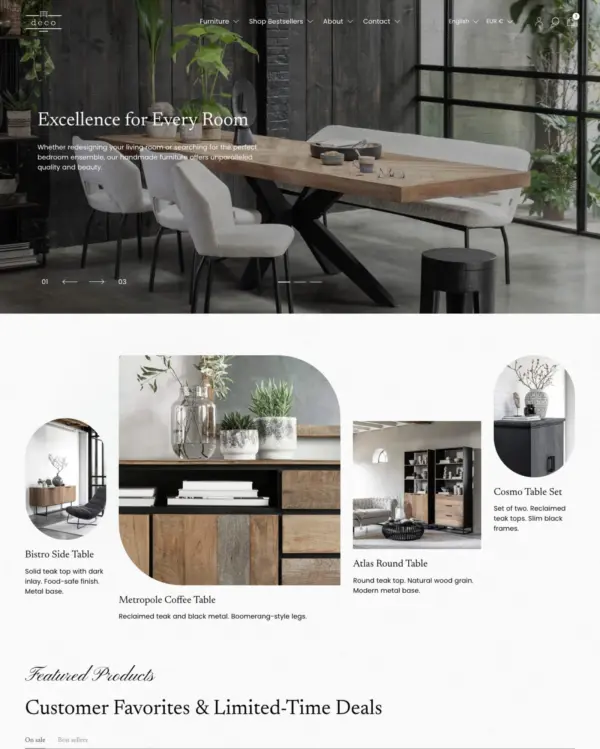

Combines apparel lookbooks and size charts with AI-assisted page setup and a sticky shopping cart.
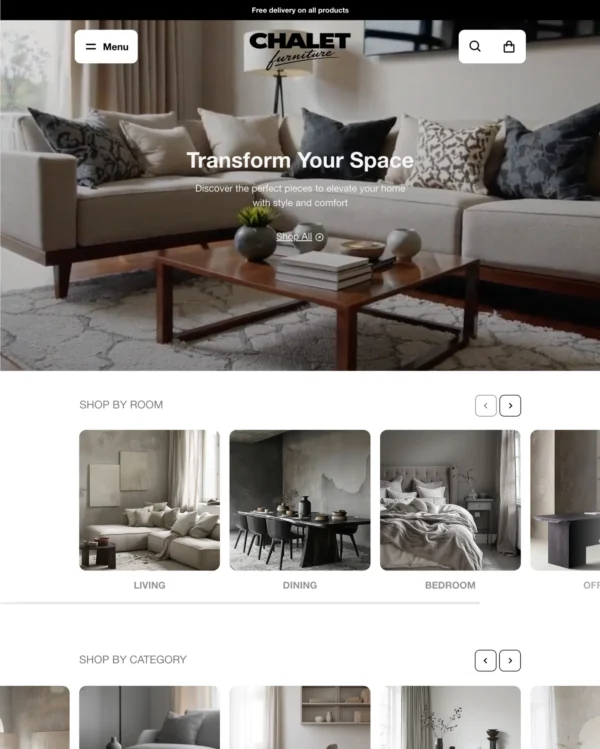
Puts detailed apparel and accessory photography first, with precise layouts and interactive lookbooks.
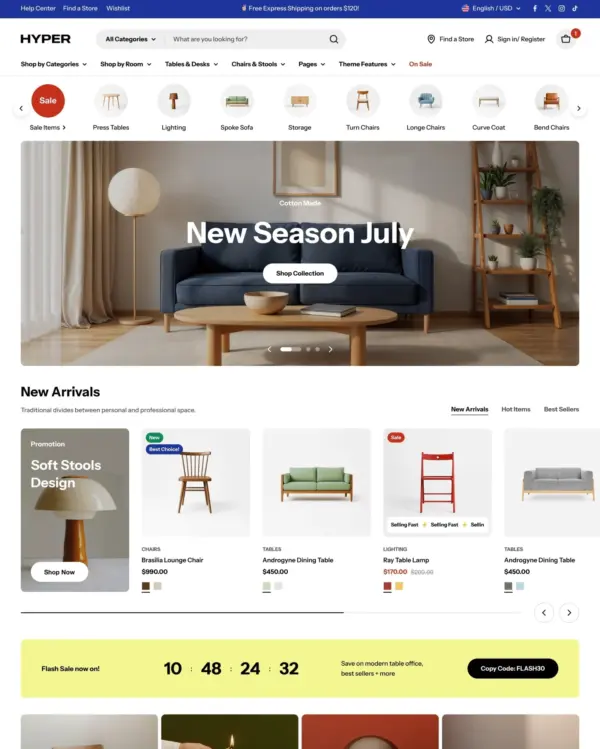
Designed for wholesale shopping, with bulk order lists and pricing tools for business customers.
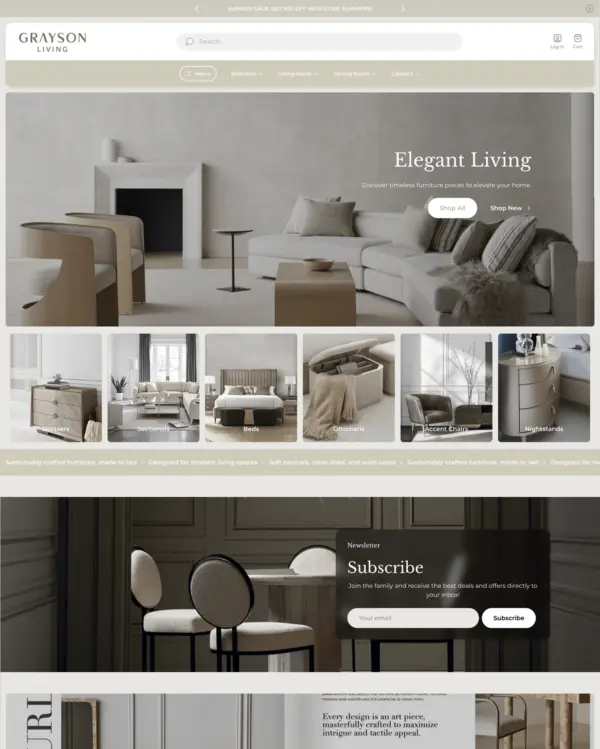
Combines electronics merchandising with AI-assisted setup, stock counters, and restock notifications.
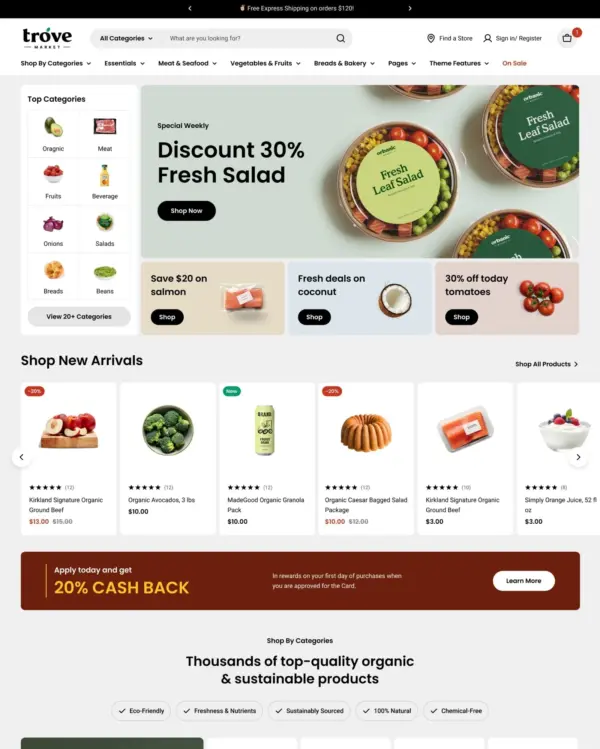
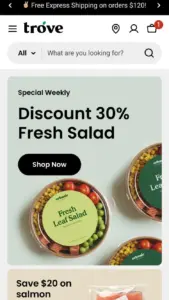
Designed for wholesale shopping, with bulk order lists and pricing tools for business customers.
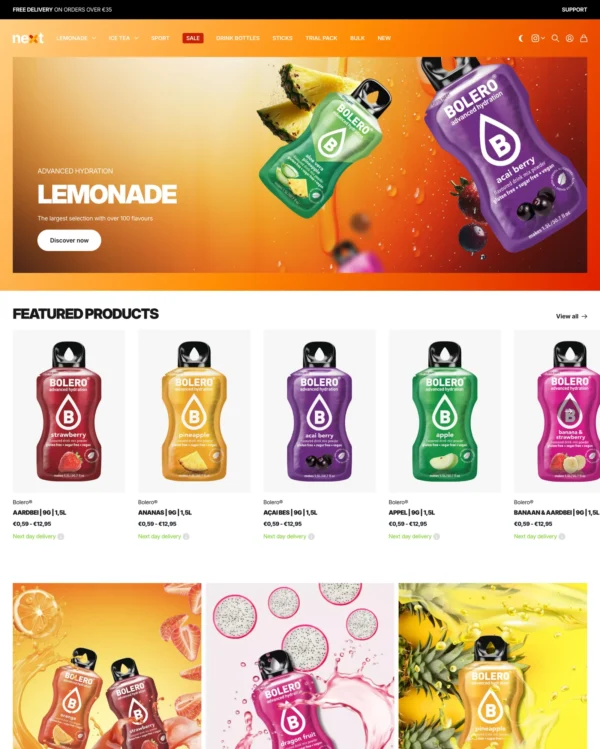
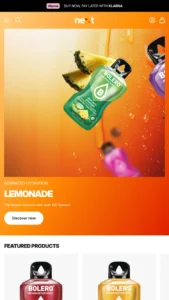
Lets home and lifestyle stores build image-and-video sections, with continuous scrolling between products.
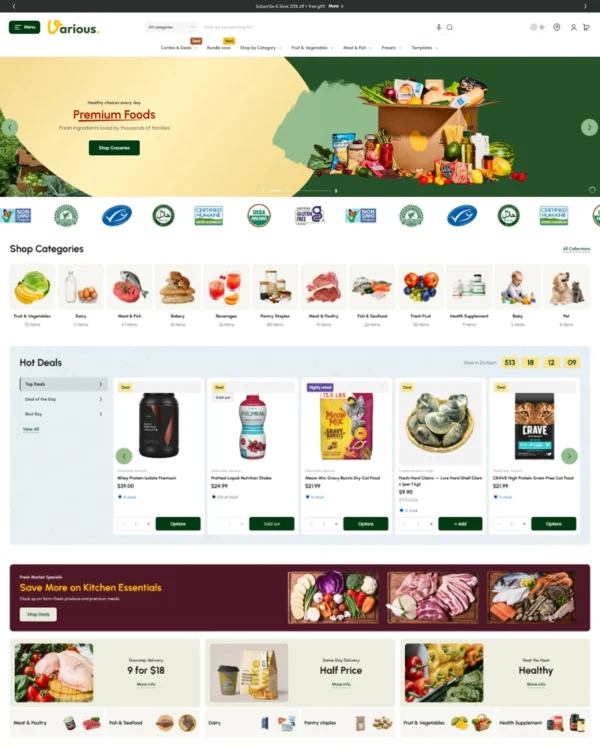

Helps shoppers search large electronics catalogs while giving wholesalers login pricing and bulk orders.
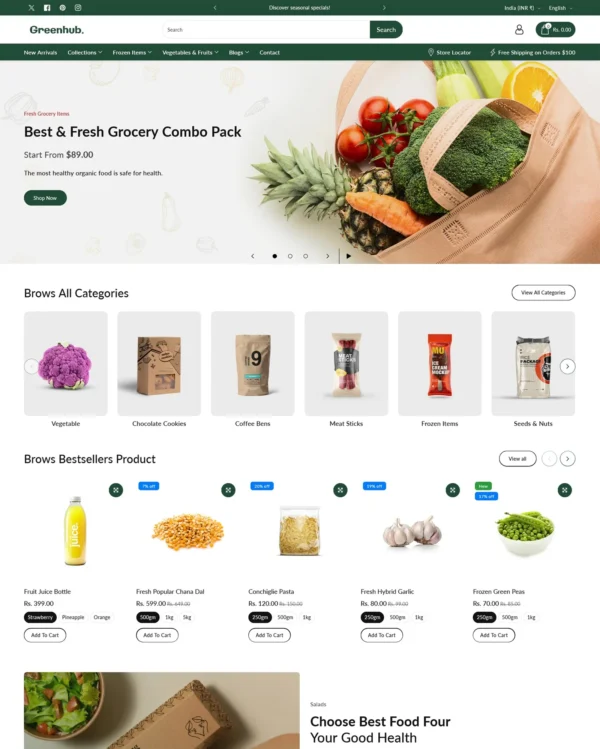
Rollover lookbooks put fashion and jewelry in focus, while detailed filters help narrow the choices.
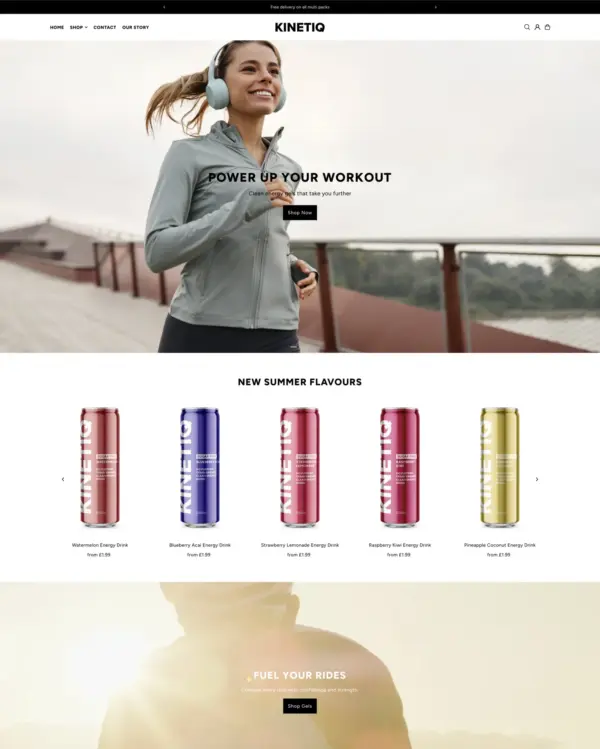
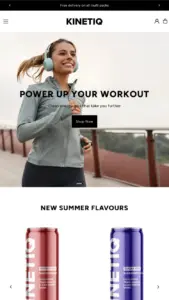
Presents trend-led fashion through video and lookbooks, with alerts when popular items return to stock.
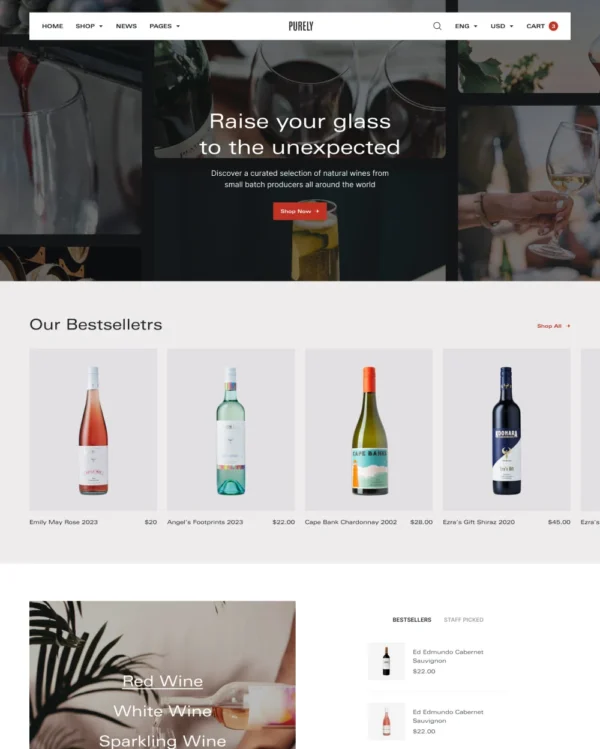

Keeps wine, coffee, and gourmet food shopping minimal on mobile, with age checks where needed.
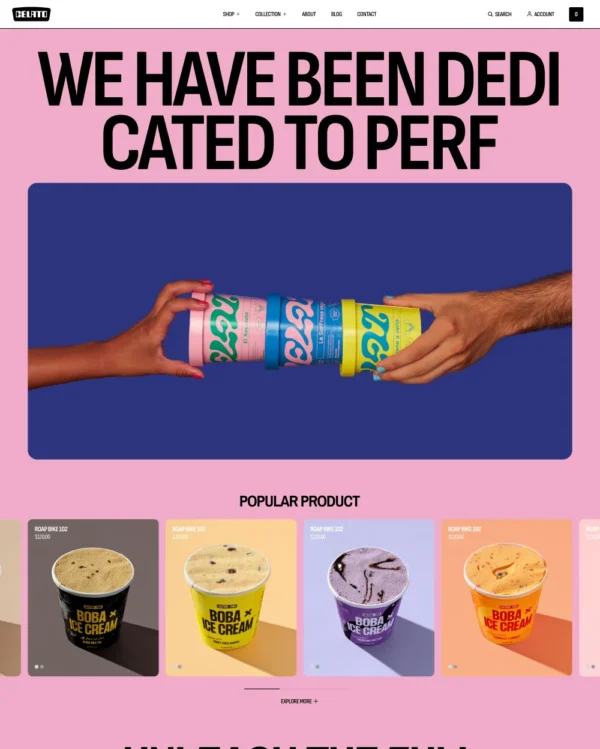
Flexible landing sections and quick product previews support a bold, mobile-first footwear store.
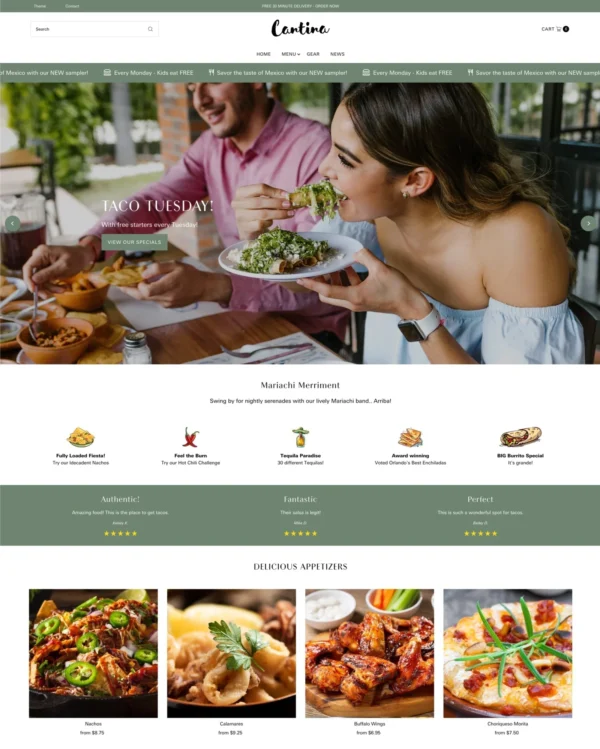

Keeps beauty and lifestyle collections tidy, with simple navigation and image comparisons.
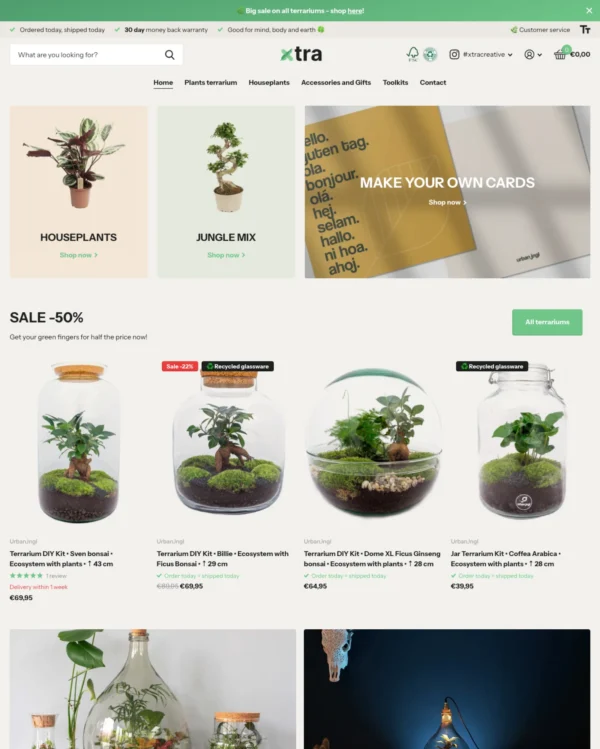
Helps electronics shoppers check specifications quickly, with product previews and bulk upsell tools.
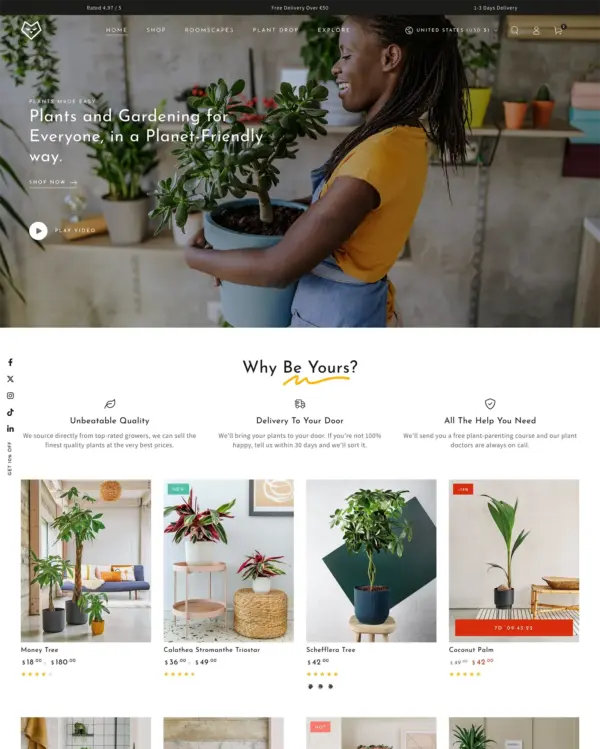

Helps skincare and fragrance brands explain ingredients, scent notes, and daily rituals through editorial pages.


Keeps electronics and phone accessories simple to browse with clear filters and a sticky add-to-cart bar.


Combines shoppable sportswear imagery with wholesale options such as quantity rules and volume pricing.
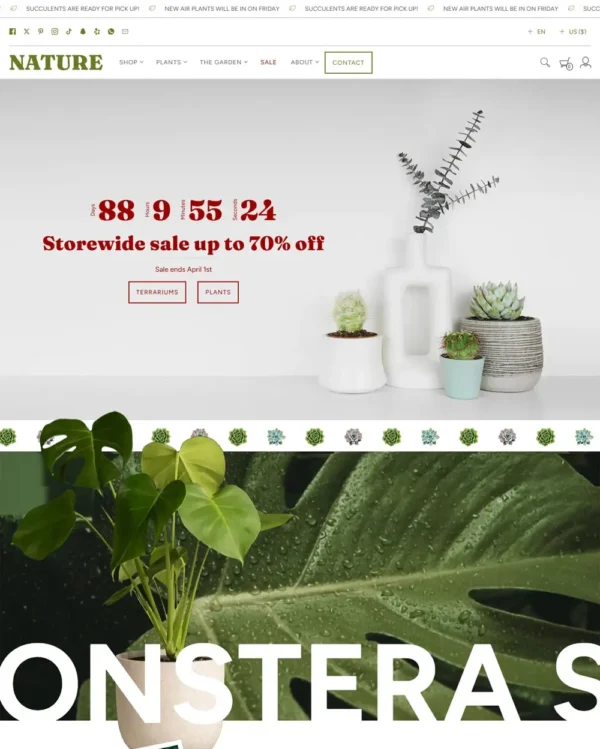
Creates layered, image-rich stories for luxury fashion, with flexible content blocks and shoppable hotspots.
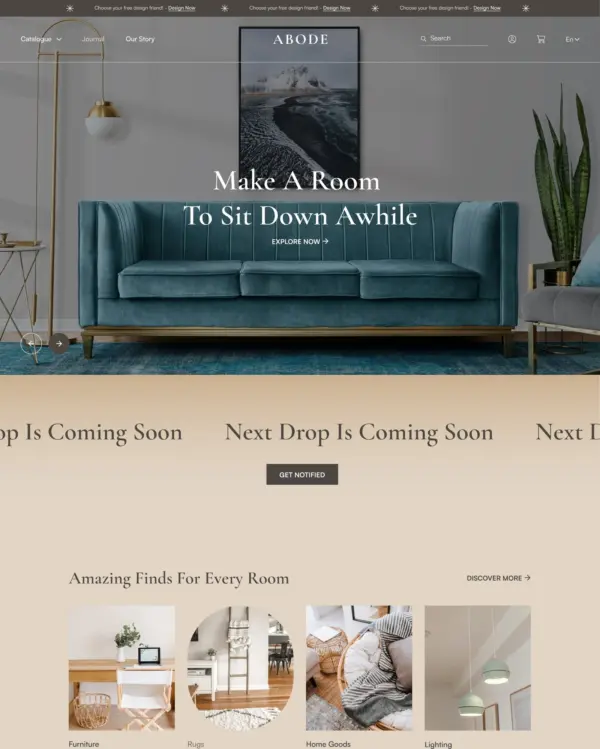

Designed for furniture and home stores, with lookbooks and image hotspots that bring products into focus.
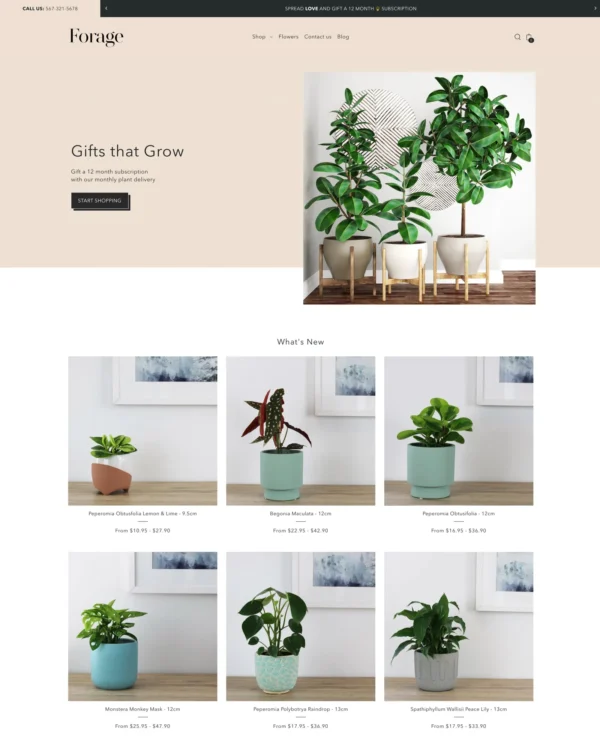

Helps food shops explain ingredients and handle bulk orders, with age checks for restricted products.
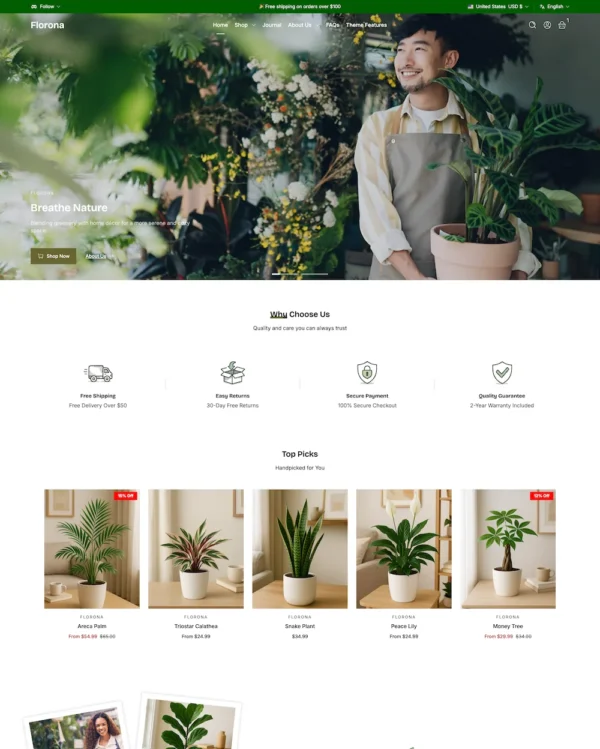

Makes hardware and auto parts easier to buy on mobile, with bundles and volume pricing for larger orders.
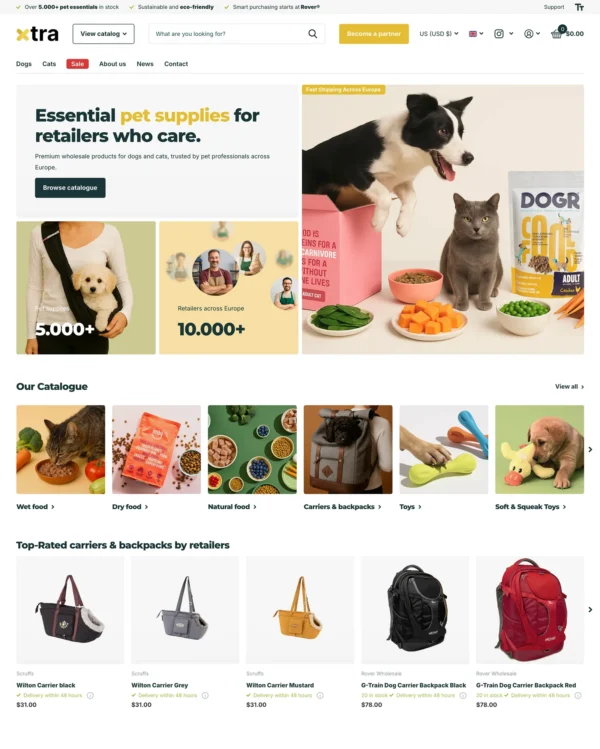

Helps electronics shoppers check specifications quickly, with product previews and bulk upsell tools.
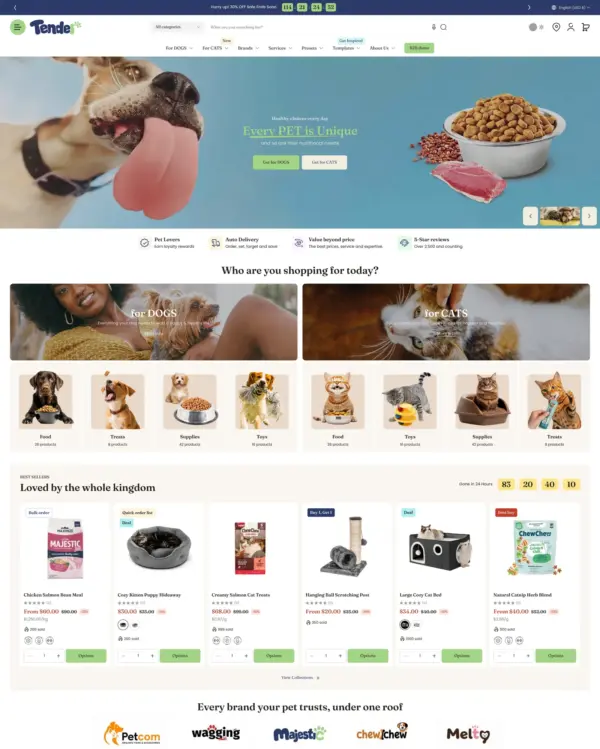

Helps shoppers search large electronics catalogs while giving wholesalers login pricing and bulk orders.
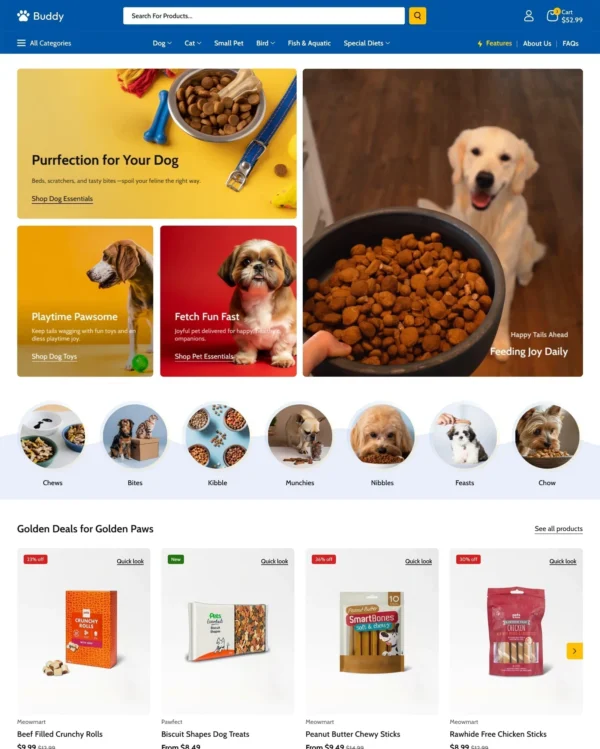

Helps shoppers explore electronics and general retail catalogs through menus and quick product previews.
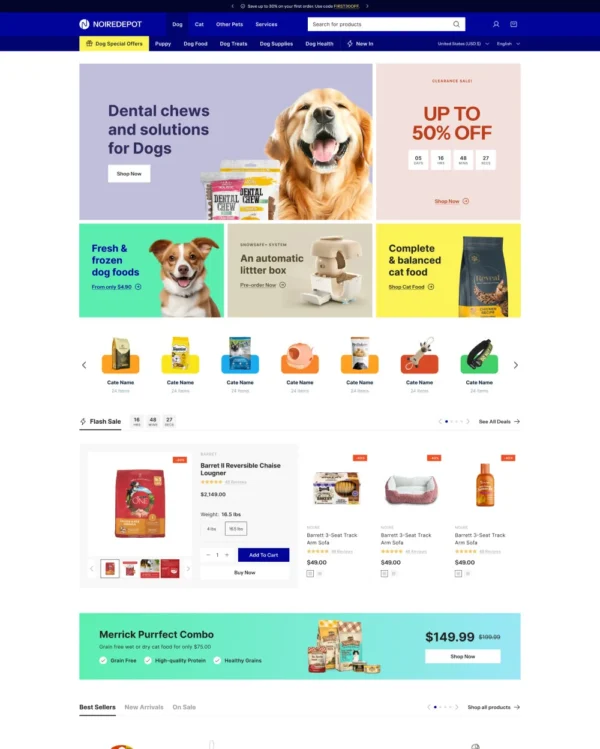

Brings an elegant look to larger pet and lifestyle catalogs, with lookbooks and continuous scrolling.
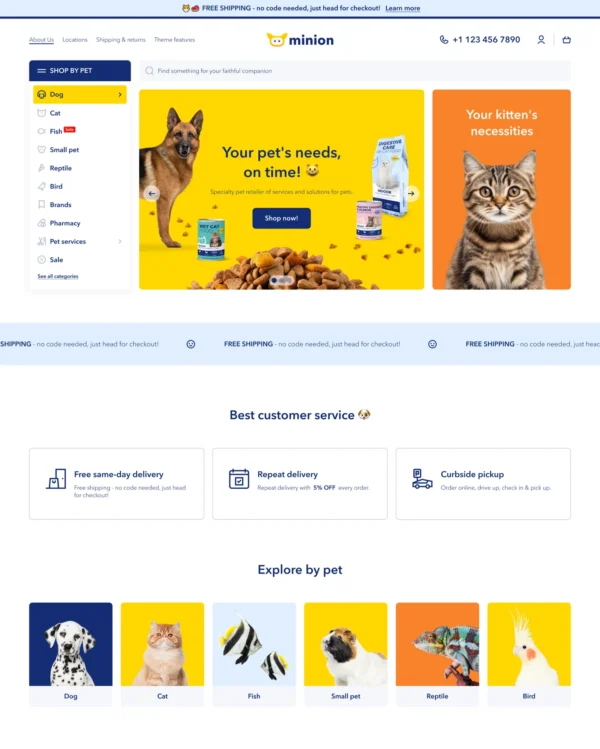

Helps pet owners browse by animal, brand, or product type through clear filters and vertical navigation.
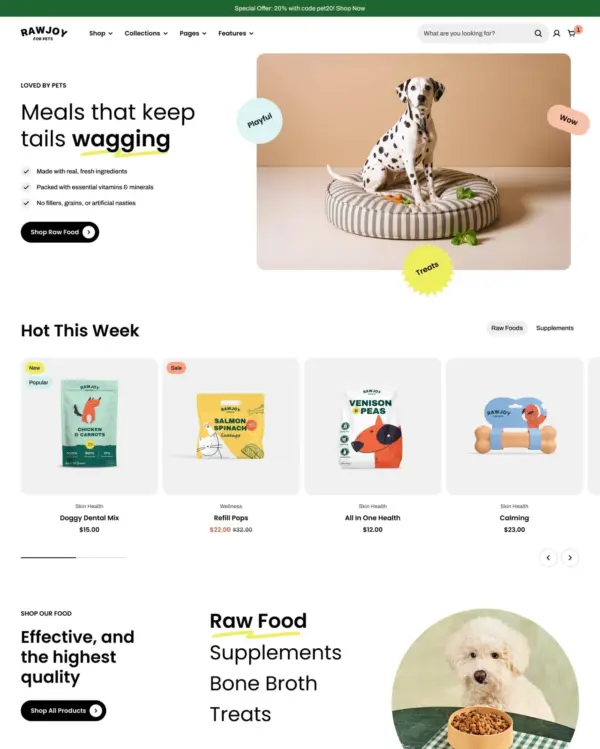
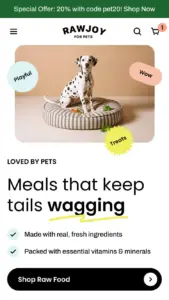
Brings a fluid, animated look to children's fashion, with nested layouts, lookbooks, and video.
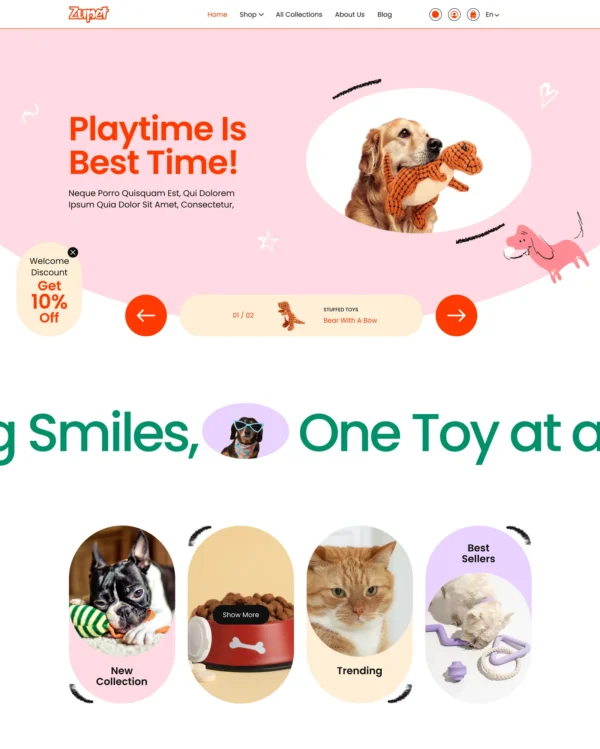
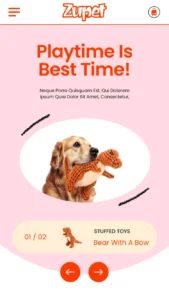
Cheerful colors and interactive lookbooks give toy and baby shops a friendly feel, with trust badges.
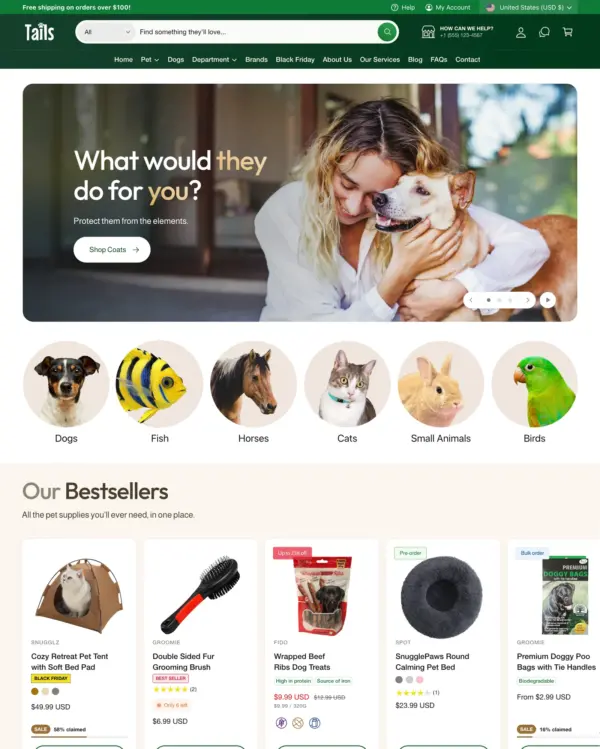

Keeps electronics specifications clear while supporting bulk purchases and quantity-based B2B pricing.
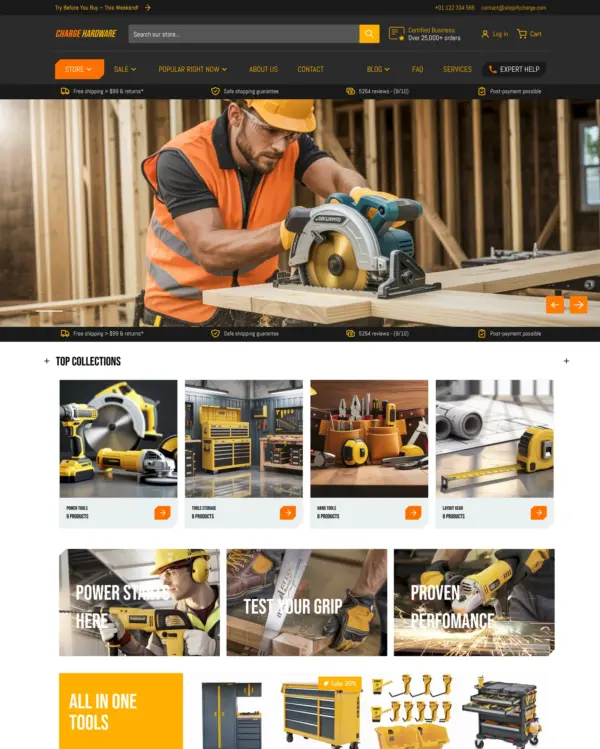

Focuses on electronics and wholesale shopping, with quick buying and dedicated tools for B2B orders.
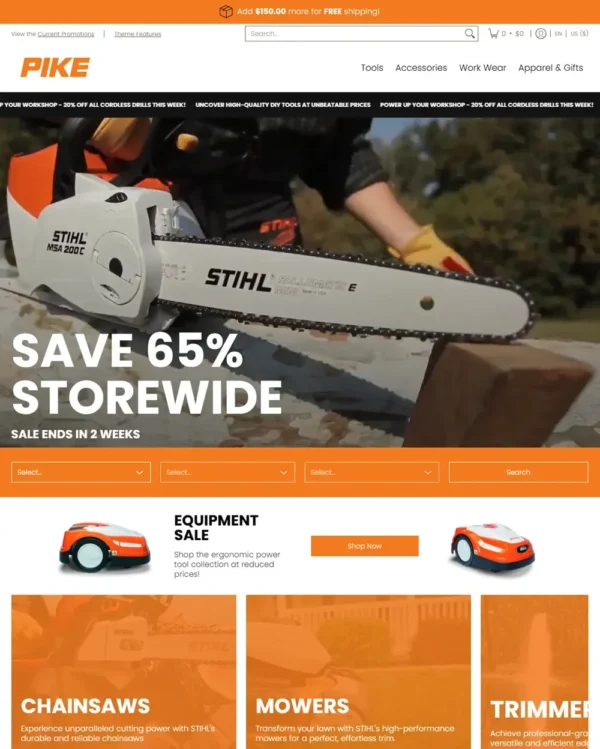

Helps shoppers narrow down choices from the homepage and compare up to five products side by side.
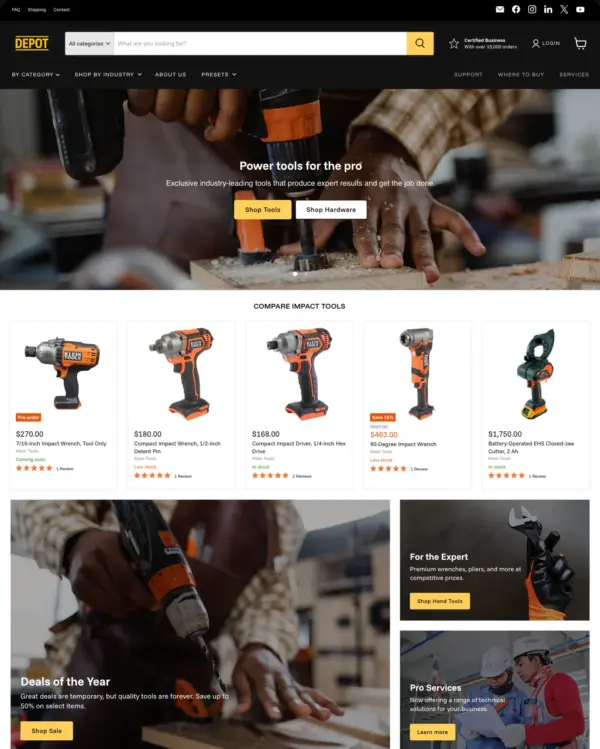

Helps large home and lifestyle stores manage varied catalogs, comparisons, and wholesale sales.
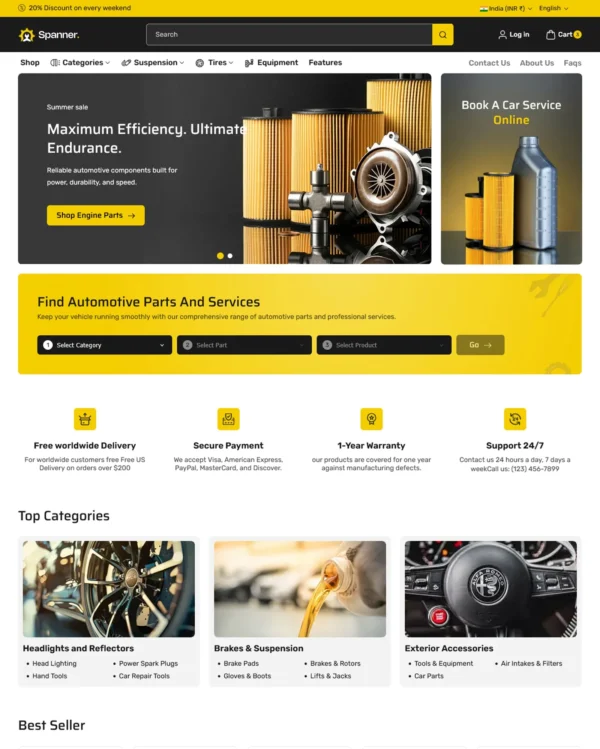
Combines cultural design influences with fashion lookbooks, dynamic menus, and right-to-left support.
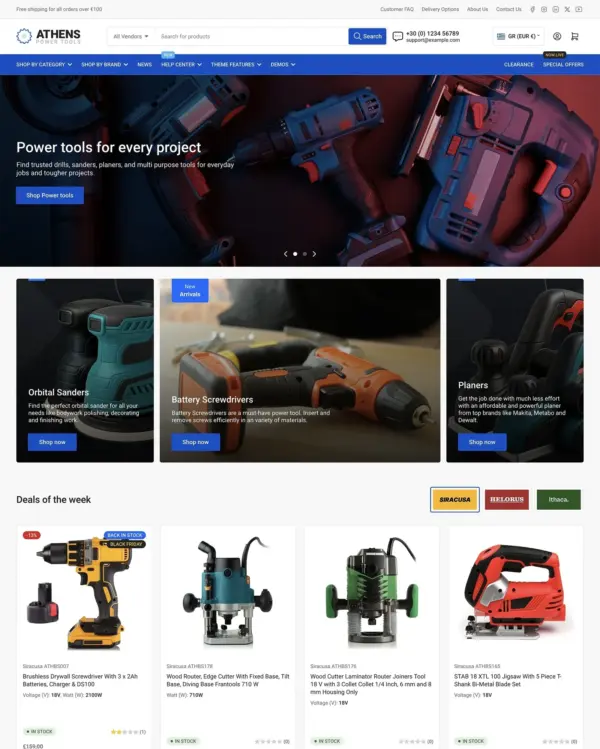

Helps hardware and equipment stores organize complex catalogs with filtering, stock details, and RTL support.
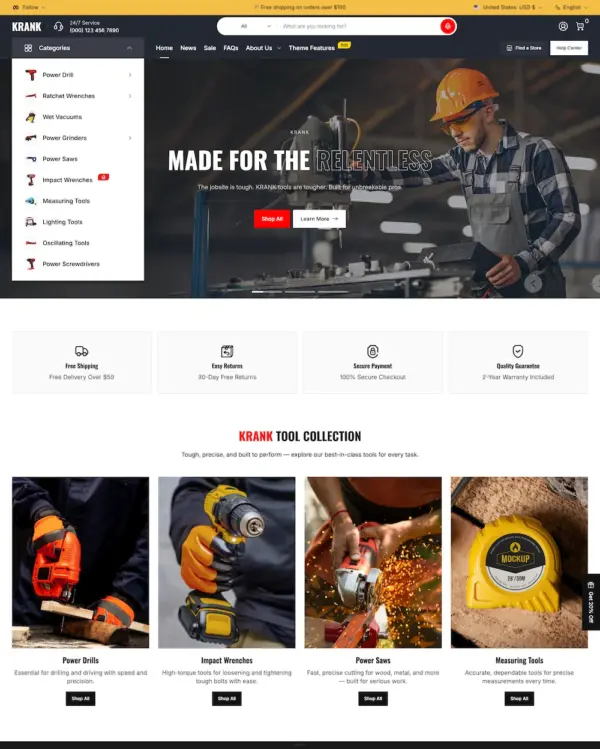

Makes hardware and auto parts easier to buy on mobile, with bundles and volume pricing for larger orders.
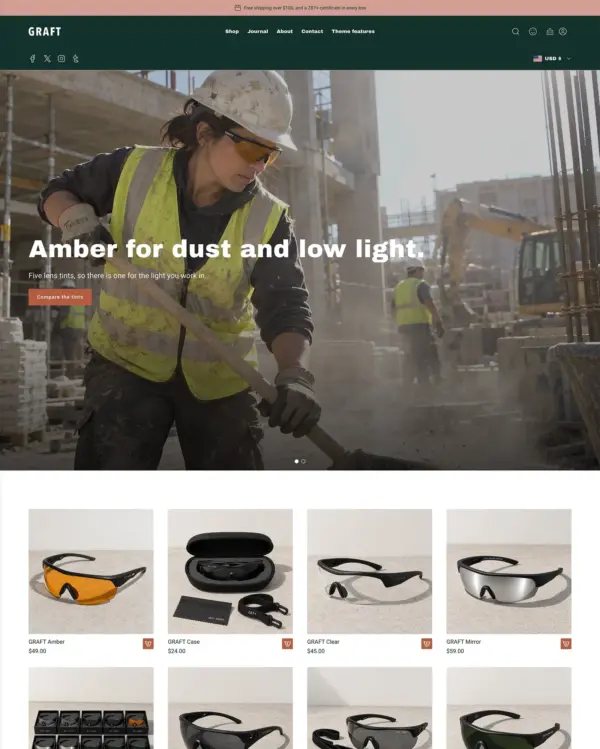

Brings an editorial feel to upscale fashion and beauty, with complete looks and promotional offers.
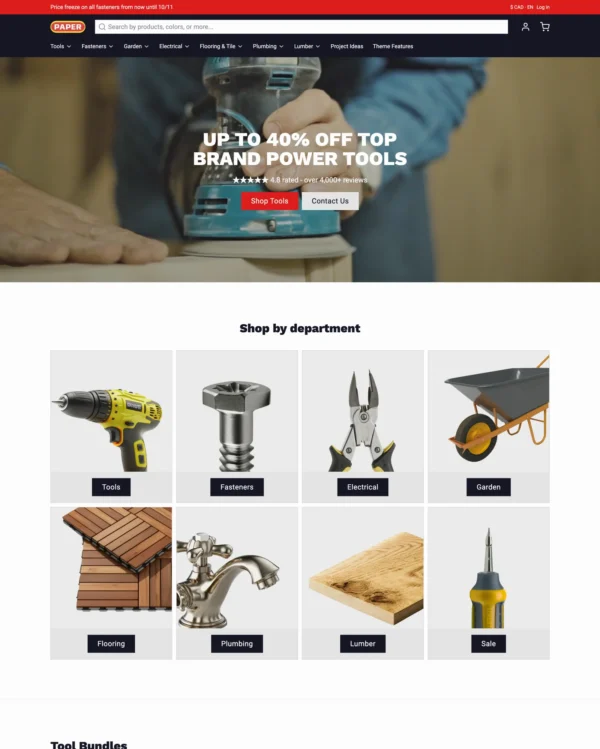

Keeps jewelry shopping clean and effortless with lookbooks, quick buying, and continuous search results.