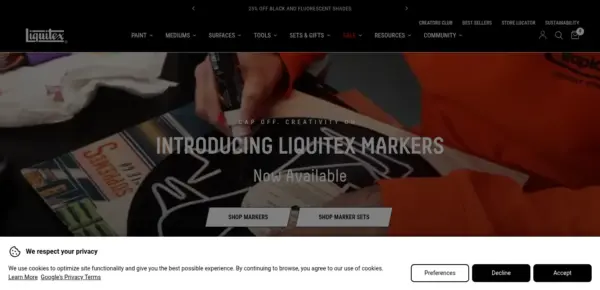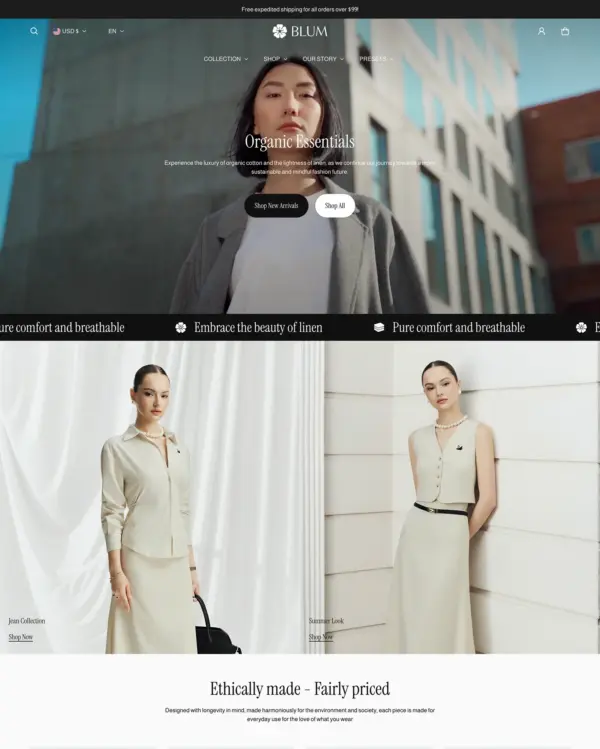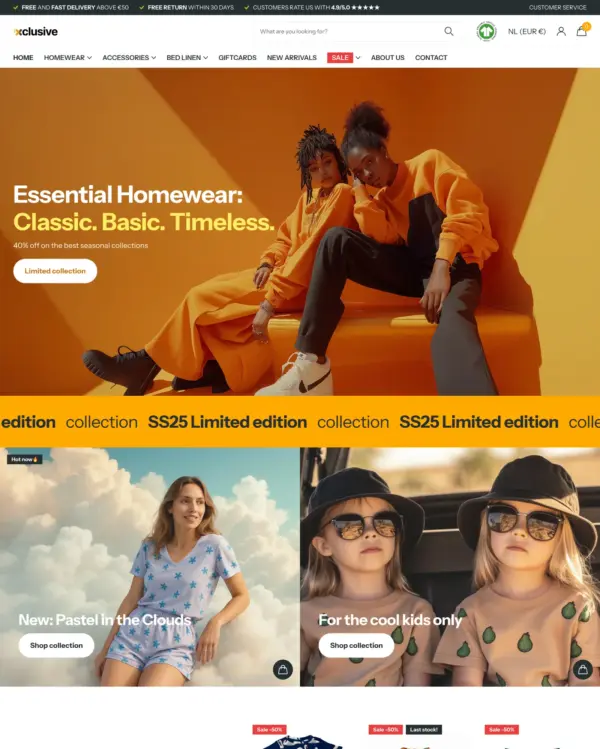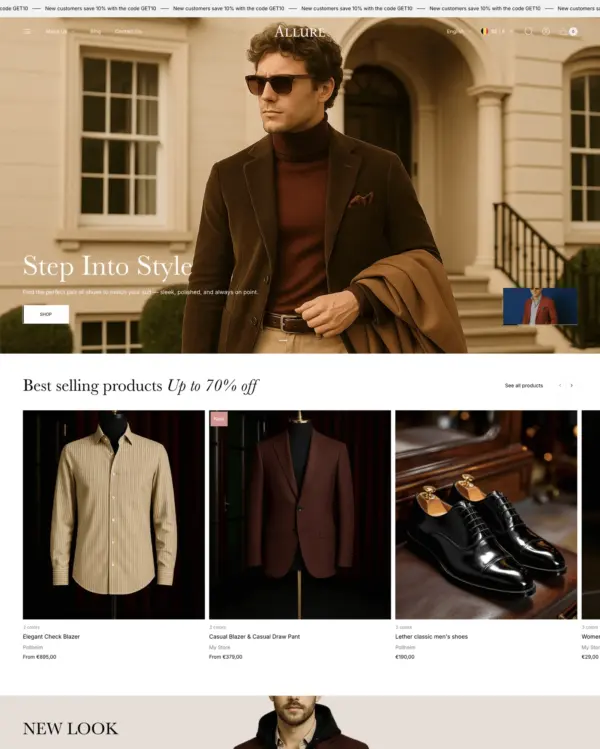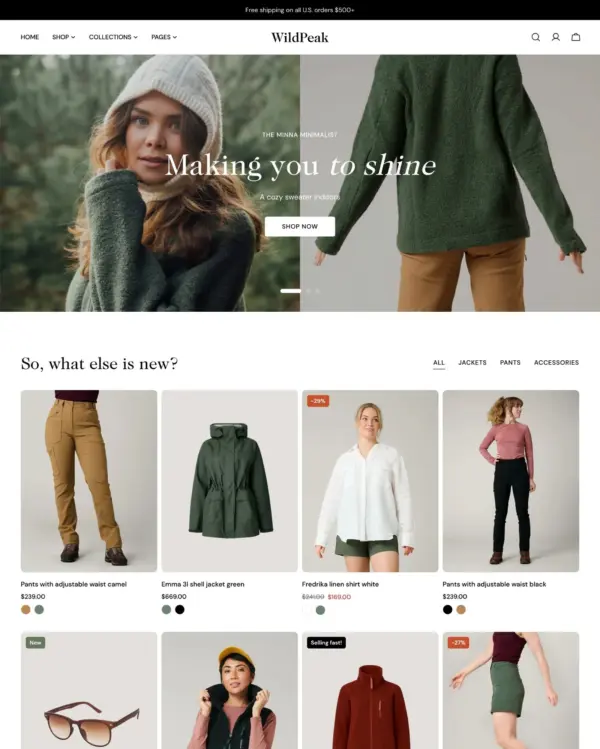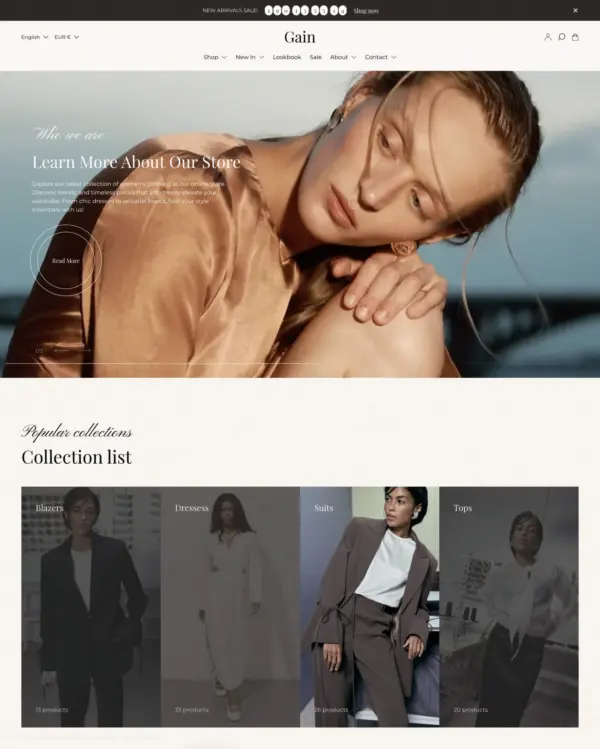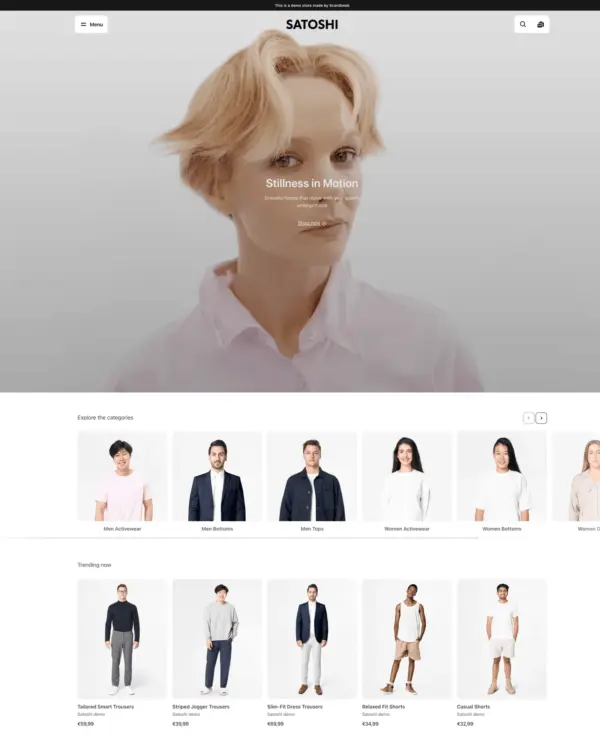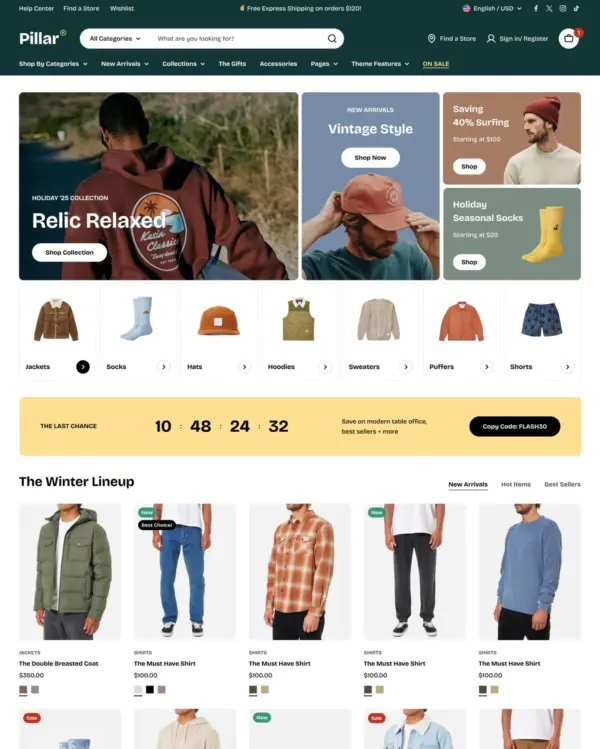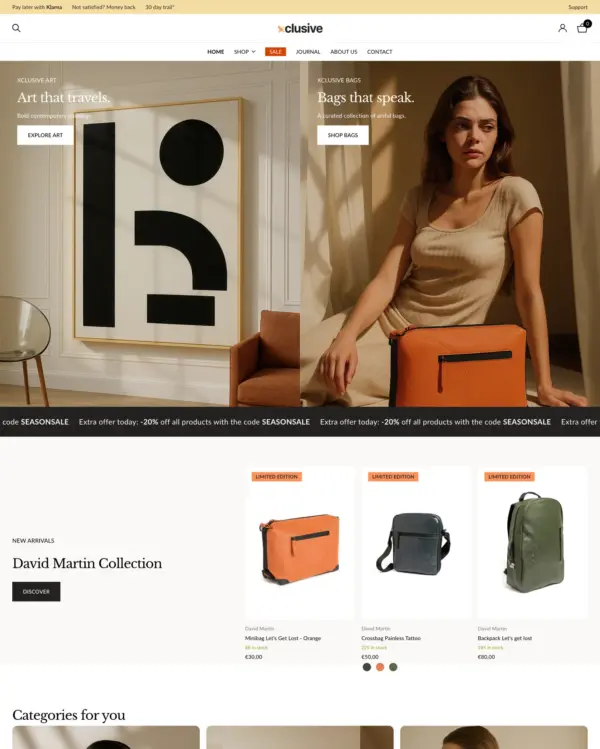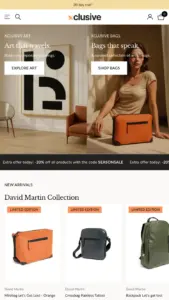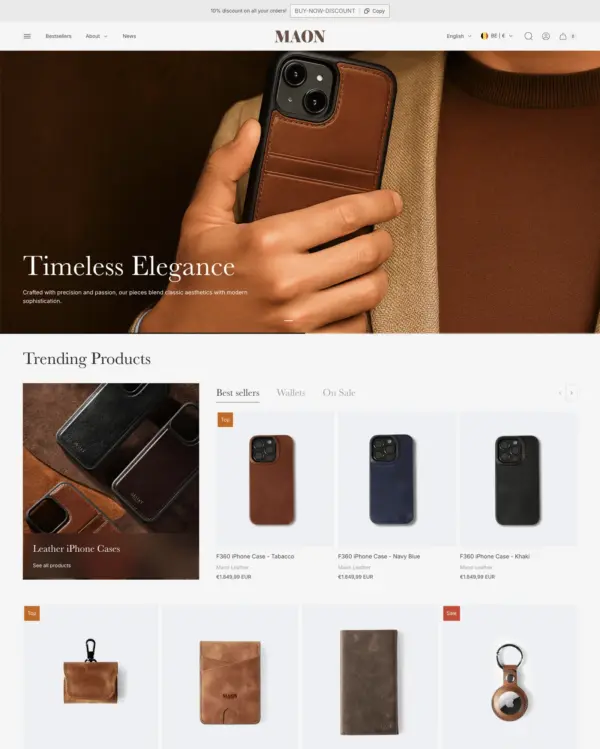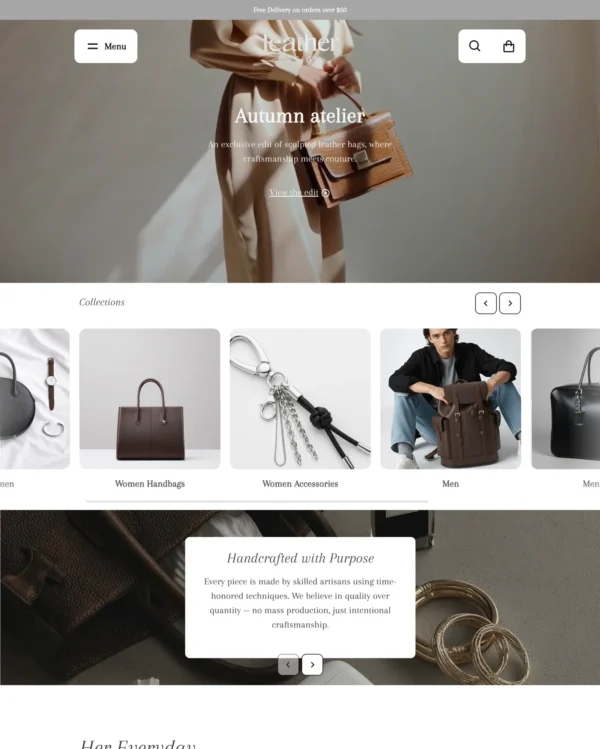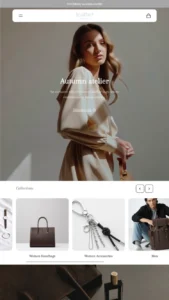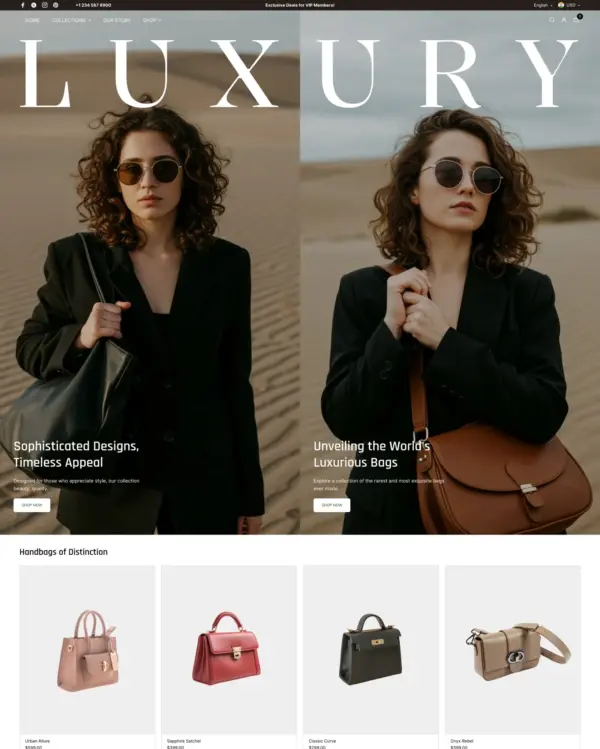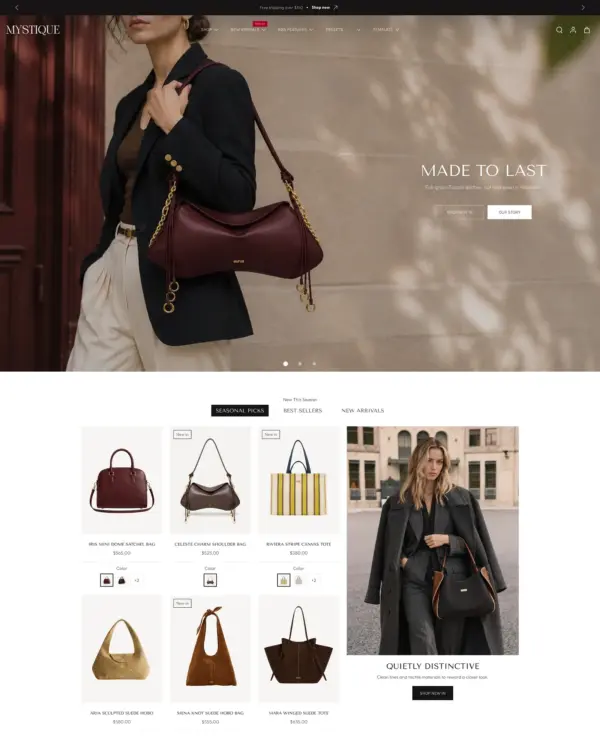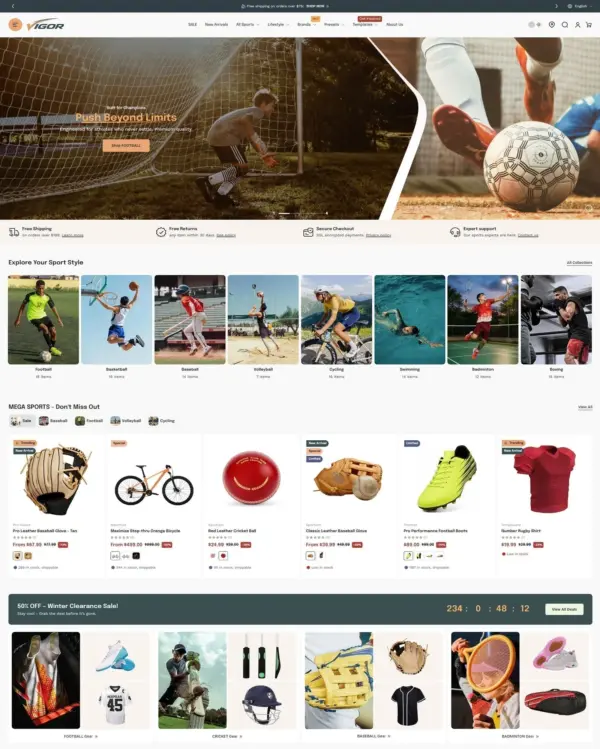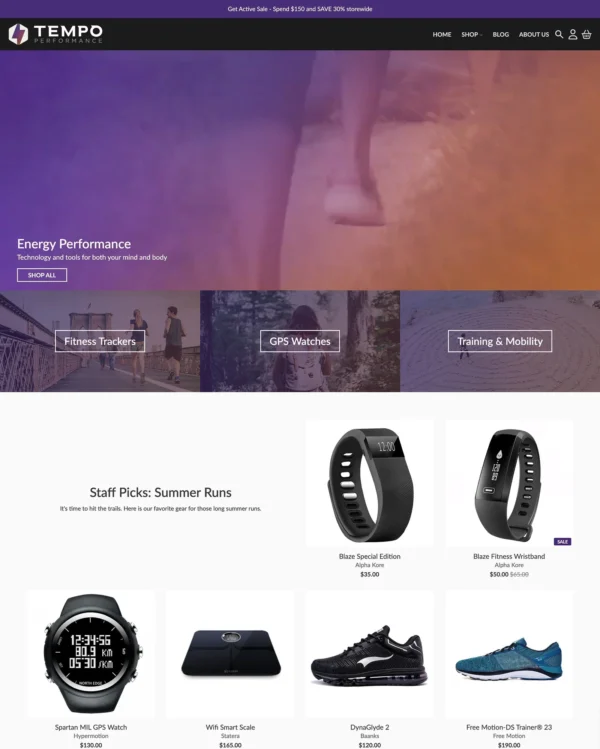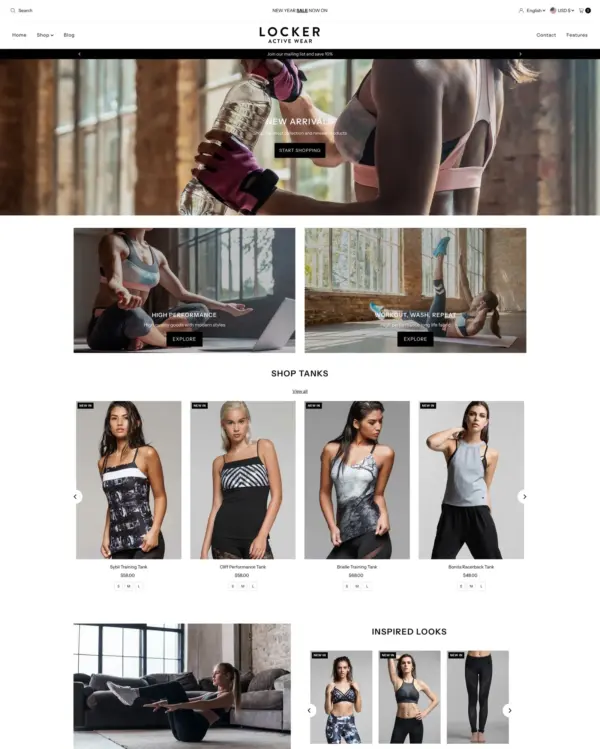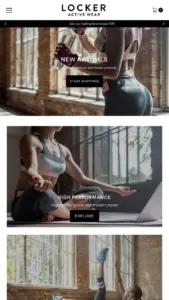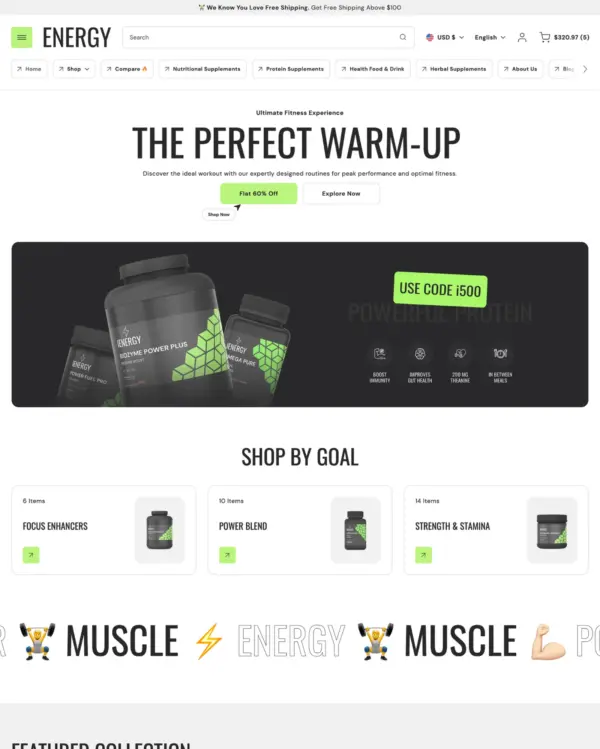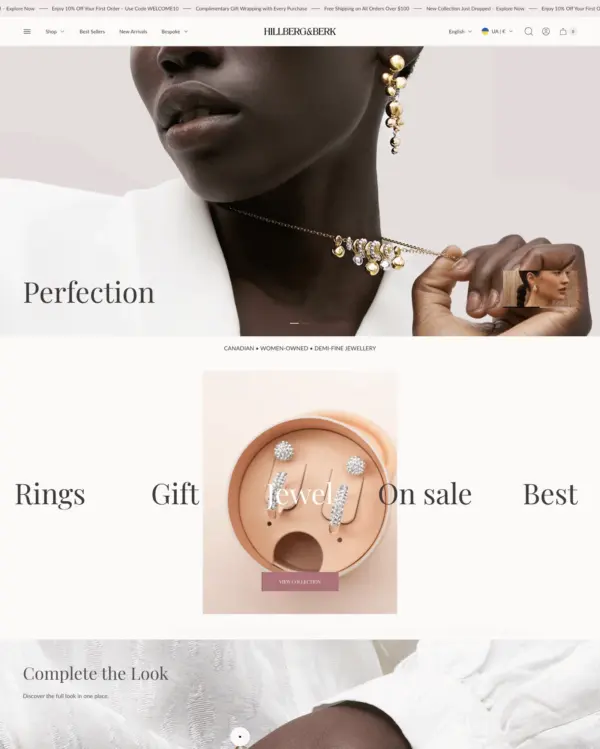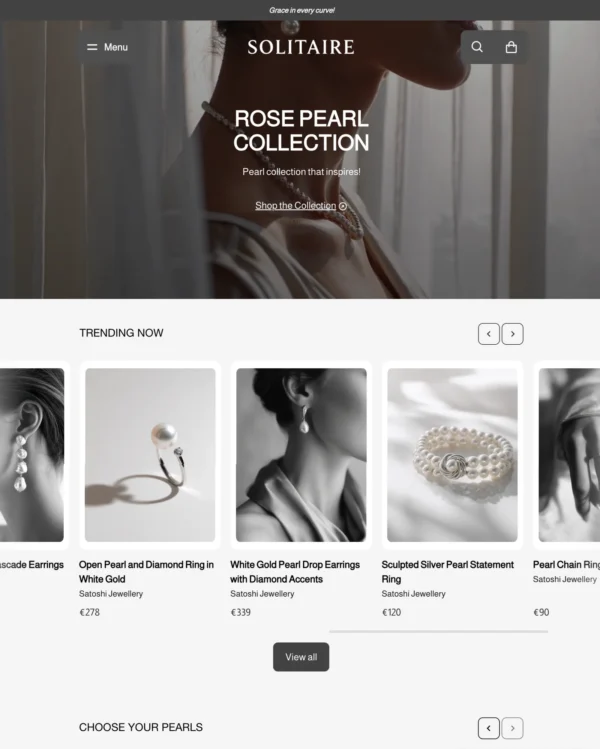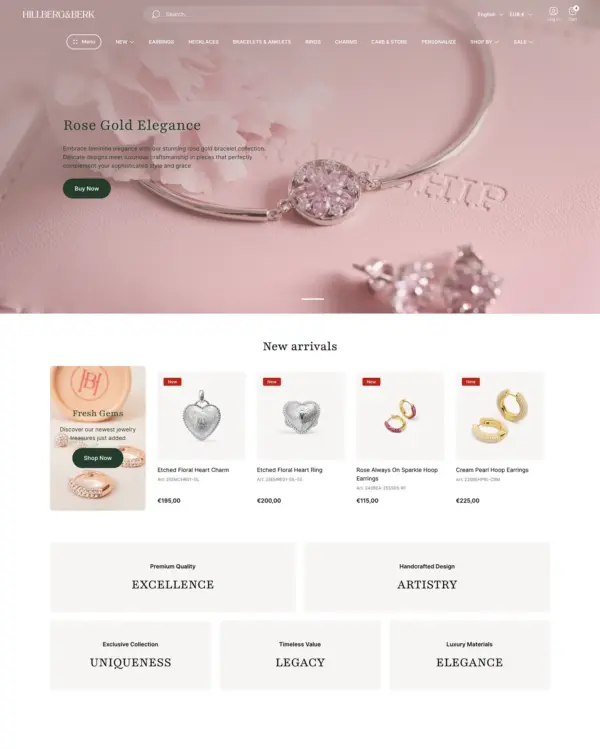
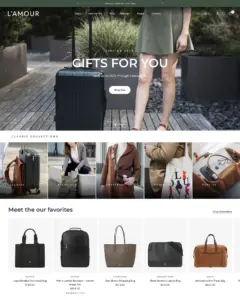
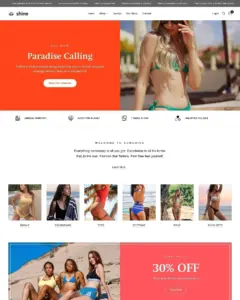

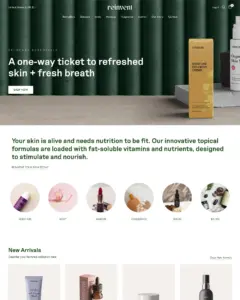
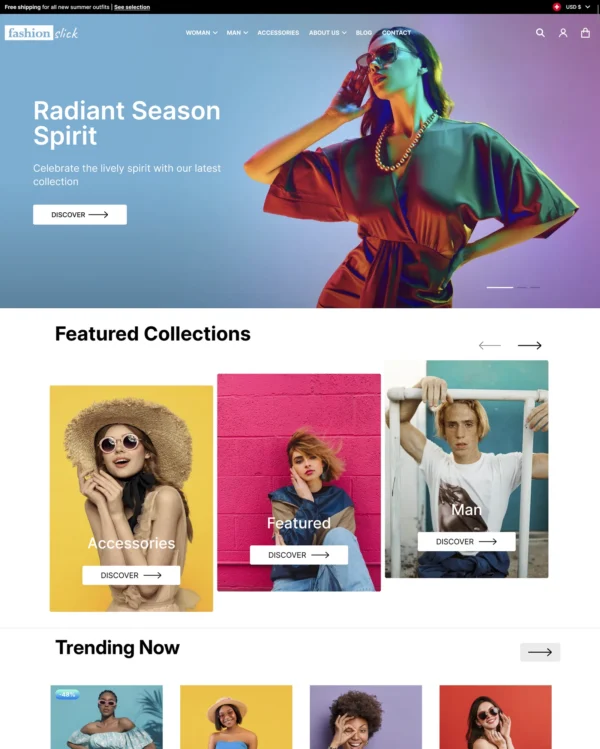

Reformation Shopify theme – Reformation preset
Reformation
Popular Highly active Highly rated clothing

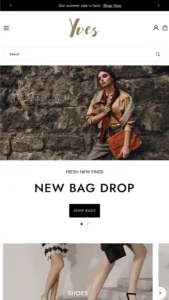
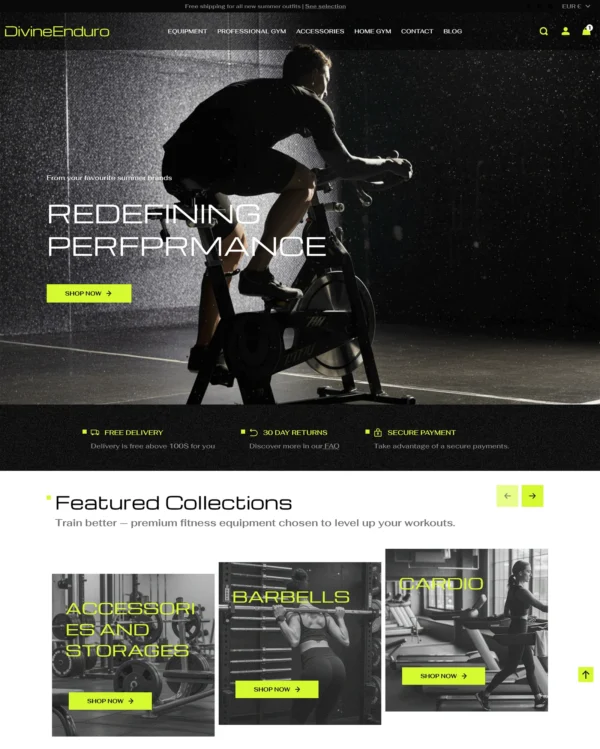
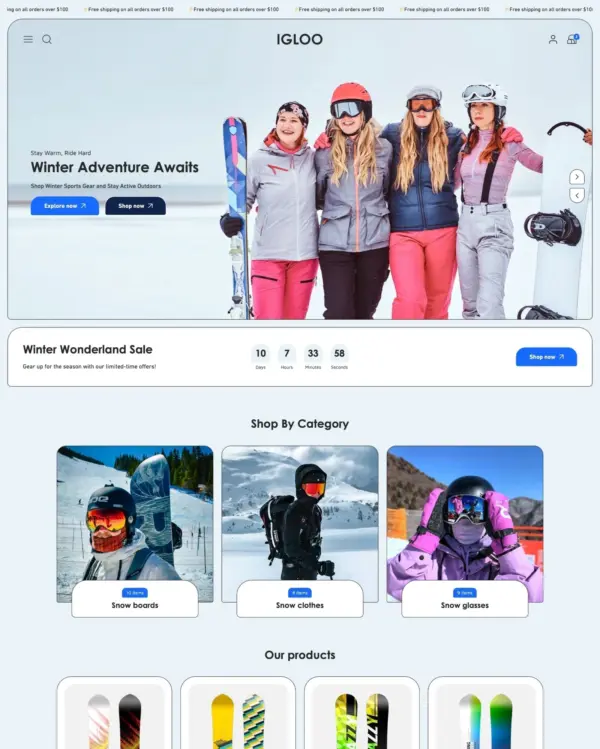
Reformation Shopify theme

Reformation preset

Created by Fuel Themes

Data updated:
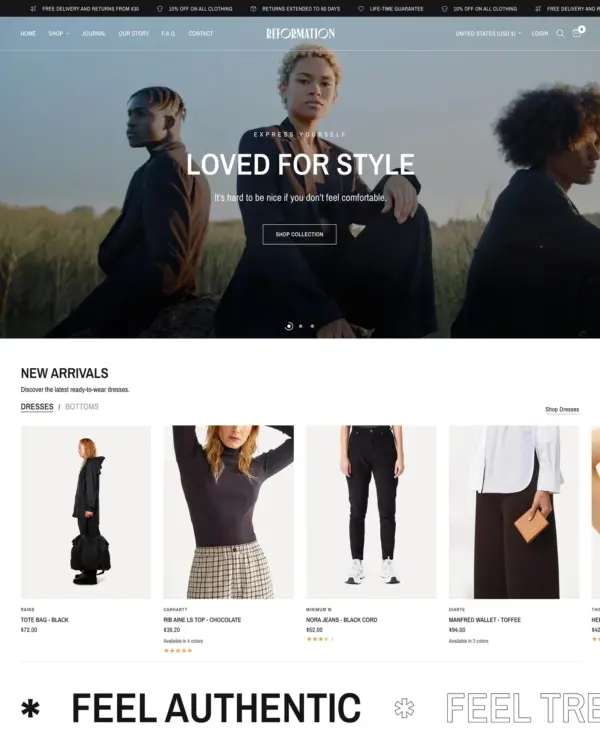
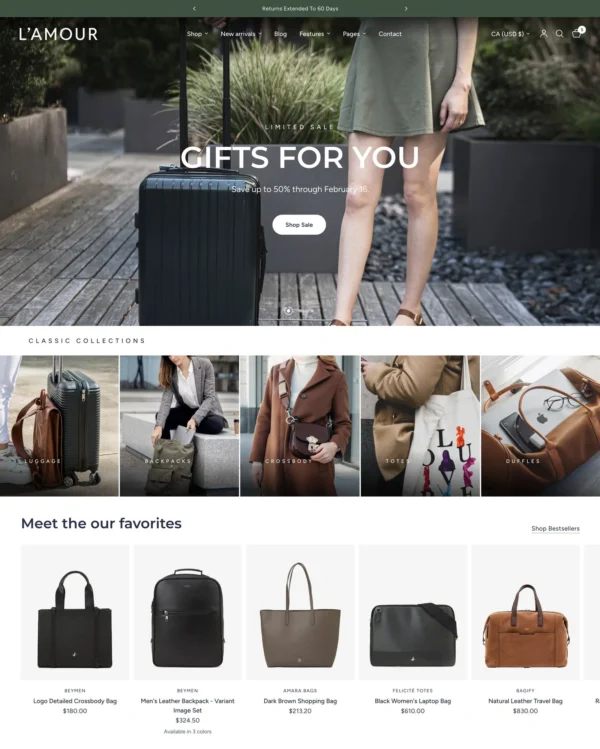
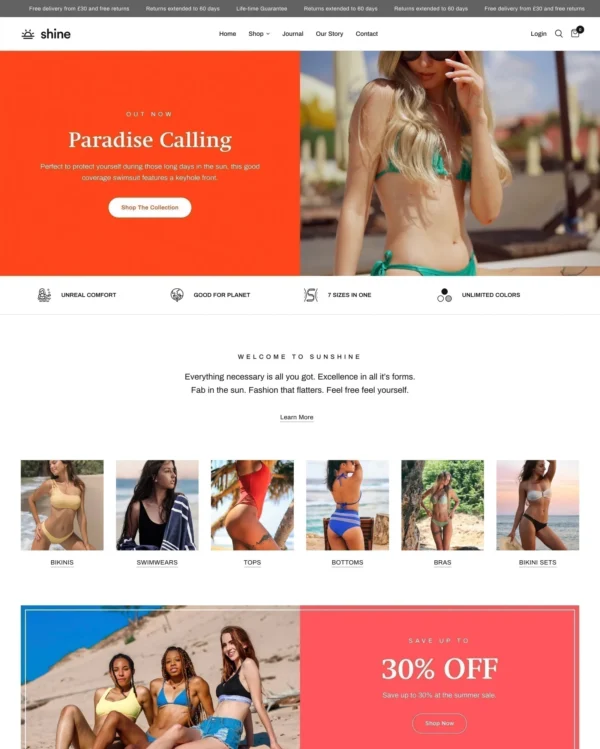
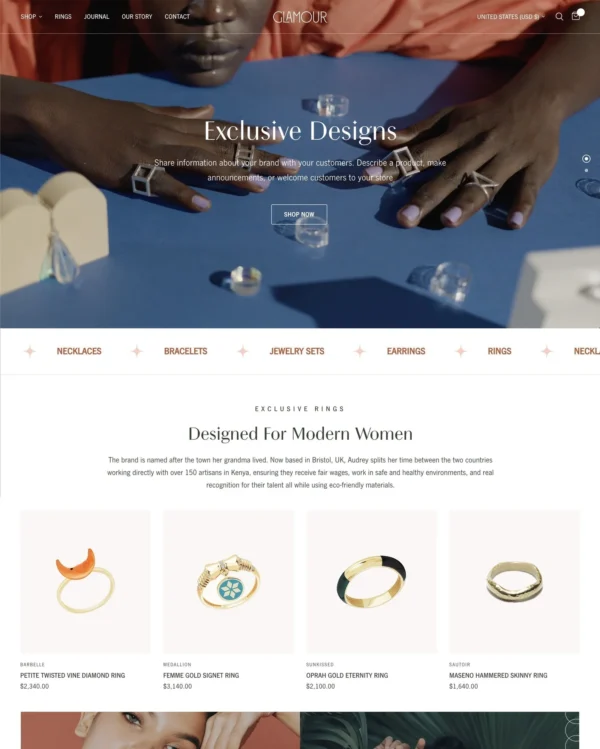
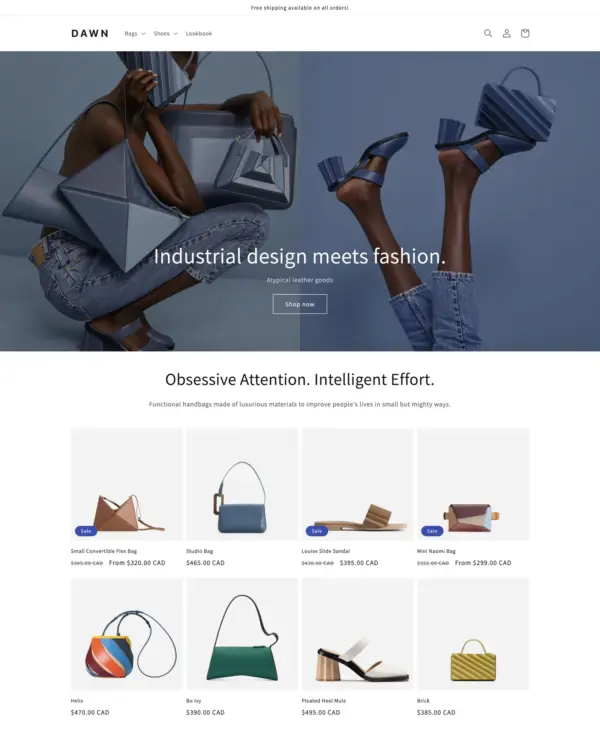
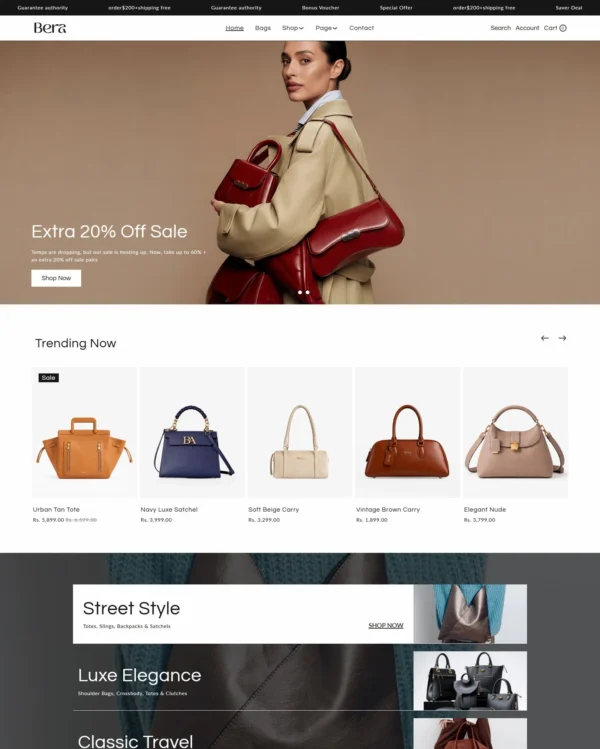
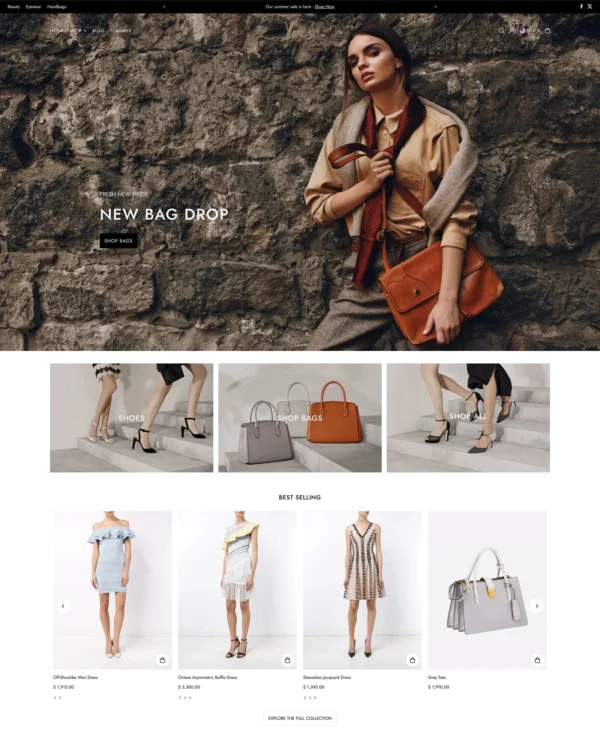
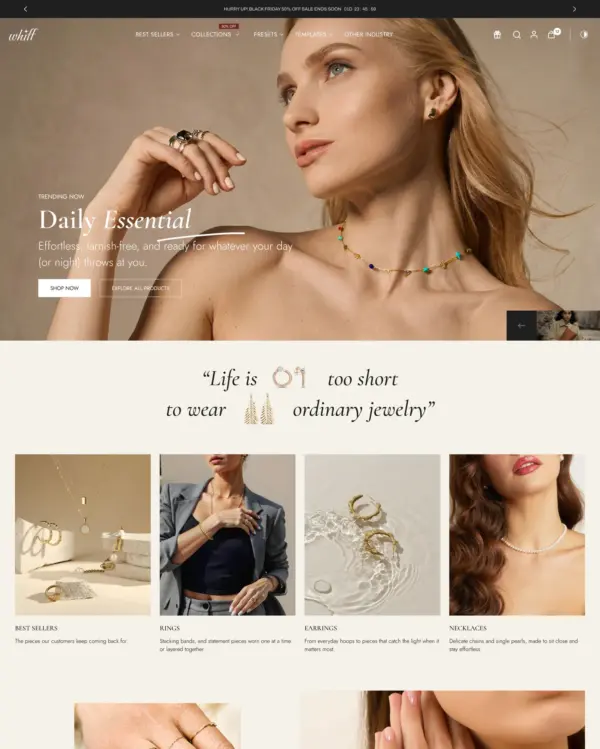
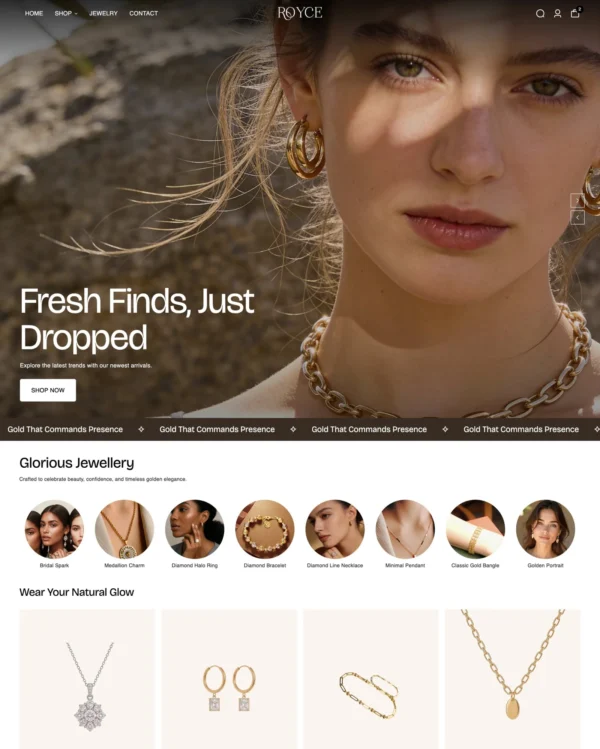
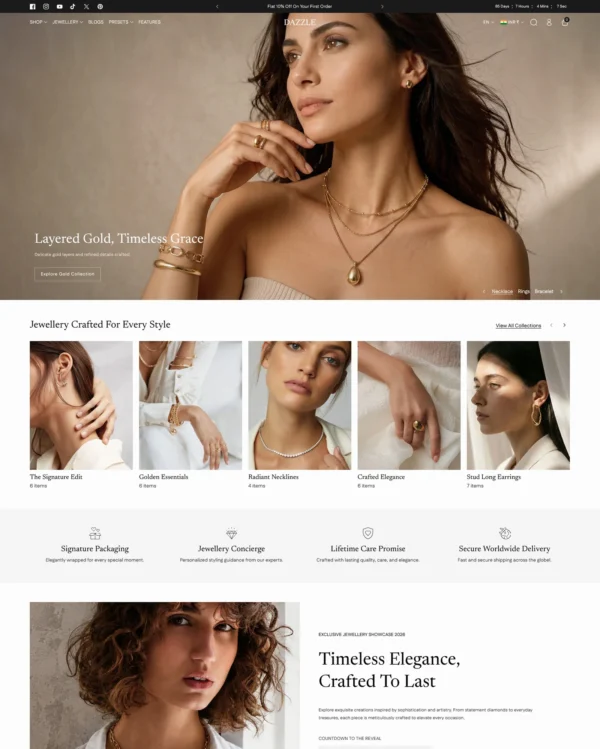
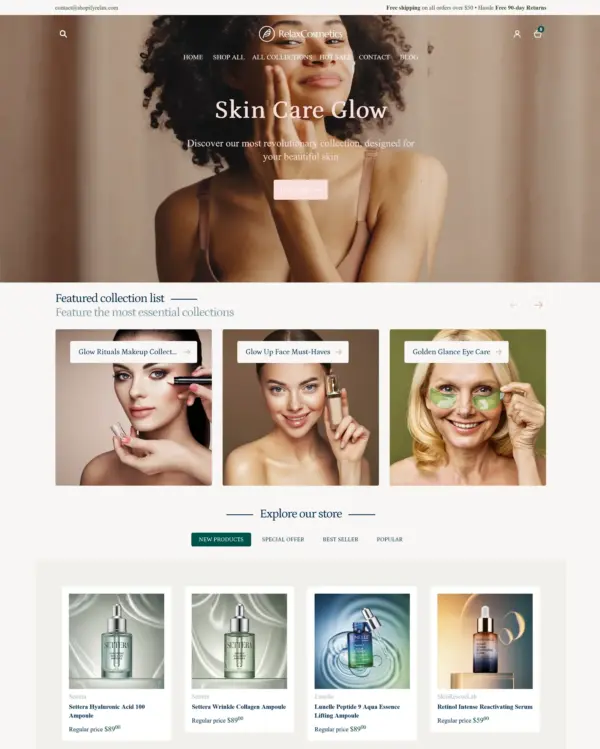
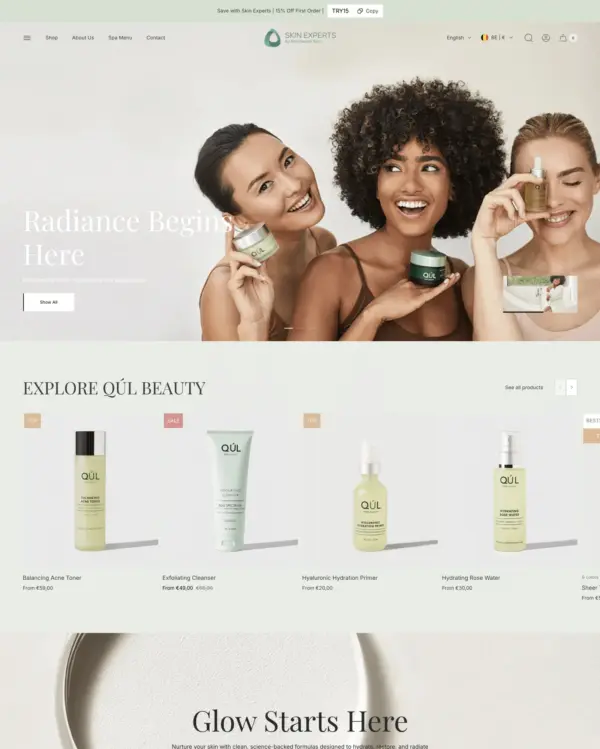
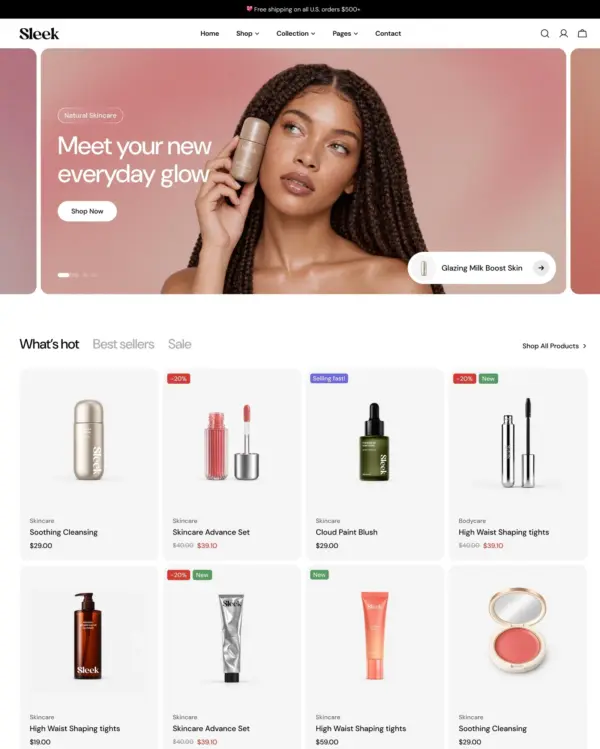
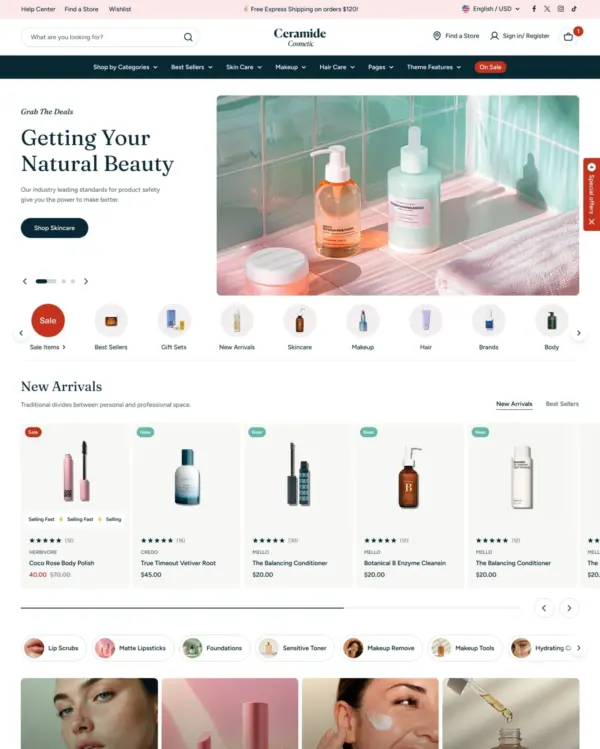
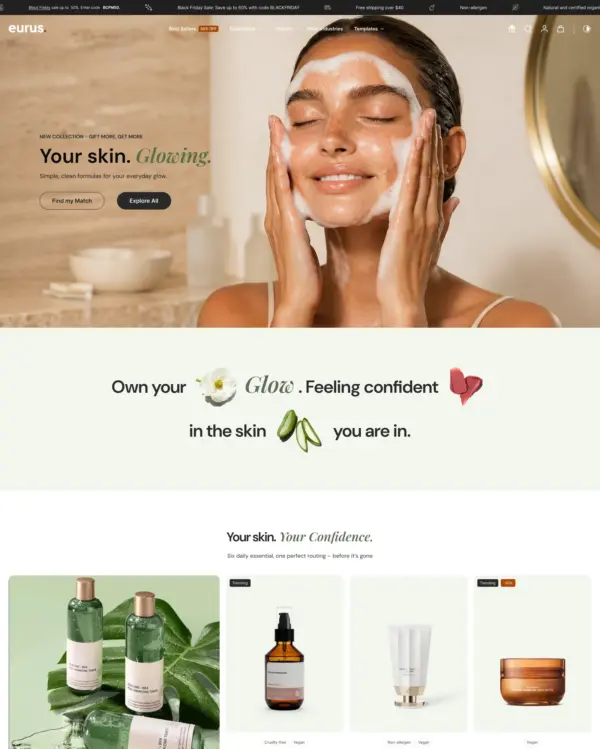
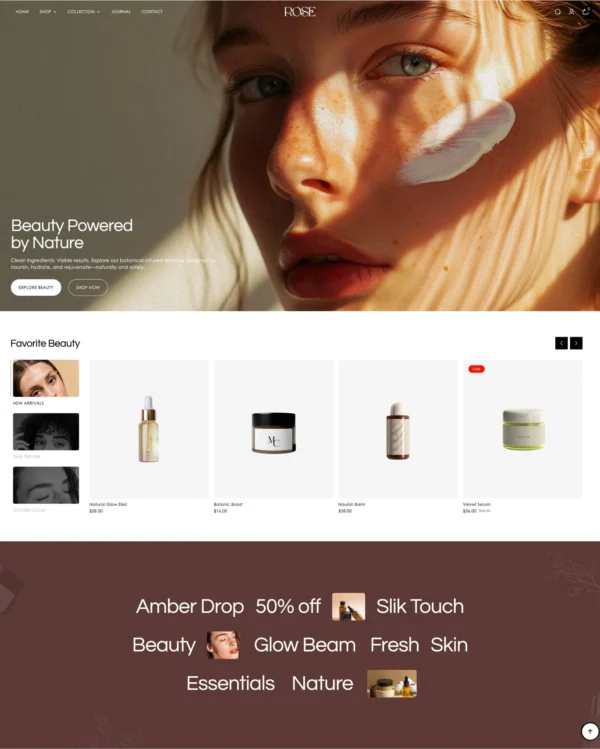
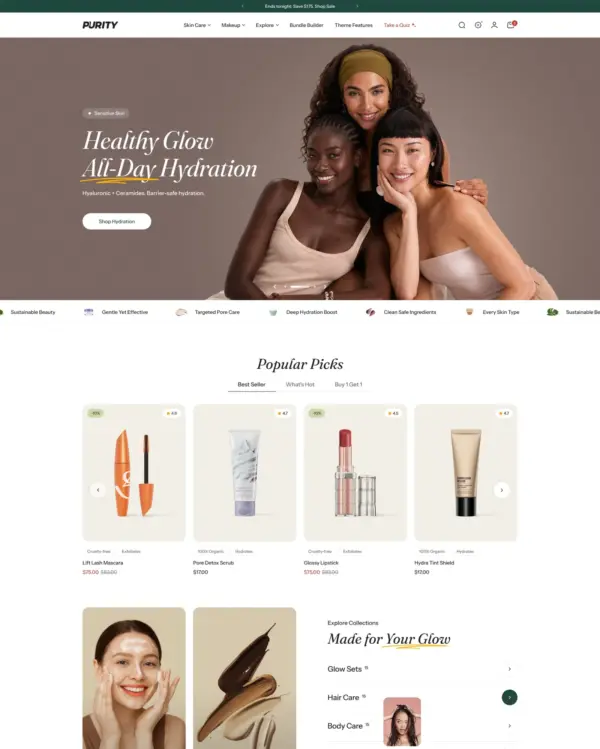
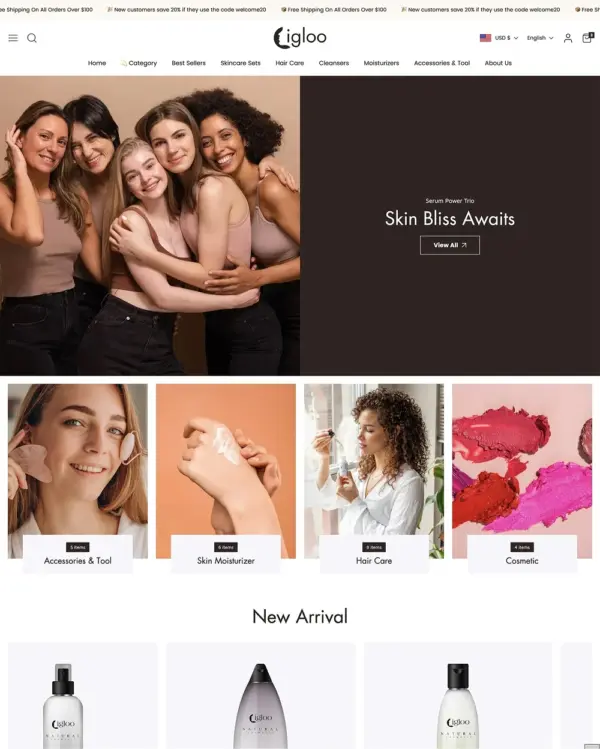
Video support in the slideshow section, described as one of the first such listings on Shopify's theme marketplace, is a signature feature of Reformation, aimed at clothing, beauty, and jewelry stores with mid-sized catalogs. It also pairs multiple hover images on product cards with sticky add-to-cart, mega menus, and swatch filtering.
Source Shopify Theme Store Official
★★★★★
★★★★★
4.7 · 259 reviews · 93% positive
PRICE
$ 430,00 USD
PRESETS
5 styles

Independently reviewed by the eDIY editorial team

Our verdict on Reformation

Reformation makes a distinctive pitch to fashion retailers: moving images and multiple product previews should bring browsing closer to watching a campaign. That suits labels with genuinely good video and photography, and sticky buying controls help connect presentation to sales. The $430 price is at the upper end, although 258 reviews and 93% positive sentiment show broad adoption. We would not pick it simply to add motion; video-led layouts can increase content production and performance costs. Reformation is most attractive when a brand already invests in regular creative campaigns and wants the storefront to make full use of them.

Reviewed by
Olga Diejewa · Ecommerce Theme Expert

What we liked

  • Video slideshows let clothing brands demonstrate fit, movement and styling in ways static hero images rarely communicate.
  • Multiple hover previews help shoppers inspect different angles or outfits while staying on collection pages.
  • Over 250 merchant reviews offer more credible evidence of use than most newly launched fashion themes.

Worth knowing

  • At $430, the price is hard to defend without a strong ongoing photography and video program.
  • Test mobile image and video loading on real product collections, since creative-heavy pages can become expensive for slower connections.

How fast is Reformation?

Google PageSpeed Insights scores out of 100. Demo results average the home, collection, and product pages.

Tested in November 2026, the official Reformation demo scored 77/100 on mobile and 94/100 on desktop. Mobile LCP was 6.3s, CLS was 0.00, and Total Blocking Time was 68ms.

Theme demo store

Official Reformation demo, average of 3 pages
77 /100
Mobile
Needs improvement
95 /100
Desktop
Good
By pageMobileDesktop
Home page 70 88
Collection page 87 98
Product page 75 98
MetricMobileDesktop
Largest Contentful Paint 8.6s 1.8s
Cumulative Layout Shift 0.00 0.03
Total Blocking Time 192ms 125ms
Speed Index 4.1s 1.8s
MetricMobileDesktop
Largest Contentful Paint 3.9s 1.1s
Cumulative Layout Shift 0.00 0.02
Total Blocking Time 0ms 0ms
Speed Index 3.2s 1.0s
MetricMobileDesktop
Largest Contentful Paint 6.4s 801ms
Cumulative Layout Shift 0.01 0.03
Total Blocking Time 12ms 94ms
Speed Index 4.1s 1.2s

Lab data from PageSpeed Insights, Nov 2026

Across 8 live stores we tested, the average PageSpeed score was 58/100 on mobile and 71/100 on desktop. Average mobile LCP was 10.4s and CLS was 0.02. These are complete production stores, so the numbers cover more than the theme itself.

Live stores average

Mean across 8 stores running Reformation
58 /100
Mobile
Needs improvement
71 /100
Desktop
Needs improvement
MetricMobileDesktop
Largest Contentful Paint 10.4s 1.8s
Cumulative Layout Shift 0.02 0.01
Total Blocking Time 753ms 479ms
Speed Index 13.3s 3.8s

Real stores carry their own apps, images and traffic

Per-store results

8 live stores · tested Nov 2026
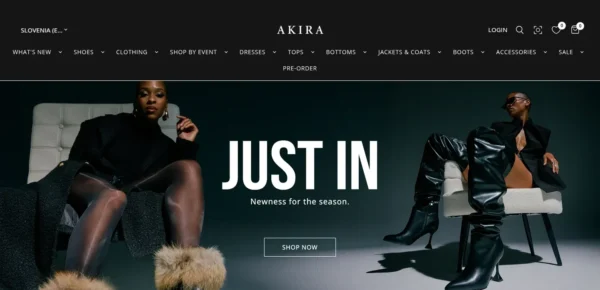
AKIRA
shopakira.com
Mobile 37
Desktop 48
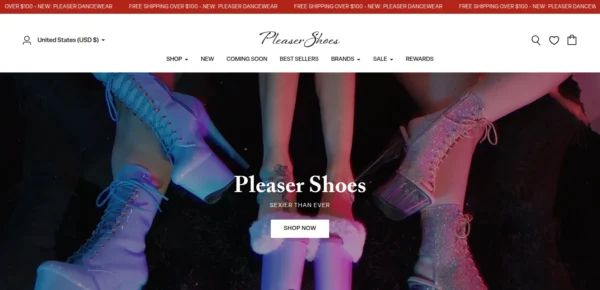
Pleaser Shoes
pleasershoes.com
Mobile 48
Desktop 69
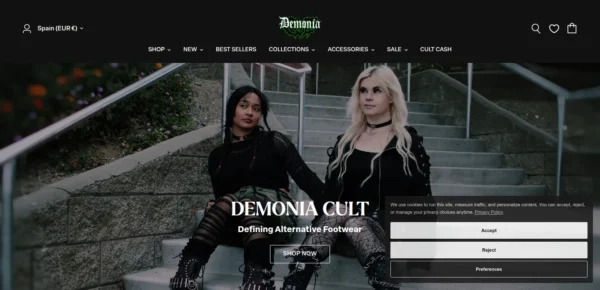
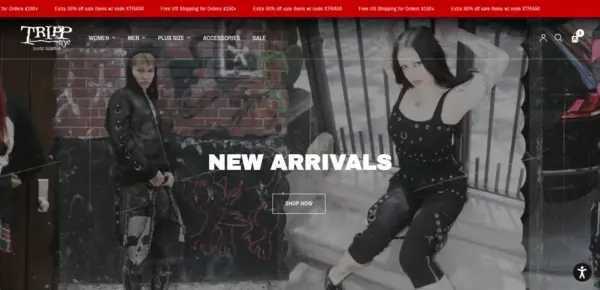
Demonia Cult
demoniacult.com
Mobile 56
Desktop 67
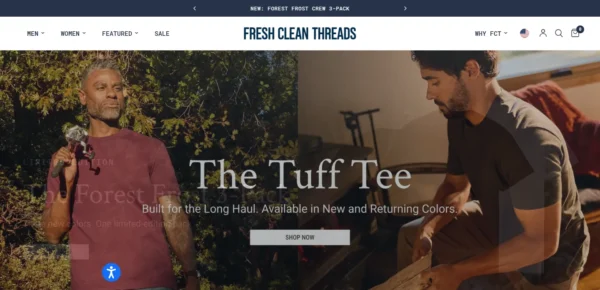
Fresh Clean Threads
freshcleantees.com
Mobile 99
Desktop 99
Aviator Nation
aviatornation.com
Mobile 52
Desktop 64
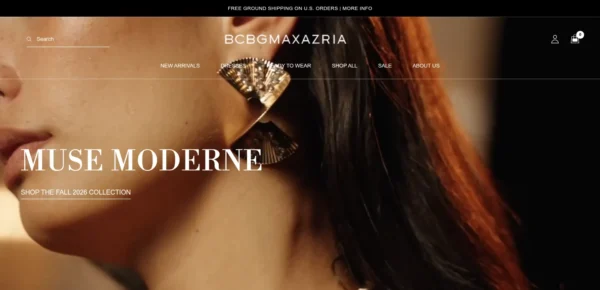
BCBGMAXAZRIA
bcbg.com
Mobile 47
Desktop 59
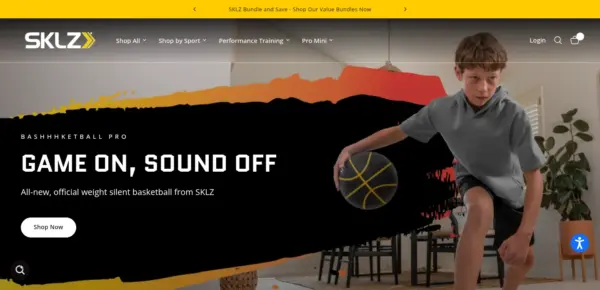
SKLZ US
sklz.com
Mobile 67
Desktop 87
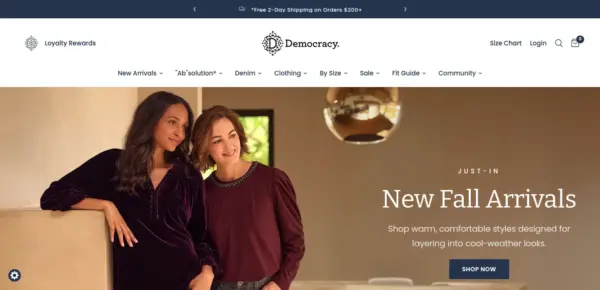
Democracy Clothing
democracyclothing.com
Mobile 55
Desktop 73

Features

Built-in features listed on the Theme Store.

Cart and checkout

  • Cart notes
  • Gift wrapping
  • In-store pickups
  • Pre-order
  • Quick buy
  • Sign in with Shop
  • Slide-out cart
  • Sticky cart

Customer accounts and sign-in

  • Account menu

Marketing and conversion

  • Trust badges
  • Stock counter
  • Right-to-left
  • Recommended products
  • Recently viewed
  • Quick view
  • Quick order list
  • Promo tiles
  • Promo popups
  • Promo banners
  • Product badges
  • Press coverage
  • In-menu promos
  • FAQ page
  • EU translations (EN, FR, IT, DE, ES)
  • Customizable contact form
  • Cross-selling
  • Countdown timer
  • Blogs
  • Back-in-stock alert
  • Age verifier
  • Quantity pricing (Shopify Plus)

Merchandising

  • Animation
  • Before/after image slider
  • Color swatches
  • High-resolution images
  • Image galleries
  • Image hotspot
  • Image rollover
  • Image zoom
  • Ingredients or nutritional information
  • Lookbooks
  • Product options
  • Product tabs
  • Product videos
  • Shipping/delivery information
  • Size chart
  • Slideshow
  • Usage information

Product discovery

  • Back-to-top button
  • Breadcrumbs
  • Collection page navigation
  • Enhanced search
  • Infinite scroll
  • Mega menu
  • Product filtering and sorting
  • Recently viewed
  • Recommended products
  • Sticky header
  • Swatch filters
57 features

Reformation ranking and satisfaction

Position among all Shopify themes
#43 of 1375
Position among Shopify themes for "clothing"
#17 of 271
Overall satisfaction based on all reviews
93% positive

Release history

LATEST VERSION
v18.0.0
Released November 2, 2026
Highly active

Reformation is actively maintained, with 12 releases in the last 12 months.

Releases in 12 mo 12
Total releases 84
First release October 25, 2022
v18.0.0 MAJOR

This update adds five scroll-driven sections (Revealed text, Revealed media with text, Scrolling content, Scrolling boxes and Multiple media with text), groups sections into categories in the theme editor, translates the theme editor into 20 languages, adds a Require size selection option, clearer colour swatches, support for combined listings, Notify me, Volume pricing and Model and fit blocks for the product page, savings and express checkout in the cart, automatic New and Low stock badges and a grid view toggle for collections and search, gift wrap, a rewards bar, your own cart recommendations and an Edit link on cart items, Complete the look and Delivery estimate blocks, a Quick order list section, shoppable hotspots in the slideshow and Image with text overlay, a collection banner video and product strip, Grid and List blog layouts with reading time, collection and product mega menus, smarter pop-up triggers with a discount code, and scheduled, per-country announcement bar messages with a countdown, makes drawers, product cards, the cart and forms fully usable by keyboard and screen reader, turns off autoplay and scroll animations for visitors who prefer reduced motion, makes pages load faster and stop jumping as they load, keeps filters, variant changes and the cart working when a request fails, fully supports right-to-left languages such as Arabic and Hebrew, fixes cart quantity changes and removals landing on the wrong item when an app adds or removes cart items in the background, and corrects the data the theme sends to pixel and analytics apps so every storefront event arrives complete.

Added

  • New Revealed text section (under Storytelling): one statement in display type that holds on screen for a scroll and is revealed word by word or line by line with a Fade, Fill, Outline or Rise effect. An optional line with a square at each end can sit above the text. It shows whole when animations are off or the visitor prefers reduced motion
  • New Revealed media with text section (under Media): a full-width image or video that holds on screen while it opens from a small centred window to the full frame, then brings in a large heading. Separate mobile image, heights for desktop and mobile, and an overlay colour
  • New Scrolling content section (under Storytelling): image-and-text panels, each with its own colours and button, that stack on top of one another as the page scrolls on tablet and desktop, with the image half staying in view
  • New Scrolling boxes section (under Media): a row of tall image or video boxes that slides sideways as the page scrolls, with 2 to 4 columns on desktop, an overlay or gradient per box, play-on-hover video and an optional link on the whole box
  • New Multiple media with text section (under Media): up to three images or videos in an offset collage beside a heading, description and button, scaling gently into place as they come into view
  • All four new sections show their finished layout when animations are off or the visitor prefers reduced motion; the scrolling boxes can then be swiped or scrolled sideways
  • Sections in the theme editor's Add section menu are now grouped into categories (Collections, Products, Blog, Media, Storytelling, Reviews, Forms, Promotions, Information and Layout), so the section you need is quicker to find than in one long alphabetical list
  • New "Require size selection" option on the product page, featured product and quick view (under the variant picker block, off by default). When it's on, only the colour is preselected: shoppers have to pick a size before Add to cart and Buy it now become available, so nobody checks out in a size the page chose for them. Links to a specific variant still open with that variant selected
  • Colour swatches that don't match a colour name or a Custom colors entry now show as a labelled chip with the colour's name, instead of a wrong colour (for example "Brown" drawn as dark red) or an empty dot (for example "Horse Brown"). Very light colours such as white get a thin outline so they stay visible, and on touch screens the filter colours show their names
  • New "When the timer ends" option on the Countdown banner: hide the section (the default), show a message of your choice, or keep showing 00:00. Expired countdowns stay visible in the theme editor with a note, so you can find and update them
  • Searches with no results, in the search drawer and on the search page, now say so and suggest your Popular searches menu. When filters caused the empty result, the filter bar stays available with a link to clear the filters
  • Important: The theme editor is now translated. Section names, settings, help texts and options appear in your Shopify admin language: Chinese (Simplified and Traditional), Czech, Danish, Dutch, Finnish, French, German, Italian, Japanese, Korean, Norwegian, Polish, Portuguese (Brazil and Portugal), Spanish, Swedish, Thai, Turkish and Vietnamese. Your settings and content are not affected
  • Support for Shopify's combined listings (Shopify Plus, Combined Listings app): choosing a colour that belongs to another product of the listing loads that product in place on the product page, in quick view and in the featured product section, and product card swatches link to the right product
  • Important: New Notify me block for the product page, quick view and featured product. When the selected variant is sold out, shoppers can leave their email to hear when it's back. Under Delivery, choose Contact form (the default: you get an email with the product, variant, SKU and link), Customer tag (creates a customer tagged back-in-stock:, for export or Shopify Flow, with a note that they'll receive your emails) or Off (to use a back-in-stock app's block instead). Requests are sent without leaving the page
  • New Volume pricing block for the product page, quick view and featured product: shows the selected variant's quantity price breaks (B2B and catalog quantity pricing) as a table and highlights the price the shopper's quantity reaches. It stays hidden for products without price breaks
  • Quantity rules now show above the quantity selector (minimum, maximum and increments), with how many of that variant are already in the cart. A variant whose minimum is more than the stock you have shows as sold out
  • New Model and fit block for the product page, quick view and featured product: model height, size worn and measurements (one "Label: value" per line), each of which can be connected to a product or variant metafield
  • Important: The cart drawer and cart page show each item's compare-at price struck through, and a "You save" total that adds sale savings and discounts together. Turn it off with Show savings under Theme settings > Cart
  • Express checkout buttons (such as Shop Pay, Apple Pay and PayPal) can now show in the cart drawer: turn on Show dynamic checkout buttons under Theme settings > Cart drawer. They're off by default
  • Important: Automatic New and Low stock badges on product cards. New marks products published in the last 30 days, and Low stock marks products with 5 or fewer left (inventory tracked, not sold when out of stock). Change both, or set them to 0 to turn them off, under Theme settings > Product card, which also has a colour for the New badge
  • Important: Collection and search pages have a grid view toggle: shoppers choose 2, 3 or 4 columns on desktop and 1 or 2 on mobile, and their choice is remembered on their device through filtering, sorting and more pages. Turn it off with Show grid view toggle in the Product grid section of the collection and search pages
  • Important: Gift wrap in the cart drawer and on the cart page. Shoppers tick "Add gift wrap" to add the product you choose under Theme settings > Cart > Gift wrap, and can write a gift message that's saved on the order as its "Gift message". Make the gift wrap a product with a price, no shipping and no inventory tracking (the setting's help text explains how to keep it out of search). One wrap per order; it shows in the cart without a quantity selector and can still be removed. Off by default
  • Important: The free shipping bar is now a rewards bar. Add up to two more rewards after free shipping (for example "a free gift" at one amount and "10% off" at another) under Theme settings > Cart > Free shipping message: each gets a marker on the bar and its own message. A reward can offer a gift product with an Add gift button once it's reached; make it free with an automatic discount in your Shopify admin, since the bar only shows progress. The bar now shows on the cart page too
  • The cart drawer's recommendations can now come from related products (the default), complementary products or a product list you choose, with your own heading and 2 to 8 products, under Theme settings > Cart drawer. Products already in the cart, the gift wrap and reward gifts are left out, and products with a single variant get an Add button instead of Quick view
  • Important: Cart items have an Edit link that opens the product in quick view, so shoppers can change the size, colour or quantity without leaving the cart; any personalisation on the item is kept. On by default: turn it off with Show edit link under Theme settings > Cart. It isn't offered for gift cards, subscriptions, bundles, the gift wrap or reward gifts
  • New Complete the look block for the product page and featured product: up to 3 products from a product list (which can be connected to a product metafield) next to the current product, each with its own variant choice and a tick box, a total, and one button that adds them all to the cart
  • New Delivery estimate block for the product page, quick view and featured product, for example "Order within 2 hours, 13 minutes to get it Tue, Nov 3 – Fri, Nov 6". Set your daily order cutoff, processing and transit days, dispatch weekdays, holidays and, optionally, the countries it shows in. It counts in your store's time zone, shows dates in the shopper's language, and appears only for variants in stock
  • Important: New Quick order list section (under Products) for product templates: every variant of the product in a colour and size grid, or in a list, filled in with what's already in the cart, with the same quantity steppers as the product page. It reads like an order sheet: the sizes run across the top, every cell holding a quantity is outlined in black, and a running total sits beside one Update cart button for all of them. It shows quantity rules and volume pricing, says when the cart couldn't take a quantity, works without JavaScript, and can be shown to everyone or to B2B customers only
  • Important: Shoppable slideshow and Image with text overlay: add up to 3 product hotspots to each slide and to each overlay section. A pin opens the product in quick view (or on its page), shows its title and price on hover or focus, and stays on its spot of the image at every screen size and crop. The slideshow pauses while a shopper uses a hotspot
  • The collection banner can play a video (uploaded to Shopify, or from a collection metafield) once it's in view, with a pause button; visitors who prefer reduced motion see its poster image instead. It can also show up to 8 featured products in a row inside the banner, from a product list that can be connected to a collection metafield. Neither shows on the search page
  • Important: The blog has Grid and List layouts next to the current Magazine layout (still the default), an option to feature the newest post, posts per page and columns, and a Show reading time option for posts and articles: the theme estimates it, or you set it per article with a custom.reading_time metafield. Tags show as a menu that marks the current tag. The article's Products block can show as a row of products or as a column that stays beside the article on desktop
  • Important: Two new mega menu blocks for the header: collection image tiles, made from the menu's own collection links, and featured products (up to 4). Both work on desktop and in the mobile menu
  • Important: The newsletter pop-up can open after a delay, when the shopper scrolls to a chosen depth, or when they're about to leave the page (desktop), whichever comes first. Choose whether it shows again on the next visit, after a number of days (14 by default) or never. After signing up, shoppers see your discount code with a Copy button, and an optional teaser tab brings the pop-up back after it's closed
  • Important: The announcement bar has a new countdown message, a start and end date for every message, and a list of countries to show or hide each message in, with up to 12 messages. Messages outside their dates are removed before the bar appears, so the page doesn't jump
  • Contact form dropdown fields have a new "Field is required" option, so a dropdown can be left optional (on by default, as before)

Changed

  • Important: The free shipping message settings moved from Theme settings > Cart drawer to Theme settings > Cart, because the bar now also shows on the cart page. Your saved values are kept

  • Shop the look's pins now look and work like the new product hotspots, and sold-out products link to their page instead of opening quick view

Removed

  • assets/clipboard.min.js. Copy link now uses the browser's built-in clipboard. If you added custom code that uses ClipboardJS, include the library yourself
  • The "Lazy loading" theme setting (Theme settings > Advanced). Images now always use the browser's built-in lazy loading, so the setting had no effect

Other fixes and improvements

  • Important: Drawers and pop-ups now work fully from the keyboard and with screen readers. The cart, search, filter, quick view, pickup, product information, address and mobile menu panels open with focus on a real Close button, keep Tab inside the panel, close with Escape and return focus to the button that opened them. They are announced as named dialogs, and the mobile menu button reports whether the menu is open
  • Important: The size guide, newsletter pop-up, age verification and video lightbox now keep focus inside the pop-up and hide the page behind them from screen readers. Escape closes only the top pop-up (closing the size guide inside quick view no longer closes quick view too), and the age verification pop-up can't be dismissed with Escape
  • Important: Quick view, quick add, the product card Add to cart button and card size options can now be reached with Tab and used with Enter or Space. The card's hover actions also appear on keyboard focus, and no longer stay visible after a mouse user closes quick view
  • Important: The theme now respects the "reduce motion" setting on visitors' devices. Scroll animations are switched off with every section shown in its finished state, slideshows and carousels stop advancing on their own, autoplay videos stay on their poster until the visitor presses play, YouTube and Vimeo background videos are replaced by their fallback image, and scrolling text, scrolling images and the announcement bar stand still. Pulsing hotspots, image zooms on hover, smooth scrolling and sliding drawers are turned off too. Nothing changes for visitors who haven't asked for reduced motion
  • Important: Pages load faster. Theme scripts no longer hold up the page while it loads, the main product, collection and hero images are fetched first and at the right size for the screen (the desktop product image was up to three times larger than needed), images further down the page and in menus, drawers and the footer wait until they are needed, and the theme's shared script file is about 20% smaller
  • Important: The desktop header no longer jumps when the theme's fonts finish loading, which moved the whole page down by a few pixels on first visit. The search results page no longer jumps when its filters load either
  • Important: If you've added custom code or an app that uses the theme's own JavaScript functions as the page loads, check it after updating: theme scripts now load after the page has been read instead of in the middle of it
  • Product image zoom returns keyboard focus to the zoom button when it closes
  • Fixed an error when changing slides in the Shoppable video reels section, an empty-cart page requesting product recommendations it can't show, and filtering in a background tab logging an error
  • Buy it now and wallet payment buttons now look disabled when the selected variant is sold out, instead of looking available
  • Changing a variant on one product form no longer disables the Add to cart buttons of other products on the same page (for example a featured product and an open quick view), and choosing options quickly can no longer leave the previous variant in the form
  • Important: The cart drawer and cart page now explain when Shopify can't set the quantity you asked for (for example "Only 50 items were added to your cart due to availability") right on that line, and show the quantity that is really in the cart. Before, the drawer could keep showing the old number with no message
  • Important: Email fields in the newsletter, contact and password page forms now accept every valid address. Addresses with a plus sign or apostrophe (such as [email protected] or o'[email protected]) and newer domain endings longer than four letters (such as .photography) were rejected before
  • Filters, sorting, variant changes, Load more, infinite scroll and discount codes recover when a request fails or the connection drops: loading spinners clear, buttons work again, and filters and variants fall back to loading the page normally. Choosing filters or options quickly no longer lets an older, slower response overwrite the newest one
  • The password page newsletter now shows a confirmation after signing up, and an error message when the email can't be used
  • Fixed choosing filters from a second group in the desktop sidebar removing the filter picked in the first group, and changing a filter resetting the sort order
  • Fixed the sticky add-to-cart bar's variant picker not updating the page address, an empty Sizing guide pop-up when no size guide page is chosen, applying a discount code losing keyboard focus, and video sections showing an error when only the sound button is turned on
  • Important: Filters, Load more and infinite scroll now tell shoppers when results couldn't be loaded, with a Try again button for more products, instead of quietly snapping back. Back and Forward now always match the filters on screen
  • "Remove all" in the cart drawer and cart note saving on the cart page show an error when they fail instead of staying stuck, and the cart page shows Shopify's message even when the item it's about has been removed
  • Slider arrows, product zoom buttons, breadcrumbs, the price filter and social links now have names in the store's language for screen readers, and the slideshow arrows can be used with the keyboard
  • The product zoom gallery no longer slows down after being opened many times
  • The Countdown banner ships with a date in 2027 so the demo is no longer already expired, and counts down correctly across daylight-saving changes
  • When a collection or search is filtered by colour, product cards now name the matching colour under the title, highlight that colour's swatch, and open that colour in quick view and on the product page. Before, a card could show a blue photo under a title and quick view for a different colour
  • The "Copy link" share button now copies the product or article's own link and no longer loads a separate clipboard script
  • Important: Right-to-left languages (Arabic, Hebrew, Persian, Urdu and others) now display correctly throughout the theme. Drawers slide in from the left, the header and menus mirror, dropdowns stay on screen, text and lists start on the right, sliders and product galleries move in the reading direction, and pages no longer scroll sideways on mobile. Nothing changes for left-to-right languages
  • In right-to-left languages, the Left and Right text alignment settings now mean "start" and "end", so the default alignment reads naturally in Arabic and Hebrew
  • The gift card page and password page now switch to right-to-left for right-to-left languages too (Hebrew added to the password page)
  • Theme editor labels were tidied for consistency (for example "Longitude", consistent sentence case, and clearer help for the filter layout setting)
  • The free shipping bar no longer shows both of its messages for a moment while the page loads, or restarts its animation from zero each time the cart changes
  • When two cart changes cross (for example a quantity change while a discount code is being applied), the cart drawer and cart page now always end up showing the newer cart, and a "can't be applied" message for the code isn't lost
  • Screen readers now read product names with an apostrophe correctly on the cart's quantity and remove buttons (they heard "'" before)
  • Cmd- or Ctrl-clicking (or middle-clicking) a product with quick view now opens it in a new tab, and quick view goes to the product page when the product can't be loaded. The product and cart drawers also close properly when closed right after opening
  • The announcement bar's carousel layout no longer jumps while the page loads, and screen readers no longer read the scrolling layout's repeated copies of each message
  • Image hotspots' pins are now buttons that can be used from the keyboard and tell screen readers whether their details are open
  • The Simplified Chinese newsletter confirmation no longer says a password reset email was sent
  • Pages download less up front: images further down the page now use the browser's built-in lazy loading instead of a script, and the theme's shared script file is smaller again. The cart page shows its first product image sooner
  • Quantity changes on the cart page are sent once per item, so apps and scripts that submit the cart form no longer get a "Cart changed" error, and the search page's result count updates as you change filters
  • Colour swatches on product cards can now be reached and opened with the keyboard
  • Progress bars show their real value when animations are turned off in theme settings. Before, a bar set to 80 was drawn at 20
  • Cart line Remove and quantity buttons in the cart drawer and on the cart page are now named for the exact item and its options (for example "Remove Jackie T-Shirt - Green - S"), and keyboard focus stays where it was after a quantity change or removal
  • Mobile menu submenus hide the items behind them from Tab and screen readers, and Back returns focus to the menu item that opened the submenu
  • The gallery's Shop the look button and shop-the-look hotspots can be opened from the keyboard
  • Product image zoom, video play, 3D viewer and AR close buttons have names and can be reached with Tab
  • Login, register, password page, search and contact form fields are now properly labelled, with autofill hints for name, email and password fields; the cart note has a label
  • Important: With the cart's terms and conditions checkbox on, express checkout buttons in the cart drawer and on the cart page now wait until it's ticked, and a click on them points to the checkbox. Before, shoppers could pay with a wallet button on the cart page without accepting the terms
  • Product card images are sharper in wide layouts (1 column on phones, 2 columns on desktop), when the image is large enough
  • Star ratings are announced as "Rated 4.5 out of 5 stars" instead of a row of star symbols, and stay visible in Windows high contrast mode
  • Corrected the Arabic search label and a typo in the French search text
  • Important: Fix cart quantity changes and removals affecting the wrong product when an app or discount adds or removes cart items without reloading the page (for example gift apps or automatically added free items). The cart page and cart drawer now update the exact item you changed, and two lines of the same product with different options are kept apart
  • Important: Pixel and analytics apps (Meta, Google, Klaviyo and similar) now receive complete storefront event data. Product views and variant changes include the product title, handle, selected options and the variant's price and availability; cart adds, quantity changes, removals, notes and discount codes include which line changed, the quantity and where it happened (product page, quick view, cart page or cart drawer); collection and search filtering include the collection handle, the filtered product count and the search term. Previously some of these events were sent with missing fields and apps silently dropped or misattributed them
  • Filtering and sorting on automatically generated collections (for example vendor and product type pages) now notifies pixel apps too; these were skipped before
  • Cart error messages from Shopify (for example "Only 2 items are available") are now passed to pixel apps as the error text instead of a generic "Cart error"
  • Footer menus now slide open and shut on mobile instead of appearing at once, and so do footer sub-menus at every screen size, whether opened with a click or by tabbing into them. Closing a sub-menu no longer moves keyboard focus to the top of the page. Visitors who prefer reduced motion still see them open and close instantly
  • The slideshow no longer opens too tall on a first visit in Safari, Chrome and other browsers on iPhone and iPad. It could happen when the page's scripts ran before the slideshow's styles had loaded; sliders and carousels now wait for their section's styles before they start
v17.0.0 MAJOR

This update fixes three accessibility defects, adds a close button to the desktop drawer menu, fixes colour swatches showing the wrong variant's image, restores the mobile menu opening below the header, and notifies cart apps when the cart drawer refreshes.

Added

  • The mobile menu now has a close button when it opens as a drawer on desktop (the "Use drawer menu on desktop" option). It stays in view while a long menu scrolls and works from inside a sub-menu too. On mobile the menu toggle already turns into an X, so the button only appears on desktop

Other fixes and improvements

  • Important: Accessibility — the "Skip to content" link now has readable contrast when focused, the header cart icon announces "Cart" plus the item count to screen readers instead of a bare number, and the mobile menu toggle announces "Menu" instead of an unnamed control
  • Important: Fix the mobile menu covering the header — it opens full width below the header again on mobile and tablet, and the announcement bar and header stay visible and tappable instead of being dimmed behind the overlay. The "Use drawer menu on desktop" option still opens as a side drawer over the header on desktop
  • Important: Fix colour swatches showing the wrong variant's image when one option value contains another (for example "Black With Lens" alongside "Olive / Black With Lens") — affected both the product page swatches and the collection card swatches
  • Cart apps that react to cart changes (upsells, badges, analytics) now also get notified when the cart drawer refreshes, not only on add / quantity / remove
v16.1.0 FEATURE

This update adds expanded typography, a blog feature pack, a desktop drawer menu option, visual alignment controls and conditional settings in the editor, plus fixes for Load More after filtering and cart quantity errors.

Added

  • Important: Navigation, buttons and subheadings can now use their own fonts — each gets a font source setting to pick the Body font, the Heading font, or a font-library font. Existing stores are unaffected until a source is changed
  • Important: Blog feature pack — a Related Articles section (tag-matched with recent-article backfill, swipeable on mobile) and new article blocks: author bio, product carousel, and email signup
  • Important: "Use drawer menu on desktop" header setting for menu-left layouts — the mobile menu is now a fixed-width side drawer (matching the cart drawer, reversed for RTL) with click-capture, scroll lock and focus trapping
  • Alignment settings now use the visual left/center/right control instead of dropdowns — saved selections are unaffected
  • Slideshow slides can now show a star rating above the subheading — pick 3 to 5 stars per slide; the color follows the star color theme setting. The gold fill sweeps across the stars as the slide animates in
  • Image with text and Image with text overlay heading and subheading fields now support bold and italic formatting in the editor
  • The product description block has a new "Limit height" toggle — disable it to always show the full description without the read more button

Changed

  • Settings that only apply in certain configurations (marquee vs carousel controls, transparent-header options, filter controls, autoplay duration, and more) now hide in the editor when they don't apply

Other fixes and improvements

  • Important: Fix the "All products" collection page (/collections/all) breaking every theme script — quick view, quick add and more stopped working there because an empty collection id produced invalid JavaScript. Only that page was affected
  • Important: Fix "Load More" dying after filters re-render the grid when the first-loaded view had a single page — pagination.js now loads unconditionally for load-more/infinite modes
  • Important: Cart quantity updates that fail no longer leave a permanent loading spinner — the cart recovers its state and logs the error (both cart page and cart drawer); also fixes a latent error in the cart refresh error path
  • Restore the "Show swatch tooltips" filter setting (removed in error, which silently disabled tooltips) and wire it into the search page, which never had it
  • Fix colour filter swatches rendering as empty circles when the filter's values are grouped in Search & Discovery — the filter panel now resolves the swatch mapping by value label, matching the active-filter pills
  • Remove a stray quote from the filter list markup that emitted an empty attribute on every filter group and that theme-check rejects
  • Fix the recipient email label on gift card forms falling back to English in Chinese (zh-CN) and Turkish (tr)
  • Remove a trailing comma from the product section schema that strict JSON parsers and theme-check reject
  • The SCSS build now compiles with Dart Sass instead of node-sass, so gulp works on current Node versions (22+) — no functional change to the compiled CSS
  • SCSS sources now use the modern Sass module system (@use) and no longer depend on compass-mixins; duplicate rules that the old textual imports emitted are gone, making product page CSS ~11% smaller
  • Updated the animation library to GSAP 3.15. Headings that mix bold or italic into a line now break correctly when the formatted words fall across a line wrap, and the animation bundle is slightly smaller
  • Fix the product slider's mobile image setting having no effect
  • Fix headings using the .h6 class missing the heading letter-spacing setting
  • Vertical mega menu promotions now show their heading — previously only horizontal promotions did
  • Fix the active filter hover border losing its accent color in right-to-left layouts
  • Fix the password page logo rendering without width/height attributes
  • Fix a possible error when a featured product card is removed while fonts are still loading
  • Fix the featured product card text block ignoring its Description size setting
  • Fix the light header logo loading without dimensions, which shifted the header on every page load
  • Fix search pages rendering a duplicate grid container, and the filter sidebar there ignoring its Sidebar size setting
  • Product page collapsible rows linked to a page no longer disappear when the heading is left blank
  • The description "Limit height" toggle is now available on the Featured product and Quick view sections, not just the product page
  • Mega menu promotions blocks can now set a promotion heading
  • Add an accessible title to the Image with text video frame
  • Removed unused files and legacy code throughout the theme — slightly smaller CSS and JS on every page
  • Fix scroll-linked parallax animations accumulating in the theme editor, which gradually slowed down editing sections that use them
  • Collection and search pages with filtering enabled load noticeably faster — the price slider script is 70% smaller and no longer delays page rendering
  • Fix the add to cart button staying disabled after a network hiccup while switching variants — it now recovers so the customer can still add to cart
  • The active product image thumbnail now scrolls into view on page load and when switching variants, so it stays visible on products with long thumbnail lists
  • Gallery tiles with a link now expose an accessible name to screen readers and show a visible keyboard focus ring
v16.0.0 MAJOR

This update adds expanded typography with custom font support, a blog feature pack, a desktop drawer menu option, visual alignment controls and conditional settings in the editor, plus fixes for Load More after filtering and cart quantity errors.

Added

  • Important: Navigation, buttons and subheadings can now use their own fonts — each gets a font source setting (Body, Heading, font library, or a custom font). A new "Custom fonts" panel supports your own WOFF2 files, including variable fonts for true bold/medium weights and optional italic files. Existing stores are unaffected until a source is changed
  • Important: Blog feature pack — a Related Articles section (tag-matched with recent-article backfill, swipeable on mobile) and new article blocks: author bio, product carousel, and email signup
  • Important: "Use drawer menu on desktop" header setting for menu-left layouts — the mobile menu is now a fixed-width side drawer (matching the cart drawer, reversed for RTL) with click-capture, scroll lock and focus trapping
  • Alignment settings now use the visual left/center/right control instead of dropdowns — saved selections are unaffected
  • Slideshow slides can now show a star rating above the subheading — pick 3 to 5 stars per slide; the color follows the star color theme setting. The gold fill sweeps across the stars as the slide animates in
  • Image with text and Image with text overlay heading and subheading fields now support bold and italic formatting in the editor
  • The product description block has a new "Limit height" toggle — disable it to always show the full description without the read more button

Changed

  • Settings that only apply in certain configurations (marquee vs carousel controls, transparent-header options, filter controls, autoplay duration, and more) now hide in the editor when they don't apply

Other fixes and improvements

  • Important: Fix the "All products" collection page (/collections/all) breaking every theme script — quick view, quick add and more stopped working there because an empty collection id produced invalid JavaScript. Only that page was affected
  • Important: Fix "Load More" dying after filters re-render the grid when the first-loaded view had a single page — pagination.js now loads unconditionally for load-more/infinite modes
  • Important: Cart quantity updates that fail no longer leave a permanent loading spinner — the cart recovers its state and logs the error (both cart page and cart drawer); also fixes a latent error in the cart refresh error path
  • Restore the "Show swatch tooltips" filter setting (removed in error, which silently disabled tooltips) and wire it into the search page, which never had it
  • Fix colour filter swatches rendering as empty circles when the filter's values are grouped in Search & Discovery — the filter panel now resolves the swatch mapping by value label, matching the active-filter pills
  • Remove a stray quote from the filter list markup that emitted an empty attribute on every filter group and that theme-check rejects
  • Fix the recipient email label on gift card forms falling back to English in Chinese (zh-CN) and Turkish (tr)
  • Remove a trailing comma from the product section schema that strict JSON parsers and theme-check reject
  • The SCSS build now compiles with Dart Sass instead of node-sass, so gulp works on current Node versions (22+) — no functional change to the compiled CSS
  • SCSS sources now use the modern Sass module system (@use) and no longer depend on compass-mixins; duplicate rules that the old textual imports emitted are gone, making product page CSS ~11% smaller
  • Updated the animation library to GSAP 3.15. Headings that mix bold or italic into a line now break correctly when the formatted words fall across a line wrap, and the animation bundle is slightly smaller
  • Fix the product slider's mobile image setting having no effect
  • Fix headings using the .h6 class missing the heading letter-spacing setting
  • Vertical mega menu promotions now show their heading — previously only horizontal promotions did
  • Fix the active filter hover border losing its accent color in right-to-left layouts
  • Fix the password page logo rendering without width/height attributes
  • Fix a possible error when a featured product card is removed while fonts are still loading
  • Fix the featured product card text block ignoring its Description size setting
  • Fix the light header logo loading without dimensions, which shifted the header on every page load
  • Fix search pages rendering a duplicate grid container, and the filter sidebar there ignoring its Sidebar size setting
  • Product page collapsible rows linked to a page no longer disappear when the heading is left blank
  • The description "Limit height" toggle is now available on the Featured product and Quick view sections, not just the product page
  • Mega menu promotions blocks can now set a promotion heading
  • Add an accessible title to the Image with text video frame
  • Removed unused files and legacy code throughout the theme — slightly smaller CSS and JS on every page
  • Fix scroll-linked parallax animations accumulating in the theme editor, which gradually slowed down editing sections that use them
  • Collection and search pages with filtering enabled load noticeably faster — the price slider script is 70% smaller and no longer delays page rendering
  • Fix the add to cart button staying disabled after a network hiccup while switching variants — it now recovers so the customer can still add to cart
  • The active product image thumbnail now scrolls into view on page load and when switching variants, so it stays visible on products with long thumbnail lists
  • Gallery tiles with a link now expose an accessible name to screen readers and show a visible keyboard focus ring
v15.0.0 MAJOR

This update adds Shopify standard events for analytics apps, cross-fade transitions on collection grid re-renders, focus trapping in drawers and modals, and a fix for the announcement bar marquee causing layout shift.

Added

  • Important: Shopify standard events (shopify:page:view, product:view, product:select, cart:view, cart:lines-update, cart:note-update, cart:discount-update, cart:error, collection:view, collection:update, search:update) are now published at every commerce interaction, so analytics and pixel apps can track activity without scraping the theme's DOM. Loads a ~3KB deferred module from Shopify's CDN with no render-blocking impact, and commerce flows are never affected if the module fails to load
  • Collection grid re-renders (filtering, sorting, pagination) now cross-fade using the View Transitions API in supporting browsers — instant swap preserved everywhere else, and skipped for users who prefer reduced motion

Changed

  • Color-option detection (color/colour/couleur/farbe and the "Color swatches variant options" setting) is centralized in one snippet — filter values listed in the theme setting now consistently respect the "Show color swatches" filter setting and appear as swatches in the active-filter pills

Other fixes and improvements

  • Keyboard focus is now trapped inside open drawers and modals, and returns to the triggering element on close — previously Tab could move behind open overlays
  • Fix announcement bar marquee briefly expanding to full height on page load (visible layout shift) — the marquee's critical CSS is now inlined ahead of the async stylesheet

Full changelog

84 releases
Loading releases…

What merchants say about Reformation Shopify theme

We know about 259 reviews · showing 6

Merchant sentiment summary

AI

240 of 258 reviews are positive, with 6 neutral and 12 negative. Merchants most often praise the fast, helpful support team, the wide range of built-in features and sections, and the easy customisation. The most common criticisms are slow page loading and support not replying, with mixed accounts of whether these were resolved.

Generated from all 258 Theme Store reviews ·

Positive 241 · 93%
Neutral 6 · 2%
Negative 12 · 5%
Highly rated

Reformation has received 24 reviews in the last 12 months.

Reviews in 12 mo 24
Total reviews 259
First review

A very well-designed theme with excellent features. With a little patience and attention to detail, you can build a really impressive website. The support team was also extremely helpful, responding promptly to all my questions with clear, easy-to-understand, yet professional answers. Overall, a great experience and definitely worth recommending!

C
COSTINS WATCHES
Nov 8, 2026

The theme has been great and I've been able to build a very professional looking site with zero/little experience building Shopify sites. What's been most impressive however is the level of support I've received from this team anytime I have questions. If something is either not intuitive on not working as designed I get an incredibly fast support response or have help docs. Thank you Fuel team!

A
Air Up There Apparel
Oct 5, 2026

Great theme and the support team responds quickly to resolve any issues.

S
STM Goods
Sep 3, 2026

May I please ask for more text font choice, somehow the current text font are so limited, also for the sections choice and new designs are still limited, not updated that regularly 1. more text font choice 2. More design sections for gallery, product details page, and category , also menu style choices 3. more sections and functions for Blog page choice as well 4. Menu style and choices

H
Honeysexdoll
Jul 14, 2026

The support teams handled my issue well. It's getting even better with the updates that have been made over the last couple of months.

T
Tinsel Traditions
May 4, 2026

You cannot go wrong with Reformation. We always come back to this theme.

S
Solkinis
Apr 29, 2026

Alternatives to Reformation for Clothing industry

Fastest
Swissuplabs 3 presets

Clothing and lifestyle collections flow through lookbooks, product hotspots, and continuous scrolling.

Clothing Sports Jewelry and accessories
5.0 · 18 reviews $ 120

Popular
eComX 5 presets

Makes it easy to show complete outfits and related pieces alongside the main fashion collection.

Clothing Art Wellness Kids
5.0 · 268 reviews $ 170
Fastest
Someone You Know 5 presets

Turns editorial fashion and jewelry images into shoppable displays, with continuous product browsing.

Clothing Jewelry and accessories Shoes Bags Home
4.9 · 174 reviews $ 150
Popular
UTD BV 5 presets

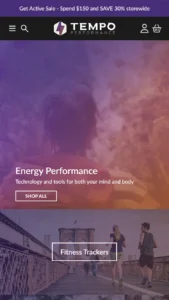
Puts fashion photography first, letting customers explore outfits through lookbooks and shoppable images.
Clothing Jewelry and accessories Beauty Home Bags
4.6 · 33 reviews $ 100
FoxEcom 5 presets

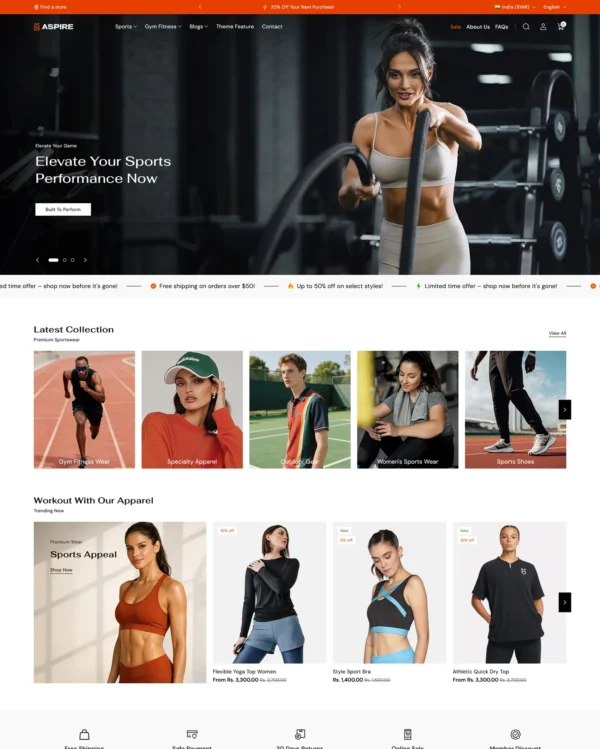
Blends words, images, and video in beauty pages, with an interactive drawer for searching products.
Clothing Beauty Home
5.0 · 627 reviews $ 350
UTD BV 5 presets

Combines apparel lookbooks and size charts with AI-assisted page setup and a sticky shopping cart.

Clothing Art Home
4.6 · 82 reviews $ 100
scandiweb 5 presets

Puts detailed apparel and accessory photography first, with precise layouts and interactive lookbooks.

Clothing Bags Jewelry and accessories Home
4.9 · 33 reviews $ 100
FoxEcom 5 presets

Designed for wholesale shopping, with bulk order lists and pricing tools for business customers.

Clothing Home Beauty Electronics Food and drink
5.0 · 529 reviews $ 400