
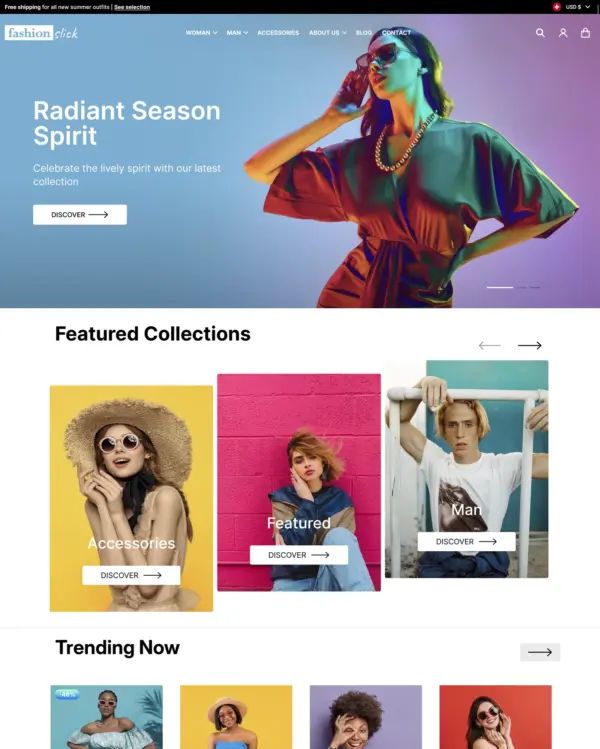

Divine
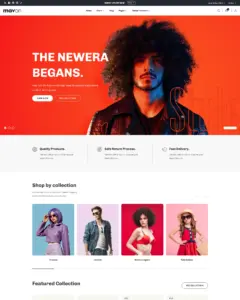
Clothing and lifestyle collections flow through lookbooks, product hotspots, and continuous scrolling.
3 presets Clothing Sports Jewelry and accessories
★ 100% · 18 reviews
$ 120,00

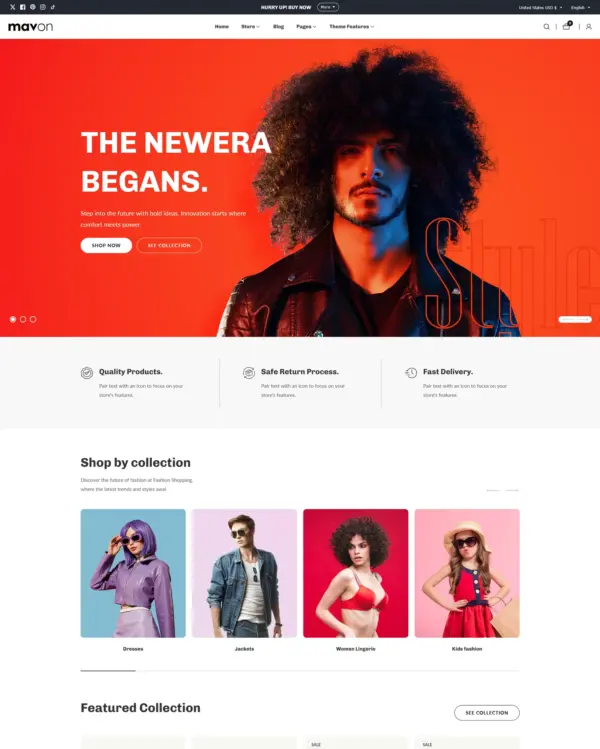
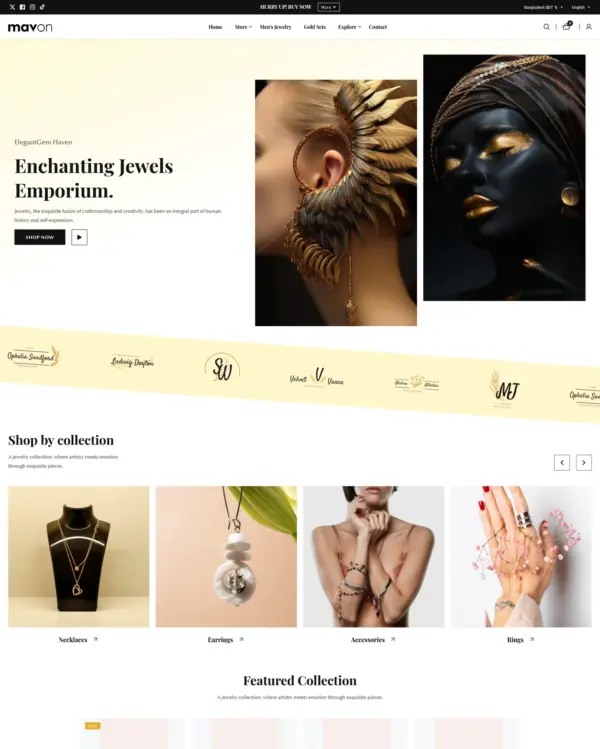
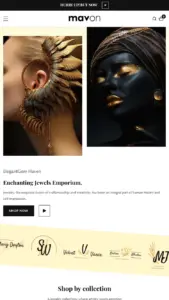
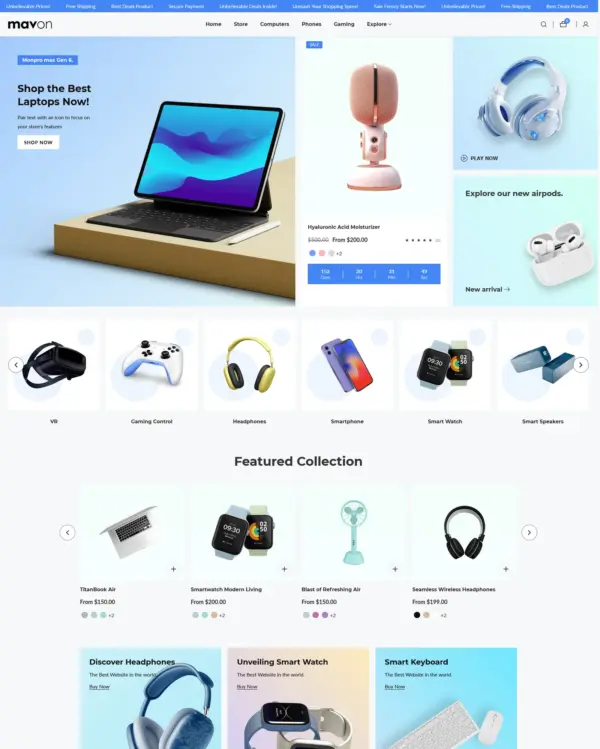

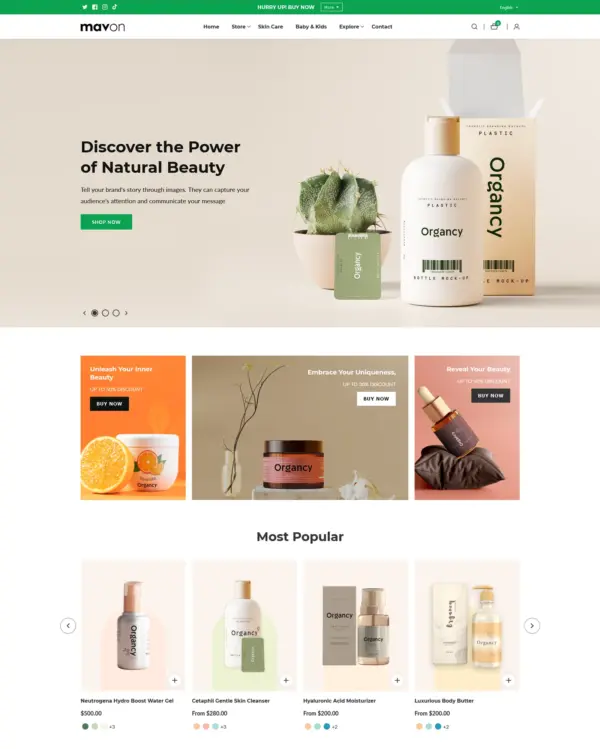

Created by Gloryio
Independently reviewed by the eDIY editorial team
Google PageSpeed Insights scores for the home page, out of 100
The official Mavon demo scored 76/100 on mobile and 83/100 on desktop in our October 2026 test. Mobile LCP was 4.1s, CLS was 0.00, and Total Blocking Time was 265ms.
Tested Oct 2026 · Google PageSpeed Insights lab data
| Metric | Mobile | Desktop |
|---|---|---|
| Largest Contentful Paint | 4.1s | 1.2s |
| Cumulative Layout Shift | 0.00 | 0.01 |
| Total Blocking Time | 265ms | 320ms |
| Speed Index | 3.5s | 1.1s |
Across 8 live stores we tested, the average PageSpeed score was 48/100 on mobile and 55/100 on desktop. Average mobile LCP was 9.7s and CLS was 0.01. These results reflect complete production stores, not the theme alone.
Tested Oct 2026 · Results include each store's apps, images, tracking scripts and customizations
| Metric | Mobile | Desktop |
|---|---|---|
| Largest Contentful Paint | 9.7s | 3.1s |
| Cumulative Layout Shift | 0.01 | 0.12 |
| Total Blocking Time | 774ms | 563ms |
| Speed Index | 8.4s | 3.1s |
Google PageSpeed Insights scores for the home page, out of 100
Tested in October 2026, the official Brilliant demo scored 77/100 on mobile and 77/100 on desktop. On mobile, LCP was 4.5s, CLS 0.03 and Total Blocking Time 185ms.
Tested Oct 2026 · Google PageSpeed Insights lab data
| Metric | Mobile | Desktop |
|---|---|---|
| Largest Contentful Paint | 4.5s | 1.0s |
| Cumulative Layout Shift | 0.03 | 0.12 |
| Total Blocking Time | 185ms | 361ms |
| Speed Index | 3.1s | 1.5s |
The 8 live stores we tested averaged 48/100 on mobile and 55/100 on desktop. Average mobile LCP was 9.7s and CLS was 0.01. These results reflect complete production stores, not the theme alone.
Tested Oct 2026 · Results include each store's apps, images, tracking scripts and customizations
| Metric | Mobile | Desktop |
|---|---|---|
| Largest Contentful Paint | 9.7s | 3.1s |
| Cumulative Layout Shift | 0.01 | 0.12 |
| Total Blocking Time | 774ms | 563ms |
| Speed Index | 8.4s | 3.1s |
Google PageSpeed Insights scores for the home page, out of 100
The official Buoyant demo scored 74/100 on mobile and 94/100 on desktop in our October 2026 test. Mobile LCP was 4.8s, CLS was 0.00, and Total Blocking Time was 61ms.
Tested Oct 2026 · Google PageSpeed Insights lab data
| Metric | Mobile | Desktop |
|---|---|---|
| Largest Contentful Paint | 4.8s | 1.2s |
| Cumulative Layout Shift | 0.00 | 0.01 |
| Total Blocking Time | 61ms | 35ms |
| Speed Index | 4.9s | 1.9s |
Across 8 live stores we tested, the average PageSpeed score was 48/100 on mobile and 55/100 on desktop. Average mobile LCP was 9.7s and CLS was 0.01. These results reflect complete production stores, not the theme alone.
Tested Oct 2026 · Results include each store's apps, images, tracking scripts and customizations
| Metric | Mobile | Desktop |
|---|---|---|
| Largest Contentful Paint | 9.7s | 3.1s |
| Cumulative Layout Shift | 0.01 | 0.12 |
| Total Blocking Time | 774ms | 563ms |
| Speed Index | 8.4s | 3.1s |
Google PageSpeed Insights scores for the home page, out of 100
Tested in October 2026, the official Nimble demo scored 83/100 on mobile and 98/100 on desktop. Mobile LCP was 4.0s, CLS was 0.00, and Total Blocking Time was 48ms.
Tested Oct 2026 · Google PageSpeed Insights lab data
| Metric | Mobile | Desktop |
|---|---|---|
| Largest Contentful Paint | 4.0s | 801ms |
| Cumulative Layout Shift | 0.00 | 0.01 |
| Total Blocking Time | 48ms | 89ms |
| Speed Index | 4.1s | 1.3s |
Across 8 live stores we tested, the average PageSpeed score was 48/100 on mobile and 55/100 on desktop. Average mobile LCP was 9.7s and CLS was 0.01. These are complete production stores, so the numbers cover more than the theme itself.
Tested Oct 2026 · Results include each store's apps, images, tracking scripts and customizations
| Metric | Mobile | Desktop |
|---|---|---|
| Largest Contentful Paint | 9.7s | 3.1s |
| Cumulative Layout Shift | 0.01 | 0.12 |
| Total Blocking Time | 774ms | 563ms |
| Speed Index | 8.4s | 3.1s |
Google PageSpeed Insights scores for the home page, out of 100
In our October 2026 test, the official Dewy demo scored 79/100 on mobile and 58/100 on desktop. On mobile, LCP was 4.1s, CLS 0.00 and Total Blocking Time 151ms.
Tested Oct 2026 · Google PageSpeed Insights lab data
| Metric | Mobile | Desktop |
|---|---|---|
| Largest Contentful Paint | 4.1s | 1.1s |
| Cumulative Layout Shift | 0.00 | 0.01 |
| Total Blocking Time | 151ms | 2.9s |
| Speed Index | 3.6s | 7.1s |
The 8 live stores we tested averaged 48/100 on mobile and 55/100 on desktop. Average mobile LCP was 9.7s and CLS was 0.01. These are complete production stores, so the numbers cover more than the theme itself.
Tested Oct 2026 · Results include each store's apps, images, tracking scripts and customizations
| Metric | Mobile | Desktop |
|---|---|---|
| Largest Contentful Paint | 9.7s | 3.1s |
| Cumulative Layout Shift | 0.01 | 0.12 |
| Total Blocking Time | 774ms | 563ms |
| Speed Index | 8.4s | 3.1s |
No features match your search.
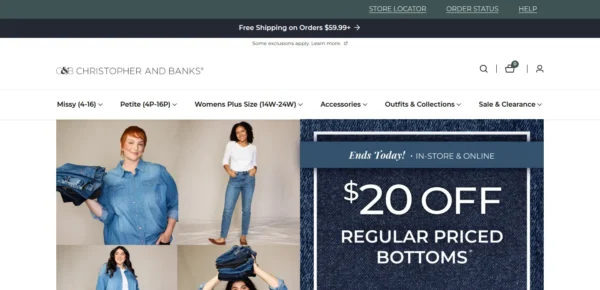
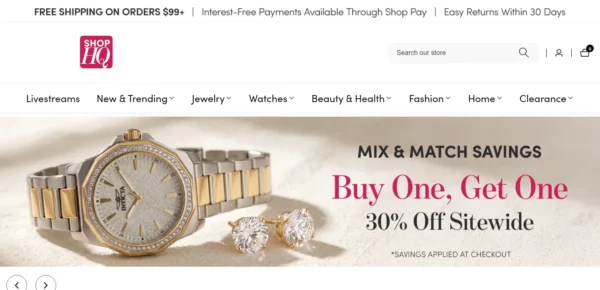
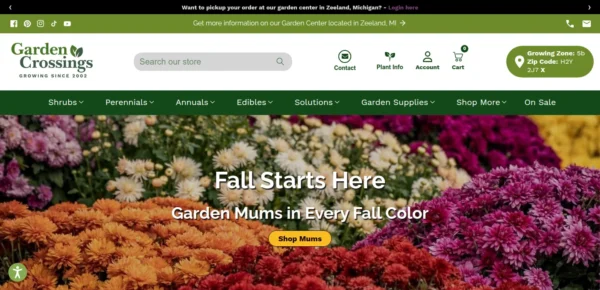
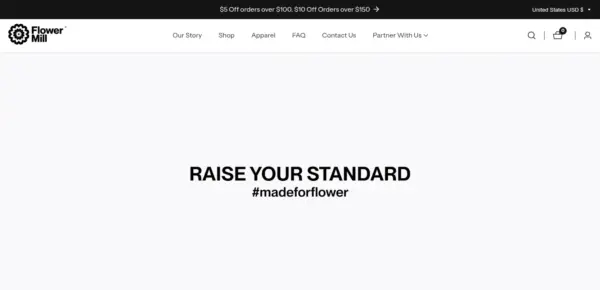
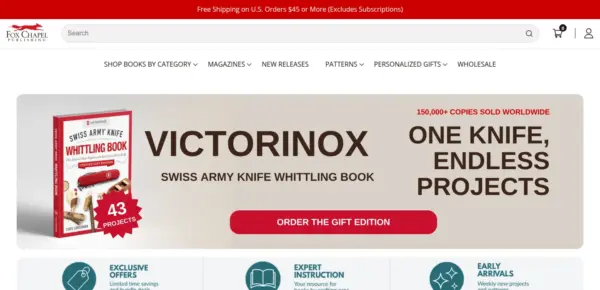



Mavon is actively maintained, with 9 releases in the last 12 months.
In version 12.8.0, we have added video testimonials, a free shipping message and text block icons to the product page, and a terms and conditions checkbox to the cart. We have also fixed the Preorder button showing on in-stock variants, smoothed product pop-ups, stopped the page from shifting when a drawer opens, and removed unused files.
In version 12.7.0, we have added a Product bundle block that lets customers add related products from the product page, a Discount coupon block, a running total inside the Add to cart button, and an option to stop the product page from preselecting a variant. We have also corrected a set of alignment and spacing issues on the product page, product cards, collection filters, and the footer.
Version 12.6.0 introduces flexible pagination for collection pages, fixes styling issues affecting Quick View and product cards on published storefronts, and improves the accuracy and appearance of sale badges.
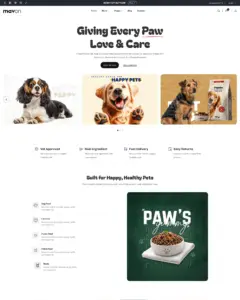
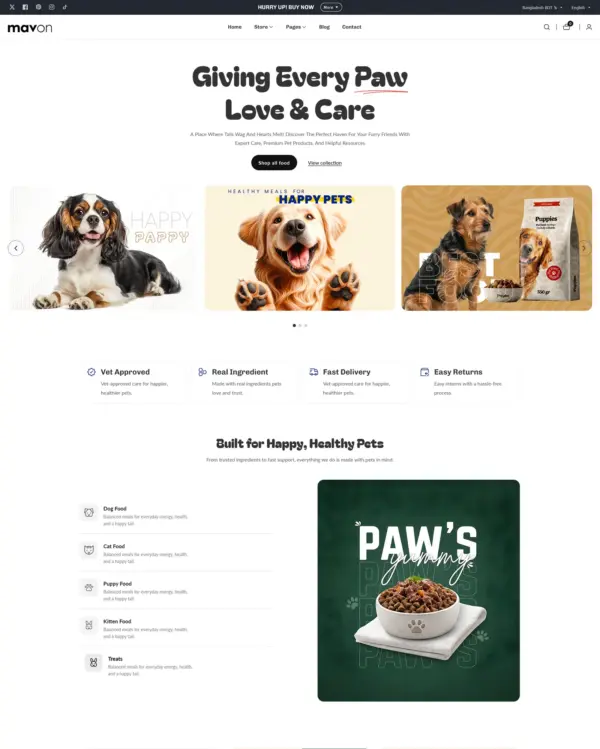
In version 12.5.0, we have introduced a new pet-food demo experience with seven new sections, expanded product card options, added new pet-themed icons, and improved several existing sections and features.
Version 12.1.1 upgrades the video section's height handling to use CSS aspect-ratio in place of the legacy padding-bottom approach, adds a show-badges option to the Collage section, and delivers targeted stylesheet fixes across the rating, scrolling text, testimonials, featured product, collage, contact form, cart notification, and quick order list components.
29 of 31 reviews are positive, with 1 neutral and 1 negative. Merchants most often praise the responsive, helpful support team, along with the theme's clean design and easy customisation. The main criticism is that support quality declined in early 2025 and that one reviewer found the documentation outdated; the negative reviewer said support responded only after a bad review.
Generated from all 31 Theme Store reviews ·
Mavon has received 2 reviews in the last 12 months.
Clothing and lifestyle collections flow through lookbooks, product hotspots, and continuous scrolling.
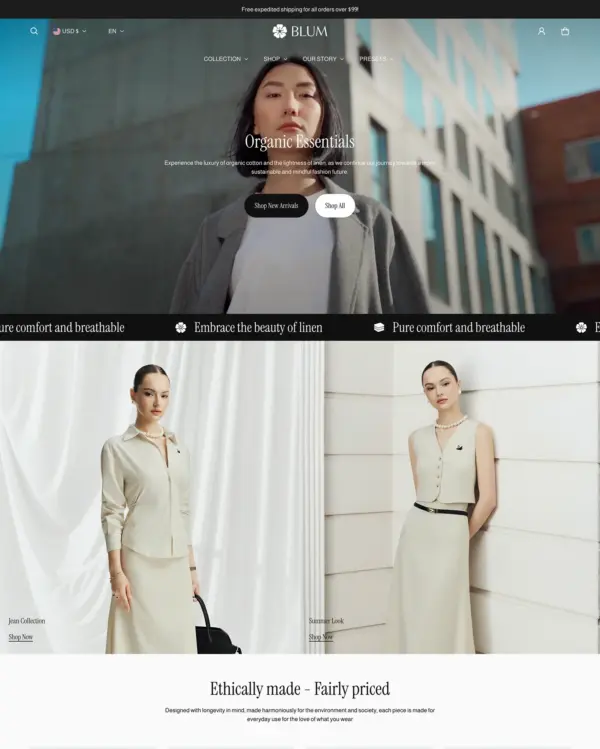

Makes it easy to show complete outfits and related pieces alongside the main fashion collection.
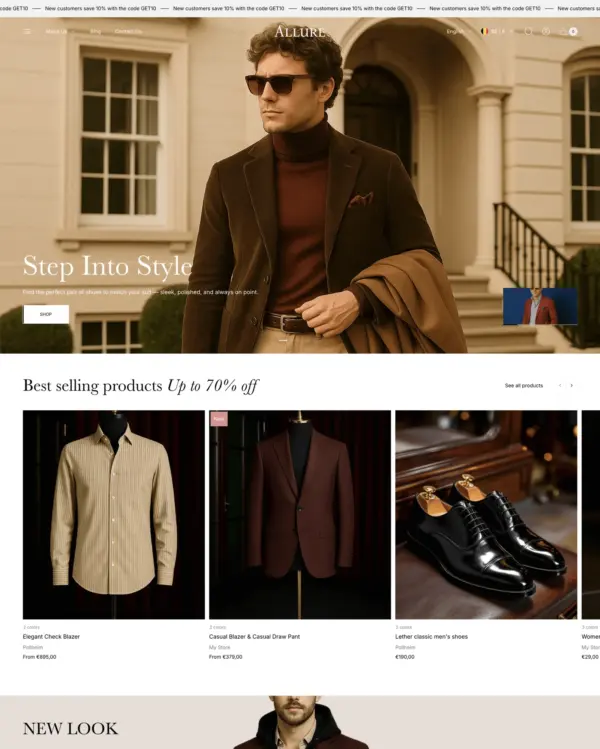
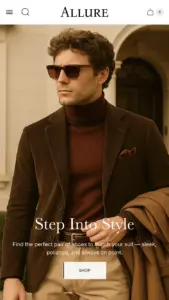
Puts fashion photography first, letting customers explore outfits through lookbooks and shoppable images.
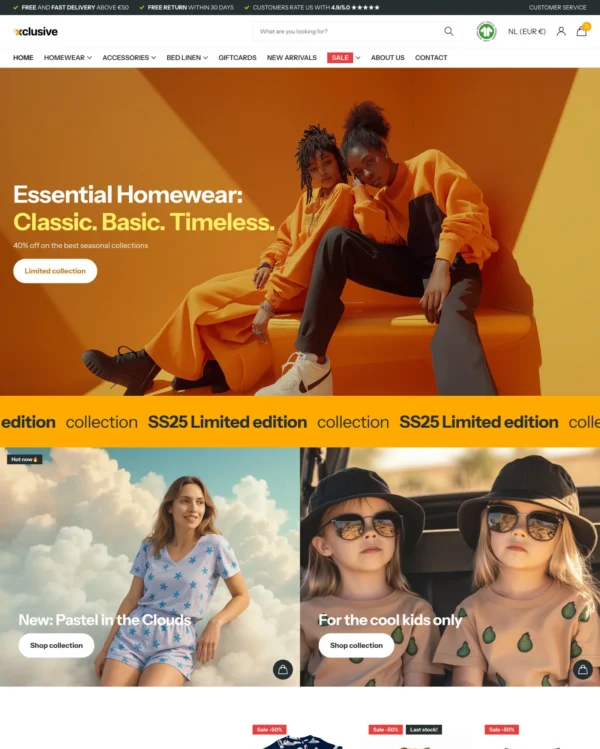

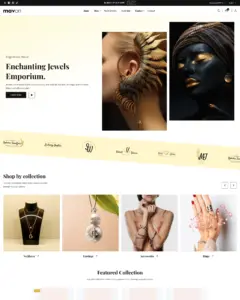
Turns editorial fashion and jewelry images into shoppable displays, with continuous product browsing.
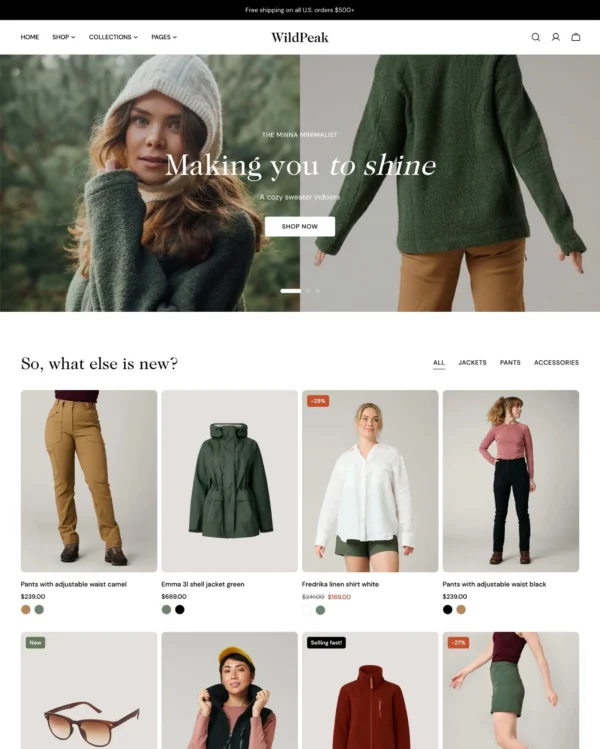
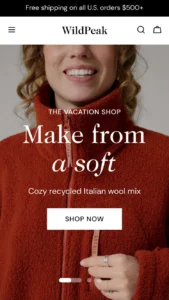
Blends words, images, and video in beauty pages, with an interactive drawer for searching products.
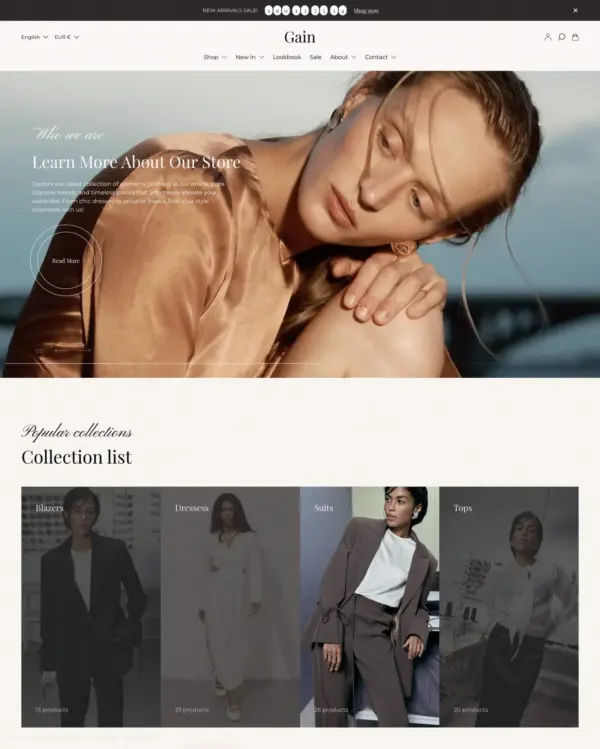

Combines apparel lookbooks and size charts with AI-assisted page setup and a sticky shopping cart.
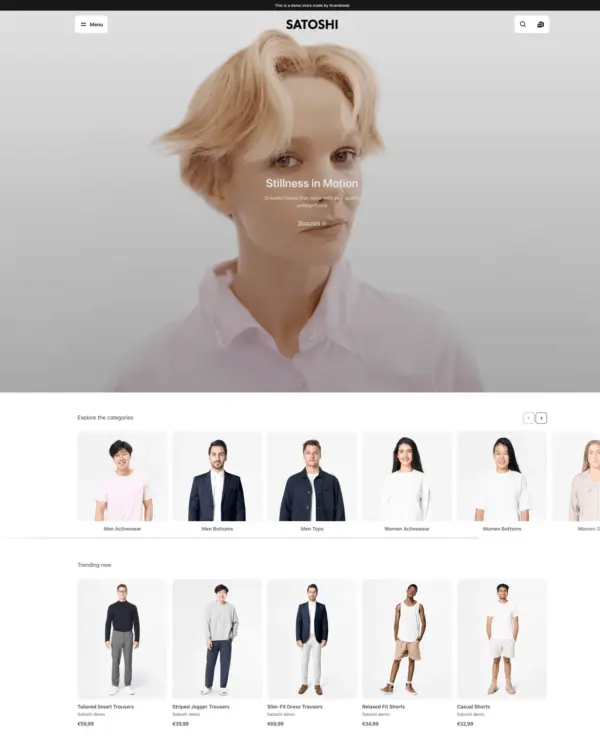

Puts detailed apparel and accessory photography first, with precise layouts and interactive lookbooks.
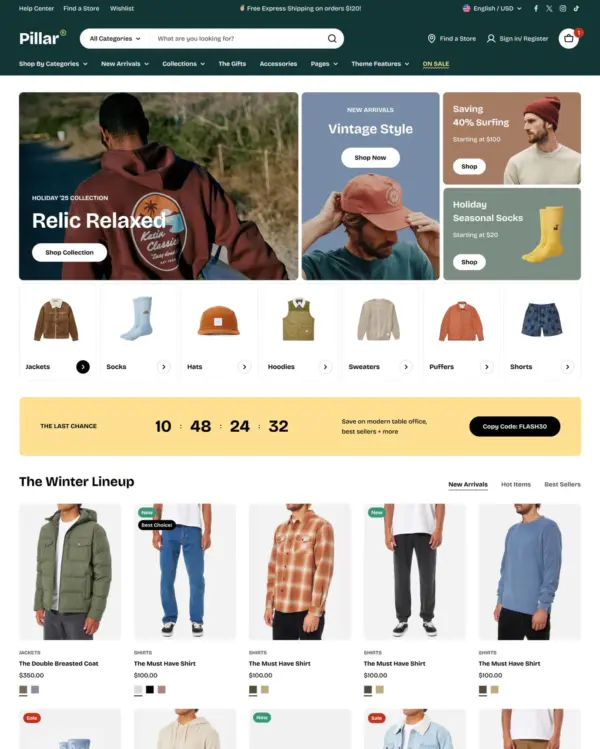

Designed for wholesale shopping, with bulk order lists and pricing tools for business customers.
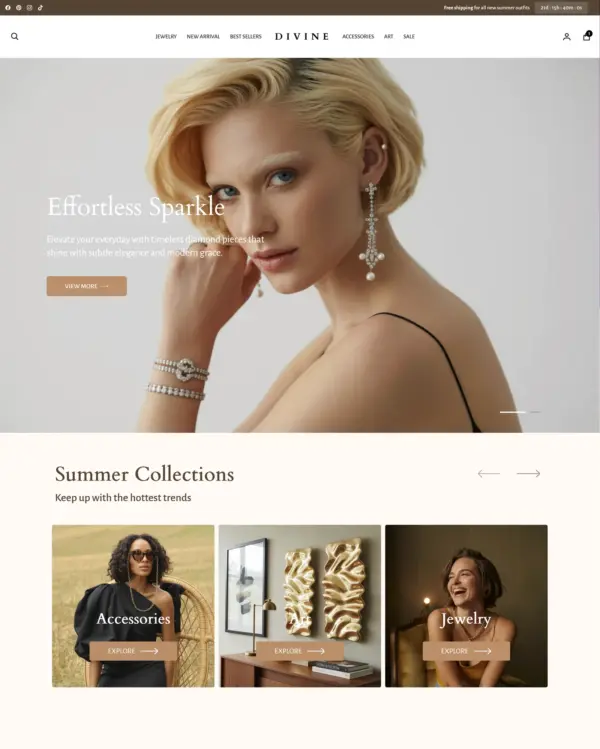
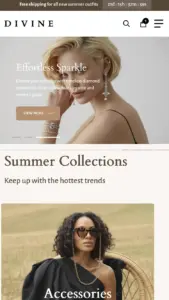
Clothing and lifestyle collections flow through lookbooks, product hotspots, and continuous scrolling.
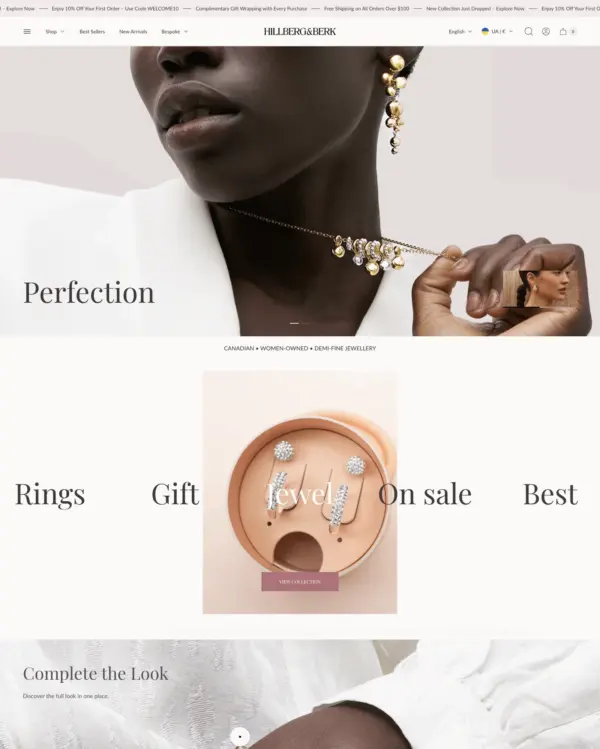

Puts fashion photography first, letting customers explore outfits through lookbooks and shoppable images.
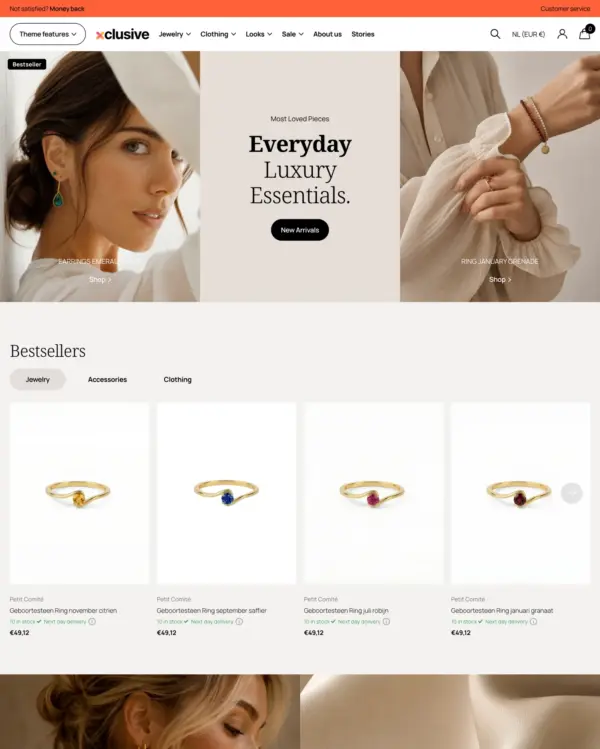

Turns editorial fashion and jewelry images into shoppable displays, with continuous product browsing.
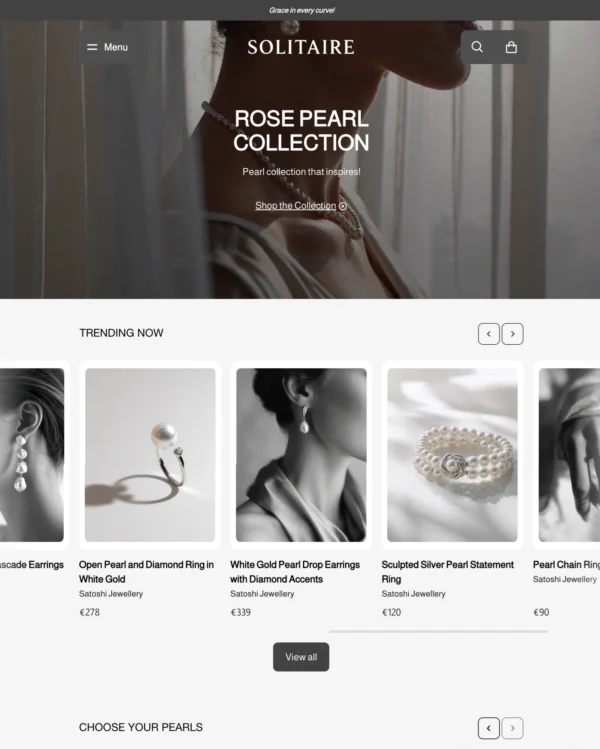
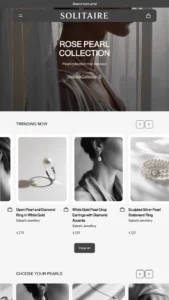
Puts detailed apparel and accessory photography first, with precise layouts and interactive lookbooks.
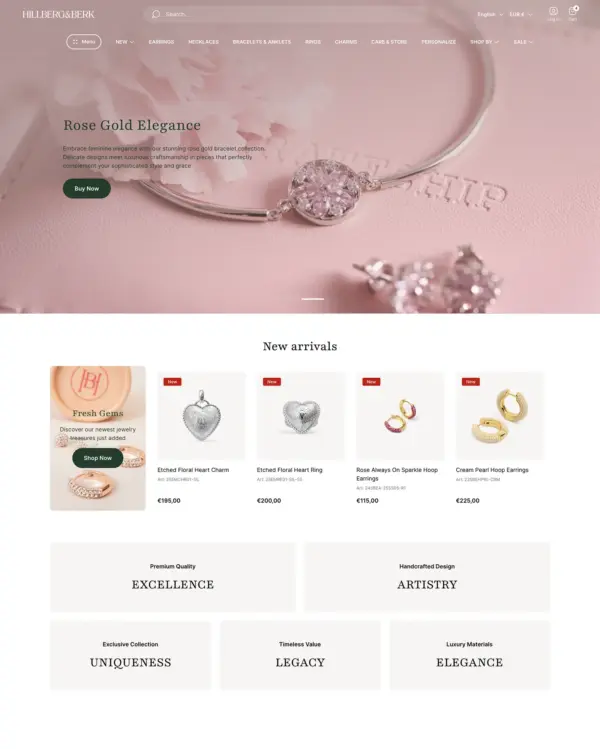

Combines electronics merchandising with AI-assisted setup, stock counters, and restock notifications.
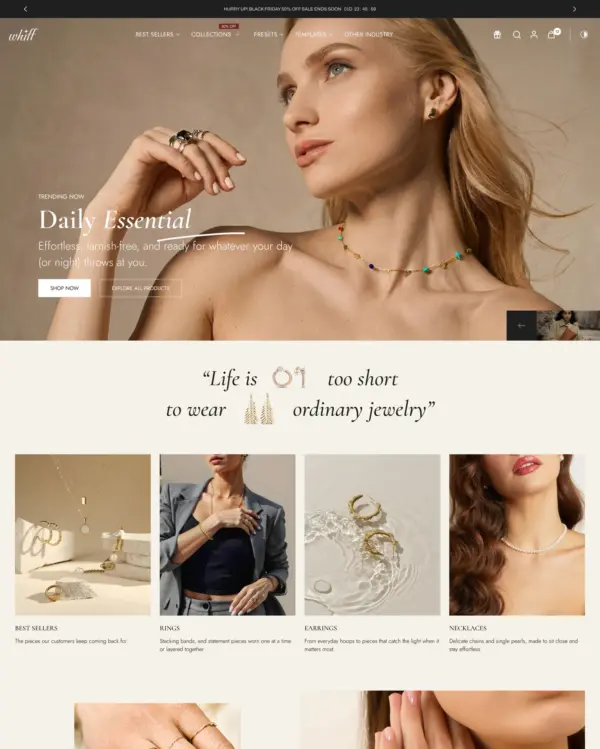

Handles both retail and wholesale beauty orders, including hidden guest prices, quick orders, and RTL layouts.
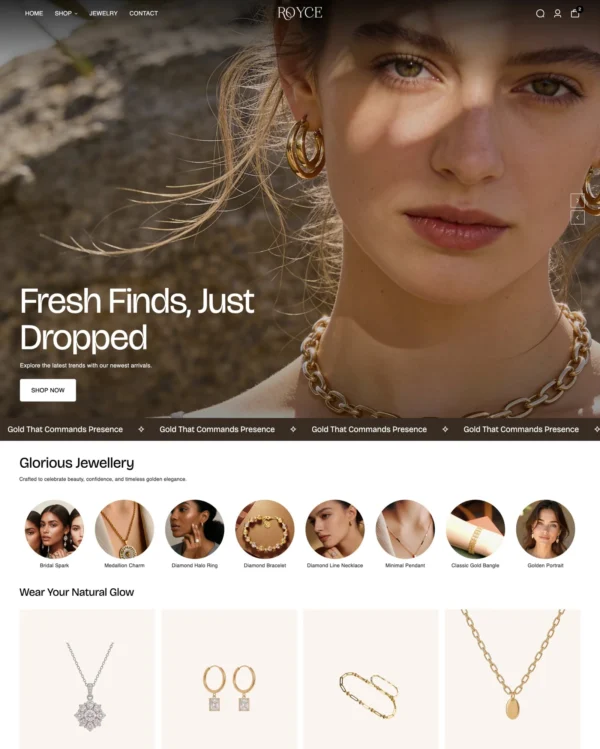

Keeps clothing and lifestyle catalogs flexible, with lookbooks and quantity-based pricing.
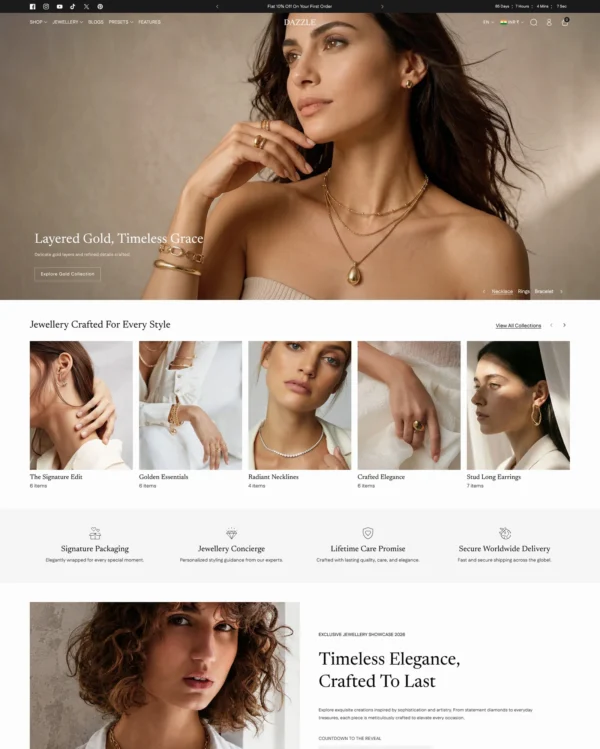

Helps customers explore electronics ranges through detailed search, product filters, and quick previews.
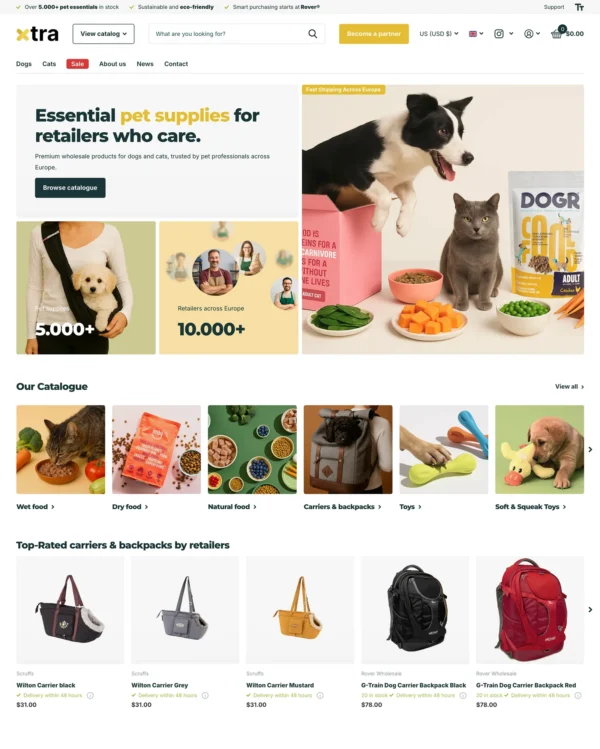

Helps electronics shoppers check specifications quickly, with product previews and bulk upsell tools.
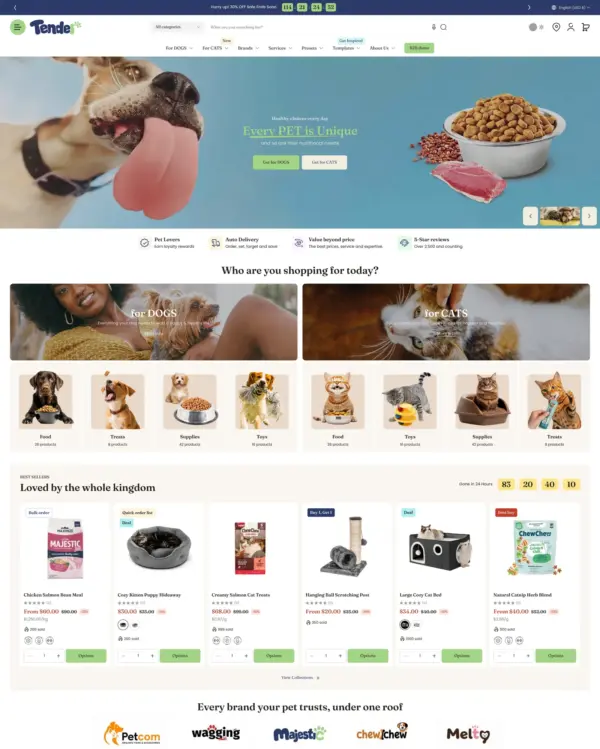

Helps shoppers search large electronics catalogs while giving wholesalers login pricing and bulk orders.
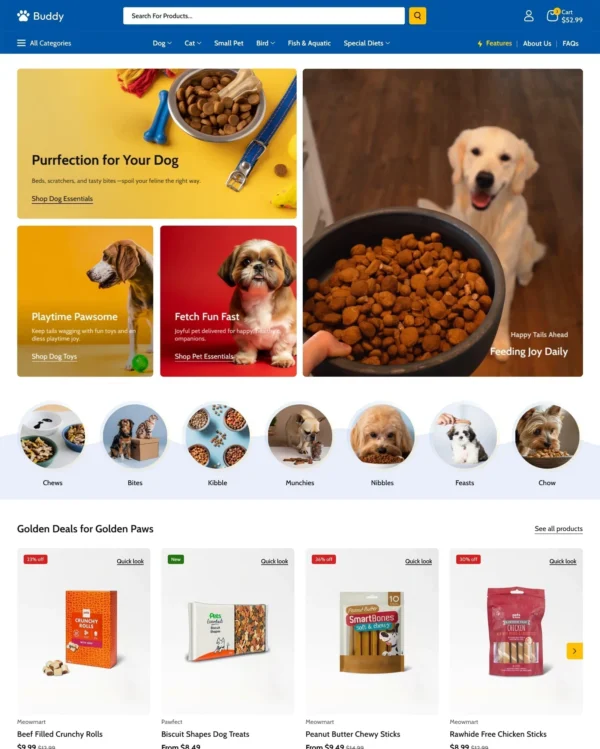

Helps shoppers explore electronics and general retail catalogs through menus and quick product previews.
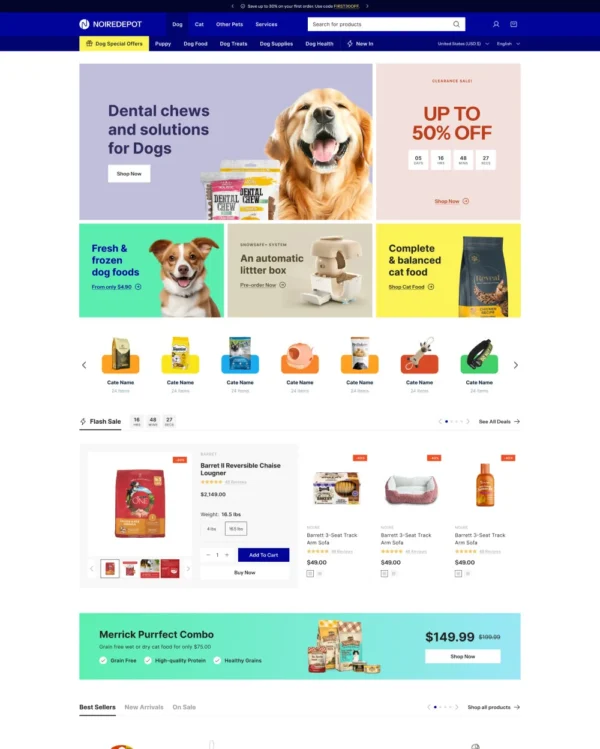

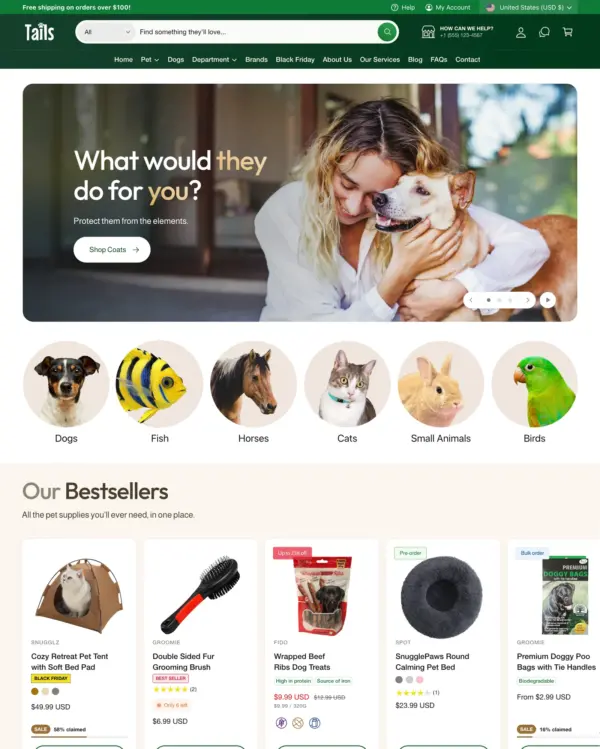
Brings an elegant look to larger pet and lifestyle catalogs, with lookbooks and continuous scrolling.
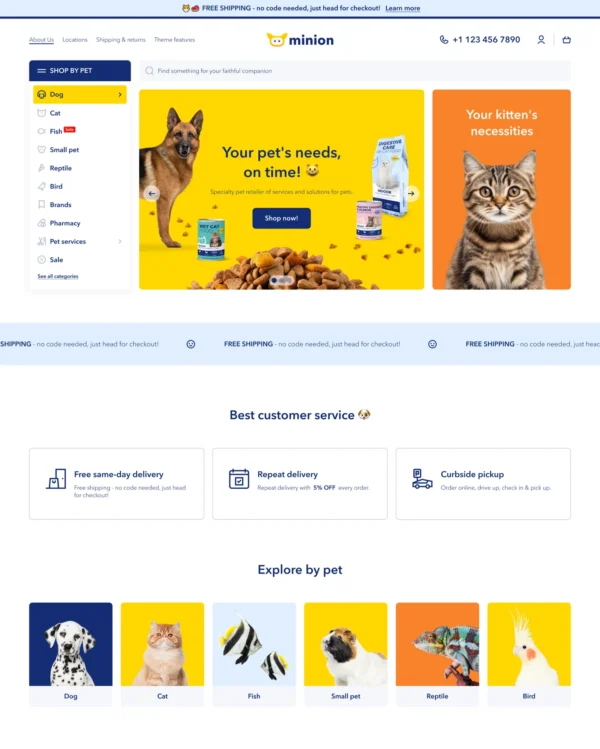

Helps pet owners browse by animal, brand, or product type through clear filters and vertical navigation.
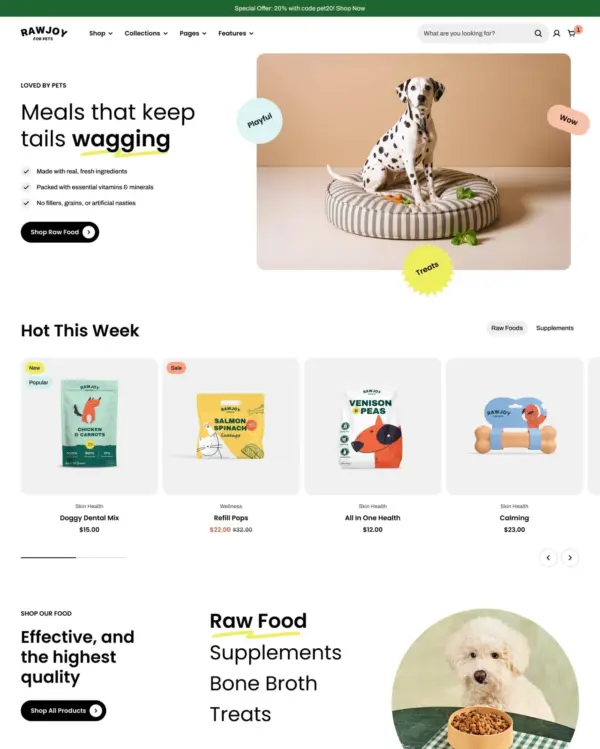
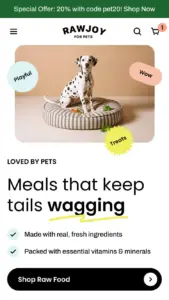
Brings a fluid, animated look to children's fashion, with nested layouts, lookbooks, and video.
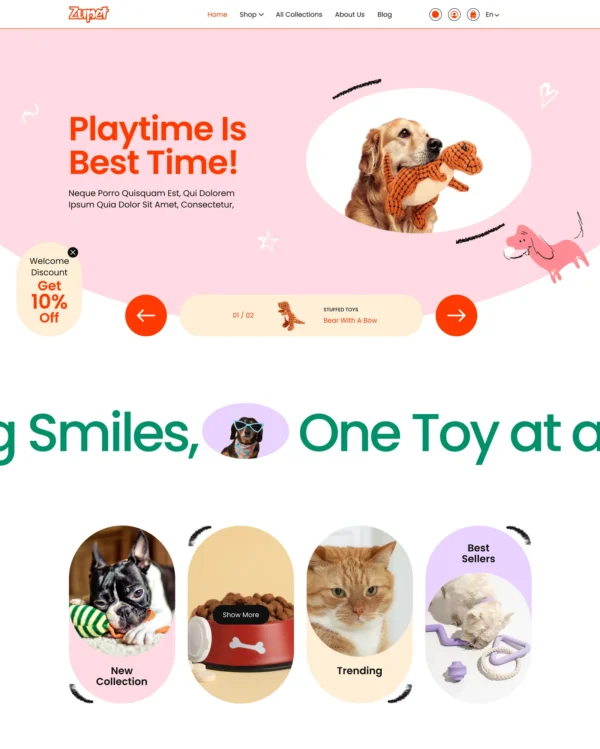
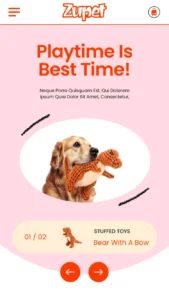
Cheerful colors and interactive lookbooks give toy and baby shops a friendly feel, with trust badges.

Keeps electronics specifications clear while supporting bulk purchases and quantity-based B2B pricing.
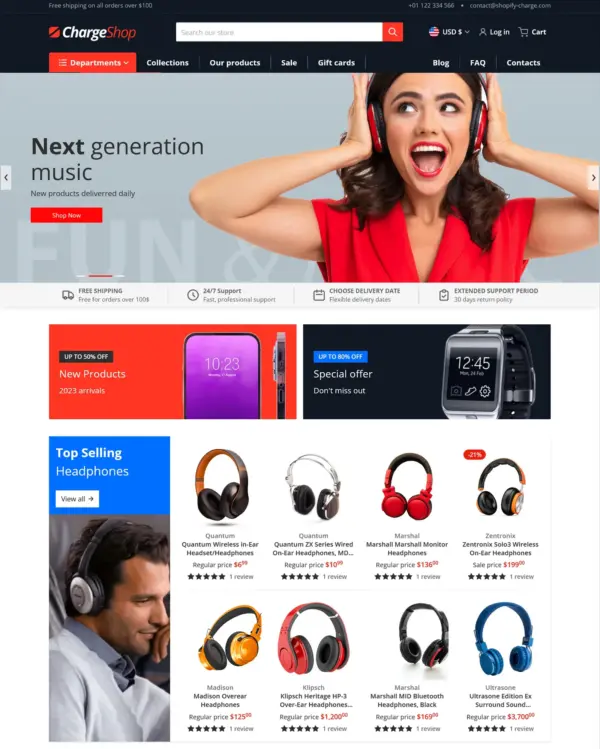
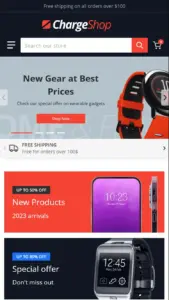
Focuses on electronics and wholesale shopping, with quick buying and dedicated tools for B2B orders.
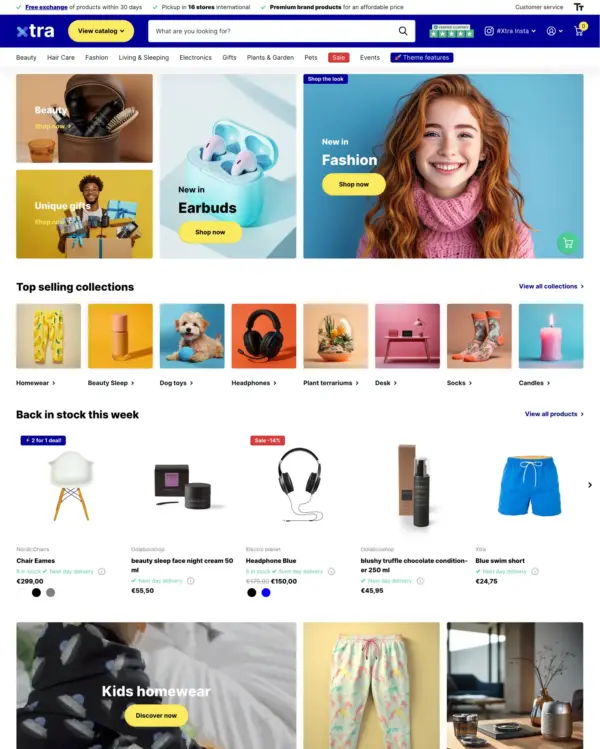

Helps electronics shoppers check specifications quickly, with product previews and bulk upsell tools.
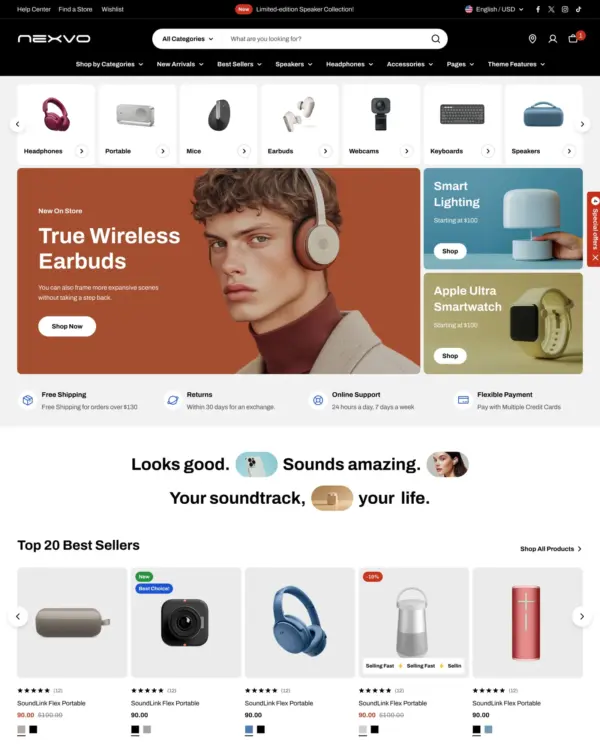

Designed for wholesale shopping, with bulk order lists and pricing tools for business customers.
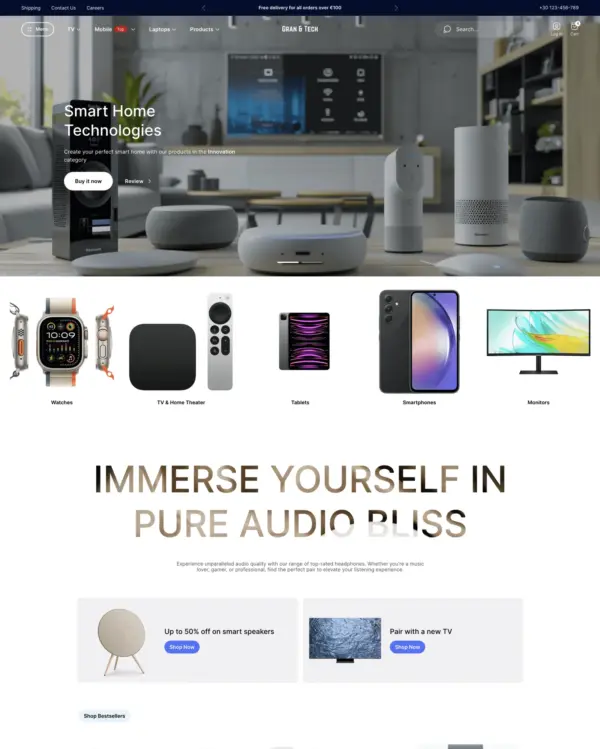

Combines electronics merchandising with AI-assisted setup, stock counters, and restock notifications.
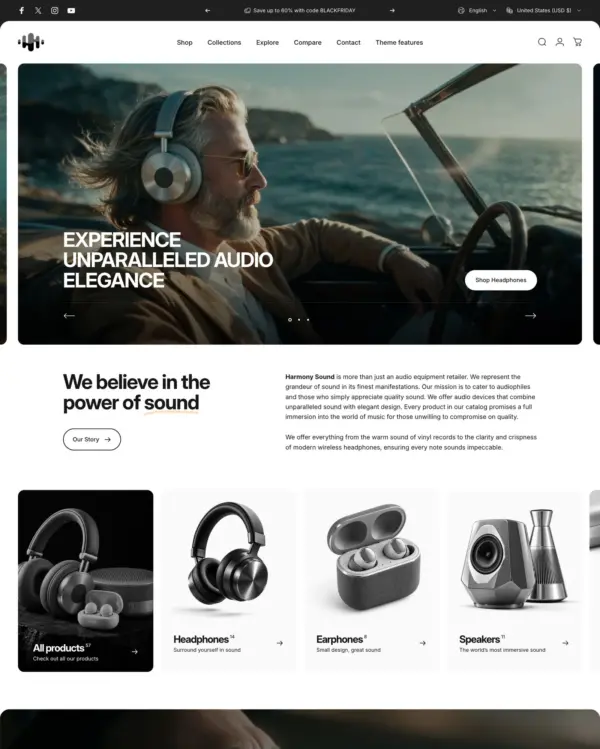

Swipeable carousels and popups make electronics browsing feel more like using a mobile app.
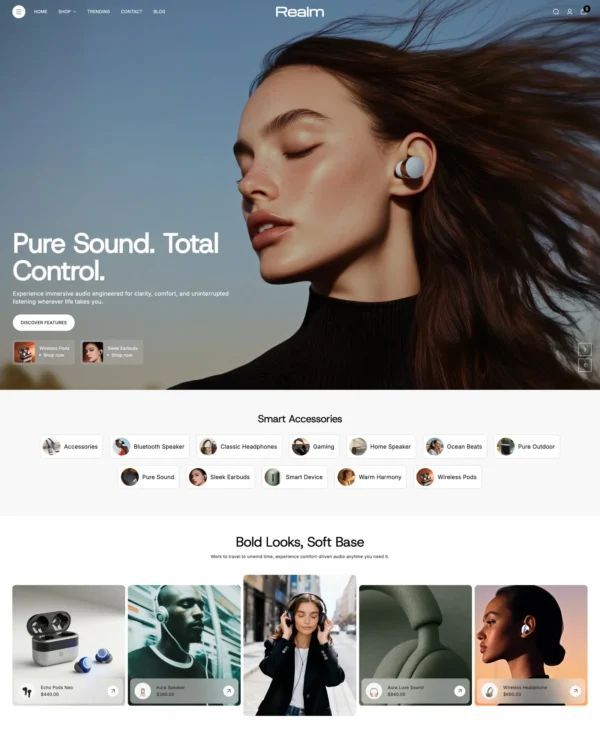
Keeps clothing and lifestyle catalogs flexible, with lookbooks and quantity-based pricing.
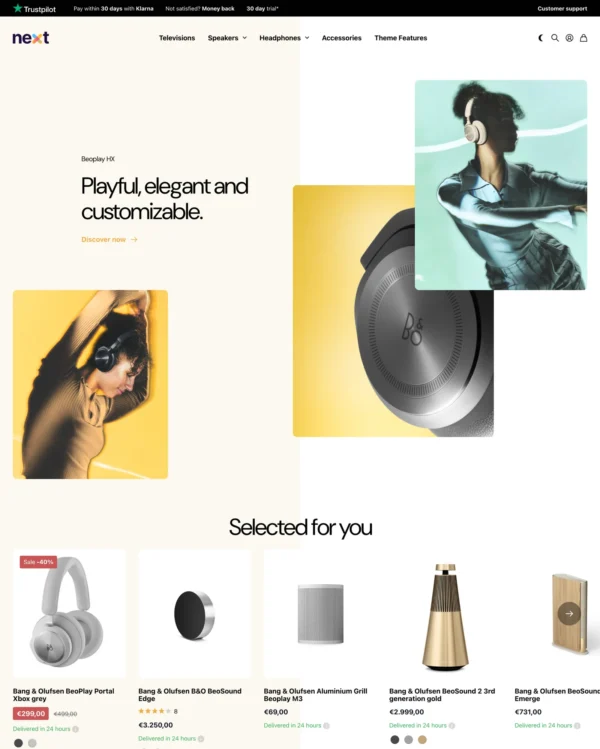
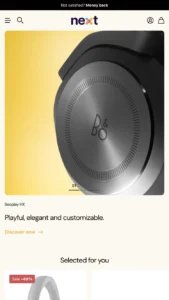
Lets home and lifestyle stores build image-and-video sections, with continuous scrolling between products.
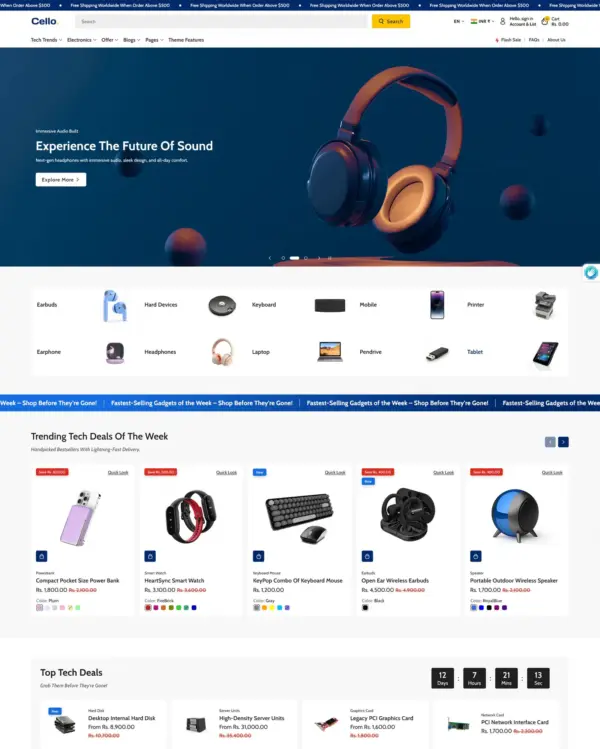

Helps customers explore electronics ranges through detailed search, product filters, and quick previews.
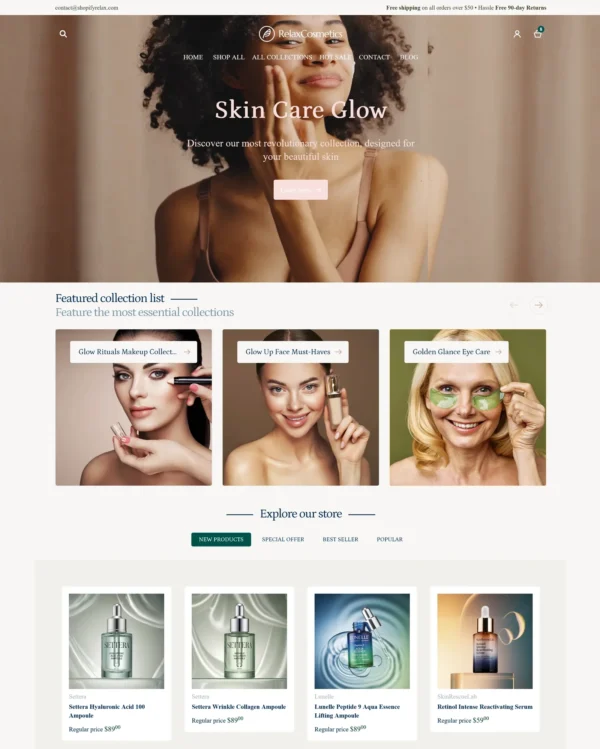
Takes a lightweight approach to home shopping, with built-in suggestions for related products.
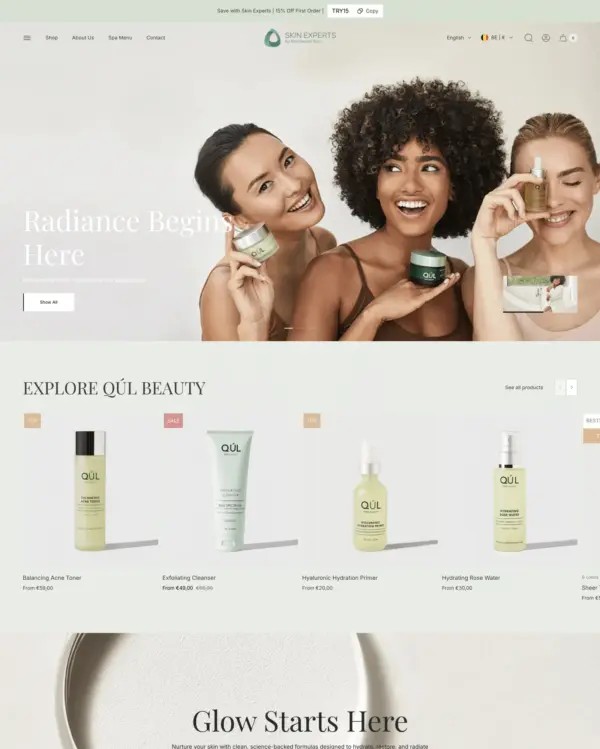

Puts fashion photography first, letting customers explore outfits through lookbooks and shoppable images.
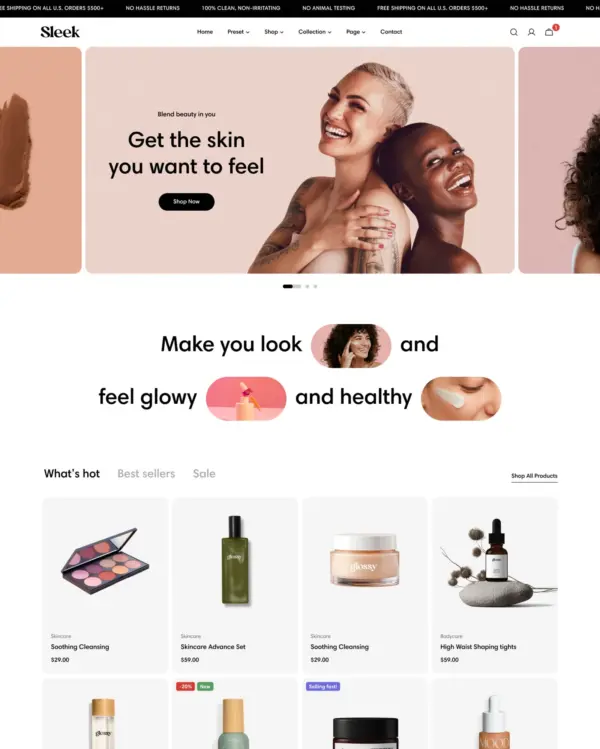

Blends words, images, and video in beauty pages, with an interactive drawer for searching products.
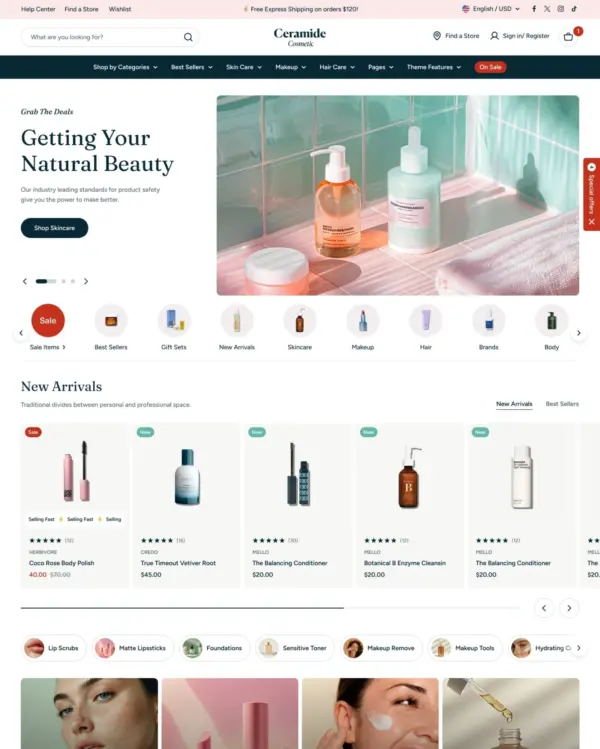

Designed for wholesale shopping, with bulk order lists and pricing tools for business customers.
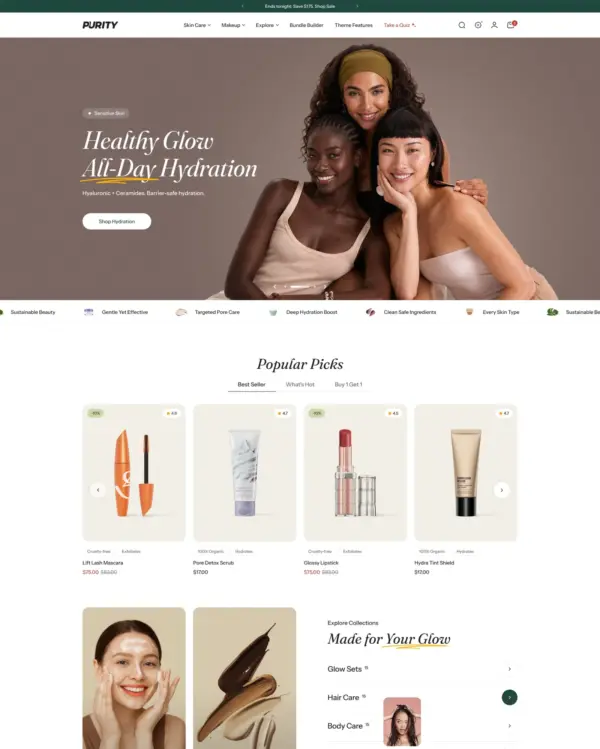

Guides skincare shoppers toward products with a built-in quiz, product finder, and visual lookbooks.
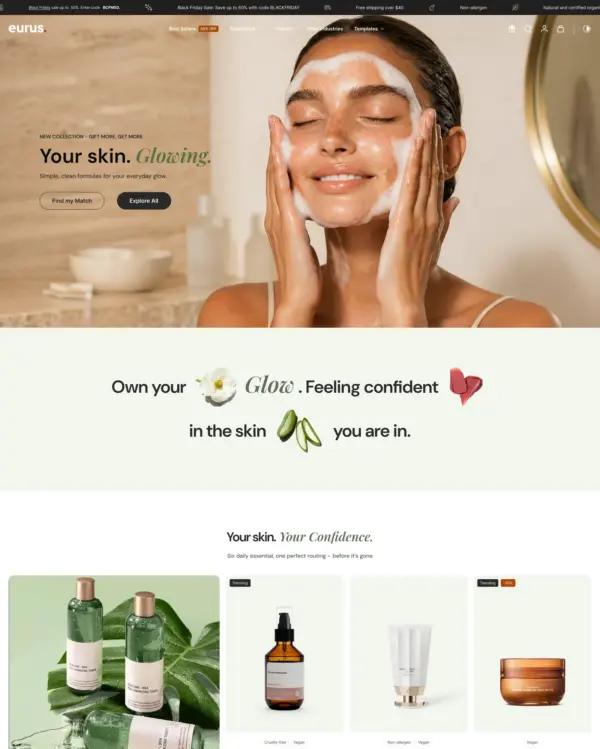

Handles both retail and wholesale beauty orders, including hidden guest prices, quick orders, and RTL layouts.
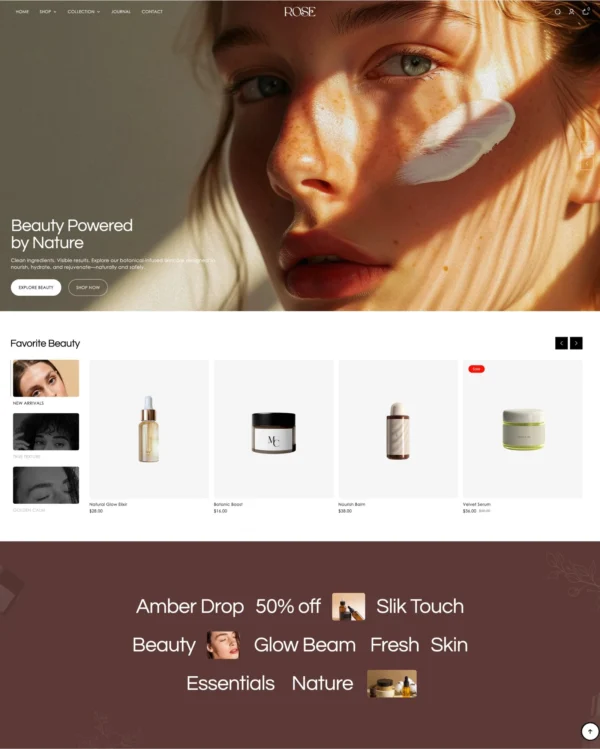

Keeps clothing and lifestyle catalogs flexible, with lookbooks and quantity-based pricing.
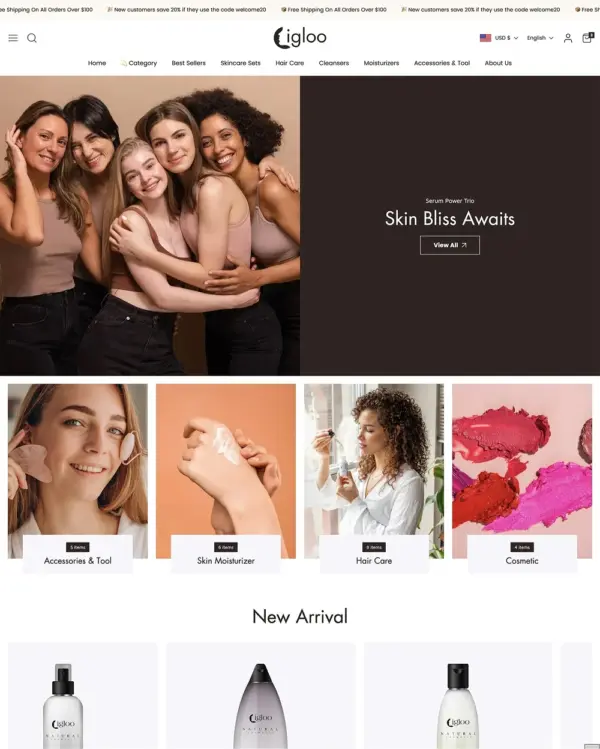

Brings outdoor gear to life with animated imagery, product comparisons, and filters for larger catalogs.