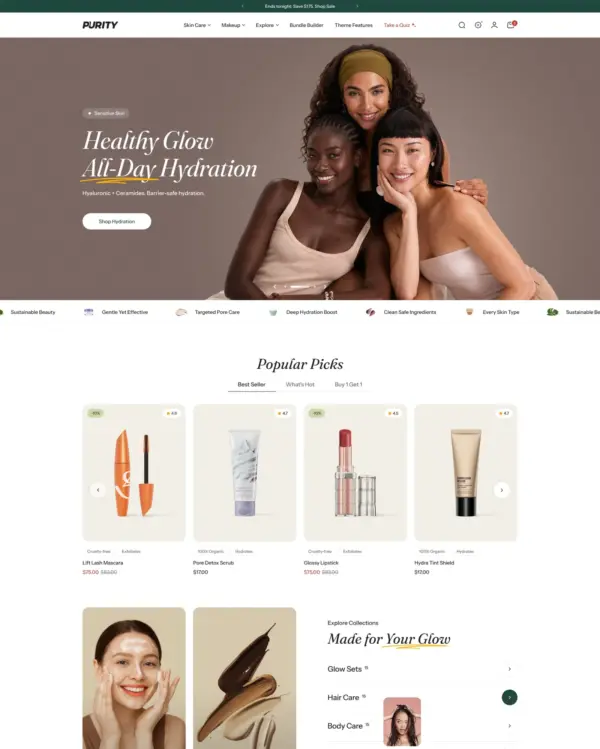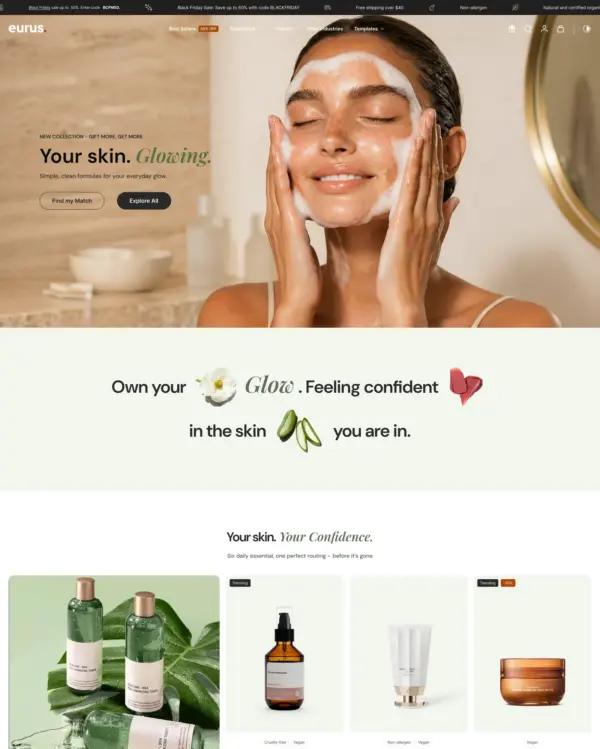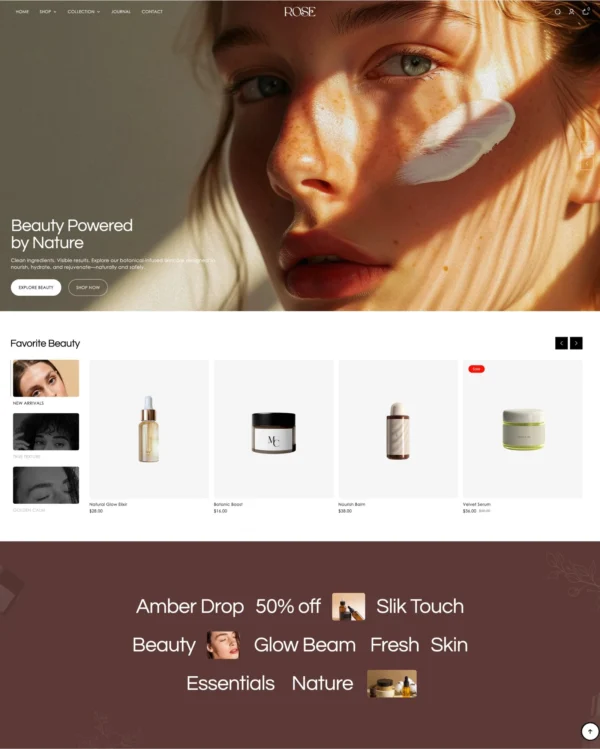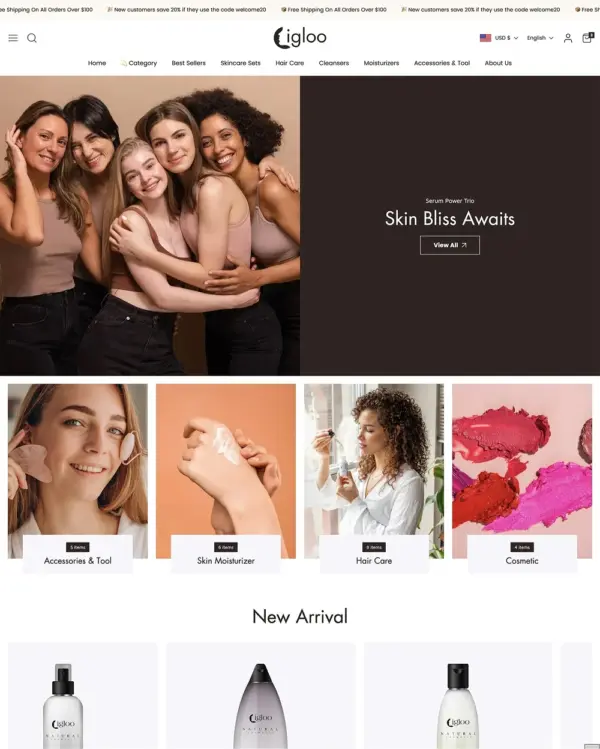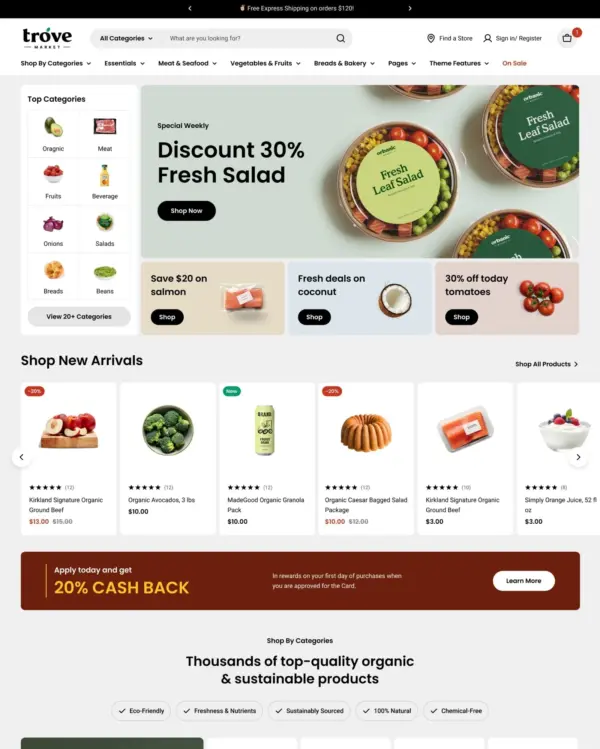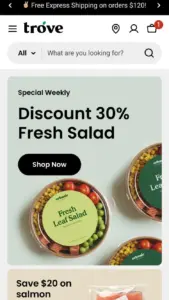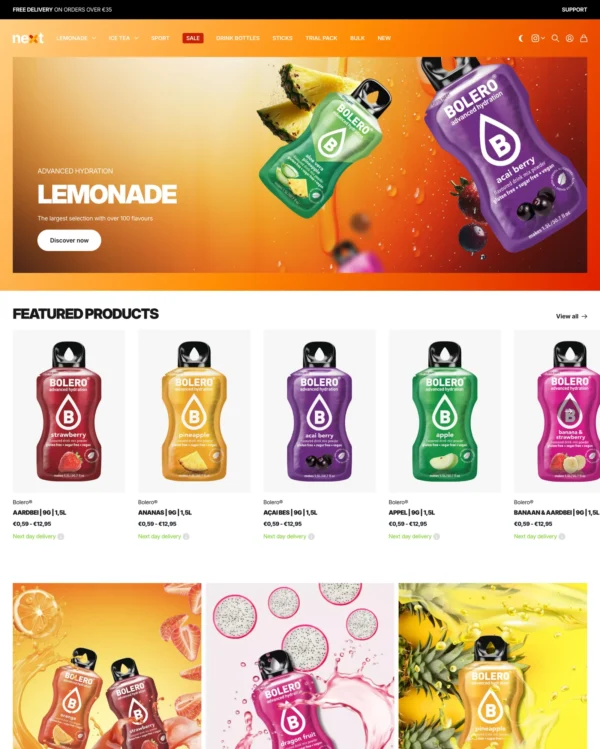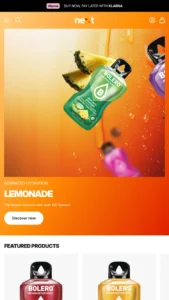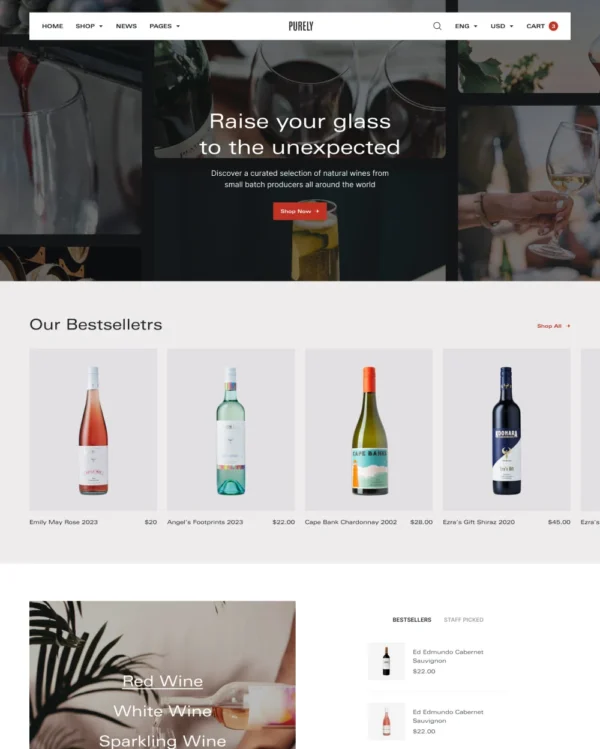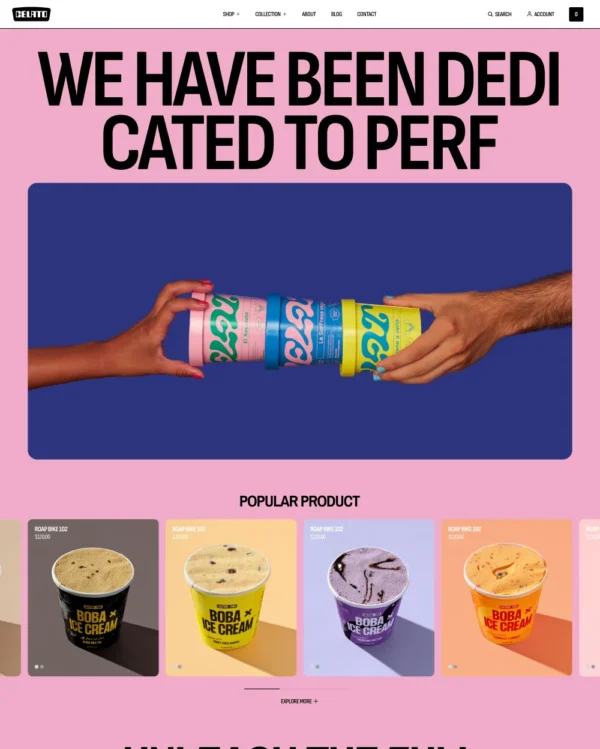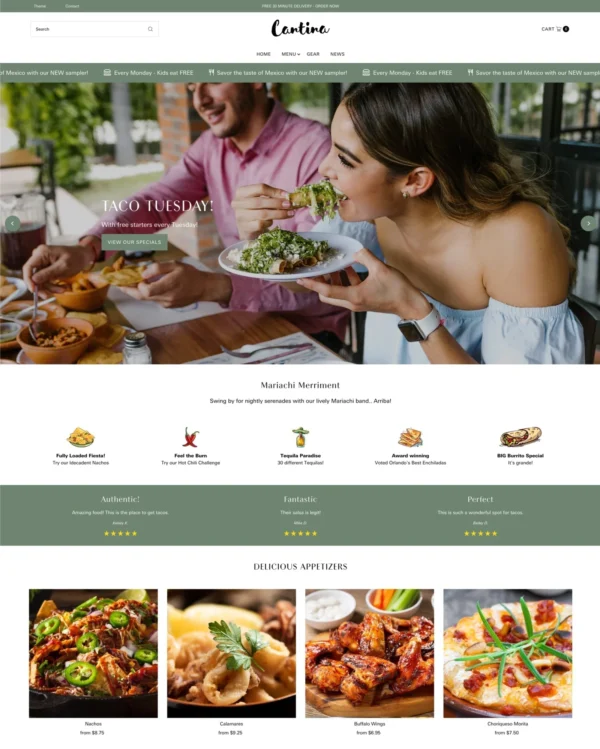
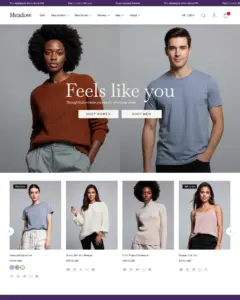

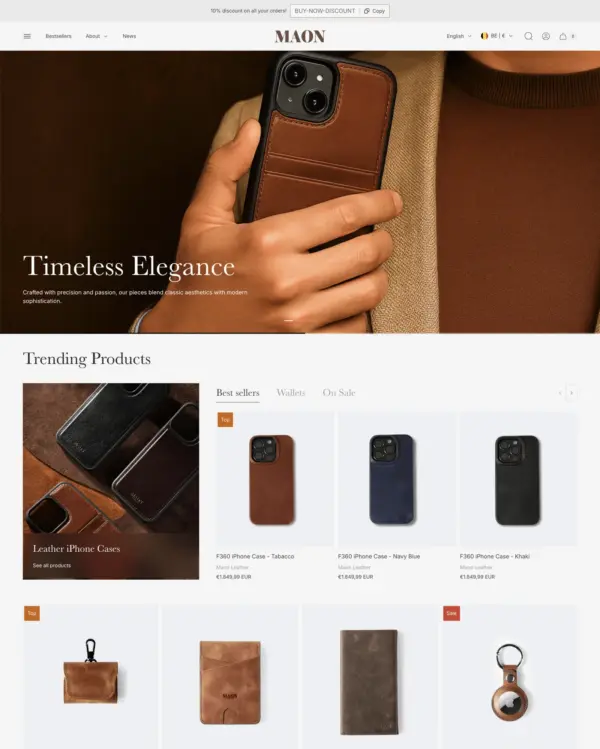

Taiga Shopify theme – Taiga preset
Taiga
Highly active Highly rated bags

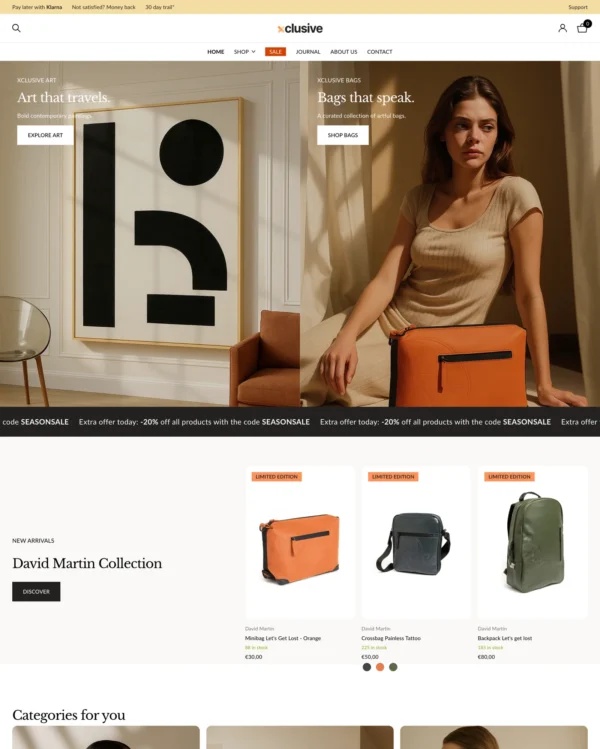
Taiga Shopify theme

Taiga preset

Created by Woolman

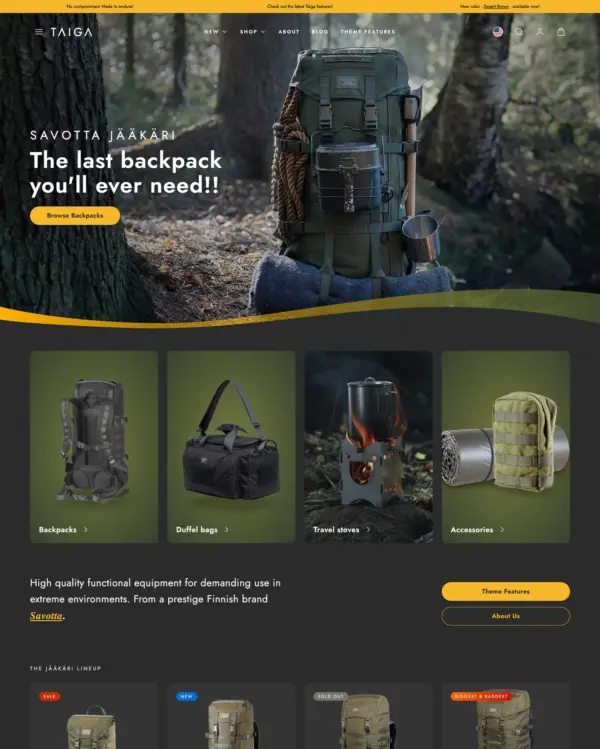
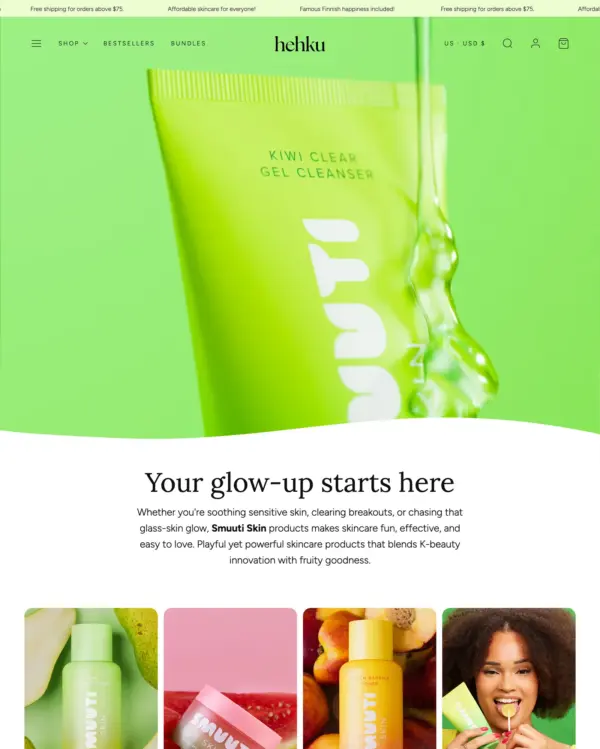
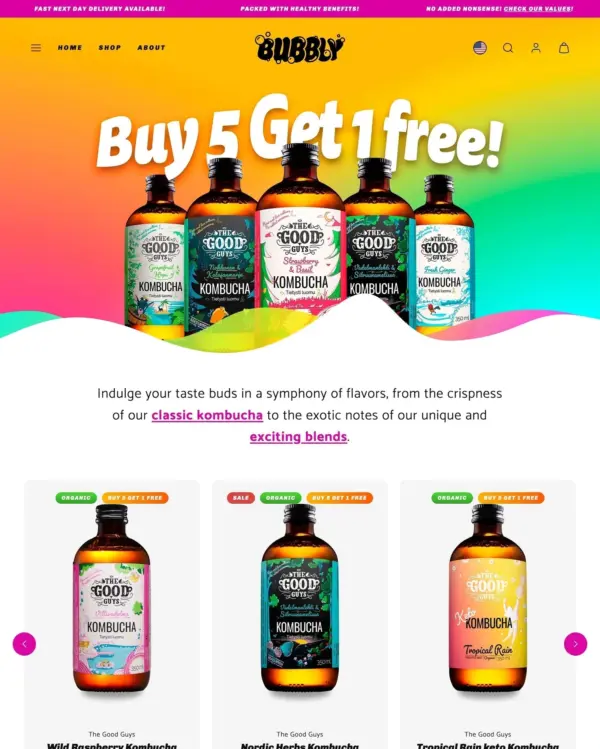
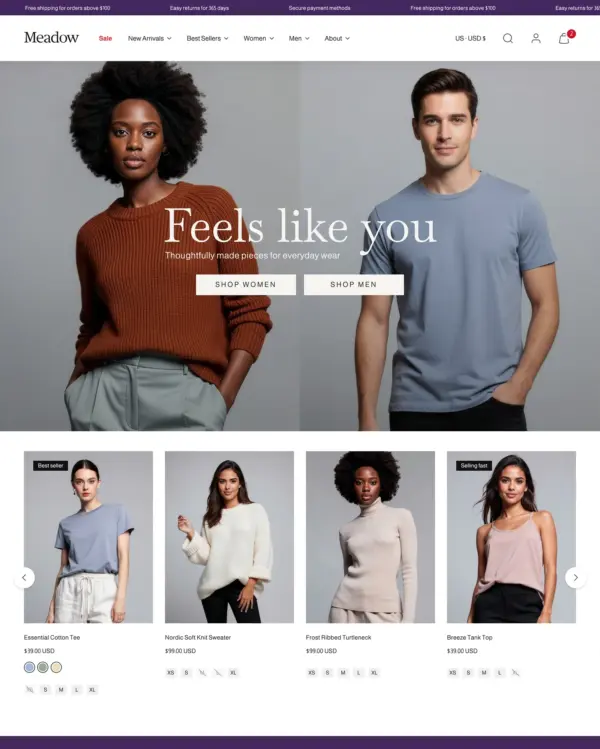
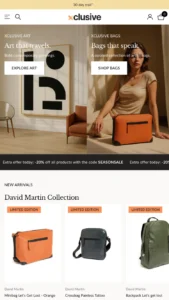
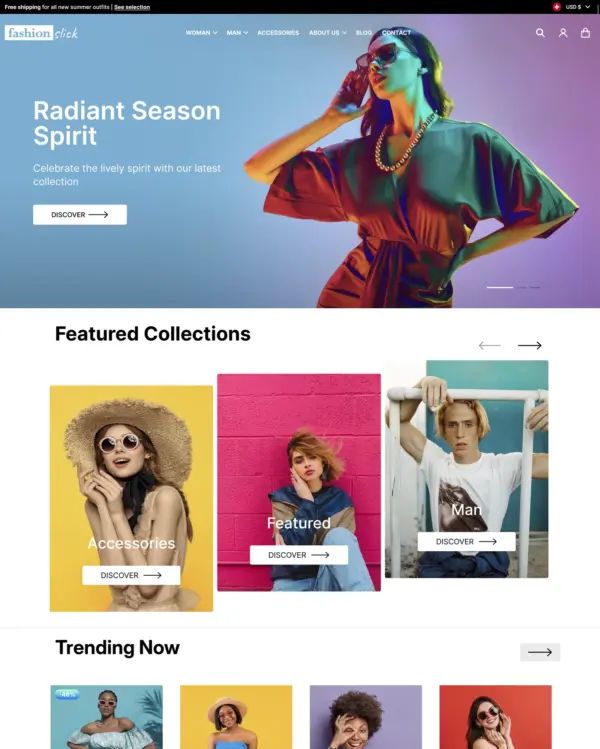
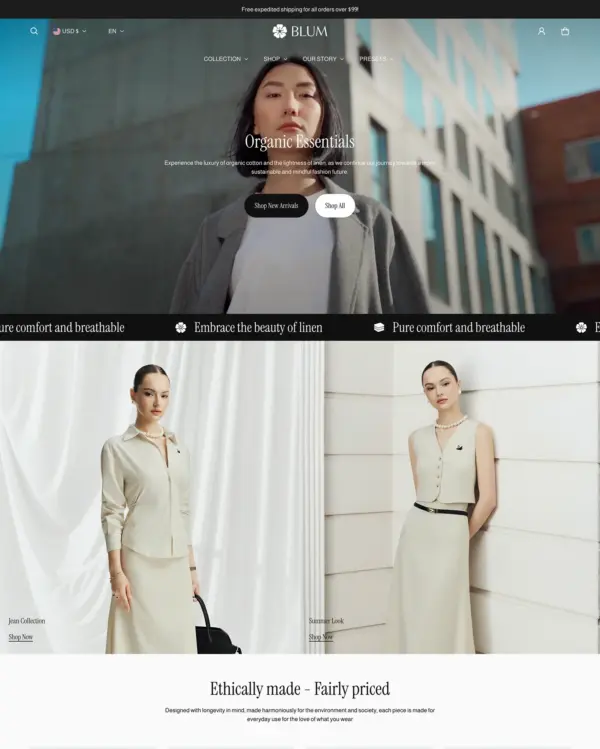
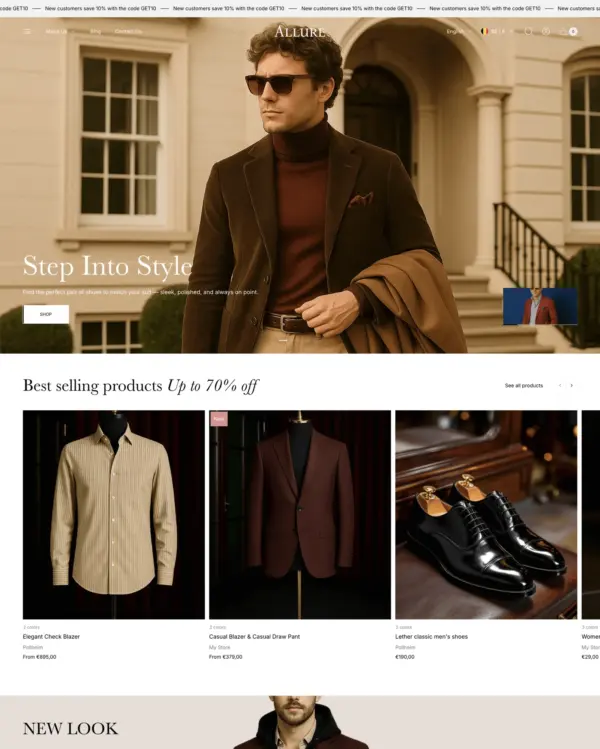
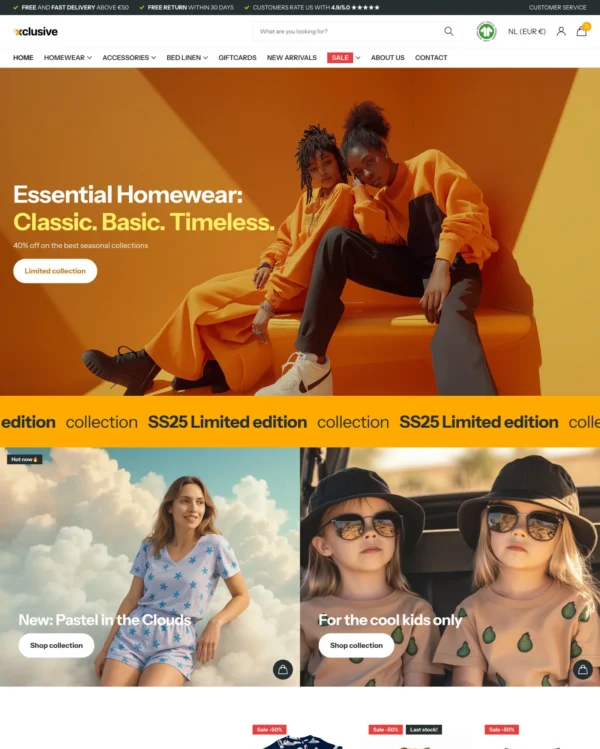
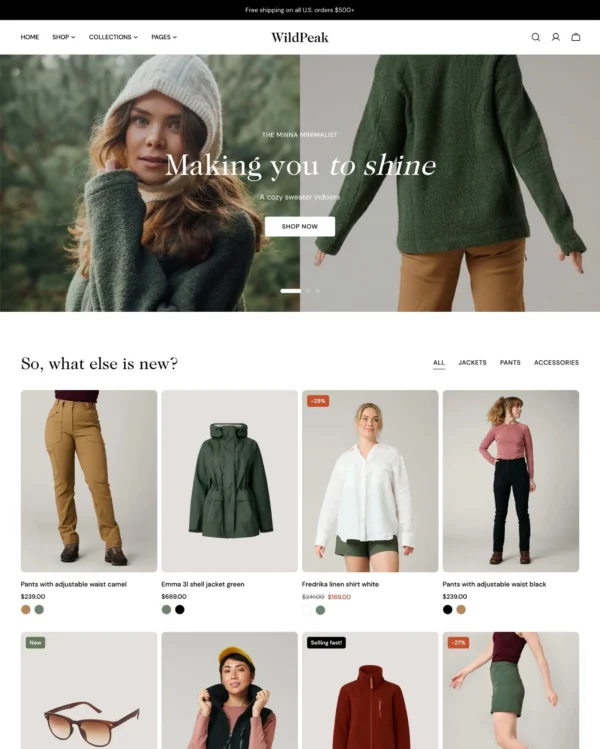
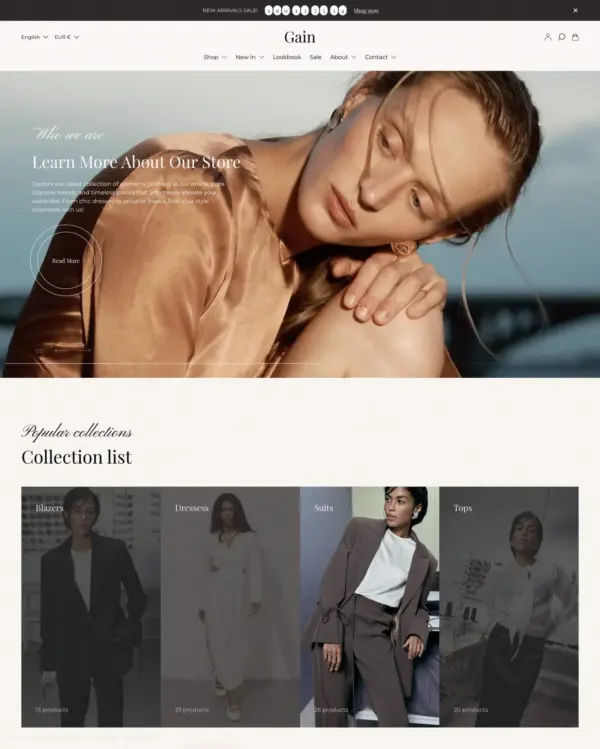
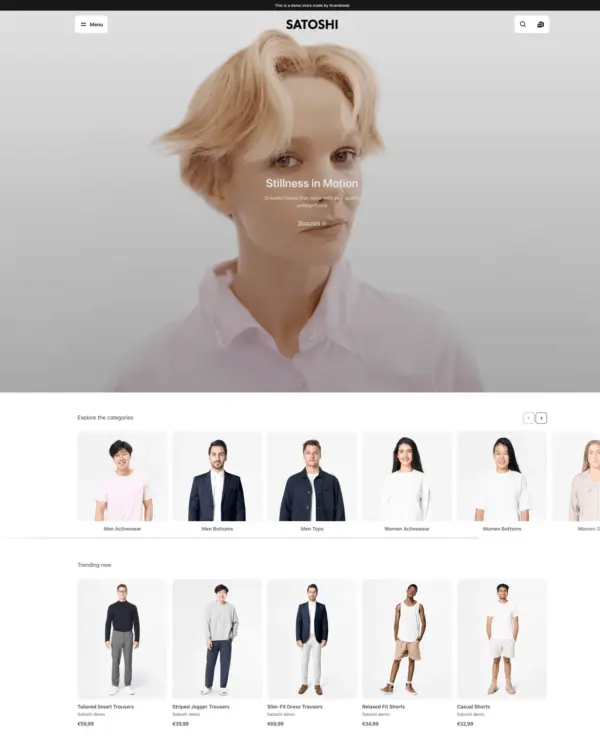
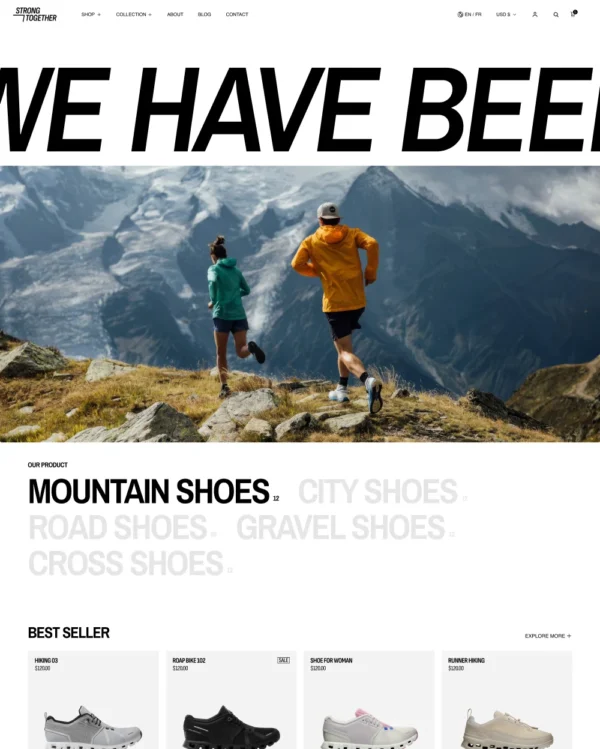
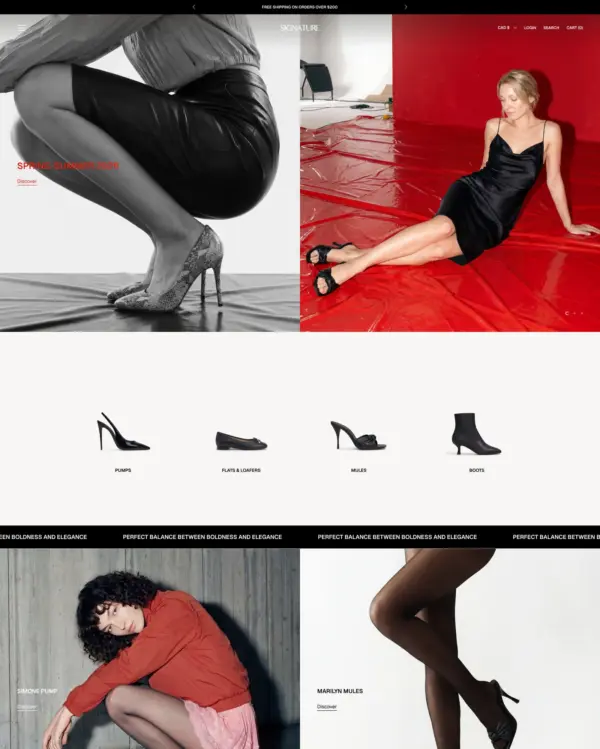
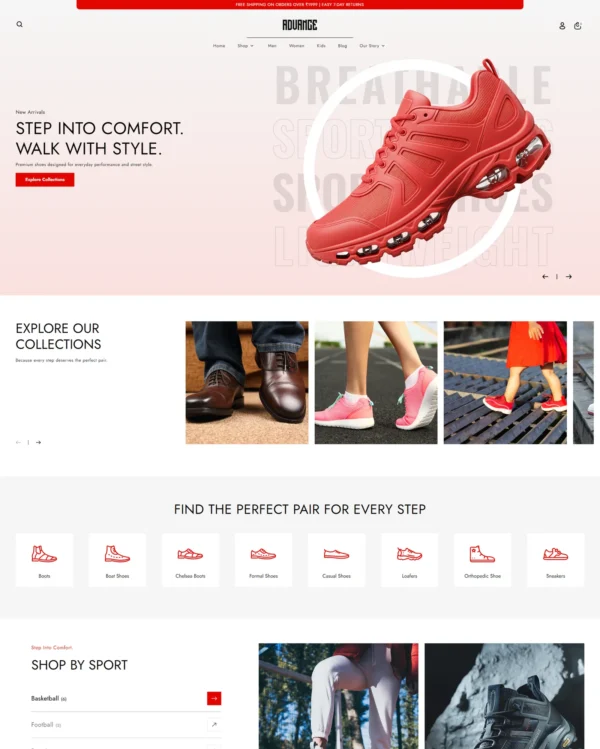
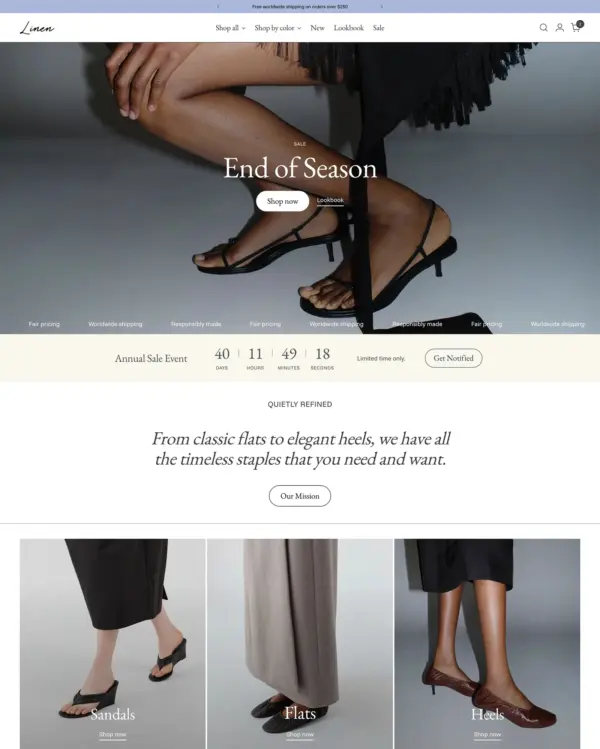
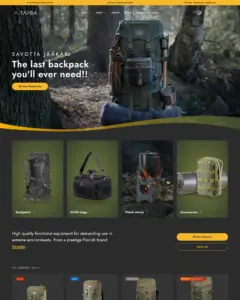
Taiga is a sleek, performance-focused Shopify theme with a clean, modern layout and more than 10 video sections built into its design library. It also includes a customizable mega menu, image hotspots, before-and-after sliders, product badges, and quick buy for streamlined browsing, suiting bag and accessory catalogs.
Source Shopify Theme Store Official
★★★★★
★★★★★
5.0 · 55 reviews · 100% positive
PRICE
$ 500,00 USD
PRESETS
5 styles

Independently reviewed by the eDIY editorial team

How fast is Taiga?

Google PageSpeed Insights scores for the home page, out of 100

Tested in October 2026, the official Taiga demo scored 92/100 on mobile and 100/100 on desktop. Mobile LCP was 3.2s, CLS was 0.00, and Total Blocking Time was 46ms.

Theme demo store

Official Taiga demo, home page
92 /100
Mobile
Good
100 /100
Desktop
Good

Tested Oct 2026 · Google PageSpeed Insights lab data

MetricMobileDesktop
Largest Contentful Paint 3.2s 721ms
Cumulative Layout Shift 0.00 0.00
Total Blocking Time 46ms 11ms
Speed Index 2.3s 845ms

Across 8 live stores we tested, the average PageSpeed score was 54/100 on mobile and 73/100 on desktop. Average mobile LCP was 10.0s and CLS was 0.00. These are complete production stores, so the numbers cover more than the theme itself.

Live stores average

Mean across 8 stores running Taiga
54 /100
Mobile
Needs improvement
73 /100
Desktop
Needs improvement

Tested Oct 2026 · Results include each store's apps, images, tracking scripts and customizations

MetricMobileDesktop
Largest Contentful Paint 10.0s 1.3s
Cumulative Layout Shift 0.00 0.02
Total Blocking Time 558ms 978ms
Speed Index 7.3s 2.5s

Per-store results

8 live stores · tested Oct 2026
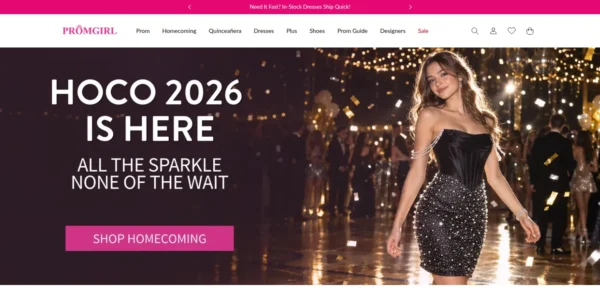
PromGirl.com
promgirl.com
Mobile 73
Desktop 63
Gerber Gear
gerbergear.com
Mobile 55
Desktop 95
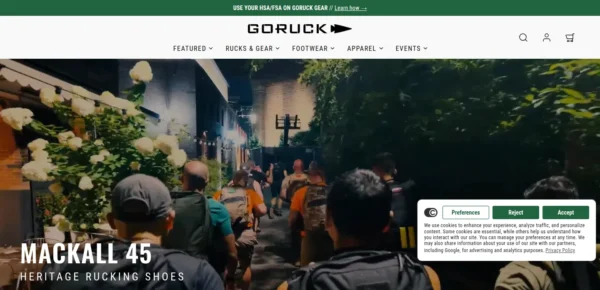
GORUCK
goruck.com
Mobile 39
Desktop 88
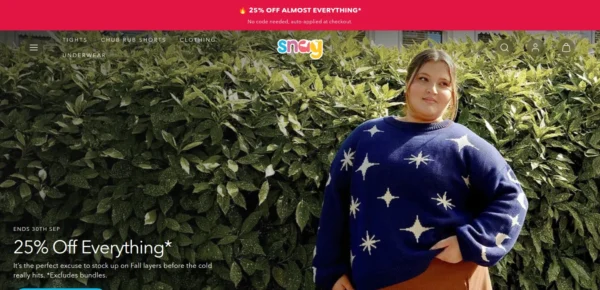
Snag US
snagtights.us
Mobile 50
Desktop 55
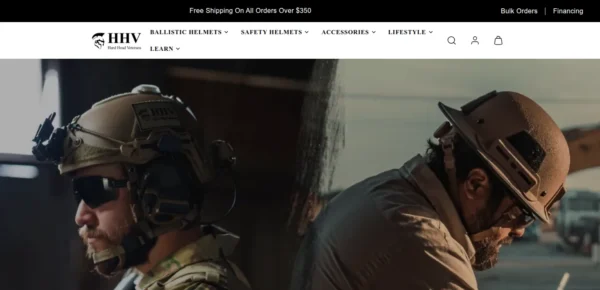
Hard Head Veterans
hardheadveterans.com
Mobile 67
Desktop 51
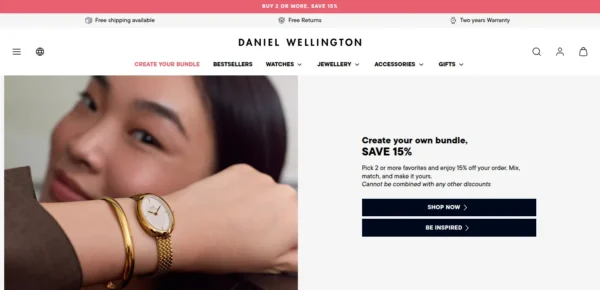
Daniel Wellington
danielwellington.com
Mobile 32
Desktop 62
Sundown Audio
sundownaudio.com
Mobile 36
Desktop 67
HolyClothing
holyclothing.com
Mobile 82
Desktop 99

Features

Built-in features listed on the Theme Store.

Cart and checkout

  • Cart notes
  • In-store pickups
  • Pre-order
  • Quick buy
  • Sign in with Shop
  • Slide-out cart
  • Sticky cart

Marketing and conversion

  • Blogs
  • Countdown timer
  • Cross-selling
  • Customizable contact form
  • EU translations (EN, FR, IT, DE, ES)
  • FAQ page
  • In-menu promos
  • Press coverage
  • Product badges
  • Promo banners
  • Promo popups
  • Promo tiles
  • Quick view
  • Recently viewed
  • Recommended products
  • Stock counter
  • Trust badges

Merchandising

  • Usage information
  • Slideshow
  • Size chart
  • Shipping/delivery information
  • Product videos
  • Product tabs
  • Product options
  • Lookbooks
  • Ingredients or nutritional information
  • Image zoom
  • Image rollover
  • Image hotspot
  • Image galleries
  • High-resolution images
  • Color swatches
  • Before/after image slider
  • Animation
  • Combined listing (Shopify Plus)

Product discovery

  • Back-to-top button
  • Breadcrumbs
  • Collection page navigation
  • Enhanced search
  • Infinite scroll
  • Mega menu
  • Product filtering and sorting
  • Recently viewed
  • Recommended products
  • Sticky header
  • Swatch filters
51 features

Taiga ranking and satisfaction

Position among all Shopify themes
#42 of 1349
Position among Shopify themes for "bags"
#2 of 58
Overall satisfaction based on all reviews
100% positive

Release history

LATEST VERSION
v9.0.0
Released October 19, 2026
Highly active

Taiga is actively maintained, with 8 releases in the last 12 months.

Releases in 12 mo 8
Total releases 35
First release December 23, 2022
v9.0.0 MAJOR

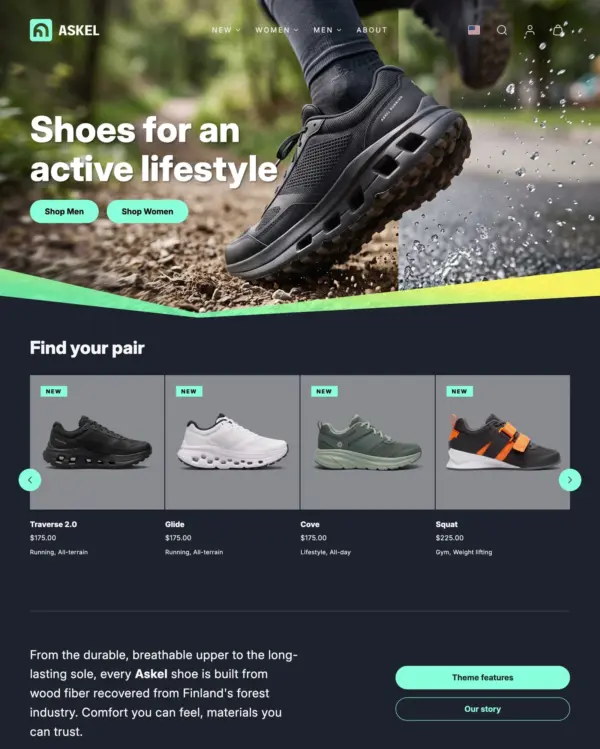
Taiga 9.0.0 is a major update. It adds the new Askel preset, a separate header layout for tablets and phones, a redesigned Divider section, clearer filtering and sorting, and new styling options for prices, the variant picker and buttons. Some settings have moved or changed, so check the items marked Important under Changed and Removed before updating.

Added

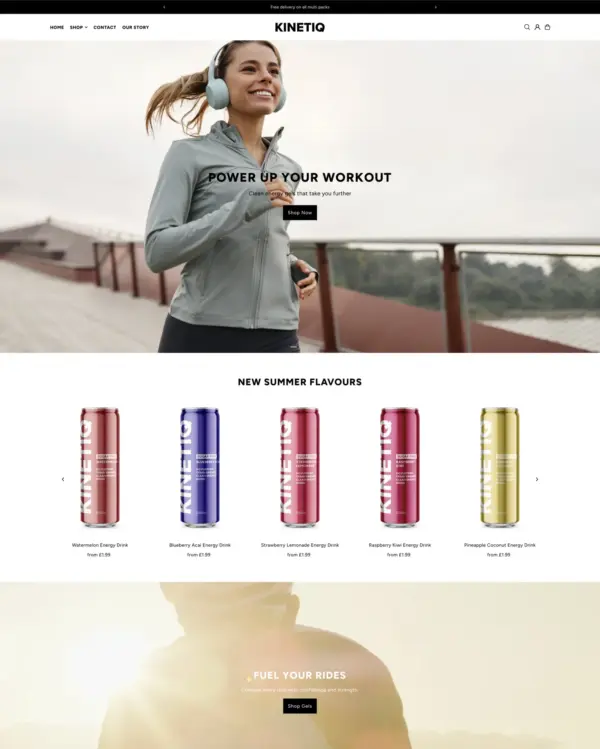
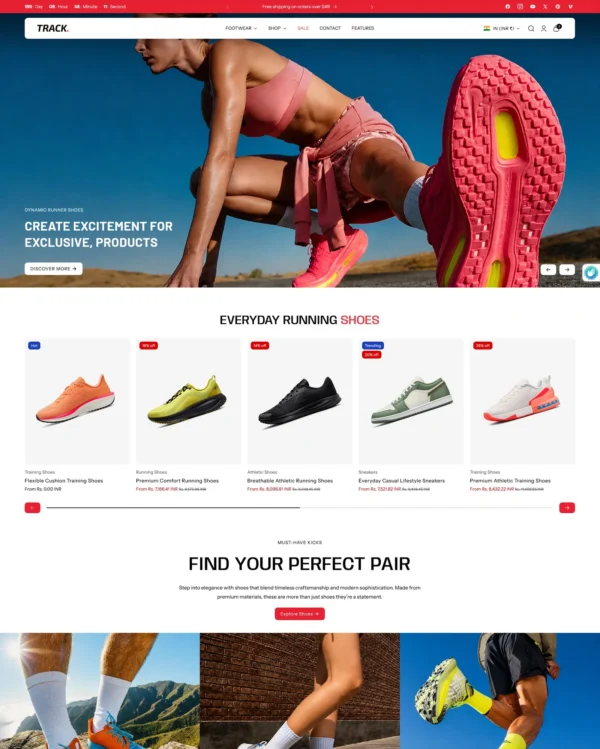
  • Askel preset: A new preset for sports and footwear stores, with a dark, energetic look built around bold product imagery. It includes its own home, collection and product page templates.
  • New page templates: Added "our-story" and "faq" page templates for all presets, with placeholder text to replace with your own. The "contact" page template now has a hero with the page title.
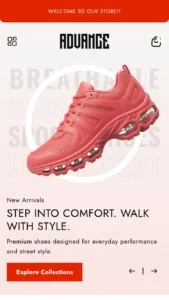
  • Tablet and mobile header layout: A new "Tablet and mobile layout" setting in the Header section lets you arrange the header on tablets and phones separately from desktop: "Menu and logo left" (default), "Logo left" or "Logo center".
  • Divider section: Redesigned without blocks. Colors now follow the neighboring sections: by default the top part is transparent and the bottom part matches the next section. Each part can also match the previous section, be transparent or use a custom color. Added a Fold shape and four animated graphics (Rolling curve, Glitch, Chevrons and Mountains) with Motion and Speed settings. Curve and Elliptic are combined into Curve: turn on Flip vertical for the inward curve. Animation on scroll isn't supported in Firefox yet, and visitors who prefer reduced motion always see dividers without motion.
  • Specs bar section: A new section that shows key product details in a row, each with a title, a value and an optional info tooltip. Add a block for each spec, or fill the specs automatically from a list of entries (metaobjects). Choose the number of columns for desktop, tablet and mobile, and add dividers between the specs if you like.
  • Sale prices: A "Price order" setting under Theme settings > Currency and localization shows either the original or the sale price first. Color schemes have new "Sale price" colors (leave them transparent to keep the text color), and the price font weight settings have a new "Bold sale price" option.
  • Variant picker: The variant picker settings are now in Theme settings > Variant picker and apply to both product pages and the quick view, which now follows the picker style instead of always showing buttons. New options: "Button width" (Equal width lines the buttons up in even columns), "Selected button" (Hairline or Solid) and "Show selected value next to the option name". The option lists accept names separated by commas or line breaks and are no longer case sensitive. To use different settings on one product template, change them in that template's Variant picker block, where each one is set to "Use theme setting" by default.
  • Sibling products: The Sibling products block has a new "Display style" setting to show the siblings as labels instead of images. Sibling products can also be shown in the quick view, with "Show sibling products in quick view" under Theme settings > Product card.
  • Filters: The Product grid and Search results sections have a new "Default state of filter groups" setting. Add [open] or [closed] to a filter name in the Search & Discovery app to change it for one filter. A new "Filters shown as buttons" setting (default "Size") replaces the old translation, and the search page can now show filters as a sidebar on desktop. Filter groups show how many values are selected, the price filter shows the selected range, and sidebar sorting shows the current sort option, so selections are visible even when a group is closed. The filter settings are grouped under a new "Filtering" heading.
  • Collection and search pages: Load more and infinite scroll now show how many products have been loaded (for example "Showing 24 of 34 items"), with a progress bar.
  • Header dropdown overlay: With the Dropdown submenu type, the page behind an open dropdown menu is tinted and blurred, so the menu stands out. Adjust it with the Dropdown overlay settings in the Header section, or set opacity and blur to 0 to turn it off.
  • Megamenu blocks: A new "Dropdown background" setting gives a megamenu's dropdown its own solid color or gradient. The Megamenu with banners and Megamenu with columns blocks can show the heading above or below the image, and have a new Portrait (3:4) image aspect ratio.
  • Overlay color: Drawers and modals have a new "Overlay color" setting under Theme settings > Drawers and Modals: the color scheme's overlay color (default), its text color or a custom color.
  • Cart recommendations: A new "Hand-picked products" option under Theme settings > Cart recommends the same products with every cart, in your order, leaving out products already in the cart and sold out products.
  • Product page Text block: Added separate font sizes for desktop and mobile, and a "Use subdued style" option for a more muted look.
  • Product page Collapsible item block: Added a Custom Liquid content option next to the rich text and page. Items without content are no longer shown, and new items come with sample text.
  • Before and after section: The slider handle moves back and forth once when the section comes into view, to show that it can be dragged. Turn it off with "Animate the slider handle". New settings for the handle color and the split line style.
  • Testimonials section: Added heading and testimonial size settings, and a "Card background" setting: Transparent (default), Solid or Alternative. Testimonials now use the section colors without card padding by default; choose Solid or Alternative to keep the padding.
  • Page content section: A new "Show page title" setting. Turn it off when another section, like a Hero, shows the title, and use an H1 heading tag in that section so the page still has one main heading.
  • Collection list section: Collection blocks have a new "Card gradient" setting, used when Card background is set to Gradient.
  • Buttons: Added a "Body font (bold)" option to the button font setting.
  • Size guide block: "Option names" accepts several names separated by commas, for example "Men's Size, Women's Size", and is no longer case sensitive.

Changed

  • Important: The header on tablets and phones no longer follows the desktop Layout setting. If your desktop layout centers the logo, choose "Logo center" in the new "Tablet and mobile layout" setting to keep it centered.
  • Important: The Picker style, Cross out unavailable variants, Show selected value and option list settings moved from the Variant picker block to Theme settings > Variant picker. If you changed them in the block, set them again in Theme settings, or in the block for one template only.
  • The product card price font weight now also applies to upsell cards, gallery product links and the quick buy modal, and the Price block font weight also applies to the sticky buy bar.
  • Variant option buttons, color swatches and sibling product labels have an even gap between them, and buttons with wrapping text have more line spacing. The line that crosses out unavailable variants now uses the button border color, so it's quieter next to the text.
  • Filters marked with [closed] no longer open automatically when they have selections. The number of selected values is shown next to the filter name instead.
  • Renamed the Header section's overlay settings so the dropdown overlay and the transparent header are easier to tell apart: the dropdown settings start with "Dropdown overlay", and the "Overlay settings" heading is now "Transparent header". Your settings are kept.

Removed

  • Important: Removed the "Filters as buttons identifiers" translation (Online Store > Languages). If you had changed it, add the same filter names to the new "Filters shown as buttons" setting in the Product grid and Search results sections.
  • Important: Removed the "Card background gradient" setting from color schemes. Collection cards set to "Gradient" now use the new Card gradient setting in the Collection list block, and show the solid card background until one is picked.
  • Important: Removed the Standard and Custom blocks from the Divider section. Existing dividers show the default Wave shape until they are set up again in the section settings. See the Divider section docs for step-by-step instructions.

Fixes and Improvements

  • Improved the spacing between the original and sale price. The space now scales with the price size.
  • Fixed the compare-at price not being crossed out on upsell product cards that open the quick buy modal.
  • Added missing translations for the product card typography and price font weight settings.
  • Fixed active filters not showing on the search results page.
  • Fixed filters animating when collection and search pages load.
  • Fixed filters losing their button or color swatch style when [open] or [closed] was added to the filter name.
  • Fixed color swatch filters matched by name not showing as swatches in the collection sidebar.
  • Fixed color swatch identifiers written after a comma and a space not matching.
  • Fixed the Spanish color swatch identifiers translation.
  • Fixed the filter sidebar sliding partly under the sticky header.
  • Fixed the filter button, product count and sorting wrapping onto separate rows on tablet and desktop.
  • Fixed custom badges after the first one not showing when there was a space or line break after the semicolon.
  • Fixed the Language order and Country order settings ignoring codes written in a different case, for example "EN" or "pt-BR".
  • Unified the font option labels in the theme editor: "Body font", "Body font (bold)" and "Heading font".
  • Fixed sections staying hidden for visitors with JavaScript turned off when section animations are on.
  • Fixed a color gap between sections with different color schemes, and next to Divider sections, while sections animate in.
  • Fixed adding or changing a quantity to more than is in stock. The cart, cart count and totals now update right away, and a warning like "Only 2 items were added to your cart due to availability." is shown in the cart drawer, the cart notification, the cart page or on the product page, depending on the cart type.
  • Fixed the cart icon's screen reader label keeping the old item count, and being read twice.
  • Fixed recommended products in the cart showing a "From" price when all variants have the same price, and not showing the compare-at price.
  • Fixed the cart recommendations heading showing without any products. The recommendations now also animate in.
  • Fixed the cart drawer reloading several times after adding a product when cart recommendations are shown.
  • Fixed the desktop video's preview image showing on mobile in sections with separate desktop and mobile videos.
  • Fixed the Featured article section giving search engines the wrong article details when used outside an article page.
  • Fixed the Divider middle part not showing when set to a solid color.
  • The separator after the variant picker option name (:) can now be edited under Online Store > Languages.
  • Fixed the Shopify Inbox chat opening off-screen, so the chat button seemed to disappear when clicked.
  • Fixed changing a variant in the quick view changing the browser address to the product page.
  • The Overlay blur settings for drawers and modals now show their unit as px instead of x. Your settings don't change.
  • Fixed the sticky buy bar not showing until the footer when the cart drawer had recommended products.
  • Fixed Rich text section buttons not filling the full width on mobile when full width buttons are used.
  • Fixed the Before and after section leaving empty space when it had no text.
  • Fixed the Multicolumn section's grid on mobile sitting closer to the screen edge than other content.

For developers

  • The product page block markup moved from product-template.liquid into separate product-block-* snippets. If you customized a block in product-template.liquid, move your changes to the matching snippet.
  • Variant option button groups have data-option-name (the option name as a handle, for example color) and data-option-position (1, 2 or 3) attributes for custom CSS per option. Sibling product labels use data-option-name="sibling-products".
  • Variant option buttons and sibling product labels share a new option-button class. Target .option-button to restyle both, with :checked + .option-button and .option-button[aria-current="page"] for the selected state.
  • Sibling product labels read their text from the custom.sibling_label product metafield, or the product title when it's empty.
  • Color schemes have a new --color-foreground-alt CSS variable: a low-emphasis text color for subtle details like progress bar tracks.
  • The theme CSS reset no longer applies to the shopify-chat and shopify-agent elements.
v8.1.0 FEATURE

Taiga 8.1.0 introduces updated controls for megamenu content and general improvements.

Removed

  • Important: Removed the Menu banner, Menu collection and Menu divider blocks from the header. These are replaced with the new Megamenu blocks that are easier to manage. Update your header content with the new Megamenu blocks if you previously used any of the removed blocks.

Added

  • Added new megamenu block structures for flexible layout control.
  • Added product media caption support.
  • Added a unique class to each section for easier custom style edits.
  • Added submenu panel width controls for the drawer desktop navigation type.
  • Added options to include a logo to the Drawer menu.
  • Added new localization options in Theme settings: Language order, Country order and Localization info.
  • Added Badge style support to navigation items for default and custom badges.

Changes

  • Harmonized section class names across section schemas.
  • Only product media captions are visible in the product media zoom; previously the normal ALT text or product name was used.
  • Changed Header and Footer localization links to open as popovers for faster user input.
  • Changed the country flag style from rounded to rectangular.
  • Renamed the "Currency format" theme settings panel to "Currency and localization" to better match the new localization related settings.

Fixes & Improvements

  • Fixed page scrolling up slightly when closing drawers via the close button or overlay.
  • Fixed drawer navigation opening the wrong submenu when multiple menu items share the same link.
  • Fixed issues with upsell product cards on cart and product pages.
  • Fixed aspect ratio issues for Shopify-hosted product media videos.
  • Fixed incorrect image sizes attribute on banner cards.
  • Fixed page template heading HTML semantics.
  • Improved sizes attribute handling in certain sections.
  • Improved drawer navigation behavior with browser back and forward buttons.
  • Improved JS handling for the sticky header feature.
  • Improved grouped variant image gallery support on the product page for high variant products.
  • Improved dropdown navigation scrollability for long submenus and megamenu content.
  • Improved theme editor UX by leveraging Shopify block events to reveal sliders, dropdowns, and drawers when actively editing them.
  • Improved header and navigation elements hover styling.
  • Improved filters drawer layout.
v8.0.2 FIX

Taiga 8.0.2 introduces minor fixes to preset settings and theme styles. This release does not include any functional or feature updates.

Added

  • Added an SVG placeholder image for cart and upsell products without an image.

Fixes and improvements

  • Fixed upsell card product title overflow issues with very long product titles.
  • Fixed preorder label support in product cards when Quick view is used in “Add to cart” mode.
  • Fixed preset settings for overlay colors.
  • Fixed preset template mismatches.
  • Fixed sold out label icon visibility issues on product cards.
  • Minor style fixes for main menu border usage and upsell card media padding.
v8.0.1 FIX

Taiga 8.0.1 introduces the following changes:

Quick fixes

  • Fixed Meadow preset related listing errors that caused problems in the trial installation.

Previous major update Taiga 8.0.0 introduces the following changes:

Changed

  • Important: This is a major release with breaking changes. We recommend thoroughly checking your updated theme for content and setting mismatches before publishing.
  • Important: Video-related settings have changed throughout the theme. Check sections where you have previously used video content. You are most likely required to re-enter the video-related settings and sources.
  • Changed "Drawer" typography to "Navigation" typography to influence only the navigation-related items rather than all drawers. Other drawers now inherit global styles.
  • Blog and collection page banner paging-related visibility setting has changed from an "Only on first page" checkbox to a dropdown select.
  • Changes to Meadow preset theme settings.

Added

  • Added new section "Price transparency". This section allows merchants to display a detailed breakdown of product prices, providing transparency into cost components such as production, shipping, taxes, and retail markup. Shoppers can better understand what goes into the price of an item, helping build trust and clarity.
  • Added menu item badge style support.
  • Added support for custom badge definitions without custom colors.
  • Added "Attribute insights" block for product page. This block can be used to visualize various product attributes into a slider, a fill bar, or filled segments with optional threshold messages based on the value. For example, a "True to size" feature for clothing or a "Spiciness" meter for a food product.
  • Added a new style option — boxed — for product page text block content.
  • Added new settings for cart recommendations, including quick add functionality and product content options.
  • Added product support for Gallery section images.
  • Added new "Variant images" setting to the product page to choose which media related to the variant selection are shown: All, Selected, or Grouped.
  • Added new controls for overlay colors in schemes.
  • Added new icons that can be used in product page "Collapsible items" and in the new "Price transparency" section.
  • Added support for sub-navigation in "Collection list" section, making the section suitable for use as a simple category navigation especially in the collection templates.
  • Added Custom Liquid block to article page.
  • Added Custom Liquid block to Footer section and removed the block limit in the Footer section.
  • Added Quick view visibility on mobile devices when hover functionality is unavailable.

Removed

  • Removed individual control for "Thumbnail card layout" for mobile and desktop from Featured collection and Product recommendation sections. The Thumbnail card layout option is still available but will affect both mobile and desktop users.
  • Removed Quick view button position option. This has been replaced with a Quick buy visibility setting.

Fixes and improvements

  • Translation fixes.
  • Updated Pickup availability block styling and improved loading status visibility.
  • Fixed menu item style support for emphasized menu items in the dropdown menu.
  • Updated theme settings related to badges: Badge colors can be found under "Colors". Badge style and custom badge definitions can be found in "Badges". Badge settings related to the product card can be found under "Product Card".
  • Updated the "Quick view" modal media to use the same image aspect ratio and media fit options as the product card.
  • Fixed text area width problems in FAQ answer blocks.
  • Fixed variant image to match the selection in the quick view dialog (popup).
  • Improved editor controls throughout the theme.
  • Fixed Gridy slider edge case crash with Sibling products if the current product wasn't added to the siblings.
  • Improved pickup availability block styling.
  • Fixed the flash of content in the Product recommendation section.
  • Fixed drawer overlay color to match the overlay color setting of the chosen color scheme.
  • Improved size badge colors when using the traditional product card layout.
  • Improved and streamlined Quick view-related settings.
  • Improved card padding styles to accommodate mobile screens better.
v8.0.0 MAJOR

Taiga 8.0.0 introduces the following changes:

Changed

  • Important: This is a major release with breaking changes. We recommend thoroughly checking your updated theme for content and setting mismatches before publishing.
  • Important: Video-related settings have changed throughout the theme. Check sections where you have previously used video content. You are most likely required to re-enter the video-related settings and sources.
  • Changed "Drawer" typography to "Navigation" typography to influence only the navigation-related items rather than all drawers. Other drawers now inherit global styles.
  • Blog and collection page banner paging-related visibility setting has changed from an "Only on first page" checkbox to a dropdown select.
  • Changes to Meadow preset theme settings.

Added

  • Added new section "Price transparency". This section allows merchants to display a detailed breakdown of product prices, providing transparency into cost components such as production, shipping, taxes, and retail markup. Shoppers can better understand what goes into the price of an item, helping build trust and clarity.
  • Added menu item badge style support.
  • Added support for custom badge definitions without custom colors.
  • Added "Attribute insights" block for product page. This block can be used to visualize various product attributes into a slider, a fill bar, or filled segments with optional threshold messages based on the value. For example, a "True to size" feature for clothing or a "Spiciness" meter for a food product.
  • Added a new style option — boxed — for product page text block content.
  • Added new settings for cart recommendations, including quick add functionality and product content options.
  • Added product support for Gallery section images.
  • Added new "Variant images" setting to the product page to choose which media related to the variant selection are shown: All, Selected, or Grouped.
  • Added new controls for overlay colors in schemes.
  • Added new icons that can be used in product page "Collapsible items" and in the new "Price transparency" section.
  • Added support for sub-navigation in "Collection list" section, making the section suitable for use as a simple category navigation especially in the collection templates.
  • Added Custom Liquid block to article page.
  • Added Custom Liquid block to Footer section and removed the block limit in the Footer section.
  • Added Quick view visibility on mobile devices when hover functionality is unavailable.

Removed

  • Removed individual control for "Thumbnail card layout" for mobile and desktop from Featured collection and Product recommendation sections. The Thumbnail card layout option is still available but will affect both mobile and desktop users.
  • Removed Quick view button position option. This has been replaced with a Quick buy visibility setting.

Fixes and improvements

  • Translation fixes.
  • Updated Pickup availability block styling and improved loading status visibility.
  • Fixed menu item style support for emphasized menu items in the dropdown menu.
  • Updated theme settings related to badges: Badge colors can be found under "Colors". Badge style and custom badge definitions can be found in "Badges". Badge settings related to the product card can be found under "Product Card".
  • Updated the "Quick view" modal media to use the same image aspect ratio and media fit options as the product card.
  • Fixed text area width problems in FAQ answer blocks.
  • Fixed variant image to match the selection in the quick view dialog (popup).
  • Improved editor controls throughout the theme.
  • Fixed Gridy slider edge case crash with Sibling products if the current product wasn't added to the siblings.
  • Improved pickup availability block styling.
  • Fixed the flash of content in the Product recommendation section.
  • Fixed drawer overlay color to match the overlay color setting of the chosen color scheme.
  • Improved size badge colors when using the traditional product card layout.
  • Improved and streamlined Quick view-related settings.
  • Improved card padding styles to accommodate mobile screens better.

Full changelog

35 releases
Loading releases…

What merchants say about Taiga Shopify theme

We know about 55 reviews · showing 6

Merchant sentiment summary

AI

56 of 56 reviews are positive. Merchants most often praise the theme's speed, visual customisation and ease of use, and above all the responsive, knowledgeable developer support, with several saying it fixed issues or added requested features. No recurring criticism appears in the reviews; the few isolated complaints about bugs were quickly resolved.

Generated from all 56 Theme Store reviews ·

Positive 56 · 100%
Neutral 0 · 0%
Negative 0 · 0%
Highly rated

Taiga has received 14 reviews in the last 12 months.

Reviews in 12 mo 14
Total reviews 56
First review

A great theme, both in terms of functionality and visual customization options. Also the customer service is excellent!

U
Unavaate
Oct 13, 2026

Very professional and quick support!

S
skidvalla.se
Sep 16, 2026

Outstanding support! The team clearly explained the issue with Shopify Inbox, took responsibility and provided a simple fix with clear instructions. They also confirmed a permanent fix is planned. Helpful, transparent and professional - exactly the support you want when running an online store. Highly recommended!

S
skidvalla.se
Sep 16, 2026

I've owned many themes and this is by far the best theme I've ever worked with. There are so many intuitive features and out of the box thinking like manually adding products instead of choosing a collection for the Featured Collection module. It's so fun to design in this theme because the developer made sure we have the tools to easily make it ours. It's seriously a dream theme in every aspect.

J
JoshZandman
Sep 8, 2026

Very impressive theme. Fast, well-designed and easy to customise to your brand. We've been running Taiga for over 2 years now, with incredible performance. Plays nicely with custom code alterations and has a great structure compared to other Shopify themes. I'd recommend for any brand on Shopify as the theme styles give you so much flexibility. Great support too!

S
Snag
Aug 5, 2026

There were a few bugs with the theme, but customer service was extremely helpful and quickly resolved the issues I was facing.

I
IYILO
Jul 16, 2026

Alternatives to Taiga for Bags industry

Stitch
Stitch

Allure · Stitch preset

Puts fashion photography first, letting customers explore outfits through lookbooks and shoppable images.

5 presets Bags Clothing Jewelry and accessories Beauty Home
★ 91% · 33 reviews
$ 100,00

Voyage
Voyage

Xclusive · Voyage preset

Turns editorial fashion and jewelry images into shoppable displays, with continuous product browsing.
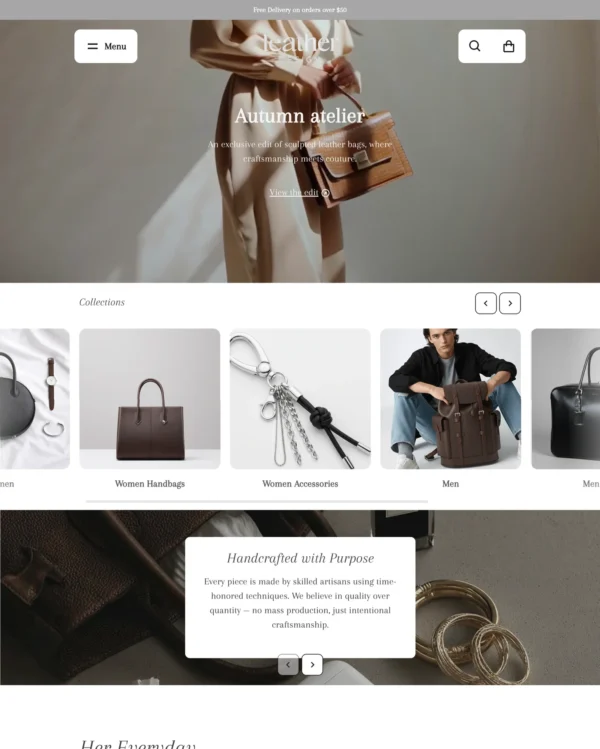
5 presets Bags Jewelry and accessories Shoes Clothing Home
★ 98% · 172 reviews
$ 150,00
Leather
Leather

Satoshi · Leather preset

Puts detailed apparel and accessory photography first, with precise layouts and interactive lookbooks.

5 presets Bags Clothing Jewelry and accessories Home
★ 97% · 33 reviews
$ 100,00
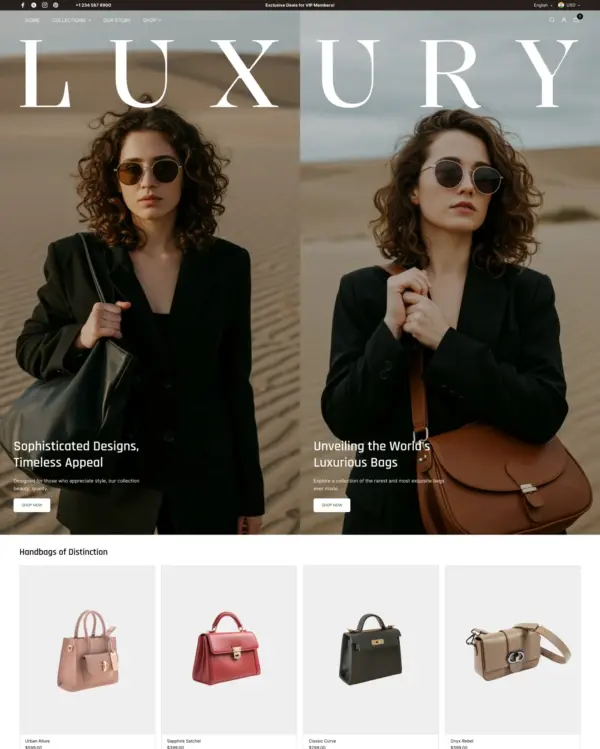
Luxury
Luxury

Desert · Luxury preset

Creates a luxury-inspired setting for fashion and jewelry, with gift wrapping and preorder options.
4 presets Bags Clothing Home Shoes
★ 100% · 21 reviews
$ 100,00
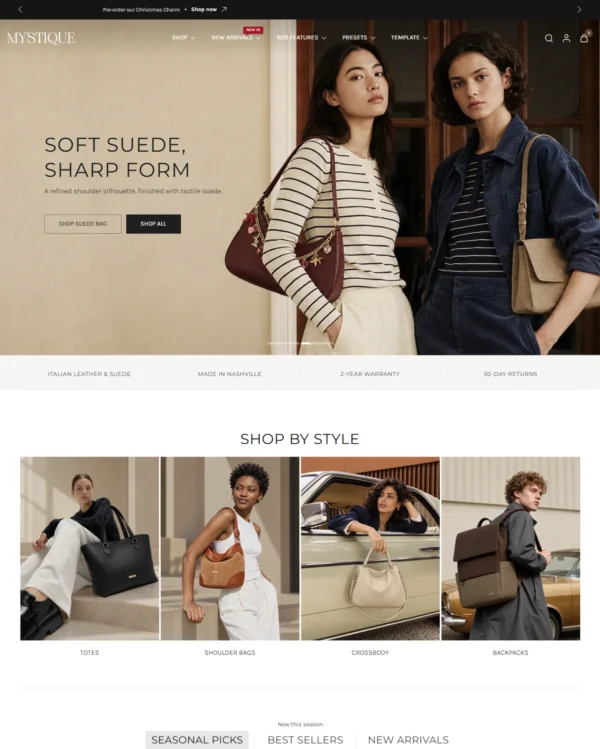
Mystique
Mystique

Eurus · Mystique preset

Handles both retail and wholesale beauty orders, including hidden guest prices, quick orders, and RTL layouts.


5 presets Bags Beauty Jewelry and accessories Home Wellness
★ 99% · 609 reviews
$ 350,00
Dawn
Dawn

Dawn

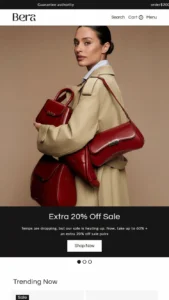
Keeps the focus on bag and accessory photography with clean layouts, image zoom, and product video.
1 preset Bags
★ 36% · 291 reviews
Free
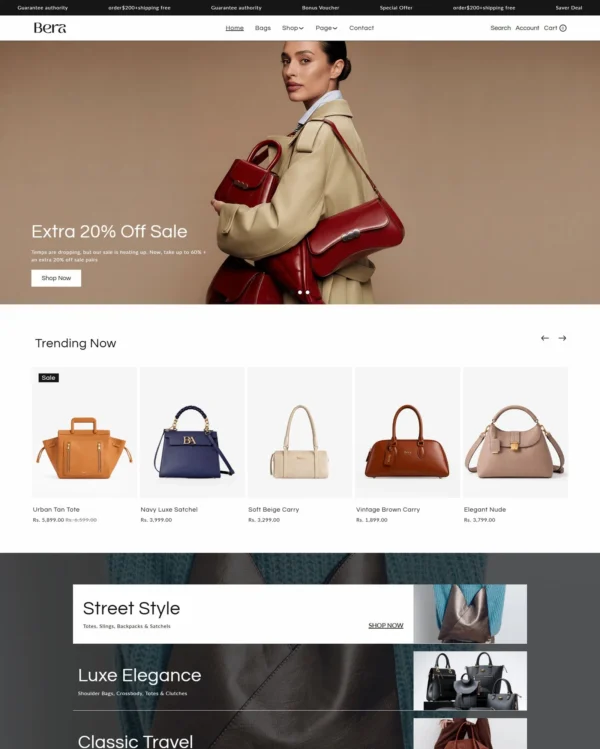
Bera
Bera

Lollipop · Bera preset

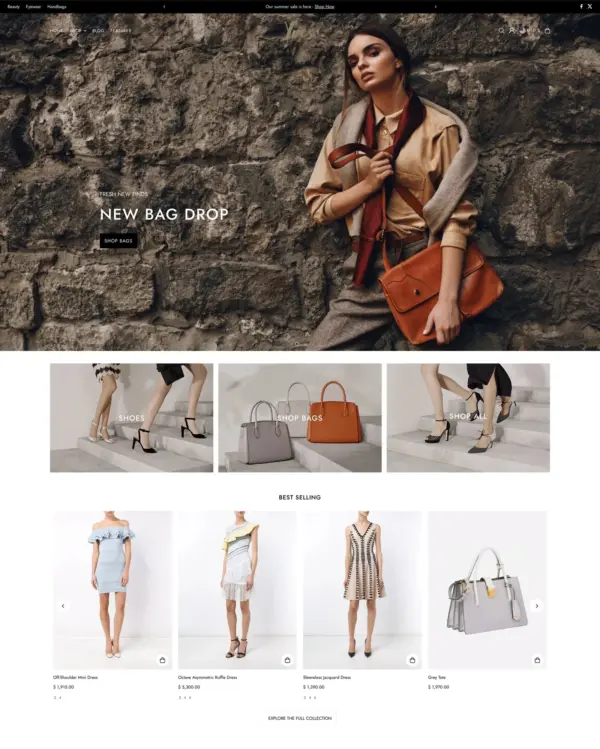
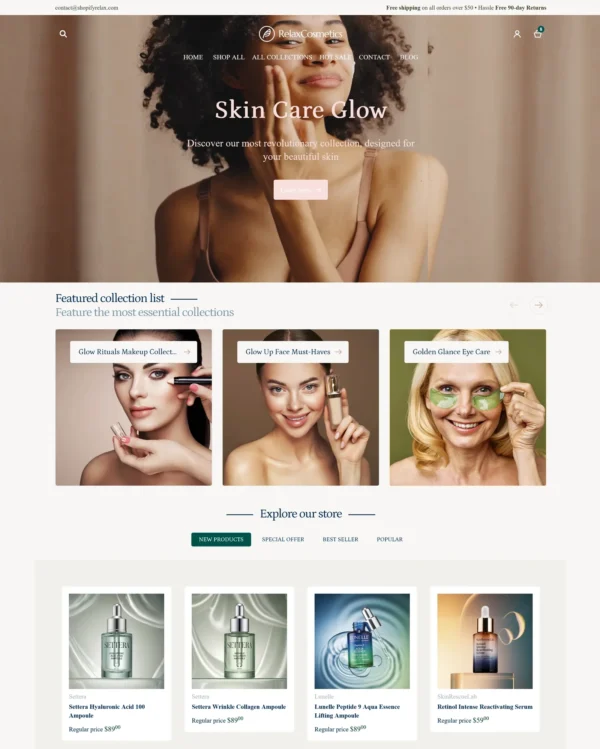
Presents skincare with a softer touch, using ingredient details, comparison images, and gift wrapping.
5 presets Bags Beauty Jewelry and accessories Clothing
★ 100% · 7 reviews
$ 100,00
Yves
Yves

Icon · Yves preset

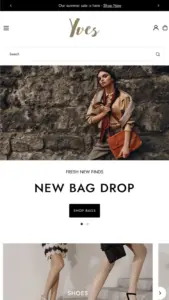
Presents trend-led fashion through video and lookbooks, with alerts when popular items return to stock.
5 presets Bags Clothing Home Art Food and drink
★ 94% · 371 reviews
$ 200,00