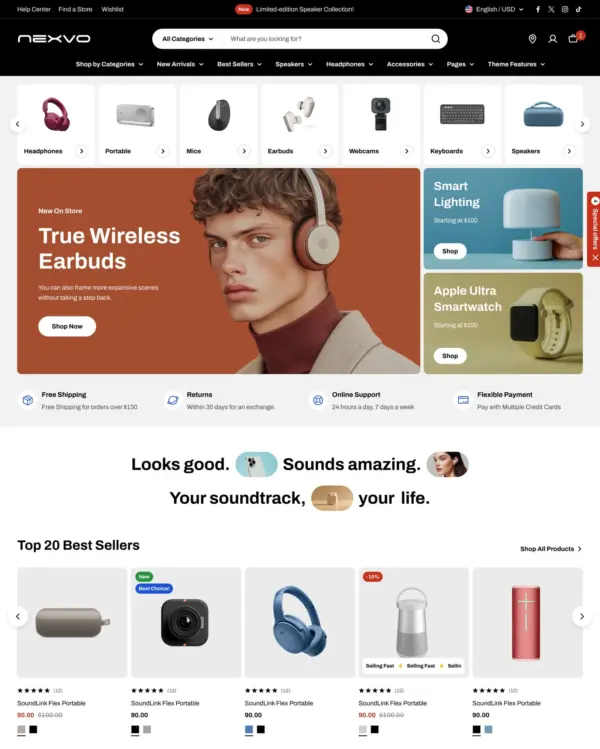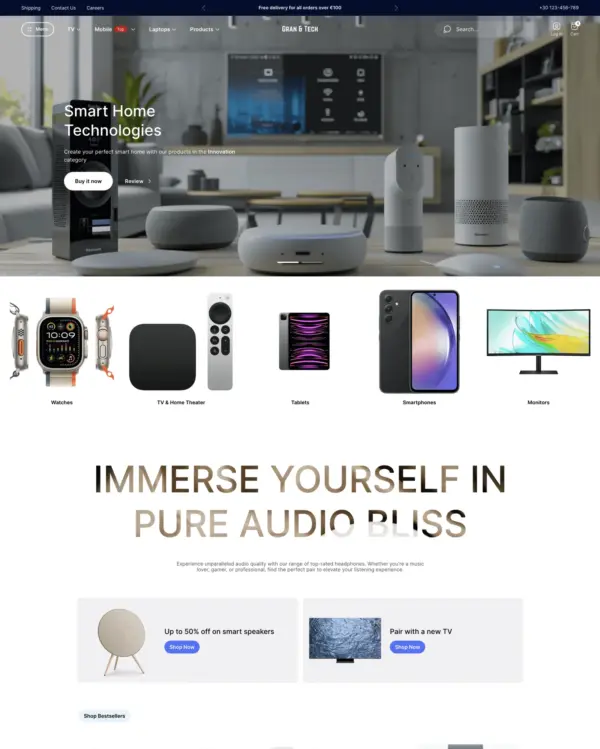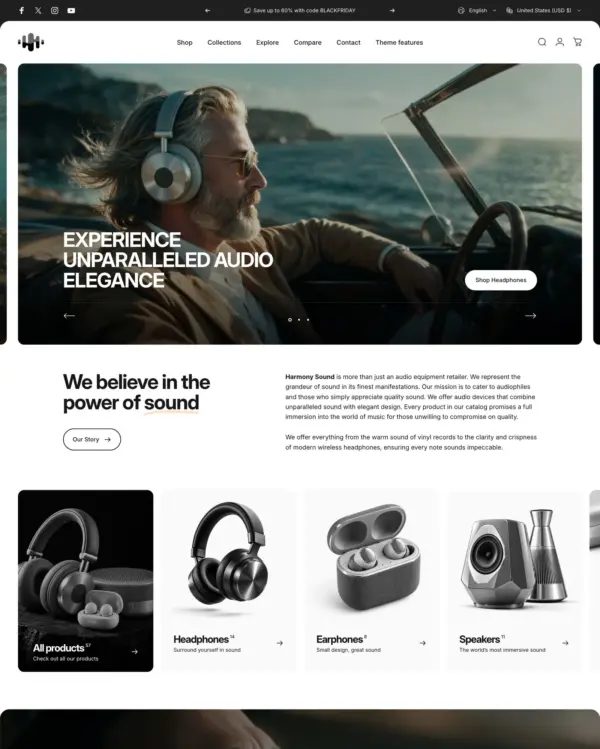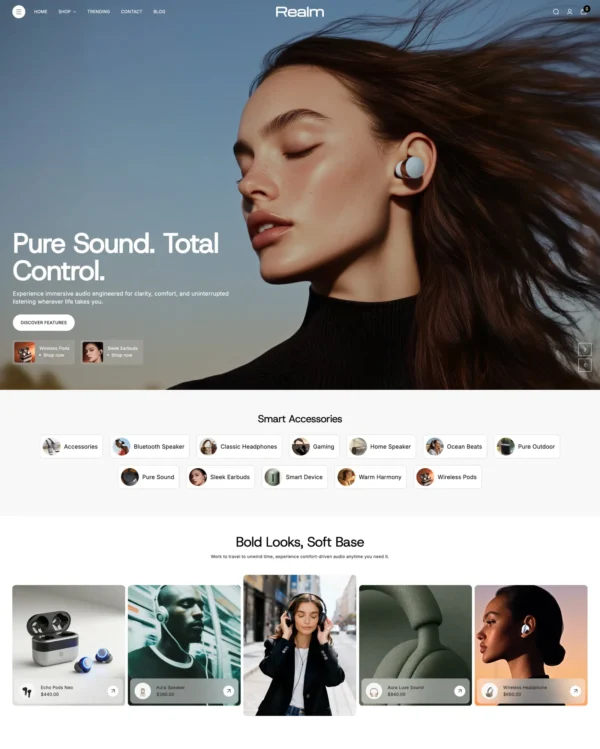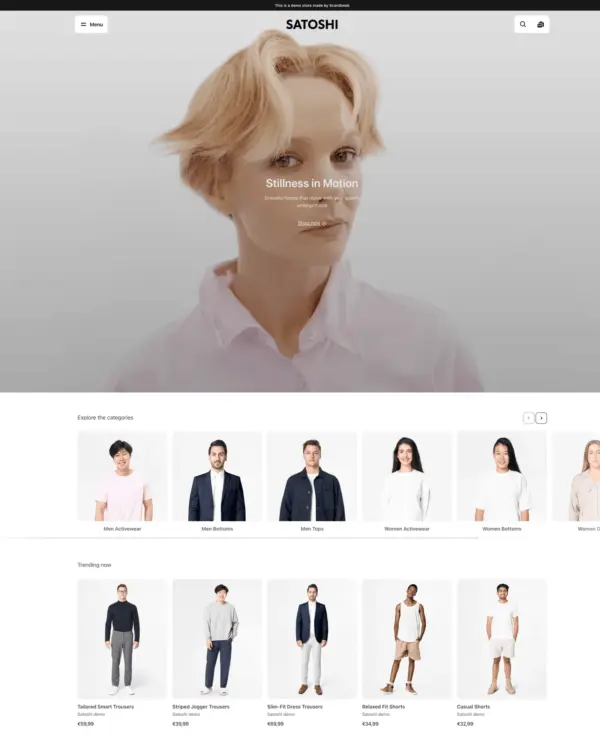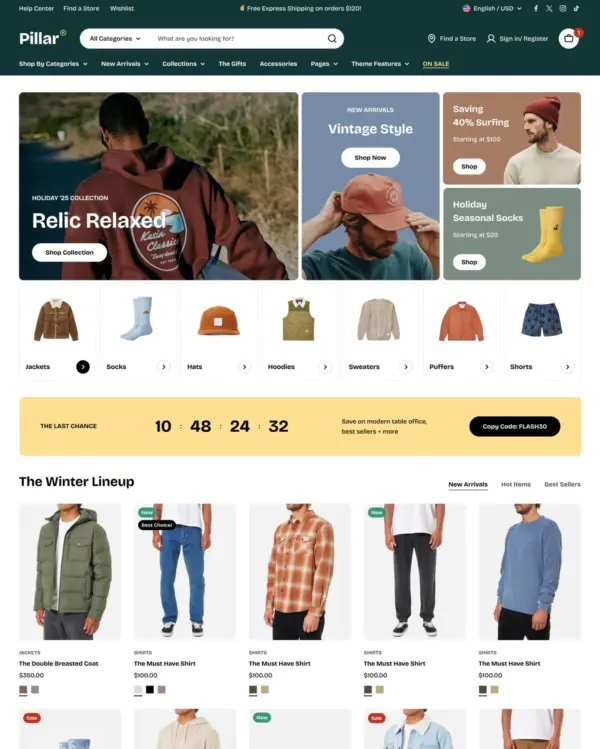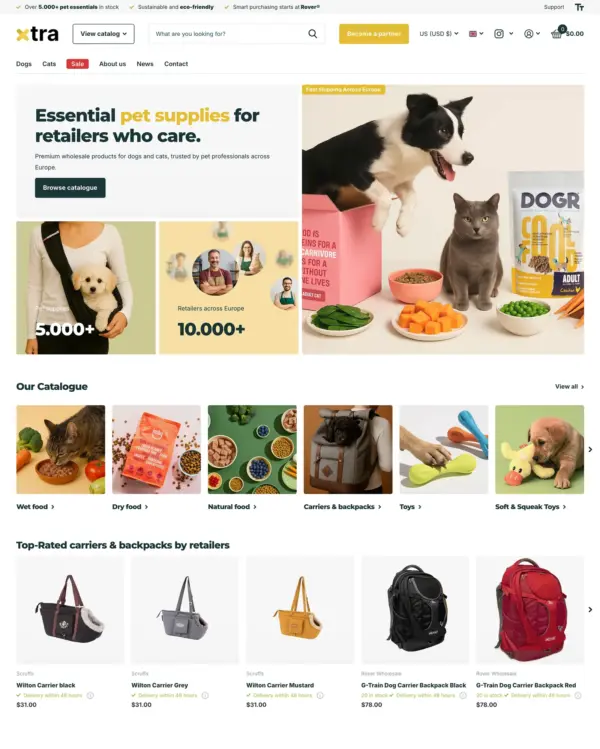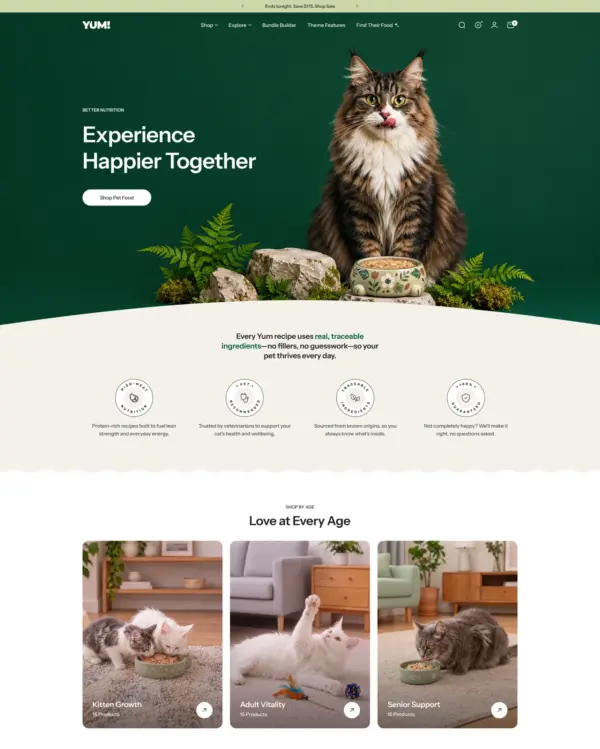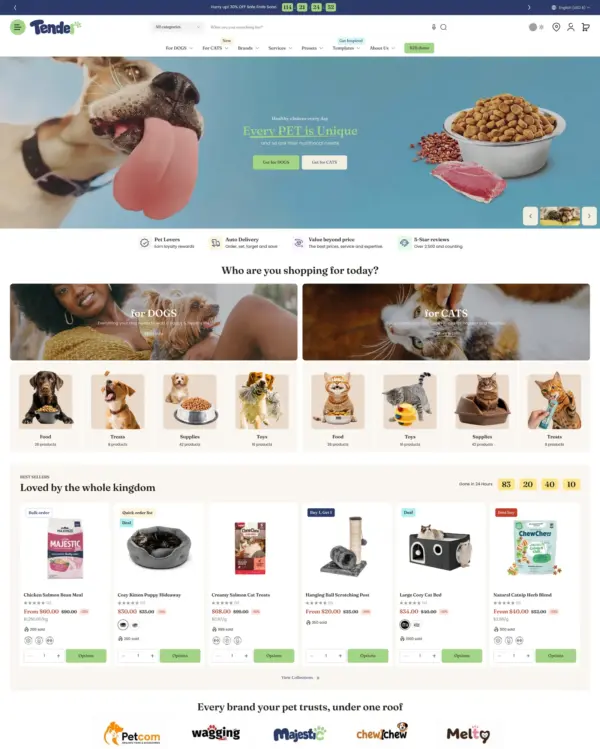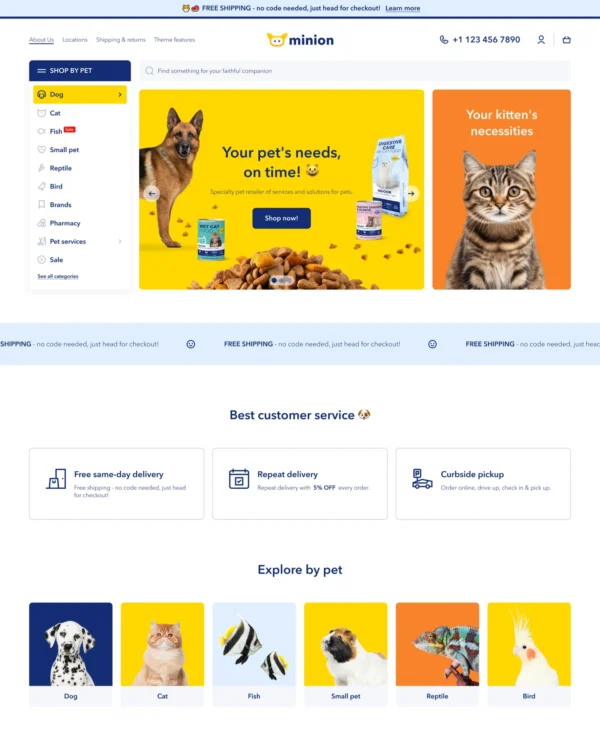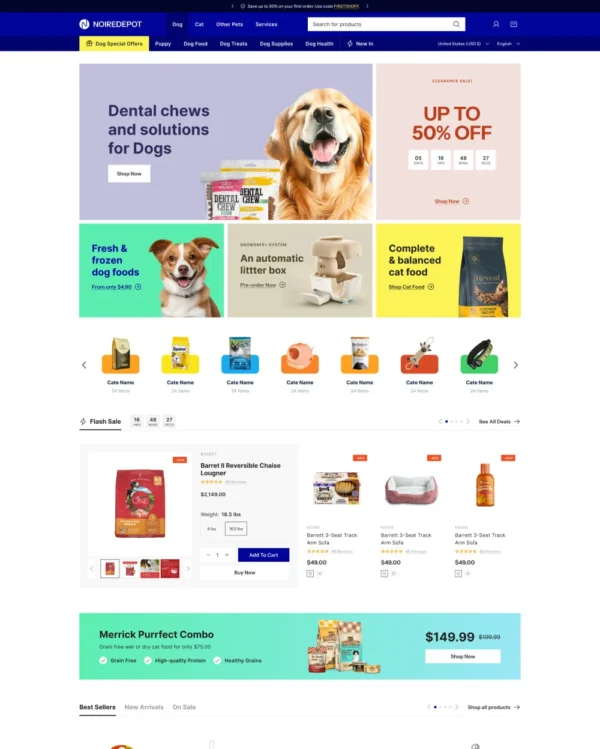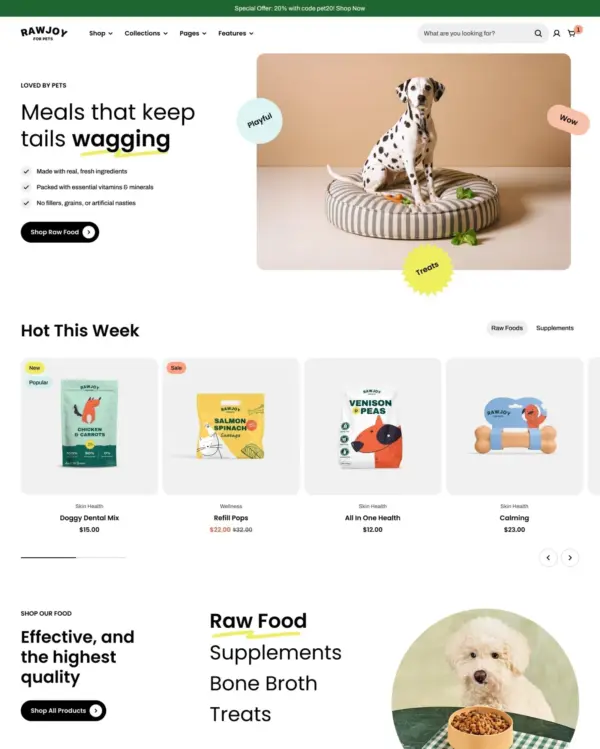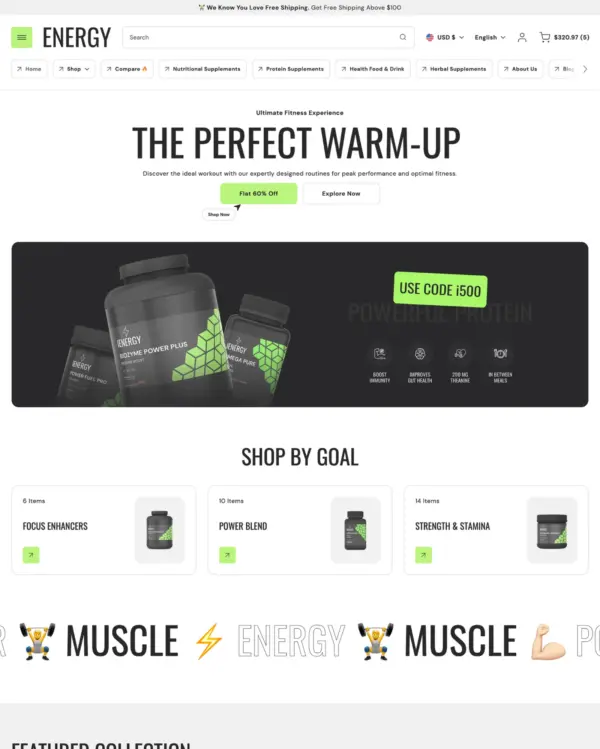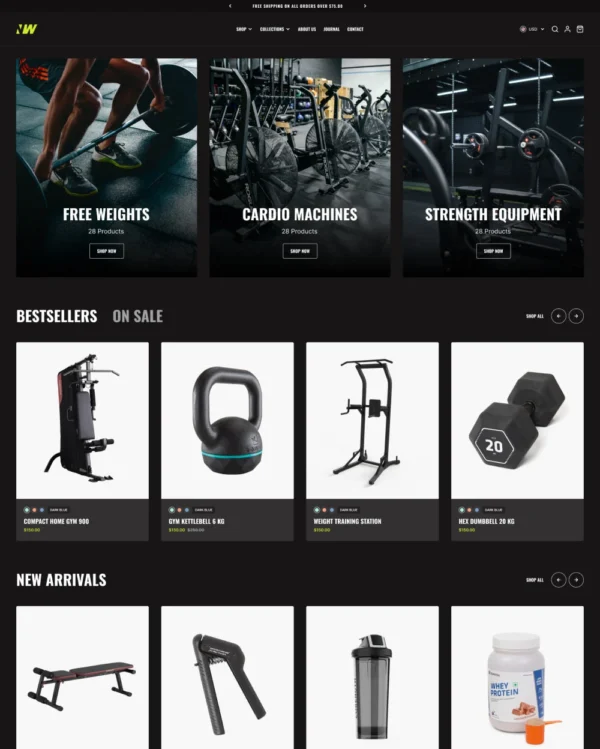

Vision Shopify theme – Vision preset
Vision
Highly active Well rated electronics

Vision Shopify theme

Vision preset

Created by Fuel Themes

Data updated:
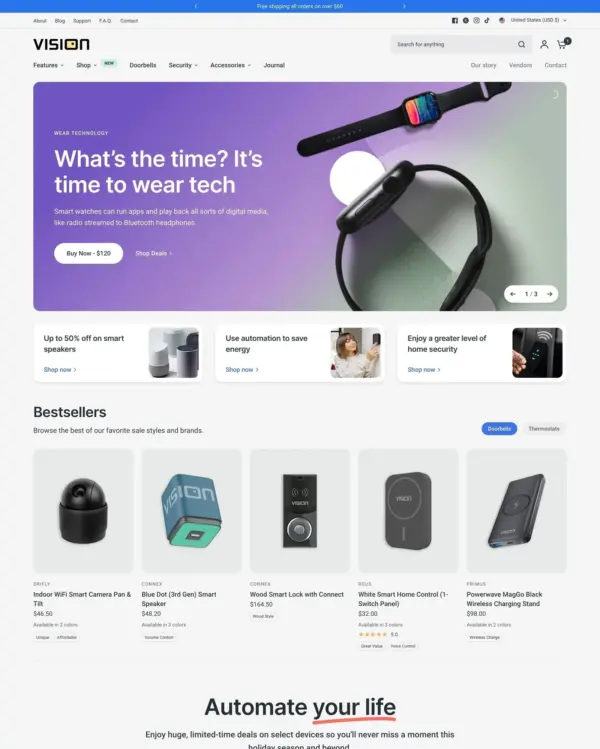
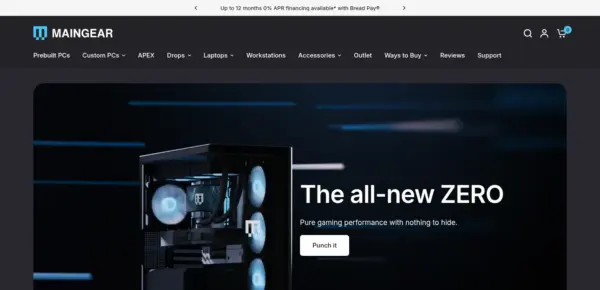
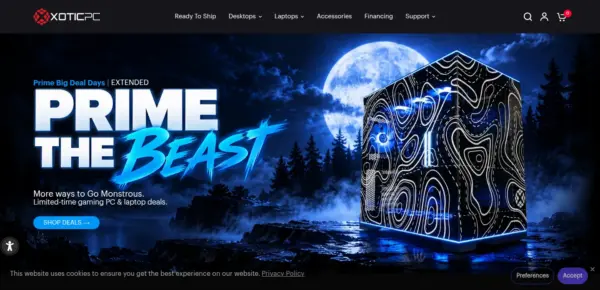
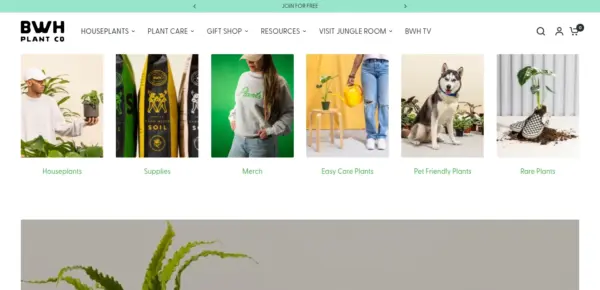
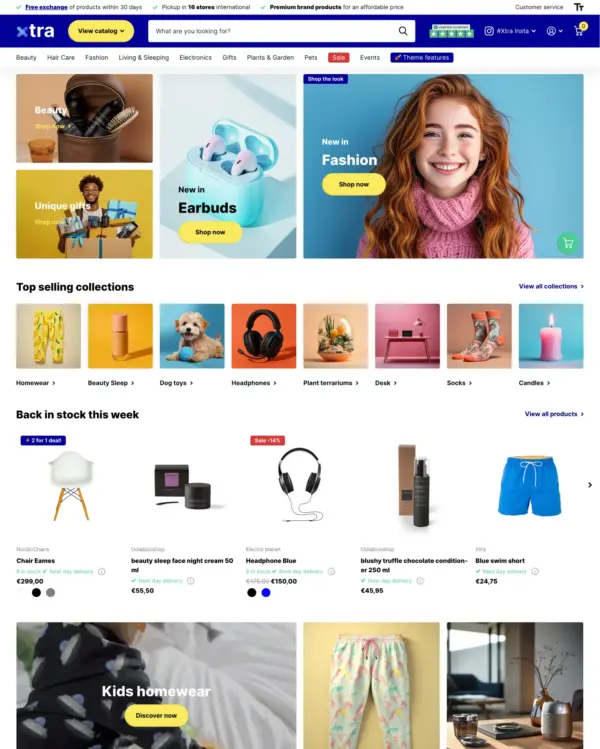
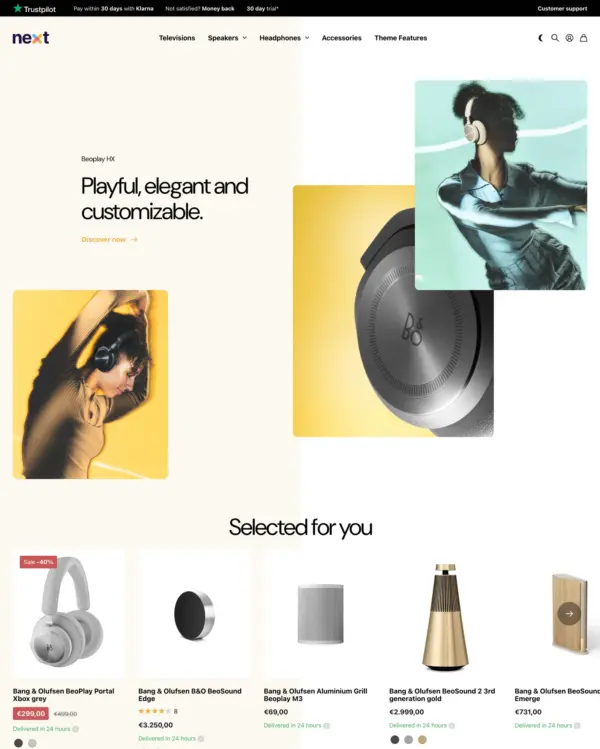
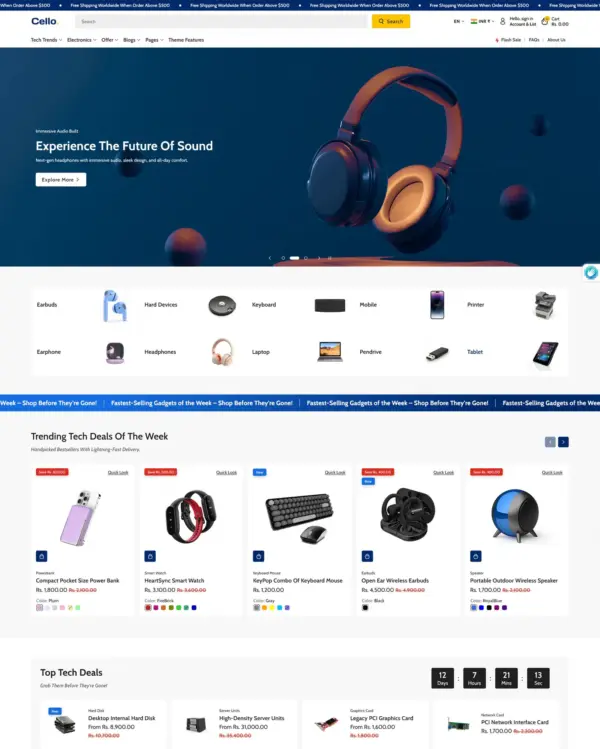
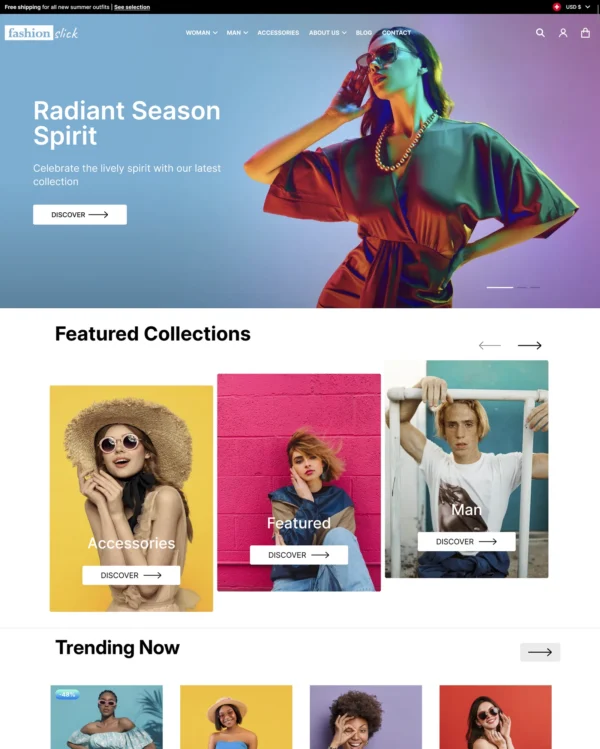
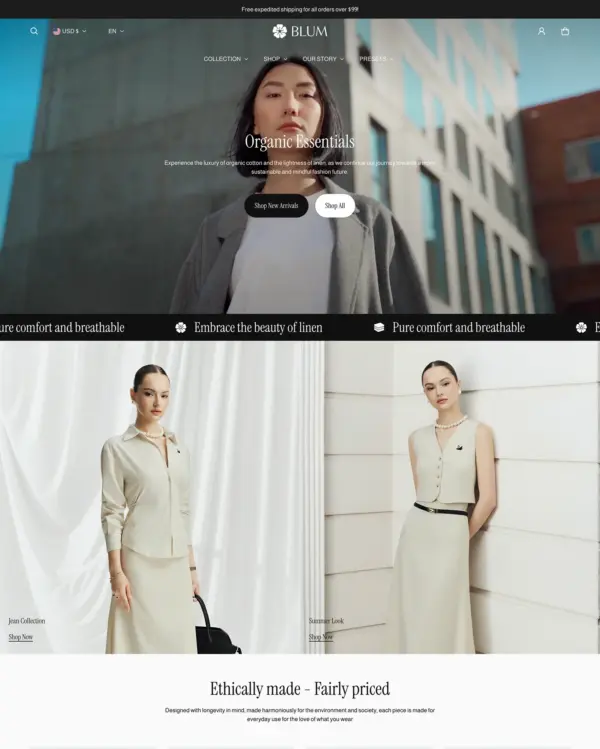
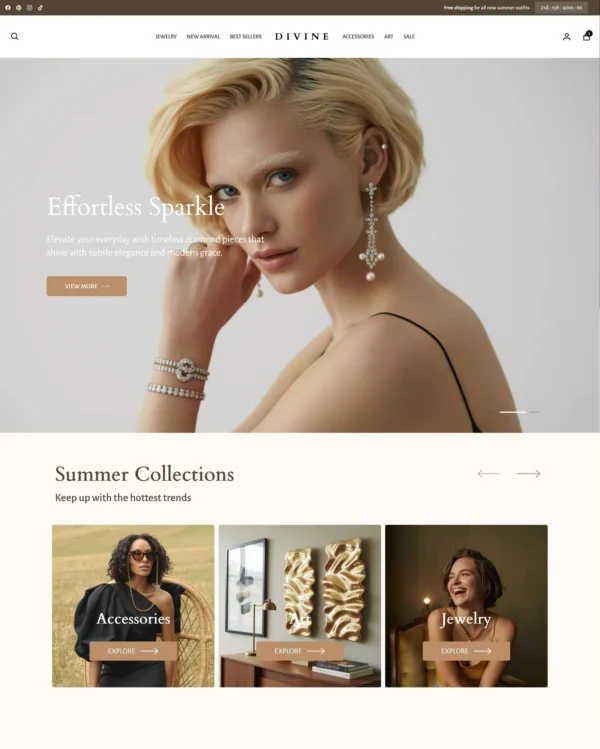
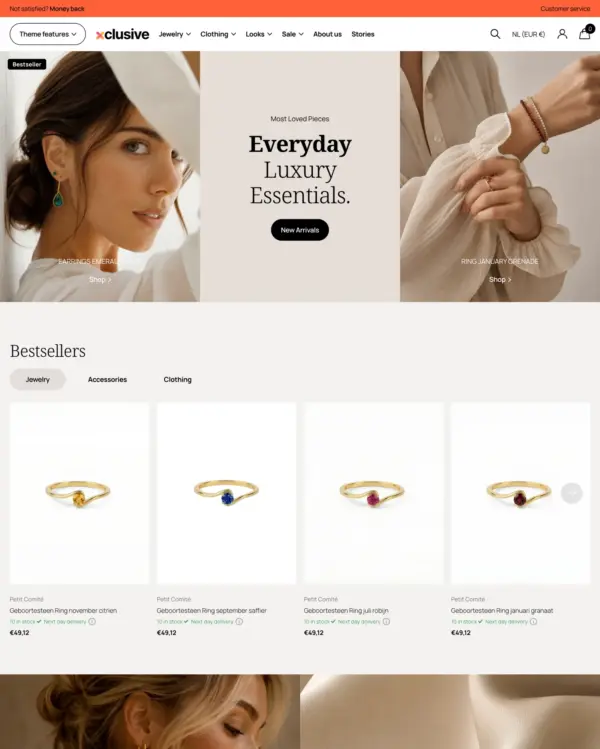
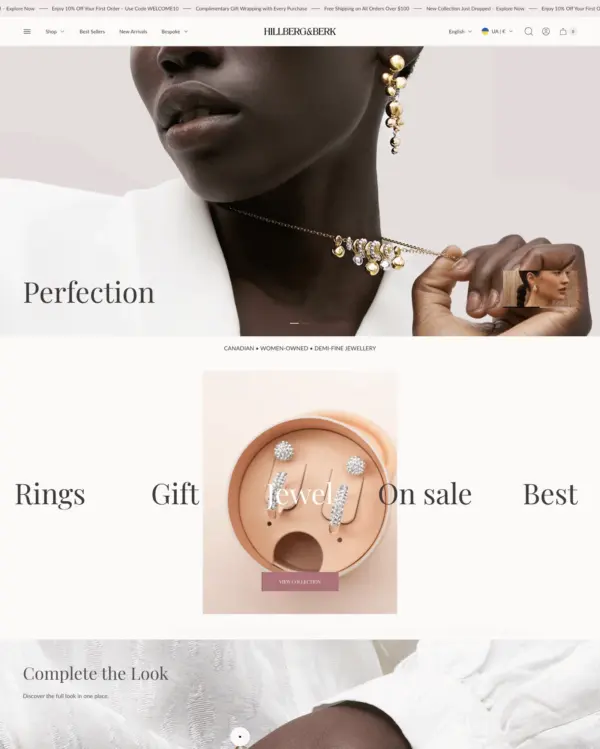
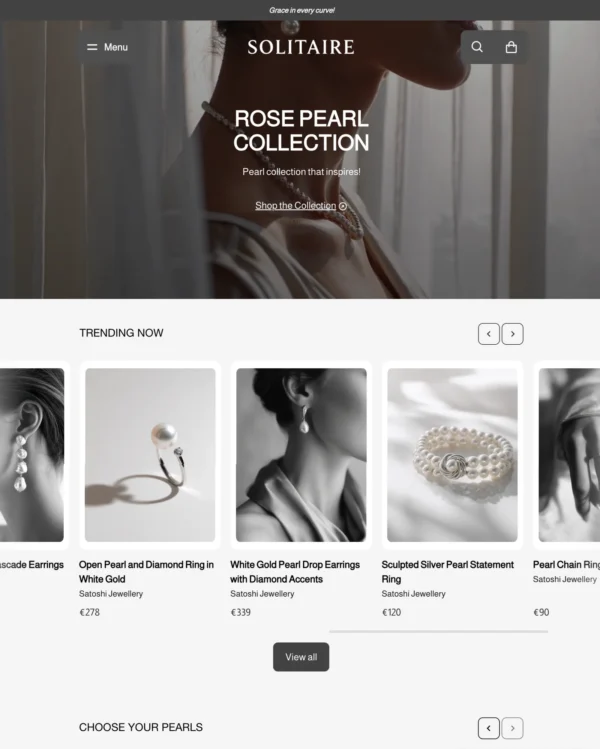
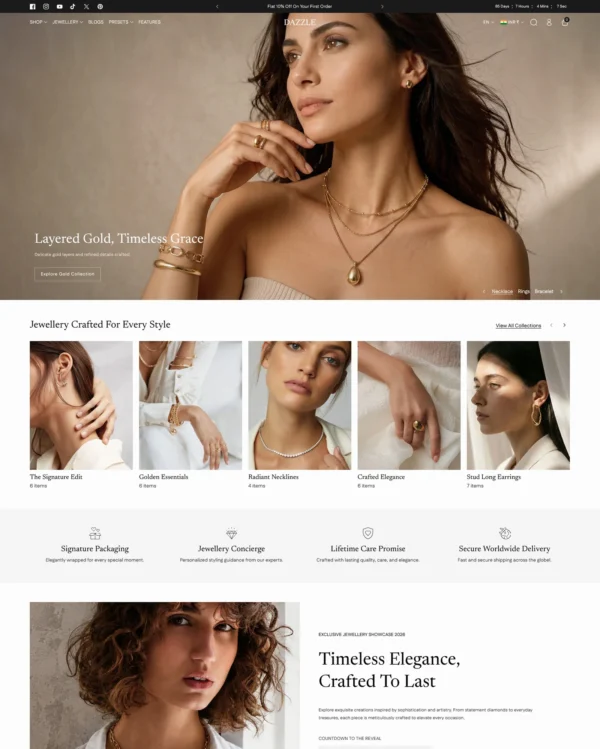
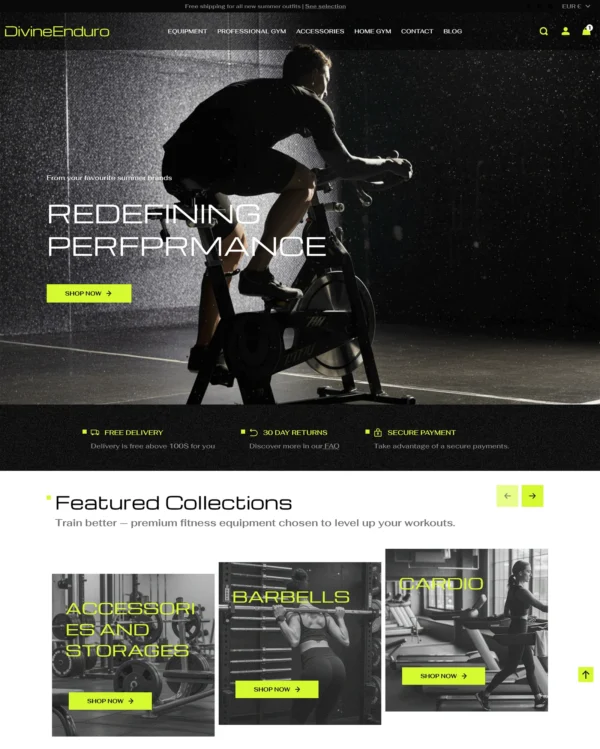
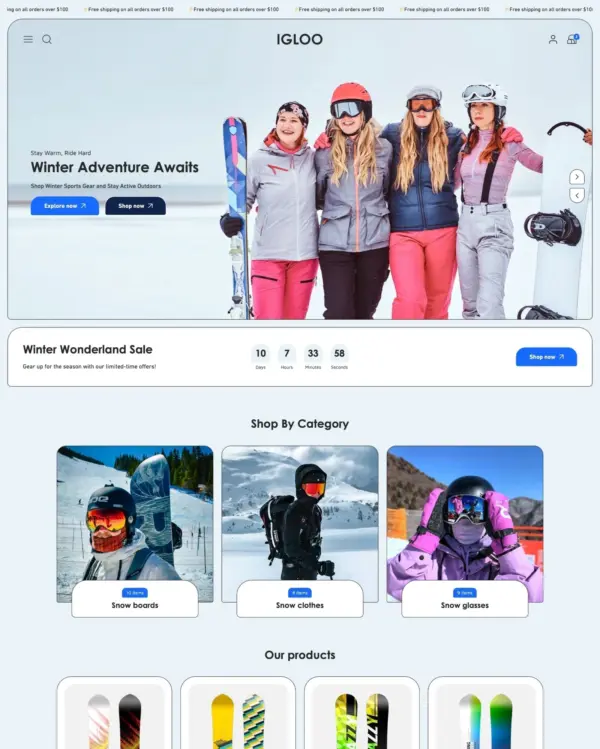
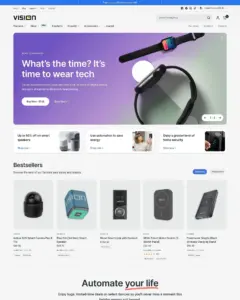
Jewelry, food and drink, and electronics stores are among the intended uses for Vision, a Shopify theme with five presets and more than 36 custom sections. Hosted product videos, image hotspots, before/after sliders, and rollover effects sit alongside a mega menu and swatch filters for navigation.
Source Shopify Theme Store Official
★★★★★
★★★★★
4.4 · 147 reviews · 88% positive
PRICE
$ 430,00 USD
PRESETS
5 styles

Independently reviewed by the eDIY editorial team

Our verdict on Vision

Vision shows electronics and lifestyle products through videos and interactive photos that reveal more details. For Vision, product footage is worth the extra effort when it answers a question that static photography cannot answer nearly as well. At $430, Vision needs to replace real design work or noticeably improve shopping; attractive screenshots are not enough. The 147 merchant reviews for Vision give buyers more real-world feedback to check, particularly around updates. I'd judge Vision using filtering a real specifications-heavy collection and actual store content, not only the official demo.

Reviewed by
Olga Diejewa · Ecommerce Theme Expert

What we liked

  • Videos give Vision's products a chance to show movement and use, which still photographs cannot always explain convincingly.
  • In Vision, clickable images can connect a styled electronics scene to the individual products in it, avoiding an unnecessary search.
  • Comparison sliders fit this electronics storefront when the difference between two states is genuinely important to the purchase.

Worth knowing

  • The $430 price makes product video and interactive imagery worth evaluating against cheaper alternatives using your own catalog, not just the demo.
  • Merchant comments mention slow or missing support replies, especially for bugs; read those experiences carefully before committing to Vision.

How fast is Vision?

Google PageSpeed Insights scores out of 100. Demo results average the home, collection, and product pages.

The official Vision demo scored 79/100 on mobile and 95/100 on desktop in our November 2026 test. On mobile, LCP was 5.4s, CLS 0.01 and Total Blocking Time 35ms.

Theme demo store

Official Vision demo, average of 3 pages
80 /100
Mobile
Needs improvement
95 /100
Desktop
Good
By pageMobileDesktop
Home page 76 94
Collection page 81 97
Product page 82 95
MetricMobileDesktop
Largest Contentful Paint 6.4s 1.3s
Cumulative Layout Shift 0.00 0.06
Total Blocking Time 38ms 24ms
Speed Index 4.0s 1.6s
MetricMobileDesktop
Largest Contentful Paint 5.0s 941ms
Cumulative Layout Shift 0.01 0.03
Total Blocking Time 12ms 41ms
Speed Index 3.3s 1.5s
MetricMobileDesktop
Largest Contentful Paint 4.9s 965ms
Cumulative Layout Shift 0.01 0.11
Total Blocking Time 56ms 8ms
Speed Index 3.0s 1.2s

Lab data from PageSpeed Insights, Nov 2026

The 8 live stores we tested averaged 52/100 on mobile and 63/100 on desktop. Average mobile LCP was 16.0s and CLS was 0.06. These are complete production stores, so the numbers cover more than the theme itself.

Live stores average

Mean across 8 stores running Vision
52 /100
Mobile
Needs improvement
63 /100
Desktop
Needs improvement
MetricMobileDesktop
Largest Contentful Paint 16.0s 2.7s
Cumulative Layout Shift 0.06 0.10
Total Blocking Time 748ms 1.1s
Speed Index 11.0s 4.0s

Real stores carry their own apps, images and traffic

Per-store results

8 live stores · tested Nov 2026
Banks Power
bankspower.com
Mobile 20
Desktop 28
Tennis Express
tennisexpress.com
Mobile 49
Desktop 58
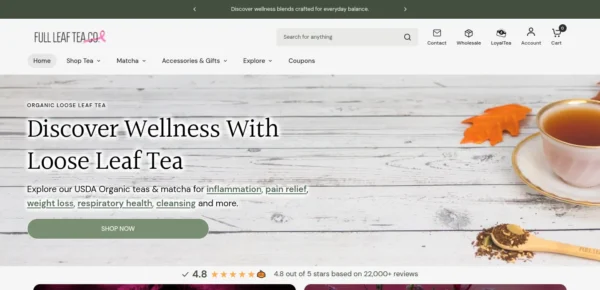
Full Leaf Tea Company
fullleafteacompany.com
Mobile 65
Desktop 88
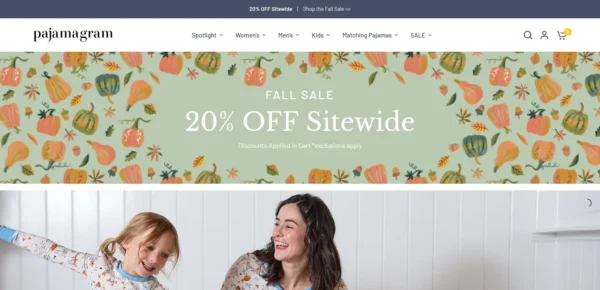
Pajamagram
pajamagram.com
Mobile 74
Desktop 93
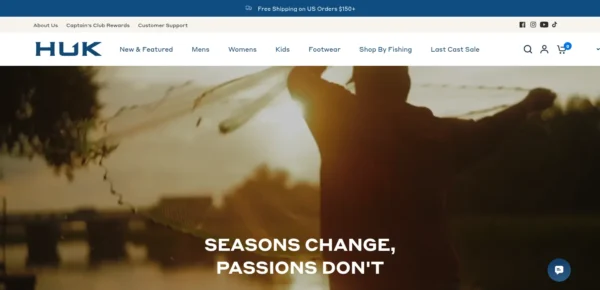
Huk Gear
huk.com
Mobile 37
Desktop 54
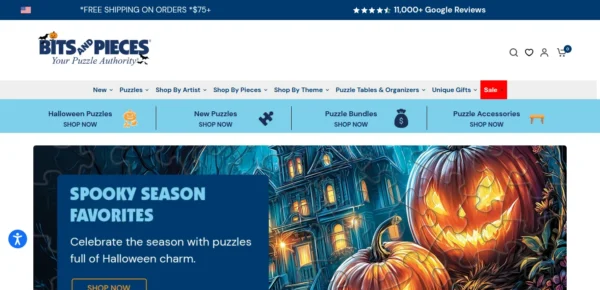
Bits and Pieces
bitsandpieces.com
Mobile 30
Desktop 50
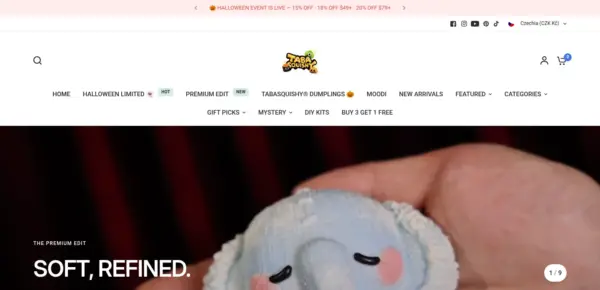
TABASQUISHY®
tabasquishy.com
Mobile 72
Desktop 90
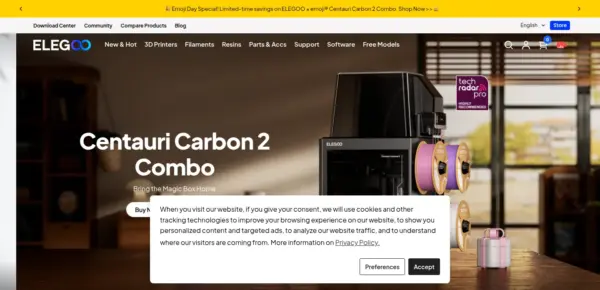
ELEGOO
elegoo.com
Mobile 69
Desktop 41

Features

Built-in features listed on the Theme Store.

Cart and checkout

  • Cart notes
  • Gift wrapping
  • In-store pickups
  • Pre-order
  • Quick buy
  • Sign in with Shop
  • Slide-out cart
  • Sticky cart

Customer accounts and sign-in

  • Account menu

Marketing and conversion

  • Trust badges
  • Stock counter
  • Right-to-left
  • Recommended products
  • Recently viewed
  • Quick view
  • Quick order list
  • Promo tiles
  • Promo popups
  • Promo banners
  • Product badges
  • Press coverage
  • In-menu promos
  • FAQ page
  • EU translations (EN, FR, IT, DE, ES)
  • Customizable contact form
  • Cross-selling
  • Countdown timer
  • Blogs
  • Back-in-stock alert
  • Quantity pricing (Shopify Plus)

Merchandising

  • Animation
  • Before/after image slider
  • Color swatches
  • High-resolution images
  • Image galleries
  • Image hotspot
  • Image rollover
  • Image zoom
  • Ingredients or nutritional information
  • Lookbooks
  • Product options
  • Product tabs
  • Product videos
  • Shipping/delivery information
  • Size chart
  • Slideshow
  • Usage information

Product discovery

  • Back-to-top button
  • Breadcrumbs
  • Collection page navigation
  • Enhanced search
  • Infinite scroll
  • Mega menu
  • Product filtering and sorting
  • Recently viewed
  • Recommended products
  • Sticky header
  • Swatch filters
56 features

Vision ranking and satisfaction

Position among all Shopify themes
#208 of 1375
Position among Shopify themes for "electronics"
#25 of 83
Overall satisfaction based on all reviews
88% positive

Release history

LATEST VERSION
v19.0.0
Released November 16, 2026
Highly active

Vision is actively maintained, with 10 releases in the last 12 months.

Releases in 12 mo 10
Total releases 53
First release April 19, 2023
v19.0.0 MAJOR

This update makes the cart, product pages and carousels more reliable and keyboard friendly, speeds up page loading, completes right-to-left support, and groups sections into categories in the theme editor.

Added

  • Sections in the theme editor's Add section menu are now grouped into categories (Collections, Products, Blog, Media, Storytelling, Reviews, Forms, Promotions, Information and Layout), so the section you need is quicker to find than in one long alphabetical list
  • Reward tiers for the free shipping bar: add up to 2 more spending goals after free shipping, each with its own message and an optional Add gift button, in the cart drawer and on the cart page. Turn it on under Theme settings > Cart > Reward tiers
  • Gift wrap: shoppers can add gift wrapping and a gift message (saved on the order as the "Gift message" attribute) from the cart drawer and the cart page. Turn it on under Theme settings > Cart > Gift wrap and pick your gift wrap product
  • Express checkout buttons in the cart drawer (Theme settings > Cart Drawer > Show express checkout buttons, off by default; they wait for the terms checkbox when terms are enabled) and payment icons under the checkout button on the cart page (Cart section > Show payment icons)
  • Cart recommendations can now show related, complementary or hand-picked products with your own heading and limit (Theme settings > Cart Drawer), and the empty cart can show collection links and a shelf of products from a featured collection (Theme settings > Cart > Empty cart)
  • Edit cart items: an Edit link on cart lines in the cart drawer and on the cart page opens quick view to change the variant, quantity or custom options. It appears on products with more than one variant, with no setting to turn on
  • Quick order list: a new product page section that lists every variant with a quantity field, as a grid or a list, so shoppers can add or change several variants in one go. Add it from Add section > Products > Quick order list
  • Complete the look block for product pages and Featured product: shows the product with up to 3 others (picked in the block or through a product list metafield), each with a tick box and variant select, a running total, and one button that adds every ticked item to the cart
  • Volume pricing block for product pages: shows the selected variant’s quantity rules and quantity price breaks as a table, highlighting the price the shopper’s quantity reaches. It stays hidden on products without quantity rules or volume pricing
  • Notify me block for sold-out variants: shoppers leave their email to hear when the selected variant is back in stock, sent to you through the contact form (or saved as a tagged customer). New installs get it after Buy buttons on the product page and in quick view; on existing templates add it under Product information > Add block > Notify me
  • Delivery estimate block for product pages: shows a countdown to your daily order cutoff and the expected delivery dates, with settings for cutoff time, processing days, dispatch days, holidays, transit time and countries
  • Model and fit block for product pages, Featured product and quick view: show the model’s height, the size worn and garment measurements, each connectable to product or variant metafields
  • Pop-up: new scroll depth and exit-intent triggers, a "Show again after closing" setting, an optional teaser tab that reopens the pop-up, and a success message with a discount code and Copy button after signup. All are off by default in the Pop-up section’s settings
  • Mega menu collections and Mega menu products: two new header blocks that show collection tiles or up to 4 picked products beside a menu item’s dropdown links on desktop and in the mobile menu. Add them under Header > Add block
  • Grid view toggle on collection and search pages: shoppers choose how many products show per row (2 to 4 on desktop, 1 or 2 on phones) and their choice is remembered. Turn it on with "Show grid view toggle" in the Product grid and Search results sections
  • Featured products row in the collection header: show up to 8 small product cards under the collection title (Collection page > Template header > Featured products)
  • Blog: new List and 4 columns layouts, a Posts per page setting, a Feature the first post option and an optional reading time on posts (Blog page > Blog posts)
  • Product hotspots on Slideshow slides and Image with text overlay: pick up to three products under "Hotspots", set each one’s position (with an optional separate position on mobile), and shoppers can open the product in quick view from the image
  • Four scroll-driven sections under Storytelling in Add section: Revealed text, Revealed media with text, Scrolling boxes and Multiple media with text. They need Animations enabled in theme settings and show as plain, complete sections for visitors who ask for reduced motion
  • Purchase options block for subscriptions: on products with selling plans, shows One-time purchase and each subscription group with its price and saving, and adds the chosen plan to the cart. Add the block to Product information, Featured product or Quick view; it stays hidden on products without selling plans. Do not use it next to a subscription app's own block
  • Size options on product cards: pointing at a card (or tabbing into it) shows the product's sizes as buttons that add that size to the cart, with sold-out sizes struck through; touch screens keep quick view (Theme settings > Product card > Size options, off by default)
  • Product cards can play the product's first video in place of the image, step through up to 5 hover images with dots, and show the whole image instead of cropping it (Theme settings > Product card > Play product video, Number of hover images, Image fit)
  • Color swatch limit on product cards: show a set number of swatches and a "+N" link for the rest (Theme settings > Product card > Color swatch limit; 0 = no limit, the default)
  • Horizontal filter bar: filters on collection and search pages can sit in a row of dropdowns above the product grid, and the filter sidebar can be Small, Medium or Large (product grid or search results section > Desktop position / Sidebar width)
  • Text below the collection product grid: a heading and rich text under the products, clamped to a maximum height with Read more / Read less (Collection page > Product grid > Text below the products)
  • Cart savings and Clear all: the cart drawer and cart page show a "You save" line above the total whenever the cart is discounted, and an optional Clear all button empties the cart after a confirm step (Theme settings > Cart > Show Clear all button, off by default)
  • Line item property block: two new types, Date (with an optional earliest date) and File upload (with optional accepted file types)
  • Announcement bar: a new Countdown message block, plus a schedule (start and end date) and country targeting on every message, all blank by default
  • Header: the sticky header can hide on scroll down and return on scroll up (Header > Sticky header behavior), and desktop can use the menu button and drawer instead of the full menu (Header > Use drawer menu on desktop)
  • Collapsible content: "Open one row at a time" and "Add FAQ structured data" (describes the rows to search engines as questions and answers), both off by default
  • Shoppable video reels: a new section with a centred carousel of vertical videos, each with a product card and optional quick add (Add section > Media)
  • Comparison table: a new "us vs them" section with 2 to 4 columns, one highlighted column, and a check mark, cross or short text in each cell (Add section > Information)
  • The theme editor is now translated into 20 languages (Czech, Danish, German, Spanish, Finnish, French, Italian, Japanese, Korean, Norwegian, Dutch, Polish, Portuguese for Brazil and Portugal, Swedish, Thai, Turkish, Vietnamese, Simplified and Traditional Chinese): section, block and setting names follow your Shopify admin language

Changed

  • Important: Product cards now show the stock notice only when a product is at or below the low inventory threshold. Stores that never saved these settings will see the stock line disappear from well-stocked products after updating; to bring it back, set Theme settings > Product card > Inventory > "Show inventory notice" and "Show count in inventory notice" to "Always"
  • Important: The free shipping message in the cart is now off by default. Stores that never saved this setting will stop showing the bar after updating; turn it back on under Theme settings > Cart Drawer > Show free shipping message and check the minimum amount matches your real shipping rates
  • Important: Theme scripts no longer block page rendering, and the slideshow script loads only on pages that use a carousel. Custom code or apps that expect theme scripts (Flickity, GSAP) to be ready at the end of the page should wait for DOMContentLoaded
  • Important: Images below the fold now use the browser's built-in lazy loading with real responsive sources instead of a script and blurred placeholder, so the blur-up fade is gone; the "Lazy load images" setting now simply turns this on or off
  • Important: Right-to-left stores now mirror the whole theme: spacing, drawers, sticky add-to-cart, carousel arrows, badges and underlines follow the text direction, and Left/Right alignment and "Bottom left/right" popup settings mean start/end in right-to-left languages. Left-to-right stores are unchanged
  • Important: On touch screens, product card quick view is now a small always-visible button in the bottom corner of the image, so tapping the image opens the product; on desktop the quick view button also appears on keyboard focus
  • Important: Sticky add to cart on product pages now shows the selected variant and an Add to cart button without opening the bar, and can sit on the left or right (Product information > Sticky add to cart position, default Right)
  • Important: The free shipping settings moved from Theme settings > Cart Drawer to Theme settings > Cart, next to the new reward tiers. Saved values are kept
  • Important: Cart recommendations no longer suggest products that are already in the cart or unavailable

Removed

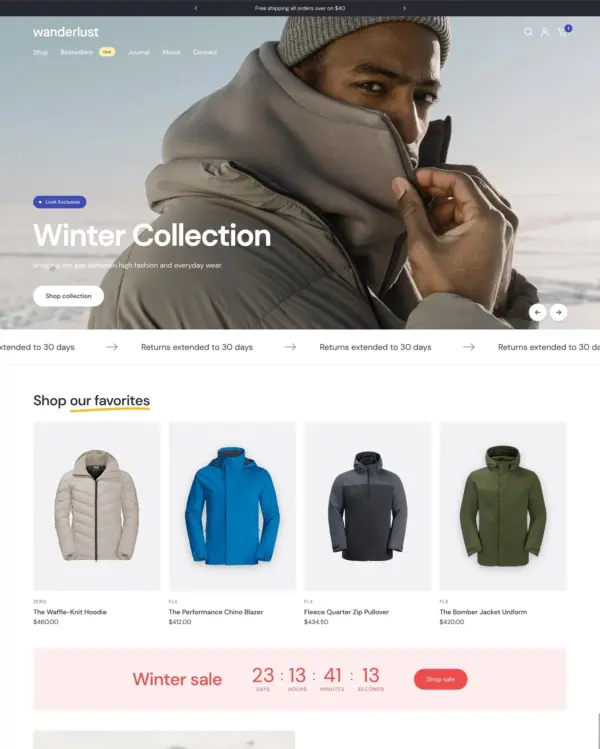
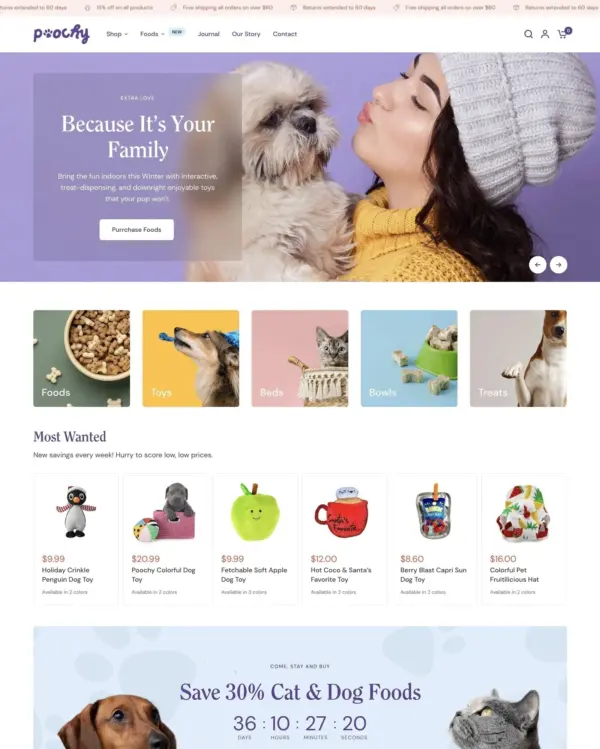
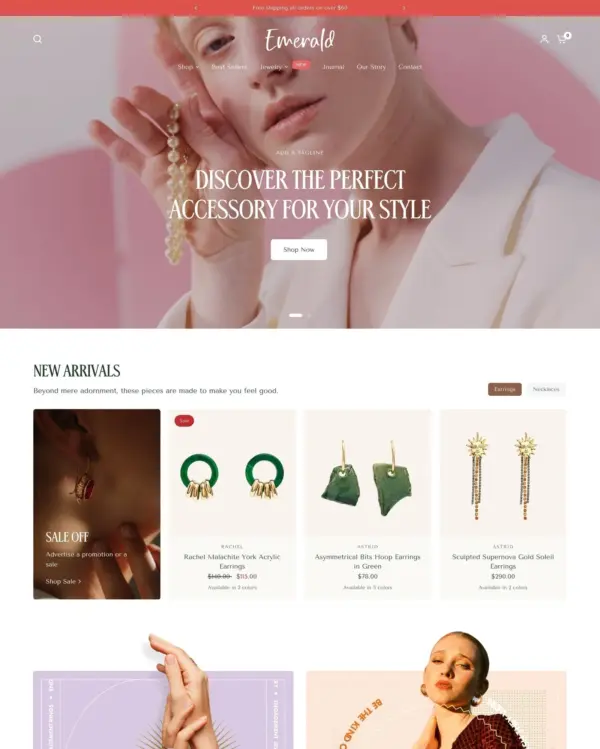
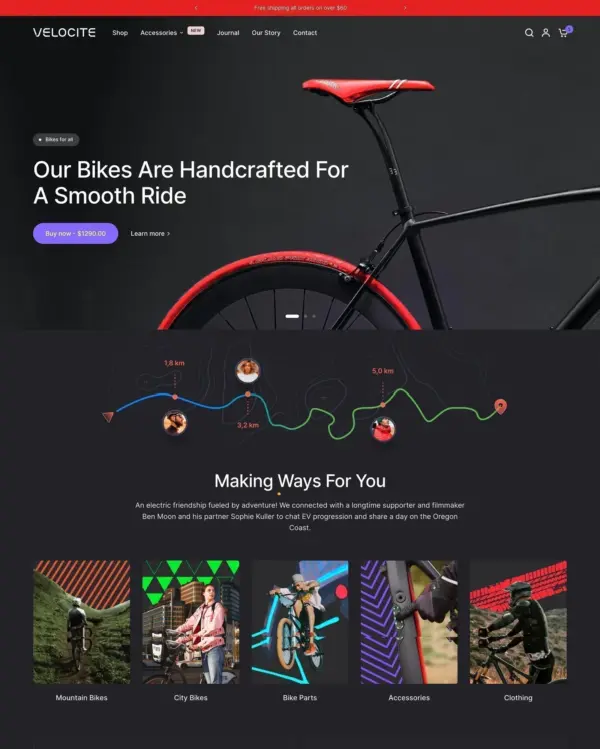
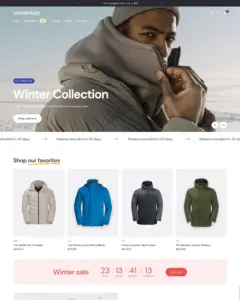
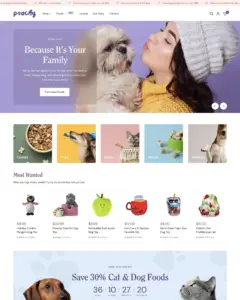
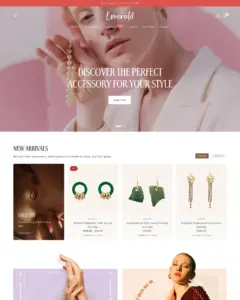
  • The theme package no longer includes the demo-store alternate templates (home, about page and product templates for Emerald, Poochy, Velocite and Winter), so the template picker lists only templates you can use

Other fixes and improvements

  • Important: Countdown banner: the minute list was missing 23, and the option shown as "23" actually saved 22. Both minutes are now listed correctly. If you had picked "23", the editor now shows "22" and your timer still ends at the same time as before; re-select 23 if that is what you meant
  • Important: Right-to-left stores no longer scroll sideways on the mobile product page, the search icon no longer covers typed text, sale prices are spaced correctly, desktop dropdown menus open on-screen, and scrolling marquees repeat short content to fill the bar and loop without a gap
  • Add to cart no longer adds an item twice on a double tap, and stock, quantity-limit and connection errors now show a message under the button on product pages and on product card quick add
  • Cart drawer now shows the reason when a quantity change is refused, restores the previous quantity, and no longer freezes a line after a failed request; the cart page no longer sends duplicate quantity and remove requests
  • Fixed the product variant picker so quick option changes always end on the last selection, and a failed update returns to the previous selection instead of leaving Add to cart disabled
  • Combined listings: choosing a color that is a separate product now switches the product in place in quick view and on the product page, keeping the selected size
  • Cart remove and drawer close controls are now real, named buttons: reachable with Tab, activated with Enter or Space, announced by screen readers, with larger tap areas. Opening a drawer moves focus to its close button, and the cart drawer keeps keyboard focus in place after a quantity change
  • Carousel arrows are now real, named buttons (Previous slide / Next slide, translated): tabbing onto an arrow no longer moves the slide. The mobile menu toggle, header cart link and back-to-top control also have accessible names
  • Faster image loading: the main product image, the first collection product and the collection header image now download a size that fits their slot, an unused collection image preload is removed, and mega menu and footer images load only when needed
  • Fixed the mobile menu getting stuck when its button is pressed twice quickly, search and collection filters showing outdated results or a stuck loading state, the filter drawer's Apply and Clear buttons hiding under the iOS Safari toolbar, and scrolling content dots highlighting the wrong step
  • Newsletter, contact and password page email fields now accept every valid address (newer domains such as .store and .design, and plus-addressing); the image zoom, lightbox and breadcrumb labels are translated in all languages; and several theme editor setting names were reworded for consistency
  • Cart page: an emptied quantity is no longer sent, keyboard focus stays in place after quantity changes and removals, repeated presses on Remove only remove one item, quick changes to two items are both saved, and stock-limit and update errors now show on the item
  • Product card quick view, the back to top button and the close buttons in the address and pickup availability panels can now be reached and used with the keyboard, and focus returns to the product card when quick view or the cart drawer closes
  • Right-to-left stores: the product gallery now runs right to left with mirrored arrows, carousel arrows hide at the correct end, scroll fades appear on the correct side, nested menus open on-screen, and gift card pages follow the store language's text direction
  • Featured product sections can now switch between the products of a combined listing in place instead of opening the product page
  • Age verification: the pop-up is now announced by name to screen readers, and Tab stays inside it until the visitor verifies
  • "Choose options" on small product cards (cart recommendations, empty cart shelf, collection header row, complementary products, search, compare) can now be reached and opened with the keyboard
  • Adding to cart from the product page while another cart change is in progress no longer shows an out-of-date cart or cart count
  • Pressing Escape in quick view opened from the cart drawer (Edit) now closes only quick view, not the cart drawer as well
  • Slideshow: Tab no longer stops on buttons of slides that are off screen, and focus returns to a hotspot after its quick view is closed
  • Sticky add to cart: the back to top button no longer overlaps Add to cart on phones when the bar is on the left, and Escape closes the options after a tap in Safari
  • Fixed the Pinterest share link on blog posts without an image, an error request from product recommendations on an empty cart page, and quick view not receiving keyboard focus in Safari
  • Important: Pop-up countdown: the minute list was missing 23, and the option shown as "23" actually saved 22. Both are now listed correctly; if you had picked "23", the editor now shows "22" and the timer ends at the same time as before
  • Search page: filters that leave no results no longer hide the toolbar and the active filter chips; the Filter and sort button now shows on desktop when the filter position is Drawer; and filtering or sorting a search limited to products no longer brings articles and pages back into the results
  • Mobile menu: with "Parent links open their own URL" on, sub-menus can now be opened from the keyboard (Enter or Space on the row), and the menu reaches the bottom of the screen when the announcement bar changes height after the page has loaded
  • Collapsible rows now end in the right state when their heading is clicked several times in quick succession, and open and close without animation for visitors who ask for reduced motion
  • The sort menu and the language and country selectors can now be used with the arrow keys, Home, End and by typing the first letters of a choice, and close when you click elsewhere on the page
  • Filters: the price range fields now have labels for screen readers, and closing the filter drawer returns keyboard focus to the Filter and sort button, which can also be opened with the keyboard
  • The Read more button on long descriptions now tells screen readers whether the text is expanded, and the keyboard no longer stops on links hidden below the fold
  • Important: Links that jump to a section on the same page no longer leave the top of that section hidden under the sticky header
  • Cart page: custom line item properties now show a space after the colon, cart stylesheets and scripts load once instead of twice when the cart drawer is on, product recommendations disappear as soon as the cart is emptied, and the page updates when a quantity is changed or a product removed in the cart drawer opened on the cart page
  • Product cards: with color swatches on, pointing at a swatch and then at the image now shows a hover image of that color instead of the product's second image
  • Infinite and Click to load pagination no longer log a script error on stores that do not use Stamped
v18.0.0 MAJOR

This update adds a mobile dock (a bar of shortcuts along the bottom of phone screens), fixes cart quantity changes and removals landing on the wrong line after an app adds or removes cart items, desktop mega menus taller than the browser window being cut off at the bottom, and brings the theme's Shopify standard events up to the published schema so pixel and analytics apps receive complete data.

Added

  • Important: Mobile dock — a new section in the theme editor's Overlays group that pins up to six shortcuts to the bottom of phone screens: Home, Menu, Search, Cart (with the item count), Account, and custom links. Menu, Search and Cart open the same menu and drawers as the header icons. Each item can have its own label and icon (or a custom SVG), the colors match the header unless you pick your own, and an optional setting keeps the dock hidden at the top of the page and slides it in as visitors scroll down. The sticky add-to-cart bar, the back-to-top button and the end of the page move up so the dock never covers them. Hidden on screens 768px and wider

Other fixes and improvements

  • Cart quantity changes and removals now target the line item by its key instead of its position — when an app, discount, or script adds or removes a cart line after the page loads (an auto-added free gift, for example), changing a quantity or removing an item no longer lands on whichever item moved into that position. The same applies to the quantities posted when checking out from the cart page
  • Desktop mega menus taller than the browser window are now capped to the visible area and scroll inside the panel — previously the bottom of a long mega menu ran off-screen with no way to reach it, which affected stores with many top-level categories in the sidebar mega menu
  • Shopify standard events (shopify:cart:lines-update, cart:error, cart:note-update, cart:discount-update, cart:view, product:view, product:select, collection:view, collection:update, search:update) now send the full payloads Shopify's schema requires — cart line changes carry the line, quantity and where the change happened (cart page, drawer, product page or quick view), variant selection reports the chosen options and the resolved variant, collection and search updates report the filtered product count, and the cart page reports the actual cart. Pixel and analytics apps that read these events previously received incomplete or invalid data
  • Pressing Escape to close the mobile menu no longer leaves the page unable to scroll — the menu now closes the same way as tapping the menu icon, and keyboard focus returns to the menu button instead of being lost
v17.0.0 MAJOR

This update adds independent font controls for navigation, buttons, and subheadings, a blog feature pack with related articles and new article blocks, modernized settings controls, and fixes a JavaScript error on mobile when tapping product cards that use hover images.

Added

  • Important: Independent font sources for navigation, buttons, and subheadings — each area can use the body font (default), the heading font, or its own pick from the font library. Stores that don't touch the new settings render exactly as before

  • Important: Related articles section for blog posts — shows same-blog articles that share a tag with the current post, backfilled with recent posts; hidden on single-article blogs

  • New article blocks: author bio (avatar, name, bio), shoppable products (single card or carousel), and newsletter signup

  • Animated markers in slideshow headings — wrap a word between | characters in a slide heading to underline it with the theme's hand-drawn marker (Basic, Double, Squiggle, or Zigzag, with a per-slide color). The marker draws itself right after the heading's entrance animation finishes, and replays on every slide change

Changed

  • Upgraded the bundled GSAP animation library to 3.15.0 — removes the Club GreenSock licensing restriction from the theme's SplitText and DrawSVG plugins and ships a smaller animation bundle; slideshow and background video text reveals now use SplitText's native line masks
  • Removed dead code across the theme — an unused GSAP plugin shim (2.8KB less JavaScript on every page), an orphaned stylesheet, five unused icons, and leftover unused variables
  • The stylesheet build now uses Dart Sass — compiled styles are functionally identical, with no visual changes
  • The price range slider library is now minified — 63KB less JavaScript on collection and search pages that use filtering
  • Stylesheets are around 19KB smaller overall after removing duplicated rules from the build, with no visual changes
  • 20 alignment settings now use Shopify's native alignment control with visual icons instead of dropdowns — saved values are unaffected
  • The loading spinner icon is now defined once per page as a shared SVG symbol instead of being repeated inline at every use — product grids render up to four spinners per card, so large collection pages ship meaningfully less markup with identical appearance and animation
  • Load More and infinite scroll now cross-fade new products in with the View Transitions API, matching the cross-fade that filtering already uses — when theme animations are enabled, the existing staggered reveal is kept instead
  • Settings that depend on another setting now only appear when they apply (autoplay durations, promotion fields, filter options, badge colors, transparent-header logo, and more)

Other fixes and improvements

  • Fixed a JavaScript error on the "All products" collection page (/collections/all) that broke quick view and quick add — Shopify supplies a collection object without an id there, which rendered invalid code inside the theme's settings script and stopped it from loading

  • Collection tabs no longer blank the product list when a tab's collection fails to load — the current tab stays in place, and the failure is now logged to the console for easier diagnosis

  • Fixed a JavaScript error on touch devices when tapping a product card with hover images enabled — touch events carry no cursor position, which crashed the image-hover handler

  • The light logo variant is no longer output (and downloaded) when transparent header is disabled

  • Improved sub-menu styles in the secondary menu section — dropdown links are now legible on light panels when the bar uses dark colors, match the header dropdowns' hover styles, open without a hover dead-zone, and use tighter spacing suited to the smaller bar

v16.0.0 MAJOR

This update adds Shopify standard events for analytics and pixel apps, improves keyboard accessibility and reduced-motion support, and fixes collection tabs not switching when editing tabs and their promotions in the theme editor.

Added

  • Important: Shopify standard events integration — the theme now publishes all 11 standard events (page view, product view, variant select, cart view, cart line/note/discount updates, cart errors, collection view/update, search update) so analytics and pixel apps can track commerce interactions without custom code
  • Optional "Show selected values first" setting for collection and search filters — moves checked filter values to the top of each group

Changed

  • Color option detection is now centralized in a single snippet — the built-in language list and the "Additional swatch variant options" setting are applied identically across product pickers, card swatches, and collection filters. The "show color swatches in filters" toggle is now consistently respected for filters matched via the theme setting

Other fixes and improvements

  • Drawers and side panels now trap keyboard focus while open and return focus to the triggering element on close
  • Theme animations are now automatically disabled for visitors with a reduced-motion system preference
  • Collection and search results now animate smoothly when filtering or sorting, using the browser's View Transitions API where supported — with no change on browsers without it, when animations are disabled, or for visitors preferring reduced motion
  • Fixed collection tabs not switching to the edited tab in the theme editor — selecting or editing a tab block (including its promotion) now updates the preview immediately
  • Product card color swatches now honour the "Additional swatch variant options" theme setting, matching the product page — swatches and the "Available in N colors" label now render for non-English option names (e.g. Dutch "Kleur") added to that setting
  • Active filter pills now honour the "Additional swatch variant options" theme setting, matching the filter lists — color chips now show on active filters for non-English filter names added to that setting
  • Fixed filter updates writing desktop markup into the mobile filter drawer — desktop and mobile filter groups share the same index and are now updated within their own form
v15.0.0 MAJOR

This update adds new locale translations, expands mobile menu and product thumbnail options, fixes the slideshow slide-link clickable area, and fixes variant image-set matching for non-ASCII variant values.

Added

  • Korean (ko), Polish (pl), and European Portuguese (pt-PT) locale translations
  • Optional setting to make mobile menu parent links navigate to their URL, with only the arrow opening the sub-menu
  • Product section setting to show horizontally scrollable thumbnails instead of dots on mobile

Other fixes and improvements

  • Fixed slideshow slide link not covering the whole slide — clickable area now spans the entire slide instead of just the content box
  • Important: Fixed variant image-set matching for non-ASCII variant values (Turkish, Polish, German, Icelandic, etc.) — variant selection now switches to the correct image group instead of staying on the first image

Full changelog

53 releases
Loading releases…

What merchants say about Vision Shopify theme

We know about 147 reviews · showing 6

Merchant sentiment summary

AI

128 of 146 reviews are positive, 2 are neutral and 16 are negative. Merchants most often praise the responsive, quick and helpful Fuel Themes support, along with the theme's wide range of customisable sections and modern design. The most common criticisms are slow or missing support replies, especially for bugs, and poor performance or slow loading on some stores.

Generated from all 146 Theme Store reviews ·

Positive 129 · 88%
Neutral 2 · 1%
Negative 16 · 11%
Well rated

Vision has received 15 reviews in the last 12 months.

Reviews in 12 mo 15
Total reviews 147
First review

Excellent support! The theme developer responded immediately, quickly identified the issues, and fixed them right away. I’m very happy with the service and highly recommend this theme to anyone looking for a great design and reliable support! Team GigaBlue

G
GigaBlue
Oct 30, 2026

Vision is truly an outstanding theme with a lot of options, yet it never feels cluttered. The support especially deserves a highlight — by far the fastest and best support I've ever experienced in e-commerce. All responses are explained in great detail, and every single issue I had was resolved effectively. Highly recommended, it is absolutely worth it!

E
Elixsír
Sep 9, 2026

The theme is ok. However their service is a one-time fee, not a monthly fee, they didn't want to solve my problems after receiving my initial payment.

A
ARLOS
May 27, 2026

I bought this expensive theme expecting it to improve my store presentation and customer experience, but it did the opposite. The theme is heavy, poorly optimized, and made my store extremely slow. Support was disappointing: they only blame the apps, even though the same apps, photos, and videos worked well on other themes. Sales dropped and customers struggle to access the store. Total disappoint …

I
Iron Prime
May 15, 2026

Working good with good updates year round.

C
Chan8e
Apr 29, 2026

Super theme and super support great for the price I strongly recommend. Yelcho

Y
Yelcho® Sunglasses
Apr 12, 2026

Alternatives to Vision for Electronics industry

Editor's pick

Charge

9.4
Swissuplabs 5 presets

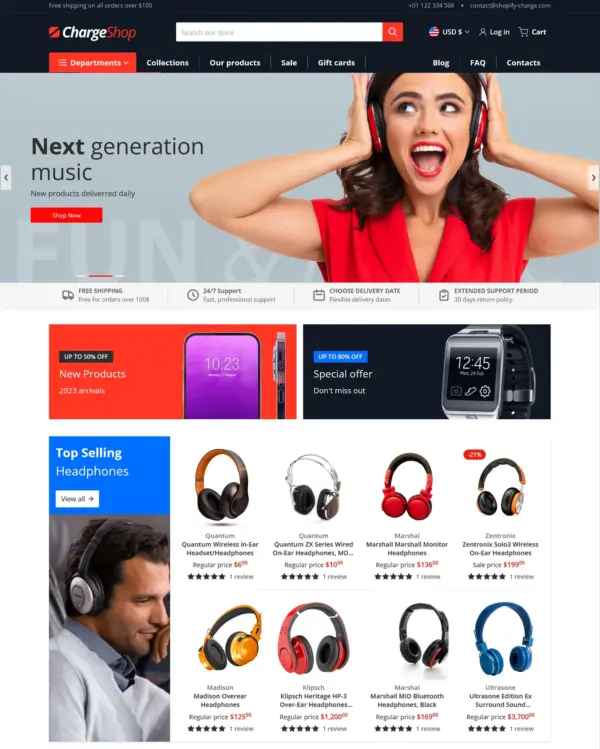
Focuses on electronics and wholesale shopping, with quick buying and dedicated tools for B2B orders.

Electronics Auto Entertainment Hardware Office
4.9 · 63 reviews $ 170

Popular
Someone You Know 5 presets

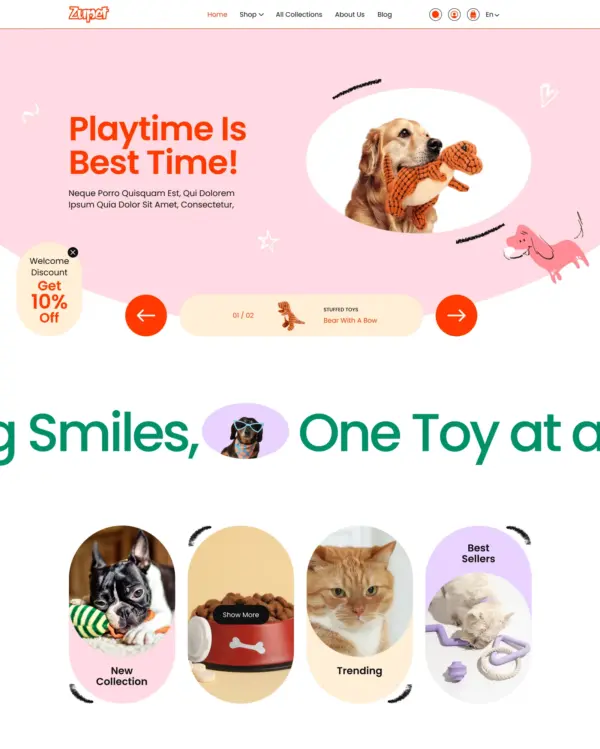
Helps electronics shoppers check specifications quickly, with product previews and bulk upsell tools.
Electronics Office Pets Wellness Garden
4.9 · 414 reviews $ 150
FoxEcom 5 presets

Designed for wholesale shopping, with bulk order lists and pricing tools for business customers.

Electronics Home Beauty Food and drink Clothing
5.0 · 529 reviews $ 400
Popular
UTD BV 5 presets

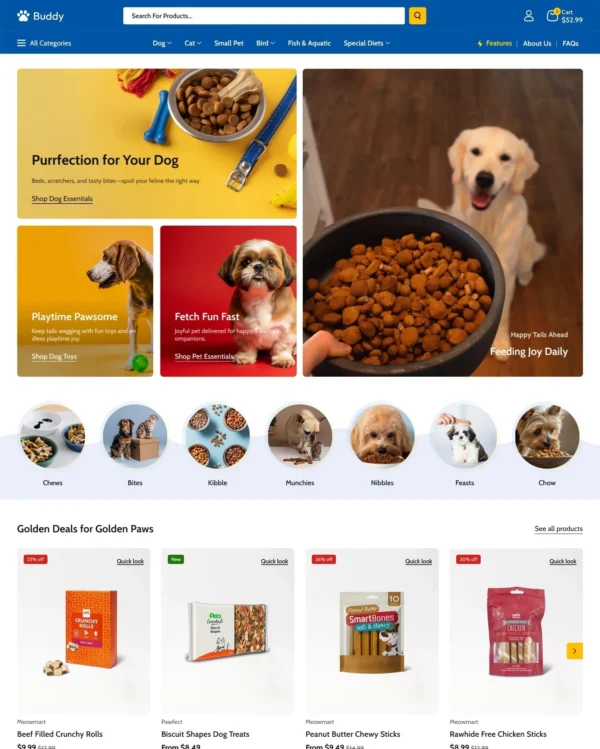
Combines electronics merchandising with AI-assisted setup, stock counters, and restock notifications.
Electronics Jewelry and accessories Toys Home Auto
4.7 · 34 reviews $ 100
Popular
RoarTheme 2 presets

Swipeable carousels and popups make electronics browsing feel more like using a mobile app.

Electronics Home
5.0 · 675 reviews $ 400
Grixio 5 presets

Keeps clothing and lifestyle catalogs flexible, with lookbooks and quantity-based pricing.

Electronics Clothing Beauty Jewelry and accessories
4.4 · 17 reviews $ 100
Someone You Know 5 presets

Lets home and lifestyle stores build image-and-video sections, with continuous scrolling between products.

Electronics Home Auto Clothing Food and drink
4.8 · 95 reviews $ 150
Webibazaar Templates 5 presets

Helps customers explore electronics ranges through detailed search, product filters, and quick previews.

Electronics Toys Clothing Jewelry and accessories
5.0 · 79 reviews $ 160