
Fastest
Someone You Know 5 presets
Helps electronics shoppers check specifications quickly, with product previews and bulk upsell tools.
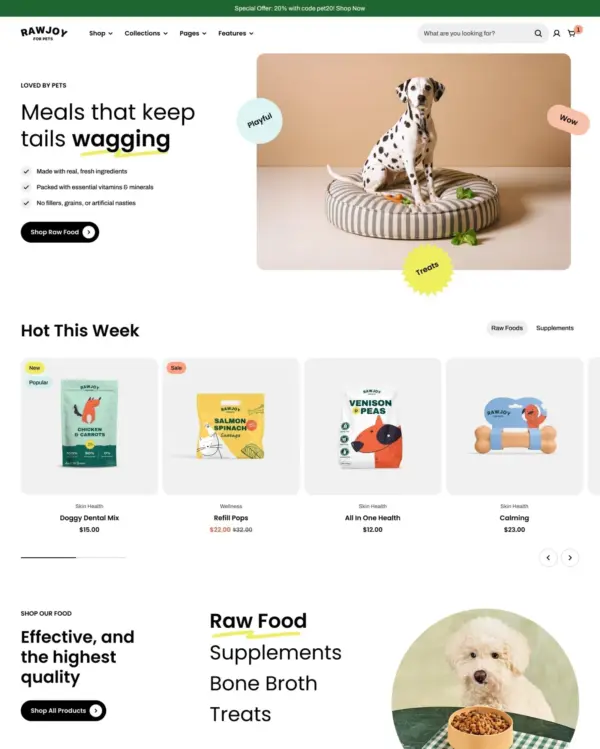
Wellness Electronics Office Pets Garden
4.9 · 414 reviews $ 150





Created by Mana Themes
Independently reviewed by the eDIY editorial team
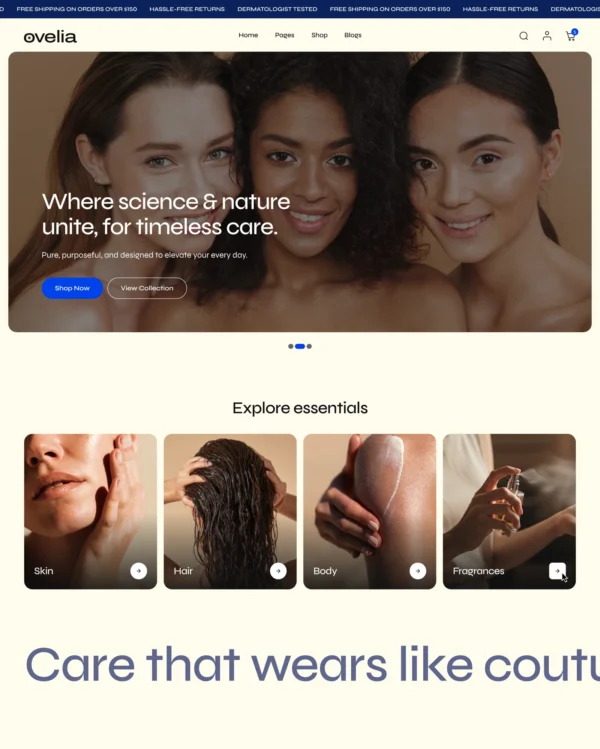
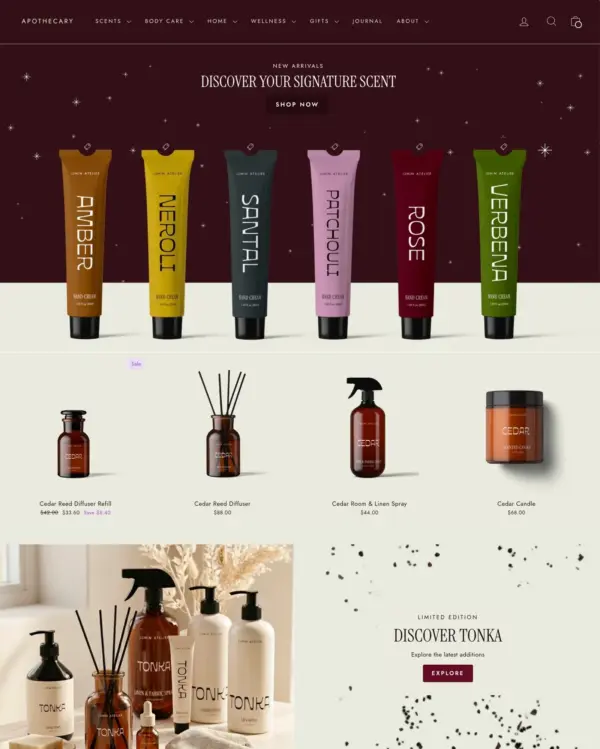
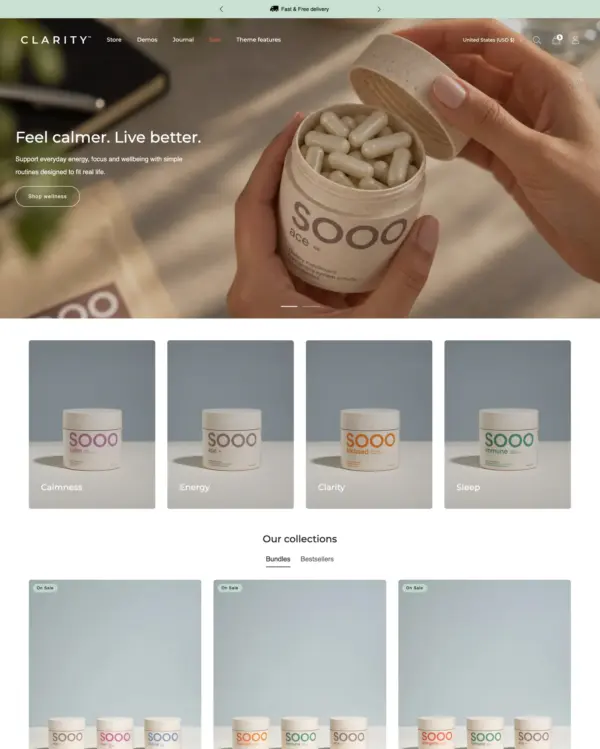
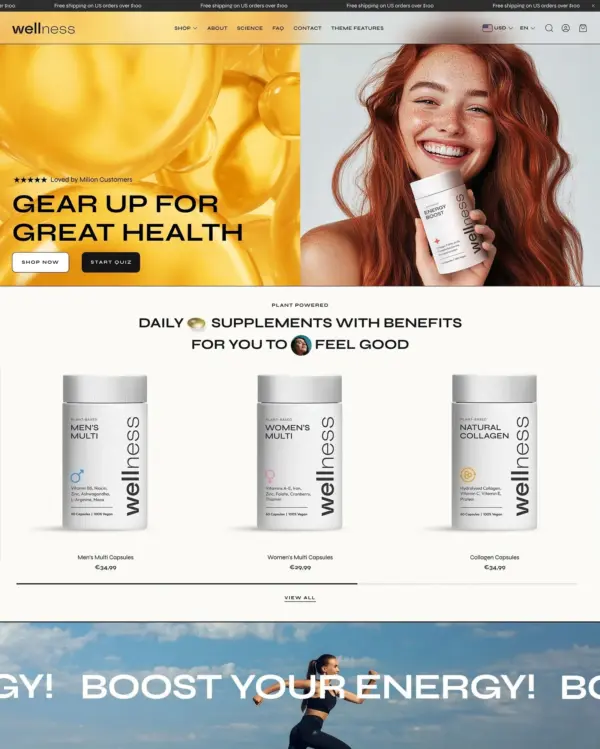
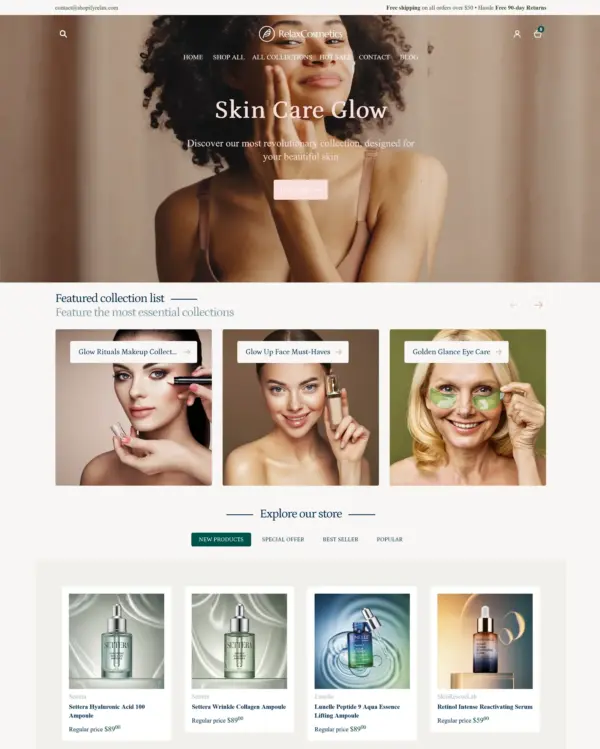
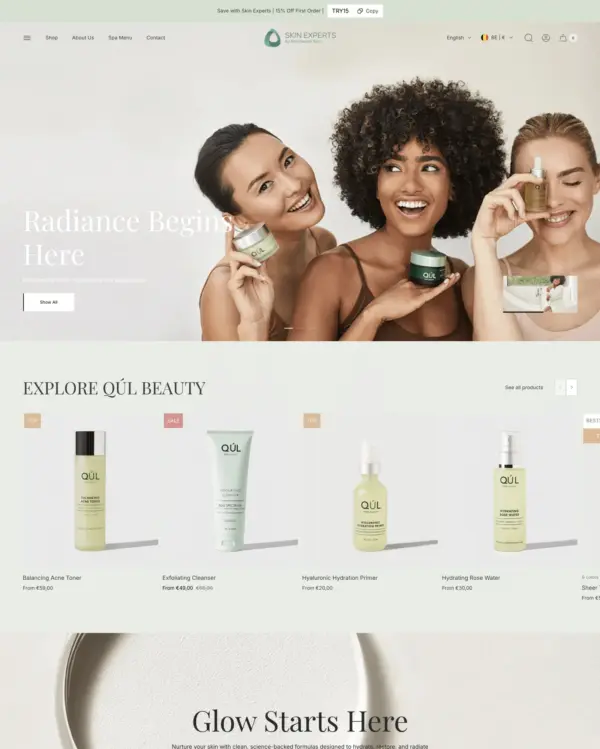
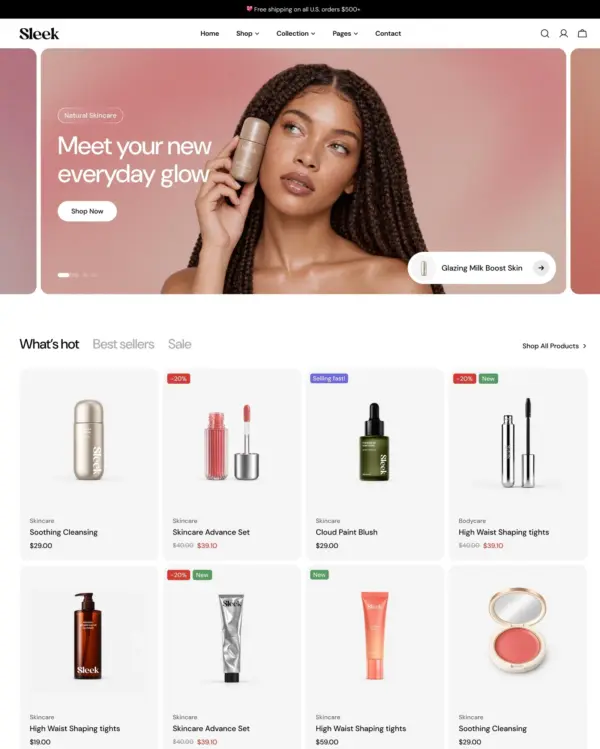
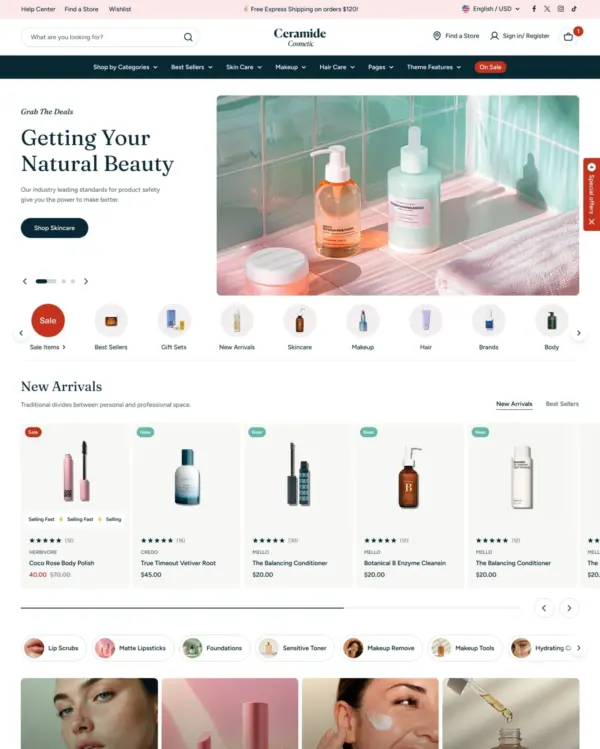
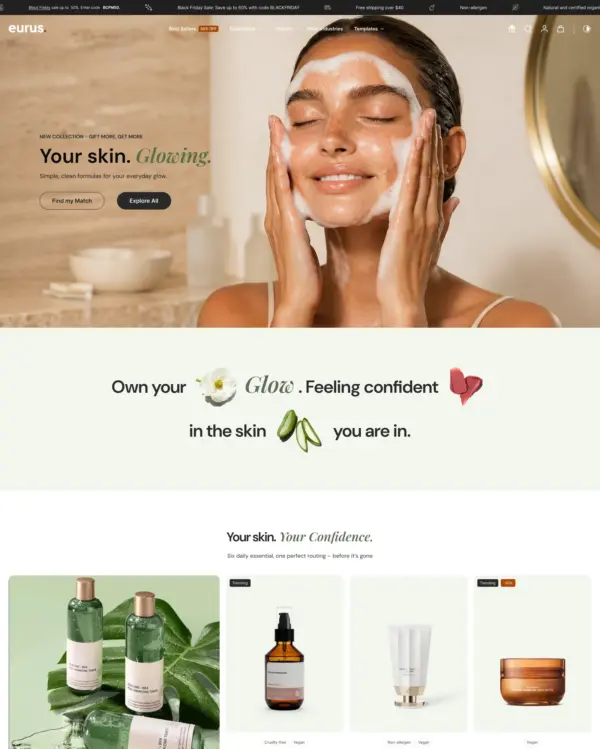
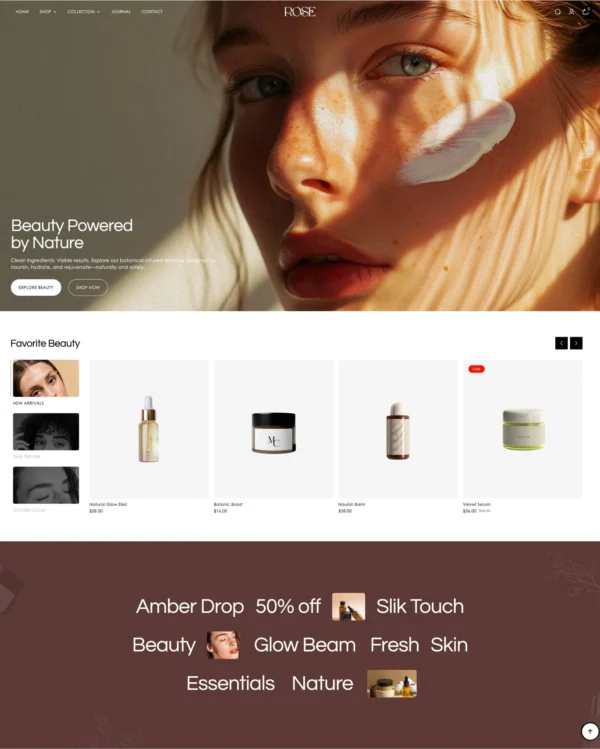
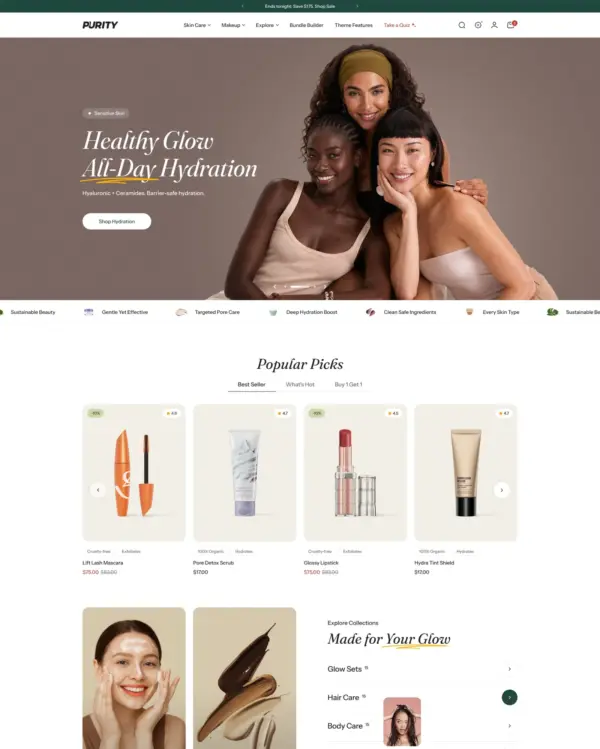
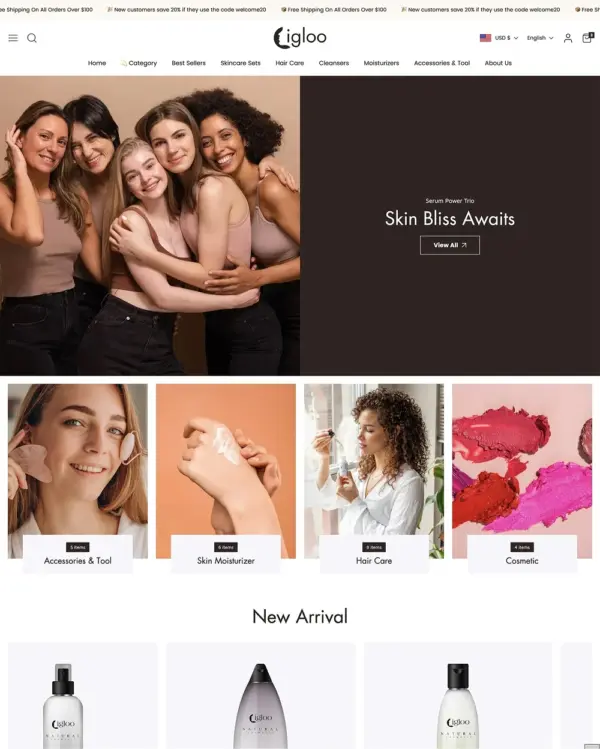
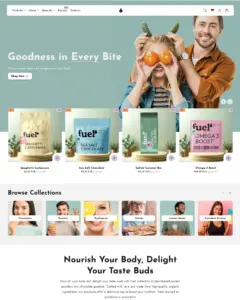
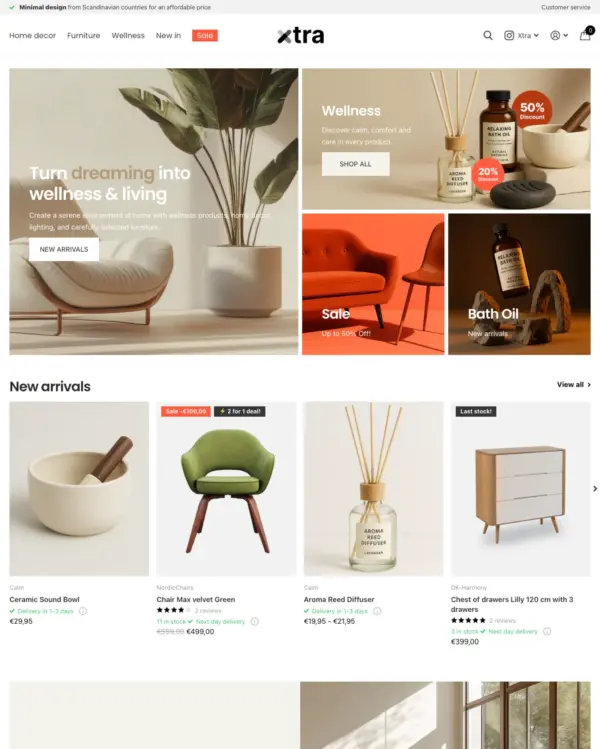
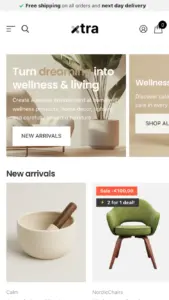
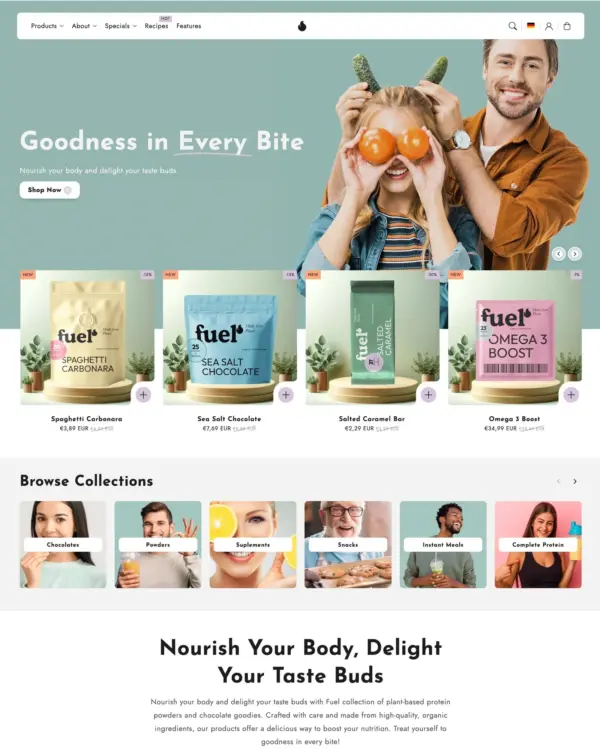
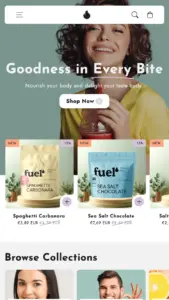
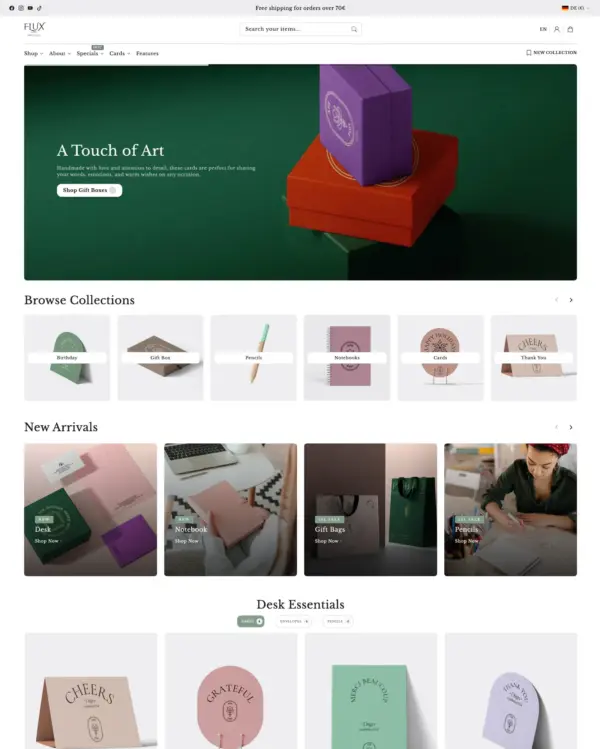
Flux offers more visual choices than many wellness themes, from minimal product grids to layouts that are much more image-led. Over 40 sections and five presets create room for brands with different product ranges, and its $300 price is easier to justify if that flexibility prevents a later redesign. All 40 merchant reviews are positive, a promising but still moderate record. The page also highlights hotspots and comparison imagery that could be useful for explaining products. We'd consider Flux for a wellness or lifestyle store with a clear content plan. Without that discipline, so many layout options could simply complicate decisions.

Google PageSpeed Insights scores out of 100. Demo results average the home, collection, and product pages.
In our November 2026 test, the official Flux demo scored 80/100 on mobile and 91/100 on desktop. On mobile, LCP was 4.9s, CLS 0.00 and Total Blocking Time 129ms.
| By page | Mobile | Desktop |
|---|---|---|
| Home page | 61 | 83 |
| Collection page | 92 | 98 |
| Product page | 87 | 92 |
| Metric | Mobile | Desktop |
|---|---|---|
| Largest Contentful Paint | 7.7s | 961ms |
| Cumulative Layout Shift | 0.00 | 0.00 |
| Total Blocking Time | 324ms | 249ms |
| Speed Index | 5.3s | 2.6s |
| Metric | Mobile | Desktop |
|---|---|---|
| Largest Contentful Paint | 3.2s | 901ms |
| Cumulative Layout Shift | 0.00 | 0.00 |
| Total Blocking Time | 32ms | 0ms |
| Speed Index | 3.2s | 1.4s |
| Metric | Mobile | Desktop |
|---|---|---|
| Largest Contentful Paint | 3.7s | 1.2s |
| Cumulative Layout Shift | 0.00 | 0.12 |
| Total Blocking Time | 32ms | 14ms |
| Speed Index | 4.2s | 1.5s |
Lab data from PageSpeed Insights, Nov 2026
The 8 live stores we tested averaged 73/100 on mobile and 86/100 on desktop. Average mobile LCP was 8.3s and CLS was 0.01. These results reflect complete production stores, not the theme alone.
| Metric | Mobile | Desktop |
|---|---|---|
| Largest Contentful Paint | 8.3s | 824ms |
| Cumulative Layout Shift | 0.01 | 0.04 |
| Total Blocking Time | 254ms | 187ms |
| Speed Index | 5.9s | 2.3s |
Real stores carry their own apps, images and traffic
Google PageSpeed Insights scores out of 100. Demo results average the home, collection, and product pages.
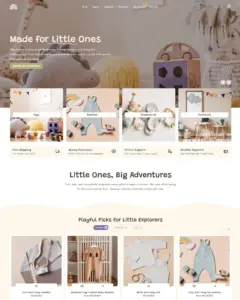
The official Tinki demo scored 82/100 on mobile and 95/100 on desktop in our November 2026 test. On mobile, LCP was 3.5s, CLS 0.01 and Total Blocking Time 77ms.
| By page | Mobile | Desktop |
|---|---|---|
| Home page | 94 | 96 |
| Collection page | 67 | 97 |
| Product page | 87 | 93 |
| Metric | Mobile | Desktop |
|---|---|---|
| Largest Contentful Paint | 2.1s | 1.1s |
| Cumulative Layout Shift | 0.00 | 0.00 |
| Total Blocking Time | 19ms | 77ms |
| Speed Index | 4.4s | 1.6s |
| Metric | Mobile | Desktop |
|---|---|---|
| Largest Contentful Paint | 4.9s | 861ms |
| Cumulative Layout Shift | 0.00 | 0.00 |
| Total Blocking Time | 209ms | 0ms |
| Speed Index | 9.6s | 1.7s |
| Metric | Mobile | Desktop |
|---|---|---|
| Largest Contentful Paint | 3.6s | 1.1s |
| Cumulative Layout Shift | 0.03 | 0.07 |
| Total Blocking Time | 3ms | 33ms |
| Speed Index | 4.4s | 1.9s |
Lab data from PageSpeed Insights, Nov 2026
The 8 live stores we tested averaged 73/100 on mobile and 86/100 on desktop. Average mobile LCP was 8.3s and CLS was 0.01. These are complete production stores, so the numbers cover more than the theme itself.
| Metric | Mobile | Desktop |
|---|---|---|
| Largest Contentful Paint | 8.3s | 824ms |
| Cumulative Layout Shift | 0.01 | 0.04 |
| Total Blocking Time | 254ms | 187ms |
| Speed Index | 5.9s | 2.3s |
Real stores carry their own apps, images and traffic
Google PageSpeed Insights scores out of 100. Demo results average the home, collection, and product pages.
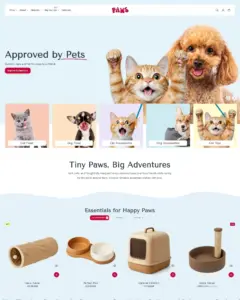
In our November 2026 test, the official Paws demo scored 86/100 on mobile and 97/100 on desktop. On mobile, LCP was 3.6s, CLS 0.00 and Total Blocking Time 5ms.
| By page | Mobile | Desktop |
|---|---|---|
| Home page | 98 | 96 |
| Collection page | 90 | 98 |
| Product page | 72 | 97 |
| Metric | Mobile | Desktop |
|---|---|---|
| Largest Contentful Paint | 1.5s | 781ms |
| Cumulative Layout Shift | 0.00 | 0.00 |
| Total Blocking Time | 15ms | 111ms |
| Speed Index | 3.9s | 1.7s |
| Metric | Mobile | Desktop |
|---|---|---|
| Largest Contentful Paint | 3.2s | 721ms |
| Cumulative Layout Shift | 0.01 | 0.00 |
| Total Blocking Time | 0ms | 10ms |
| Speed Index | 4.3s | 1.5s |
| Metric | Mobile | Desktop |
|---|---|---|
| Largest Contentful Paint | 6.0s | 981ms |
| Cumulative Layout Shift | 0.00 | 0.04 |
| Total Blocking Time | 1ms | 57ms |
| Speed Index | 5.4s | 1.5s |
Lab data from PageSpeed Insights, Nov 2026
The 8 live stores we tested averaged 73/100 on mobile and 86/100 on desktop. Average mobile LCP was 8.3s and CLS was 0.01. These results reflect complete production stores, not the theme alone.
| Metric | Mobile | Desktop |
|---|---|---|
| Largest Contentful Paint | 8.3s | 824ms |
| Cumulative Layout Shift | 0.01 | 0.04 |
| Total Blocking Time | 254ms | 187ms |
| Speed Index | 5.9s | 2.3s |
Real stores carry their own apps, images and traffic
Google PageSpeed Insights scores out of 100. Demo results average the home, collection, and product pages.
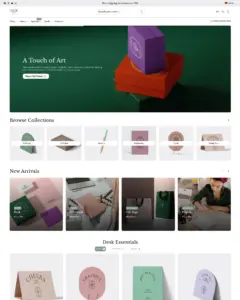
Tested in November 2026, the official Scribbly demo scored 84/100 on mobile and 93/100 on desktop. Mobile LCP was 3.1s, CLS was 0.05, and Total Blocking Time was 11ms.
| By page | Mobile | Desktop |
|---|---|---|
| Home page | 93 | 95 |
| Collection page | 72 | 96 |
| Product page | 87 | 90 |
| Metric | Mobile | Desktop |
|---|---|---|
| Largest Contentful Paint | 1.2s | 981ms |
| Cumulative Layout Shift | 0.00 | 0.08 |
| Total Blocking Time | 6ms | 4ms |
| Speed Index | 7.6s | 1.6s |
| Metric | Mobile | Desktop |
|---|---|---|
| Largest Contentful Paint | 4.7s | 861ms |
| Cumulative Layout Shift | 0.16 | 0.07 |
| Total Blocking Time | 10ms | 0ms |
| Speed Index | 4.7s | 1.6s |
| Metric | Mobile | Desktop |
|---|---|---|
| Largest Contentful Paint | 3.5s | 1.5s |
| Cumulative Layout Shift | 0.00 | 0.09 |
| Total Blocking Time | 16ms | 0ms |
| Speed Index | 5.1s | 1.8s |
Lab data from PageSpeed Insights, Nov 2026
Across 8 live stores we tested, the average PageSpeed score was 73/100 on mobile and 86/100 on desktop. Average mobile LCP was 8.3s and CLS was 0.01. These results reflect complete production stores, not the theme alone.
| Metric | Mobile | Desktop |
|---|---|---|
| Largest Contentful Paint | 8.3s | 824ms |
| Cumulative Layout Shift | 0.01 | 0.04 |
| Total Blocking Time | 254ms | 187ms |
| Speed Index | 5.9s | 2.3s |
Real stores carry their own apps, images and traffic
Google PageSpeed Insights scores out of 100. Demo results average the home, collection, and product pages.
The official Olivelle demo scored 87/100 on mobile and 94/100 on desktop in our November 2026 test. On mobile, LCP was 3.4s, CLS 0.00 and Total Blocking Time 14ms.
| By page | Mobile | Desktop |
|---|---|---|
| Home page | 93 | 97 |
| Collection page | 83 | 88 |
| Product page | 87 | 97 |
| Metric | Mobile | Desktop |
|---|---|---|
| Largest Contentful Paint | 2.3s | 1.1s |
| Cumulative Layout Shift | 0.00 | 0.01 |
| Total Blocking Time | 36ms | 0ms |
| Speed Index | 4.3s | 1.3s |
| Metric | Mobile | Desktop |
|---|---|---|
| Largest Contentful Paint | 4.3s | 761ms |
| Cumulative Layout Shift | 0.00 | 0.00 |
| Total Blocking Time | 7ms | 194ms |
| Speed Index | 3.9s | 2.5s |
| Metric | Mobile | Desktop |
|---|---|---|
| Largest Contentful Paint | 3.6s | 981ms |
| Cumulative Layout Shift | 0.00 | 0.01 |
| Total Blocking Time | 0ms | 5ms |
| Speed Index | 4.5s | 1.5s |
Lab data from PageSpeed Insights, Nov 2026
The 8 live stores we tested averaged 73/100 on mobile and 86/100 on desktop. Average mobile LCP was 8.3s and CLS was 0.01. These are complete production stores, so the numbers cover more than the theme itself.
| Metric | Mobile | Desktop |
|---|---|---|
| Largest Contentful Paint | 8.3s | 824ms |
| Cumulative Layout Shift | 0.01 | 0.04 |
| Total Blocking Time | 254ms | 187ms |
| Speed Index | 5.9s | 2.3s |
Real stores carry their own apps, images and traffic
No features match your search.
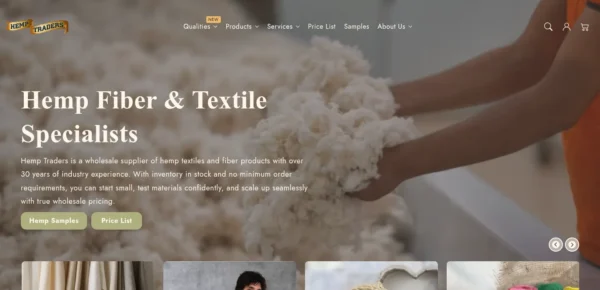
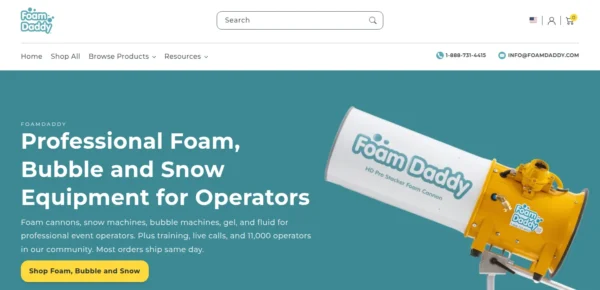
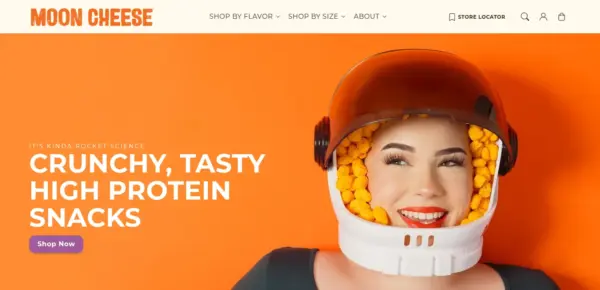

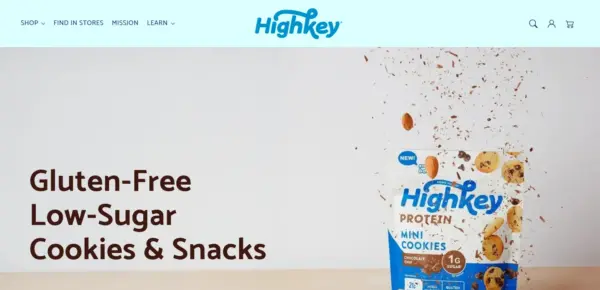
Flux has received 6 updates in the last 12 months.
Flux 2.7.1 introduces few fixes and improvements
Flux 2.7.0 introduces new sections, options, improvements and fixes
"Info/Social Bar" section:
"Slick slider" section:
"Parallax slider" section:
"Product grid" section:
"Recently viewed products" section:
Flux 2.6.0 introduces new options, improvements and fixes
"Theme settings - Cart":
"Header":
"Product card":
"Product information - Popup":
"Promo popup":
Flux 2.5.0 introduces new options, improvements and fixes
"Product information" section:
"Image gallery" section:
"Breadcrumbs":
"Parallax slider" section:
"Footer":
Fix for the "Ingredient details" block formatting
Fix for the "Info/Social bar" text color issue (when section is used more than once on a page)
Fix for the "Image banner" border radius option issue (when section is used more than once on a page)
Various minor design and performance improvements
Flux 2.4.0 introduces new options, improvements and fixes
"Product information" section:
"Product grid" section:
"Scrolling text/image" section:
"Testimonial" section:
"Subcollections" and "Collection list" sections:
"Theme settings->Badges":
"Image banner with collection list" section:
"Info cards" section:
"Theme settings -> Social Media":
"Header" section:
"Info/Social bar":
"Footer:
"Recently viewed products" section: Language and currency now update correctly when changed in the storefront
"Product grid" section: Horizontal filter opening effect is now consistent in all cases
"Image mega menu" feature - it can now be used even when the 'Dropdown' is set in 'Desktop menu type'
Various sections: Improved heading HTML structure for better SEO
Fix for the product gallery not showing up on mobile when media is set to right
Fix for the 'Enable links for menu items with submenus' option not working correctly when "Mega image menu" is attached to the main menu item
Fix for the "Image hotspots" section - horizontal scroll appearing when the layout is full-width and the image is set right
Fix for the arrow position in the Newsletter form when 'Enable consent requirenment' is enabled
Fix for the space under the footer not applying set color correctly
Fix for the "Sticky add to cart" sale price not showing
Various minor design and performance improvements
39 of 40 reviews are positive, with one negative review. Merchants most often praise the responsive, patient customer support, along with the clean design, ease of customisation and regular updates. The main criticism, raised in the single negative review, is that some bugs remain unfixed and the author is hard to contact.
Generated from all 40 Theme Store reviews ·
Flux has received 14 reviews in the last 12 months.
Helps electronics shoppers check specifications quickly, with product previews and bulk upsell tools.
Makes it easy to show complete outfits and related pieces alongside the main fashion collection.
Handles both retail and wholesale beauty orders, including hidden guest prices, quick orders, and RTL layouts.
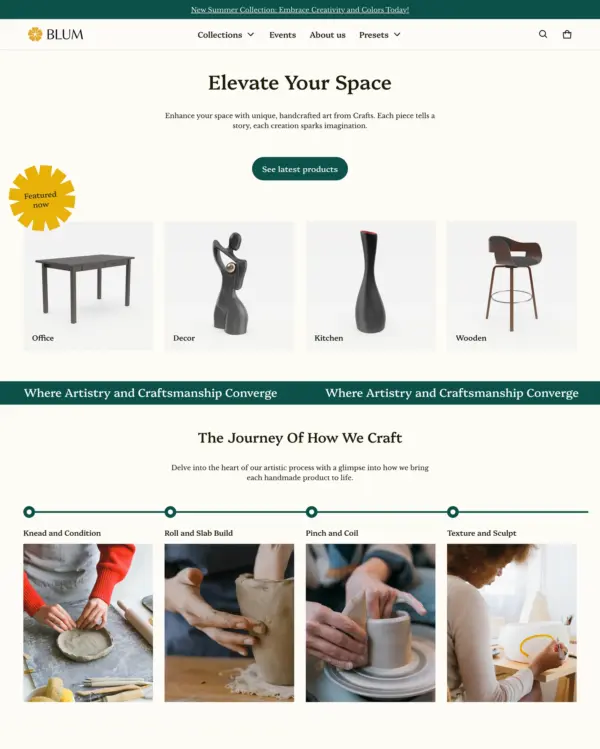
Clickable photos and quick previews make polished home and lifestyle galleries easier to explore.
Keeps electronics and phone accessories simple to browse with clear filters and a sticky add-to-cart bar.
Lets fashion brands turn campaign imagery into shopping opportunities with hotspots and lookbooks.
Lets fashion, beauty, and jewelry stores mix product imagery with comparisons and promotional popups.
Combines lifestyle lookbooks with product bundles, quizzes, and subscription shopping options.
Makes it easy to show complete outfits and related pieces alongside the main fashion collection.
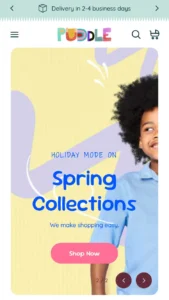
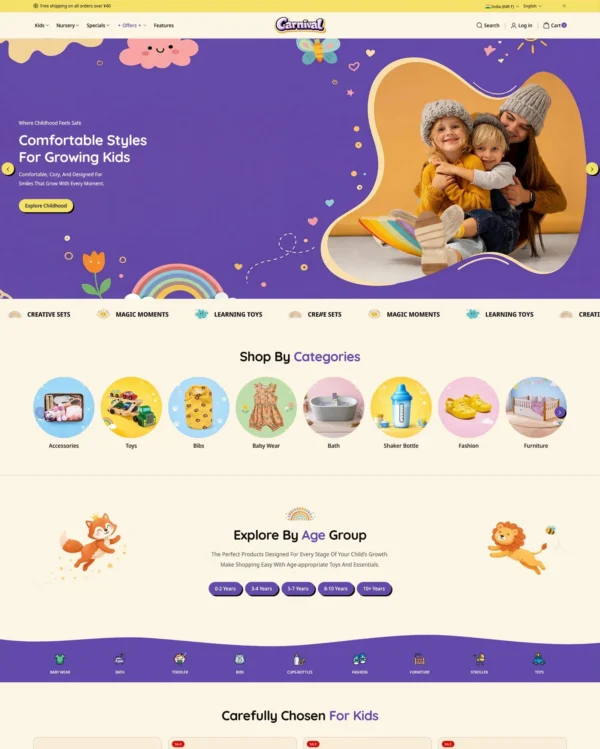
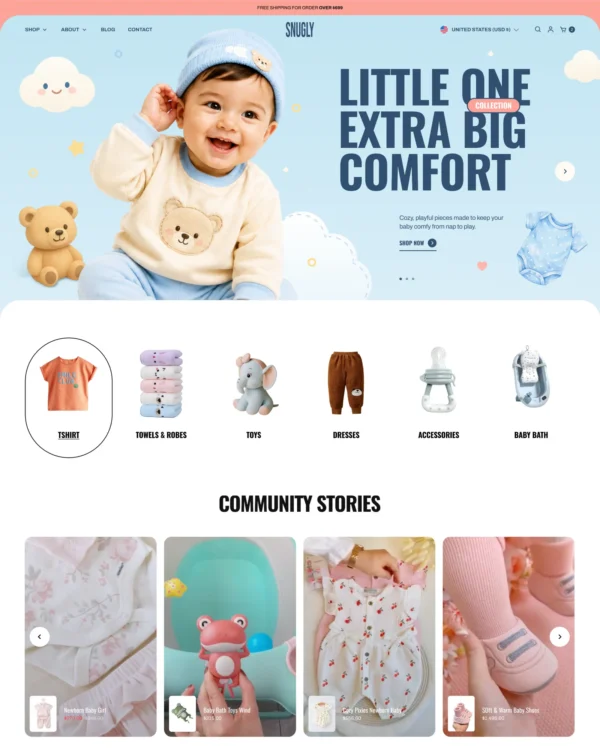
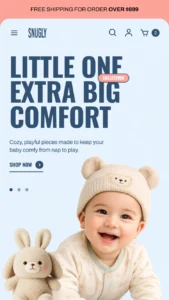
Cheerful colors and interactive lookbooks give toy and baby shops a friendly feel, with trust badges.
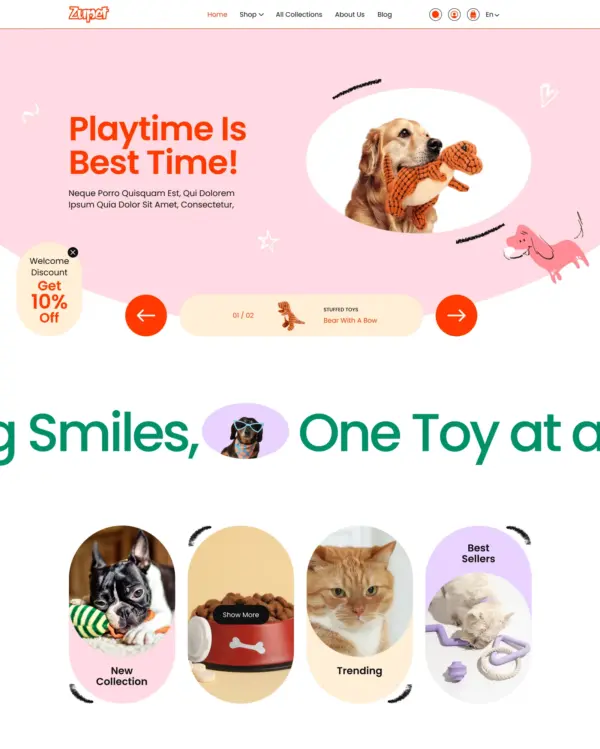
Brings an elegant look to larger pet and lifestyle catalogs, with lookbooks and continuous scrolling.
Brings a fluid, animated look to children's fashion, with nested layouts, lookbooks, and video.
Keeps clothing and jewelry catalogs flexible, with detailed filters, lookbooks, and product comparisons.
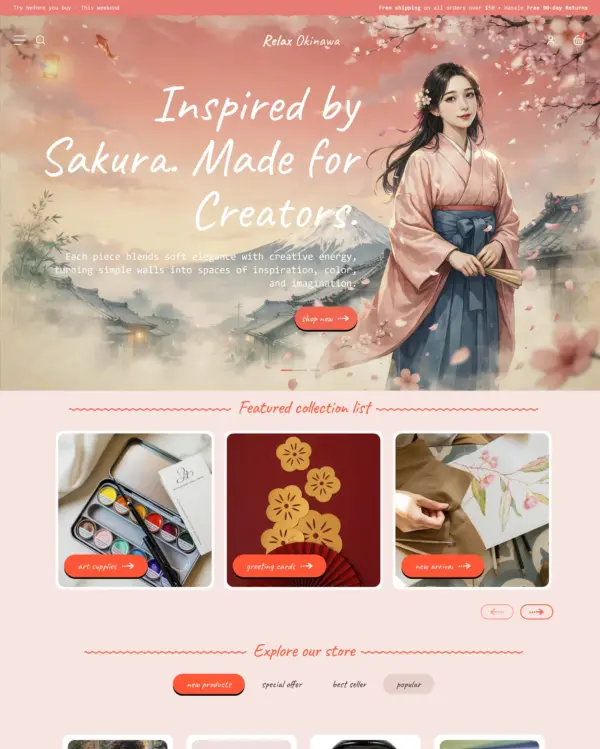
Combines cultural design influences with fashion lookbooks, dynamic menus, and right-to-left support.
Lets fashion shoppers buy several pieces from a lookbook image with built-in product bundles.
Makes lifestyle browsing comfortable on touchscreens, with photo filters and sticky purchase buttons.
Helps electronics shoppers check specifications quickly, with product previews and bulk upsell tools.
Guides skincare shoppers toward products with a built-in quiz, product finder, and visual lookbooks.
Helps shoppers search large electronics catalogs while giving wholesalers login pricing and bulk orders.
Cheerful colors and interactive lookbooks give toy and baby shops a friendly feel, with trust badges.
Helps shoppers explore electronics and general retail catalogs through menus and quick product previews.
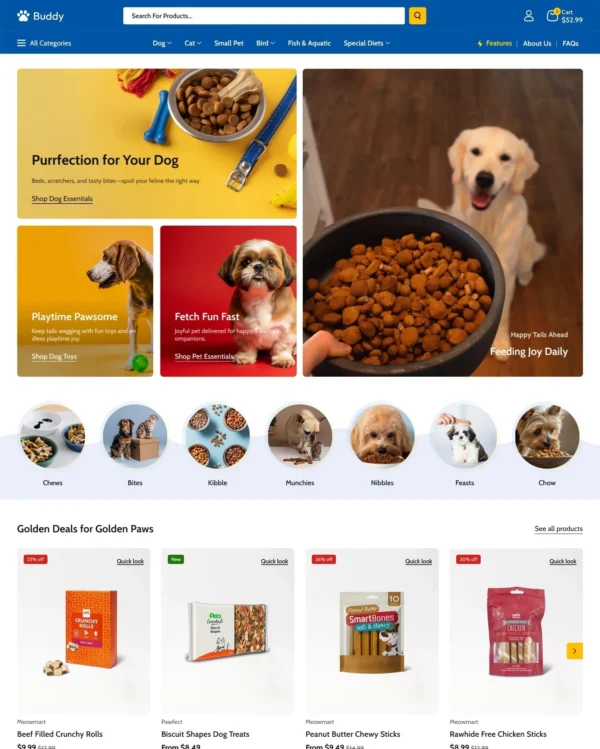
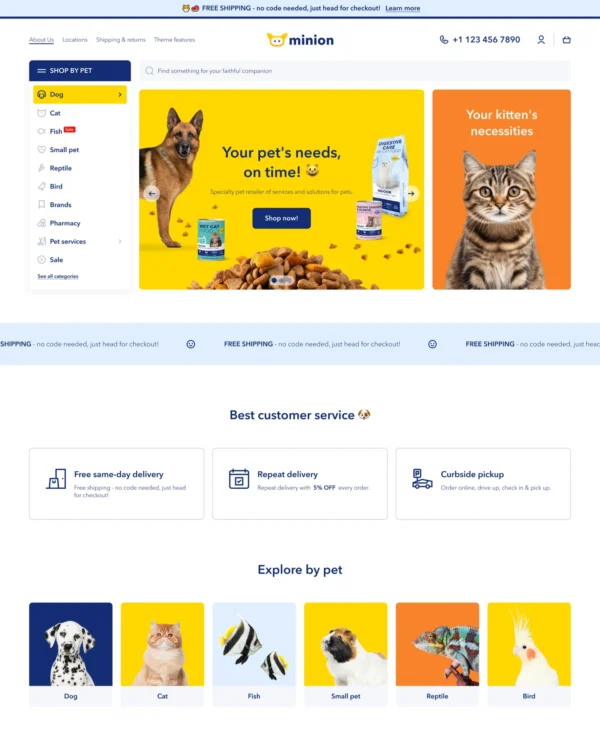
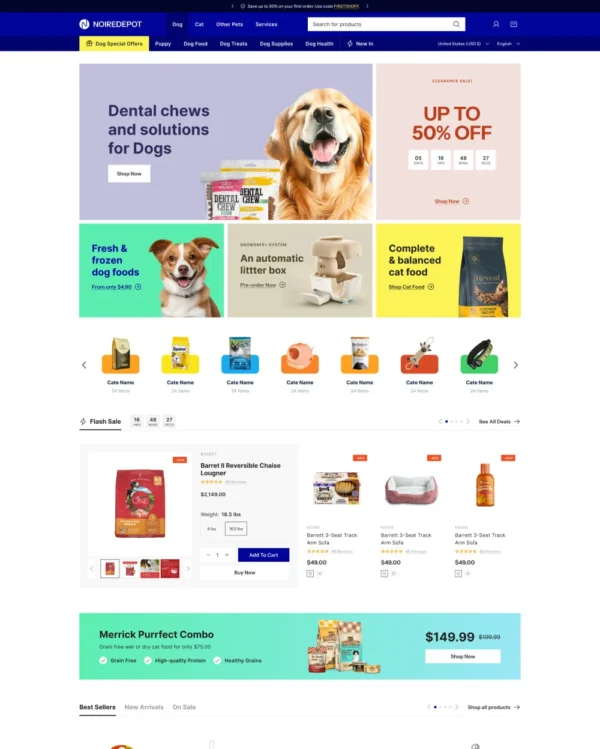
Helps pet owners browse by animal, brand, or product type through clear filters and vertical navigation.
Brings an elegant look to larger pet and lifestyle catalogs, with lookbooks and continuous scrolling.
Brings a fluid, animated look to children's fashion, with nested layouts, lookbooks, and video.
Takes a lightweight approach to home shopping, with built-in suggestions for related products.
Makes it easy to show complete outfits and related pieces alongside the main fashion collection.
Combines apparel lookbooks and size charts with AI-assisted page setup and a sticky shopping cart.
Shows jewelry and clothing through interactive lookbooks, with the option to preorder products.
Presents trend-led fashion through video and lookbooks, with alerts when popular items return to stock.
Lets fashion, beauty, and jewelry stores mix product imagery with comparisons and promotional popups.
Lets fashion boutiques tell a more curated story with lookbooks, press coverage, and assisted setup.
Designed for furniture and home stores, with lookbooks and image hotspots that bring products into focus.
Takes a lightweight approach to home shopping, with built-in suggestions for related products.
Puts fashion photography first, letting customers explore outfits through lookbooks and shoppable images.
Blends words, images, and video in beauty pages, with an interactive drawer for searching products.
Designed for wholesale shopping, with bulk order lists and pricing tools for business customers.
Handles both retail and wholesale beauty orders, including hidden guest prices, quick orders, and RTL layouts.
Keeps clothing and lifestyle catalogs flexible, with lookbooks and quantity-based pricing.
Guides skincare shoppers toward products with a built-in quiz, product finder, and visual lookbooks.
Brings outdoor gear to life with animated imagery, product comparisons, and filters for larger catalogs.